
Animate Illustration AI
Prompt templates
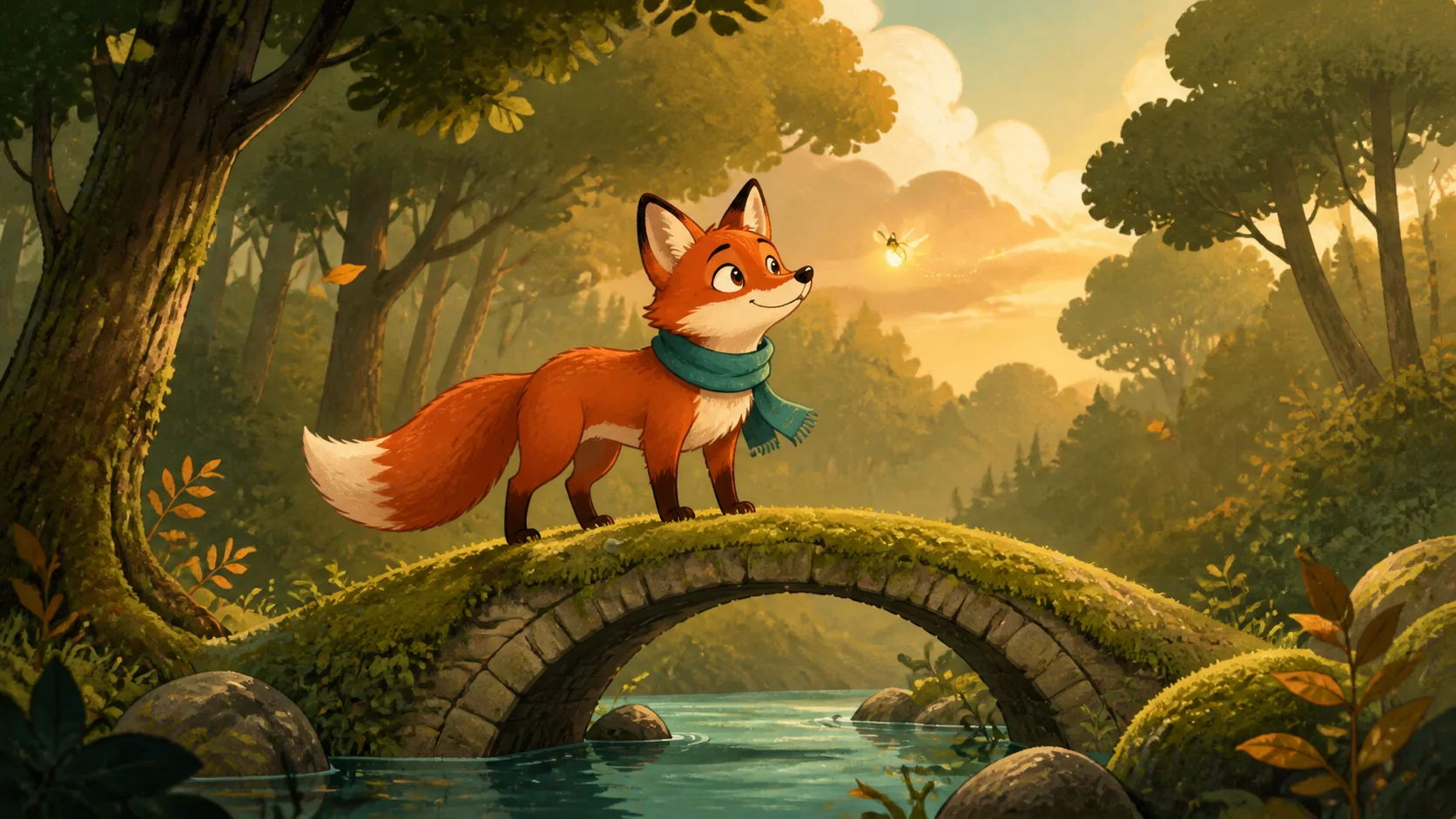
Bring Finished Artwork to Life with Animate Illustration AI
Animate Illustration AI keeps your uploaded composition in view, then lets you describe the small actions, environmental details, and camera movement that make the scene feel alive.
Artwork-first animation
Begin with the image you already designed
Animate Illustration AI starts from your chosen artwork rather than rebuilding the scene from a text description alone. The visible subject, linework, color palette, lighting, shapes, and composition give the video model a concrete visual reference. Use a clean, readable image and name the details that matter most when you write the motion prompt.
- Upload a drawing, painted scene, poster, or storybook image
- Identify the subject and visual qualities that should stay recognizable
- Review the complete clip before using it in a project
Style-conscious direction
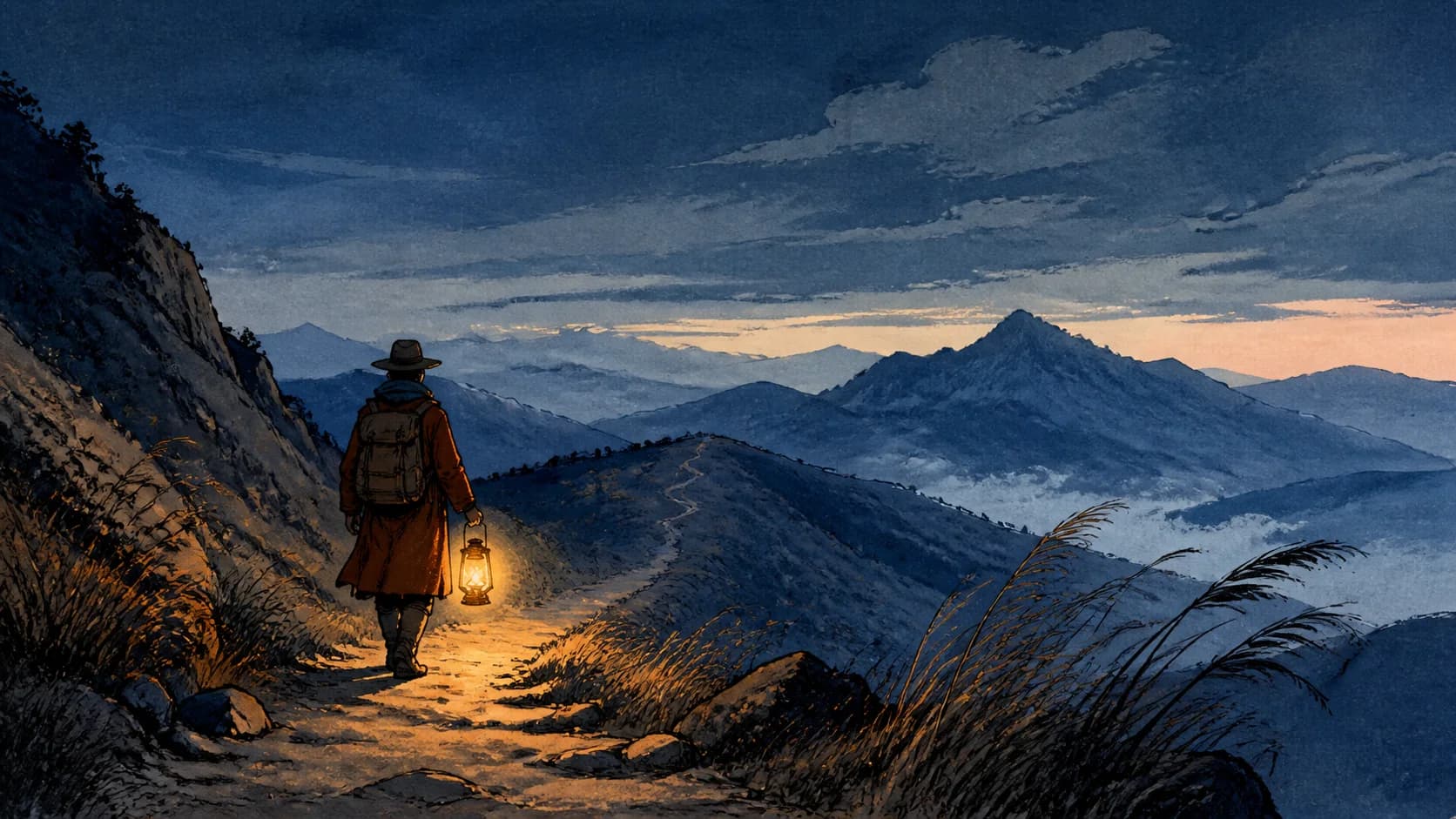
Describe motion that belongs in the original art style
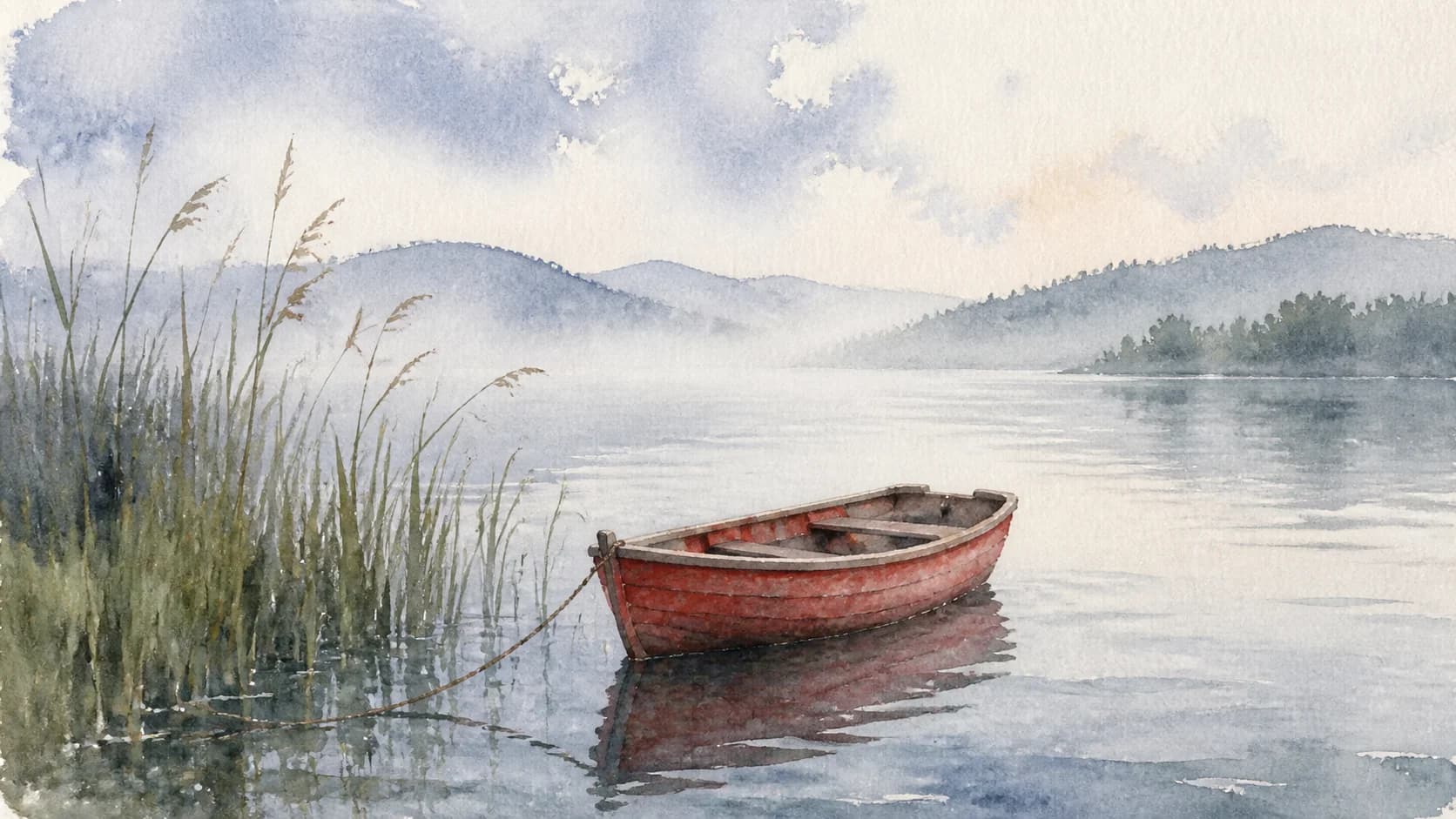
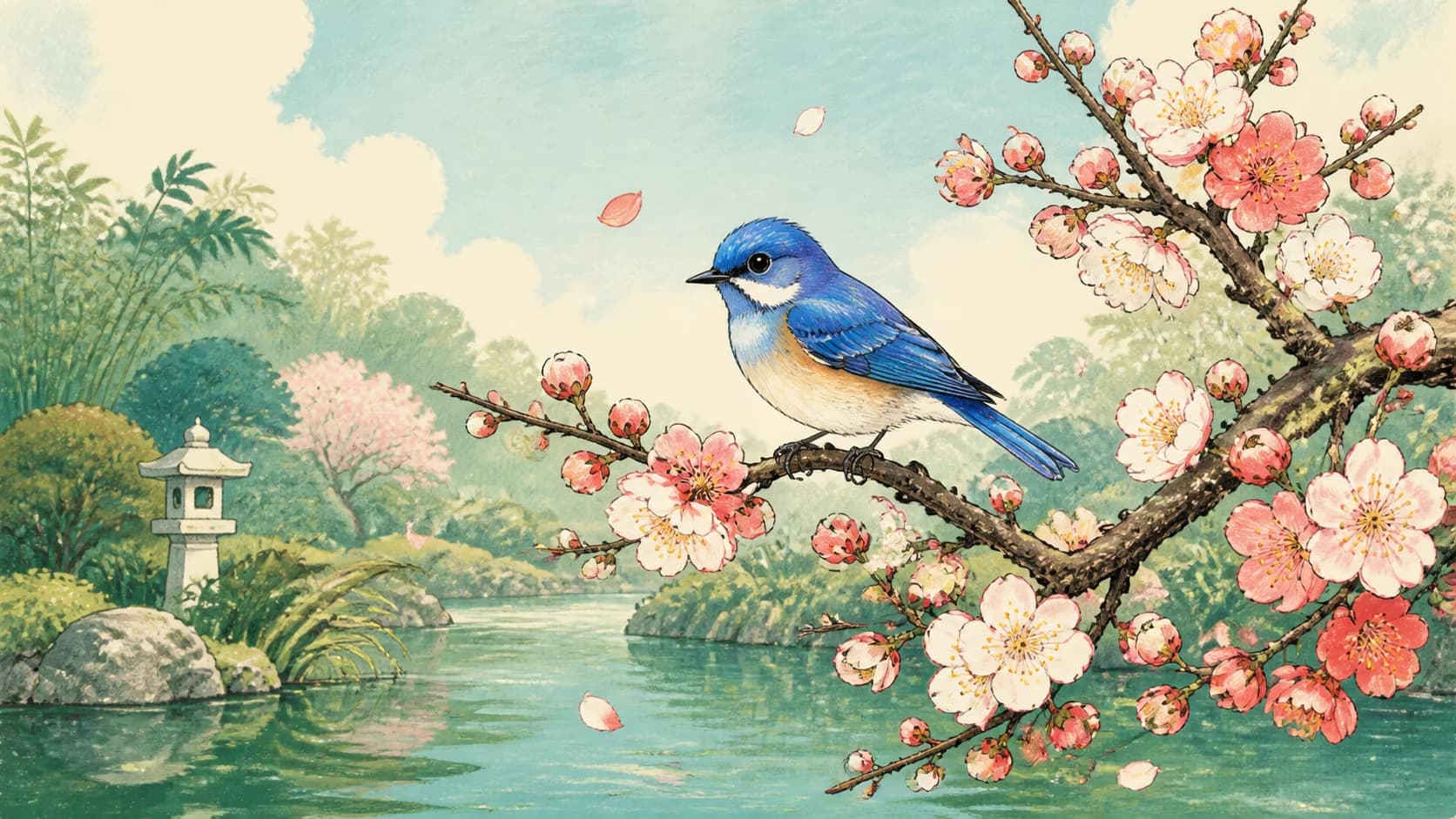
Use Animate Illustration AI to request movement that fits the medium already on screen. A flat storybook scene can use a blink, drifting firefly, falling leaf, and gentle scarf motion. A watercolor can use soft ripples, moving mist, and a slow camera push. Focused instructions help the result feel connected to the source instead of turning into an unrelated scene.
- Name the linework, palette, paint texture, and mood to keep in focus
- Match the amount of motion to the visual detail in the illustration
- Use restrained camera direction when composition is important
Subject and environment
Give every moving part a simple role
With Animate Illustration AI, a useful prompt separates the subject from the environment. Ask the main character or object for one readable action, then add one or two supporting details such as clouds, water, foliage, dust, light, or fabric. This hierarchy keeps the viewer's attention on the intended focal point and gives the background enough movement to create atmosphere.
- Choose one primary subject action
- Add a small environmental response that supports the scene
- State whether the camera is fixed, pushing in, or moving sideways
Prompt-led iteration
Turn a broad idea into one clear animated shot
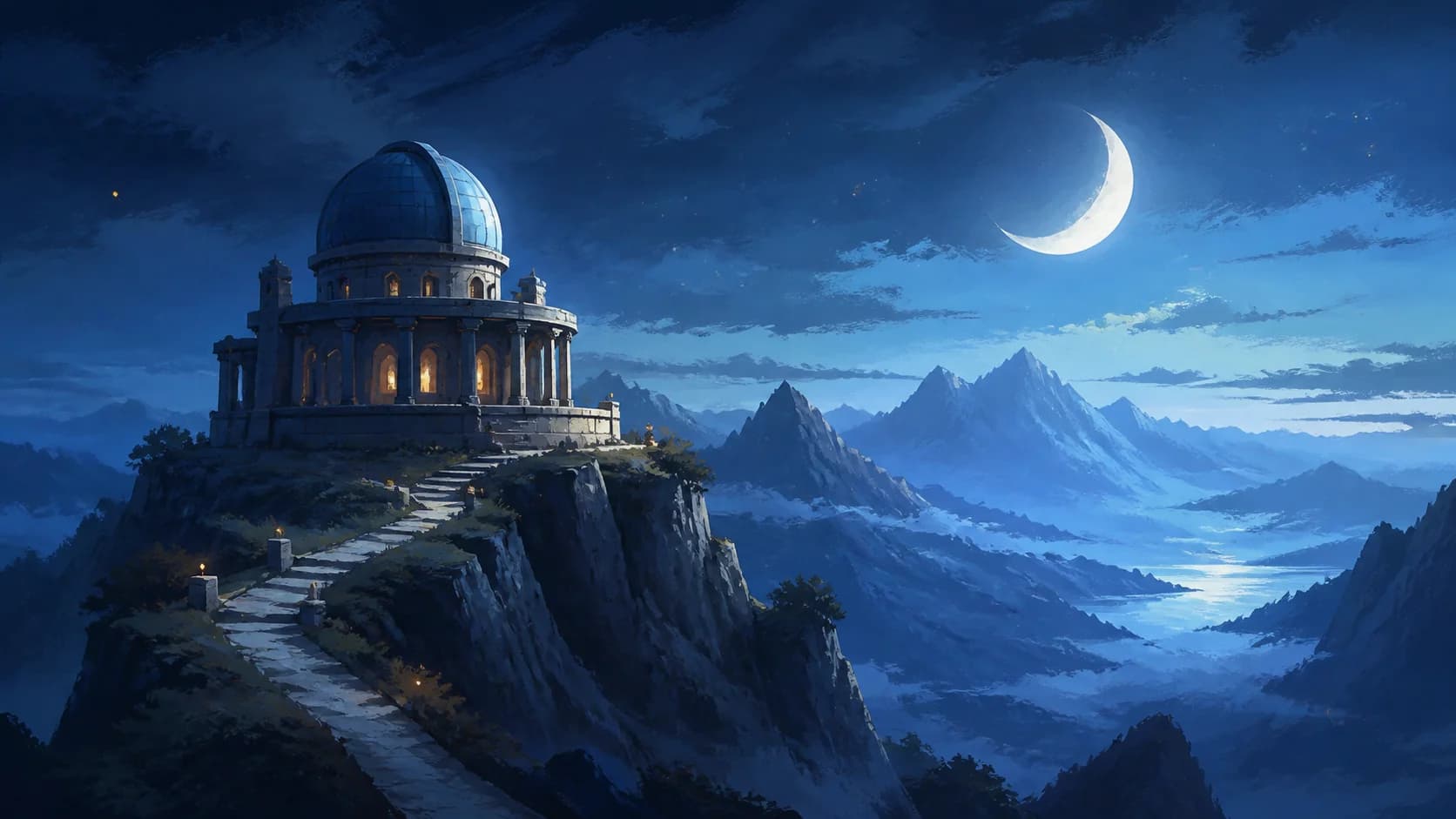
Animate Illustration AI works as an iterative creative tool: upload the artwork, write a specific shot direction, choose from the available video models and settings, and inspect the result. If the first clip feels too busy, simplify the prompt to one subject action and one camera movement. If it feels too still, add one precise environmental detail rather than changing the entire scene.
- Write the prompt as preserve, subject motion, environment, and camera
- Change one instruction at a time when testing a new direction
- Download the approved clip for your larger edit or presentation
Why Use Animate Illustration AI
Keep the source image, motion prompt, model choices, supported controls, live credit cost, preview, and download in one focused workflow.
Your artwork leads
Start with the exact illustration and composition you want to animate instead of asking a text-only prompt to recreate the design.
Motion stays editable
Revise the prompt to guide subject action, environmental movement, pace, mood, and camera behavior for the same source image.
Many illustration styles
Work from storybook art, drawings, watercolor scenes, digital paintings, posters, editorial images, and concept artwork.
Cost shown before generation
Compare available video models and settings, see the current credit requirement, then preview and download the completed result.
Animate Illustration AI for Stories, Portfolios, and Social Video
Use Animate Illustration AI when a finished image needs a short motion moment for a scene, reveal, showcase, or visual post.
Storybook and narrative scenes
Add a blink, breeze, floating light, moving cloud, water ripple, or slow camera push to a character illustration or story setting. Create a short scene opener, reading companion, story teaser, or atmospheric transition from one approved image.
Artwork and portfolio reveals
Turn a watercolor, digital painting, poster, editorial image, or concept piece into a motion-led portfolio asset. Use subtle depth and environmental movement to lead attention through the composition while the original artwork remains the visual anchor.
Promos, presentations, and social clips
Create a moving title backdrop, campaign visual, project reveal, presentation opener, Reel, TikTok, Short, or website feature clip. Download the generated video, then combine it with your own typography, narration, music, transitions, or brand layout.
How to Use Animate Illustration AI
Move from one finished illustration to a downloadable short video in three practical steps.
Upload clear artwork
Choose a sharp JPG, PNG, or WEBP with a readable subject and enough space for the movement you want. Keep important faces, objects, edges, and visual details easy to see.
Direct one animated shot
Name the visual qualities to keep in focus, describe one main subject action, add a supporting environmental movement, and finish with a fixed or gently moving camera direction.
Choose, generate, and download
Select a video model and its available controls, review the live credit cost, generate the clip, inspect the style and composition, then download the result you want to use.
Choose an illustration animation style
Use this workflow for painted, drawn or textured artwork. For anime-style characters and scenes, explore the dedicated workflow below. Describe a simple movement and review whether the original lines, colors and character details remain recognizable.
Animate Illustration AI FAQ
What is Animate Illustration AI?
How do I animate an illustration online?
What kinds of artwork can I animate?
How does Animate Illustration AI help keep the original style?
What should I write in an illustration animation prompt?
Can I control the ratio and duration?
How many credits does an illustration video use?
Can I download the generated illustration video?
Create Your First Animate Illustration AI Video
Upload one finished artwork, direct a focused motion moment, compare the available settings, and generate a short video.
Animate Illustration AI Online
Use Animate Illustration AI to animate a drawing, turn artwork into video, add motion to a storybook image, animate a watercolor, or create a short concept art video. Start from one clear illustration, protect the visual qualities that matter, direct one subject action and supporting environment, then review and download the result.