
Real Estate Photo to Video AI
Upload a real estate photo
or drag and drop
Optional references share a 7 unit input quota: each image counts as 1, one source video counts as 2, and each character ID counts as 1.
Prompt templates
Use one restrained camera move per property photo to keep the room layout clear and believable.
Upload a real estate photo
or drag and drop
Used when no source video is provided. Source-video runs let the model decide duration.
720P and 1080P share the same credit tier. 4K uses the higher tier.
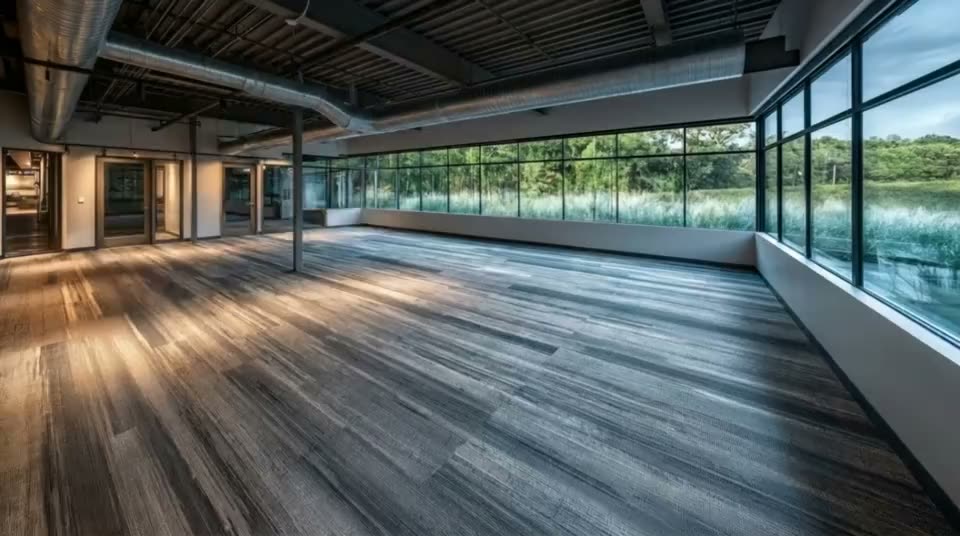
Real Estate Photo-to-Video Examples
Explore interior walkthroughs, architectural reveals, aerial listings, and social-first property shots. Hover or tap any example to preview the motion.
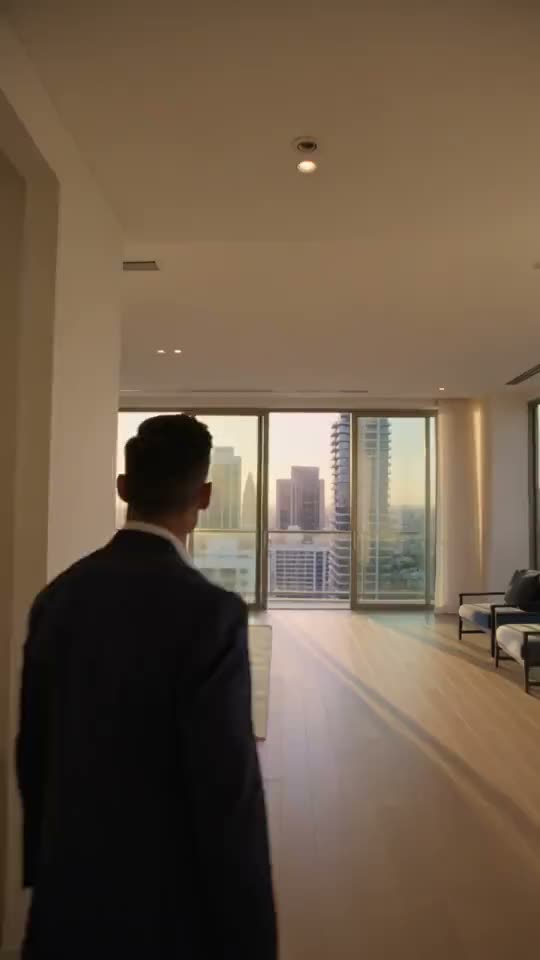
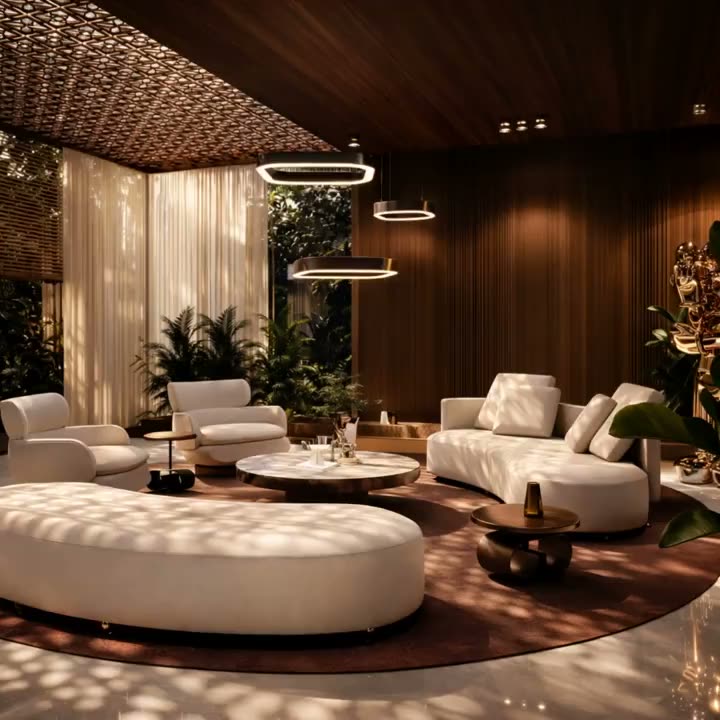
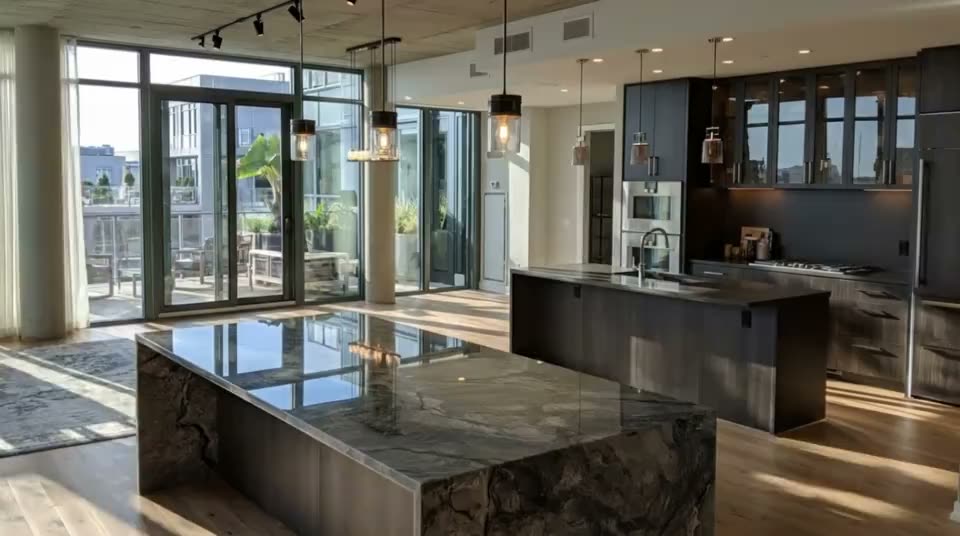
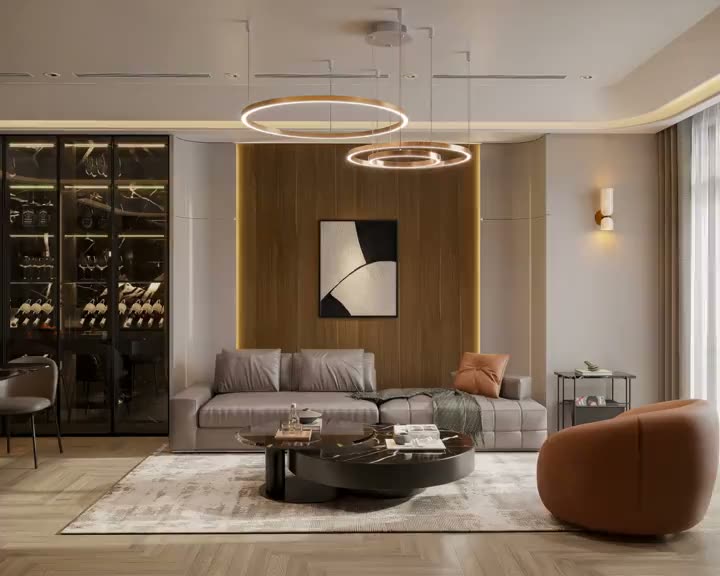
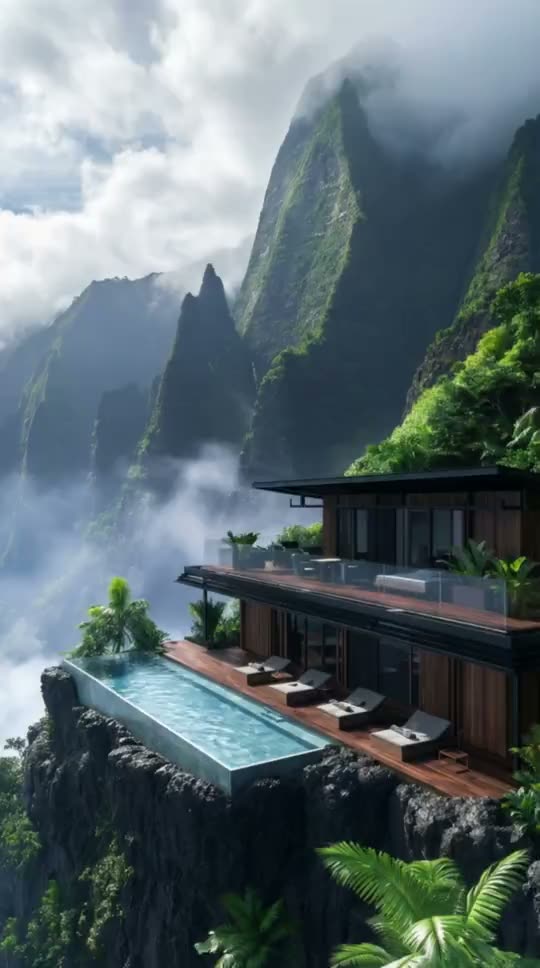
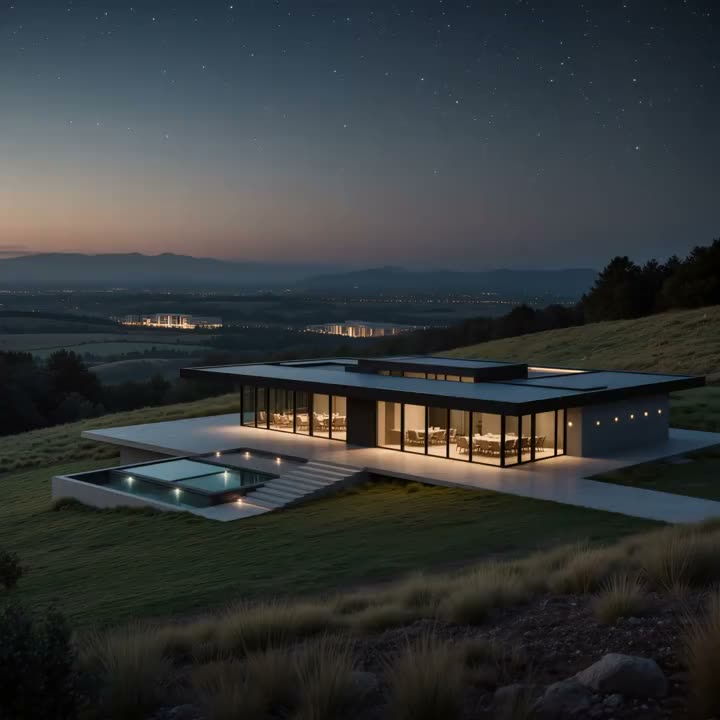
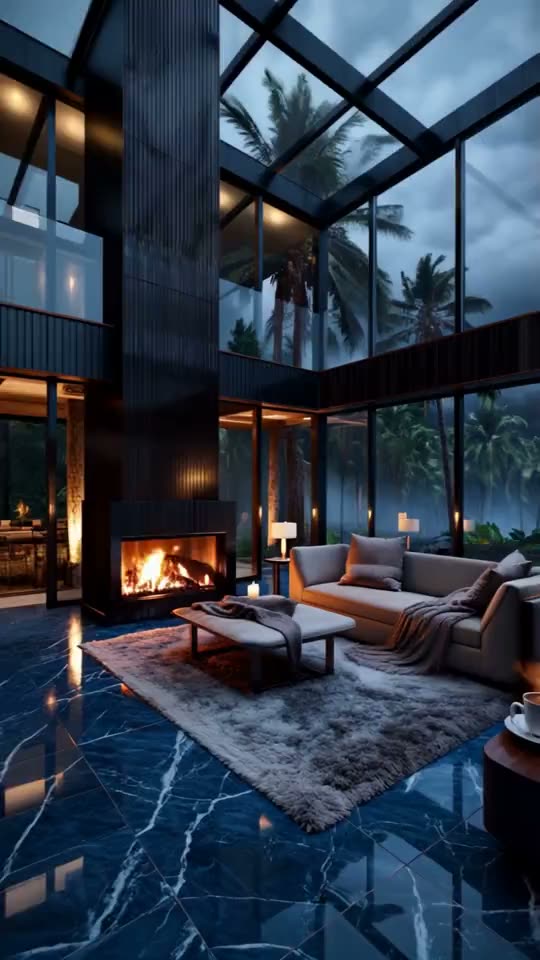
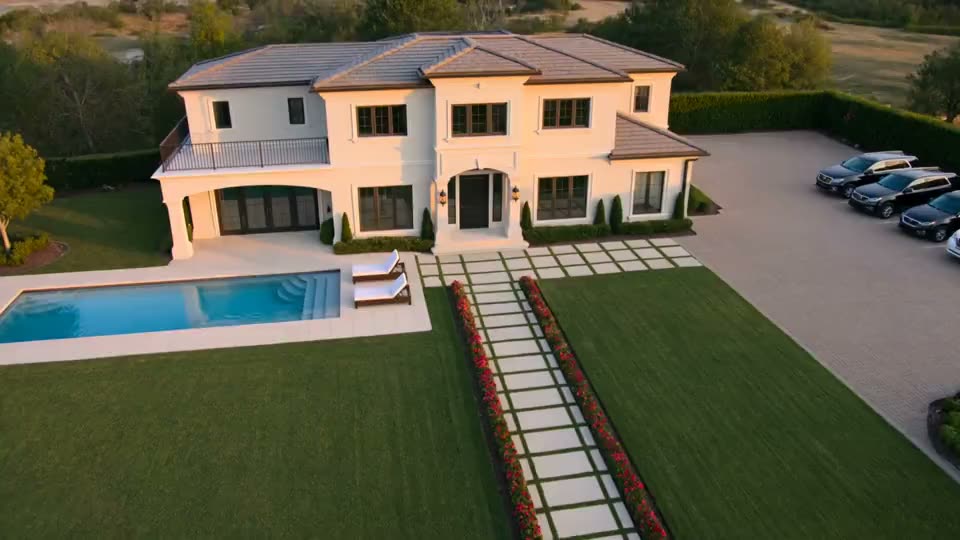
Turn Listing Photography into Property Video Buyers Can Explore
Real estate photo to video should preserve the property clients recognize, add believable camera depth, cover the rooms and exterior moments that sell the listing, and prepare each approved shot for portals, ads, websites, and social media.
Property fidelity
Keep the real room, exterior, and listing details as the visual anchor
The real estate photo-to-video workflow begins with the photography already approved for the listing: interiors, exteriors, pools, views, amenities, floor-defining wide shots, or aerial images. The uploaded photo provides the architecture, furniture, finishes, landscape, exposure, and staging; your prompt directs camera movement and subtle environmental motion without rebuilding the property from a generic description.
- Animate MLS, portal, architectural, twilight, amenity, and drone photography
- Keep room boundaries, window placement, materials, and staging easy to compare
- Create motion assets even when a full on-site video shoot is unavailable
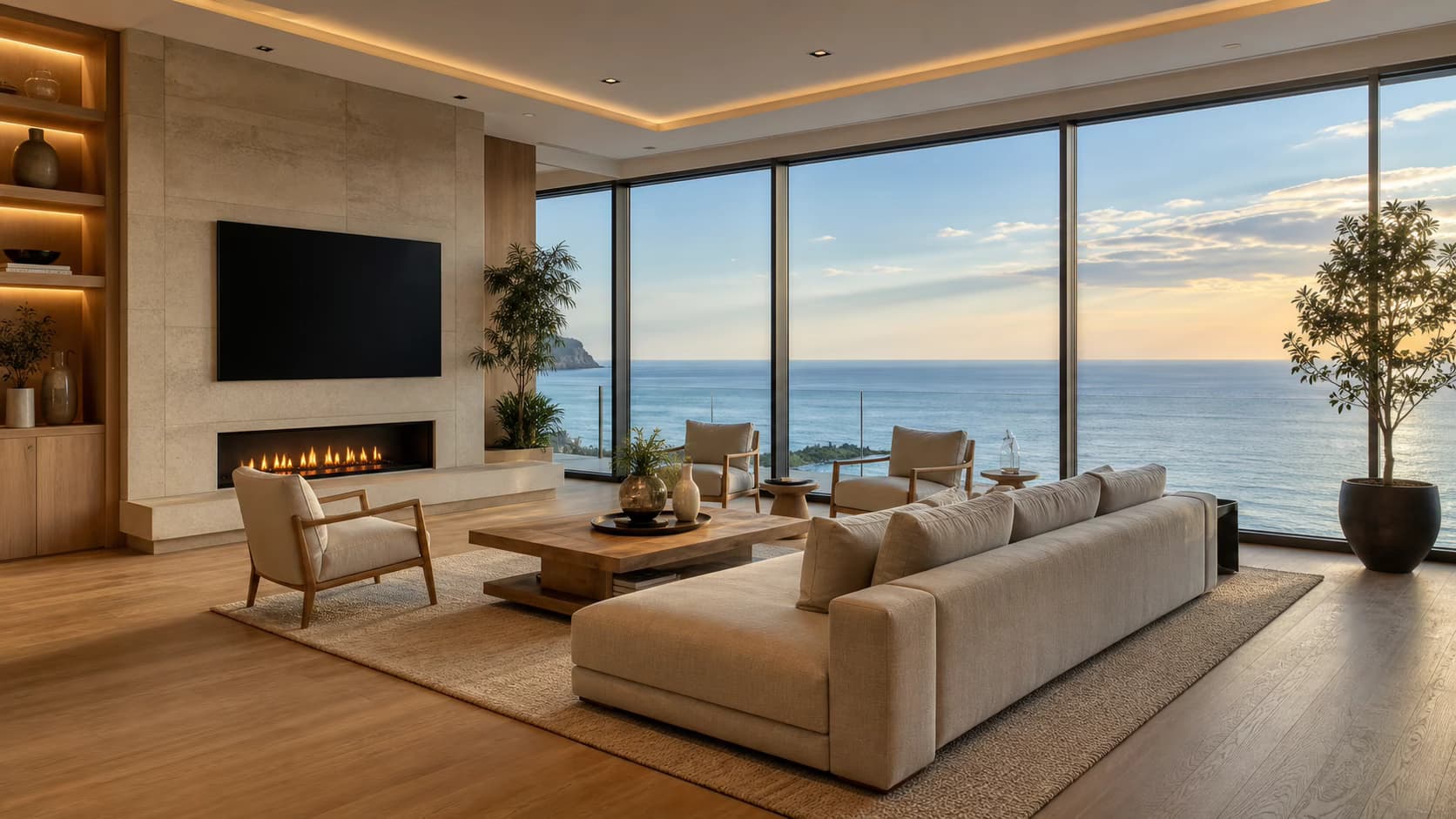
Cinematic camera depth
Choose camera movement that helps viewers understand the space
A slow push through a doorway can connect the kitchen to the living room; a gentle pan can reveal a view; a pull-back can establish a facade; an orbit can add dimension to a pool or amenity. Use one clear camera path per shot and let strong real estate photography supply the geometry. The goal is not motion for its own sake—it is making the room flow, scale, and focal point easier to understand.
- Use push-ins for depth, pans for breadth, and pull-backs for context
- Preserve straight walls, counters, doors, windows, and horizon lines
- Add restrained curtain, water, foliage, fire, or daylight movement where useful
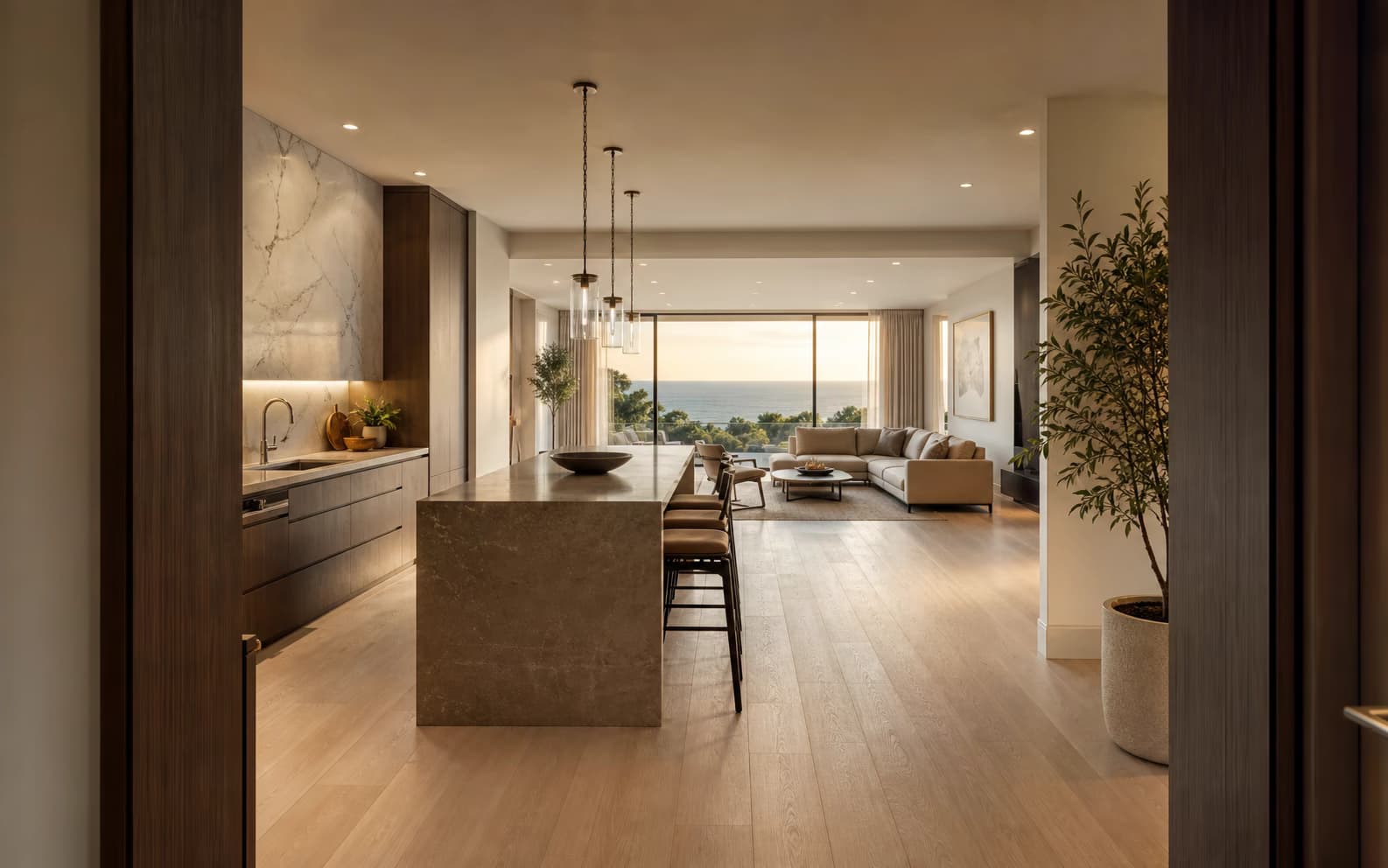
Complete listing story
Build a coherent property sequence from the photos buyers care about
A complete property story usually moves from curb appeal to the main living space, kitchen, primary suite, outdoor area, view, and signature amenity. Generate one controlled shot from each approved listing image, keep camera pace and color treatment consistent, then assemble the strongest clips into a longer listing video when the campaign needs it. This makes real estate photo to video useful for both a single hero shot and a full room-by-room narrative.
- Prioritize exterior, living room, kitchen, primary suite, outdoor space, and view
- Use a shared camera pace and grade so separate shots belong to one property
- Replace weak generations individually instead of rebuilding the complete sequence
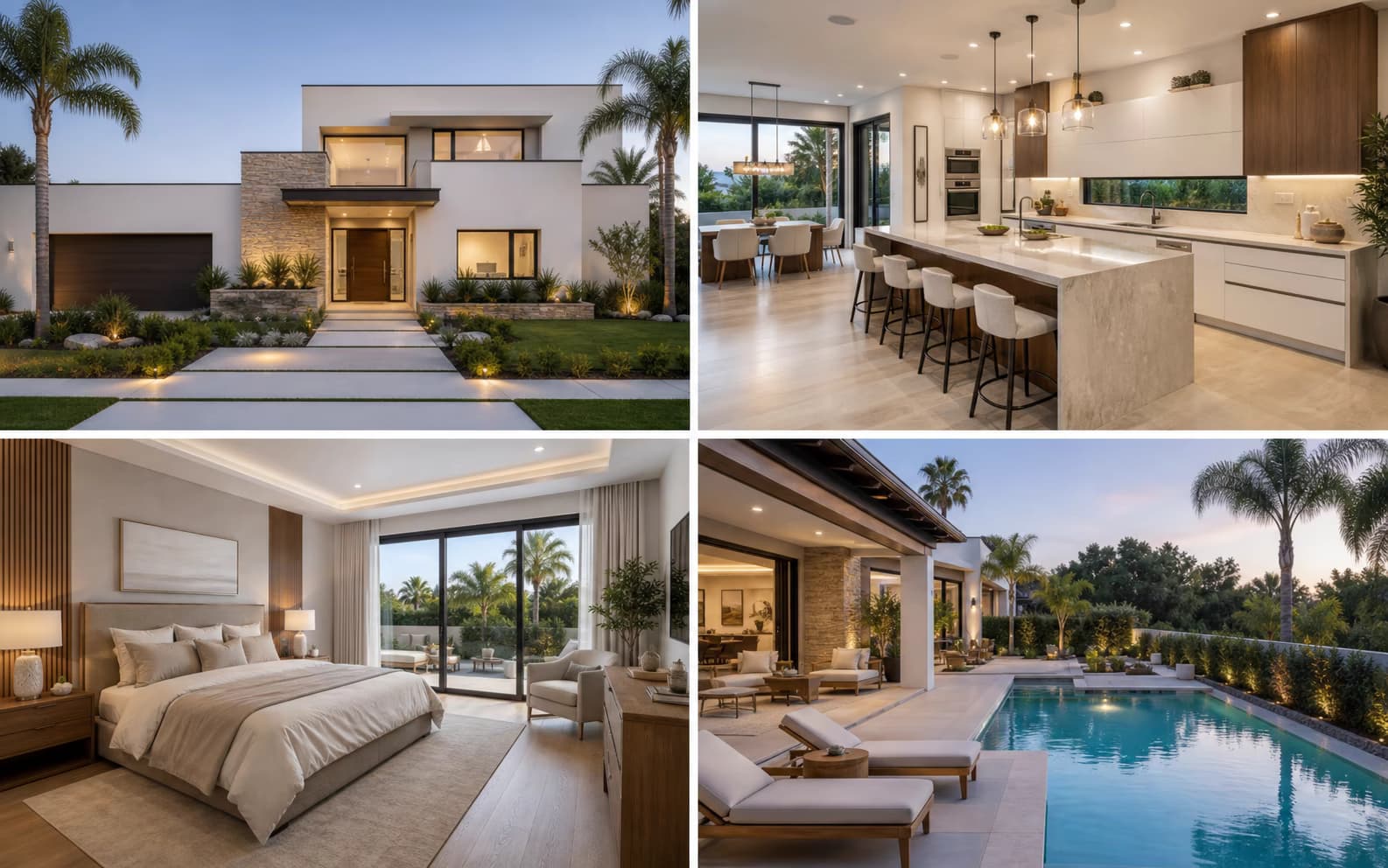
Listing distribution
Prepare every property shot for websites, portals, ads, and social
A cinematic 16:9 exterior can lead a property website or YouTube tour, while a 9:16 kitchen push works as a Reel, Story, Short, or agent teaser. A square crop can support feeds and retargeting ads. Select the model-supported aspect ratio before generation so the building, room, view, and camera path fit the destination, then produce branded and unbranded campaign versions after the video is approved.
- Use 16:9 for listing sites, presentations, YouTube, screens, and email landing pages
- Use 9:16 for agent social posts, Stories, Reels, Shorts, and paid vertical ads
- Keep clean masters ready for brokerage branding, captions, contact details, and music
Why Animate Real Estate Photos with AI
A property-specific workflow focuses the prompt on architecture, depth, camera direction, and the formats agents actually publish.
Architecture-first motion
Request a restrained camera move and inspect walls, windows, furniture, doors, railings, reflections, and room boundaries before presenting the result as a property visual.
Real estate camera prompts
Use slow push-in, pull-out, pan, orbit, reveal, dolly, or parallax directions instead of generic object animation or exaggerated cinematic effects.
Horizontal and vertical output
Choose model-supported 16:9 for websites and presentations or 9:16 for Reels, TikTok, Shorts, agent profiles, and property ads.
Fast listing iterations
Generate alternate camera moves from photos you already have, review the credit price before rendering, and regenerate a scene without arranging another property shoot.
Get Better Property Video Results
Professional listing photos and controlled prompts give the model clearer spatial information and reduce distracting changes.
Use level architectural photography
Start with straight verticals, balanced exposure, enough room context, and a natural wide angle. Extreme fisheye distortion makes spatial interpretation less predictable.
Keep rooms clear and readable
Remove temporary clutter when possible and avoid photos with people crossing the frame. Clear boundaries help the model distinguish walls, windows, doors, and furniture.
Use one restrained camera move
“Slow camera push-in, preserve room geometry and straight lines” is more reliable than a prompt combining an orbit, zoom, furniture movement, weather change, and dramatic transition.
Verify the property representation
Generated motion may alter hidden geometry, views, reflections, fixtures, or furniture. Do not use a clip if it materially misrepresents the property being marketed.
Real Estate Photo to Video for Every Property Channel
Create individual property clips with AI, then use them alone or assemble approved clips in your listing-video editor.
Residential listing video clips
Animate the exterior, living room, kitchen, bedroom, bathroom, view, pool, and amenities with an appropriate camera move for each photo. Keep the pace calm and architecture readable.
Vertical real estate social video
Generate 9:16 property shots for Instagram Reels, TikTok, YouTube Shorts, agent updates, open-house announcements, and paid social campaigns.
Photographer and agency delivery
Add short AI camera-motion clips to a real estate photography package, create branded social assets, or deliver individual scenes for an editor to combine with captions, music, and contact details.
How to Turn a Property Photo into Video
Create one cinematic property clip from one listing photo in three steps.
Upload a property photo
Choose a sharp, level JPG, PNG, or WEBP of an interior, exterior, amenity, aerial view, commercial space, vacation rental, or development rendering.
Describe the camera move
Request one slow push-in, pull-out, pan, orbit, reveal, or parallax action. Tell the model to preserve the room layout and straight architectural lines.
Generate and review the property
Select supported duration, ratio, and resolution settings, review the credit cost, generate the MP4, and inspect the complete scene before download.
AI Property Video Pricing
Sign in to receive free credits. Free-credit clips contain a small evaluation watermark; paid plans unlock 1080p, watermark-free export, and commercial use.
- Valid for 30 days
- One-time payment, no subscription
- Unlocks all available models and watermark-free videos
- Other benefits match subscription plans, except for the credit amount and validity
Basic
For getting started with photo-to-video creation
- 1,200 credits included every month
- Up to 40 videos per monthBased on Veo 3.1 Lite at 30 credits per video (8 seconds, 720p). Actual output varies by model and settings.
- Full access to all available models
- Turn photos into videos in minutes
- Unlimited encrypted history storage by default
- 24/7 customer support
- No watermark on exported videos
Pro
For creators who need more output and faster iteration
- 3,000 credits included every month
- Up to 100 videos per monthBased on Veo 3.1 Lite at 30 credits per video (8 seconds, 720p). Actual output varies by model and settings.
- Full access to all available models
- Turn photos into videos in minutes
- Unlimited encrypted history storage by default
- 24/7 customer support
- No watermark on exported videos
Max
For teams and power users with high-volume production
- 8,000 credits included every month
- Up to 266 videos per monthBased on Veo 3.1 Lite at 30 credits per video (8 seconds, 720p). Actual output varies by model and settings.
- Full access to all available models
- Turn photos into videos in minutes
- Unlimited encrypted history storage by default
- 24/7 customer support
- No watermark on exported videos






Explore property lighting and motion
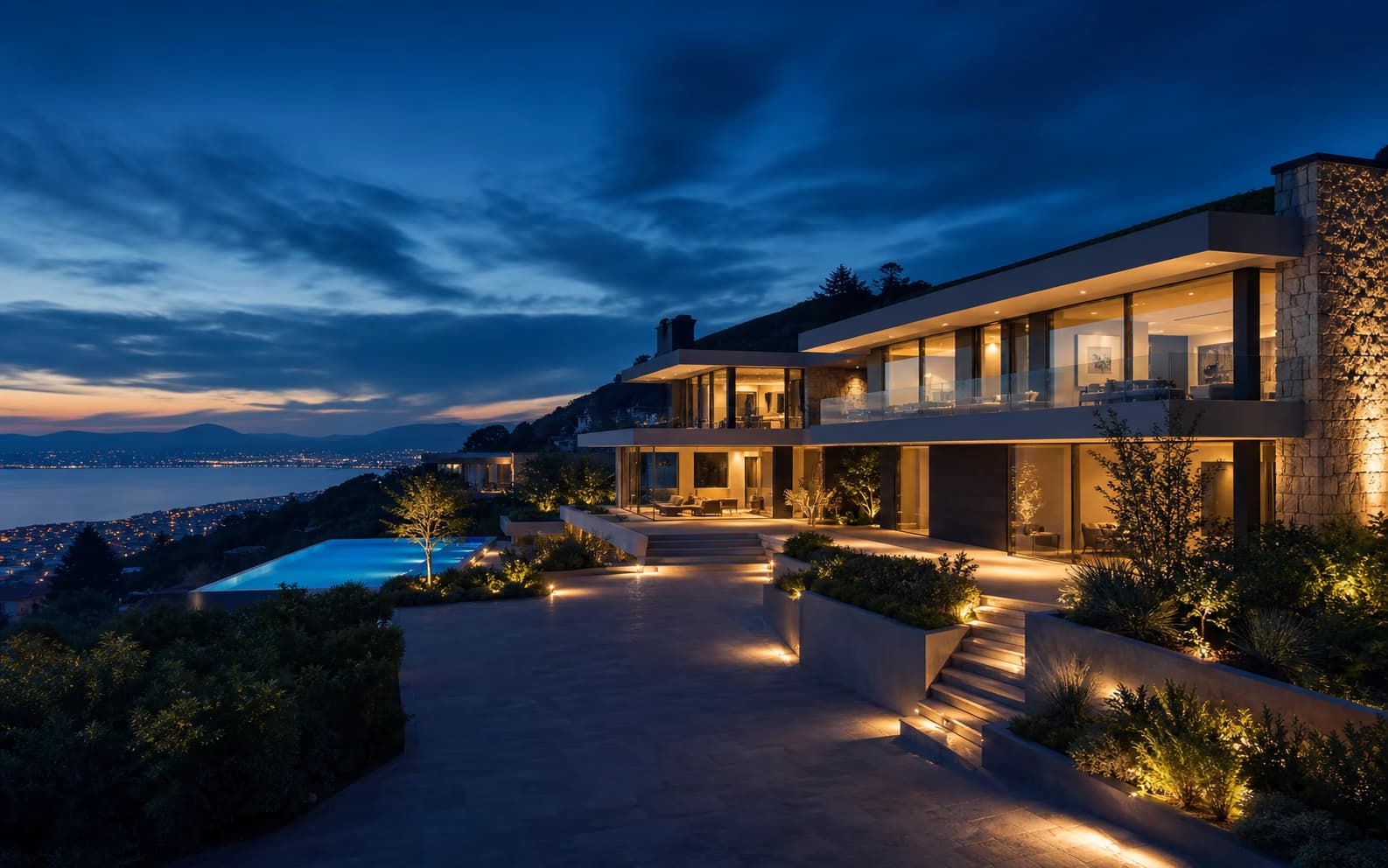
Use the generator above for a property shot with camera movement. For an exterior lighting reveal, explore a gradual day-to-night transition. Start with a clear building photo and check that walls, windows and landscaping remain consistent.
Real Estate Photo to Video AI FAQ
What is Real Estate Photo to Video AI?
Can Real Estate Photo to Video AI create a full listing video?
Which camera moves work for real estate photos?
Can I use real estate video clips on MLS or listing portals?
Does Real Estate Photo to Video AI preserve the exact room layout?
Is Real Estate Photo to Video AI free?
What property photo quality should I upload?
Turn a Property Photo into a Real Estate Video
Open Real Estate Photo to Video AI, upload a listing image, and test a natural camera move with free credits.
Real Estate Photo to Video AI Online
Photo to Video AI is an online Real Estate Photo to Video AI tool for property photo animation, real estate image to video, listing video clips, real estate social videos, interior camera movement, exterior reveals, and property marketing assets. Generate one clip from one photo, review the architecture and property details, and combine approved clips in your preferred listing-video workflow.