
AI Furniture Video Generator
Prompt templates
Keep the product geometry fixed and direct the camera around the visible surfaces. Avoid claiming unseen angles or exact scale from one photo.
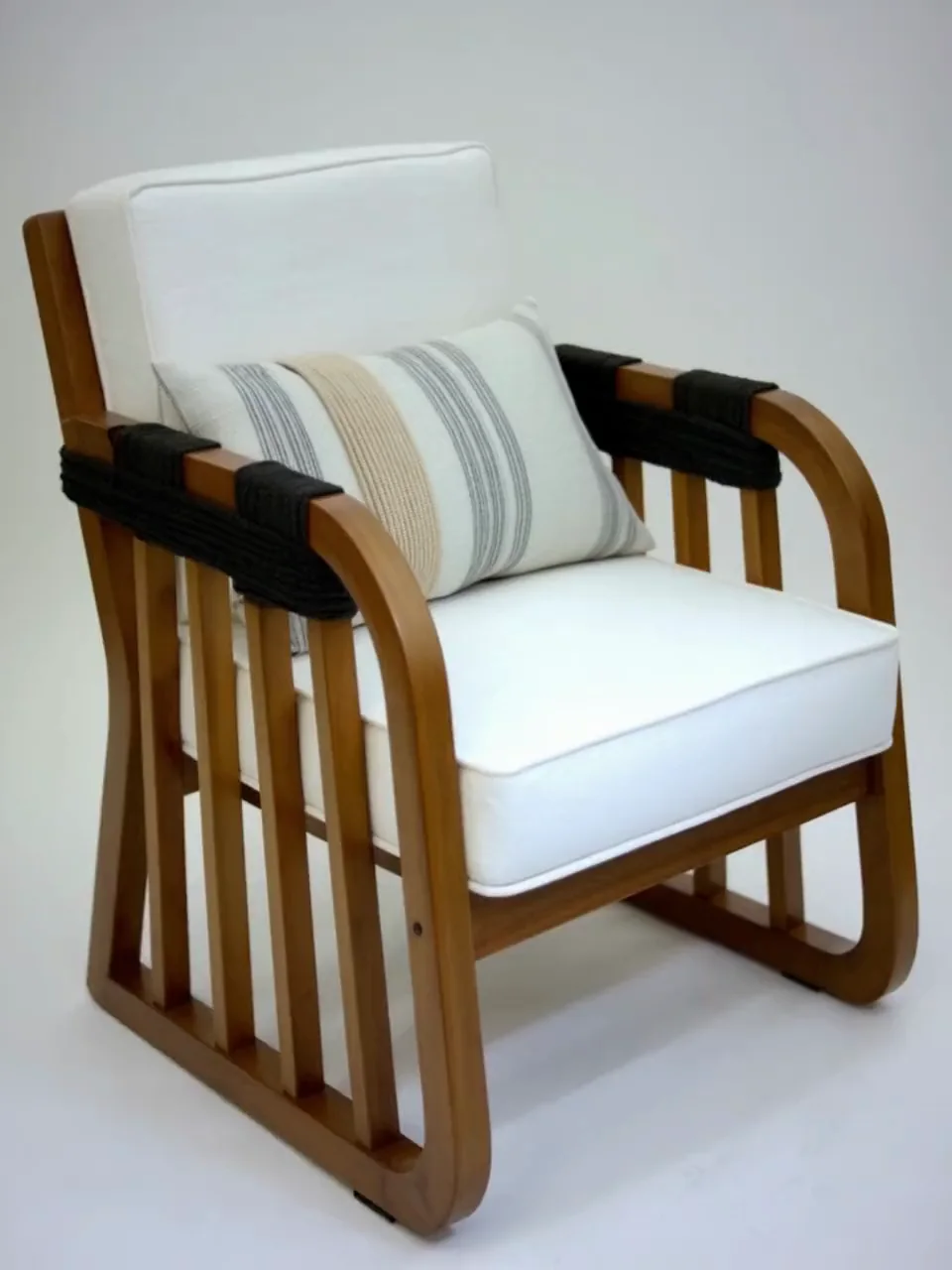
AI Furniture Video Generator Examples
Compare a clean chair product move, a seasonal sofa campaign, and a vertical sofa atmosphere transition. Each direction starts from visible furniture design and serves a different marketing job.
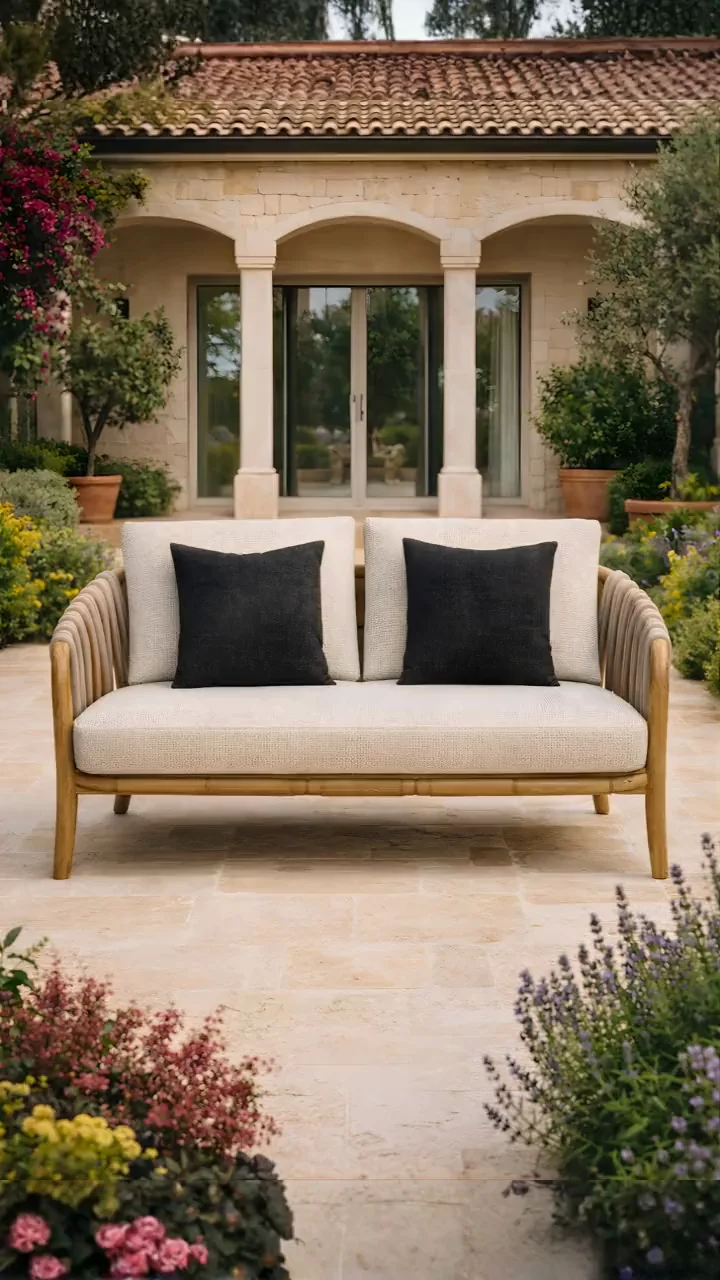
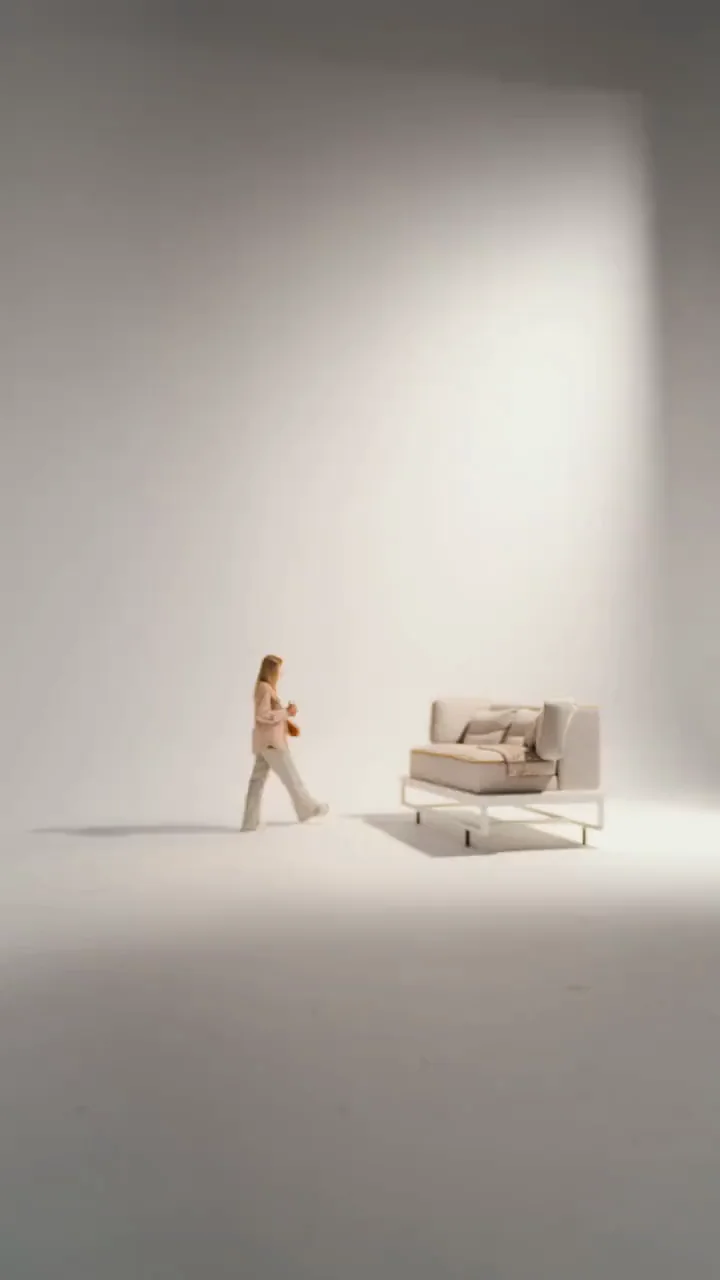
Build Furniture Product Videos Around the Details Buyers Need
An AI Furniture Video Generator is useful when it keeps product design readable, reveals materials deliberately, and fits the ecommerce or advertising placement.
Geometry and camera
Keep the product fixed while one controlled camera move sells the detail
A furniture photo shows shape, construction, color, cushions, legs, hardware, and finish. Keep the product still while the camera makes one slow push or side move. A large orbit forces the AI Furniture Video Generator to invent unseen surfaces and may change a sellable item.
- Use a sharp photo showing the complete piece and clean boundaries
- Inspect proportions, legs, seams, joints, handles, and edge profiles
Material and light
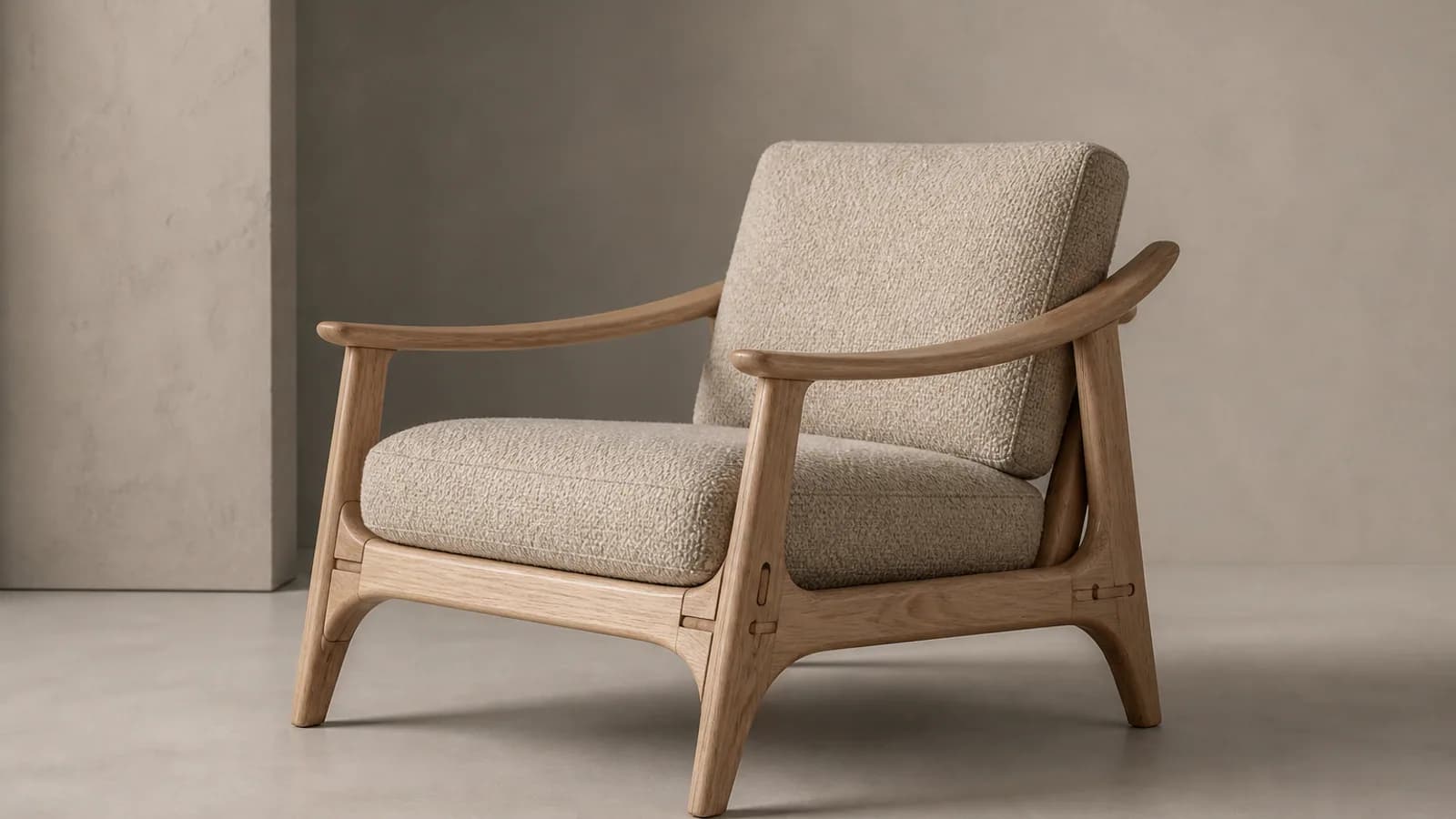
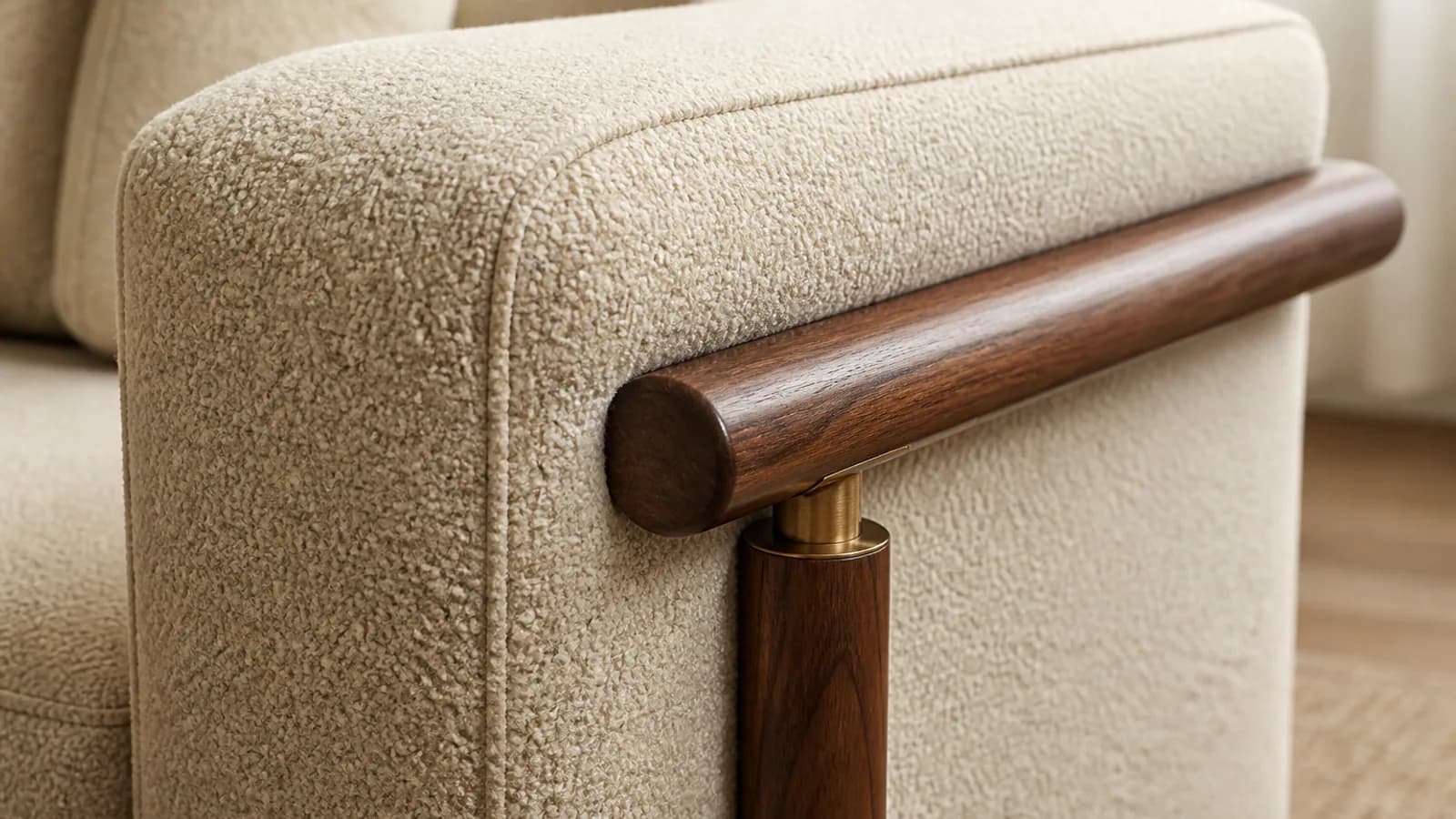
Reveal wood, fabric, leather, metal, and stone with realistic light
Furniture materials respond differently to light. Soft light reveals fabric weave, side light defines wood and joinery, and controlled reflections show metal or stone. Generated video suggests appearance; it cannot verify durability, finish specifications, construction quality, or unsupported material claims.
- Match the light direction to the material you want buyers to notice
- Use soft contrast for upholstery and controlled reflections for hard surfaces
Lifestyle presentation
Place the piece in an aspirational room without hiding the product
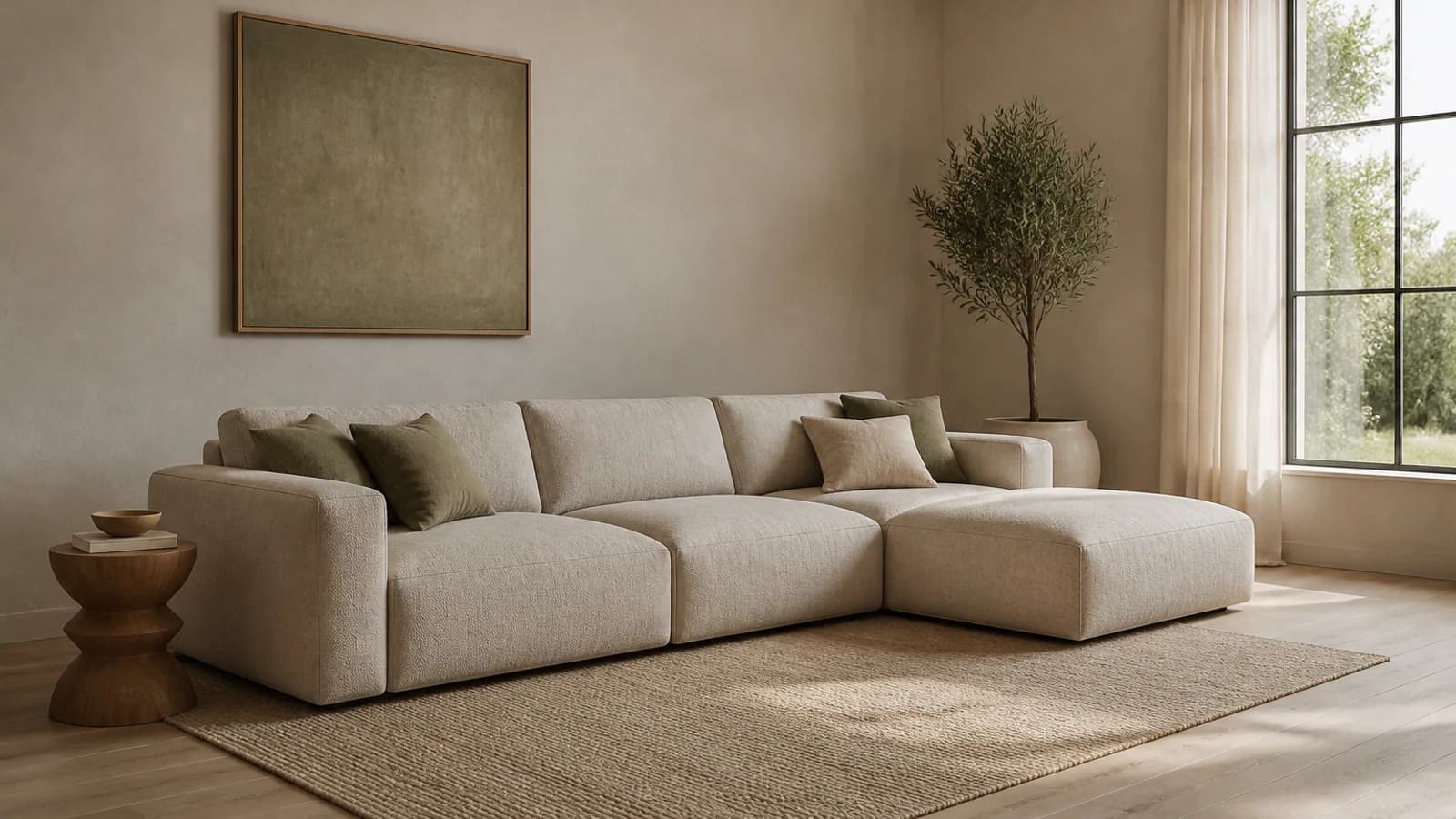
A furniture advertisement video can introduce a living room, bedroom, studio, hospitality setting, or garden while the product stays readable. Let background, light, decor, and camera create the mood. When exact room scale matters, use measured photography, specifications, or 3D assets instead of AI interpretation.
- Choose a setting that matches the product category and target buyer
- Keep decor and people from covering important furniture features
Campaign variations
Create seasonal and channel-specific furniture video concepts
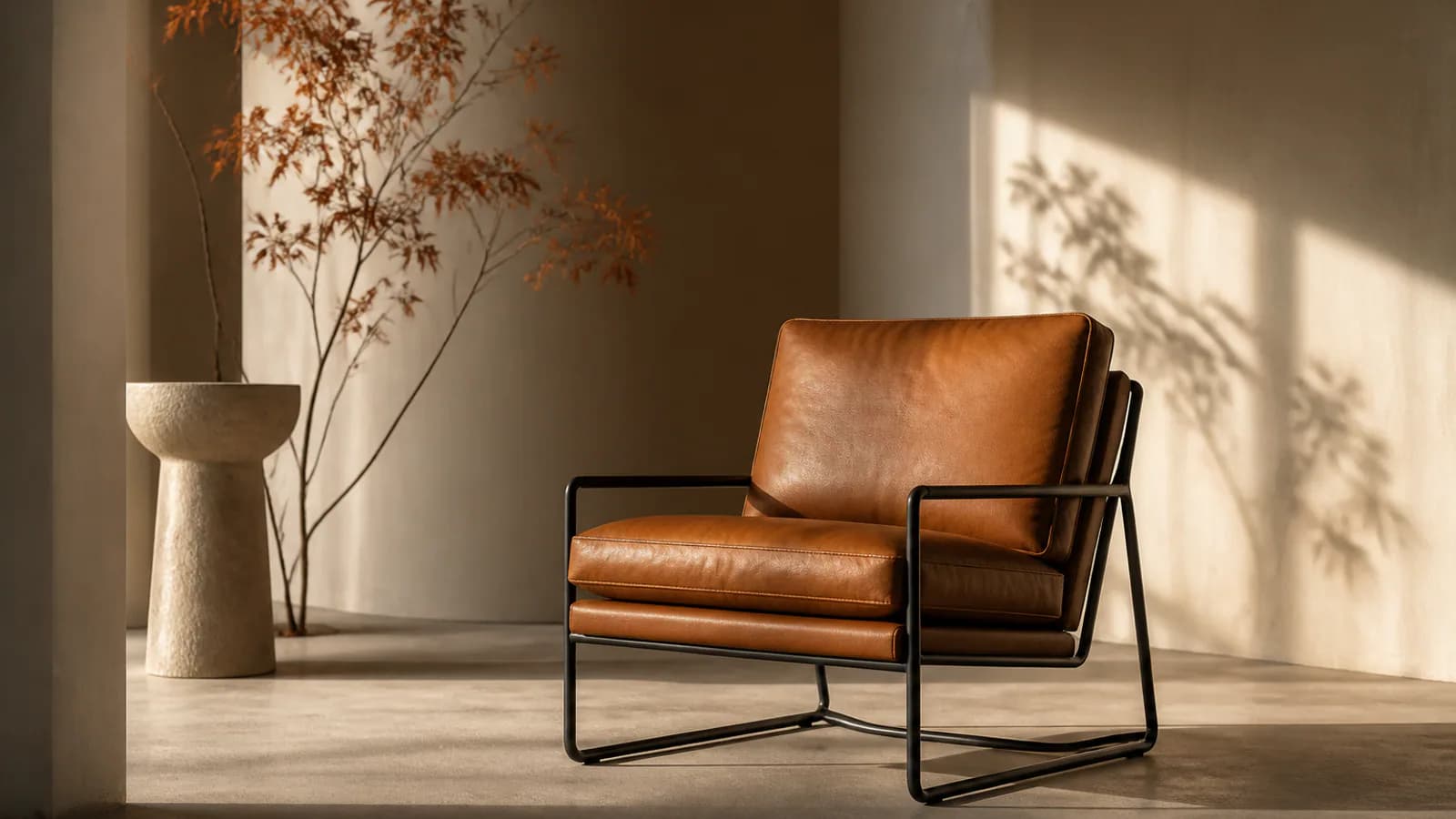
Keep the approved product image and core camera behavior consistent, then change one environment, season, lighting setup, or pacing choice at a time. This produces related launch, sale, social, email, marketplace, and showroom concepts without making every placement identical. Create a clean master first, then add verified prices, claims, logos, and promotion dates in an editor.
- Reuse the same source to compare studio, lifestyle, and seasonal directions
- Reject any clip that changes product geometry, scale, or intended function
Why Choose Our AI Furniture Video Generator
A furniture-specific page keeps product preservation, material presentation, camera control, marketing formats, and review criteria in one workflow.
Approved photo as the product anchor
Start from catalog, studio, lifestyle, or showroom photography your team already selected instead of asking a text-only workflow to invent the furniture design.
Furniture camera and lighting prompts
Direct a slow push, side move, reveal, material light sweep, room atmosphere, or environmental change around the visible product.
Product and social formats
Choose model-supported vertical or widescreen output for ecommerce, furniture ads, social platforms, websites, presentations, and showroom displays.
Detail review before publication
Inspect proportions, legs, cushions, seams, joints, hardware, material appearance, hidden-angle invention, and room scale before using a clip commercially.
Furniture Product Video for Ecommerce, Ads, and Design Campaigns
Use the AI Furniture Video Generator to create a focused clip from one approved image, then deliver the version that fits each product and channel.
Furniture ecommerce and marketplace video
Animate a catalog or lifestyle photo for a product detail page, marketplace listing, collection page, sales presentation, email, or showroom screen while keeping the sellable item readable.
Furniture ads and social video
Create vertical sofa, chair, table, bed, cabinet, or decor clips for Reels, TikTok, Shorts, Stories, paid social, launch countdowns, seasonal promotions, and retargeting creative.
Furniture brand and interior-design concepts
Test studio lighting, lifestyle context, hospitality mood, seasonal styling, and campaign directions for manufacturers, retailers, designers, agencies, and furniture photographers.
How to Turn a Furniture Photo into a Video
Create one short product animation with the AI Furniture Video Generator in three practical steps.
Upload a clear furniture product photo
Choose a sharp JPG, PNG, or WEBP showing the complete sofa, chair, table, bed, cabinet, shelving, lighting, or decor item with accurate color and visible construction details.
Direct one camera and lighting idea
Ask the model to preserve geometry and materials, then describe one camera move, one lighting behavior, and an optional studio, room, lifestyle, or seasonal atmosphere.
Generate, inspect, and export
Choose an available model and supported settings, review the live credit price, generate the MP4, compare the full clip with approved product assets, and download only a faithful version.
AI Furniture Video Generator FAQ
What is an AI Furniture Video Generator?
How do I turn a furniture product photo into a video?
Is the AI Furniture Video Generator free?
Which sofas, chairs, and furniture photos work best?
Will AI preserve dimensions or create a true 360-degree product video?
Can I place furniture in an AI interior or lifestyle scene?
Can I use furniture videos for Shopify, marketplaces, or ads?
Does the AI Furniture Video Generator replace batch tools, 3D rendering, or product photography?
Turn a Furniture Photo into a Product Video
Open the AI Furniture Video Generator, upload one approved product image, preserve its design, and test a controlled short clip with free evaluation credits.
AI Furniture Video Generator Online
Photo to Video AI provides an online AI Furniture Video Generator for furniture product video, sofa video, chair product video, table and decor animation, furniture advertisement video, ecommerce clips, lifestyle presentations, material lighting studies, and social campaigns. Upload one approved image, direct a restrained camera and lighting idea, review product geometry and claims, and use verified specifications or reference assets whenever hidden angles, dimensions, materials, or room fit must be factual.