
Food Photo to Video AI
Prompt templates
Create Appetizing Content with Food Photo to Video AI
Bring an approved dish, drink, or food-product photo to life while keeping it recognizable and ready for marketing.
Food image to video
Turn dishes, drinks, and product photos into video
Start with a restaurant hero shot, menu image, beverage photo, dessert, or packaged-food photo you already own. The tool adds movement to that source, helping teams create fresh content without arranging another shoot.
- Reuse menu, campaign, delivery, and product photography
- Keep the original dish, drink, package, and setting in focus
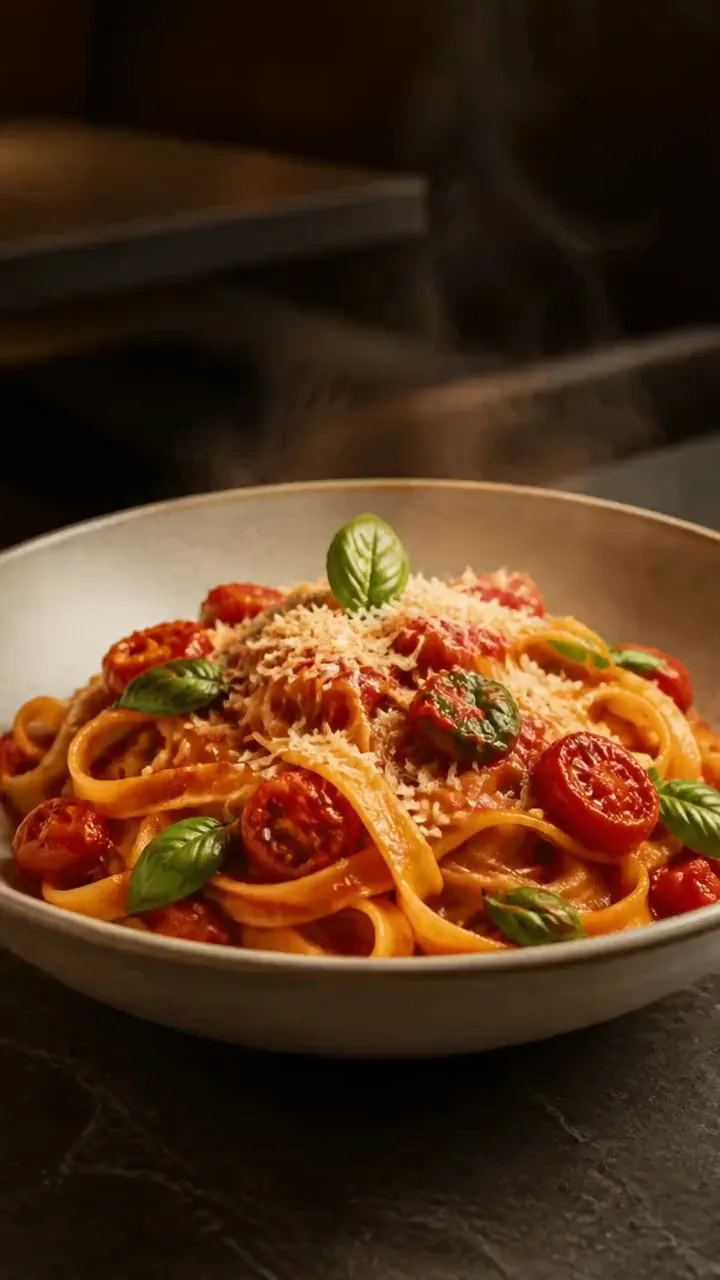
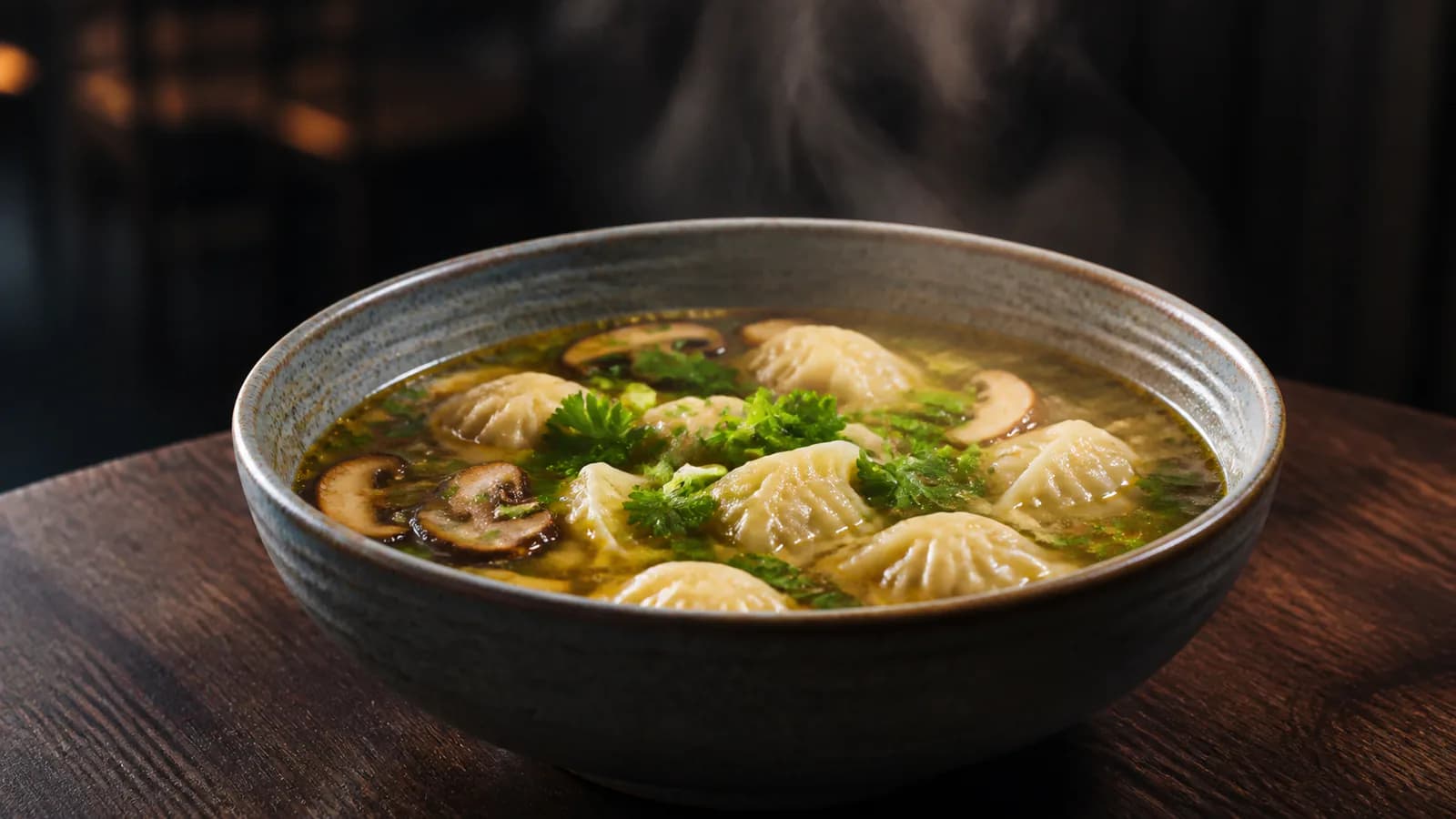
Appetite-led motion
Add steam, pours, bubbles, light, or a slow camera move
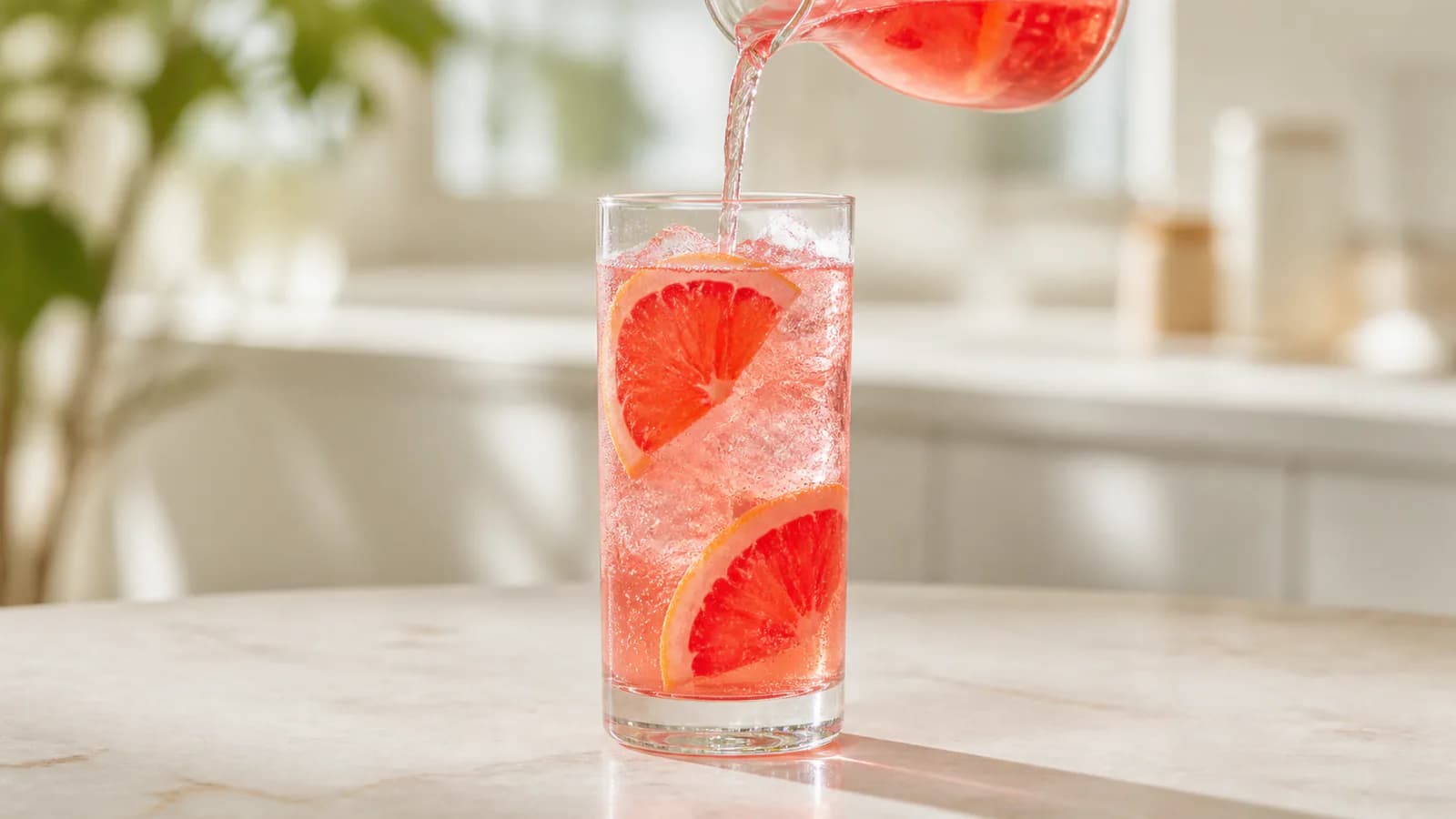
Food looks most appealing when motion fits the image: rising steam for a hot dish, bubbles for a drink, or a smooth camera move for plated food. The result turns a still into a focused visual hook.
- Create warm, fresh, refreshing, premium, or playful moods
- Match the motion to the dish, drink, or product shown
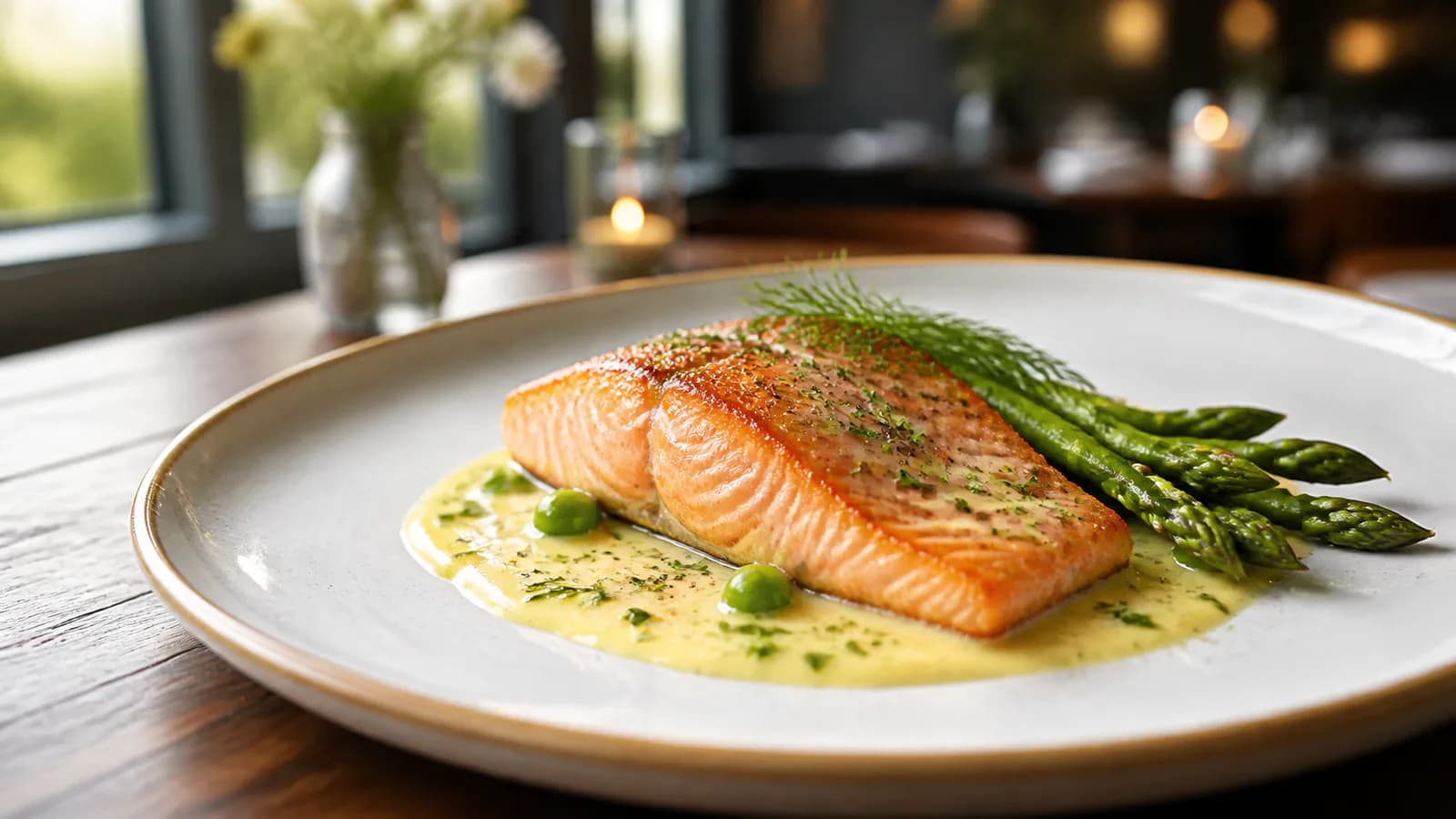
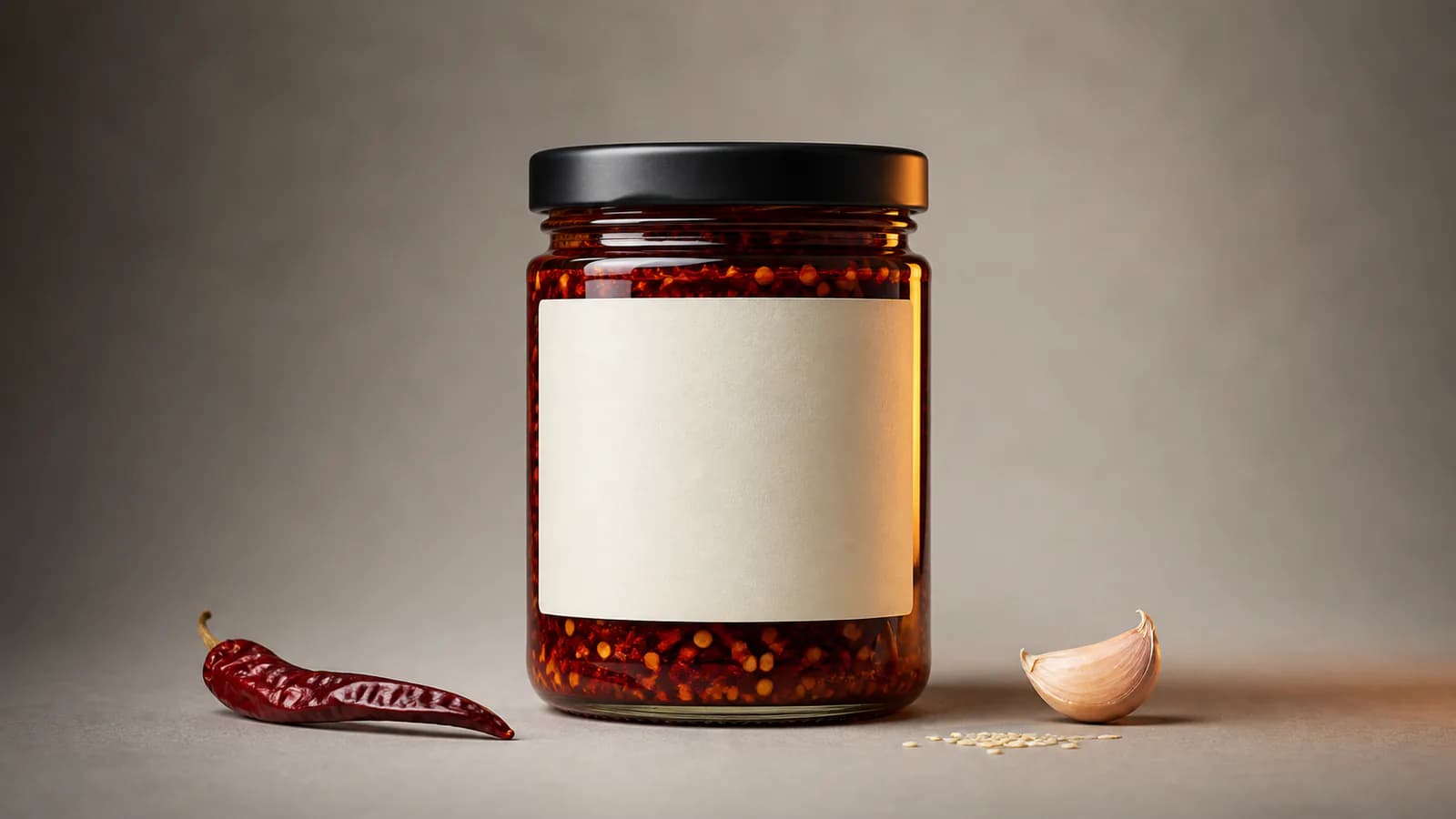
Product recognition
Keep plating, color, packaging, and brand cues readable
Customers should still recognize what they are buying. Use the workflow for creative food marketing, then review the dish shape, ingredients, container, package, and label before using the clip in a campaign.
- Support restaurant food, beverage, and packaged-product content
- Approve the final visual before menus, ads, or product pages
Restaurant and social video
Create food Reels, menu promos, ads, and product clips
Make vertical clips for Instagram Reels, TikTok, Stories, and Shorts, or wider food videos for menu screens, websites, delivery listings, ads, and ecommerce. Add prices, offers, captions, and music in your editor.
- Adapt one food image for social, restaurant, and retail channels
- Keep offer details and exact label text crisp in post-production
Why Choose Food Photo to Video AI
A simple way to turn existing food photography into useful short-form video.
Your food photo leads
Animate the actual dish, drink, package, plating, and setting you want customers to see.
Food-focused visual direction
Create motion and atmosphere that make restaurant, beverage, and product images more engaging.
Models and formats in one place
Choose available video models and ratios for social, menus, advertising, and ecommerce.
Review before publishing
See the cost first and approve ingredients, plating, packaging, labels, and brand details.
Food Photo to Video AI for Restaurants and Brands
Create short food videos from photography your business already has.
Restaurants, cafes, and delivery kitchens
Animate signature dishes, drinks, desserts, and menu photography for Reels, menu screens, delivery pages, local ads, and seasonal promotions.
Food, beverage, and CPG brands
Create product clips for launches, ecommerce, retailer pages, paid social, and campaign concepts from approved package or serving images.
Food creators and local agencies
Turn recipe-result photos, cafe photography, and client assets into scroll-stopping openers, transitions, and short promotional videos.
How to Use Food Photo to Video AI
Create a short food video in three simple steps.
Upload a food photo
Choose a clear dish, drink, menu, restaurant, or packaged-product image.
Describe the motion you want
Enter a short direction for the movement, mood, or camera style.
Generate and publish
Create the clip, review the food or package, then download your preferred result.
Food Photo to Video AI FAQ
What does this food photo video tool do?
Can I animate one food photo?
Can I try it for free?
Will the food and packaging stay exactly the same?
Can I create restaurant Reels and menu promos?
Is this a recipe video maker?
Which food photos work best?
Turn a Food Photo into an Appetizing Video
Create appetizing food content from one strong dish, drink, or product image.
Food Photo to Video AI Online
Create food image to video, dish photo to video, restaurant food video from an image, beverage photo animation, food product video, menu promos, cafe Reels, and social food clips from one photo. This workflow animates finished food photography; it is not a multi-step recipe-video maker.