
Portrait Image to Video AI
Prompt templates
Create Natural Motion with Portrait Image to Video AI
Bring one approved portrait to life while keeping the person, expression, and visual style recognizable.
Portrait to video AI
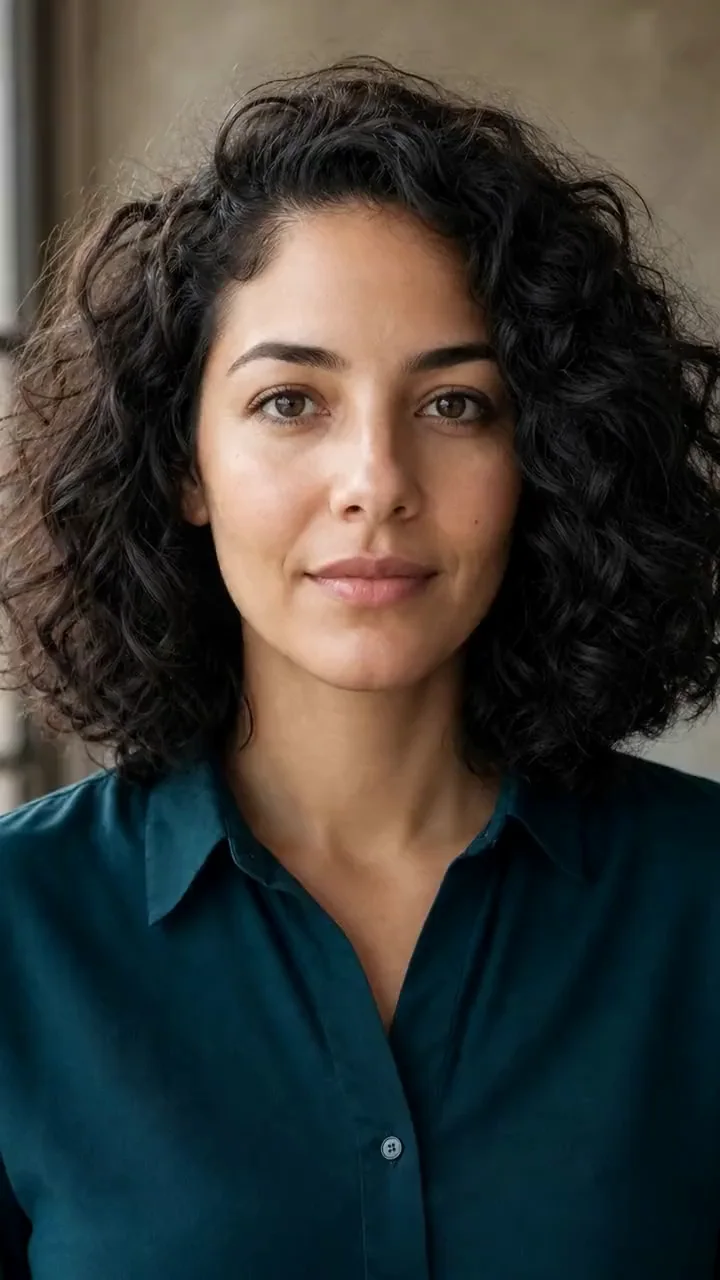
Animate portraits, selfies, profile photos, and headshots
Start with a portrait you already like. The tool uses that image as the visual anchor, helping professionals and creators turn a still face into a short clip without inventing a different person from text alone.
- Use founder, speaker, creator, editorial, or personal portraits
- Keep the original face, expression, clothing, and atmosphere in focus
Natural portrait motion
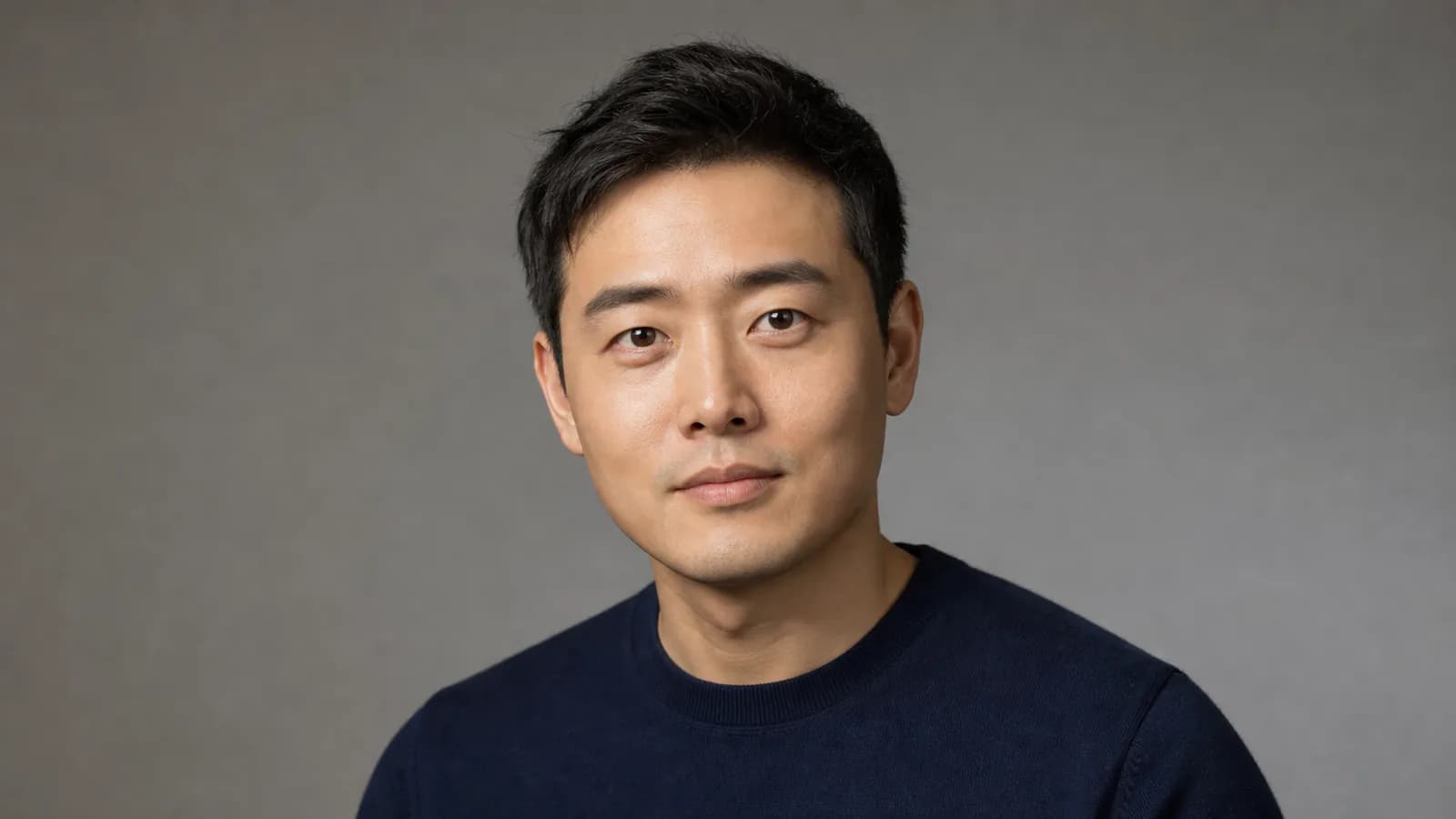
Add subtle movement that suits a still portrait
Gentle facial movement, breathing, hair, light, or a slow camera move can make a portrait feel alive without turning it into a talking avatar. The workflow is designed for short, visual portrait animation.
- Create calm, cinematic, editorial, warm, or professional moods
- Use subtle non-talking motion for a more believable portrait clip
Recognizable identity
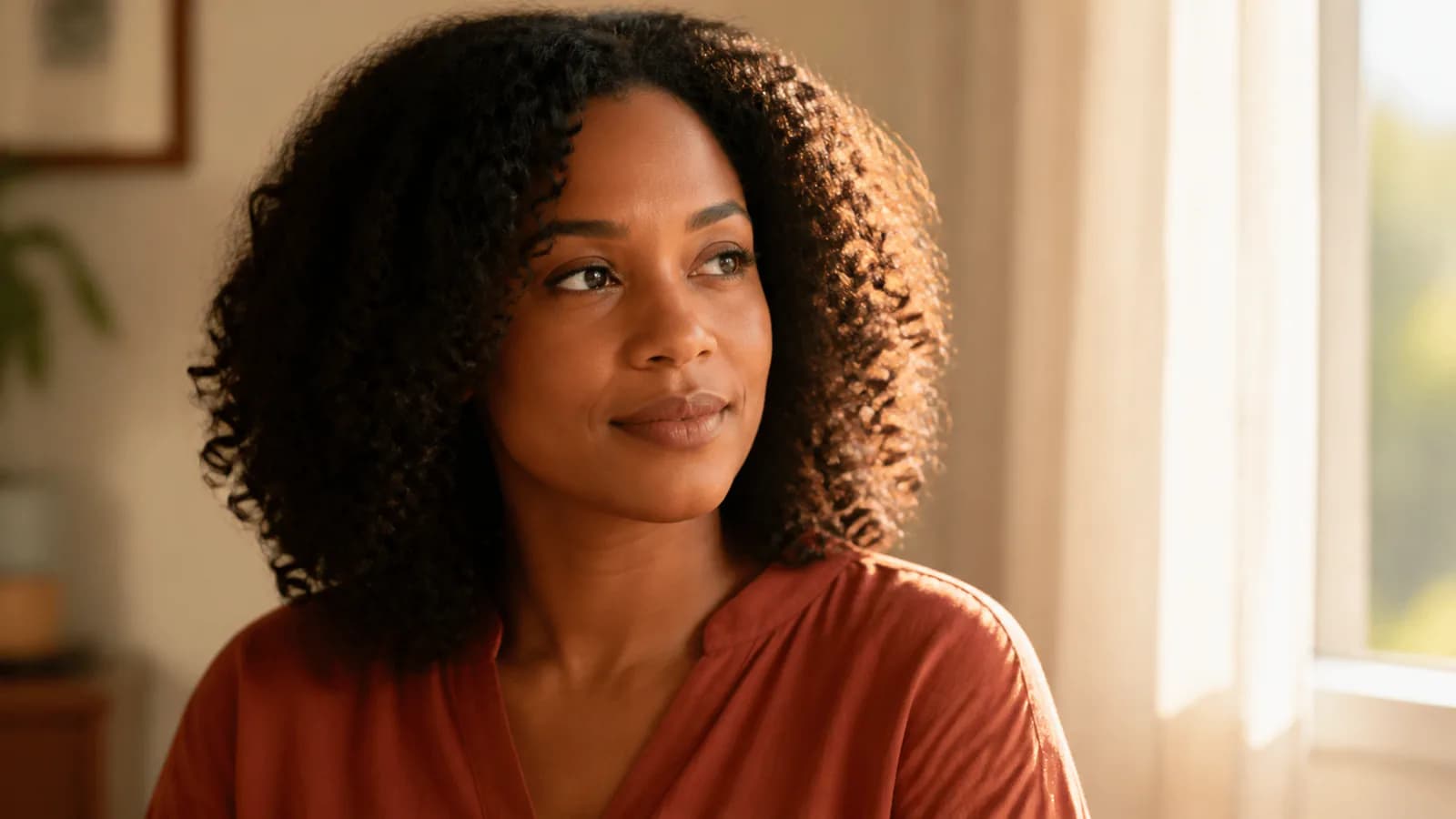
Keep the person and portrait style under review
The source image guides the result, but exact facial preservation is not guaranteed. Use the generated motion creatively, then review the face, expression, hair, clothing, and background before publishing professional or personal content.
- Use only portraits you have permission to upload and animate
- Approve the complete clip before public or client use
Profile and social video
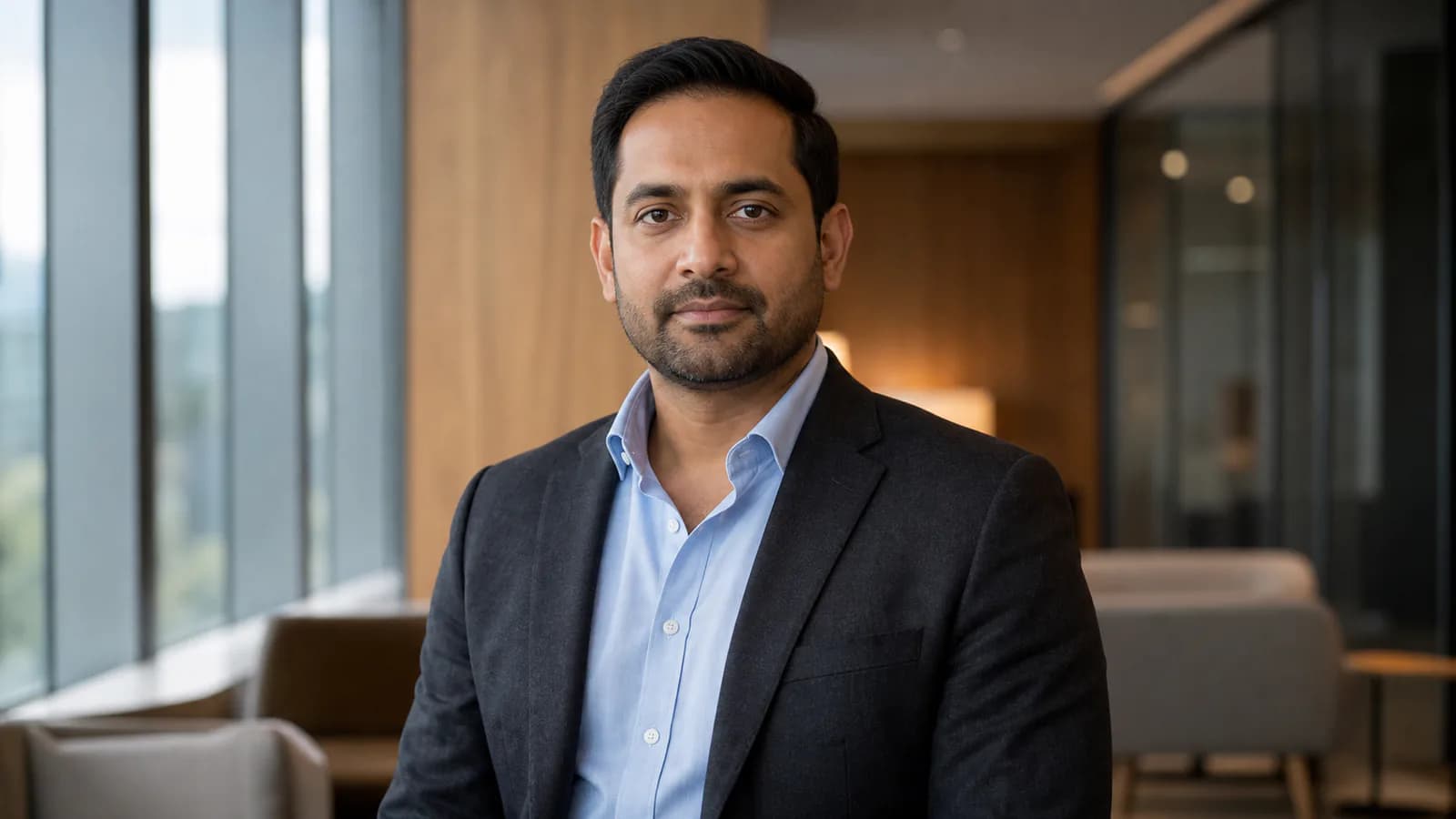
Create profile, speaker, portfolio, and creator clips
Turn a headshot into a website intro, speaker visual, portfolio transition, Reel opener, Story, Short, or personal-brand post. Add names, titles, captions, voiceover, and music in your editor after choosing the strongest portrait motion.
- Adapt one portrait for professional, portfolio, and social channels
- Keep exact names, roles, and brand typography crisp in post
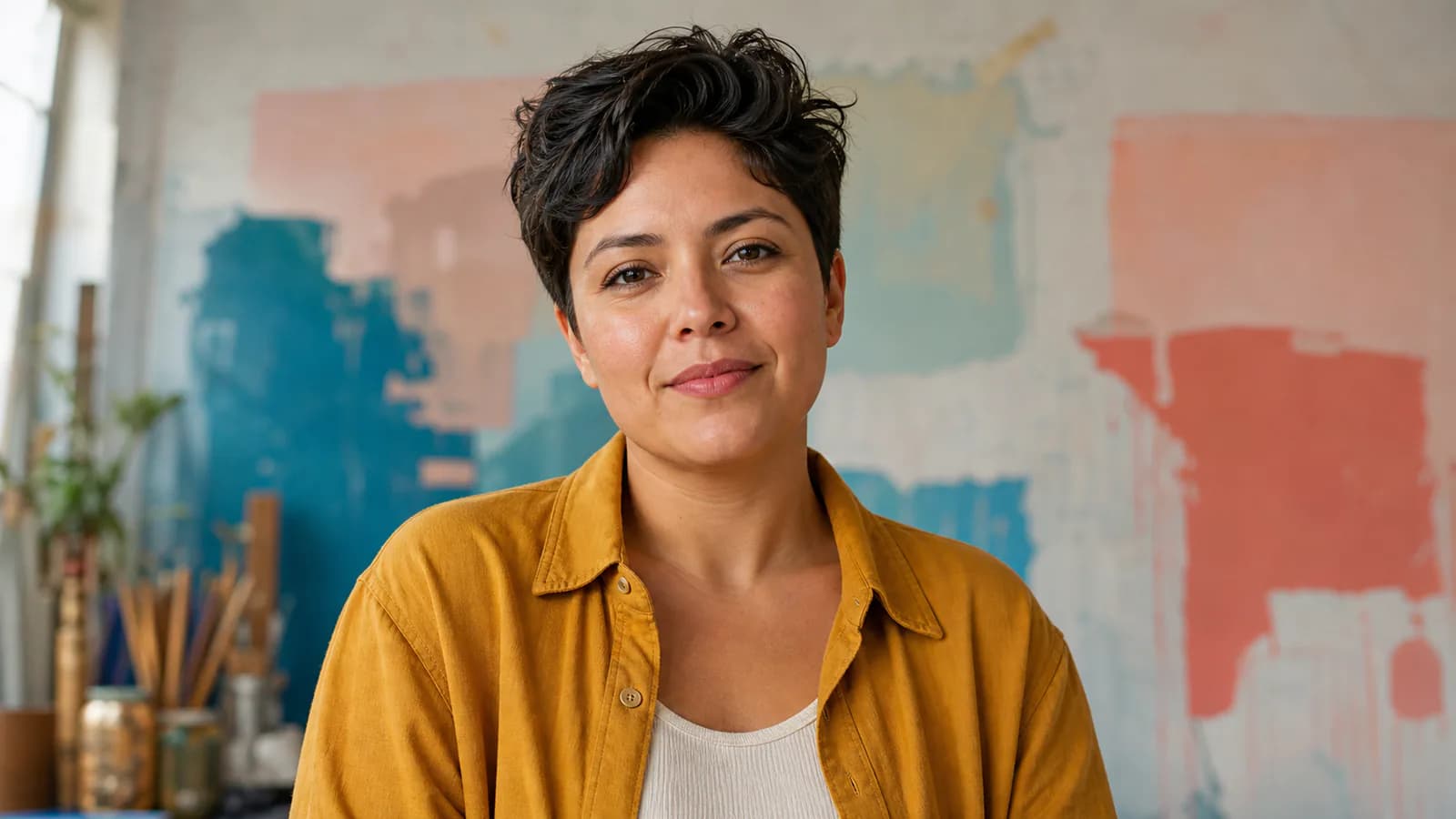
Why Choose Portrait Image to Video AI
A focused workflow for turning one portrait into useful short-form motion.
Your portrait leads
Animate the actual face, expression, hair, clothing, lighting, and background you want to use.
Natural visual direction
Explore subtle portrait movement and cinematic atmosphere for different creative placements.
Models and formats in one place
Choose available video models and ratios for profiles, sites, decks, portfolios, and social media.
Consent and review matter
See the cost first, use approved portraits, and review the person before publishing.
Portrait Image to Video AI for Professionals and Creators
Create short portrait videos from approved profile photography.
Founders, professionals, and speakers
Animate a professional headshot for a website, pitch deck, speaker card, course page, team profile, conference screen, or personal-brand post.
Creators and social profiles
Turn a selfie or creator portrait into a profile hook, Reel opener, Story visual, channel intro, thumbnail companion, or short transition.
Photographers, designers, and agencies
Create cinematic portrait-from-photo concepts, editorial motion, portfolio covers, campaign visuals, and client presentation clips from still images.
How to Use Portrait Image to Video AI
Create a short portrait video in three simple steps.
Upload a portrait
Choose a clear single-person portrait, selfie, profile photo, or headshot.
Describe the motion you want
Enter a short direction for the movement, mood, or camera style.
Generate and publish
Create the clip, review the person, then download your preferred result.
Portrait Image to Video AI FAQ
What does this portrait animation tool do?
How do I animate a portrait photo with AI?
Can I try it for free?
Will the generated video preserve the face exactly?
Does this create talking photos or lip sync?
Can I turn a selfie or headshot into a social video?
Which portraits work best?
Turn a Portrait into a Natural Short Video
Create profile and social motion from one clear portrait, selfie, or headshot.
Portrait Image to Video AI Online
Create portrait image to video, portrait to video AI, portrait photo to video AI, animate portrait photo with AI, portrait animation online, selfie to video, headshot animation, cinematic portrait from a photo, and profile-motion clips from one image. This is a non-talking portrait workflow, not lip sync or an audio-driven avatar.