
Wedding Photo to Video AI
Prompt templates
Keep movement gentle and shared. Large turns, talking, or several actions can make faces, hands, and wedding details drift.
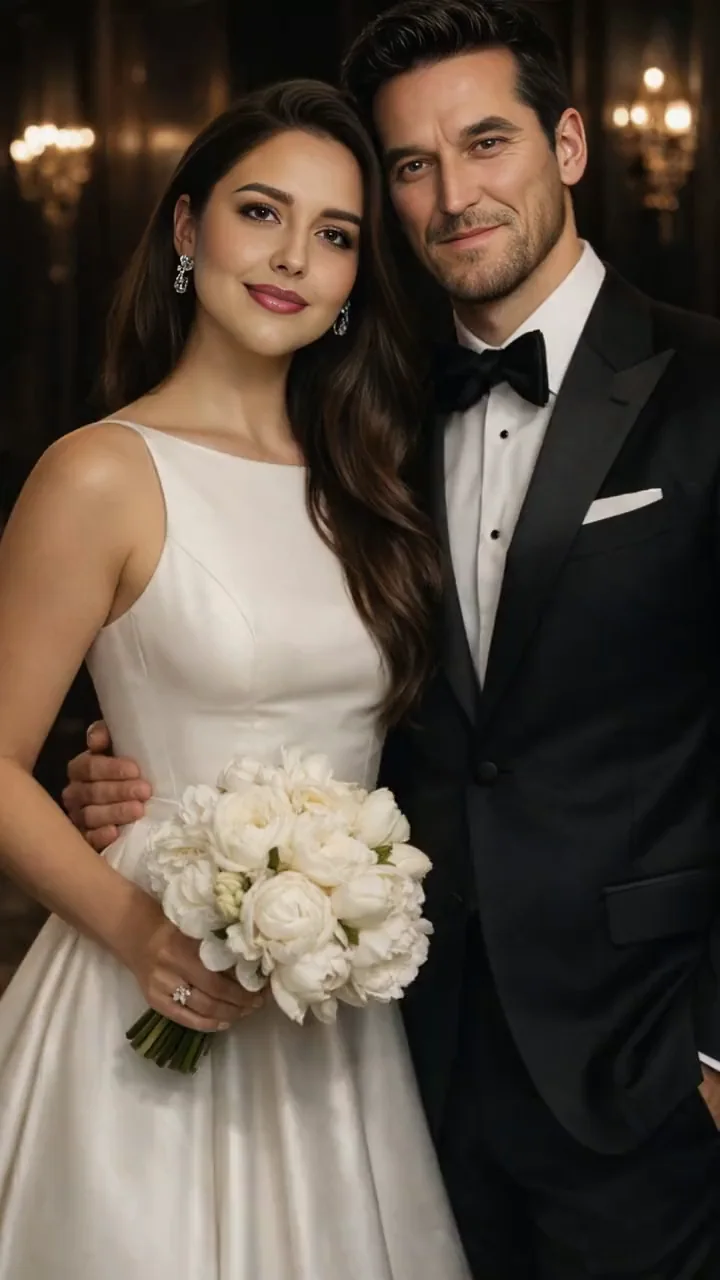
Wedding Photo to Video AI Examples
Compare three useful directions: a composed formal portrait, an intimate romantic glance, and a more expressive slow-dance moment. Start subtle when face and attire consistency matter most.
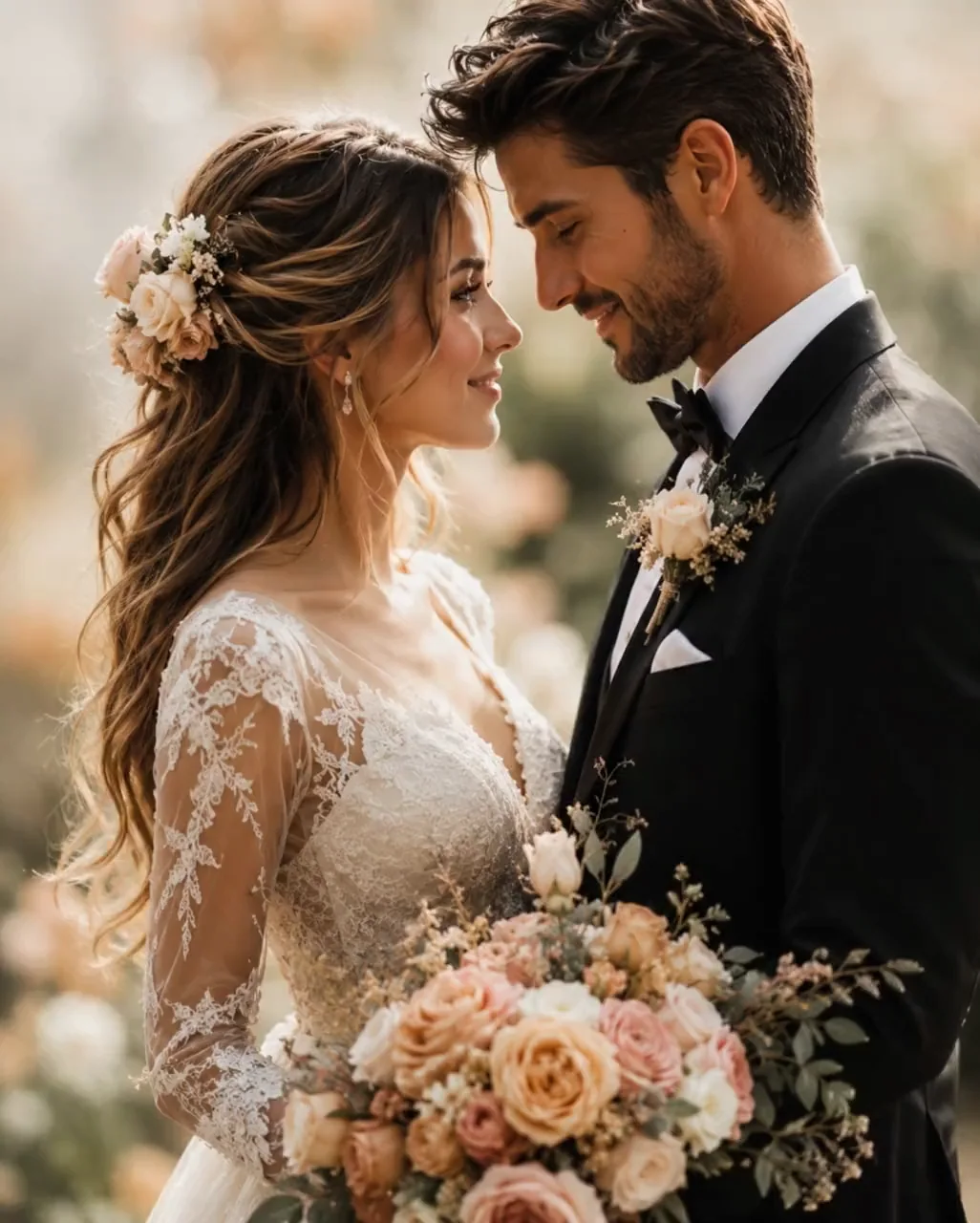
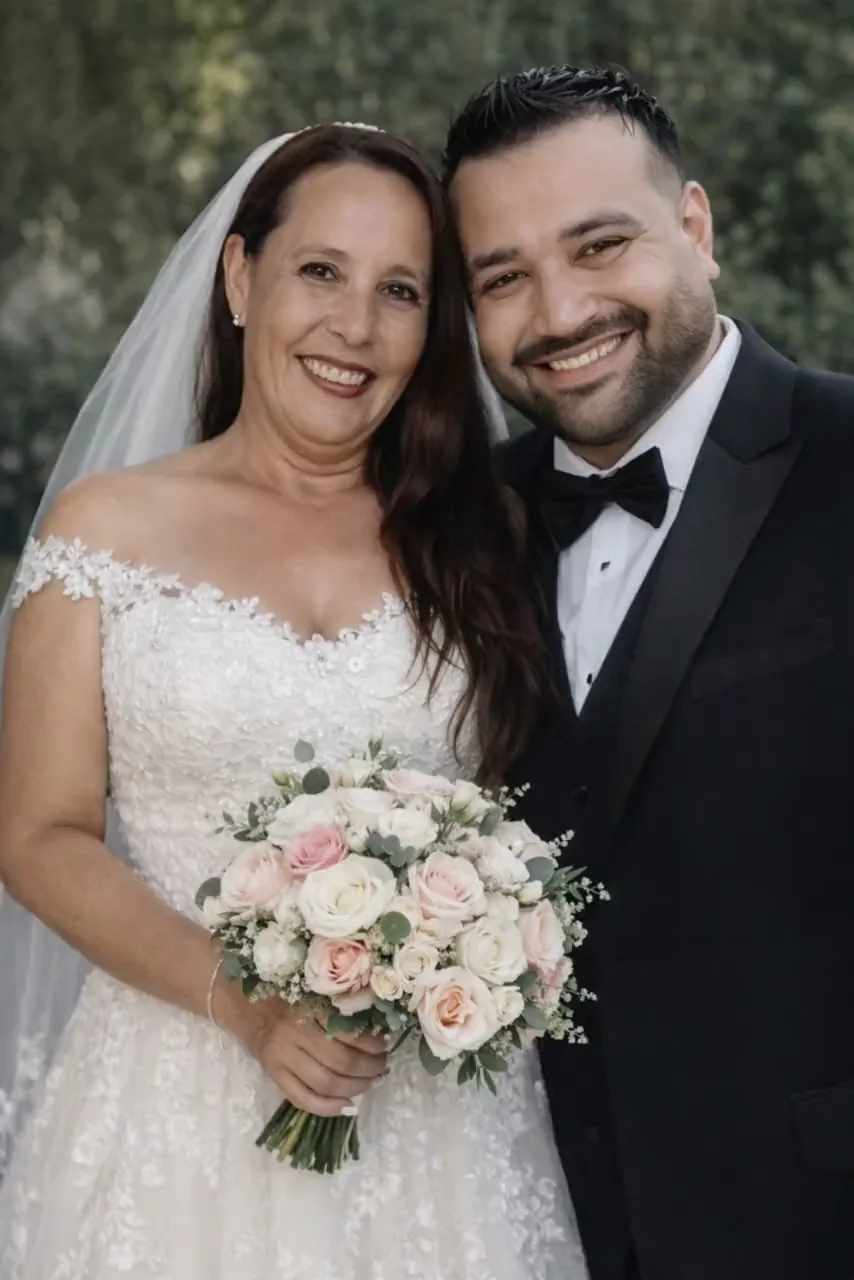
Create a Wedding Photo Video That Still Feels Like the Couple
Use Wedding Photo to Video AI with a clear portrait, one emotional beat, and a realistic understanding of what a single image can provide.
Couple identity
Keep both faces and the relationship at the center
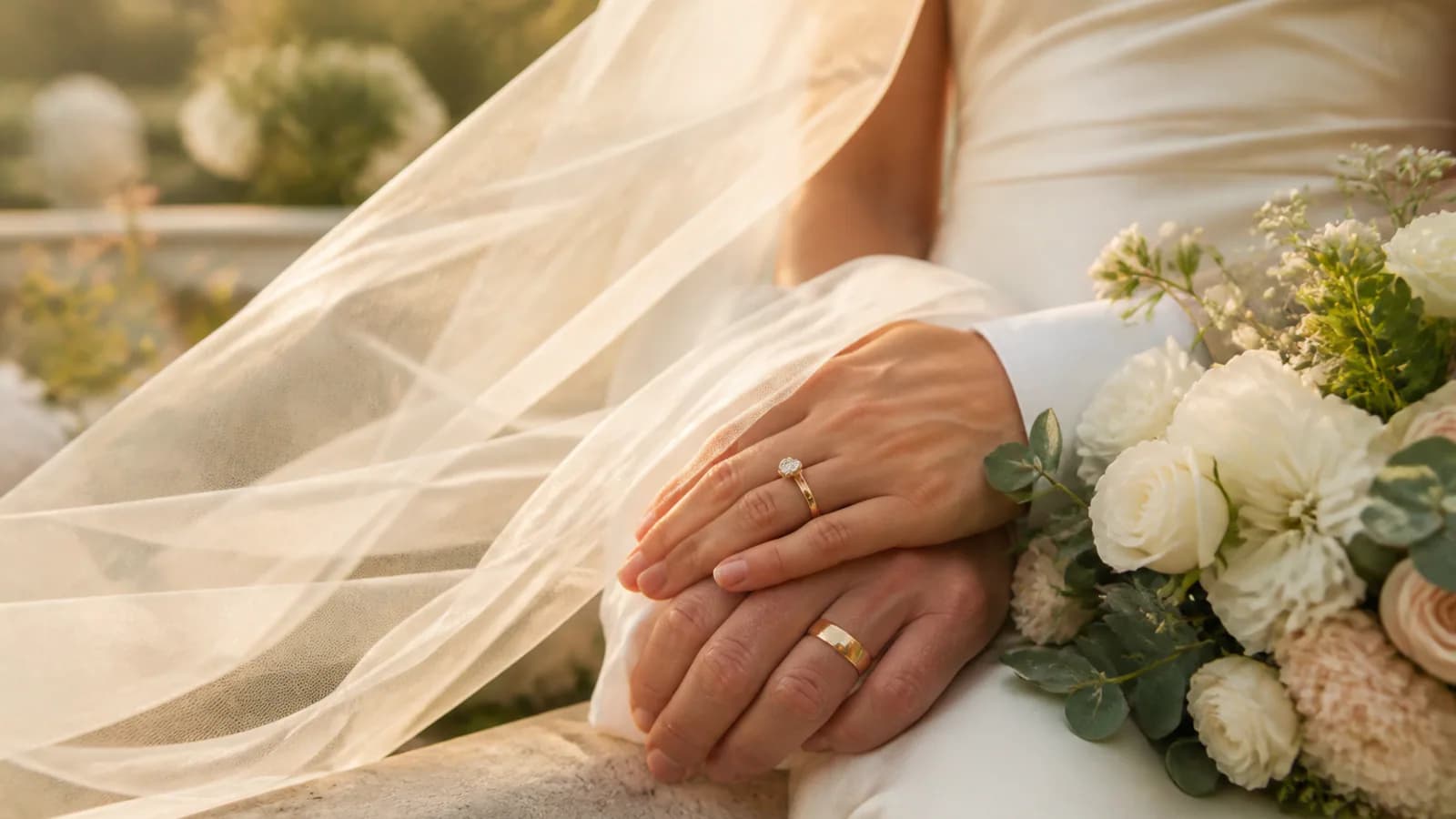
A wedding photo may contain two faces, joined hands, clothing, flowers, jewelry, and a meaningful location. Request one restrained shared movement. Before sharing the wedding photo video, review both faces and check the pose, hands, rings, veil, bouquet, and suit details.
- Use a sharp portrait with both faces clearly visible
- Request one shared glance, smile, breath, or small head movement
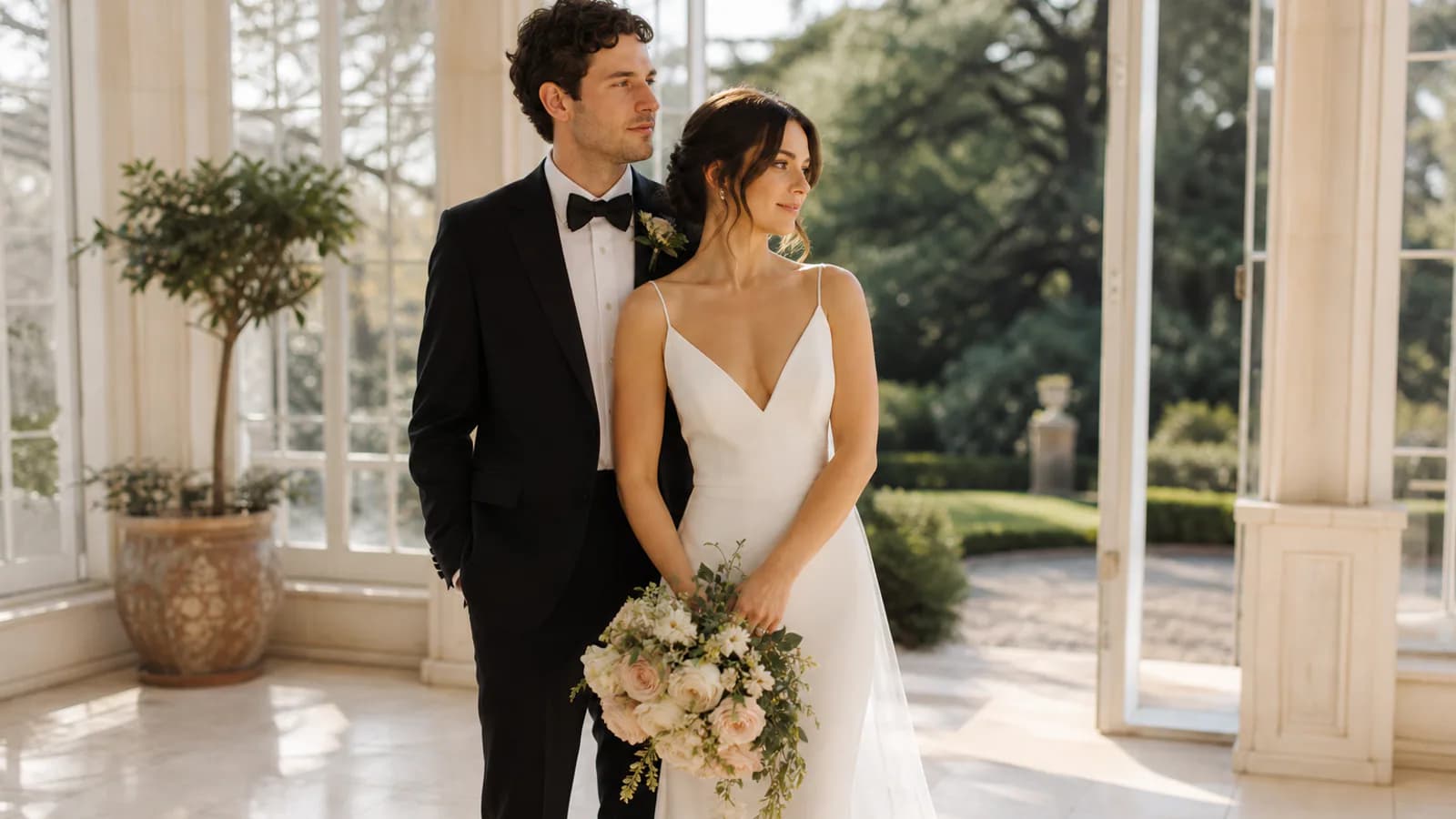
Natural motion
Choose one believable movement instead of a full performance
Blinking, breathing, a slight smile, a moving veil, or a slow camera push can bring a wedding photo to life while preserving its emotion. If the pose supports more energy, test one gentle sway or small spin. Large turns and several simultaneous actions force the AI to invent more anatomy and hidden detail, increasing the risk of identity drift.
- Begin with blinking, breathing, fabric movement, and a calm camera
- Match a dance or celebration beat to the body position already visible
Invitation formats
Design for save-the-date and wedding invitation video
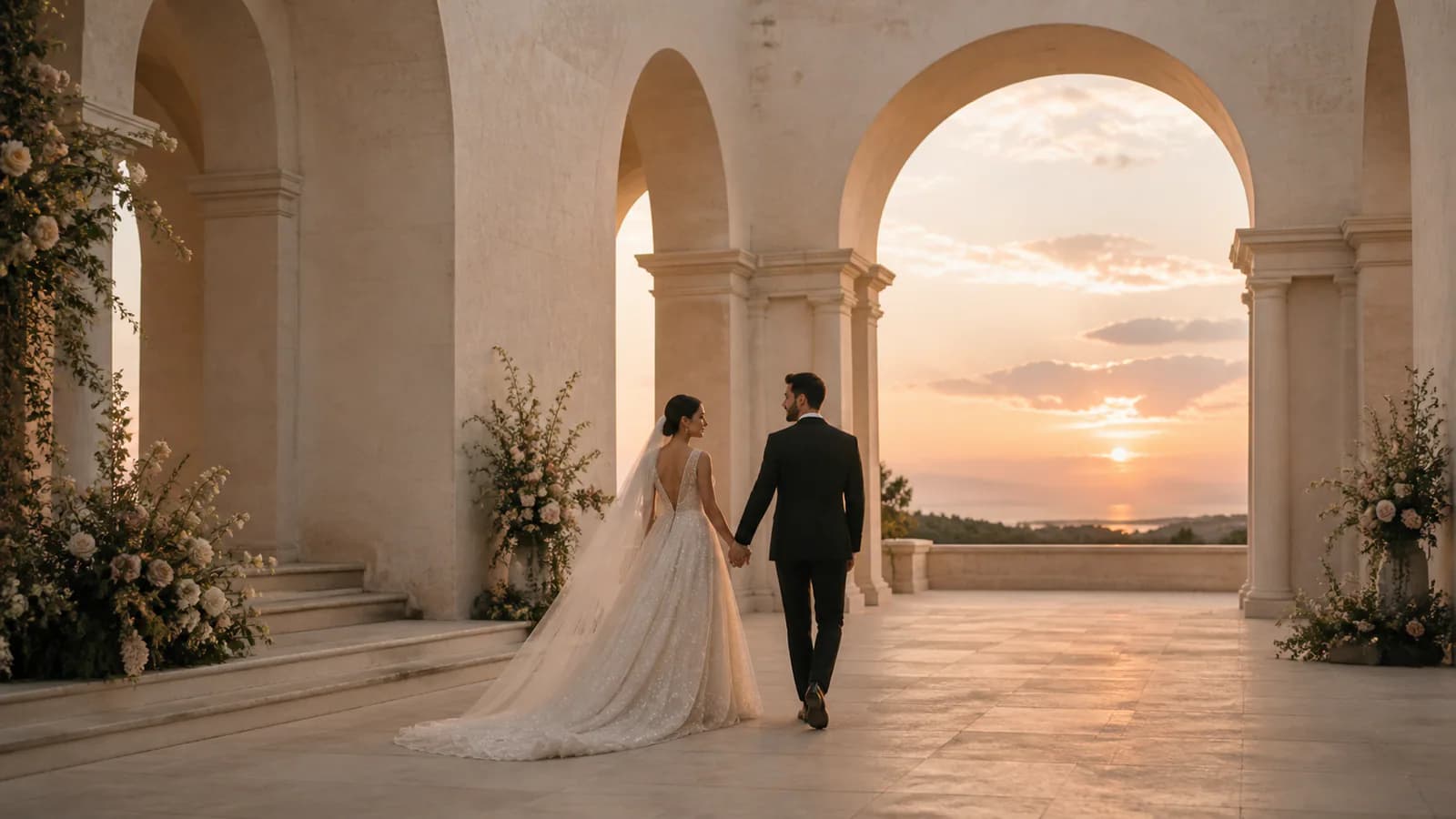
A short wedding photo animation can become the visual centerpiece of a digital invitation, wedding website, engagement announcement, or pre-wedding teaser. Generate a clean clip with useful negative space, then add names, date, venue, RSVP details, captions, music, and a designed end card in your preferred editor so factual information stays crisp and controllable.
- Choose vertical output for Stories, Reels, and mobile invitations
- Keep important faces and flowers away from interface overlays
Anniversary memories
Animate an older wedding photo, then finish the story in an editor
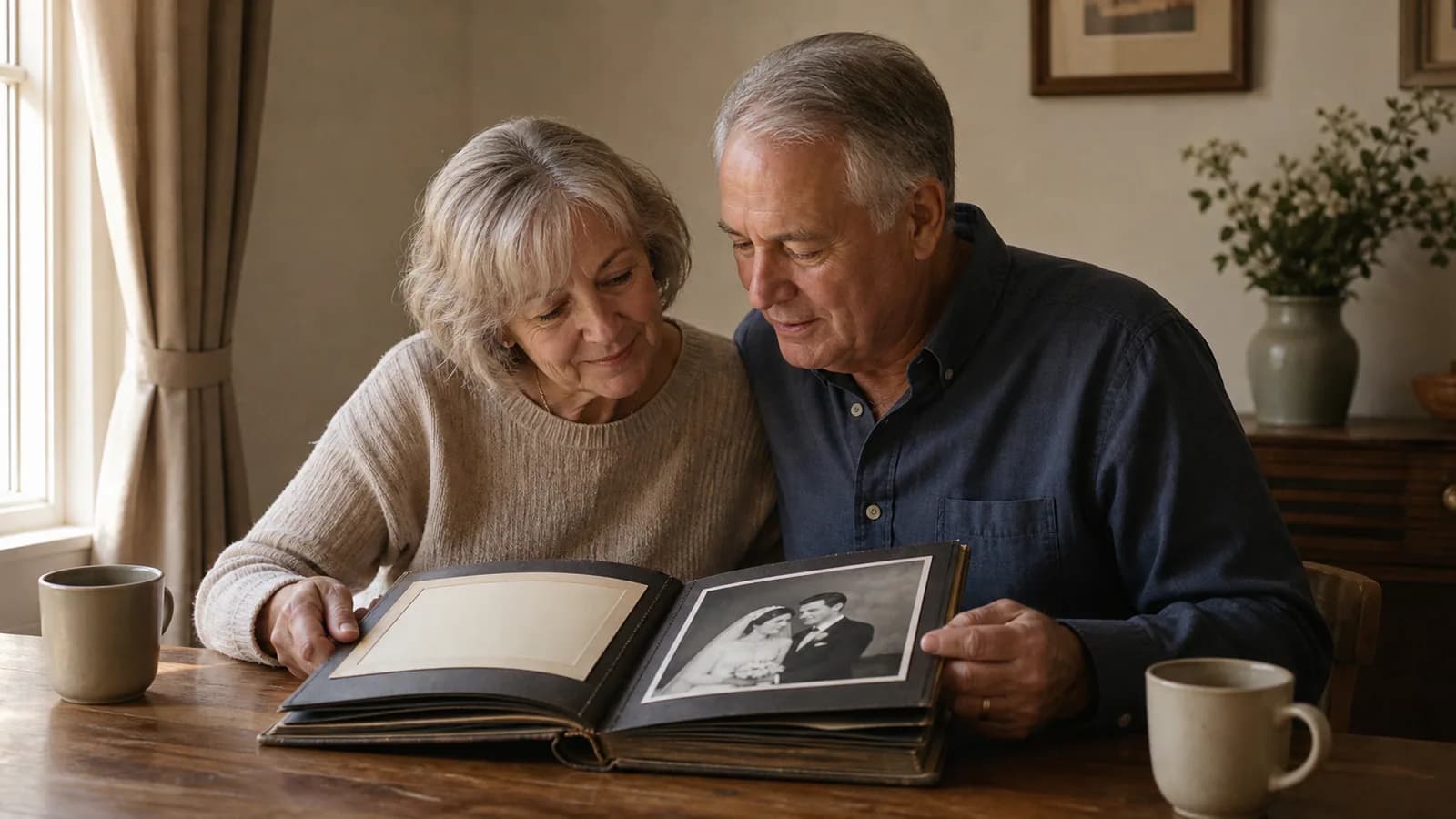
A scanned wedding photo can become a gentle anniversary post, family tribute, vow-renewal opener, or private keepsake. This page creates one short motion clip from one image; it is not a multi-photo slideshow maker or full wedding video editor. Preserve the period look, approve the people carefully, then combine selected clips with real footage, captions, narration, and licensed music.
- Use the highest-quality scan or original export available
- Ask family members for consent before publishing sensitive memories
Why Choose Wedding Photo to Video AI
A wedding-specific starting point keeps the prompt focused on two-person identity, emotional restraint, ceremony details, and the formats people actually share.
Photo-anchored couple motion
Use the uploaded wedding portrait as the visual anchor instead of asking a text-only workflow to invent the couple, clothing, flowers, and setting from scratch.
Emotion and camera direction
Describe a shared glance, subtle smile, veil movement, gentle sway, slow push-in, or another focused beat that matches the source image.
Invitation and social framing
Choose a model-supported ratio for mobile invitations, wedding websites, anniversary posts, vertical social video, presentations, or editor inserts.
Review before a meaningful share
Inspect both faces, hands, rings, flowers, clothing, and background continuity before using generated motion in a public or emotionally important context.
Wedding Photo Video Ideas for Invitations, Social, and Memories
Create focused wedding motion clips first, then place the approved result into the channel and edit that serves the occasion.
Save-the-date and wedding invitation video
Animate an engagement or wedding portrait for a digital invitation, wedding website, RSVP page, countdown, pre-wedding teaser, or venue announcement, then add the factual event details in an editor.
Anniversary and family memory clip
Give a favorite wedding portrait gentle motion for an anniversary message, vow-renewal opener, family archive, memorial tribute, or private keepsake without rebuilding the entire event.
Wedding social video and editor insert
Create a vertical hook or emotional transition for Reels, TikTok, Shorts, Stories, a photographer portfolio, or a longer wedding edit that combines approved AI clips with real footage.
How to Turn a Wedding Photo into a Video
Create one short wedding portrait animation in three practical steps.
Upload a clear wedding portrait
Choose a sharp JPG, PNG, or WEBP where the faces, pose, hands, attire, bouquet, and important background details are visible. Use an original export or a clean scan when possible.
Describe one emotional motion beat
Request a gentle glance, blink, breath, smile, veil movement, slow dance, or camera push. State which faces, clothing, flowers, and setting should remain unchanged.
Generate, review, and finish the edit
Check the live credit cost, generate the MP4, review both people and ceremony details, then download the approved clip and add names, dates, captions, or licensed music in an editor.
Wedding Photo to Video AI FAQ
What is Wedding Photo to Video AI?
How do I turn a wedding photo into a video online?
Is Wedding Photo to Video AI free?
Can AI animate two people and preserve the couple exactly?
Can I make a wedding invitation or save-the-date video?
Does Wedding Photo to Video AI create a wedding slideshow with music?
Can I animate an old wedding photo for an anniversary?
Which photos and ratios work best for wedding video?
Bring a Wedding Portrait to Life
Upload one meaningful photo, direct a gentle couple movement, and review a short wedding video with free evaluation credits.
Wedding Photo to Video AI Online
Photo to Video AI provides an online Wedding Photo to Video AI workflow for wedding photo animation, wedding image to video, save-the-date motion, wedding invitation video inserts, pre-wedding social clips, anniversary memories, and short couple animations. It creates one generated clip from one photo; use a separate wedding video editor or slideshow maker when you need multiple images, music, titles, narration, or a complete timeline.