
Explore every Photo to Video AI tool
Browse video workflows, image tools, models and photo animation scenarios. Choose a category to find the right starting point for your next creation.
Image generation
Create source images from text or transform an existing reference image.

Text to Image
Turn a clear prompt into campaign art, product concepts, social visuals, or illustrations. Compare AI models, control size and format, then create online.
Open tool
Image to Image AI Generator & Editor
Keep the details that matter while you edit, restyle, or combine source images with a prompt. Compare AI models and create high-resolution results online.
Open toolVideo models
Explore the supported Kling, MiniMax and Hailuo model workflows.
LTX AI Image to Video Generator
Animate a photo with LTX 2.3 or LTX 2.5 online. Start with LTX 2.3 Fast, compare Fast and Pro options, and see credit costs before you generate.
Open tool
Seedance Image to Video
Seedance Image to Video: explore Seedance 2.5 camera motion, richer references, and longer visual stories. Turn photo ideas into cinematic scenes online.
Open tool
Veo 3.1 Image to Video with Native Audio
Veo 3.1 Image to Video adds guided motion, camera moves, ambience, effects, and dialogue to one photo. Create a cinematic clip online.
Open tool
Grok Imagine Image to Video
Use Grok Imagine Image to Video to turn photos, products, portraits, food, and illustrations into expressive social clips with simple motion prompts.
Open tool
GPT Image 2.5 Online — Keep the Details That Matter.
Use GPT Image 2.5 online for more faithful portraits, natural lighting and focused edits that keep surrounding details. Upload a photo or start from an idea.
Open tool
Kling AI Image to Video
Use Kling AI Image to Video to animate one photo with Kling 3.0 or Kling 2.6. Create cinematic motion with flexible settings and a live credit estimate.
Open tool
MiniMax H3 AI Video Generator
Create 4–15 second MiniMax H3 videos from text and optional reference media. Choose 768P or 2K, preview the credit cost, and generate online.
Open tool
MiniMax H3 Max AI Video Generator
Direct the action, keep characters consistent across cuts, and generate synchronized sound with MiniMax H3 Max. Explore detailed video ideas with faster iteration.
Open tool
Hailuo AI Image to Video
Hailuo AI Image to Video turns photos, portraits, products, artwork, and cinematic frames into expressive short videos with directed motion and camera movement.
Open toolIllustration and anime animation
Add motion to drawn artwork and anime-style characters while guiding the visual style.
AI Stadium Broadcast
Create your own AI Stadium Broadcast video from a selfie. Build a stadium scene, add natural fan reactions, and make vertical clips for TikTok and Reels.
Open tool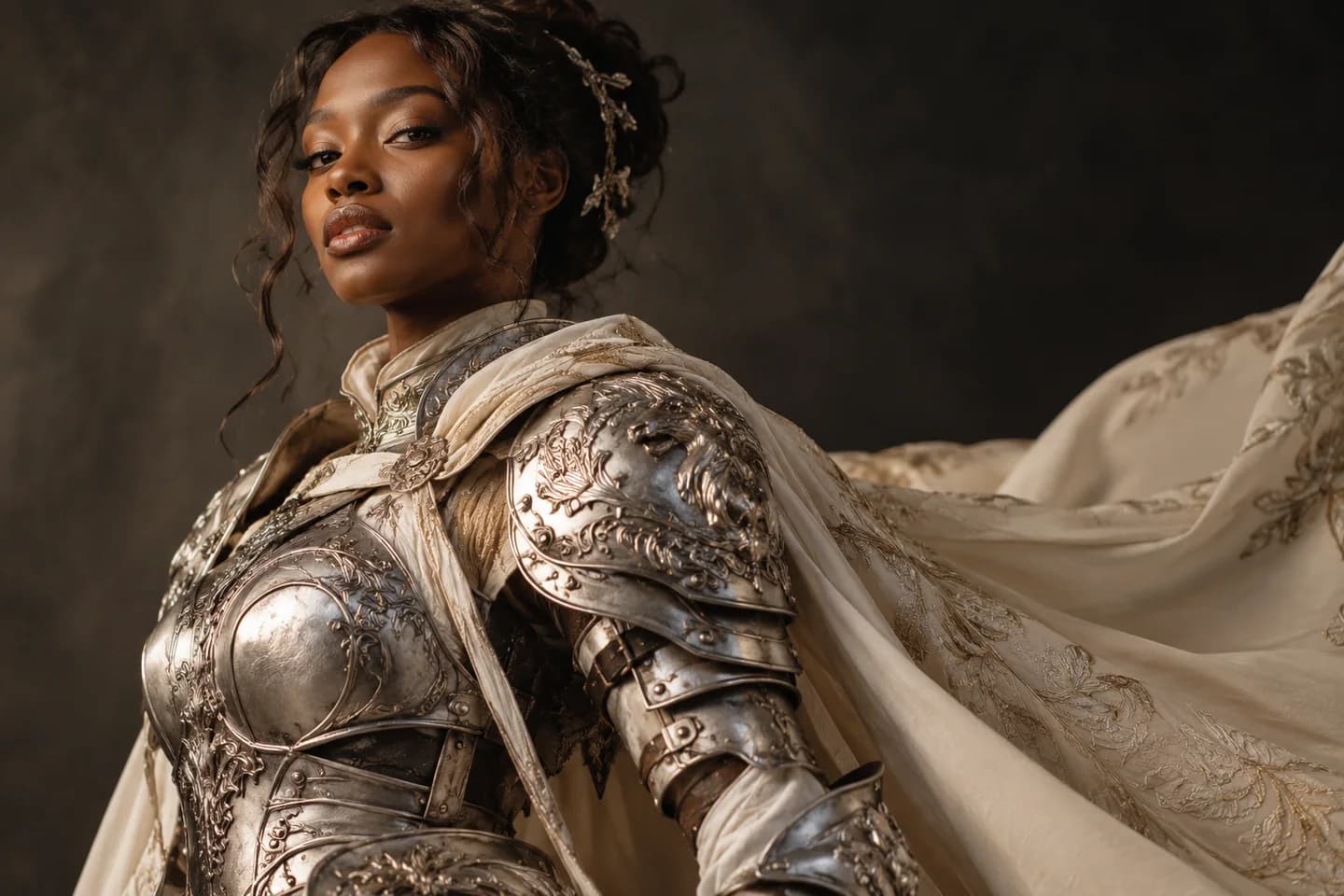
AI Cosplay Video Generator
Bring your character to life with our AI cosplay video generator. Animate photos, explore anime and fantasy looks, and create clips for TikTok and Reels.
Open tool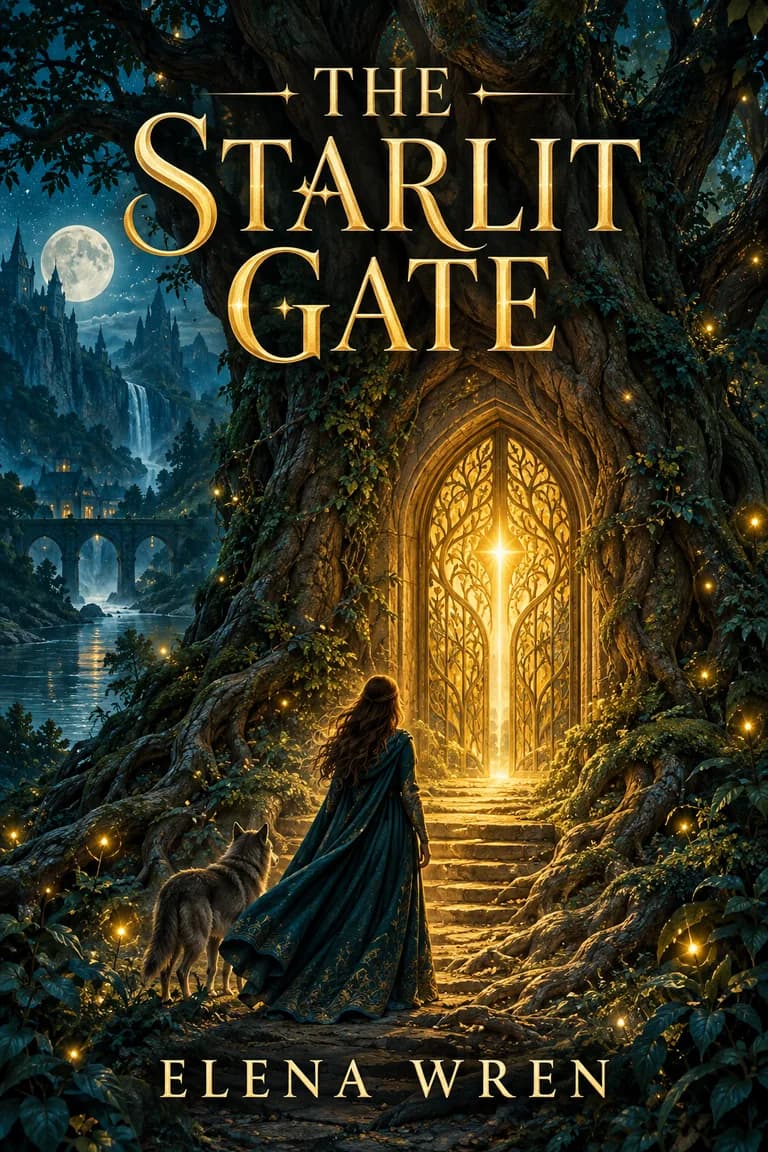
Animated Book Cover Maker
Use our Animated Book Cover Maker to turn an existing cover into a short promotional video for reveals, launches, preorders, and author social posts.
Open tool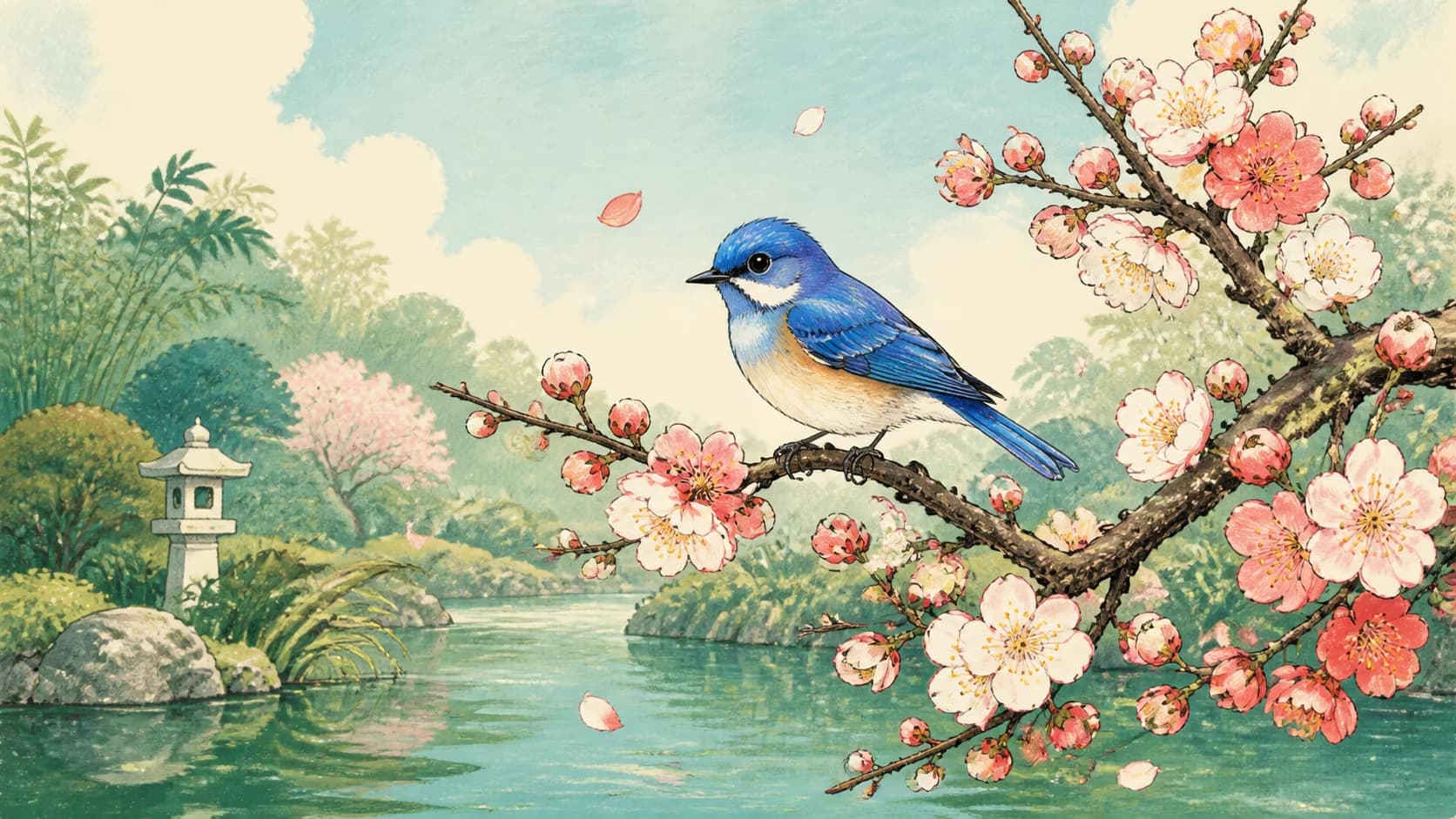
Animate Illustration AI
Use Animate Illustration AI to turn a drawing, storybook image, poster, watercolor, or concept artwork into a short video with prompt-guided motion.
Open tool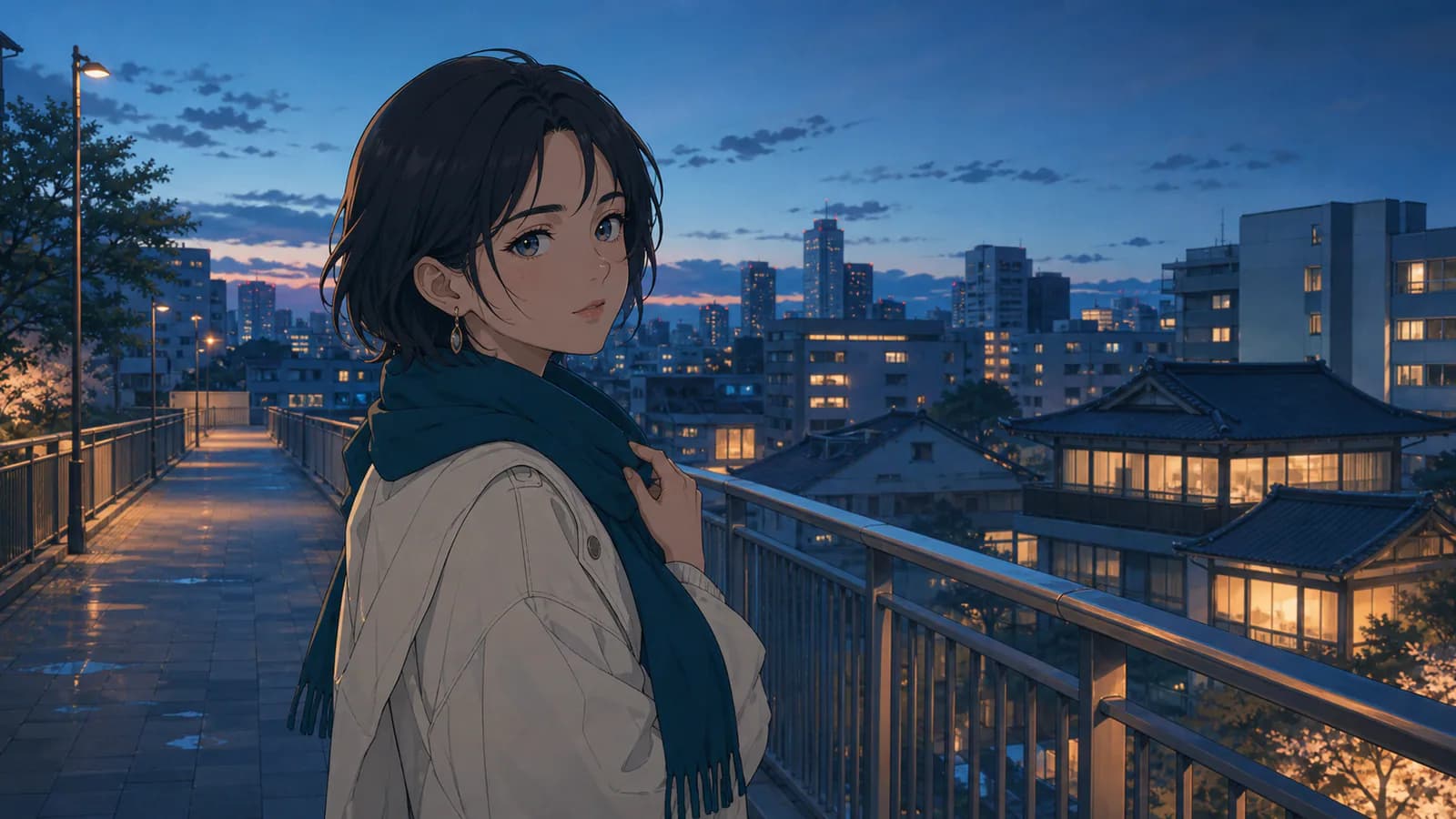
Anime Image to Video AI
Use Anime Image to Video AI to animate anime art, manga panels, and character illustrations with style-aware motion, camera direction, hair movement, effects, and atmosphere.
Open toolVideo generation and editing
Choose text-to-video, reference images, keyframes, lip sync, motion control or an existing-video editing workflow.

AI TikTok Video Generator
Use our AI TikTok Video Generator to turn photos or text into vertical clips. Create product videos and faceless visuals—start with 30 free signup credits.
Open tool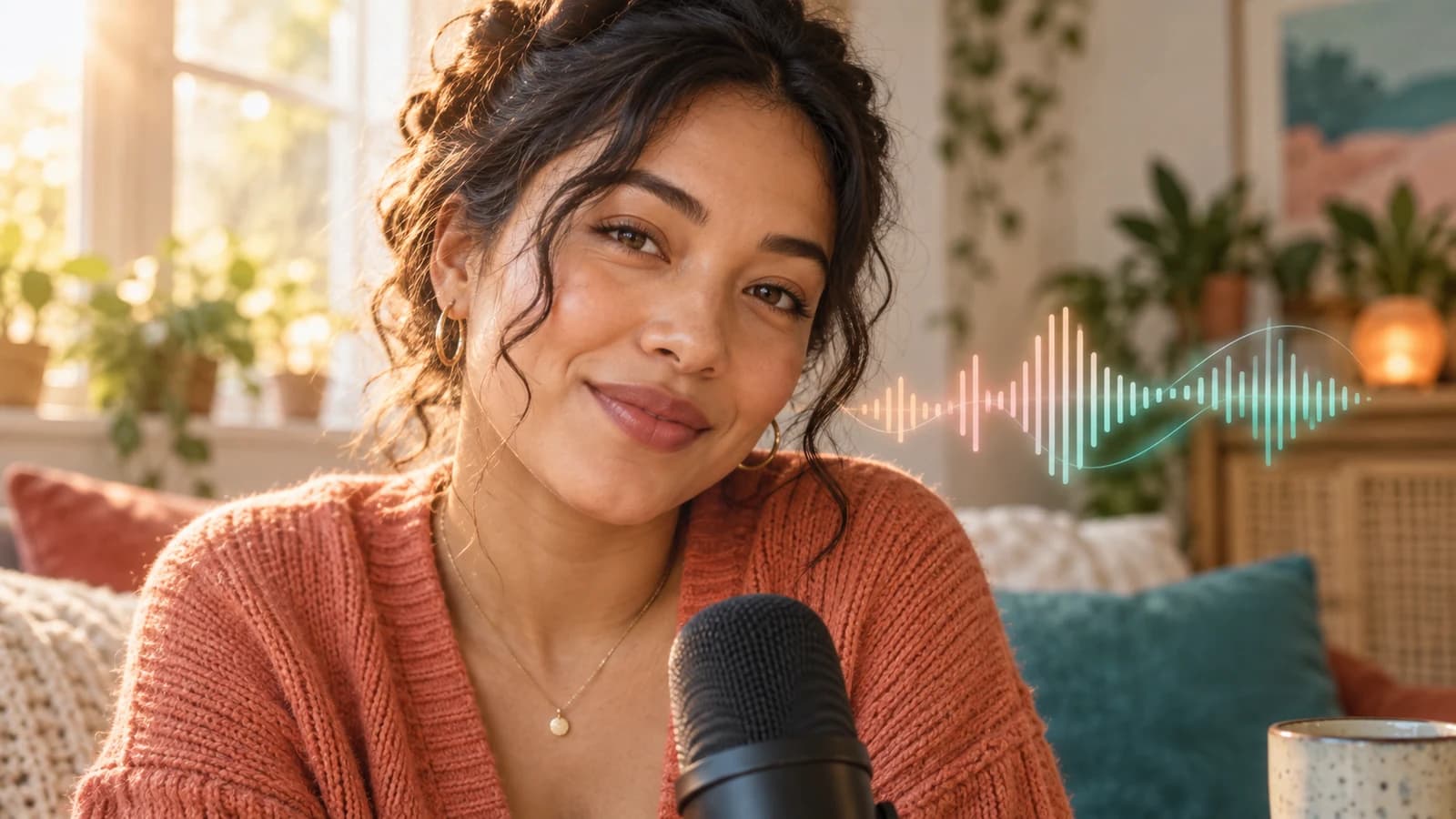
AI Talking Photo
AI Talking Photo turns your photo into a talking video. Upload your own audio or type a script, choose a voice, and create online—no filming needed.
Open tool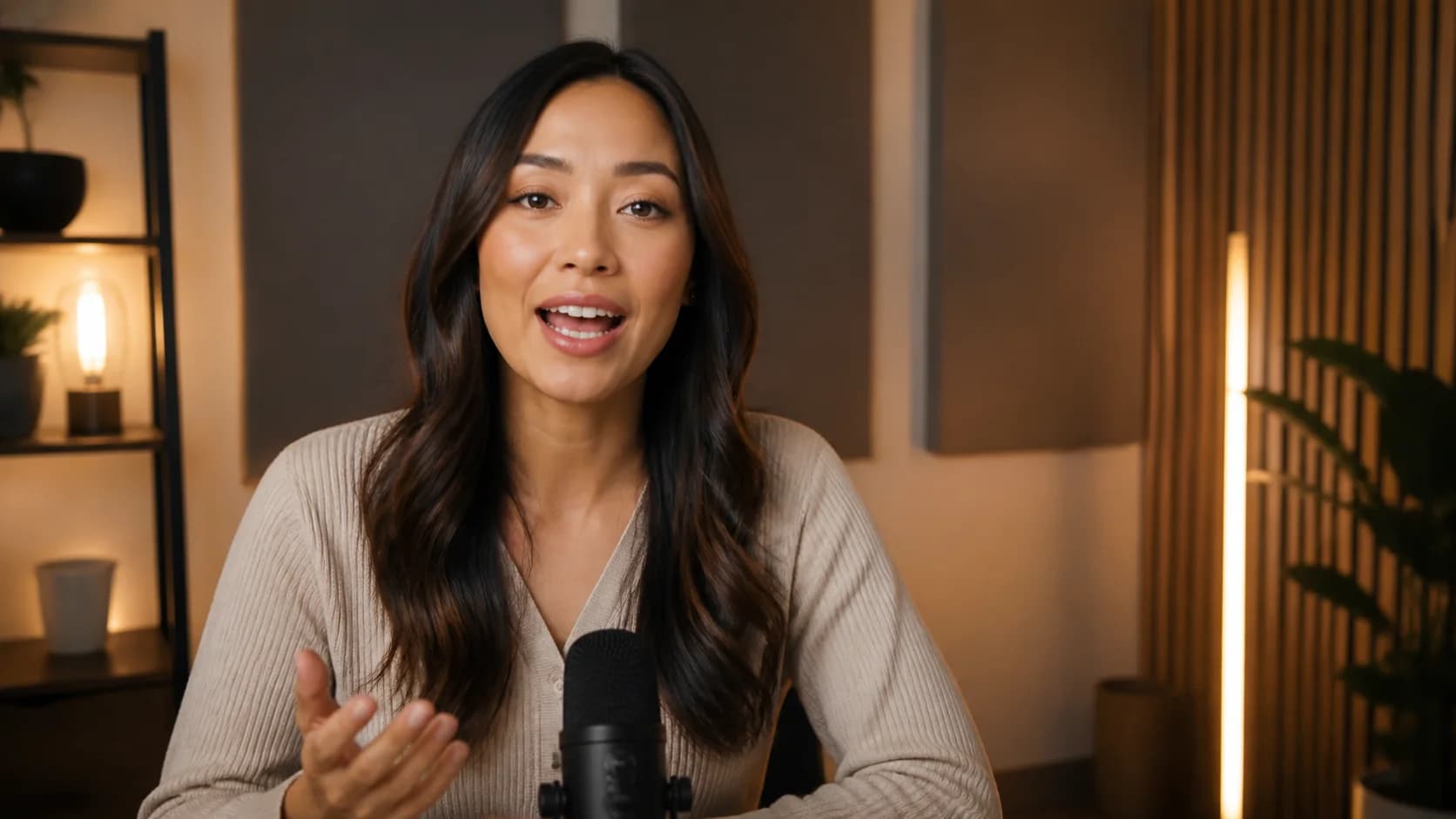
AI Lip Sync Video Generator
Turn a portrait or speaker clip into a convincing talking video. Add uploaded audio or a generated voice, compare quality and cost, then create online.
Open tool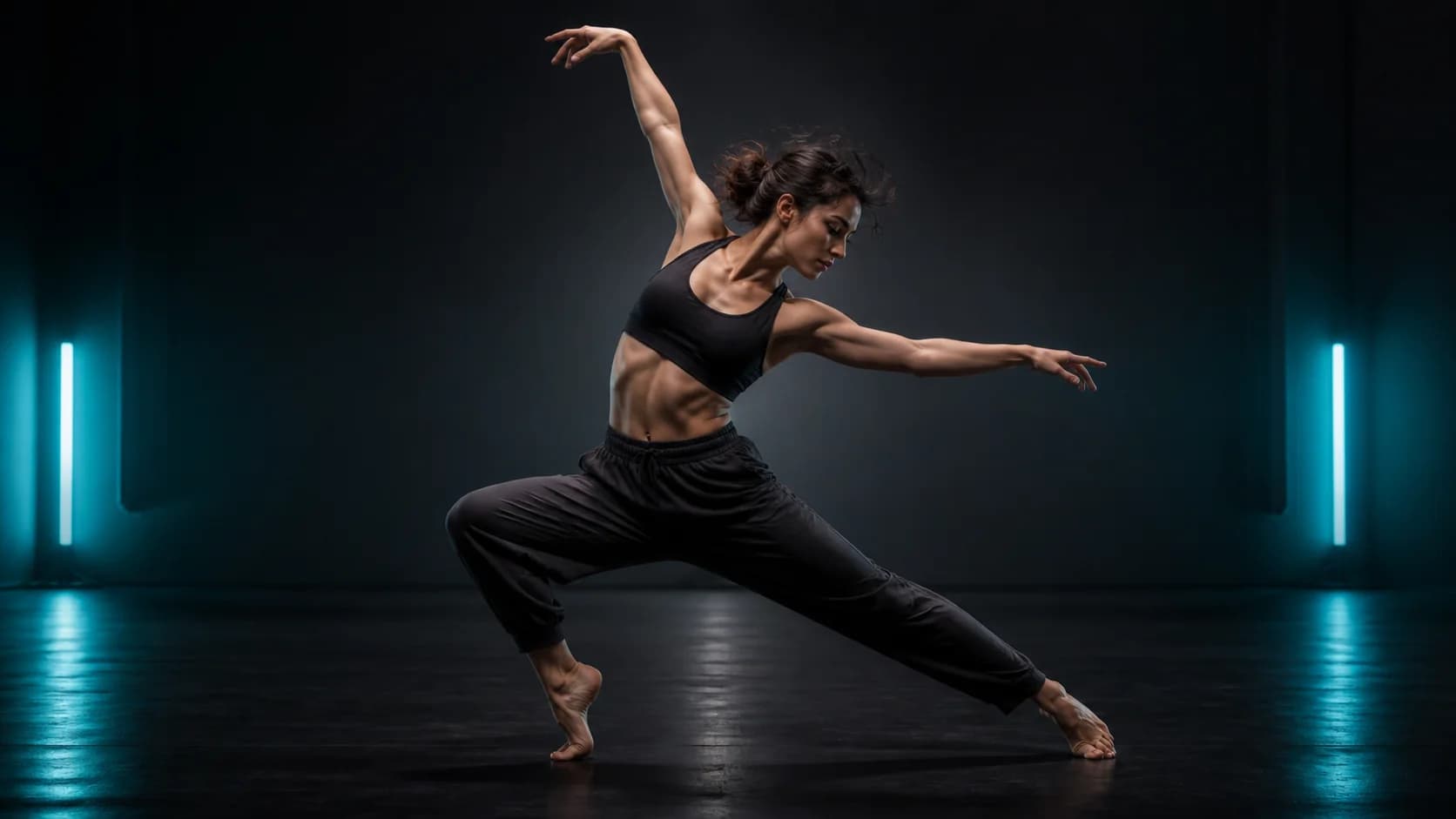
Motion Control AI
Bring a still character to life with motion from a reference performance. Transfer dances, gestures, and action with Kling controls, then generate online.
Open tool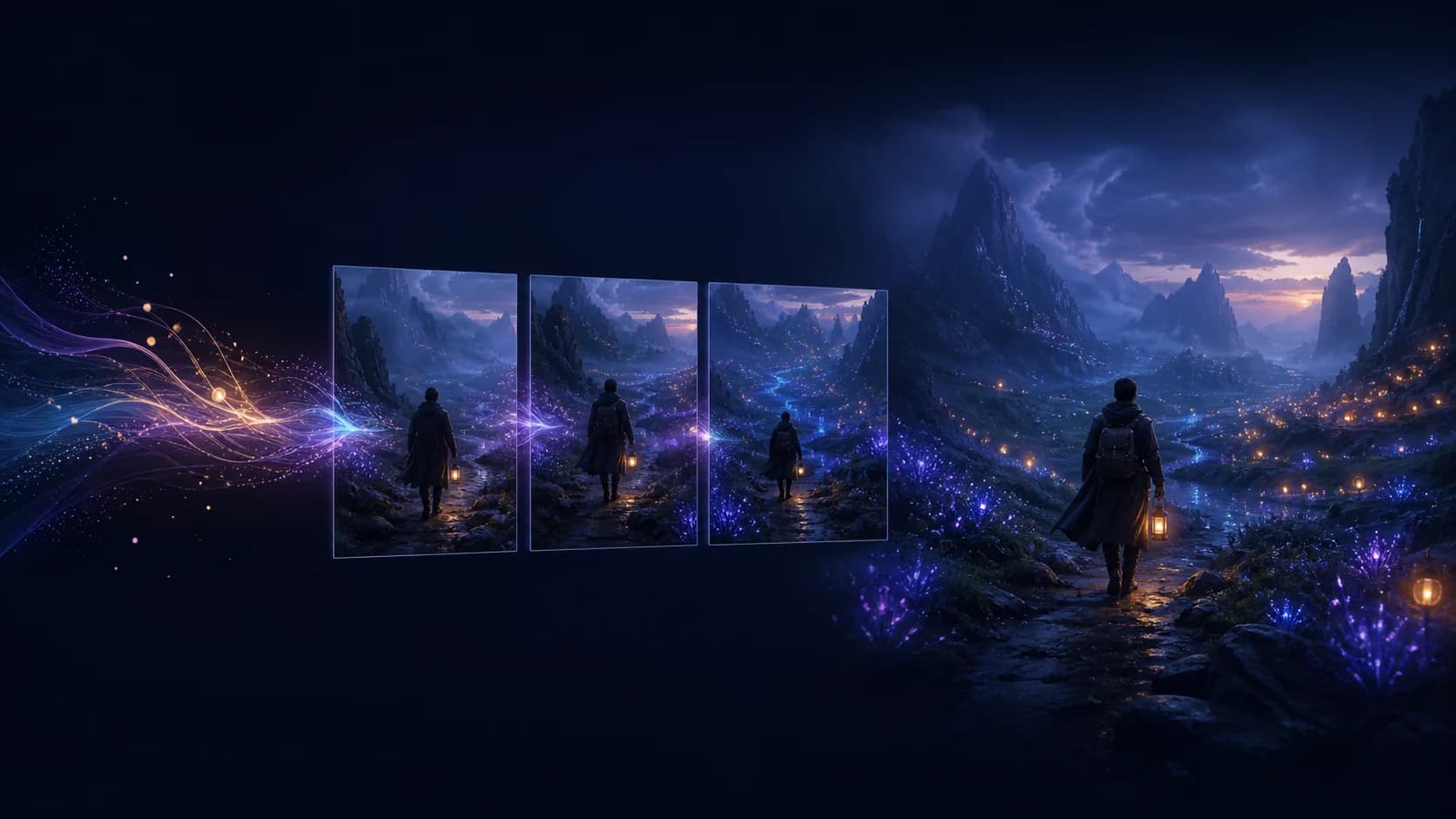
Text to Video AI
Turn a written idea into a polished video clip before momentum fades. Choose an AI model, direct the motion and camera, preview settings, and create online.
Open tool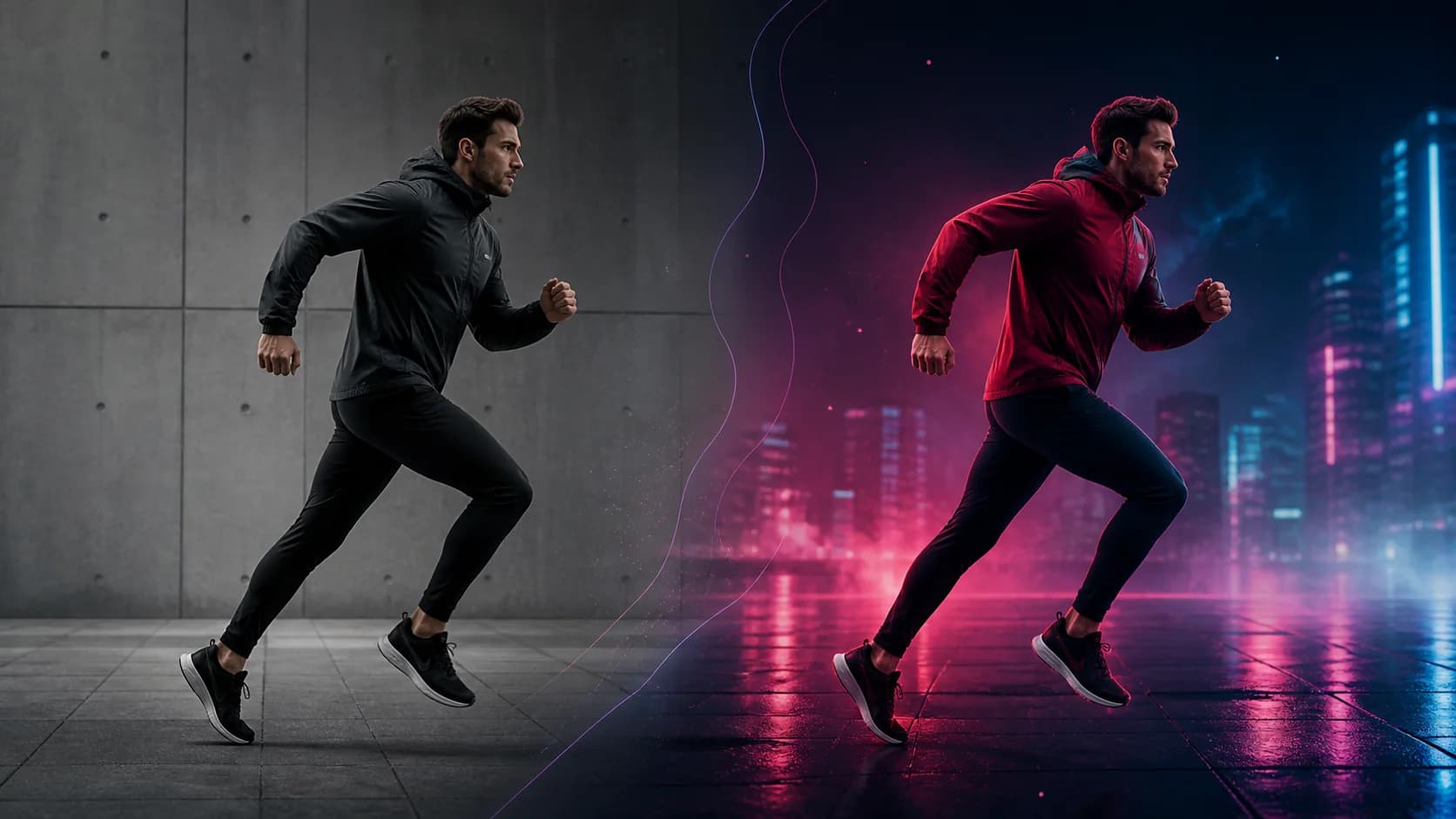
AI Video Editor
Change objects, settings, materials, lighting, or style with a prompt—without rebuilding the edit. Upload your clip, choose an AI model, and create online.
Open tool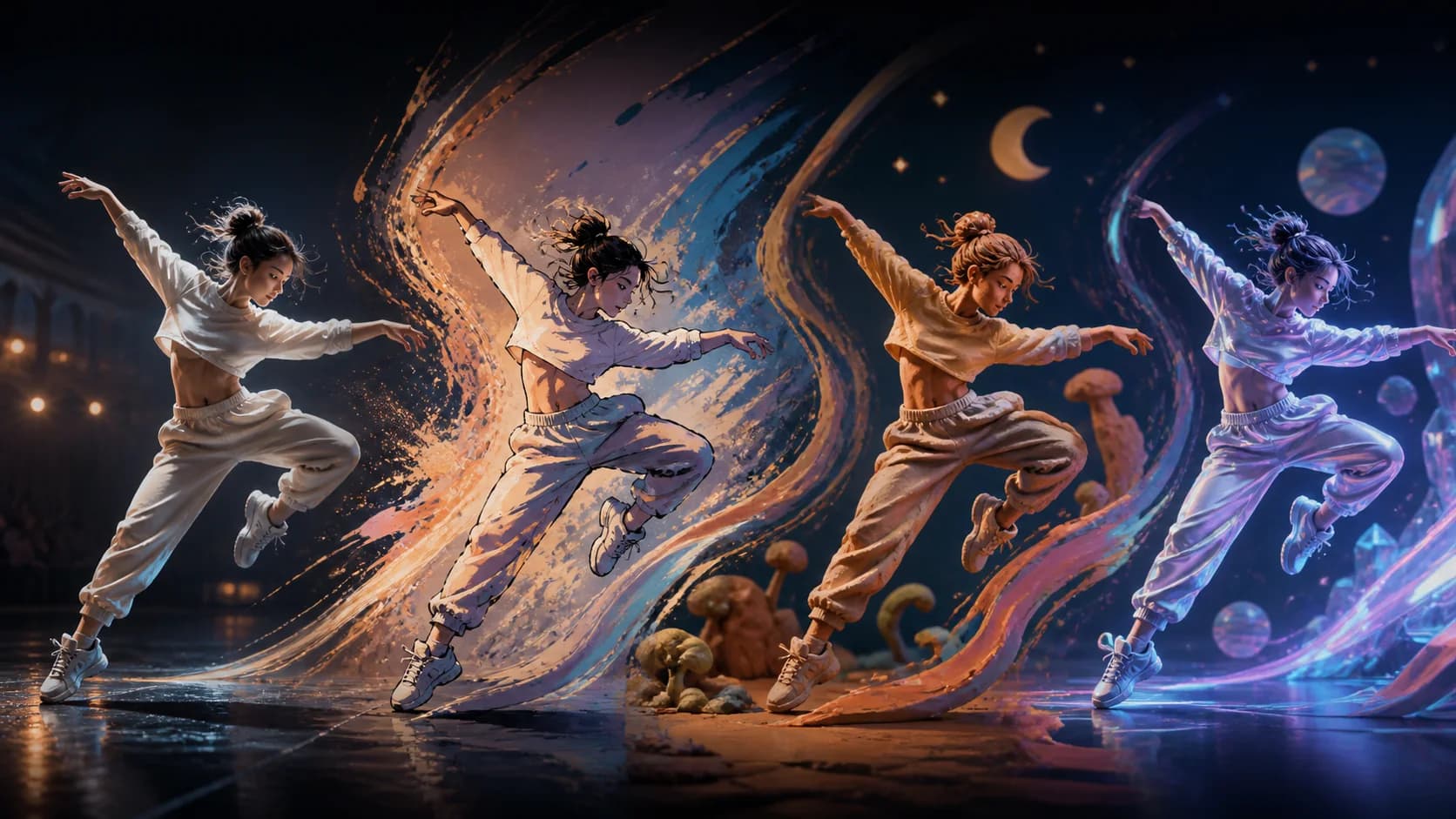
Video to Video AI
Give existing footage a fresh visual world while keeping its motion and timing recognizable. Choose an AI model, describe the transformation, and create online.
Open tool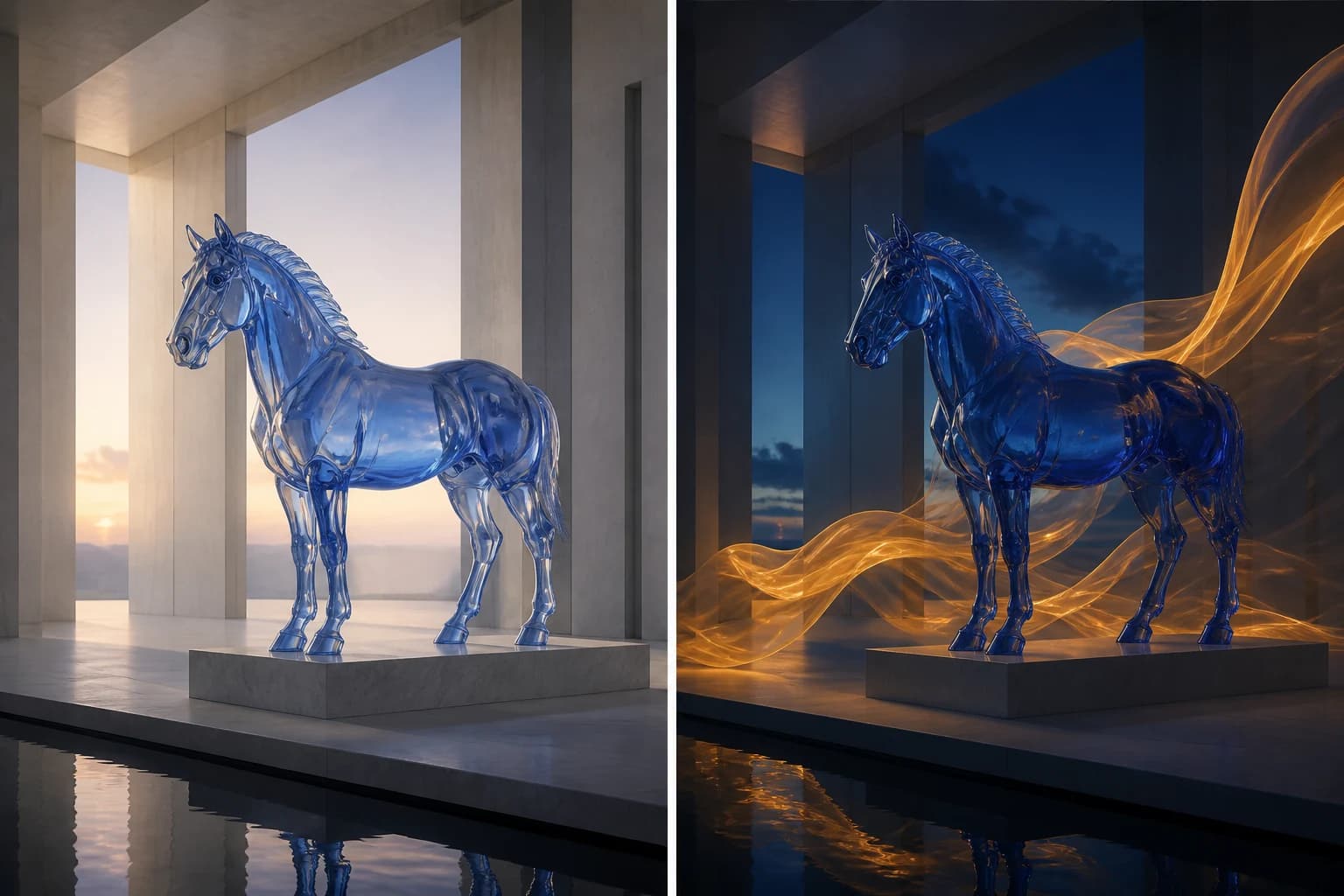
AI First and Last Frame Video Generator
Use our AI First and Last Frame Video Generator to turn a start image and an end image into a smooth, controlled video transition online.
Open tool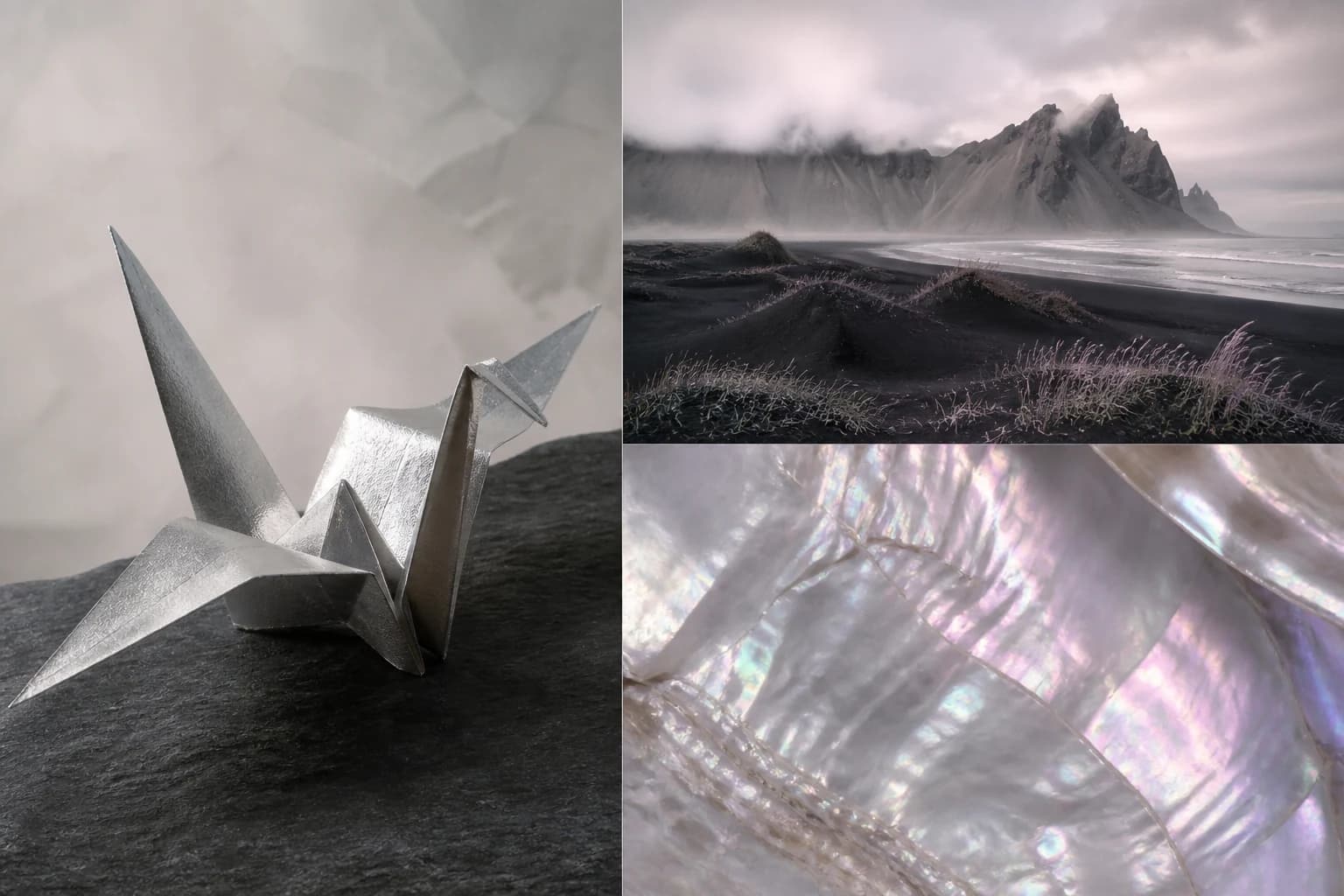
Reference to Video AI
Use Reference to Video AI to guide characters, products, scenes, and visual style with one or multiple reference images, then generate a directed video.
Open toolProduct and commerce videos
Turn approved product and jewelry photography into launch, catalog, advertising, and campaign-ready motion.
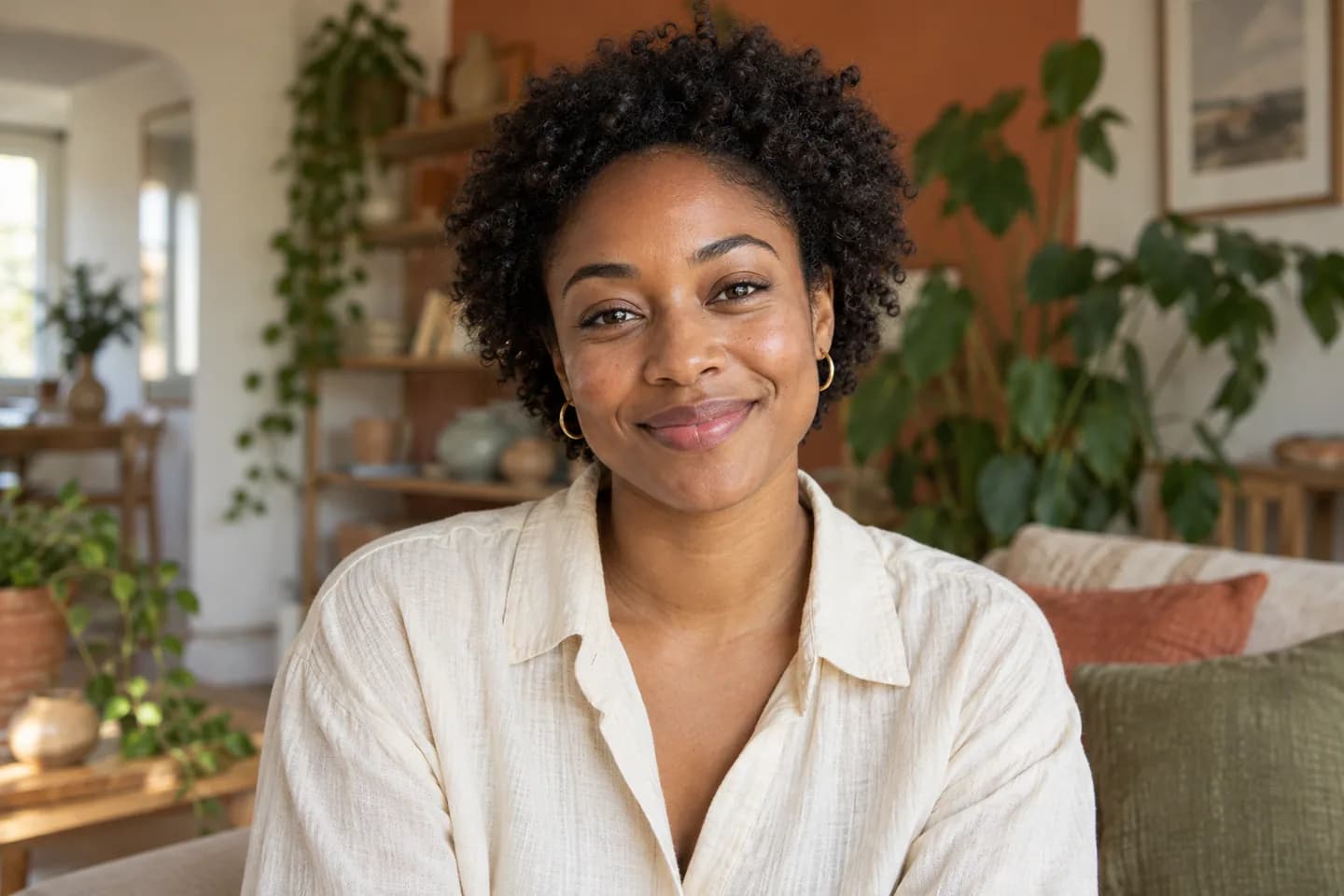
AI UGC Video Generator
Create creator-style ads with our AI UGC Video Generator. Animate a portrait with speech or turn scene ideas into short videos without filming.
Open tool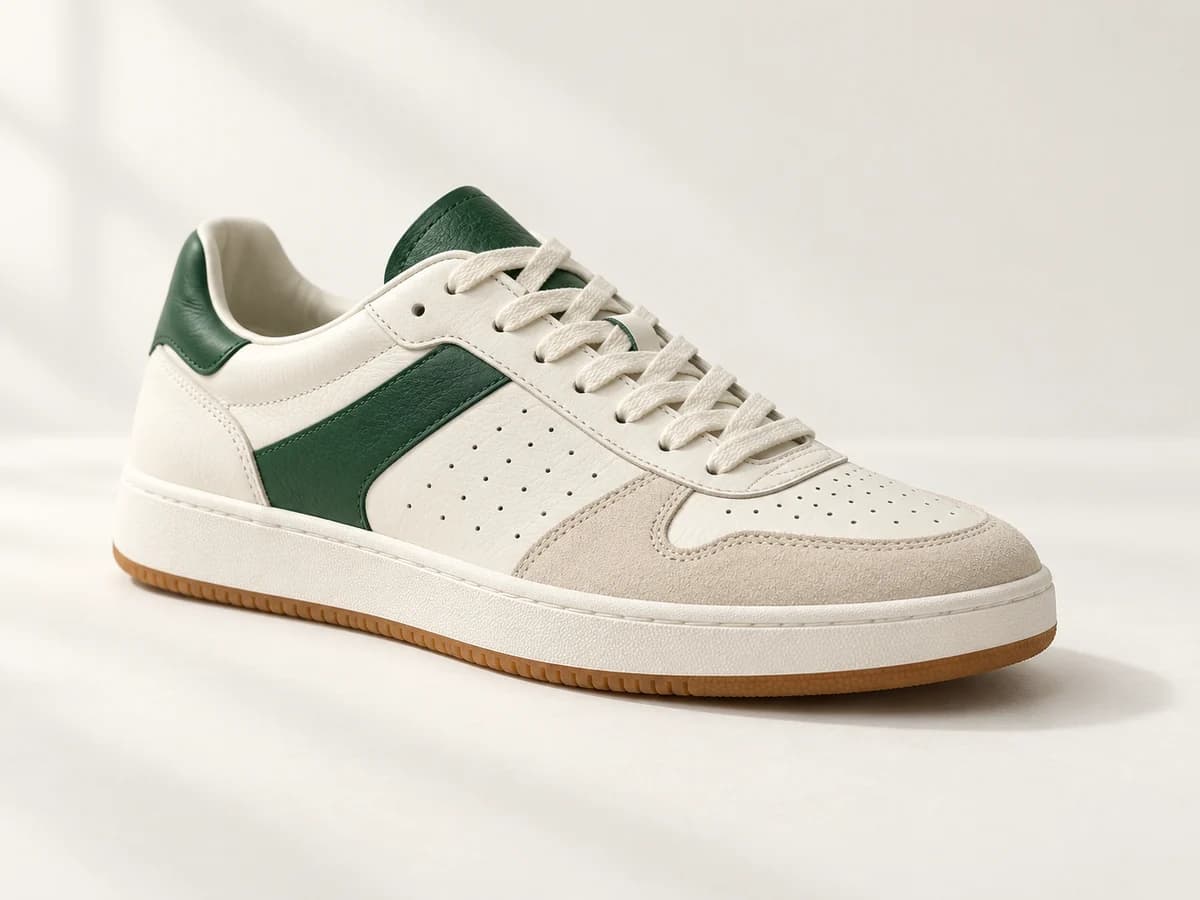
AI Shoe Video Generator
Create launch clips, product-page videos, and social ad footage from existing photos with our AI Shoe Video Generator. No new product shoot needed.
Open tool
AI Cosmetics Video Generator for Product Ads
Use our AI Cosmetics Video Generator to create video assets for ads, ecommerce pages, and Reels from existing product photos—without a new shoot.
Open tool
AI Car Video Generator
Your car photo could be your next best post. Try our AI Car Video Generator for rolling shots, showroom reveals and social clips. See an example, then create.
Open tool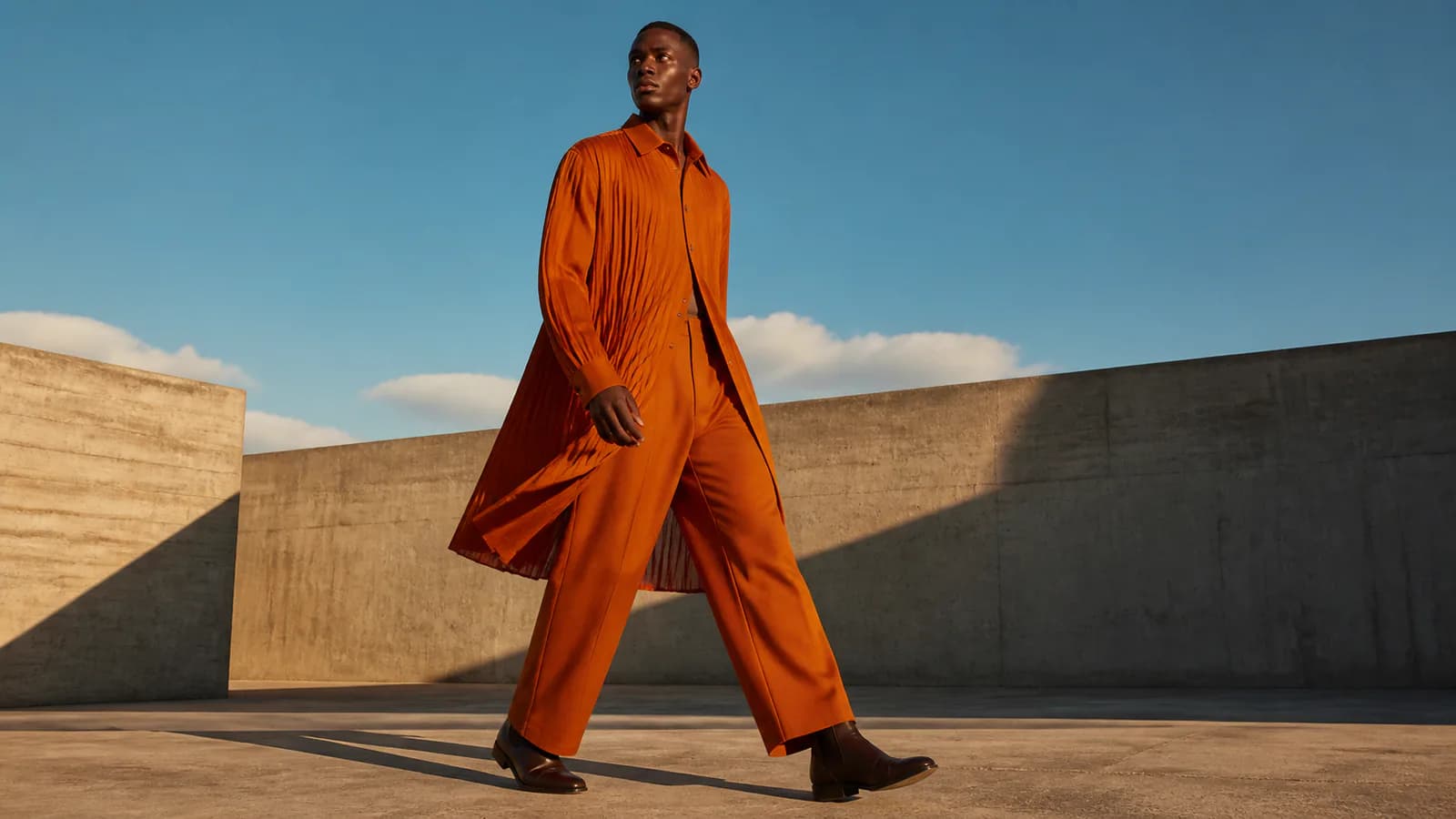
Fashion Photo to Video AI
Fashion Photo to Video AI turns one clothing or model photo into a short fashion video for lookbooks, product pages, Reels, TikTok, and apparel campaigns.
Open tool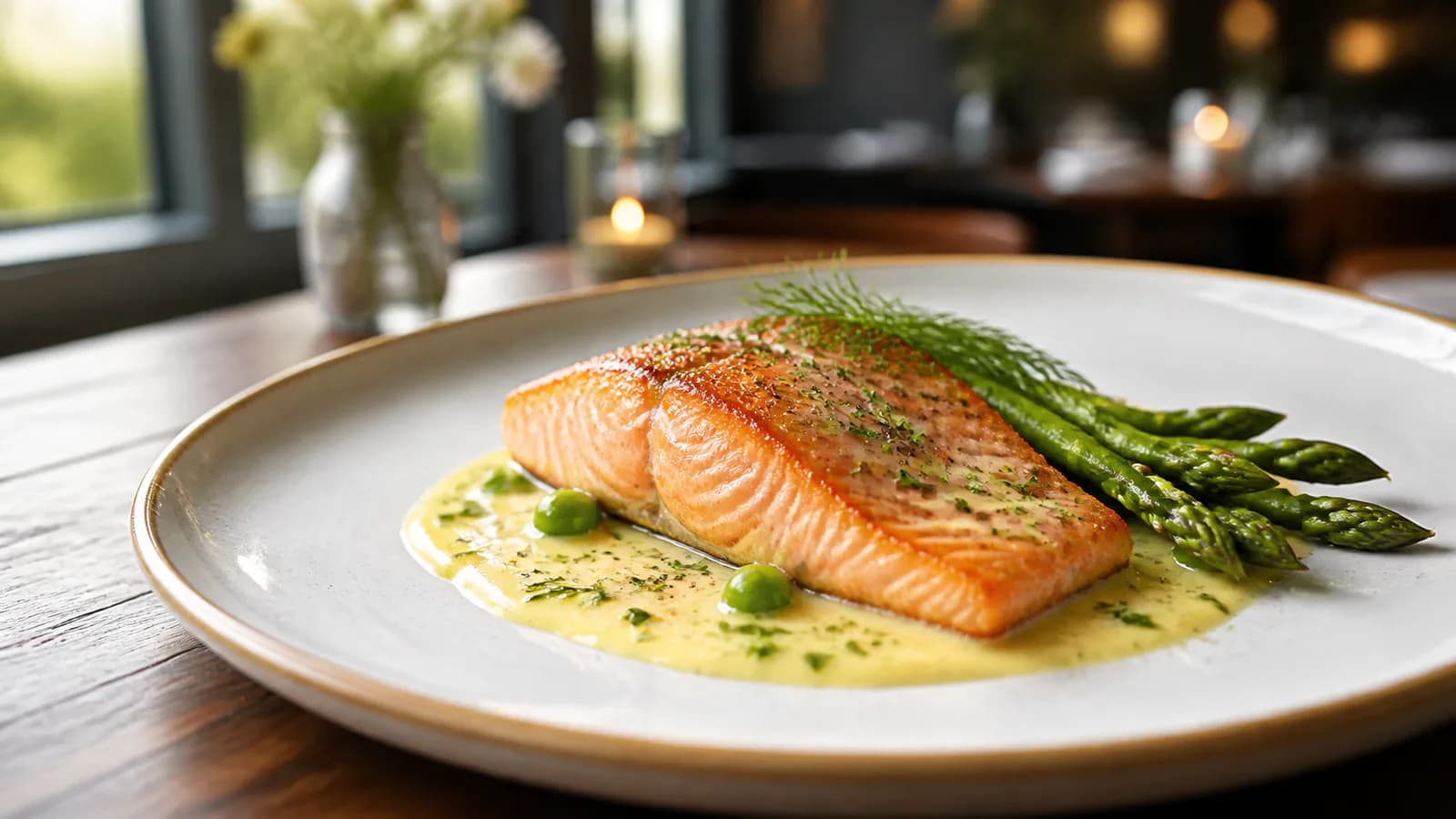
Food Photo to Video AI
Food Photo to Video AI turns one dish, drink, restaurant, or packaged-food photo into a short video with steam, pours, bubbles, light, and camera motion.
Open tool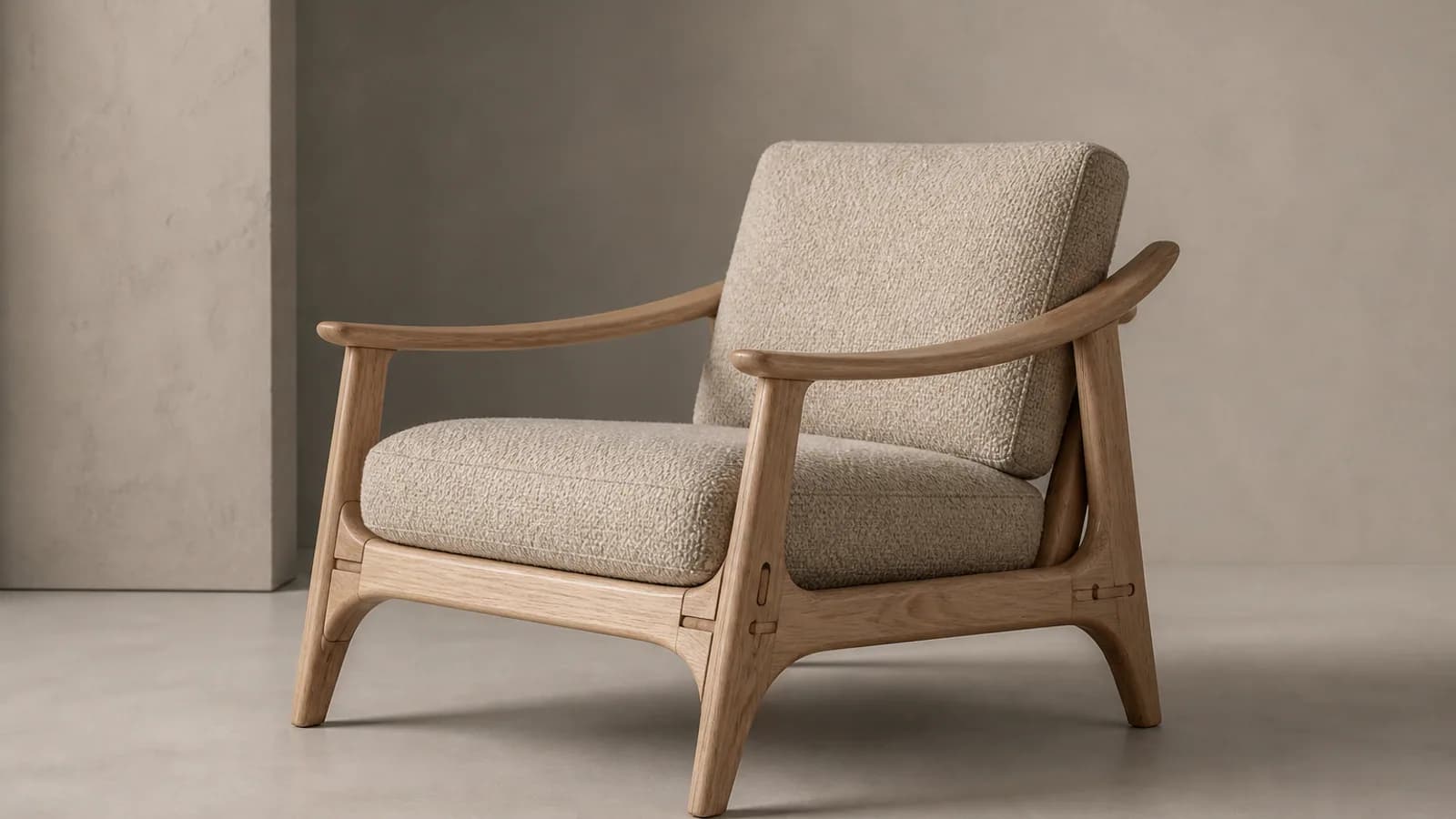
AI Furniture Video Generator
Animate sofa, chair, table, and decor photos with controlled camera motion, lighting, room atmosphere, and product-focused advertising direction.
Open tool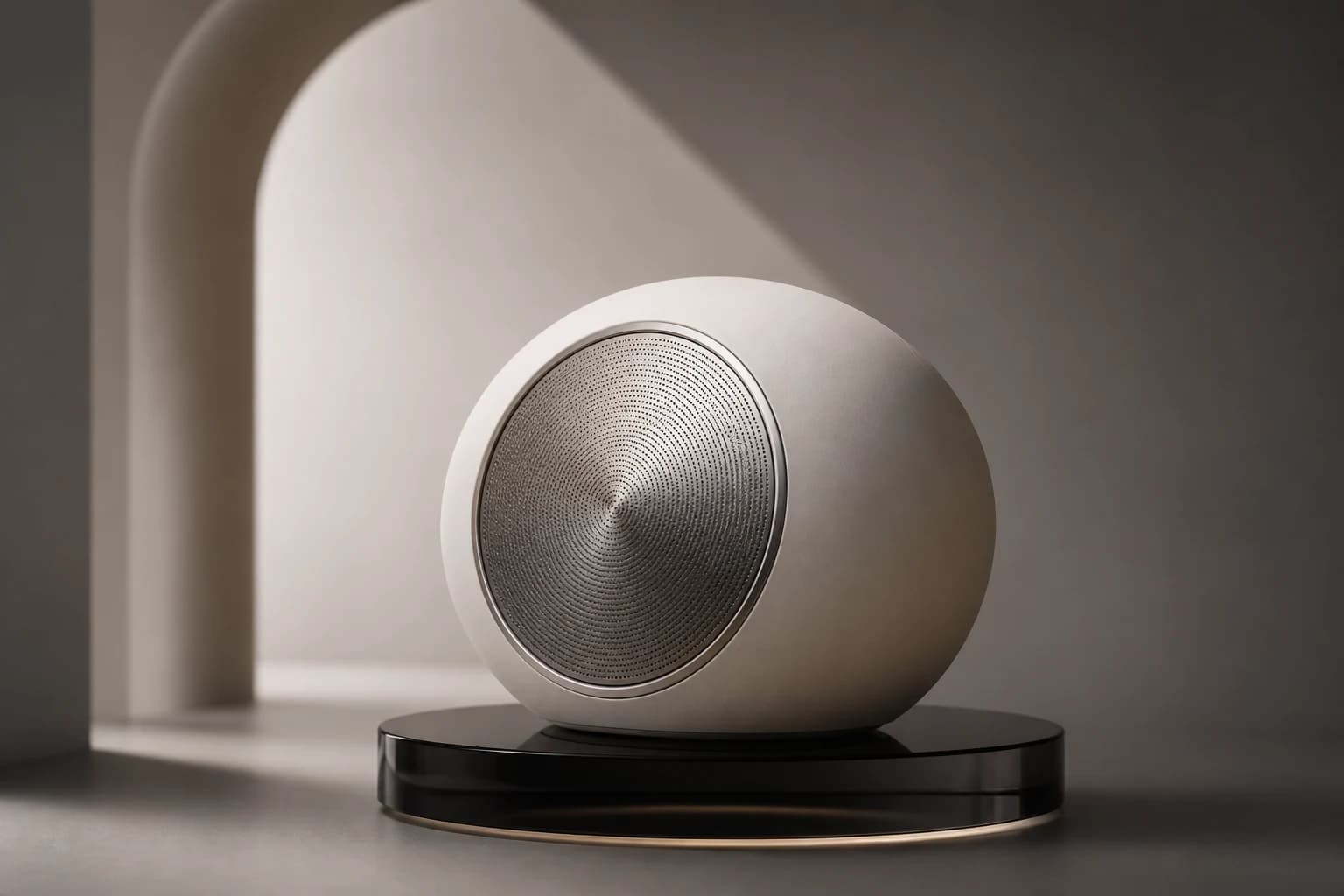
Product Photo to Video AI
Use Product Photo to Video AI to animate a product image with controlled camera movement, lighting, and motion for ecommerce, ads, and social media.
Open tool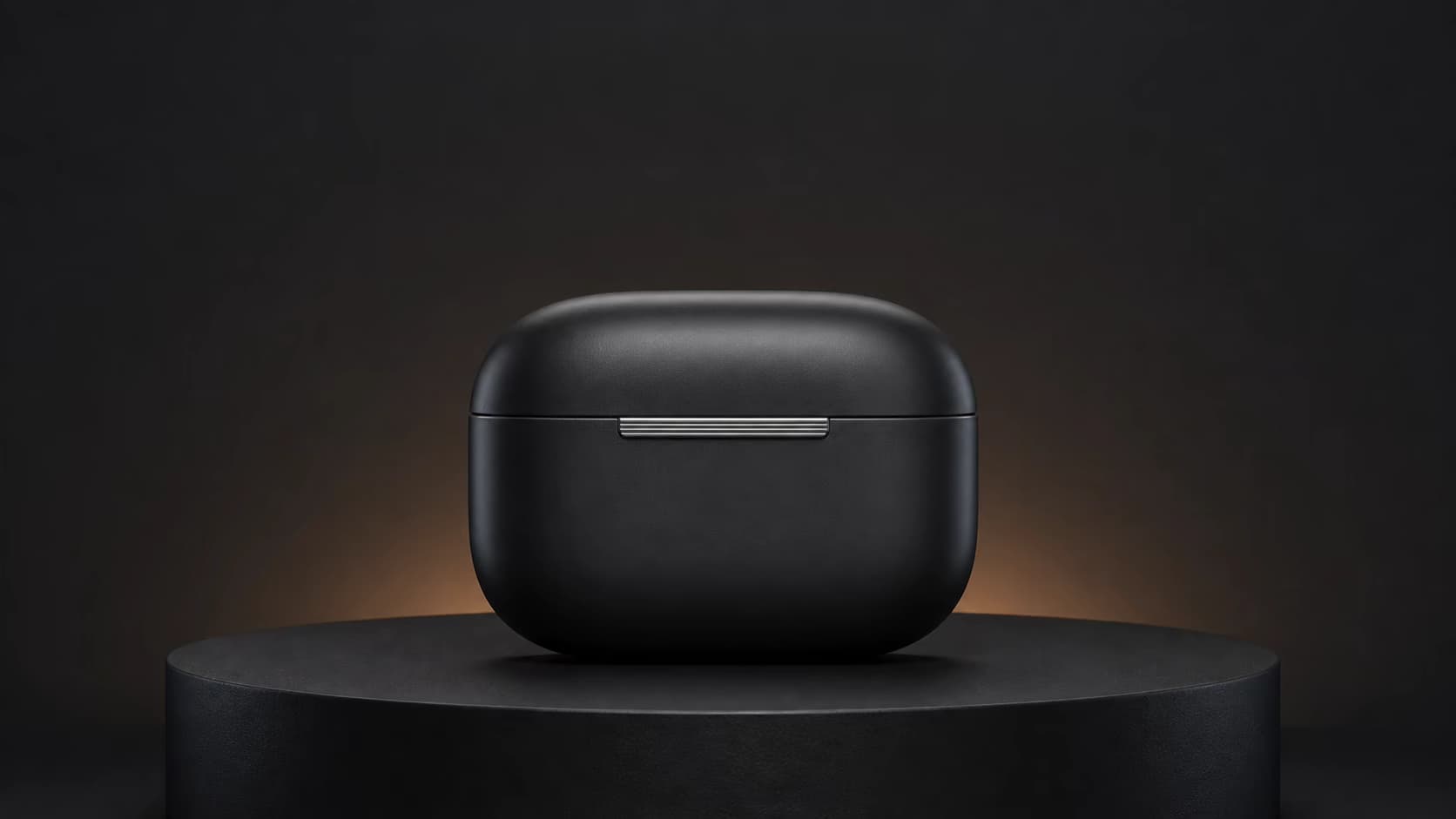
AI Product Reveal Video Generator
Turn one product photo into a cinematic reveal or launch video for ads, ecommerce stores, and social media with our AI Product Reveal Video Generator.
Open tool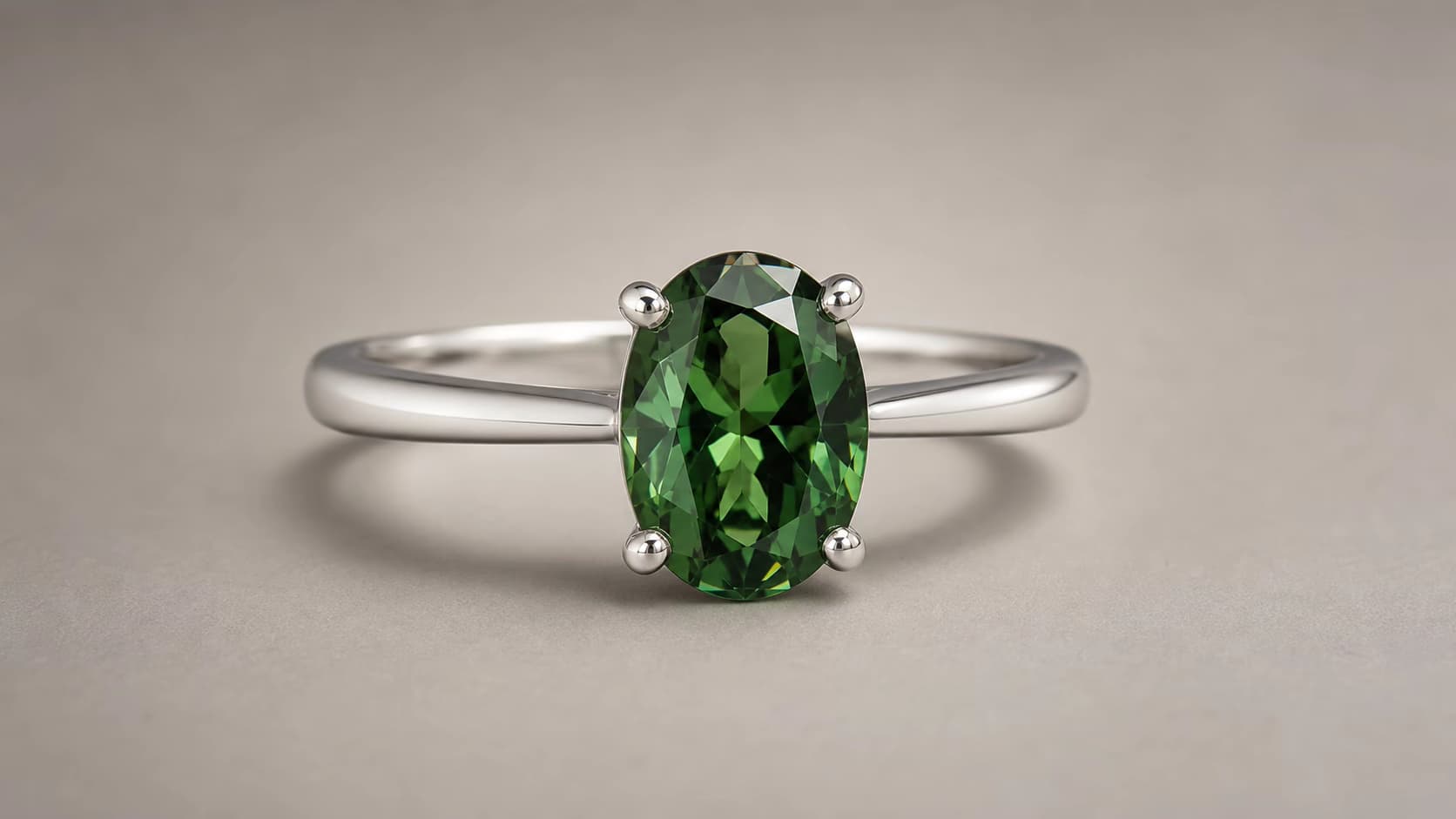
AI Jewelry Video Generator
Use our AI Jewelry Video Generator to turn a jewelry photo into a 360° rotation, macro reveal, lifestyle scene, or on-model product video.
Open toolMusic and release visuals
Create short vertical visuals and looping motion for music releases, cover art, and artist campaigns.
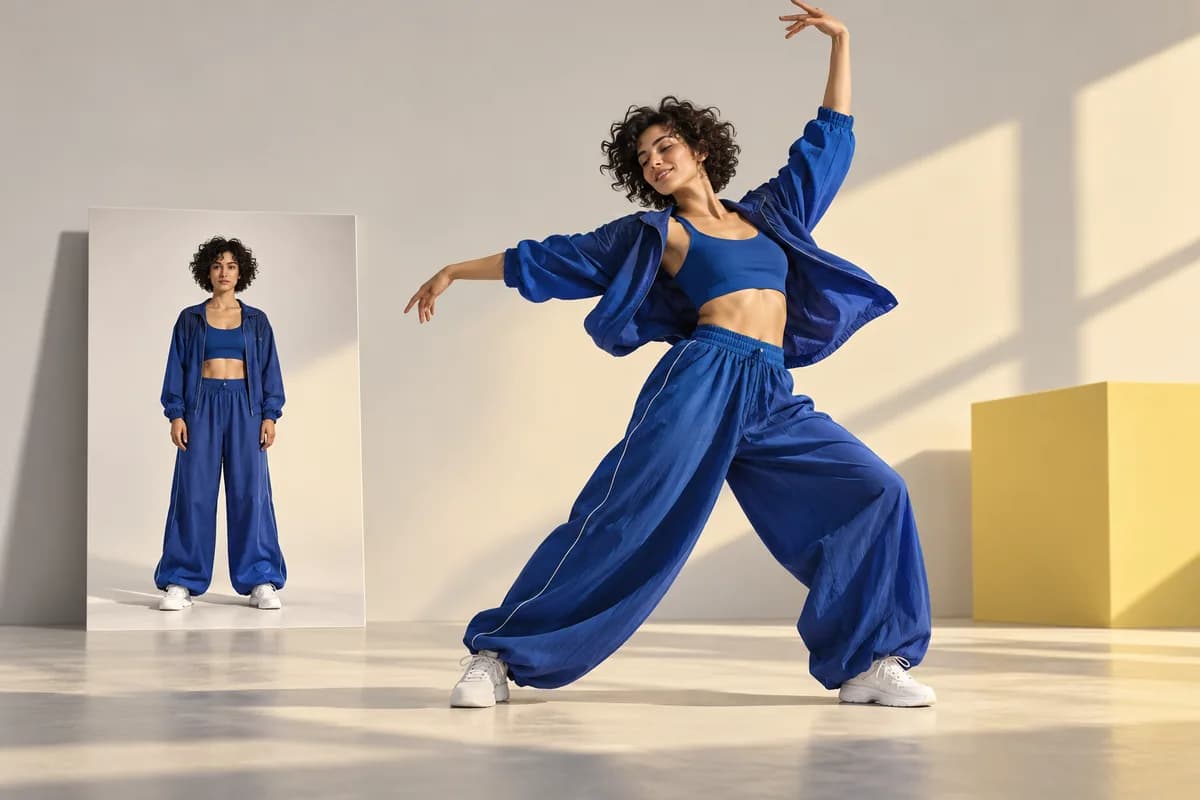
AI Dance Video Generator
Make your photo dance with our AI dance video generator. Choose a sample or upload your own dance reference. Create, preview, and download—no filming needed.
Open tool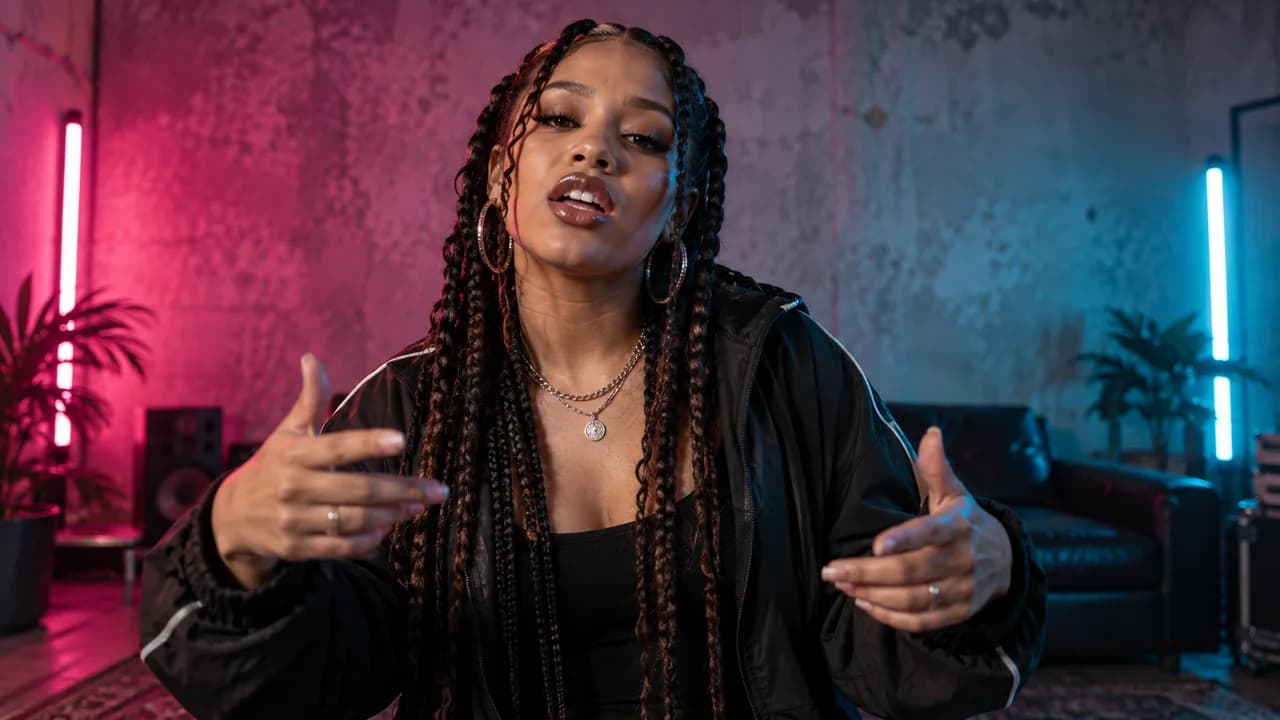
AI Rap Video Generator
AI Rap Video Generator for photo animation and lip sync. Bring your own rap audio and create performance clips for TikTok, Reels, and YouTube Shorts.
Open tool
Spotify Canvas Maker
Use our Spotify Canvas Maker to turn cover art or an artist photo into a 3–8 second, 9:16 MP4 Canvas video for Spotify for Artists.
Open toolProperty marketing videos
Add controlled camera movement to interiors, exteriors, amenities, and other real estate photography.
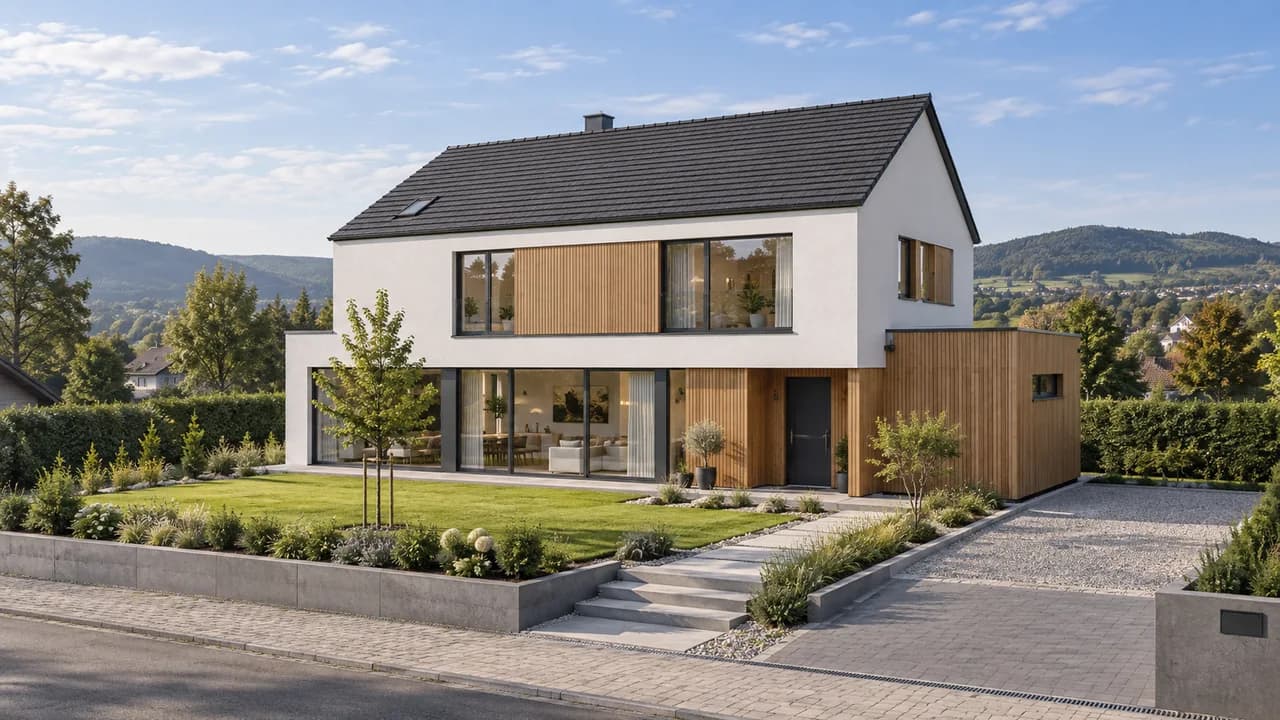
AI Construction Timelapse Generator
Use our AI Construction Timelapse Generator to turn matching before-and-after images into a short building reveal for proposals, presentations, and project marketing.
Open tool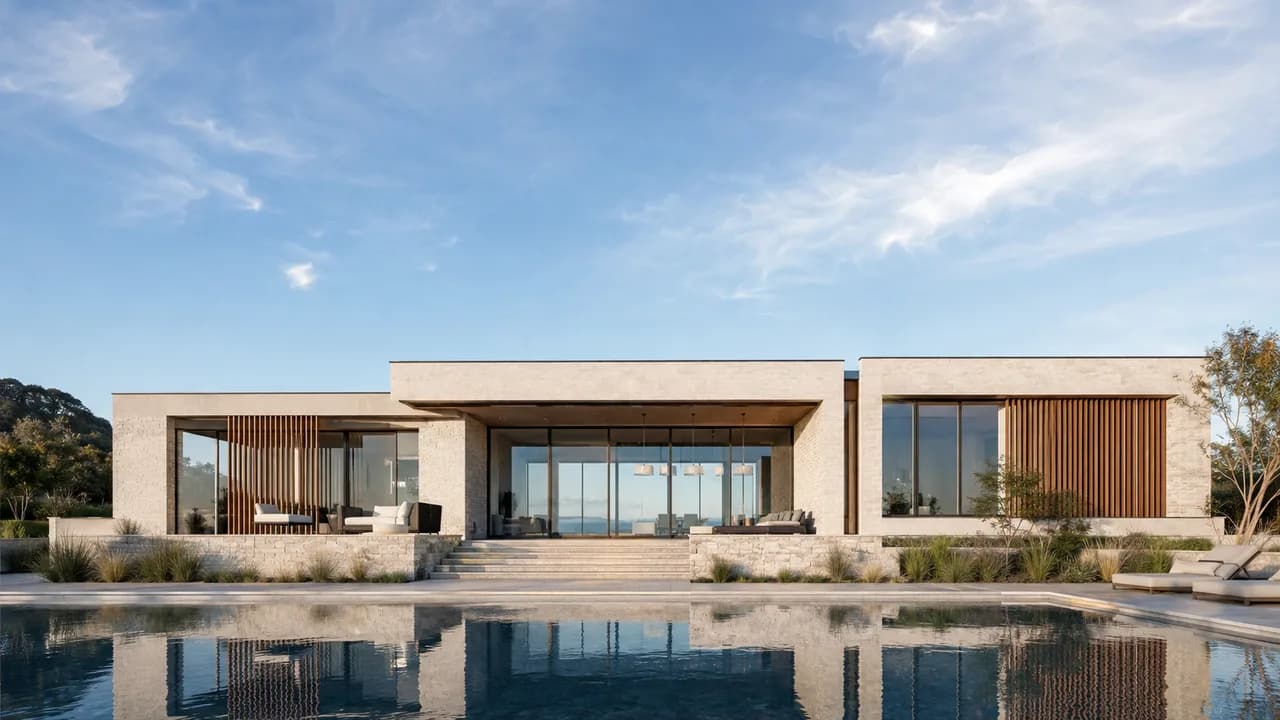
AI Day to Night Transition
No night shoot? Create a Day to Night Transition from your photo. Watch daylight fade and lights come on for property or travel videos. Preview the effect online.
Open tool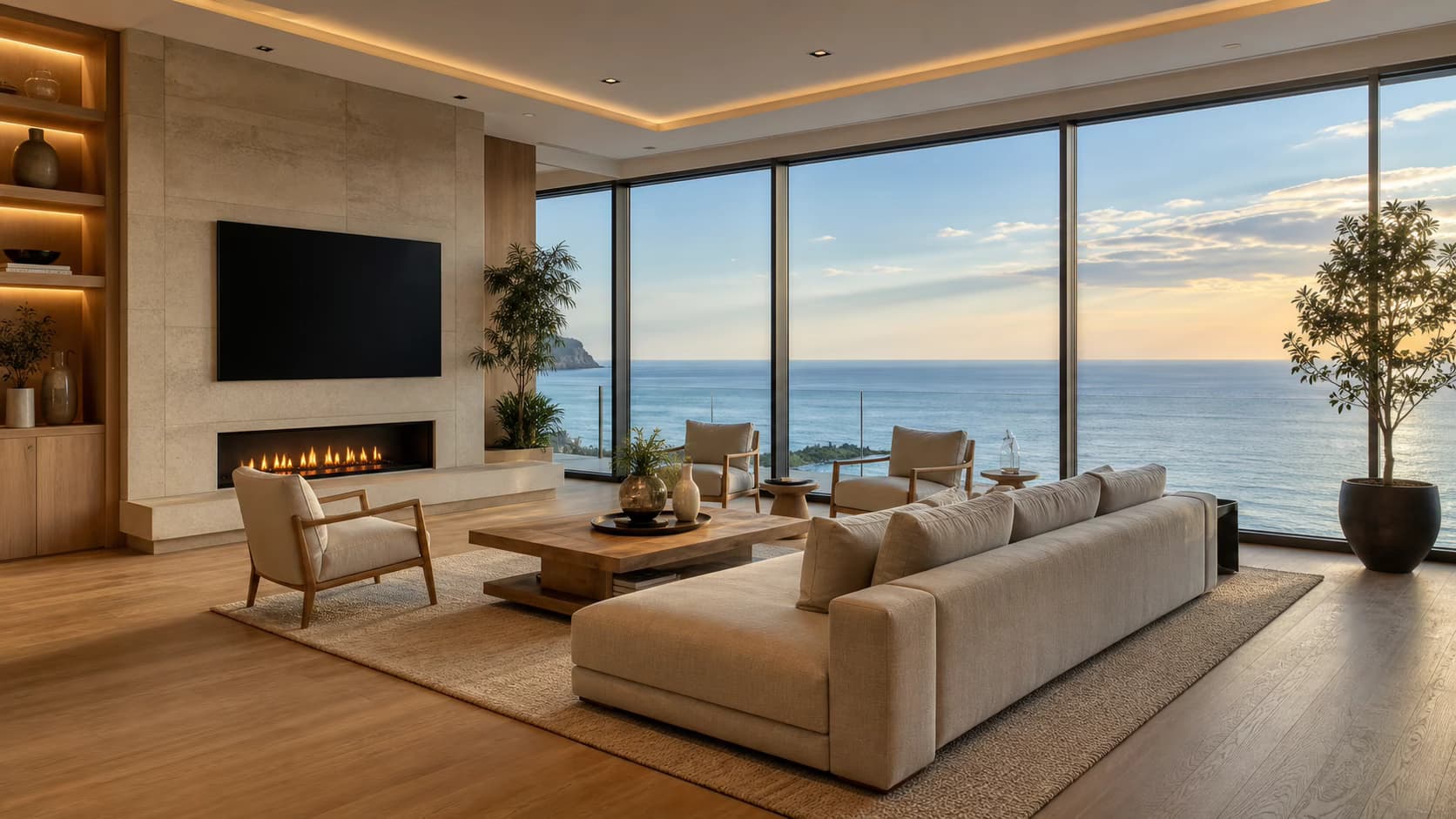
Real Estate Photo to Video AI
Use Real Estate Photo to Video AI to turn property photos into cinematic listing clips with natural camera motion for MLS, websites, and social media.
Open toolMemories and people
Add restrained, natural motion to portraits, family archives, and meaningful photographs while keeping the original moment recognizable.
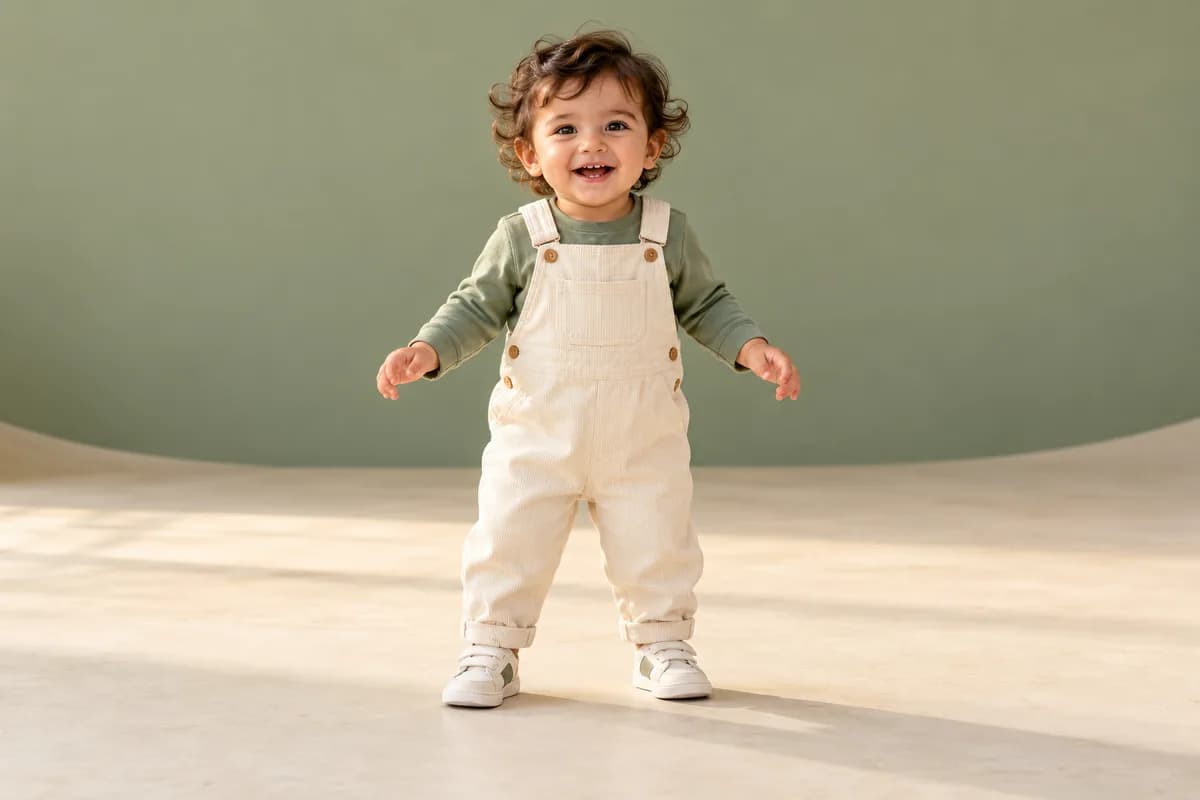
AI Baby Dance Video Generator
Use our AI baby dance video generator to make a baby photo dance. Try a sample or upload your own dance reference, then preview and download your clip.
Open tool
AI Christmas Video Generator
Turn your photo into a festive greeting with our AI Christmas Video Generator. Animate portraits, pets, or holiday art. Sign up for 30 free credits.
Open tool
AI Birthday Video Maker
Turn a favorite photo into a personal surprise with our AI birthday video maker. Animate, preview, and download your clip. Sign up for 30 free credits.
Open tool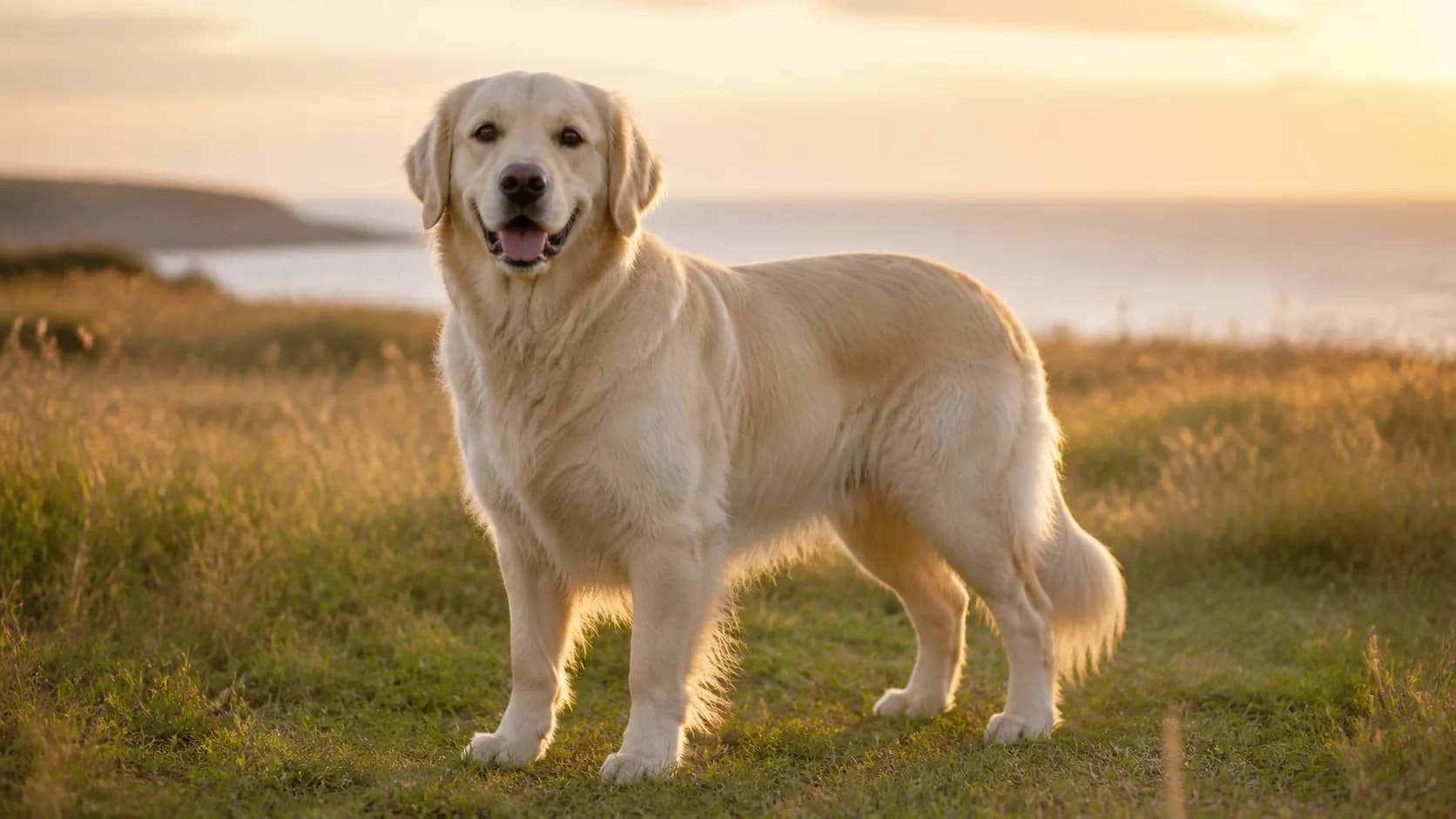
Pet Photo to Video AI
Turn one pet photo into a short video with Pet Photo to Video AI. Guide natural dog, cat, rabbit, or bird motion, choose a model, and download the result.
Open tool
Portrait Image to Video AI
Portrait Image to Video AI turns a portrait, selfie, or headshot into a subtle non-talking video with blinking, breathing, hair, light, and camera motion.
Open tool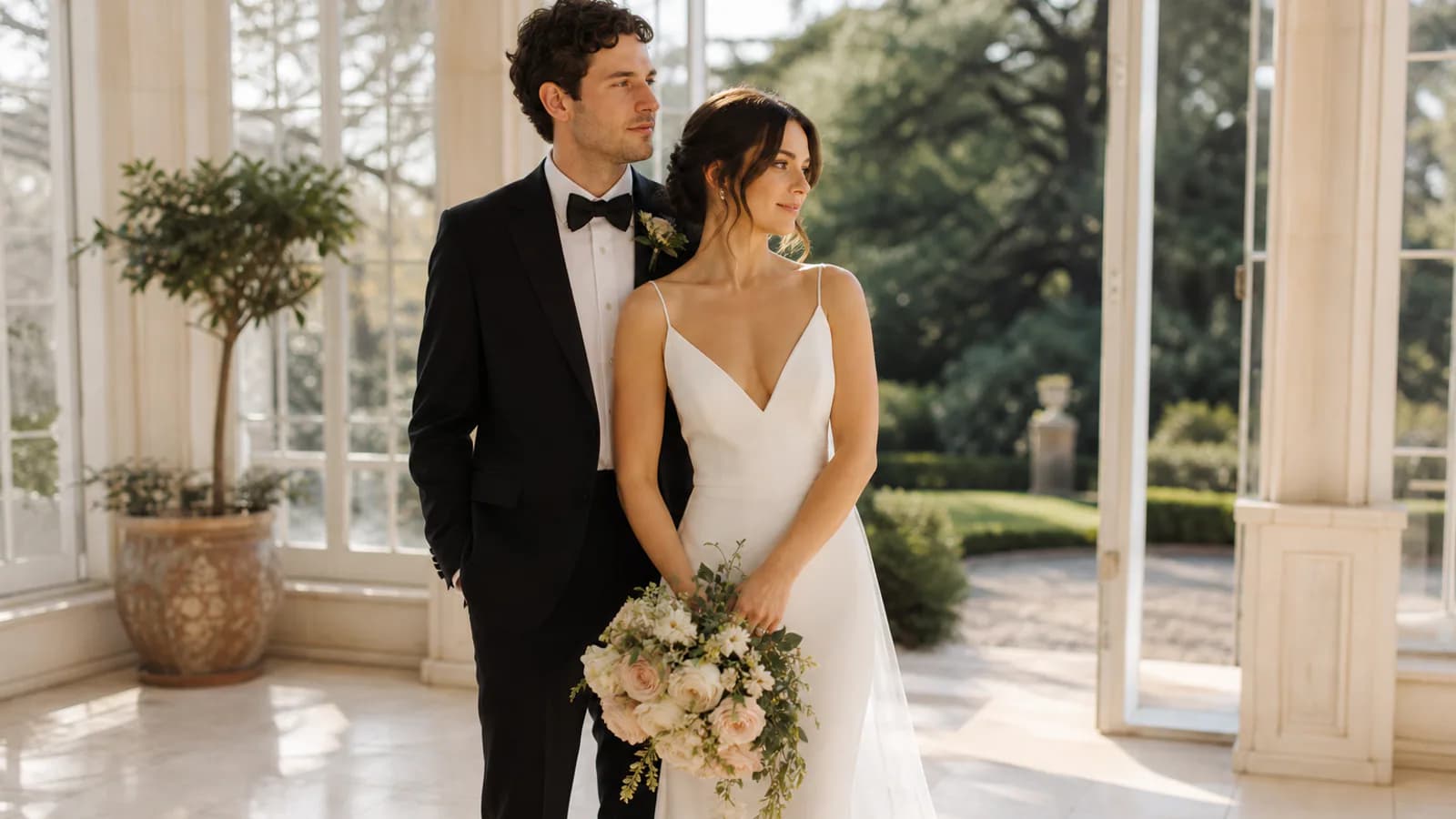
Wedding Photo to Video AI
Animate a wedding portrait with gentle couple motion, camera movement, fabric detail, and atmosphere for invitations, anniversaries, and social clips.
Open tool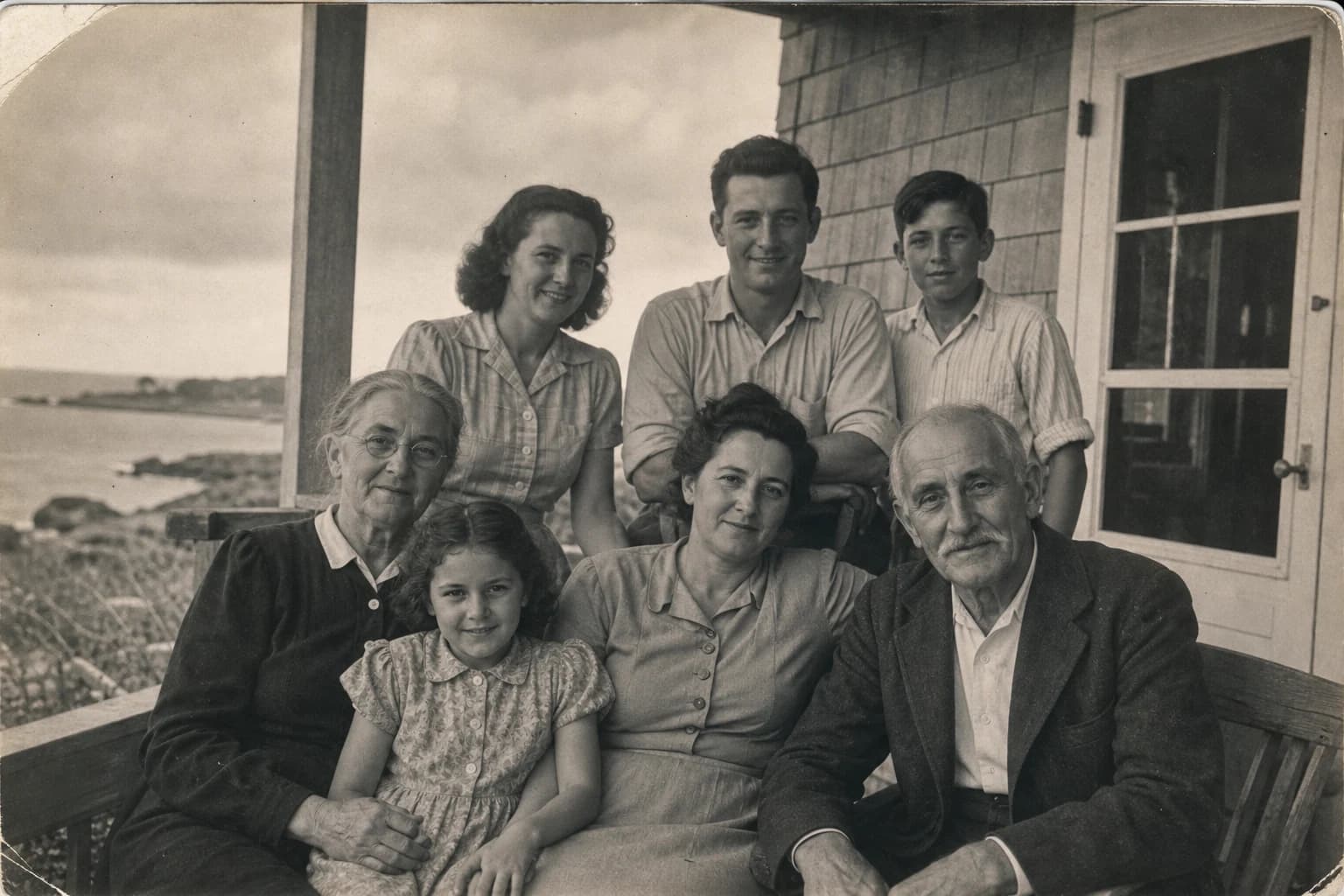
Animate Old Photos
Animate Old Photos with AI to add gentle, natural movement to family, vintage, and historical pictures. Upload an old photo and create a short video online.
Open tool