
Anime Image to Video AI
Prompt templates
Name the elements that must stay unchanged and request one motion beat. Subtle animation usually protects linework and character identity best.
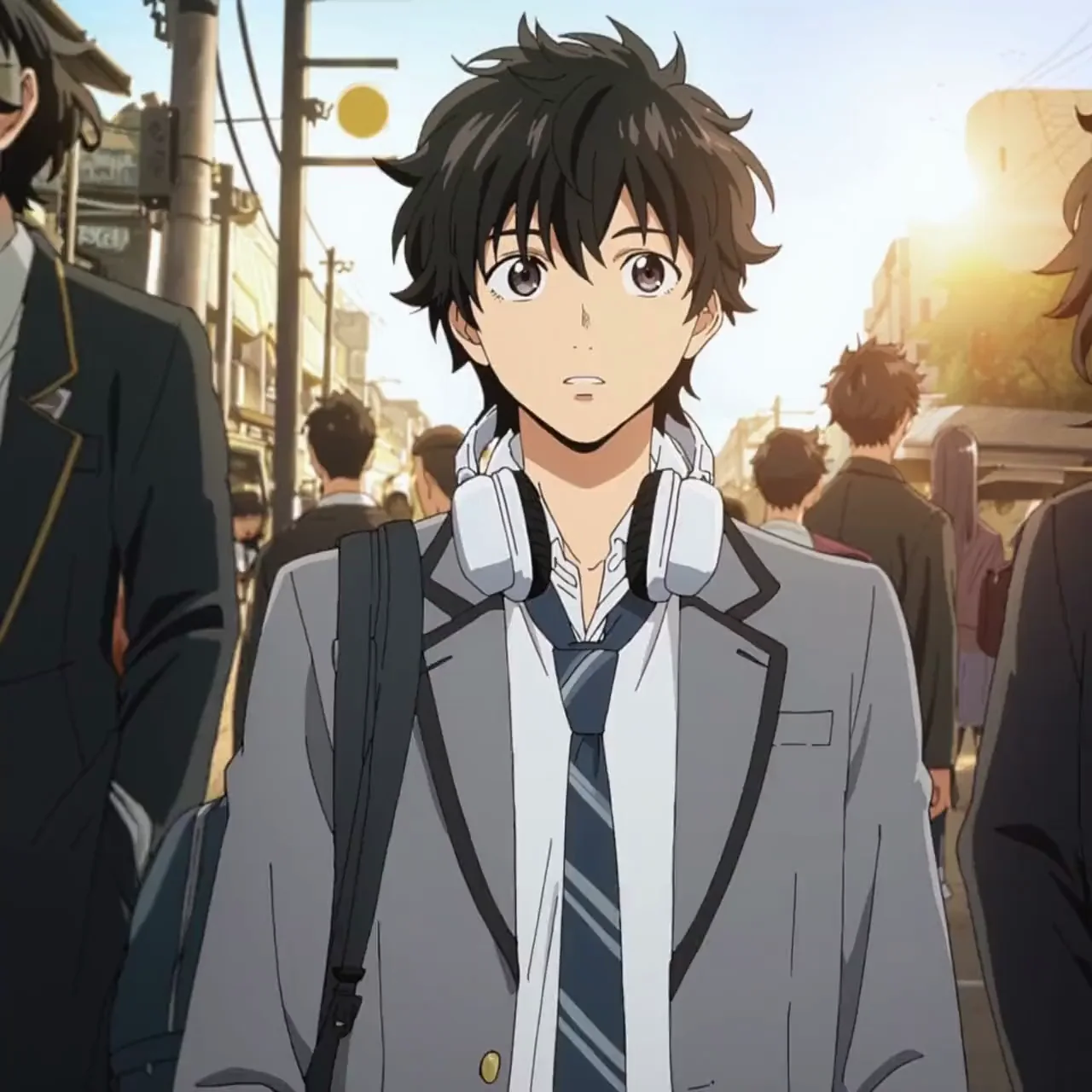
Anime Image to Video AI Examples
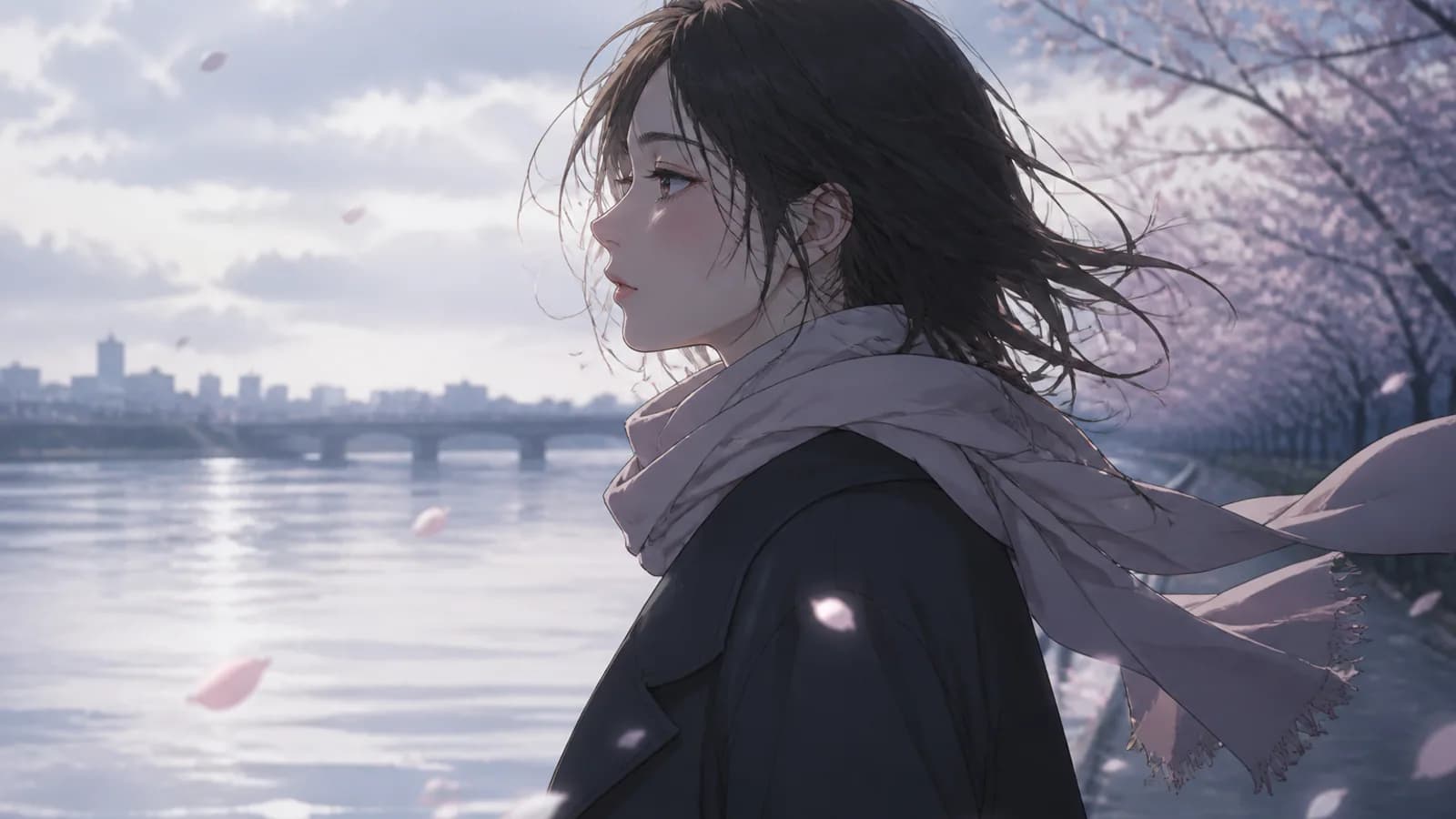
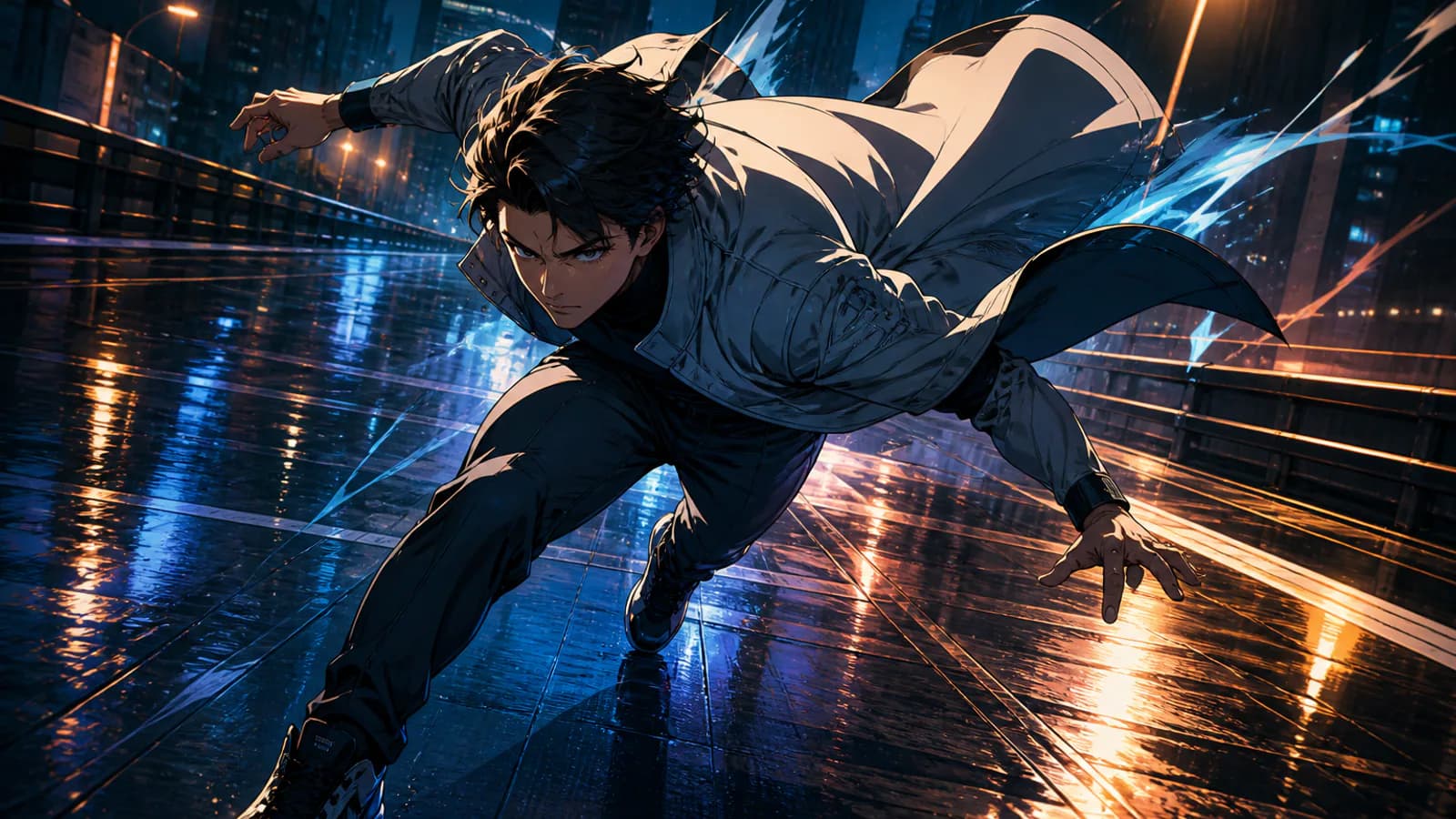
See three different animation goals: a character-led street shot, a wide high-speed action scene, and a monochrome manga panel with almost imperceptible natural movement.
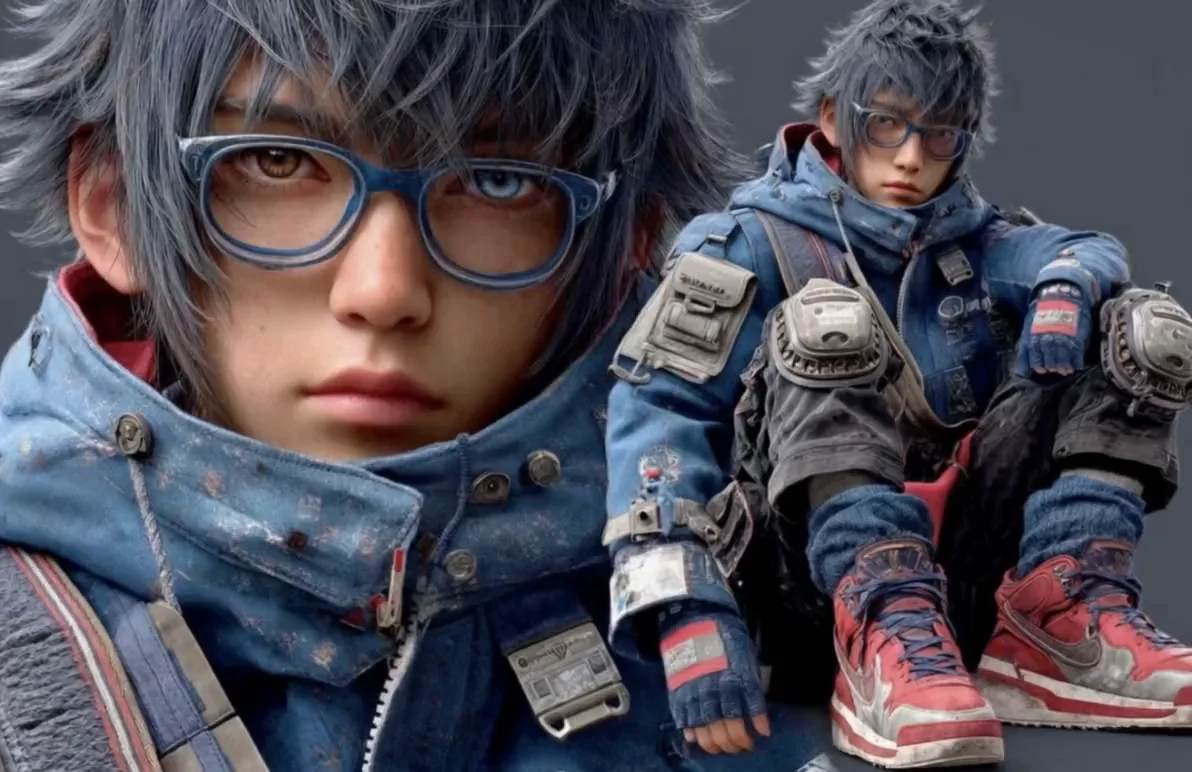
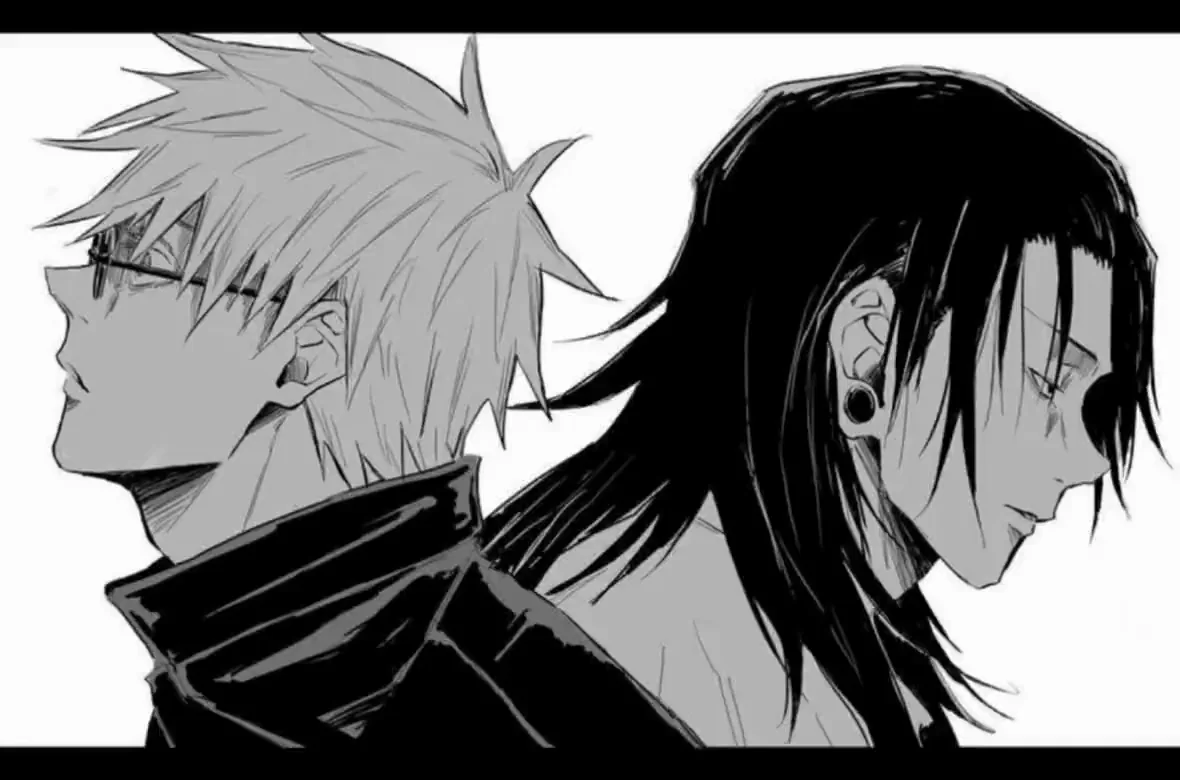
Animate Anime Art Without Losing What Makes the Image Work
Anime Image to Video AI works best when it protects character design and composition first, then adds only the motion the shot needs.
Style preservation
Treat linework, palette, shading, and character design as constraints
An anime image already contains a finished visual language. Before describing motion, tell the model to preserve line weight, cel shading, palette, facial proportions, costume, hairstyle, and background composition. Review the complete anime video for changes to the silhouette, eyes, accessories, hands, or clothing rather than judging only the opening frame.
- Name the art properties that must remain unchanged
- Keep the character silhouette, face, costume, and palette readable
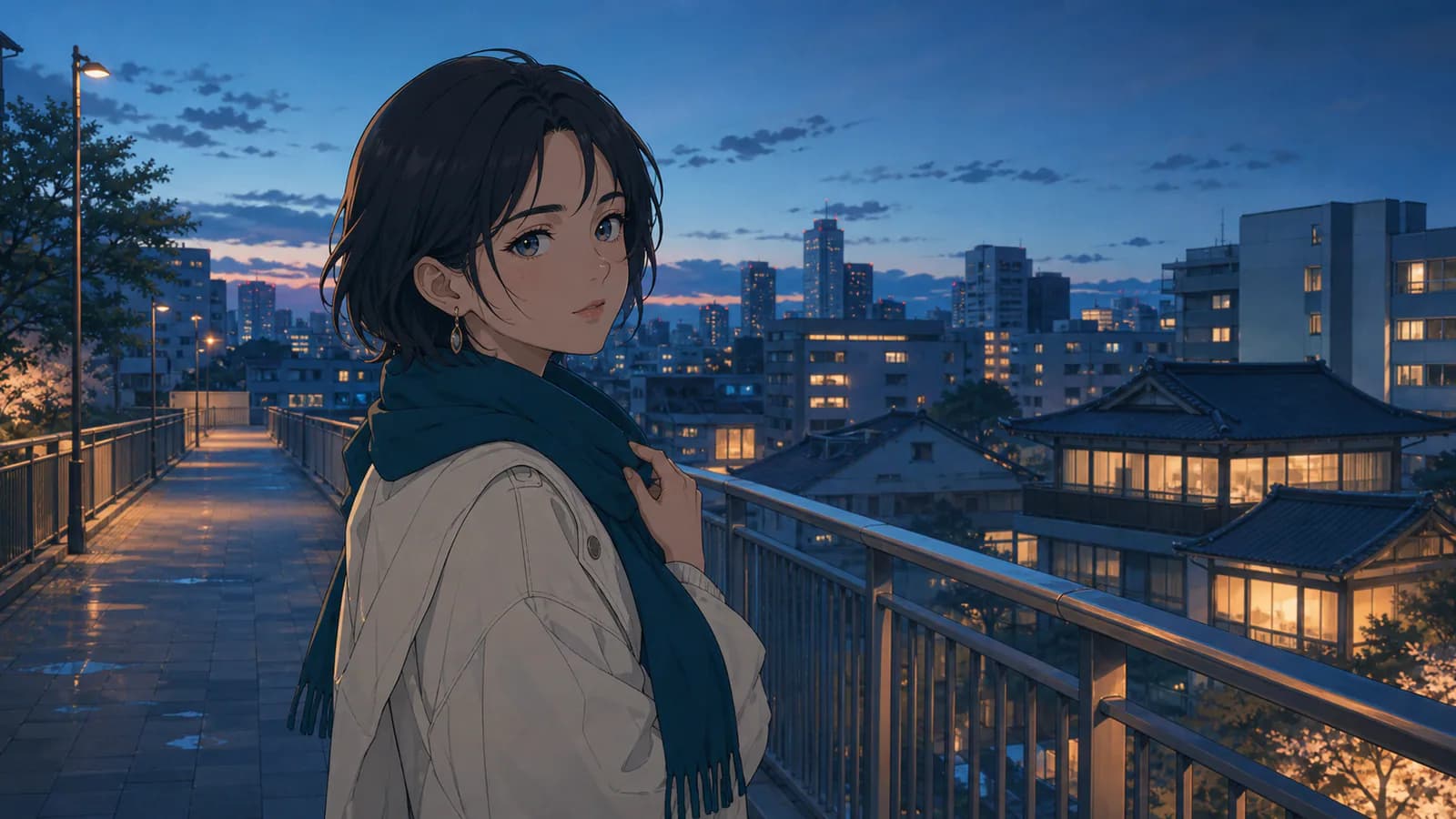
Micro-animation
Use blinks, breathing, hair, and clothing for a living still
One blink, a small breath, gentle hair sway, fabric flutter, rain, steam, or a light change can turn anime art into a convincing living illustration. Subtle anime image animation is especially effective for avatars, visual novel scenes, manga panels, wallpapers, and ambient loops where every drawn contour matters more than dramatic movement.
- Limit eye and mouth movement when the expression must stay exact
- Keep the camera locked or request one restrained push for stability
Action direction
Build one readable anime action beat from a strong pose
Anime action works best when the source pose already supports the intended direction. Request one dash, turn, leap, energy release, wind impact, or camera chase instead of an entire fight sequence. Speed lines, blur, particles, and layered afterimages can add intensity, but too many competing effects may change anatomy, costume details, or spatial continuity.
- Match the action to the pose and perspective already present
- Check hands, clothing, face, and background geometry throughout
Background and effects
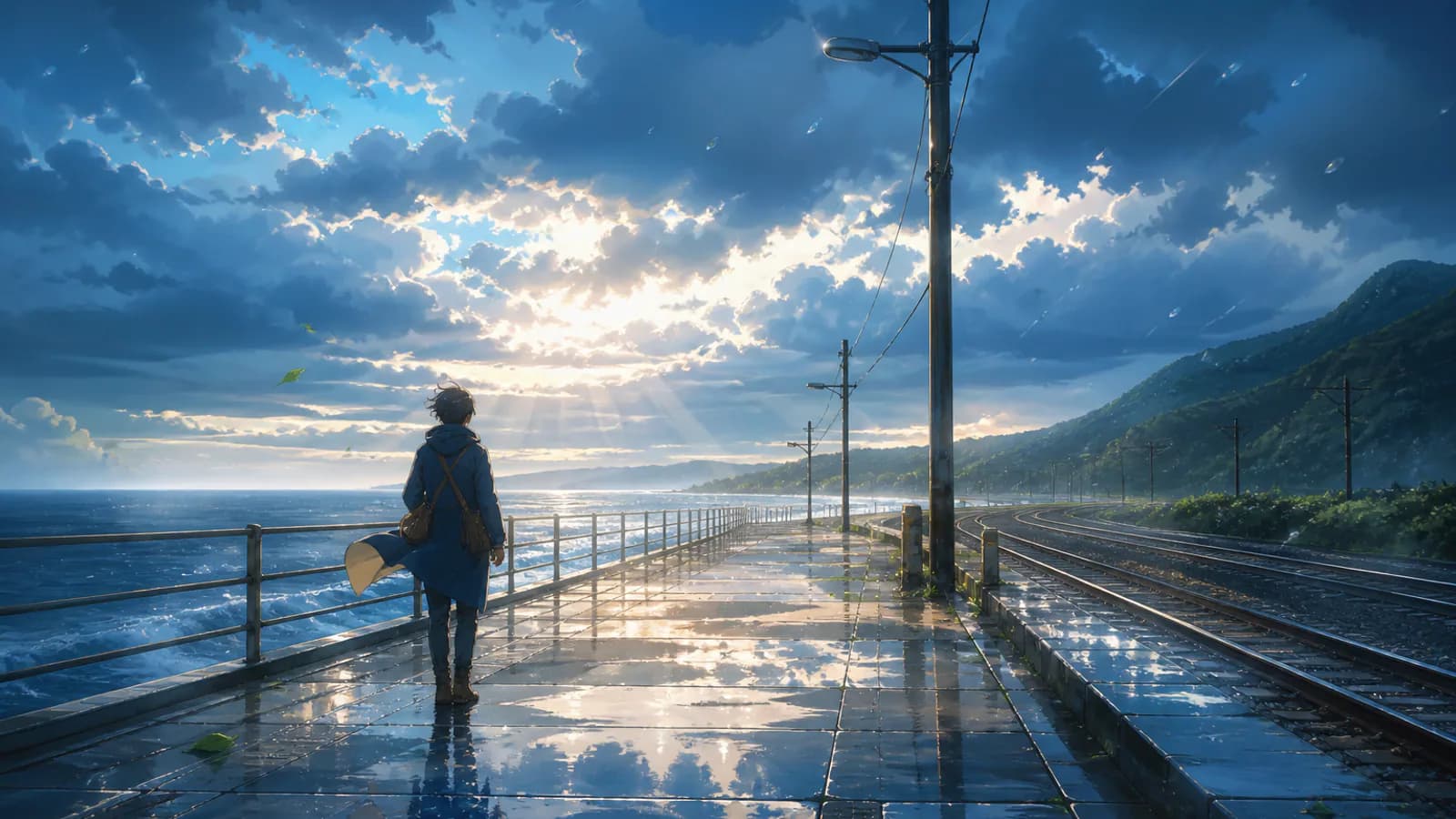
Add atmosphere, depth, and a camera move that fit the illustration
Animate rain, clouds, leaves, water, smoke, or light while keeping the character readable. A slow push can emphasize emotion; a lateral move can reveal layered scenery. Avoid large orbits that expose undefined sides of the drawing. For a looping anime video, request repeatable motion without a hard cut, then trim and crossfade the approved clip in an editor.
- State which background layers may move and which should stay fixed
- Keep effects behind or around important facial and costume details
Why Choose Anime Image to Video AI
An image-first workflow keeps the original artwork visible while you direct exactly the motion, effects, and camera language the shot needs.
Artwork-first generation
Start from an existing anime picture, manga panel, cartoon image, or character illustration instead of rebuilding the design through a text-only prompt.
Subtle-to-dynamic motion control
Prompt micro-movement, ambient effects, a cinematic camera push, or one action beat according to how much interpretation the artwork can support.
Character and environment direction
Separate the subject, clothing, hair, foreground effects, and background layers in the prompt so each has a clear motion role.
Reviewable creative iterations
See the credit price before generation, compare several motion directions, and inspect linework, anatomy, face, costume, and composition before export.
Anime Image Animation for Creators, Artists, and Social Video
Use one approved illustration to create a focused motion asset, then combine selected clips in the larger creative workflow.
Anime character and fan-art animation
Animate an original character, commission, profile image, fan artwork, cosplay illustration, or wallpaper with blinks, breathing, hair motion, lighting, and environmental atmosphere.
Manga panel and visual novel motion
Add restrained movement to a monochrome panel, dialogue portrait, key visual, or visual novel scene while protecting the expression, composition, and line-art aesthetic.
Anime edits, promos, and social hooks
Generate a character reveal, ambient loop, action insert, music visual, Reel, TikTok, Short, teaser, or portfolio clip, then finish the rhythm, text, audio, and transitions in an editor.
How to Animate an Anime Image with AI
Move from one finished illustration to one short animated shot in three steps.
Upload anime, manga, or cartoon artwork
Choose a sharp JPG, PNG, or WEBP with readable linework, a clear subject, and enough surrounding image for the desired camera or environmental movement.
Protect the style and direct one motion beat
State what must stay unchanged, then describe blinks, breathing, hair, clothing, effects, background layers, character action, and one camera behavior.
Generate, inspect, and edit
Select an available model and supported settings, review the live credit cost, generate the MP4, inspect the character and art style, then add audio, text, or transitions after approval.
Anime Image to Video AI FAQ
What is Anime Image to Video AI?
How do I animate an anime image online?
Is Anime Image to Video AI free?
Can AI preserve anime style and animate a manga panel?
Can Anime Image to Video AI create action scenes?
Can I create a seamless anime loop?
Does this tool add dialogue, lip sync, voice, or music?
Which anime artwork can I upload?
Turn Anime Art into a Moving Shot
Upload one illustration, protect the style, direct a focused animation beat, and review the result with free evaluation credits.
Anime Image to Video AI Online
Photo to Video AI provides an online Anime Image to Video AI workflow for anime image animation, anime picture to video, manga image to video, cartoon image animation, character micro-motion, anime action clips, ambient loops, and social edits. Upload one authorized image, preserve the artwork's visual language, direct a single shot, review character consistency, and finish audio or multi-shot editing in your preferred video editor.