
Pet Photo to Video AI
Prompt templates
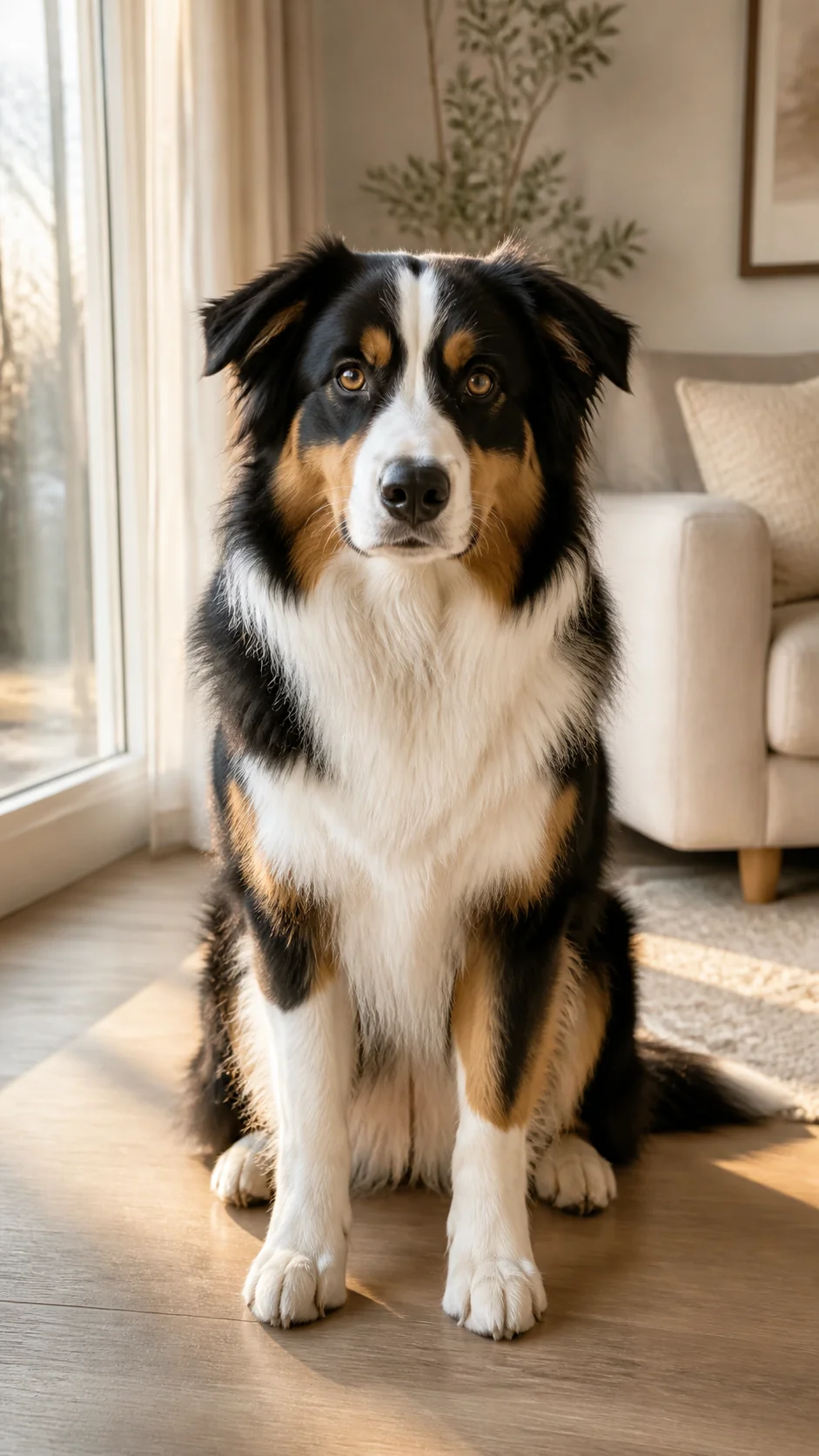
Create Natural Motion with Pet Photo to Video AI
Keep the uploaded animal at the center of the result, direct a focused movement, and prepare a short video for a memory or social post.
Your pet stays central
Start with the dog, cat, or companion you already know
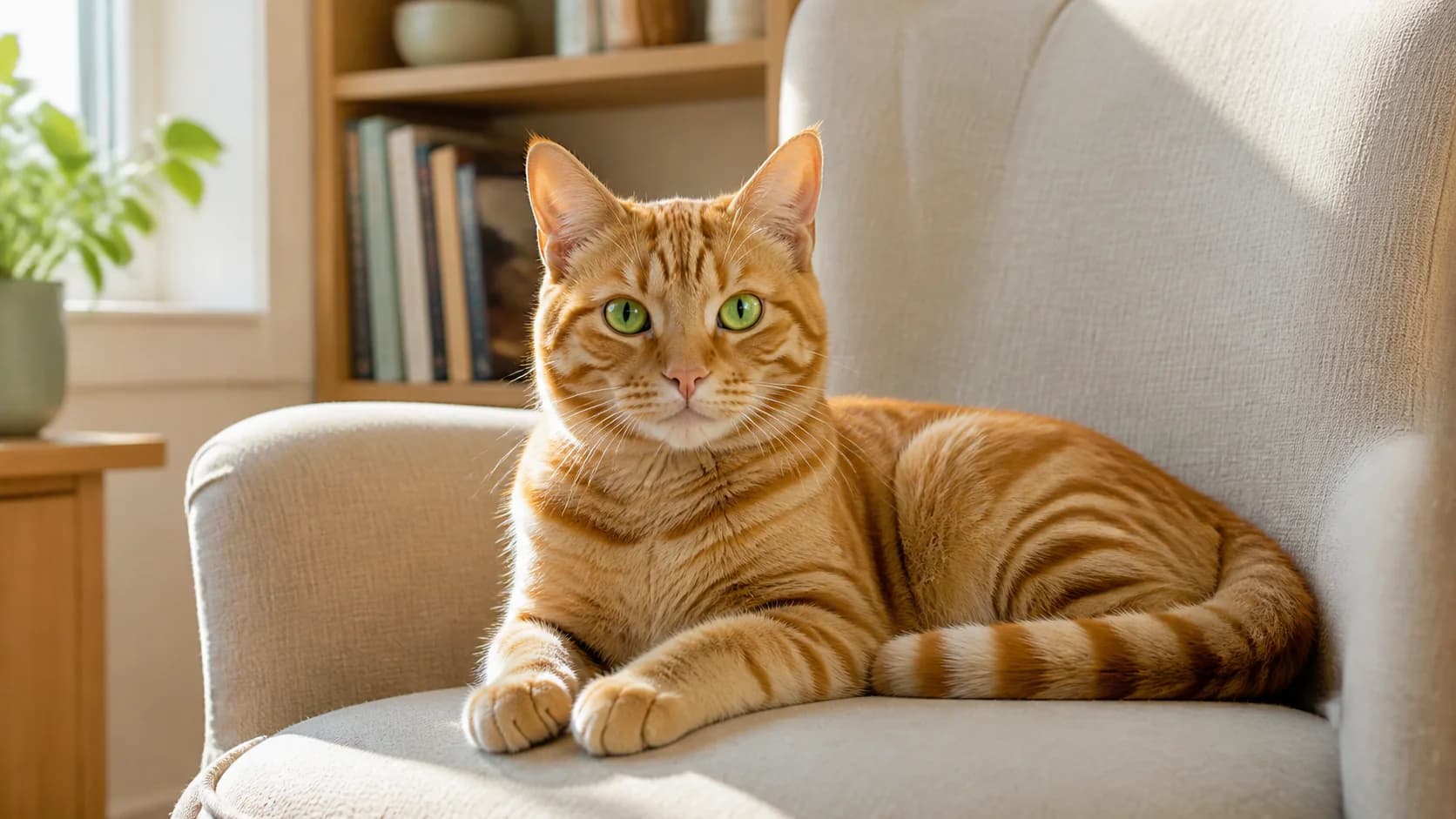
Pet Photo to Video AI begins with the image you choose, so the visible face, eyes, ears, fur color, markings, body shape, pose, and setting provide the visual starting point. A clear photo gives the model specific details to follow instead of asking it to invent an unrelated animal from text alone.
- Use a favorite portrait, everyday snapshot, or full-body pet photo
- Name the distinctive details that matter in the prompt
- Review the complete result before saving or sharing it
Natural pet movement
Ask for one believable action instead of a crowded scene
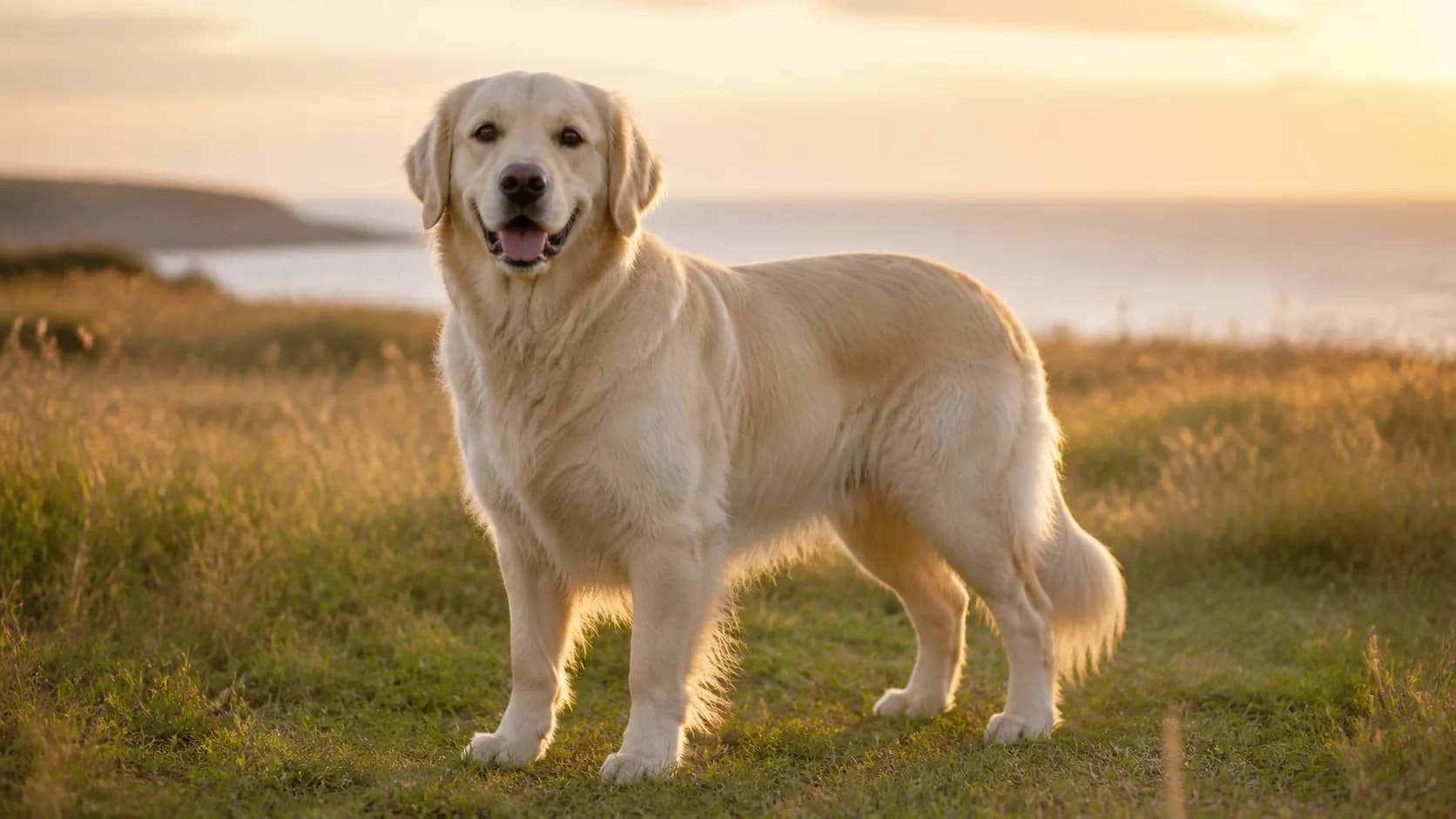
Use Pet Photo to Video AI to guide a blink, gentle breathing, a small head turn, an ear flick, a tail movement, a lifted paw, or one short step. Pair a single subject action with a restrained camera push or fixed camera. Focused direction helps the movement feel connected to the original pose and keeps attention on the pet.
- Choose calm micro-motion for portraits and close-ups
- Use one clear action beat for full-body photos
- Describe the camera separately from the animal movement
Dogs, cats, and other pets
Match the motion to the animal and the source photo
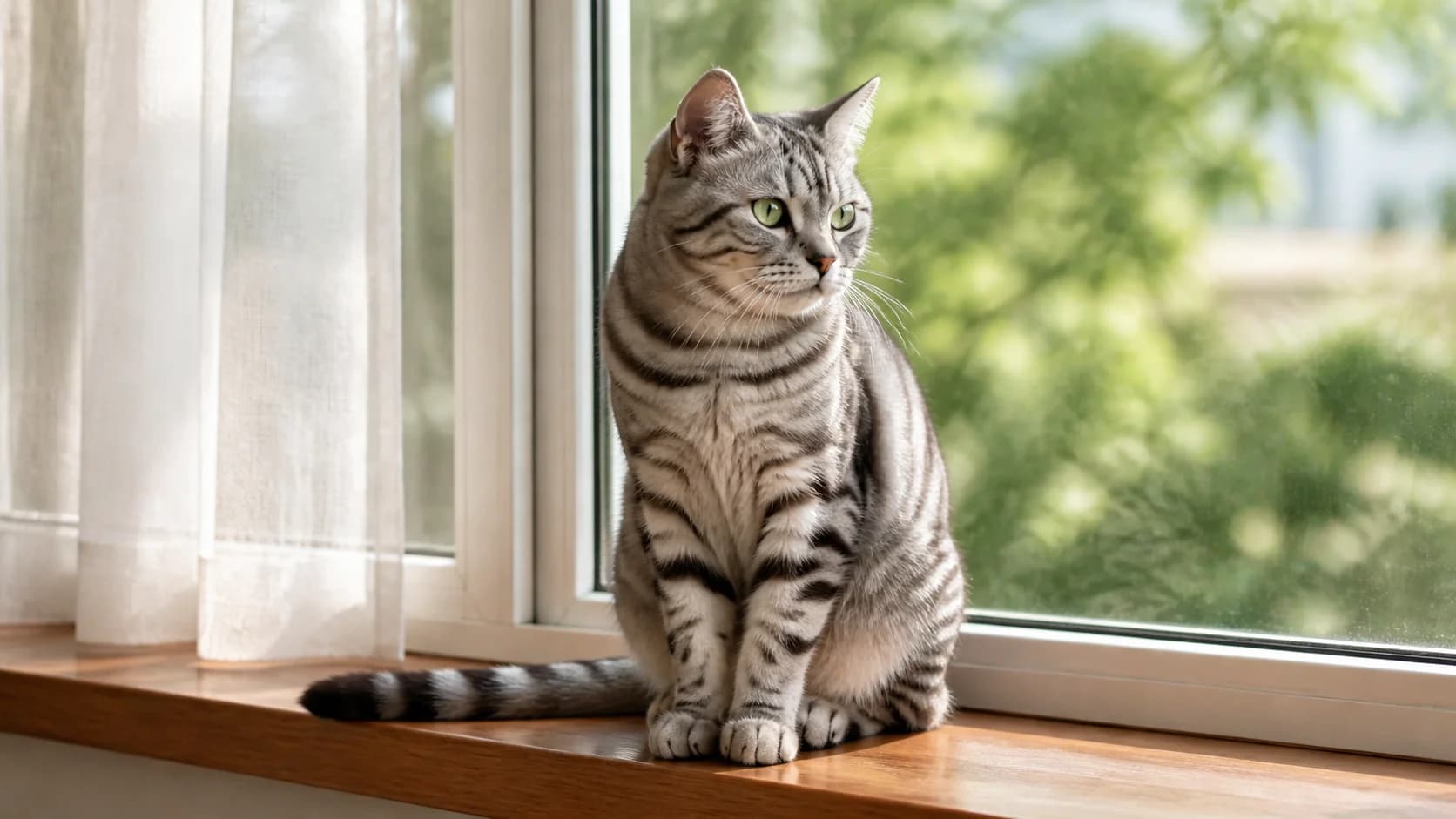
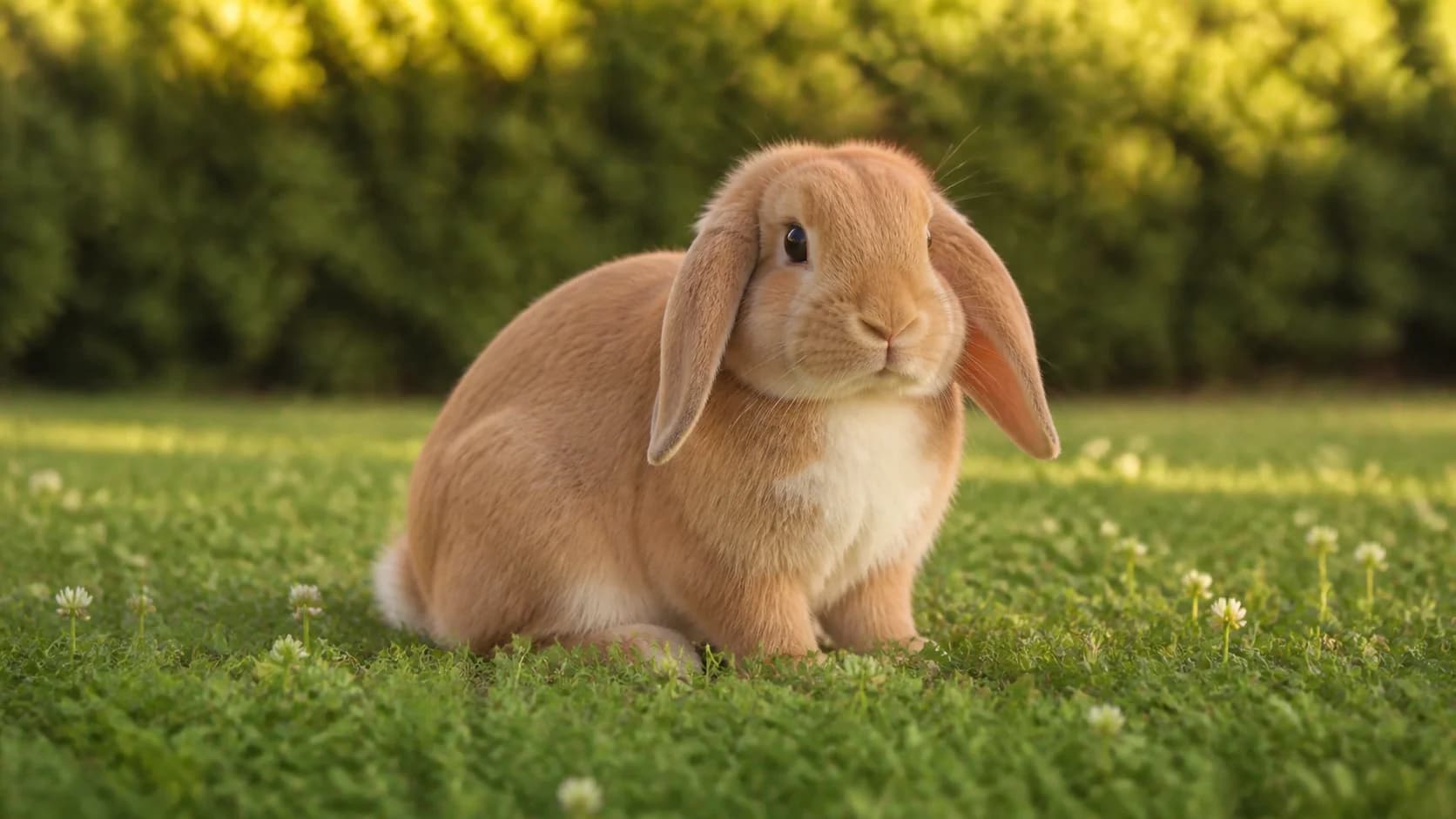
A dog portrait can use blinking, breathing, or a gentle ear movement. A cat by a window can shift its gaze while the curtain moves softly. A rabbit, bird, or other small companion often suits a fixed camera and one subtle action. The best direction comes from what is already visible and natural in the uploaded image.
- Keep ears, whiskers, paws, tails, and markings easy to see
- Choose motion that fits the animal's starting position
- Keep one main pet in focus when possible
Prompt-led control
Describe what should stay recognizable and what should move
Write the prompt in three parts: first name the pet details and background to keep in focus, then describe one animal action, and finally add one camera or environmental movement. A practical direction might preserve the tabby pattern and green eyes, request one blink, and add a slow camera push while the window light remains consistent.
- Lead with the face, fur pattern, body shape, and setting
- Add one subject action and one restrained camera direction
- Regenerate with simpler motion when the first result feels busy
Why Use Pet Photo to Video AI
The generator keeps the image, motion prompt, model options, supported settings, live credit cost, preview, and download in one workflow.
Your image leads
Begin with the pet and setting you want to animate instead of describing an unknown animal from scratch.
Motion stays editable
Write or revise the prompt to guide animal movement, background motion, mood, and camera direction.
Model-supported formats
Choose from available video models and the ratios, durations, resolutions, and controls each model exposes.
Cost before generation
See the live credit requirement before you generate, then preview and download the completed video.
Pet Photo to Video AI for Memories and Social Clips
Turn one approved pet image into a focused short video for the moment you want to keep or share.
Everyday pet memories
Add gentle motion to a favorite dog, cat, rabbit, bird, or other companion photo. Save a quiet blink, a curious glance, or a small natural movement as a short visual memory.
Pet birthday and adoption moments
Animate an approved portrait for a birthday, adoption anniversary, welcome-home post, progress update, or personal celebration, then add your own caption or music after downloading the clip.
Vertical pet social content
Choose a model-supported vertical composition for Reels, TikTok, Shorts, Stories, profile posts, and community updates. Use a horizontal source when a wider memory or website placement fits better.
How to Use Pet Photo to Video AI
Move from one clear animal photo to a downloadable short clip in three practical steps.
Upload a clear pet photo
Choose a sharp JPG, PNG, or WEBP with the face and important body details visible. A simple background and one main animal give the motion a clear focus.
Describe one motion beat
Name the visible traits to keep, request one natural animal action, and add one camera or environmental direction. Keep the instruction specific and easy to follow.
Choose, generate, and download
Select a video model and its available settings, check the live credit cost, generate the clip, review the pet and background, then download the preferred result.
Pet Photo to Video AI FAQ
What is Pet Photo to Video AI?
How do I turn a pet photo into a video?
Can I animate dog, cat, rabbit, and bird photos?
What kind of pet photo works best?
What should I write in a pet animation prompt?
Can I choose the video ratio and duration?
How many credits does a pet video use?
Can I download the generated pet video?
Create Your First Pet Photo to Video AI Clip
Upload one clear animal photo, direct a natural movement, compare the available settings, and generate a short video.
Pet Photo to Video AI Online
Animate a pet photo, turn a dog photo into video, create cat photo animation, explore an AI pet video generator from a photo, or guide an animal image into a short downloadable clip. Start with one clear subject, describe a focused action, choose a model-supported format, and review the result before sharing.