
Fashion Photo to Video AI
Prompt templates
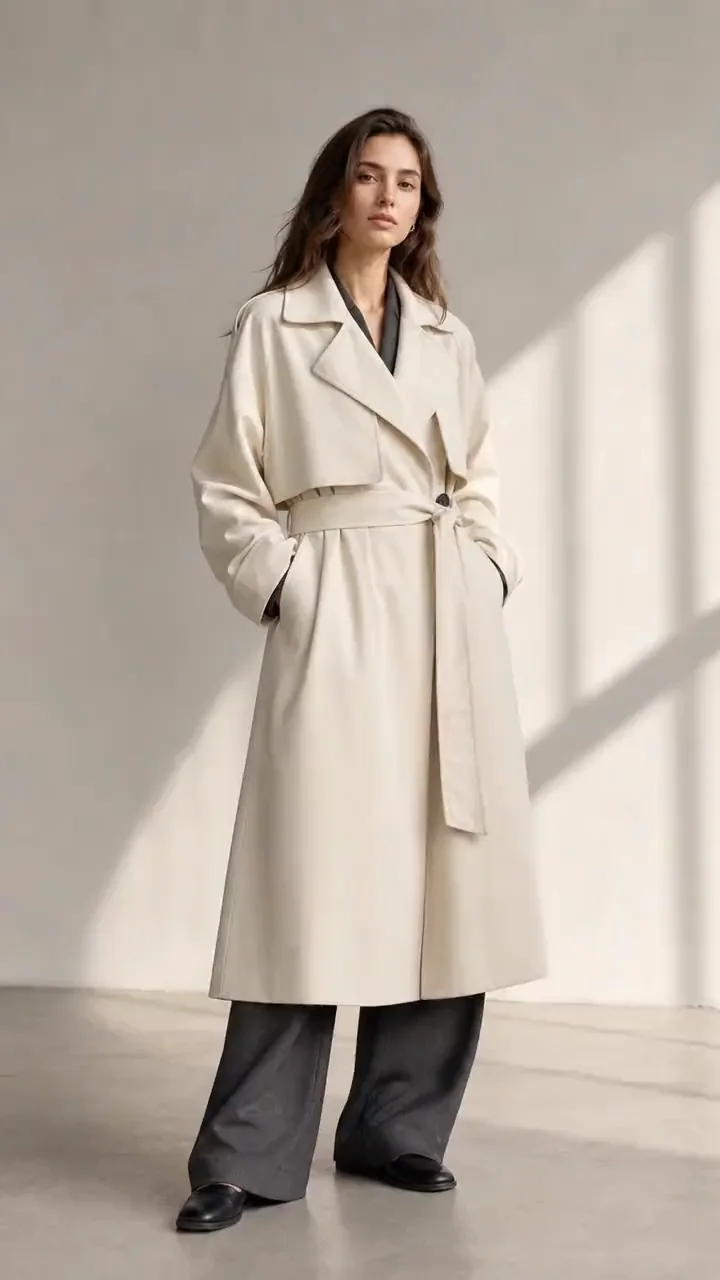
Create Campaign Content with Fashion Photo to Video AI
Give approved fashion photography new motion while keeping the model, outfit, and visual direction recognizable.
Photo to fashion video
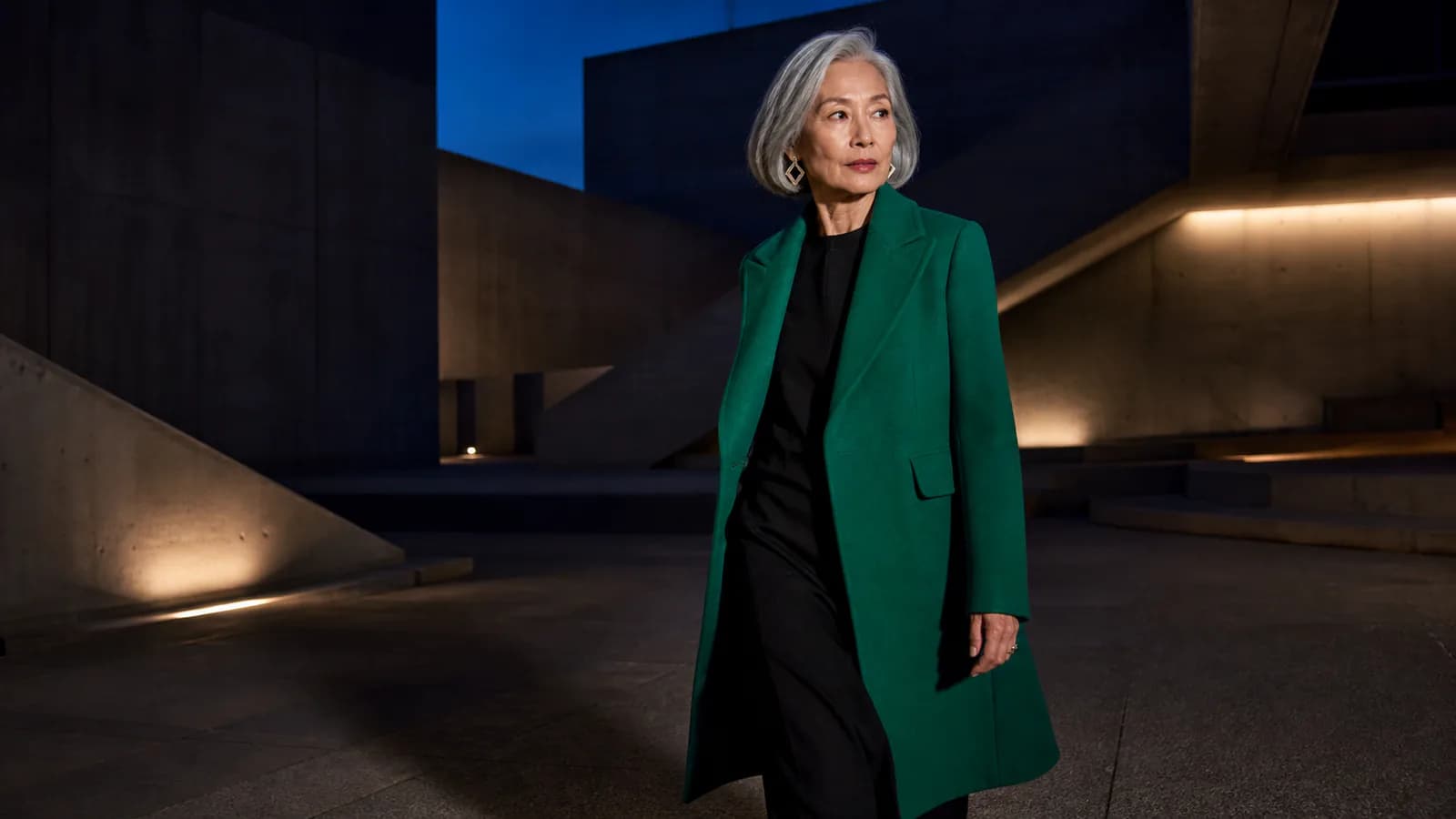
Turn model and clothing photos into fashion videos
Start with a campaign portrait, ecommerce model shot, clothing photo, or flat lay you already own. The tool uses that image as the visual anchor, helping brands create motion without rebuilding the entire shoot from text.
- Reuse campaign, catalog, lookbook, and product photography
- Keep the approved model, styling, palette, and setting in view
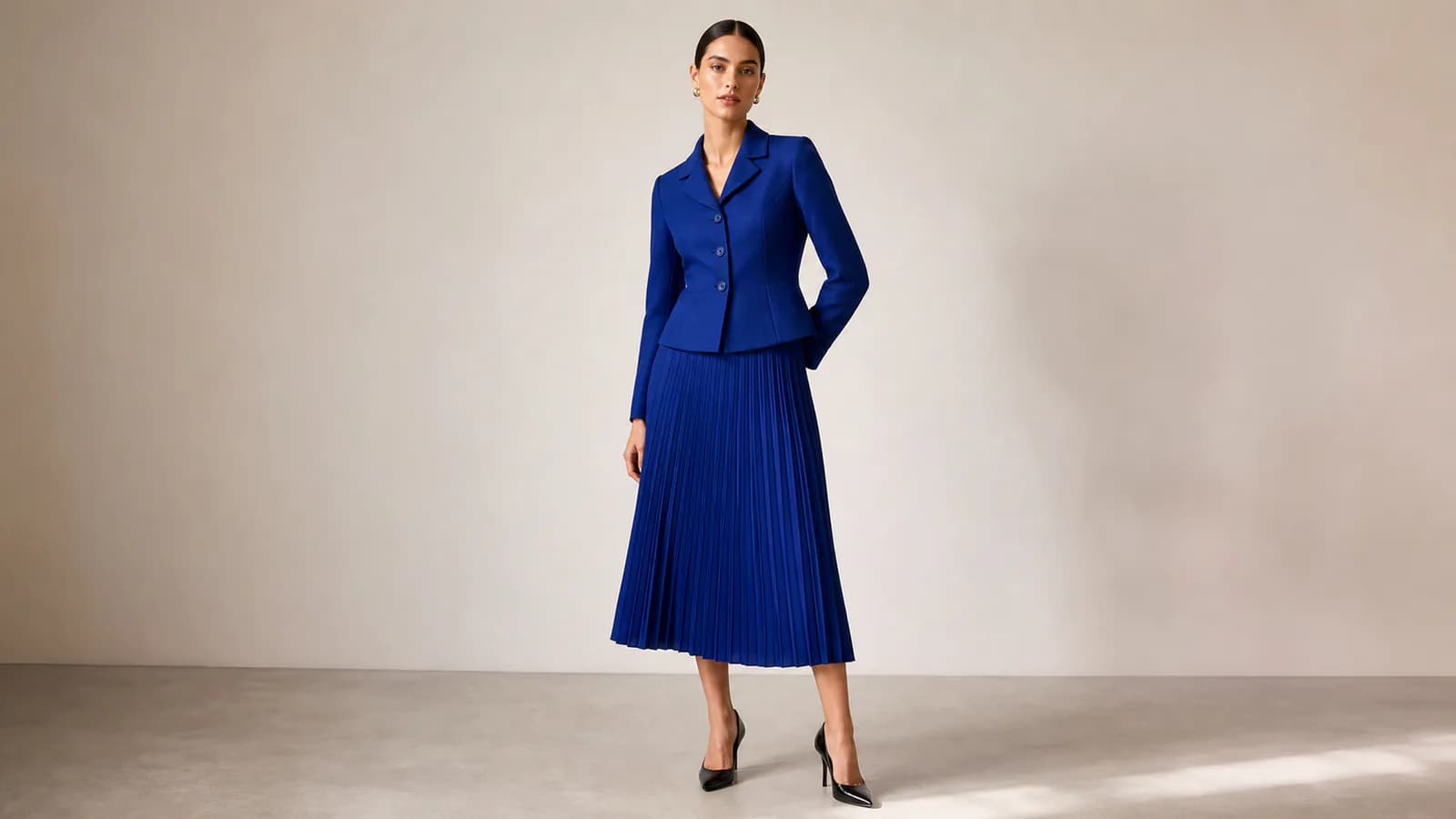
Clothing consistency
Keep the outfit recognizable throughout the clip
Shoppers care about silhouette, fabric, pattern, color, and accessories. Use restrained motion when those details matter, then review the result before publishing. This supports apparel content rather than automatic outfit redesign.
- Show garment shape, texture, prints, and accessories clearly
- Choose the most stable result for product-led campaigns
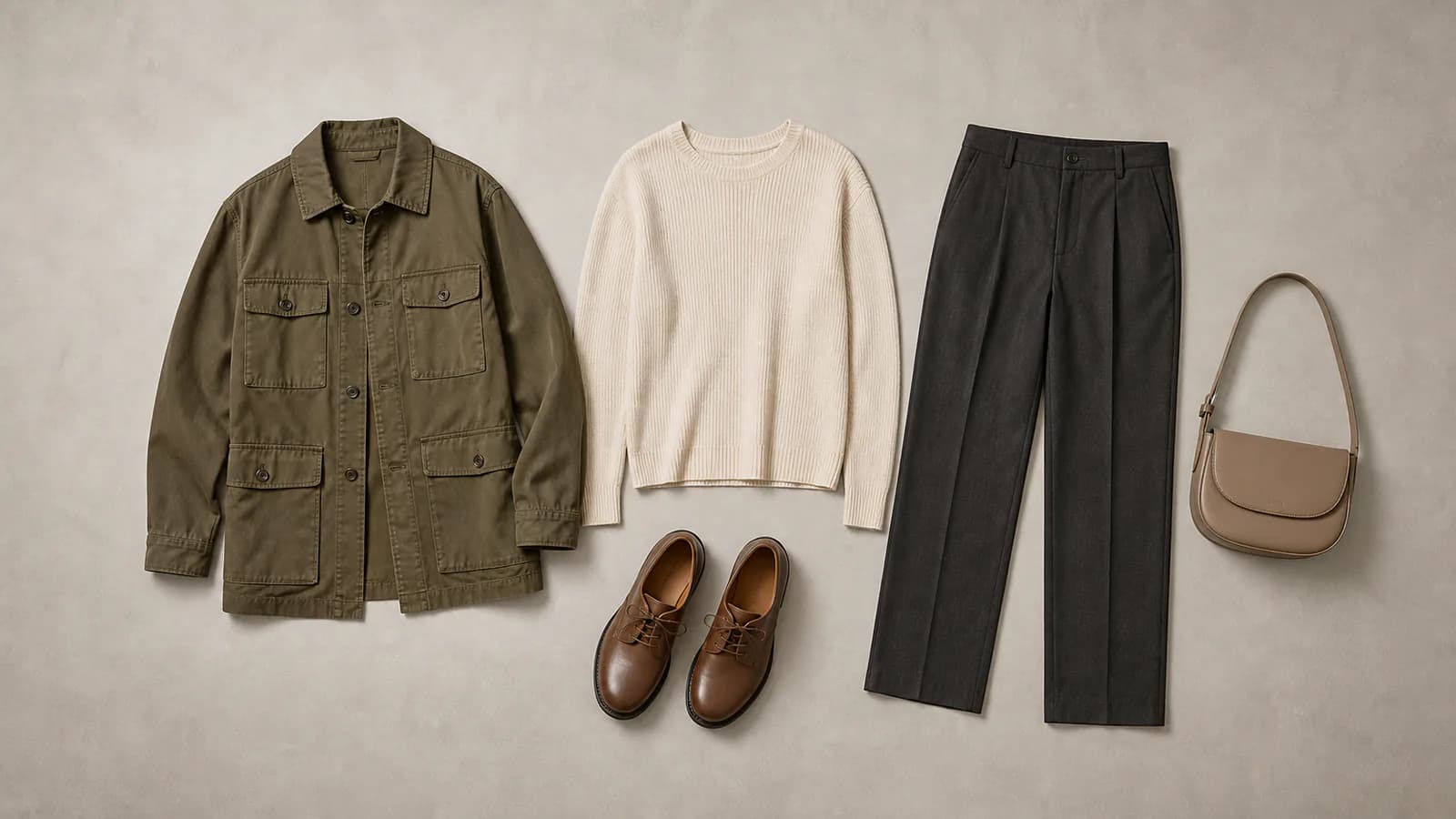
Editorial motion
Add polished movement without arranging another shoot
A subtle pose change, natural fabric movement, shifting light, or a slow camera move can turn a still into an editorial clip. The workflow helps creators test several visual directions from the same approved source image.
- Create quiet luxury, street-style, studio, or campaign moods
- Compare different motion directions from one fashion photo
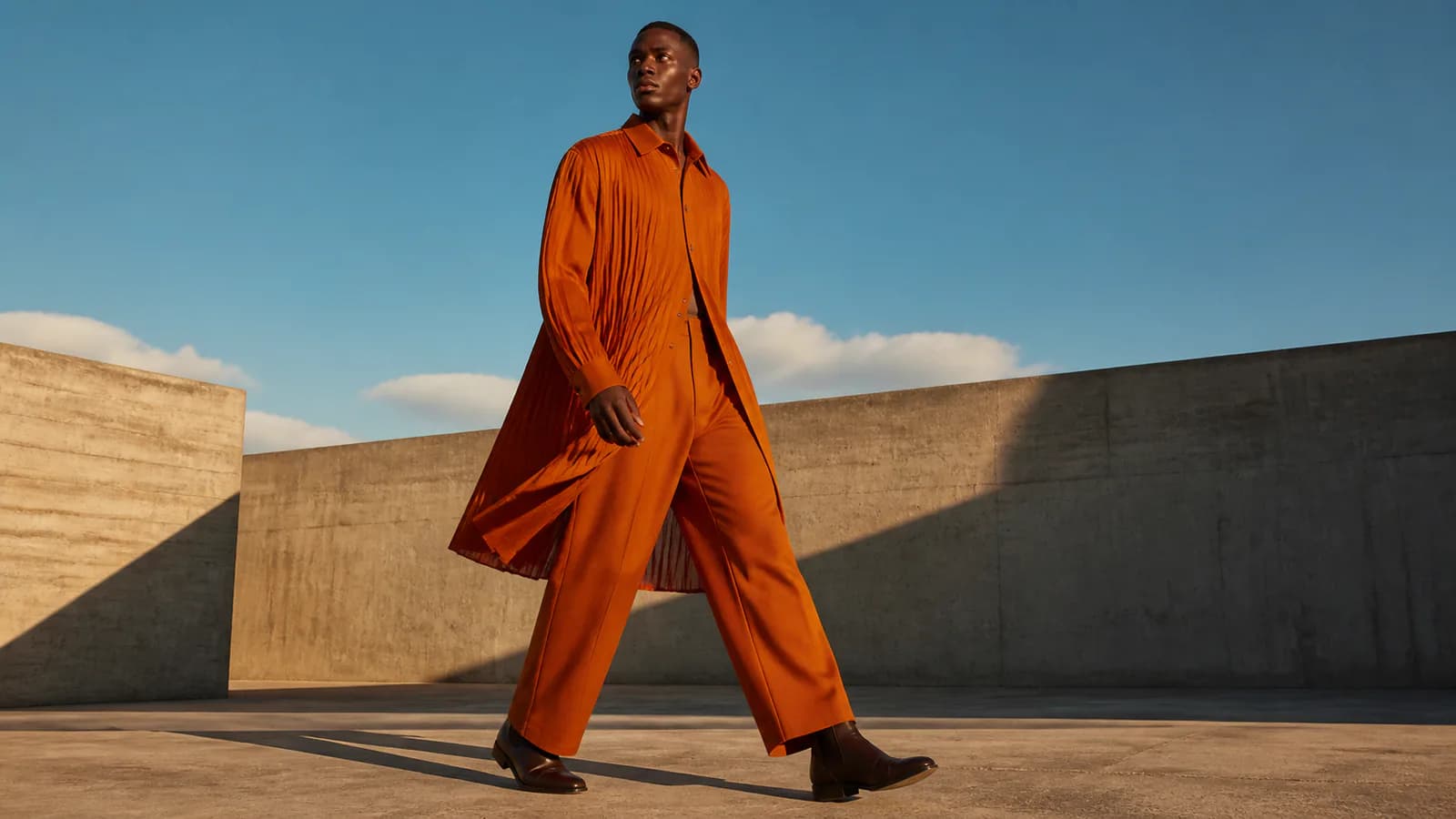
Social and commerce
Create fashion Reels, lookbook clips, and product-page motion
Use a vertical fashion video for Instagram Reels, TikTok, Stories, and Shorts, or a wider clip for a lookbook, store, ad, or presentation. Add prices, captions, music, and final brand graphics in your editor.
- Adapt one image for social, ecommerce, and campaign placements
- Keep factual product text and brand typography crisp in post
Why Choose Fashion Photo to Video AI
A focused workflow for turning existing fashion images into usable short-form video.
Your photo leads the result
Animate the actual model, garment, styling, and setting you want audiences to recognize.
Flexible creative direction
Explore polished movement, editorial atmosphere, and camera styles for different fashion campaigns.
Multiple models and formats
Choose available video models and ratios for social, ecommerce, lookbooks, and advertising.
Review before publishing
See the credit cost first and approve faces, hands, clothing, logos, and product details.
Fashion Photo to Video AI for Brands and Creators
Create short fashion assets from photography your team has already approved.
Apparel and ecommerce teams
Turn a model photo, product shot, or flat lay into motion for collection launches, product pages, emails, marketplaces, and paid social.
Designers and lookbook teams
Animate selected looks for digital lookbooks, showroom screens, portfolios, line-sheet presentations, and seasonal collection teasers.
Fashion creators and agencies
Create fashion Reels, editorial transitions, creator hooks, and campaign concepts from one source, then finish the strongest version in an editor.
How to Use Fashion Photo to Video AI
Create a short fashion video in three simple steps.
Upload a fashion photo
Choose a clear model, outfit, campaign, product, or flat-lay image.
Describe the motion you want
Enter a short direction for the movement, mood, or camera style.
Generate and publish
Create the clip, review the clothing and model, then download your preferred result.
Fashion Photo to Video AI FAQ
What does this fashion photo video tool do?
Can I create a fashion video from one clothing photo?
Can I try it for free?
Will it preserve the clothing and model exactly?
Is this a virtual try-on tool?
Can I make fashion Reels and lookbook videos?
Which fashion photos work best?
Turn a Fashion Photo into a Short Video
Create polished fashion content from one approved model or clothing image.
Fashion Photo to Video AI Online
Create fashion image to video, clothing photo to video, model photo to video AI, fashion lookbook video, fashion Reels, ecommerce clothing clips, and short editorial motion from one image. This workflow animates existing fashion photography; it is not virtual try-on or automatic outfit replacement.