
Product Photo to Video AI
Prompt templates
The uploaded photo supplies the product. Keep the prompt focused on camera, light, and restrained motion.
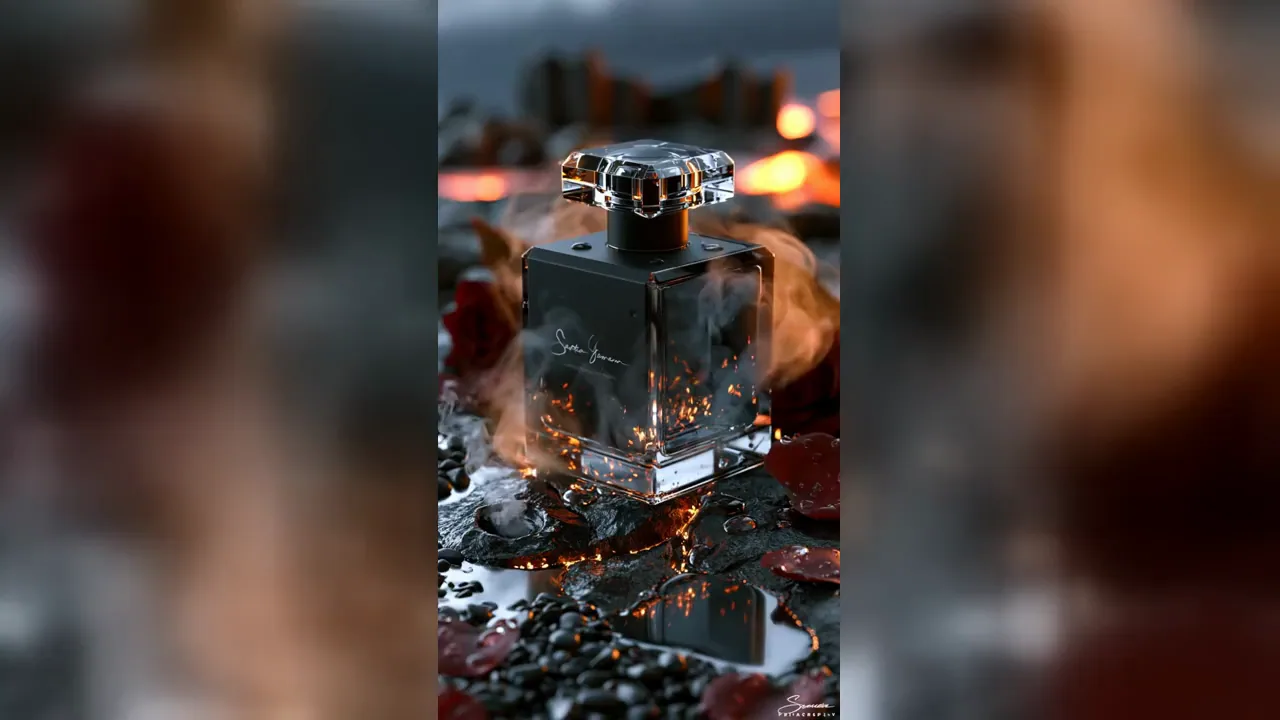
Product Photo to Video Examples
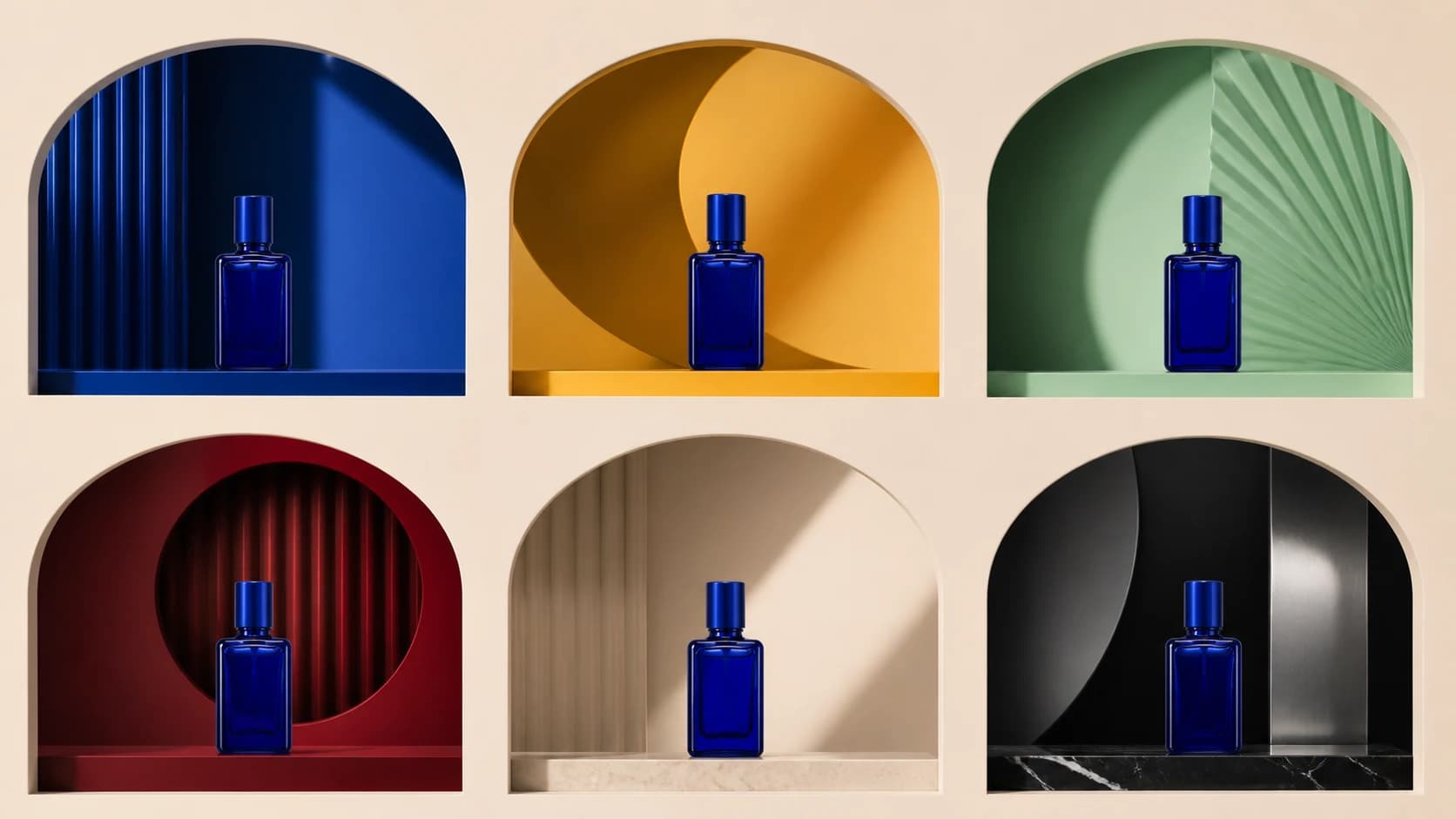
See how Product Photo to Video AI turns one approved image into ecommerce showcases, TikTok and Reels ads, product launch clips, and campaign variations with controlled camera movement, lighting, backgrounds, and product motion.
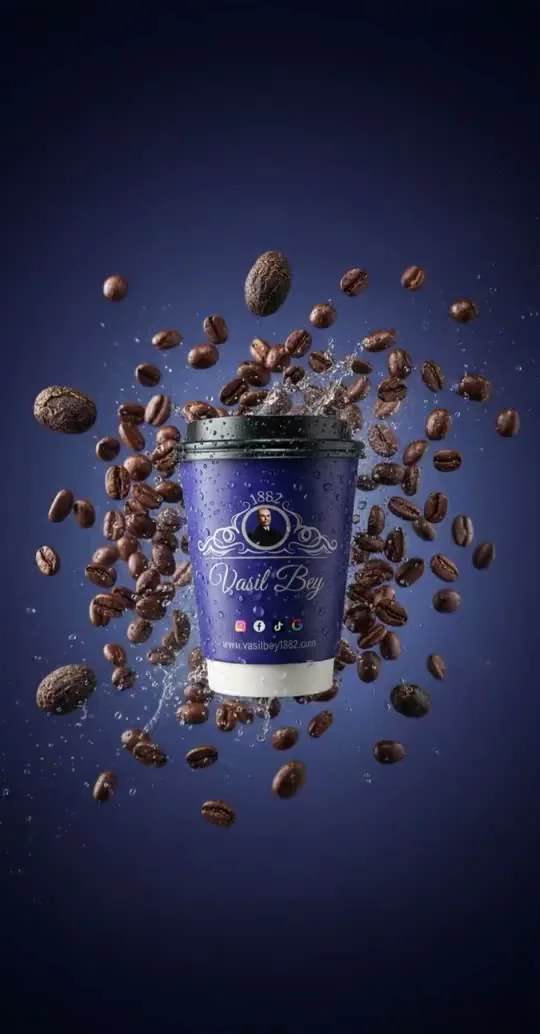
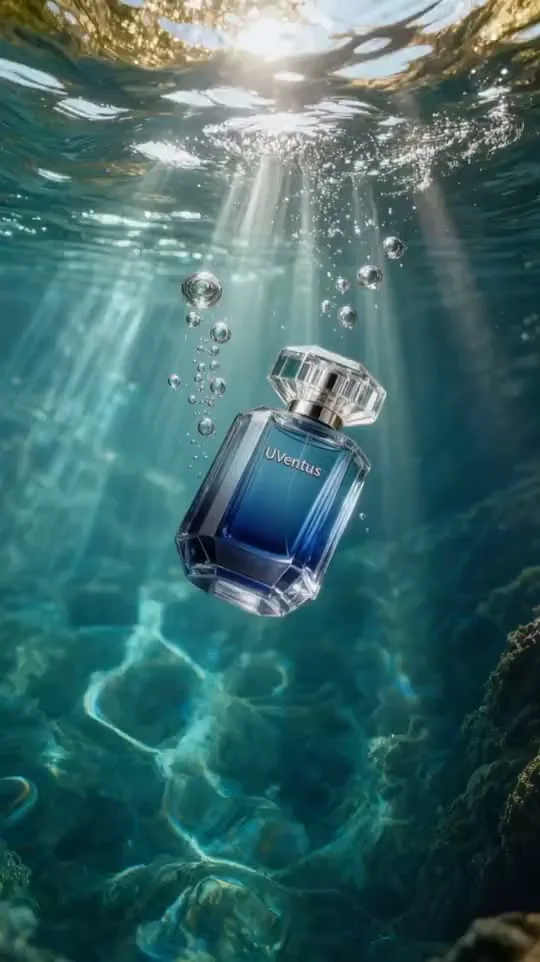
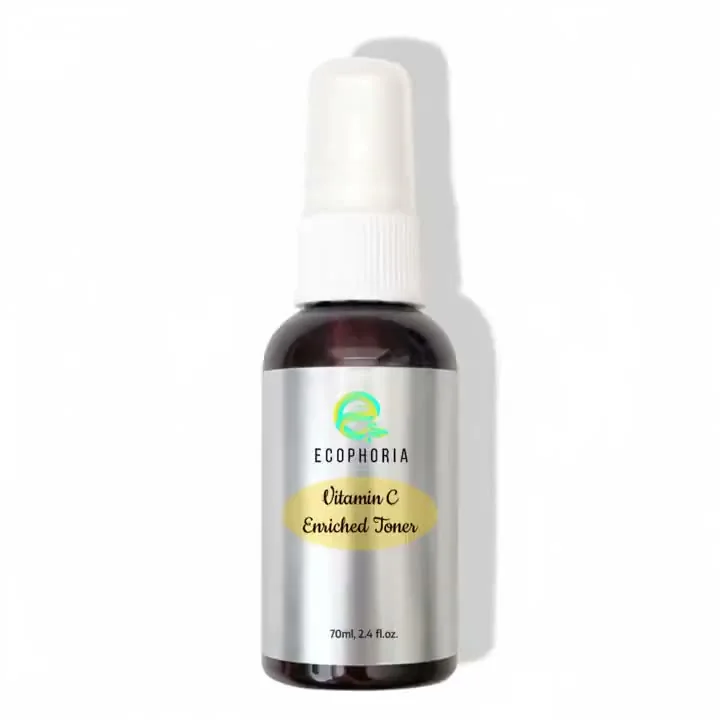
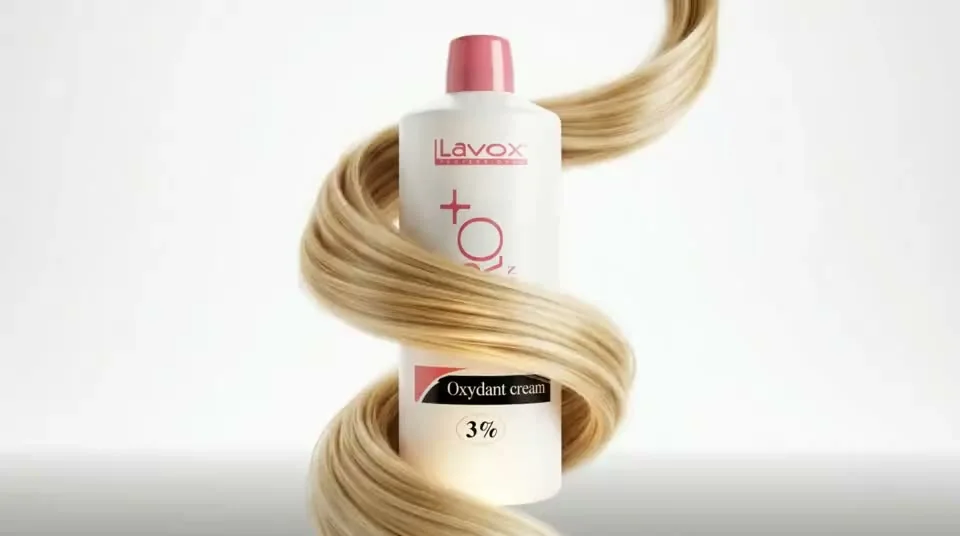
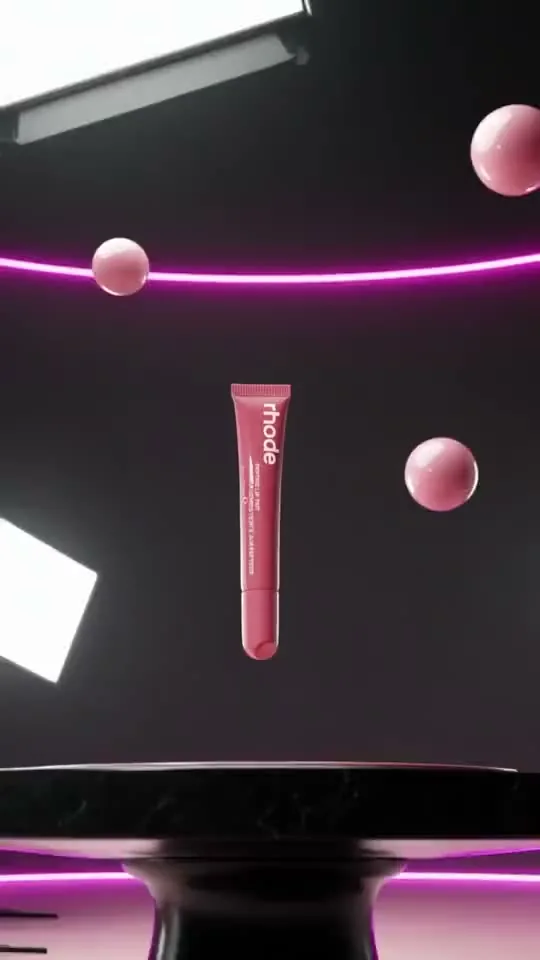
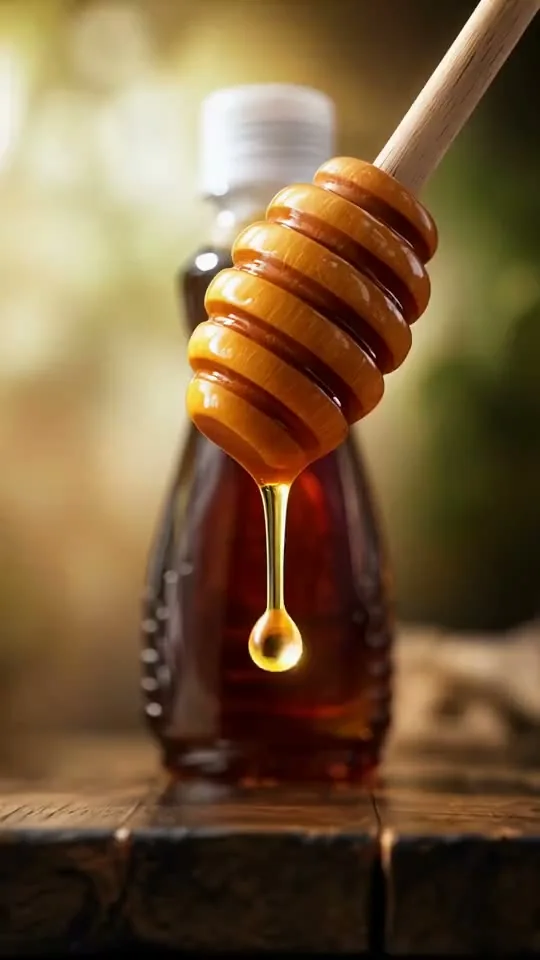
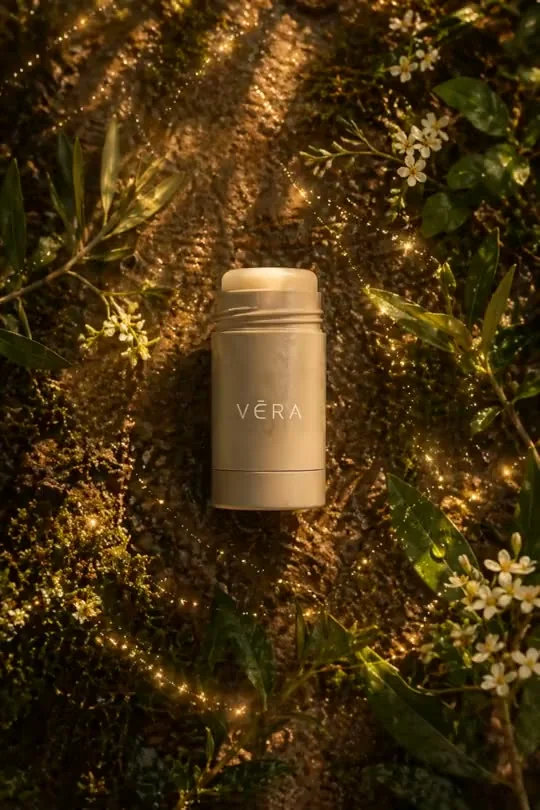
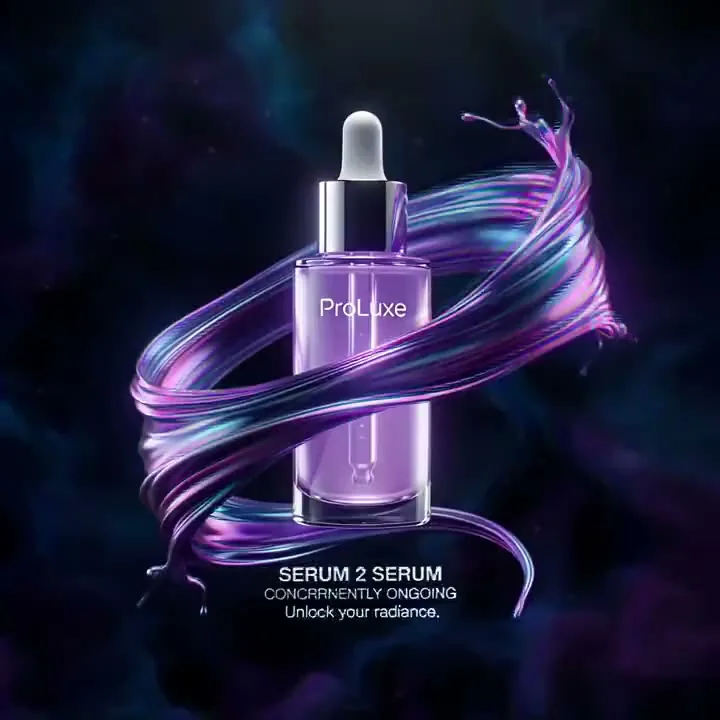
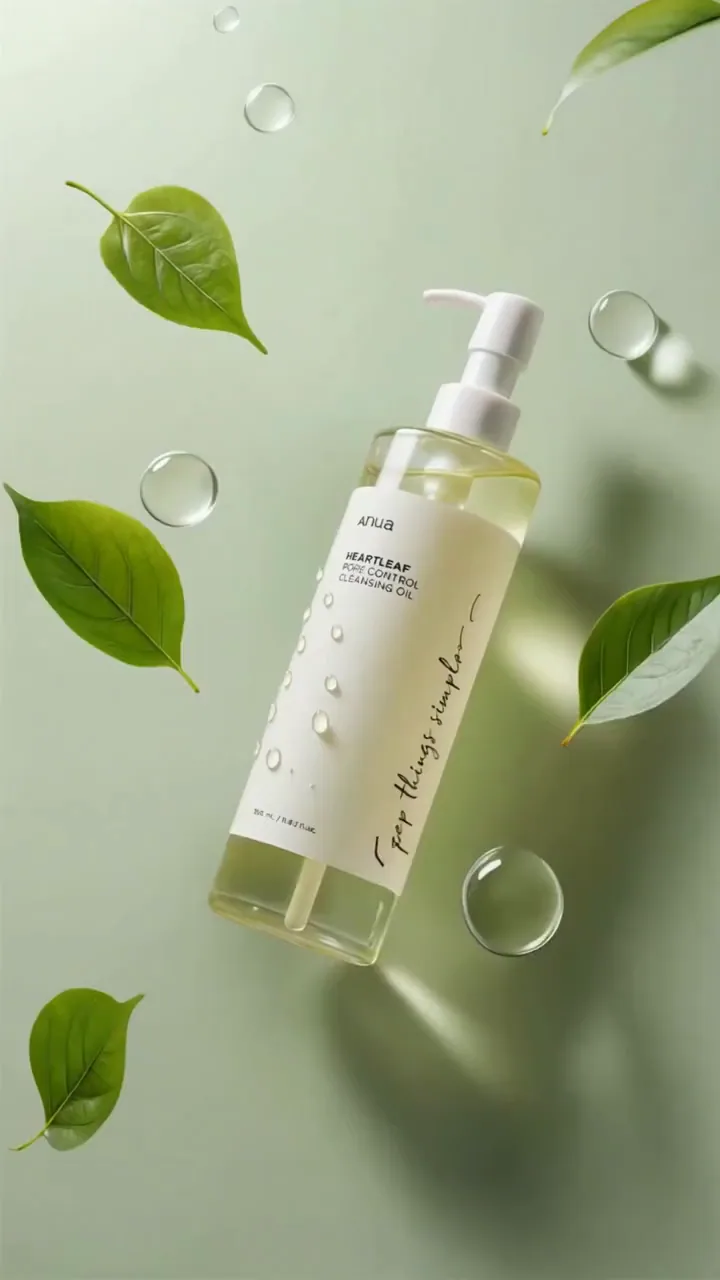
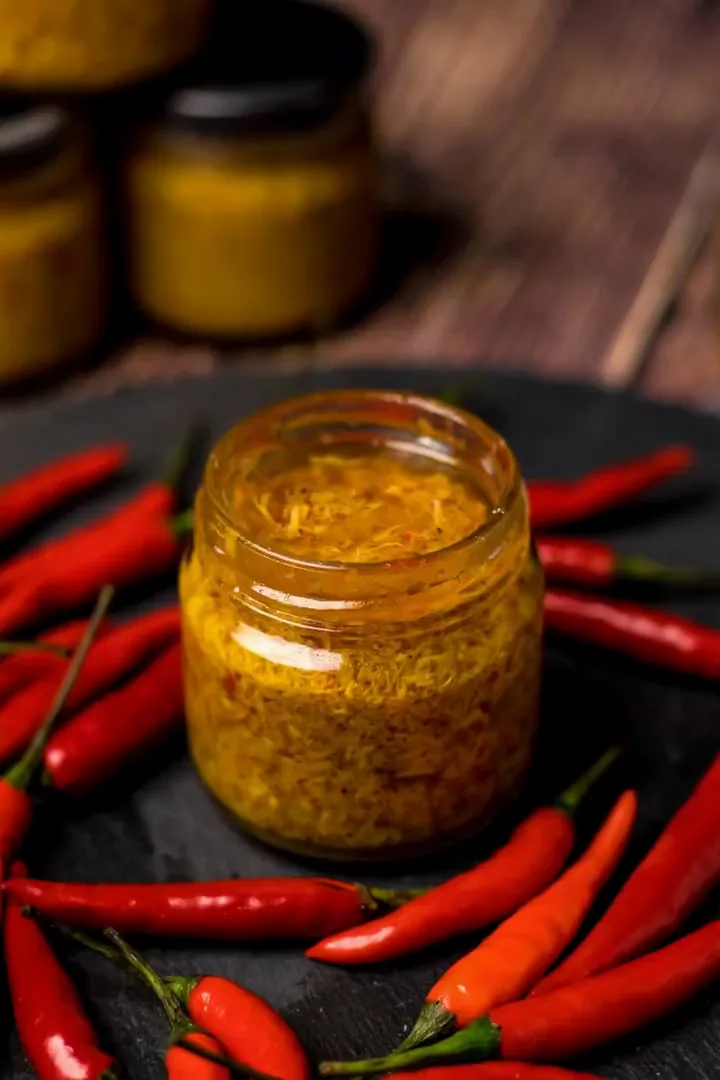
Build Better Product Motion from One Photo
Six focused choices keep the product clear while giving each video a distinct purpose.
Product identity
Keep the approved product at the center
The photo anchors silhouette, color, finish, and visible packaging details, so the prompt can focus on camera, light, and motion. Use a clean image with the complete product visible, then review small lettering, logos, seams, and controls after generation.
- Reuse catalog, campaign, lifestyle, or cutout photography
- Direct motion without rewriting the product description
- Review brand marks, text, proportions, and materials
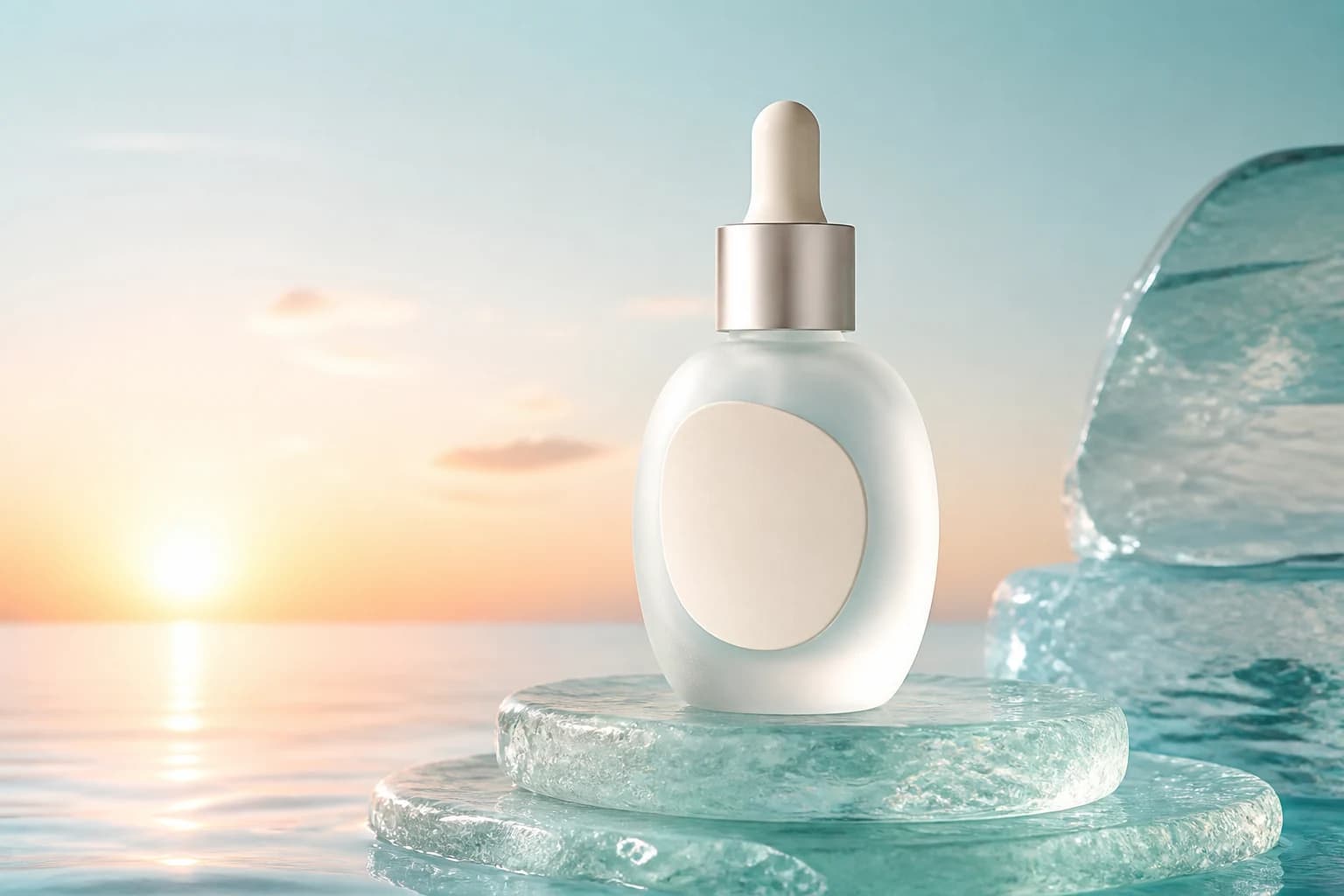
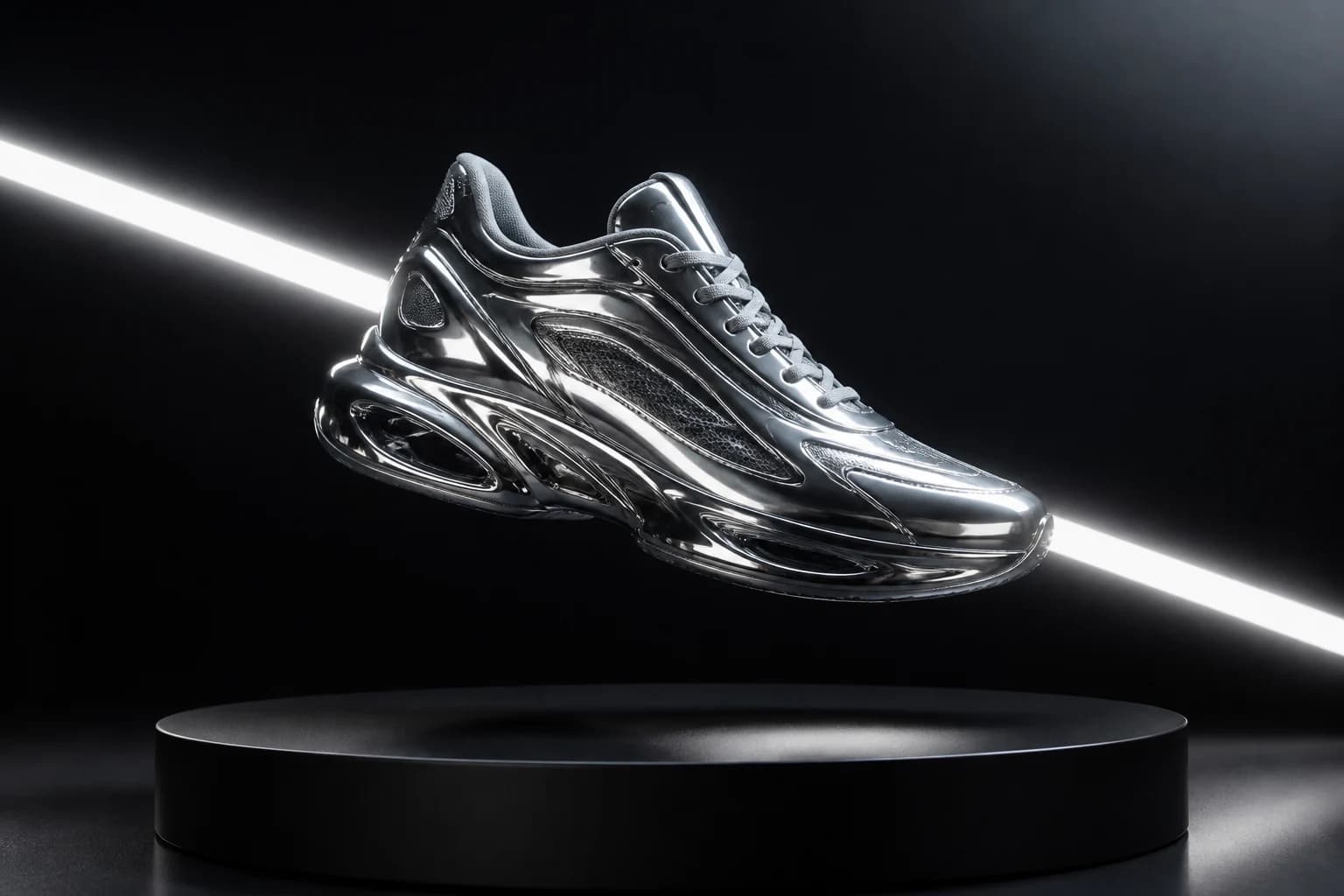
Camera and light
Give camera and light one clear job
Use a slow push-in for texture, a restrained side move for depth, or a short orbit for silhouette. Pair that camera behavior with one lighting change. Subtle direction usually preserves product structure better than a fast spin or several simultaneous effects.
- Match camera motion to the most important feature
- Use controlled highlights for reflective materials
- Test modest variations before a large rotation
Channel formats
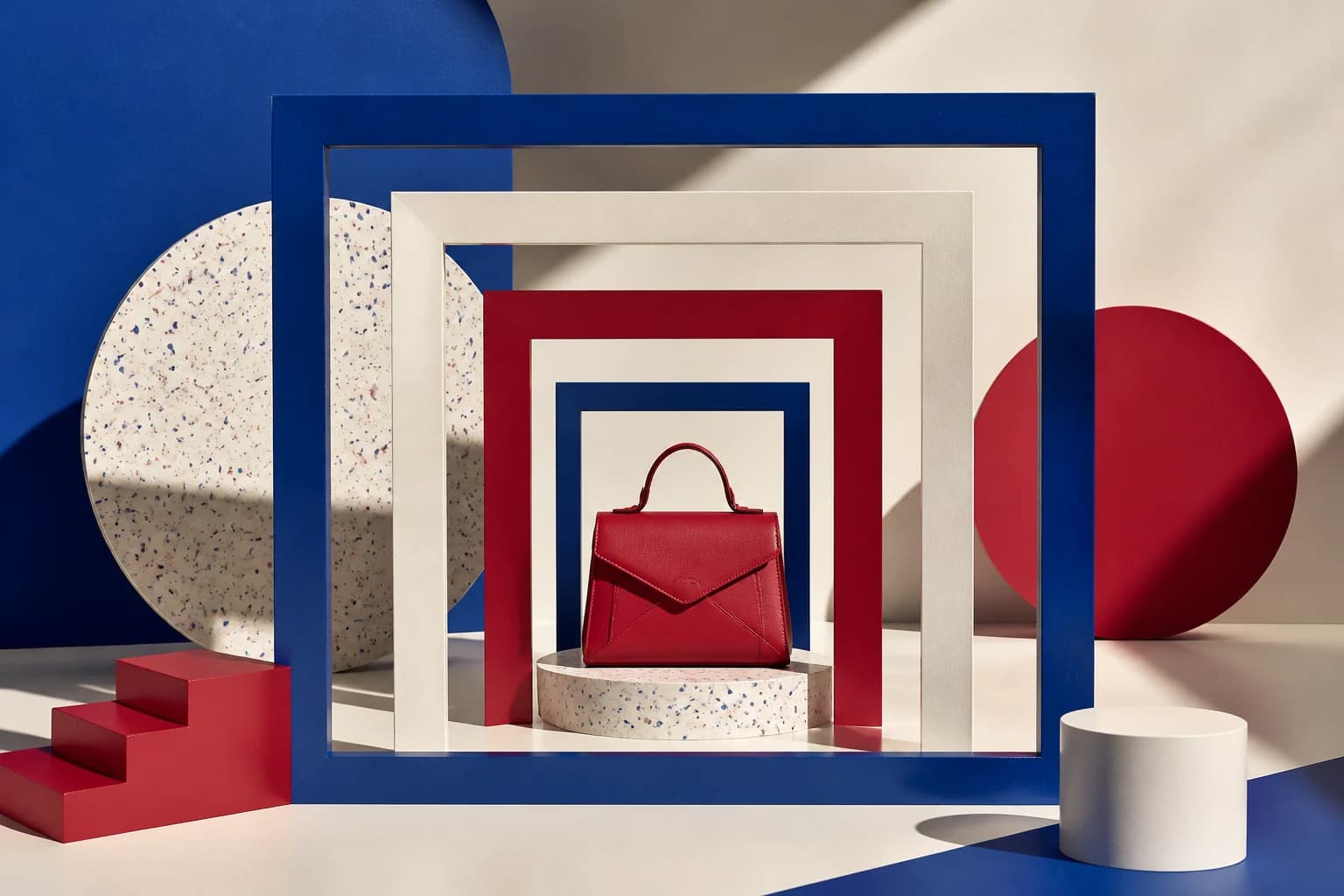
Choose the format before generation
Marketplace galleries, vertical Reels, paid ads, and widescreen heroes frame products differently. Choose a supported ratio first so negative space, camera travel, and scale fit the destination. Leave room for platform overlays or an edited end card.
- Use vertical composition for short-form mobile video
- Use square or portrait formats for feeds and ecommerce
- Use widescreen for sites, presentations, and displays
Realistic limits
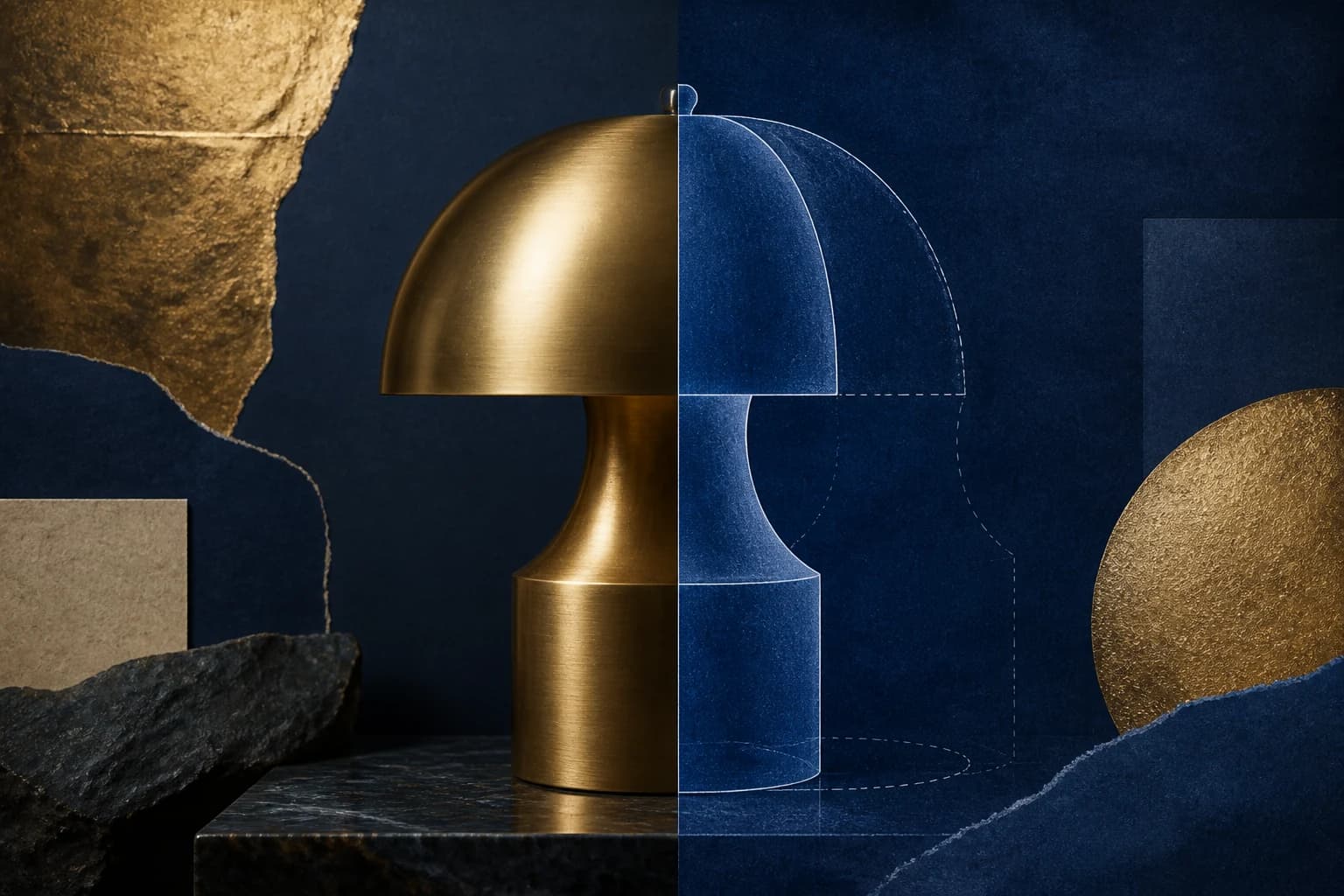
Treat unseen angles as interpretation
One photo does not contain the exact back, underside, interior, or side profile. Large camera moves require AI to invent those surfaces. When hidden geometry must be accurate, reduce the move or use approved references, 3D files, or production assets.
- Do not claim a true 360-degree view from one image
- Keep important details on the visible side
- Use additional assets when hidden geometry matters
Material behavior
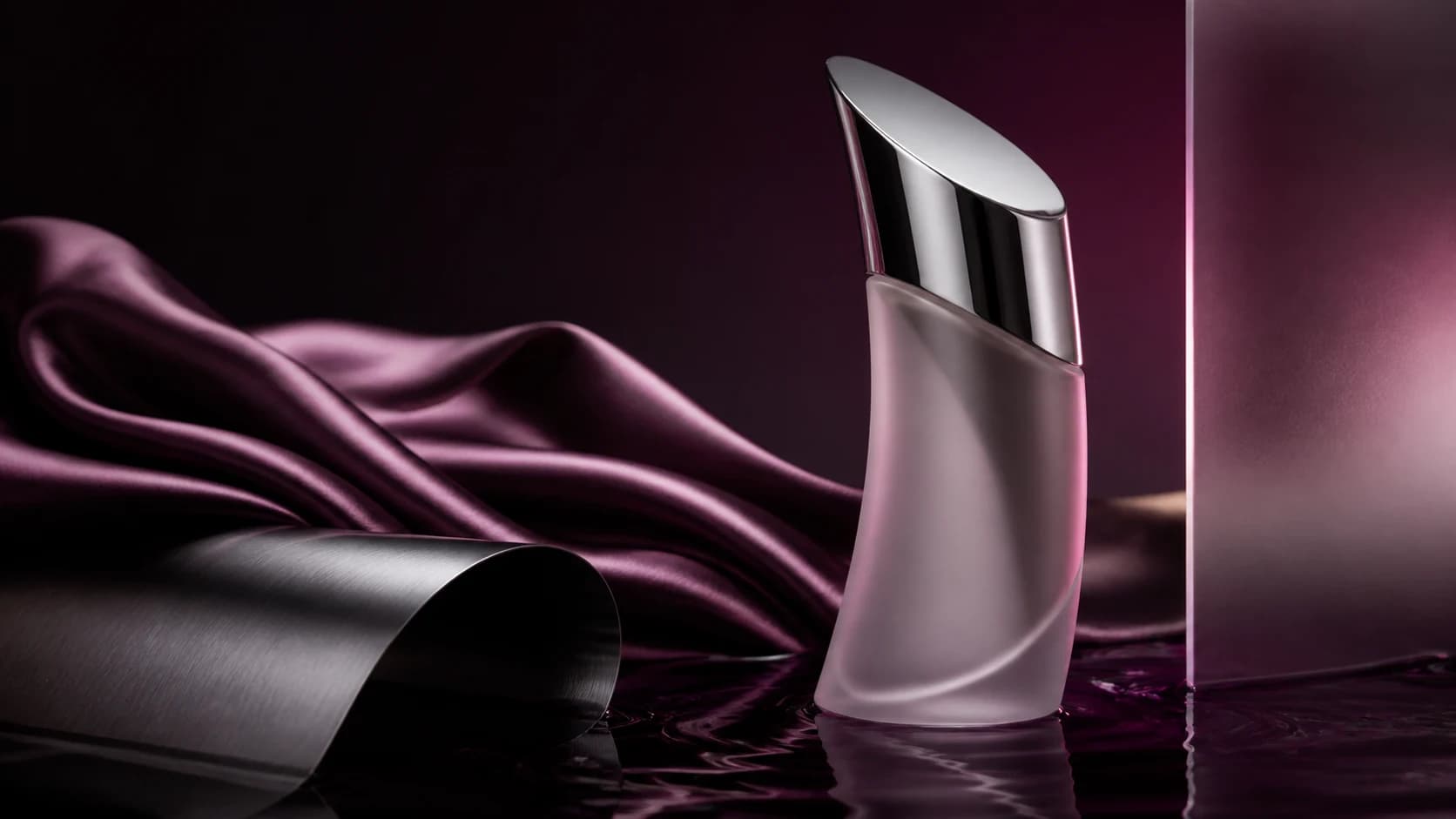
Match the motion to the material
Glass, metal, fabric, liquid, and matte packaging respond differently to moving light. Use a controlled highlight to reveal reflective surfaces, softer shadow changes for paper or fabric, and restrained background motion when the product itself should stay stable.
- Use light sweeps to reveal glass and polished metal
- Keep matte packaging readable with softer contrast
- Avoid reflections that hide labels or controls
Campaign iteration
Build campaign variants systematically
Keep the approved product photo and core camera move consistent, then test one new background, light treatment, or pacing choice at a time. This creates a related family of assets without making every channel use the exact same shot.
- Lock the source photo across a campaign set
- Vary one creative treatment per generation
- Select the strongest version for each placement
Who Uses Product Photo to Video AI
For commerce and creative teams that already have approved photography and need more product motion without another shoot.
Ecommerce sellers and marketplace teams
Turn catalog or lifestyle images into ecommerce product page videos for Shopify, Amazon, marketplaces, email, and sales presentations.
Performance marketers and social creators
Turn one product photo into vertical hooks for TikTok, Reels, Shorts, stories, and paid social while leaving room for platform overlays.
Brand and campaign teams
Test product launch clips, seasonal treatments, lighting directions, and campaign variations from the same approved source image.
Why Choose Photo to Video AI for Product Videos
Create directed motion from an approved asset while keeping product review, output formats, and generation cost visible.
Start from an approved product photo
Anchor the video to catalog, campaign, lifestyle, or cutout photography your team already selected instead of rebuilding the product from text.
Direct camera, light, and motion
Use a focused prompt to control the camera path, lighting behavior, atmosphere, background action, and restrained product movement.
Create channel-ready variations
Prepare vertical, square, portrait, or widescreen versions where supported, using the same approved source across ecommerce and campaign placements.
Review product details before export
See the cost before generation, then inspect shape, packaging, logos, colors, reflections, and invented hidden angles before downloading the result.
How to Turn a Product Photo into a Video
Create a short product animation from one image in three practical steps.
Upload a clear product photo
Choose a sharp product photo with the complete item, label, edges, and materials visible. Clean catalog images, lifestyle stills, and simple studio photography can all work.
Direct the camera and light
Describe one product motion, one camera behavior, and the desired lighting or atmosphere. Select an available model and supported output settings.
Generate, review, and export
Check the credit cost, generate, and inspect shape, label, logo, color, reflections, and hidden-angle inventions before downloading the MP4.
Choose a product video workflow
Different products need different shot directions. Keep furniture geometry readable, reveal jewelry with restrained light, give clothing natural movement, or highlight food texture. Choose a focused workflow below, then review the generated details before publishing.
Apply this workflow to your scene
These related scenarios use this tool when you have the matching source material and creative goal.
Product Photo to Video AI FAQ
What is Product Photo to Video AI?
How do I turn a product photo into a video?
Will AI keep the product shape and label accurate?
Can one product image create a true 360-degree video?
Which product photos work best for AI video?
Can I create videos for Shopify, Amazon, or social ads?
How is this different from the AI Product Reveal Video Generator?
Is Product Photo to Video AI free?
Create Product Motion from One Approved Photo
Upload a product image, direct the camera and lighting, and test a short ecommerce or social video with free evaluation credits.
Product Photo to Video AI Online
Photo to Video AI provides online product-photo-to-video generation for ecommerce clips, social ads, product showcases, lighting studies, camera moves, and campaign variations. Upload one approved photo, choose supported settings, direct motion, review the cost, and inspect the result before publishing.