
Photo to Video AI Free Generator
Prompt templates
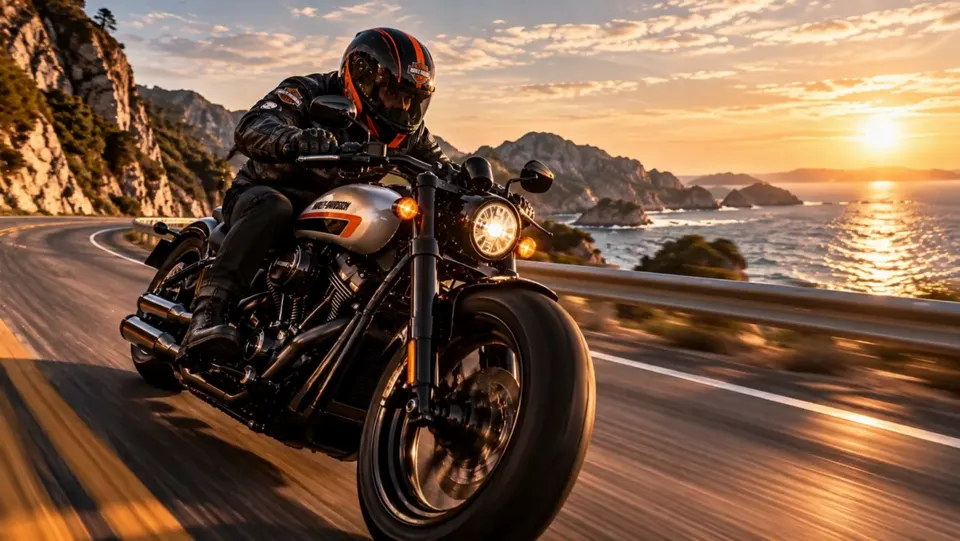
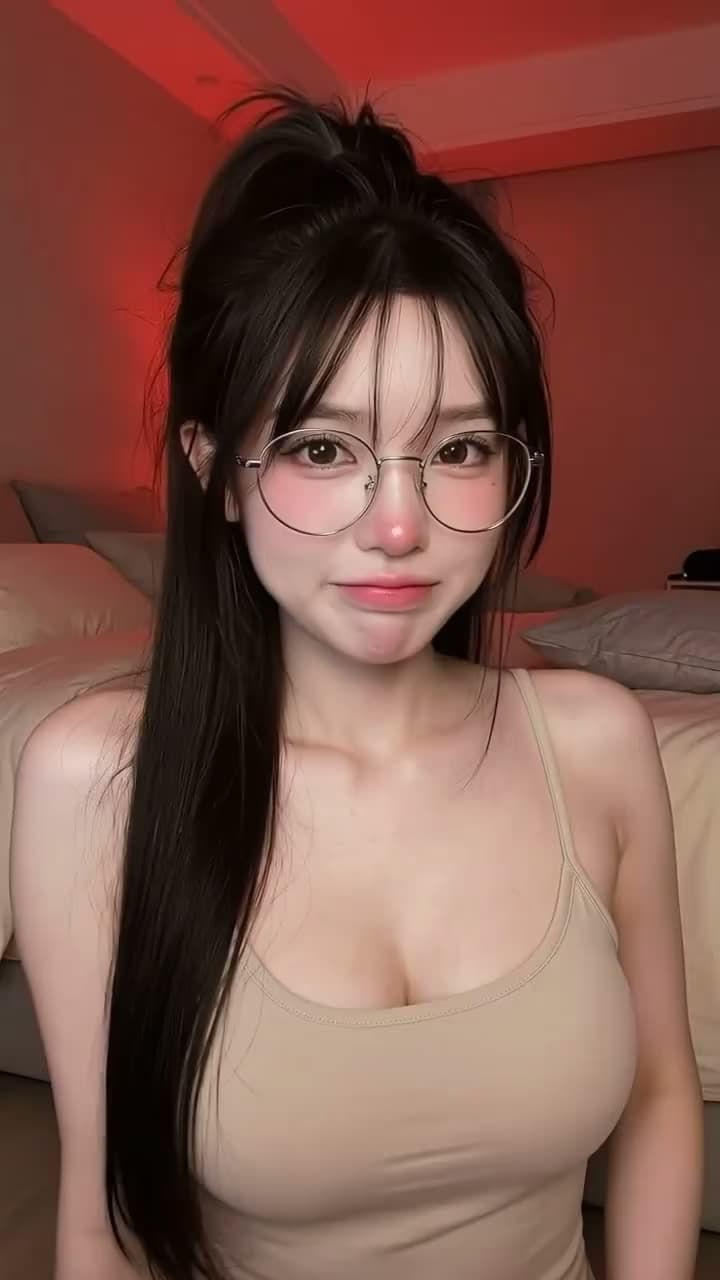
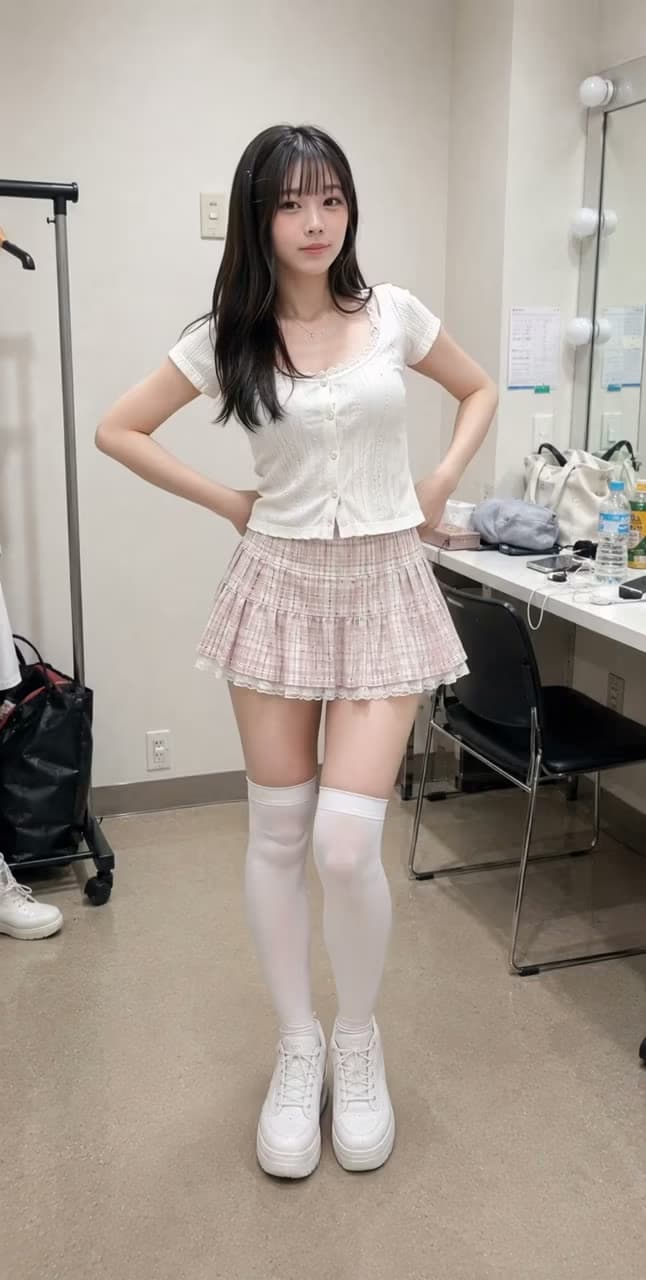

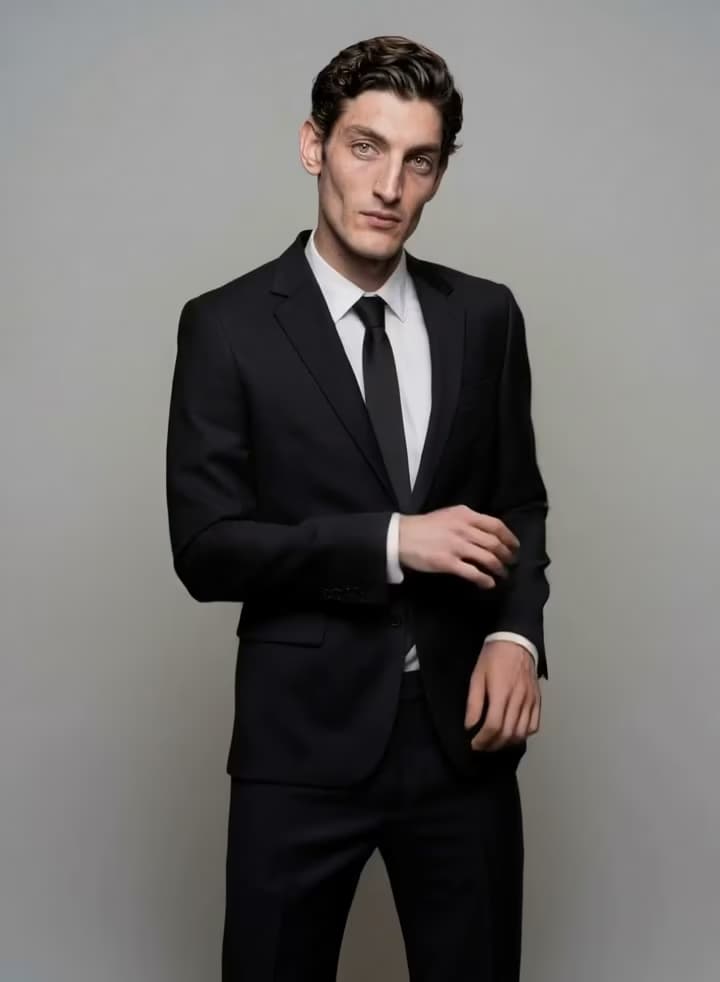
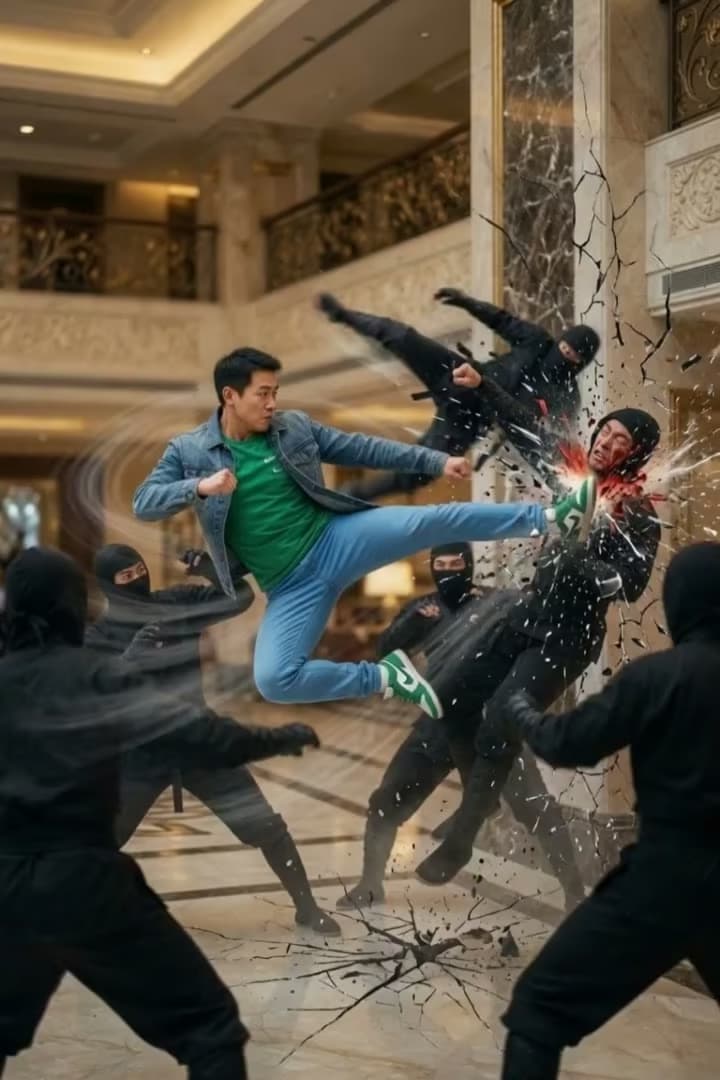
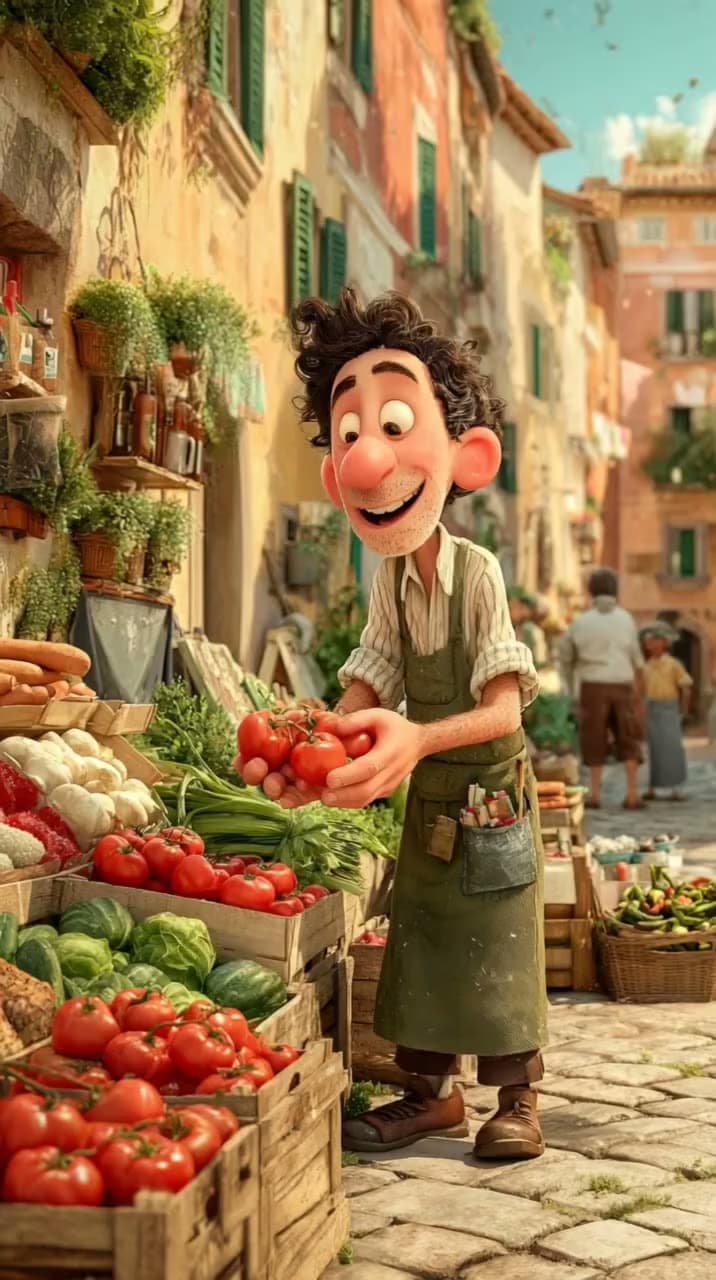
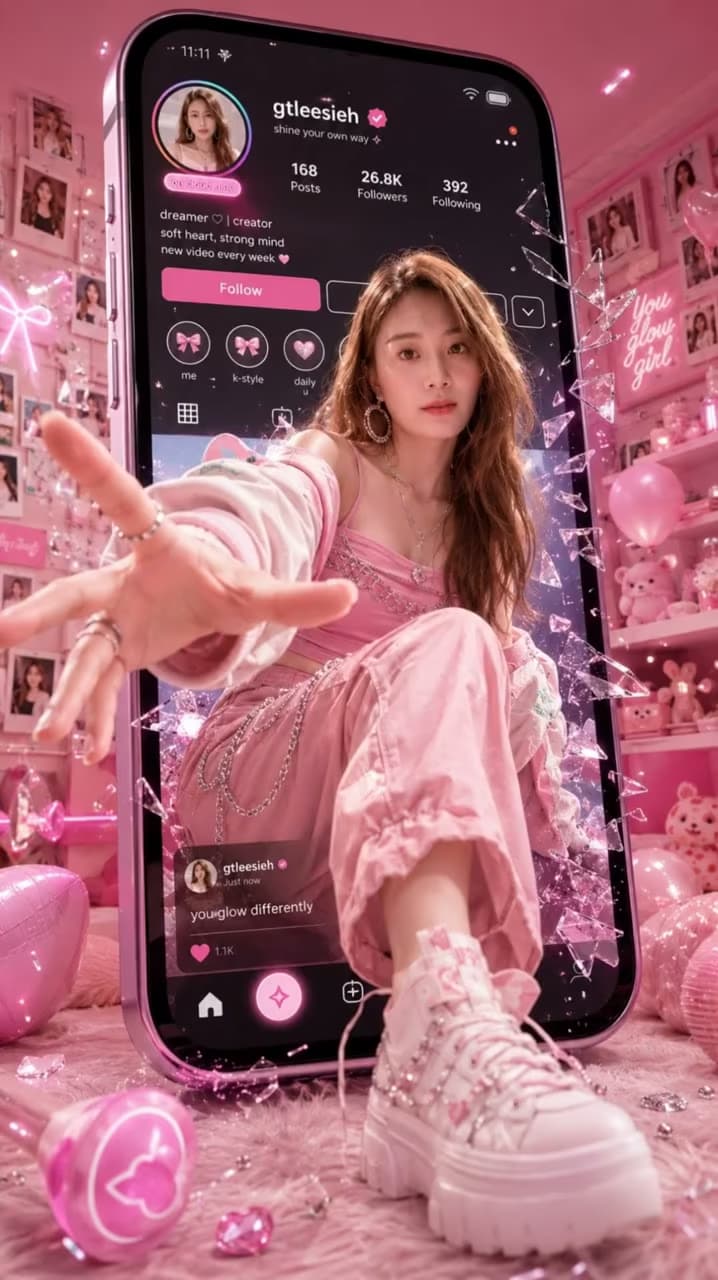
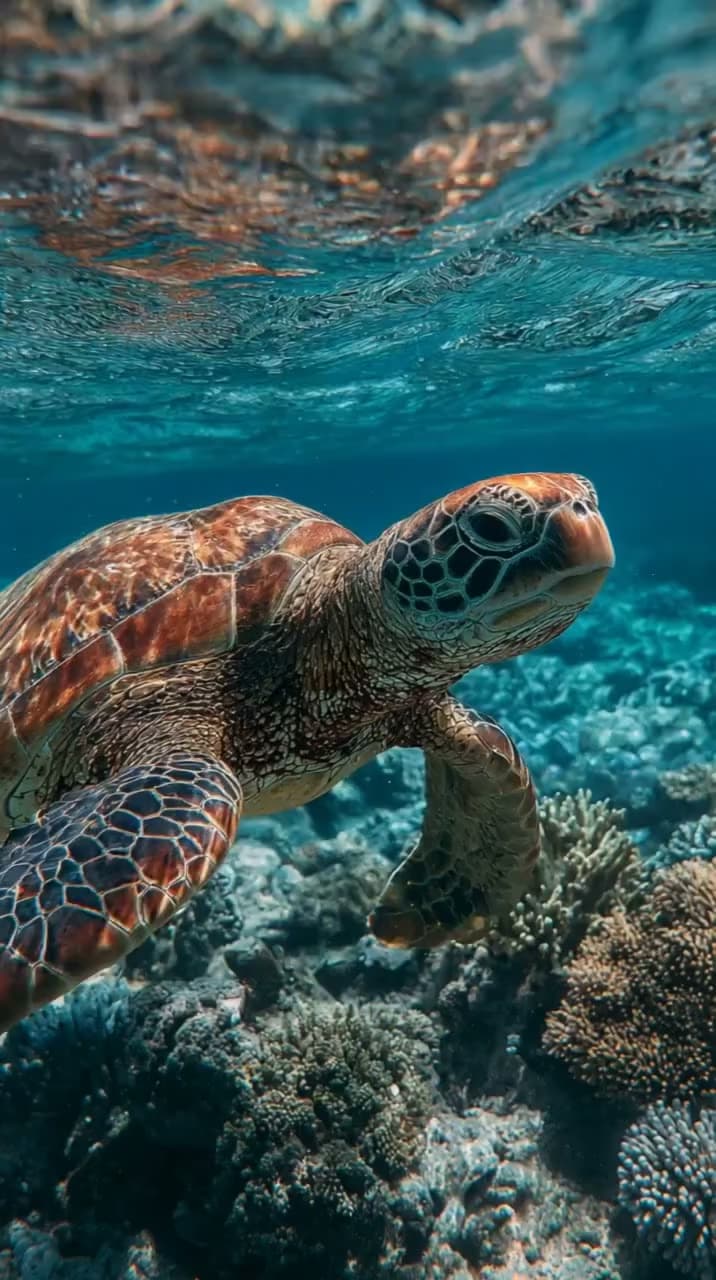

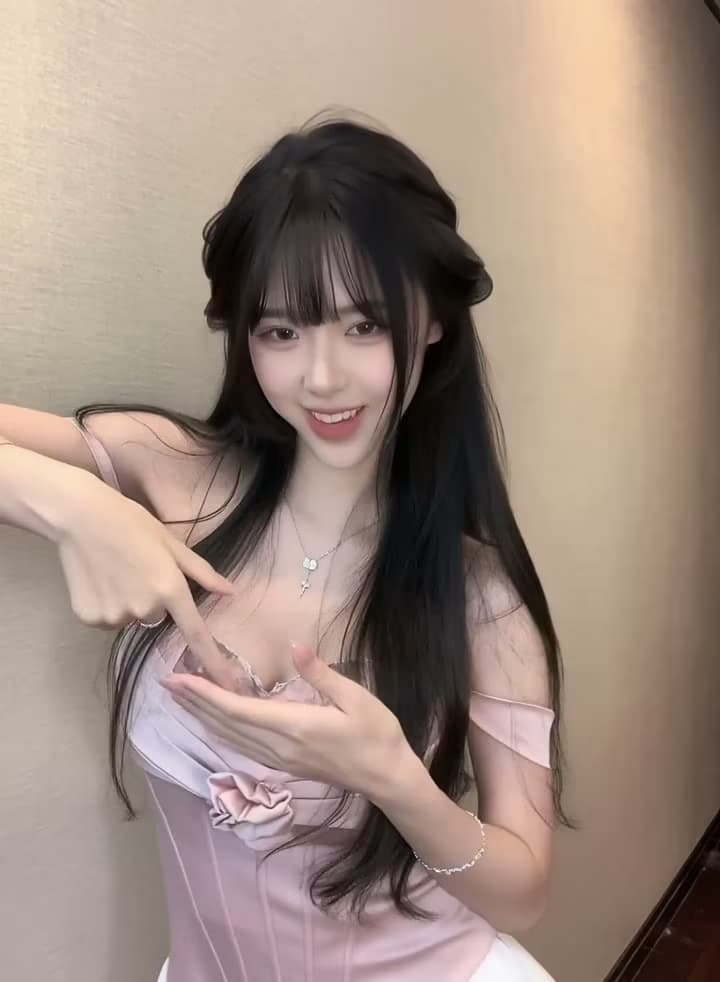
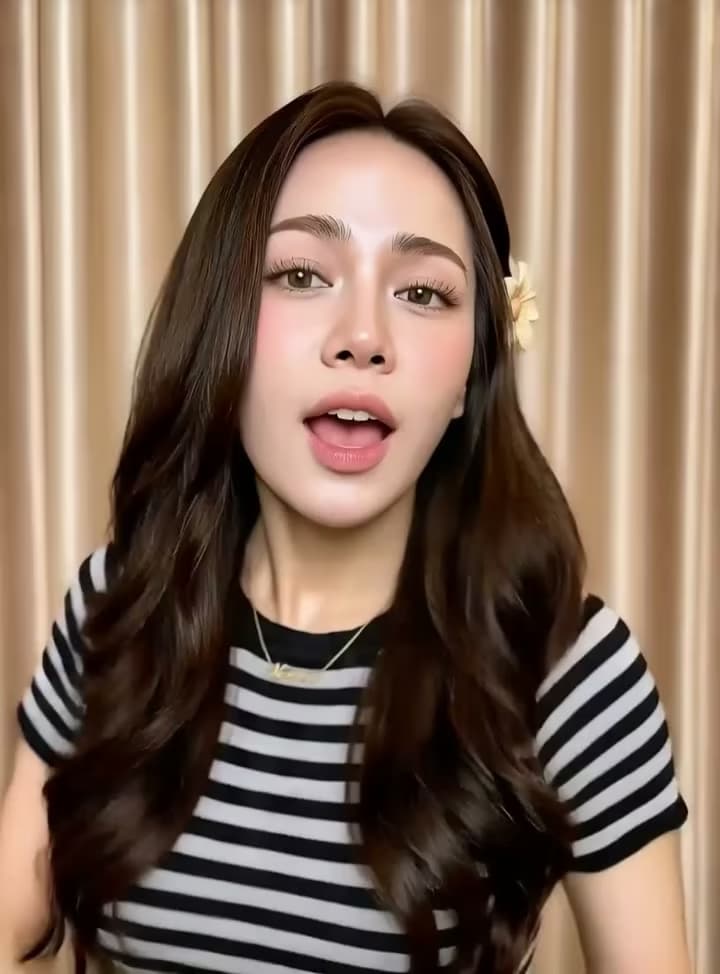
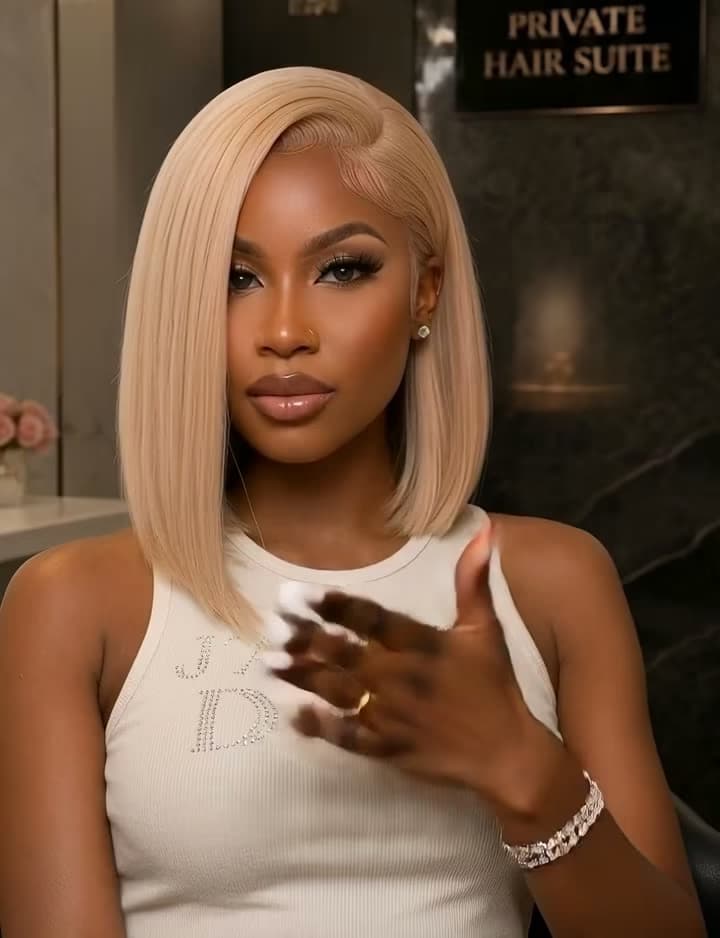

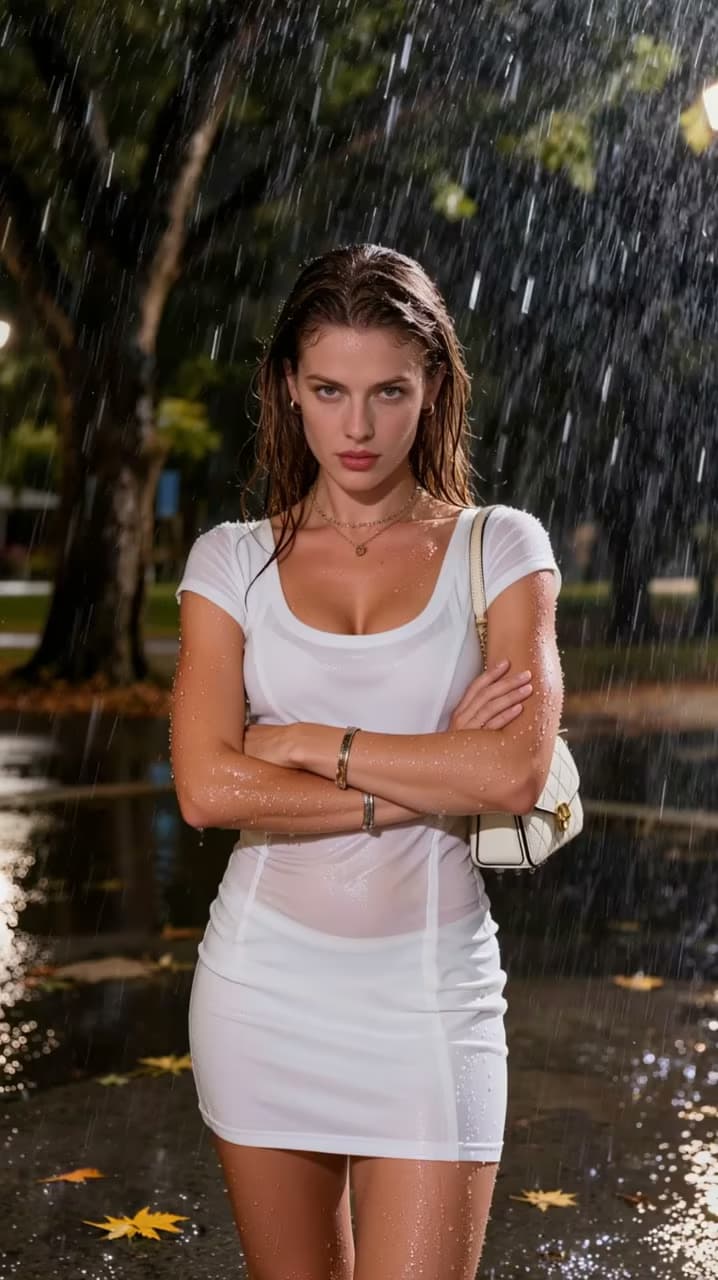
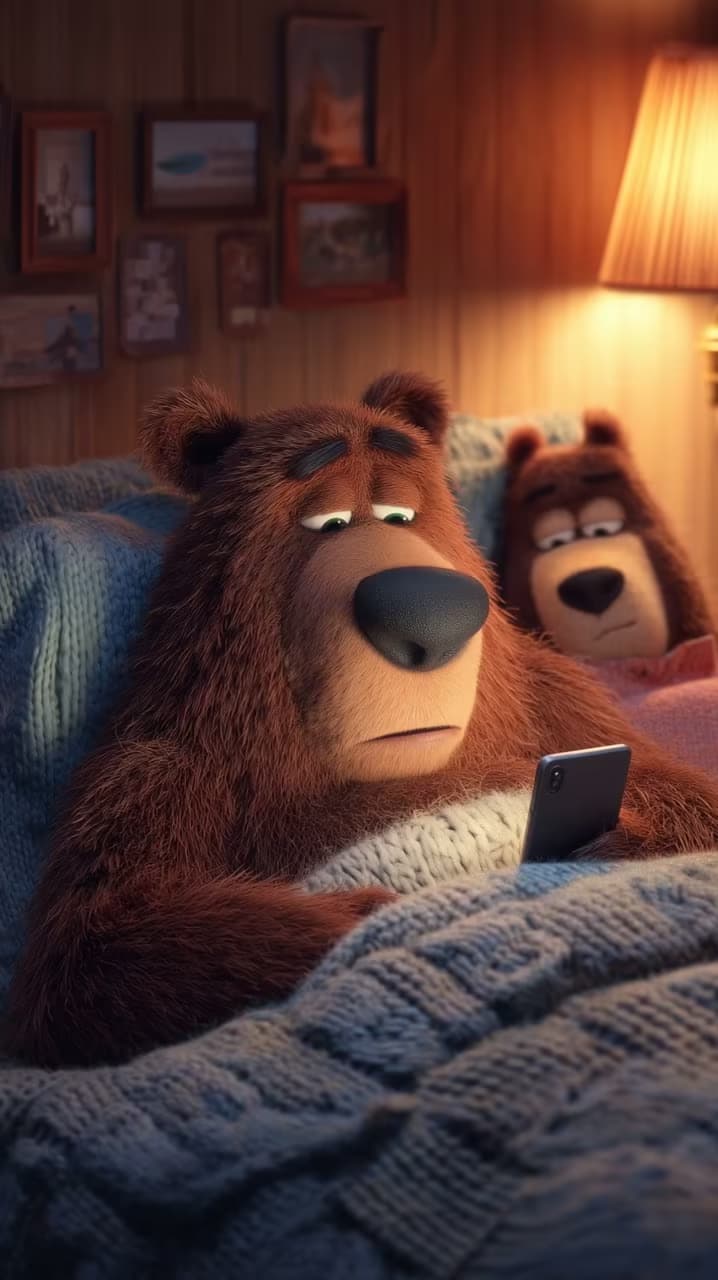
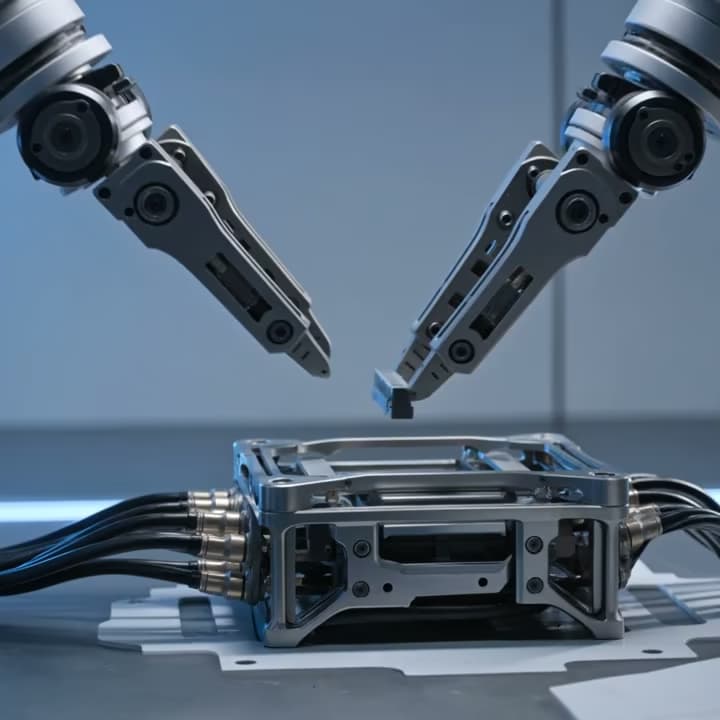
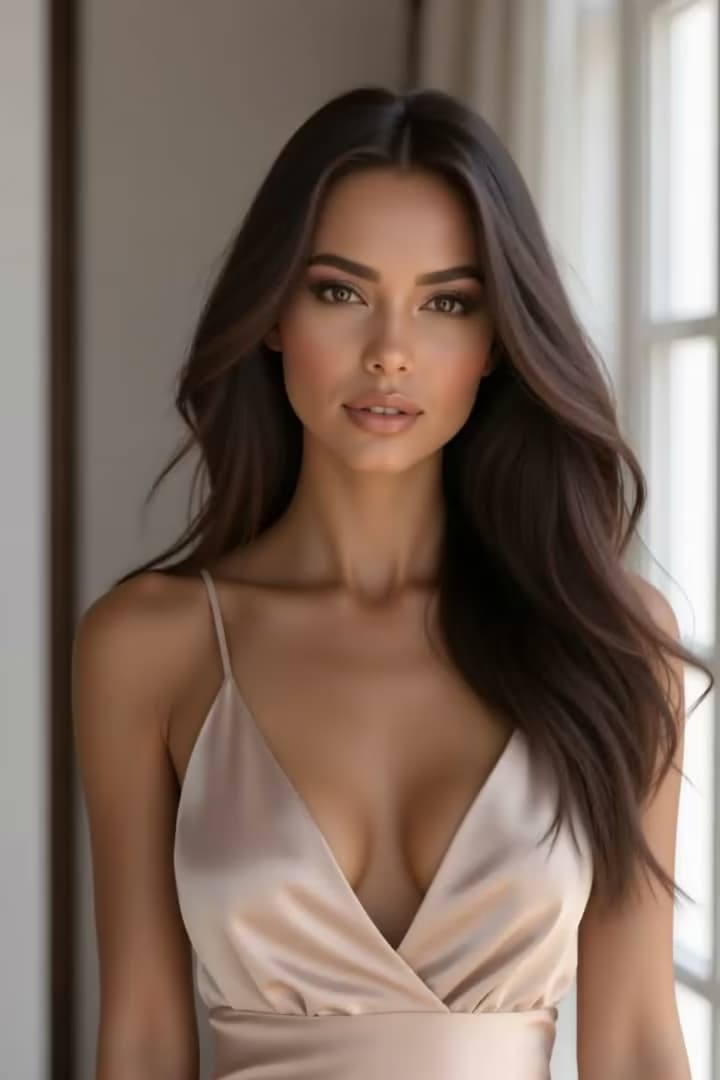
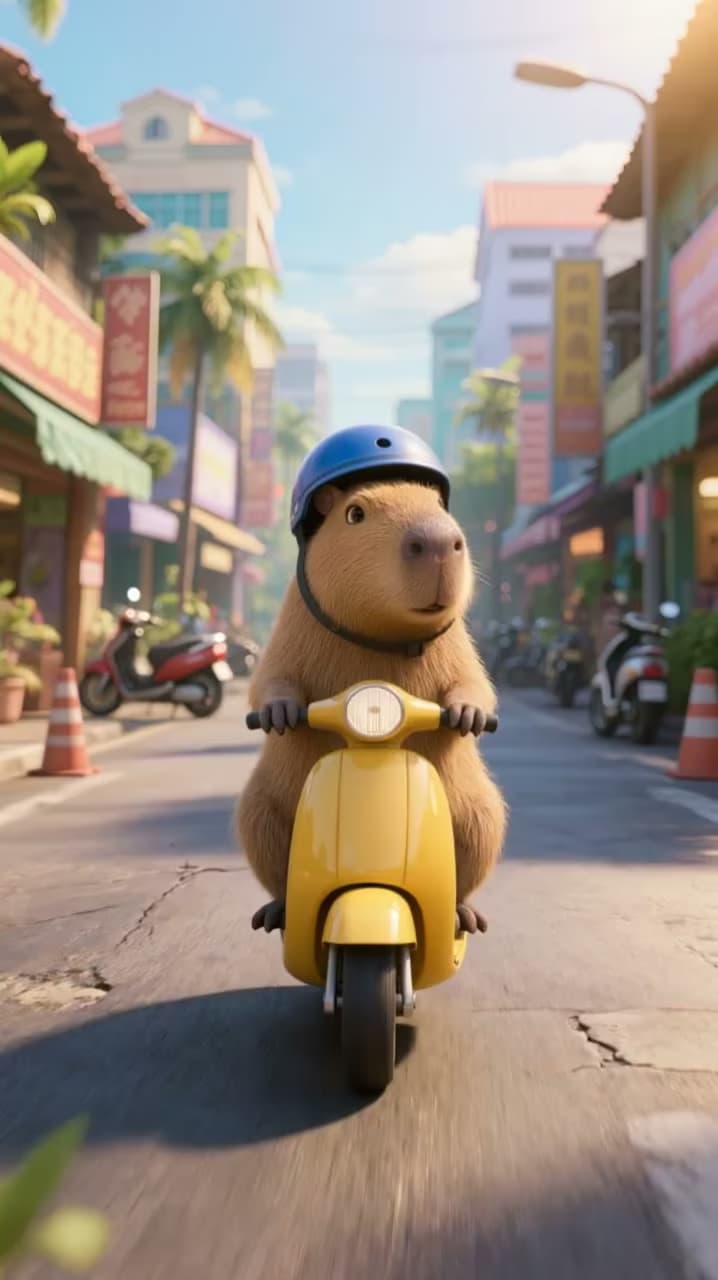
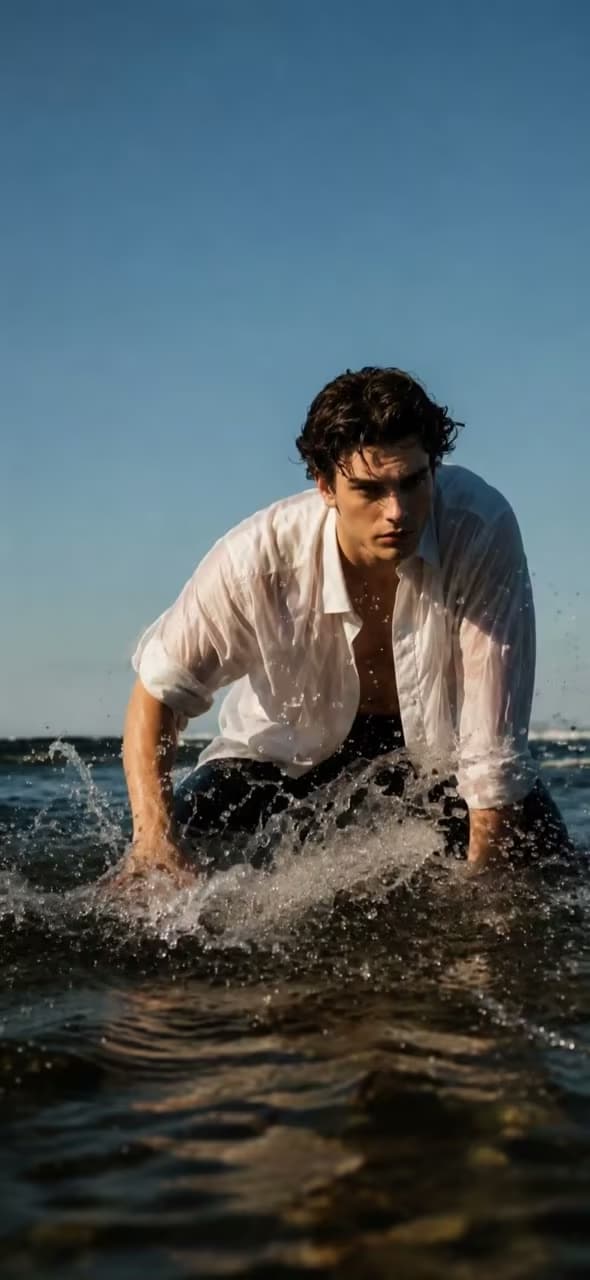
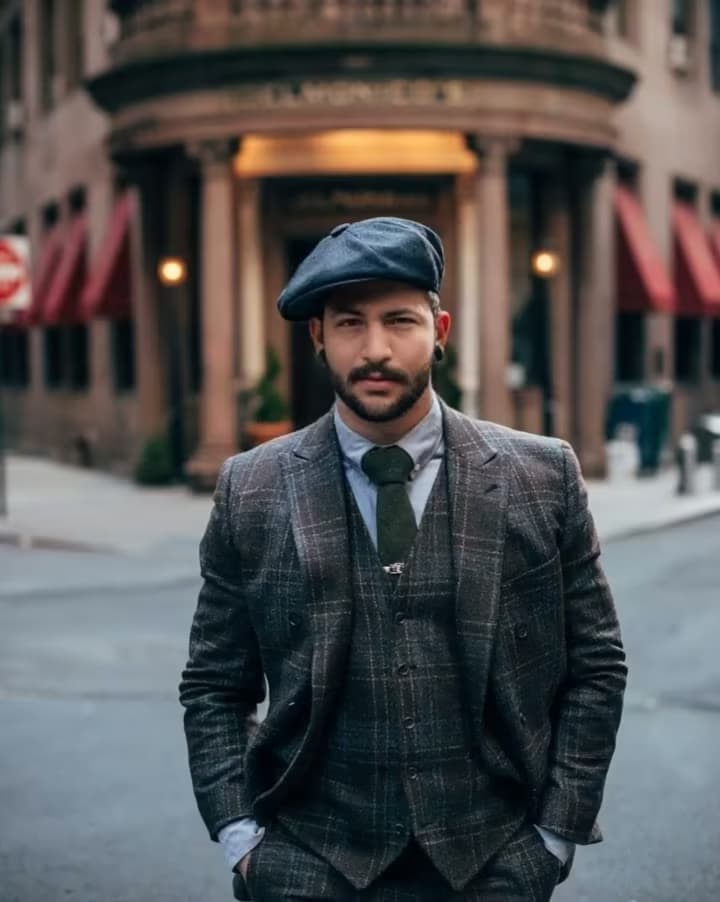
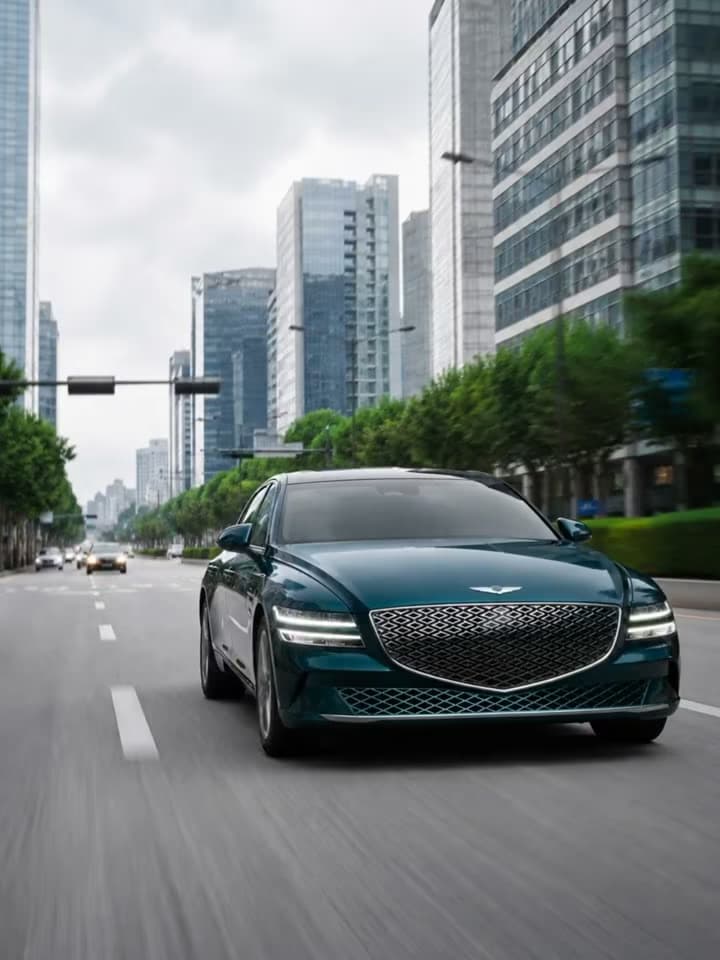
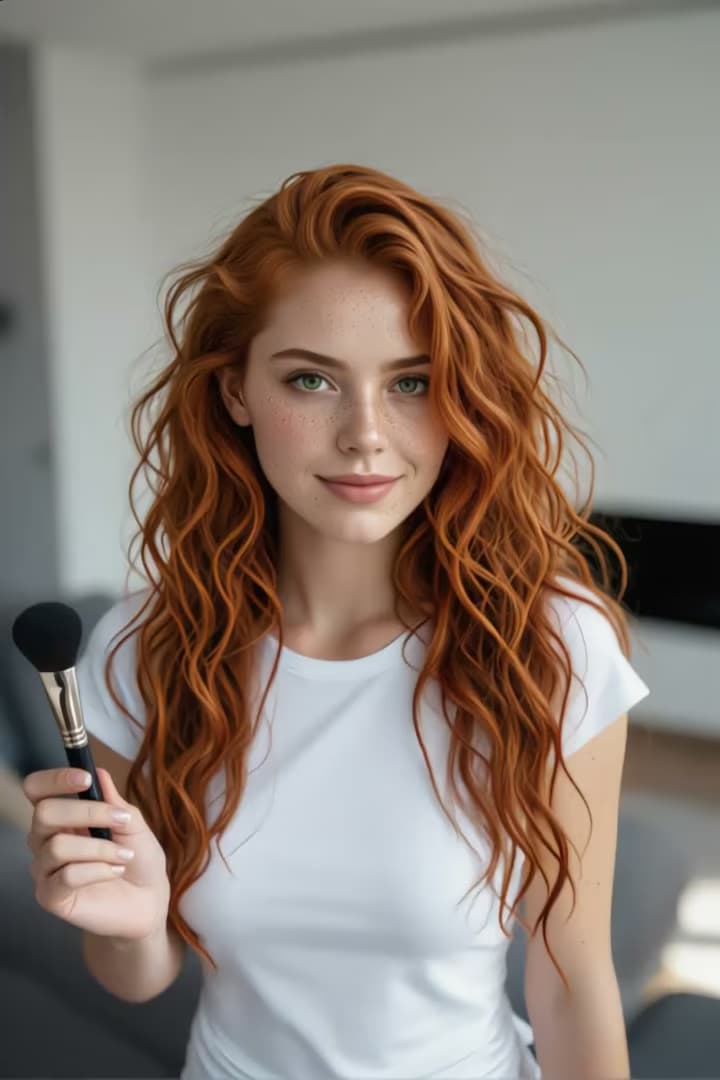
AI Image to Video Features
Animate photos, create HD videos, and control your results with Photo to Video AI. Explore tools for portraits, products, memories, and artwork.
Animate Old Photos and Family Memories
Animate old photos and family portraits with Photo to Video AI. Turn your treasured memories into short videos for anniversaries, family tributes, or personal gifts.
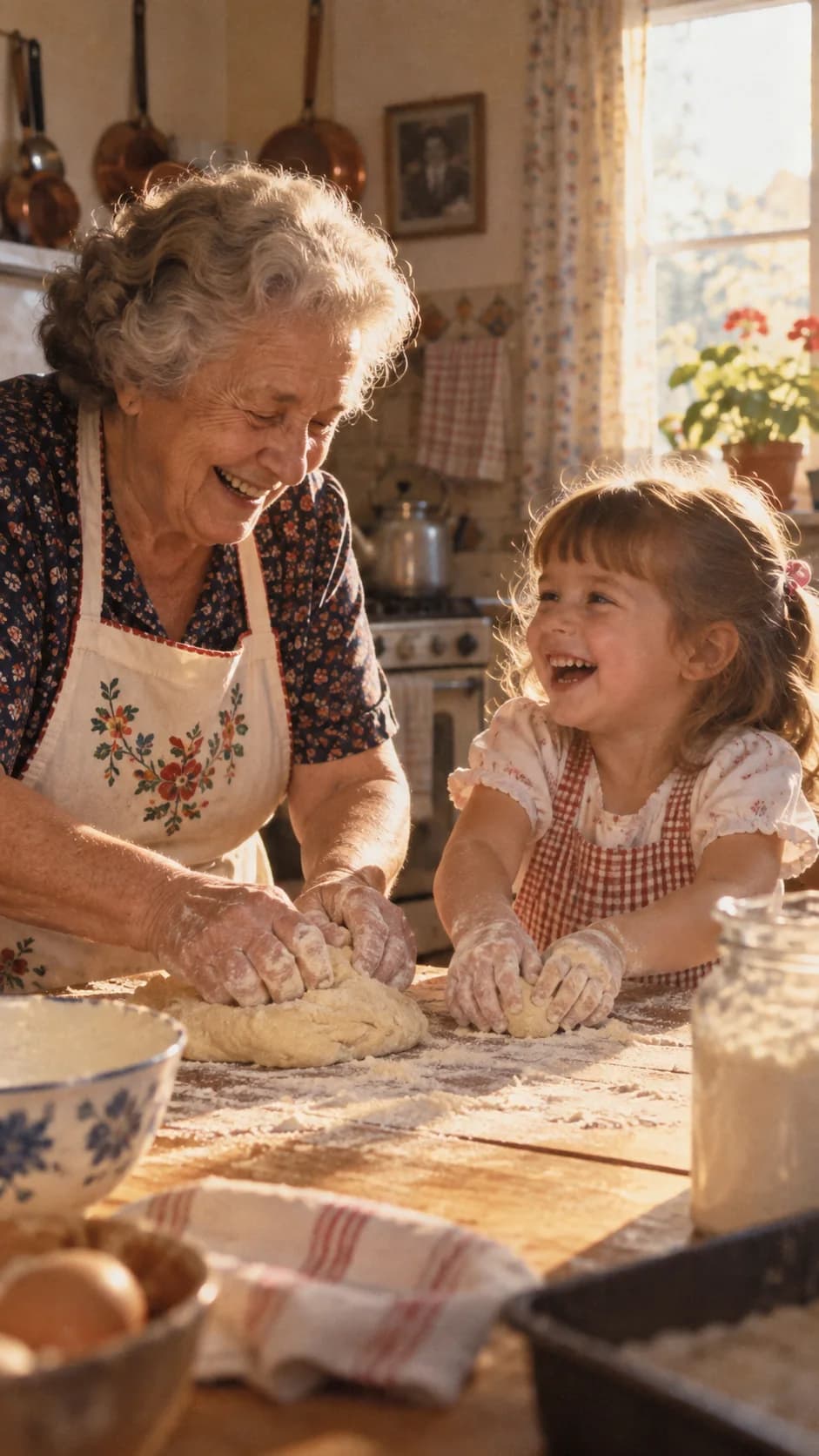
HD Videos with a Cinematic Look
Create cinematic clips with AI Image to Video. Choose 720p, 1080p, or up to 4K on supported models for social posts, product videos, and creative projects.
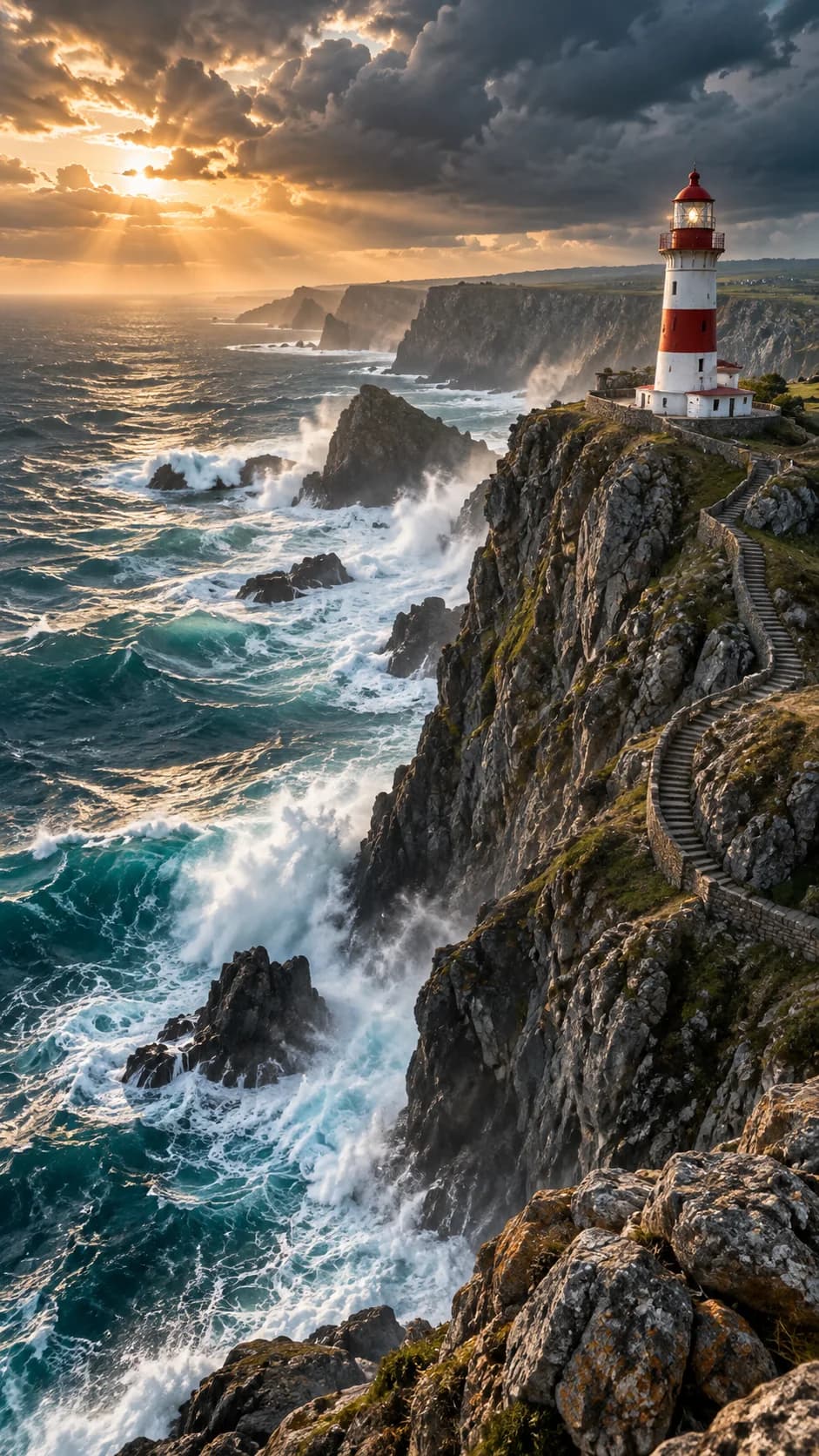
Easy Motion and Camera Control
Control subject movement and camera motion with Photo to Video AI. Simple prompts and ready-made templates make photo animation accessible without any video editing experience.

First & Last Frame Video Generation
Create transitions between two photos with Photo to Video AI. Use First & Last Frame to guide the beginning and ending of product reveals, transformations, or before-and-after videos.
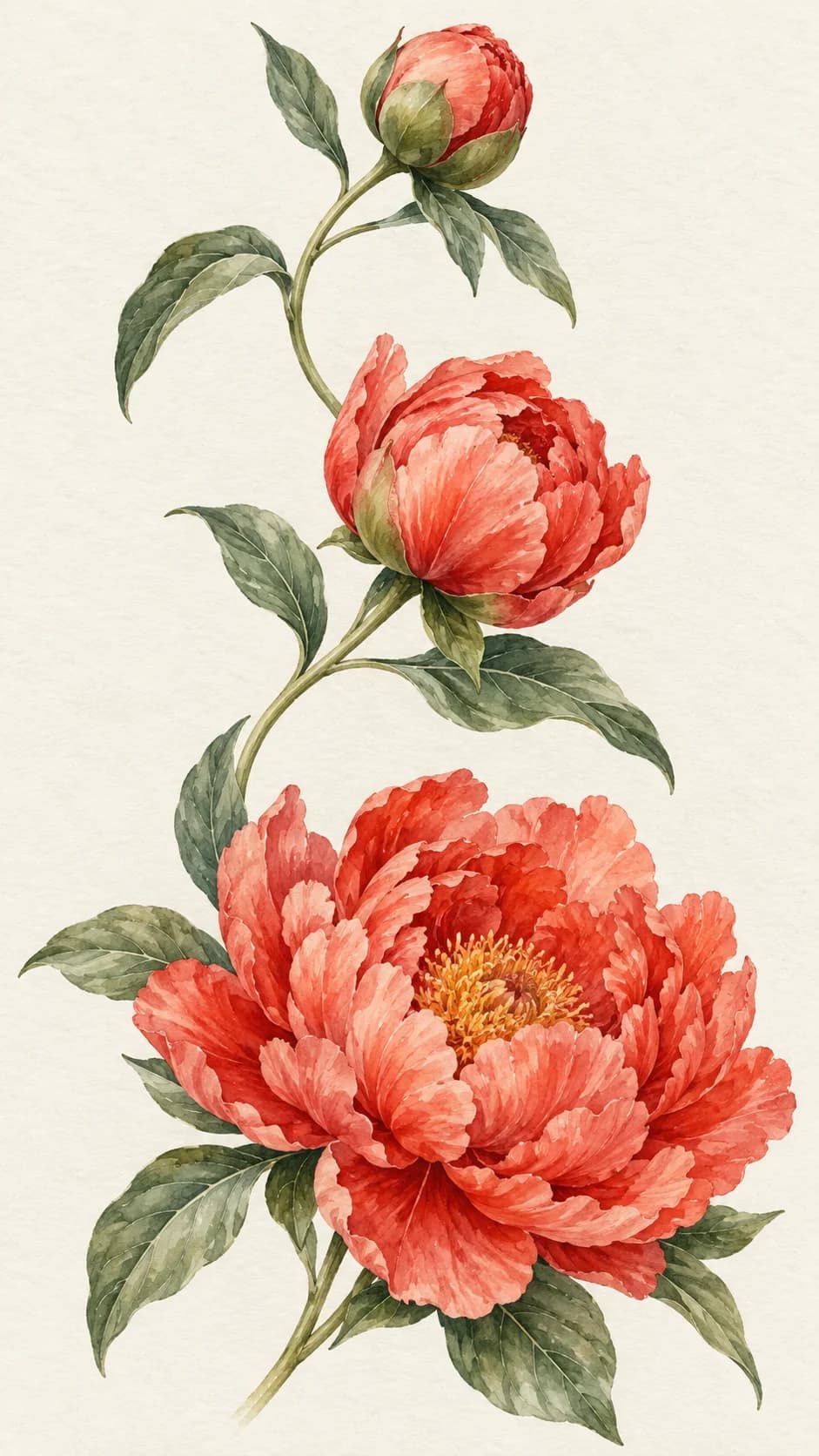
Multiple References for Consistent Subjects
Use Reference to Video in Photo to Video AI to guide character appearance and product details with multiple images. Create new scenes with greater visual consistency on compatible models.

AI Image to Video in Different Styles
Use AI Image to Video to animate anime, illustrations, and artwork. For a new visual style, edit your photo with Image to Image before turning it into a video.
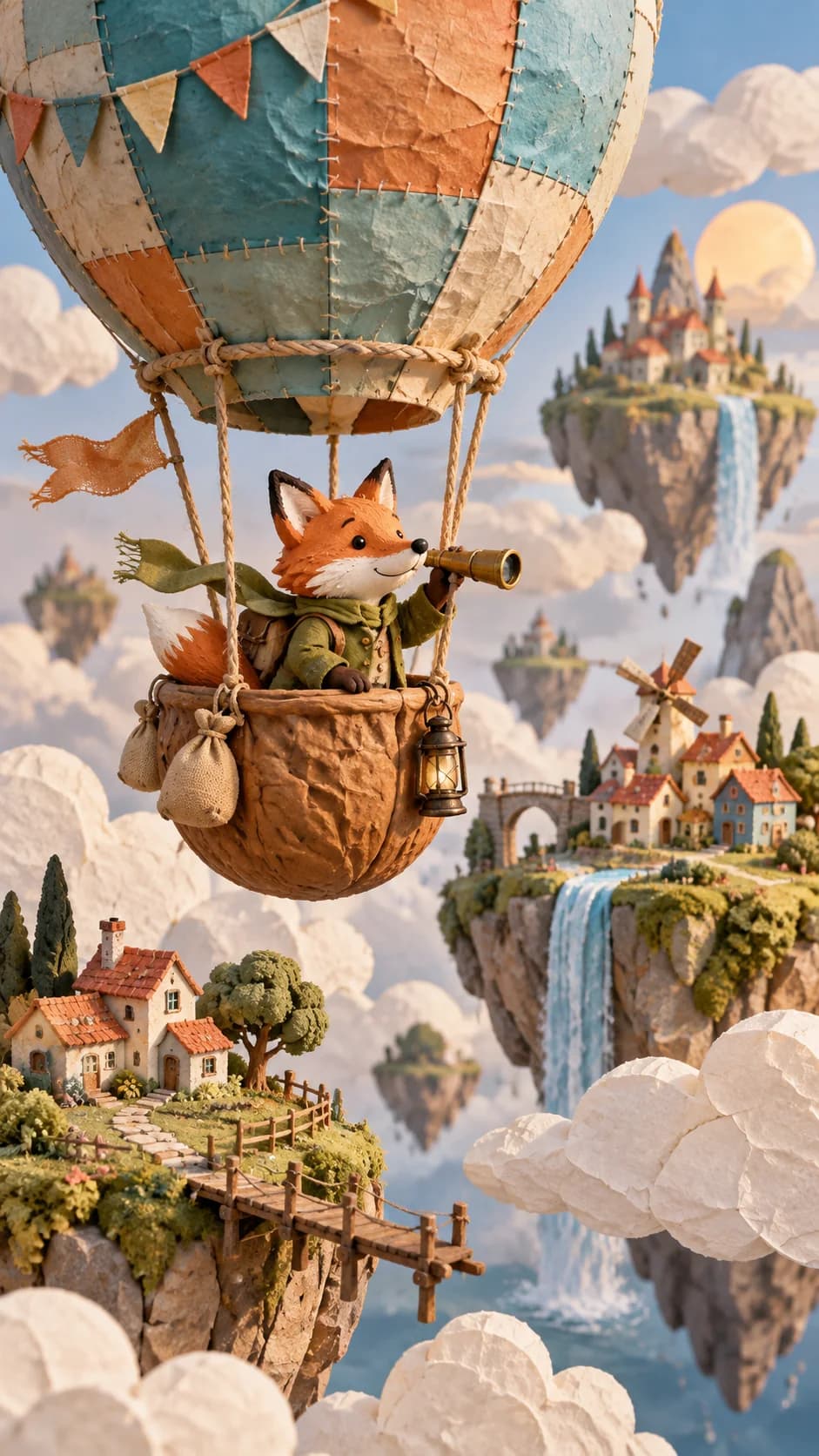
Photo to Video AI Use Cases
Create personal keepsakes, social content, and product videos with Photo to Video AI using photos you already have.
Portraits and Selfies
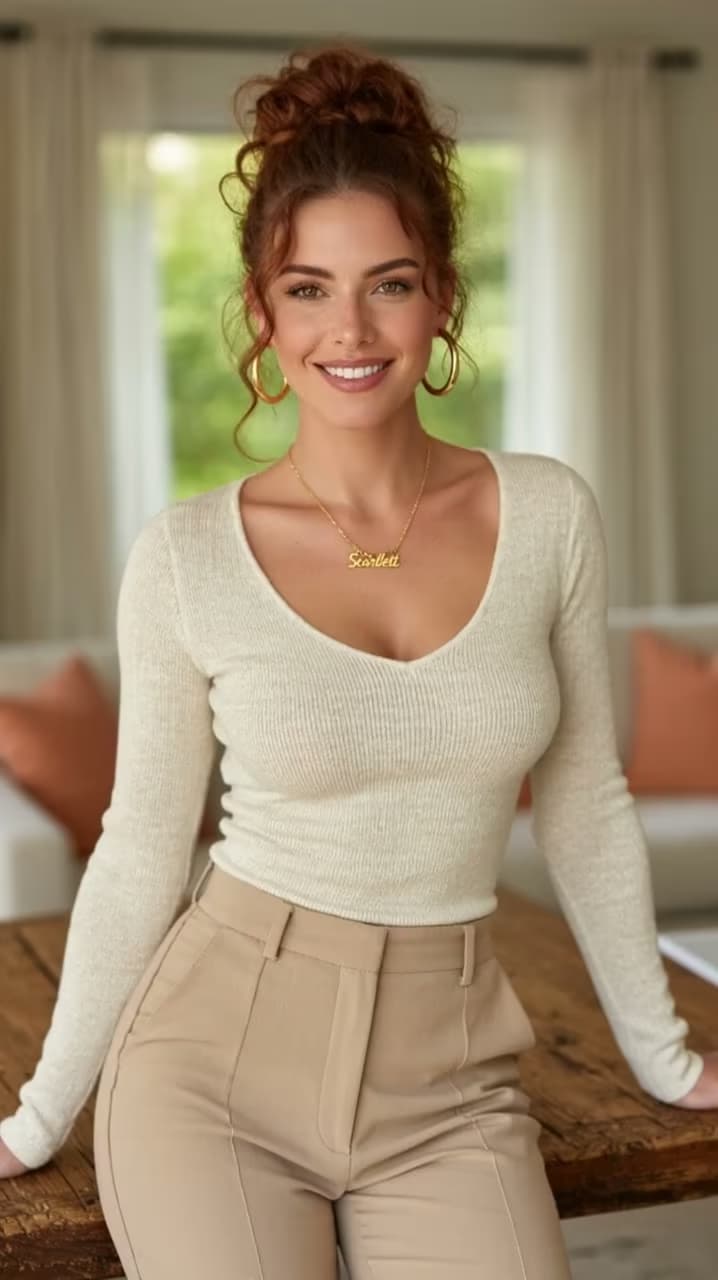
Turn portraits and selfies into animated profile clips or birthday greetings with Photo to Video AI. Create a personal video from one photo.
Old Photos and Family Memories
Bring family photos to life with Photo to Video AI. Create moving keepsakes for anniversaries, family tributes, and sharing memories with loved ones.
Pet Photo Animation
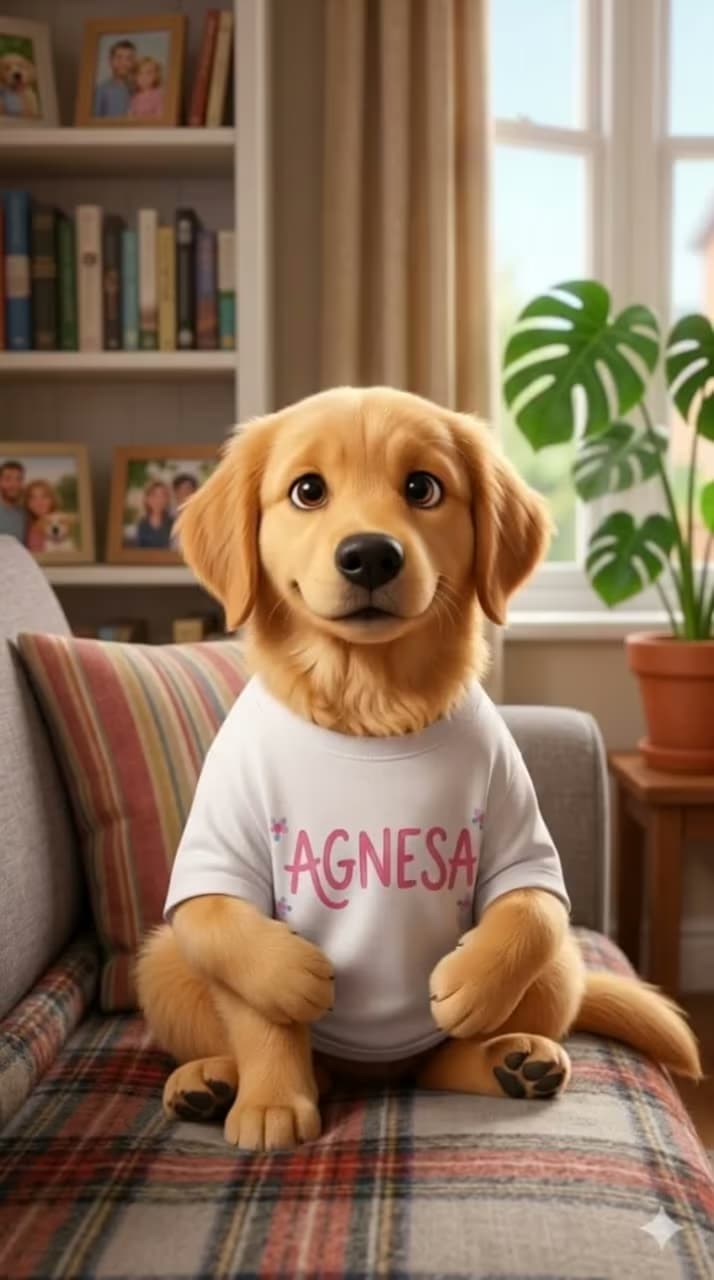
Animate dog, cat, and other pet photos with Photo to Video AI. Make playful clips for social posts or sharing with friends.
Travel and Social Videos
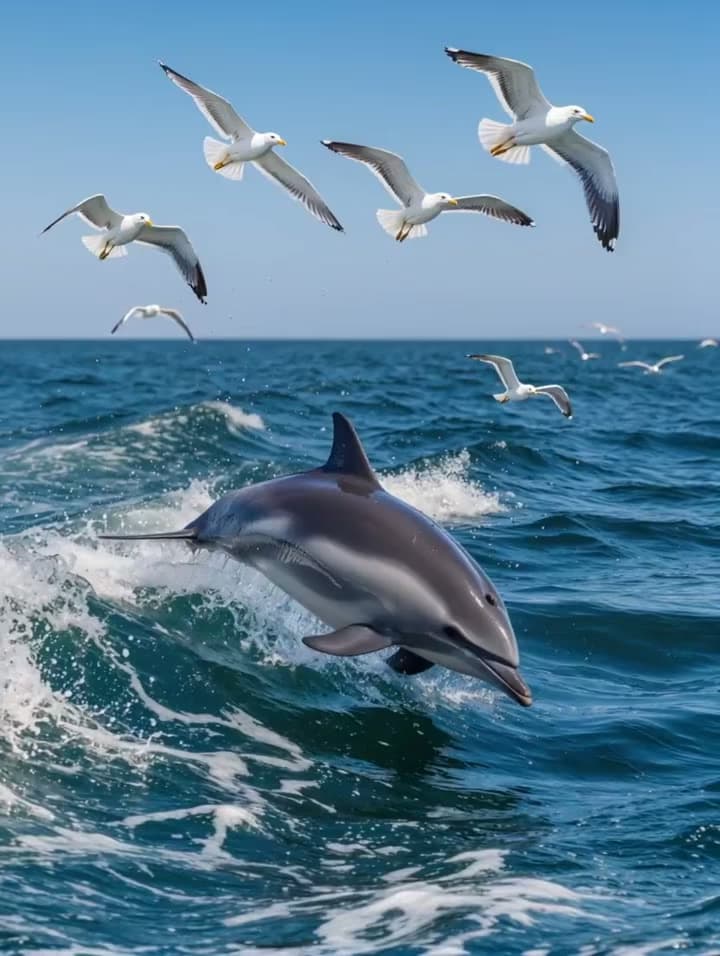
Turn travel photos into short videos with Photo to Video AI. Choose supported vertical or widescreen formats for Reels, TikTok, and YouTube.
Product Videos and Ads
Create product clips from existing photos with AI Image to Video. Produce content for online stores, launches, and social ads without arranging another shoot.
Anime and Illustration Animation
Bring anime characters, illustrations, and artwork into motion with AI Image to Video. Create animated shorts, character clips, and previews of your creative ideas.
Top AI Image to Video Models in One Place
Explore Veo, Kling, Seedance, and Wan for AI Image to Video. Compare output quality, controls, and credit costs in one workspace.
 Veo 3.1Google
 Kling 2.6 & 3.0Kling AI
 SeedanceByteDance
 Wan 2.6Alibaba
Why Choose Photo to Video AI?
Photo to Video AI combines multiple models, simple controls, and clear pricing in one online workspace.
No Editing Experience Needed
Create videos with Photo to Video AI using a photo and simple controls. No editing software or timeline skills required.
Multiple Models, One Account
Compare AI Image to Video models with one account. Choose output settings and generation costs that suit your project.
Clear Generation Costs
Photo to Video AI shows the credit cost before you generate. Failed jobs automatically return charged credits.
Free Credits to Start
Sign up for Photo to Video AI to receive free credits, with no card required. Paid plans include more credits and watermark-free output.
How to Use AI Image to Video
Turn a photo into a video with Photo to Video AI in three steps.
Upload Your Photo
Sign in to Photo to Video AI and upload a JPG, PNG, or WEBP image.
Choose Your Settings
Choose an AI Image to Video model, describe the motion, and select your video settings.
Generate and Download
Review the credit cost, generate your Photo to Video AI clip, then preview and download it.
Photo to Video AI Pricing
Try Photo to Video AI with free signup credits. Choose a subscription or one-time credit pack for more generations. Free-credit videos include a watermark; paid plans offer watermark-free output.
Basic
For getting started with photo-to-video creation
- 1,200 credits included every month
- Up to 40 videos per monthBased on Veo 3.1 Lite at 30 credits per video (8 seconds, 720p). Actual output varies by model and settings.
- Full access to all available models
- Turn photos into videos in minutes
- Unlimited encrypted history storage by default
- 24/7 customer support
- No watermark on exported videos
Pro
For creators who need more output and faster iteration
- 3,000 credits included every month
- Up to 100 videos per monthBased on Veo 3.1 Lite at 30 credits per video (8 seconds, 720p). Actual output varies by model and settings.
- Full access to all available models
- Turn photos into videos in minutes
- Unlimited encrypted history storage by default
- 24/7 customer support
- No watermark on exported videos
Max
For teams and power users with high-volume production
- 8,000 credits included every month
- Up to 266 videos per monthBased on Veo 3.1 Lite at 30 credits per video (8 seconds, 720p). Actual output varies by model and settings.
- Full access to all available models
- Turn photos into videos in minutes
- Unlimited encrypted history storage by default
- 24/7 customer support
- No watermark on exported videos






Photo to Video AI FAQs
Is Photo to Video AI free to try?
Is AI Image to Video easy for beginners?
Which AI Image to Video models are available?
Does AI Image to Video support HD and 4K?
Can Photo to Video AI create cinematic videos?
Can I control motion with AI Image to Video?
Can Photo to Video AI generate video between two photos?
Does Photo to Video AI support multiple reference images?
Can AI Image to Video animate anime and artwork?
Can Photo to Video AI animate old family photos?
Will Photo to Video AI preserve faces and product details?
Are Photo to Video AI exports watermark-free and commercially usable?
What formats does AI Image to Video support?
How long does Photo to Video AI take?
Turn Your Photo into a Video Today
Start creating with Photo to Video AI. Sign up for free credits—no card or editing skills needed.