LogoPhoto to Video AI
  • Agent
  • First & Last Frame
  • Reference to Video
    • Image to Video
    • Text to Video
    • AI Video Editor
    • Video to Video
    • Lip Sync
    • Motion Control
    • MiniMax H3 Max
    • Kling 3.0
    • MiniMax H3
    • Hailuo AI
    • Text to Image
    • Image to Image
    • GPT Image 2.5
  • Pricing
New account bonus

Sign up for 30 free credits

Get free credits
LogoPhoto to Video AI
  1. Image to Video
  2. /Motion Control AI
  3. /AI Dance Video Generator

AI Dance Video Generator

Your photo. Your next dance.

Make a person or character move with our AI dance video generator. Upload a photo, choose a sample dance or your own reference video, and create without filming yourself.

Add optional scene, style, atmosphere, or camera direction…

Let the reference video drive the action. Use the prompt only to support the character and scene.

Match orientation in the video. Recommended.

Choose whether the generated background follows the reference video or the character image.

Public
Full-body dance performance with visible motion cues
Preparing generatorControls will be ready in a moment.

From a still photo to a performance worth sharing

An AI dance video generator for the character you imagine and the moves you choose.

Creative illustrations below show possible directions, not generated video samples.

01A photo becomes a performance

Make your photo dance. Skip the camera.

Start with a photo you already have. Our AI dance video generator pairs your character's appearance with movement from a dance reference, so you can create a performance without learning the routine or filming yourself. A clear full-body image gives hands and feet room to move. Use the AI dance video generator for a playful personal clip or a new creator persona.

Make my photo dance
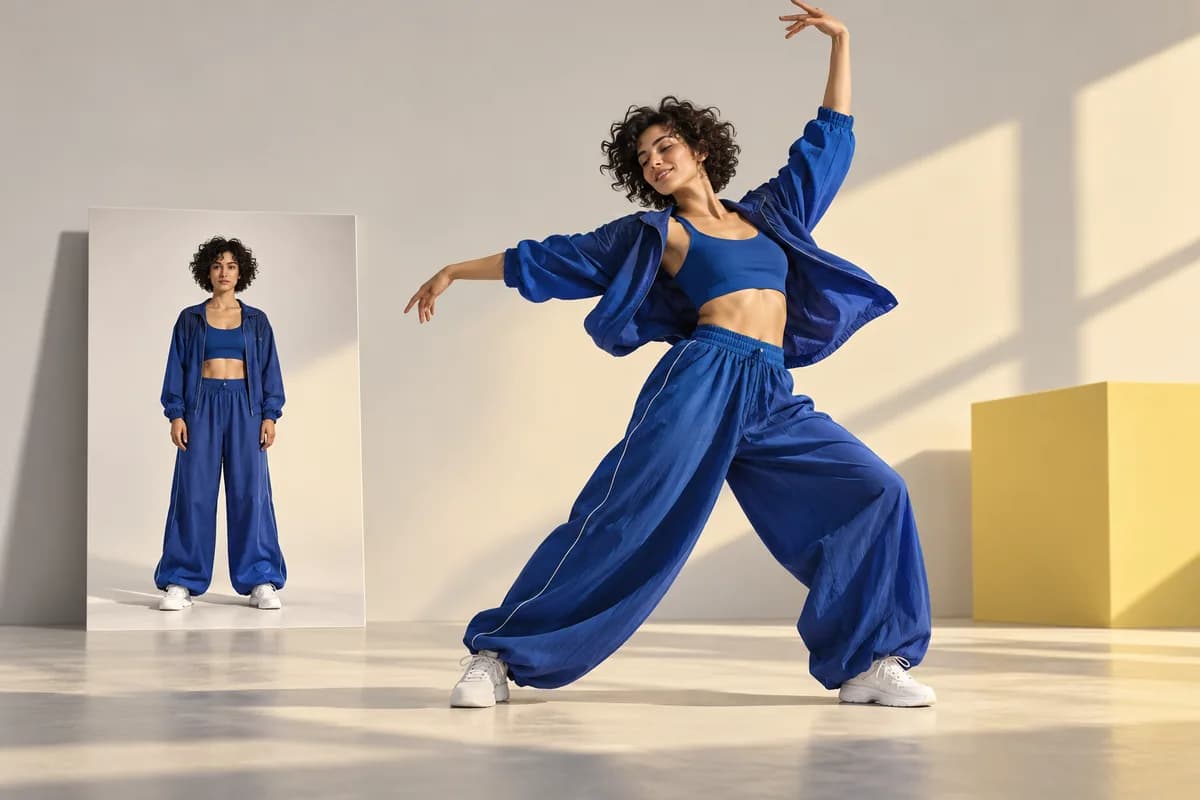
Editorial illustration of a cobalt-clad dancer stepping out beside a still photographic portrait

02Your moves, your reference

Bring the dance you actually want

A dance is easier to show than describe. Feed the AI dance video generator a readable reference clip to guide gestures, footwork, and timing. Try the supplied dance sample or upload your own performance. Keep one dancer visible and avoid rapid cuts. This reference-led AI dance video generator helps you explore a specific routine without writing a long choreography prompt.

Choose a dance reference
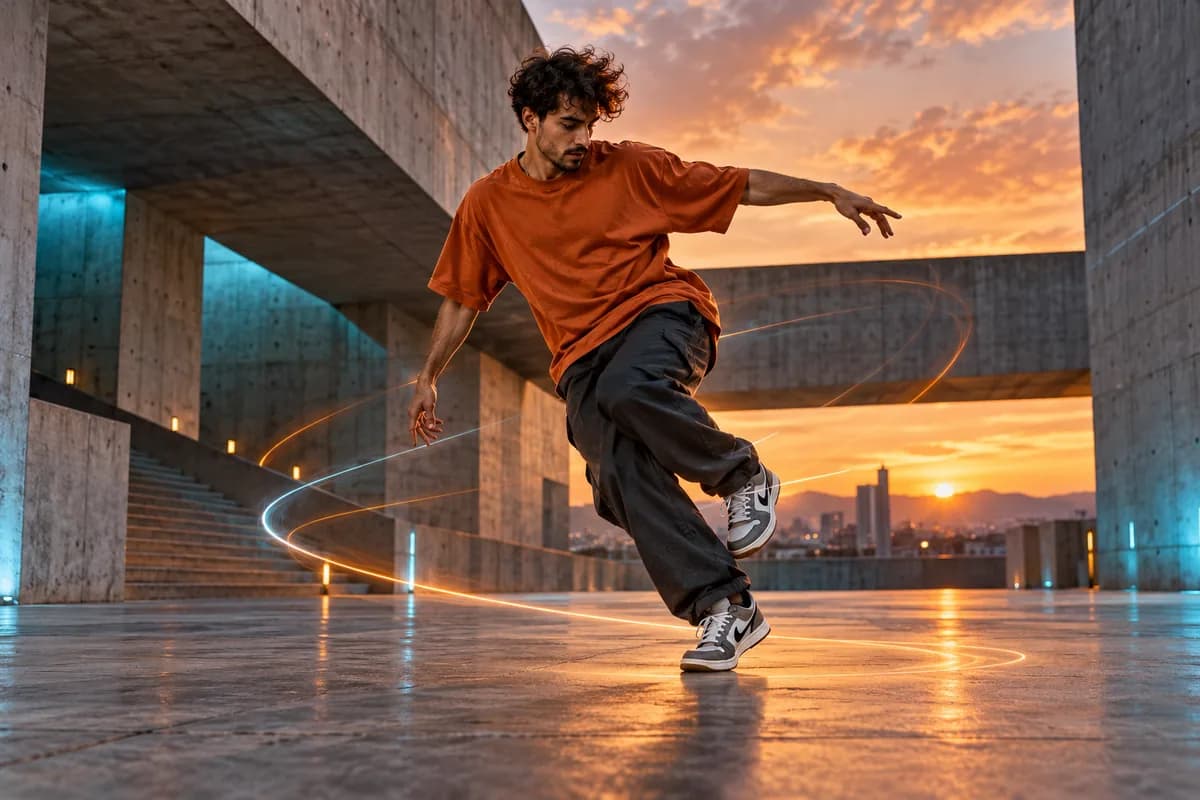
Street dancer performing full-body footwork in an architectural concrete courtyard

03A new stage for your characters

Give your original character some rhythm

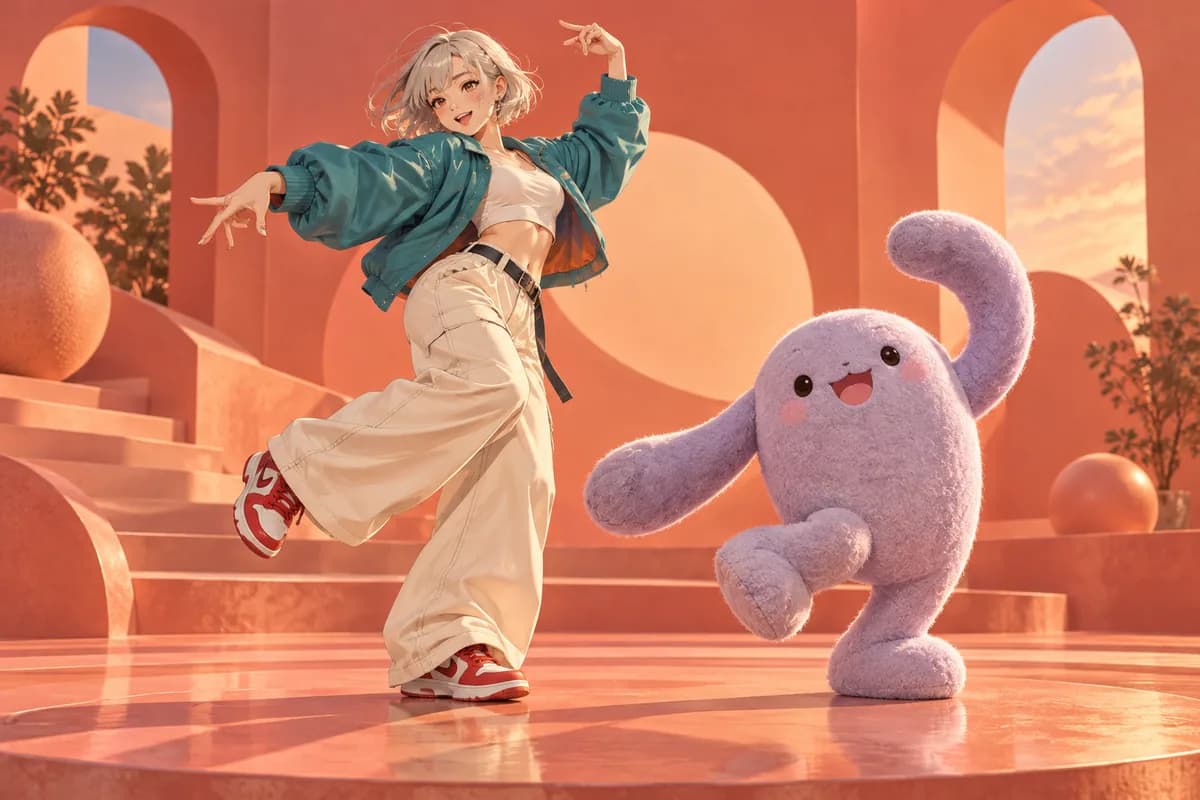
Your next performer can be an illustrated avatar or a humanoid mascot. The AI dance video generator uses your character image as the appearance reference, opening up anime dance edits and playful brand concepts. Choose a clear human-like body with visible limbs. With the AI dance video generator, you can explore character-led content without rigging a model or animating every pose.

Animate my character
Original anime dancer and lavender felt mascot sharing a playful coral stage

04More say in the scene

Keep the performance in your frame

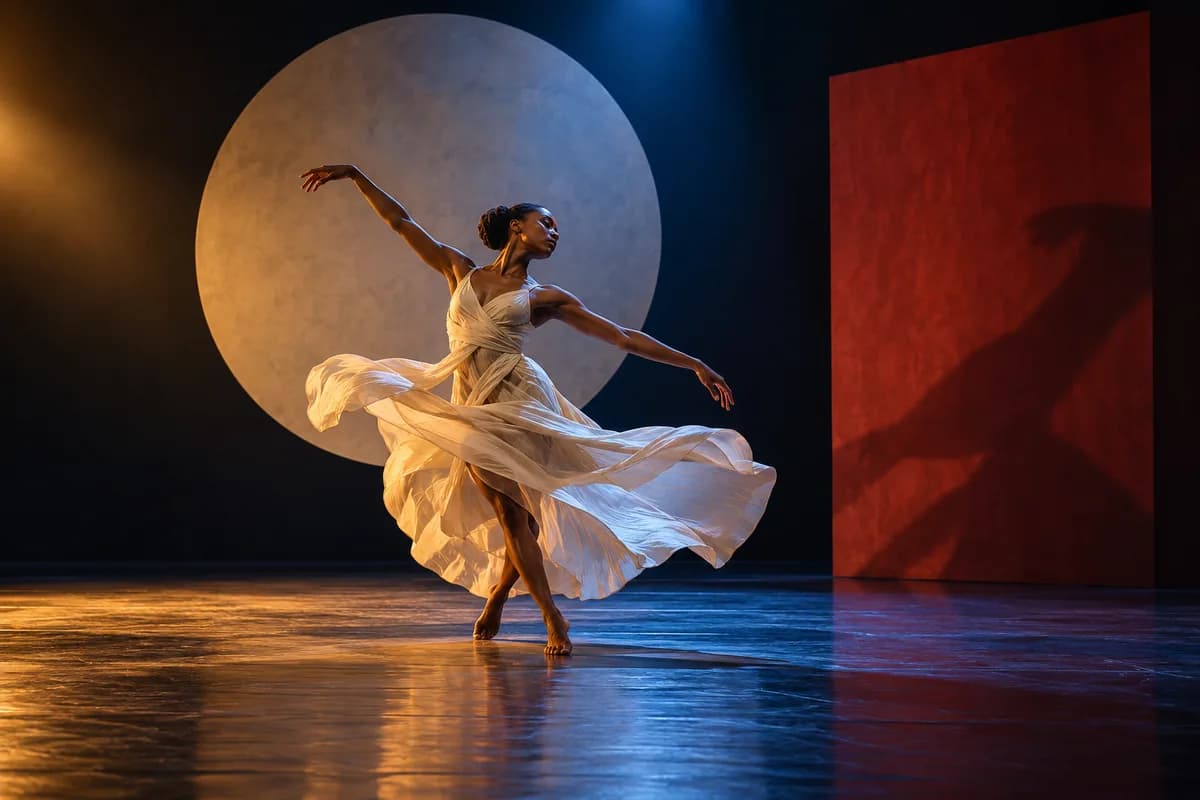
Let the reference guide the action while you shape its presentation. Our AI dance video generator offers image- or video-led orientation and 720P or 1080P quality. Kling 3.0 also lets you choose the background source. Add optional scene notes that support the dance. These AI dance video generator controls help align the performance with your character composition and creative direction.

Set up my performance
Contemporary dancer in an ivory dress framed by sculptural stage scenery and colored spotlights

05One routine, fresh possibilities

Try a different character. Keep the idea moving.

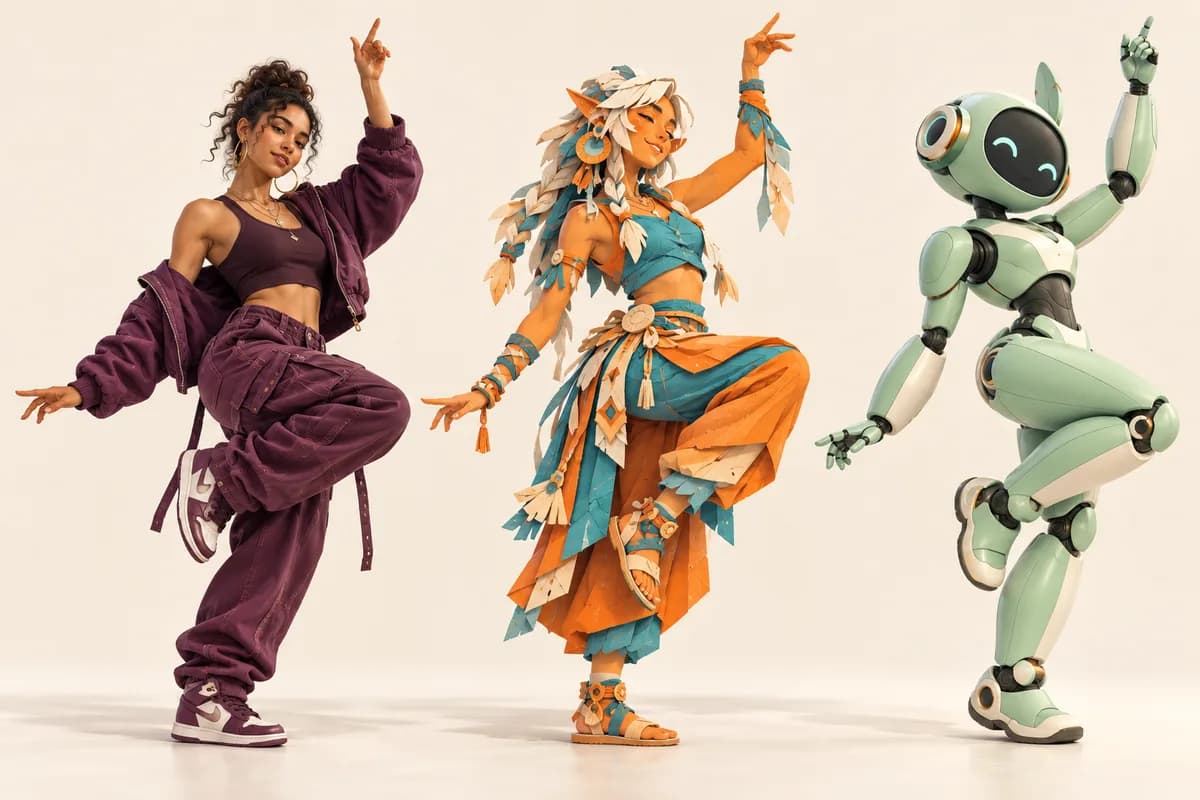
Keep your reference clip and try another character image for the next generation. An AI dance video generator makes it easier to explore different performers, outfits, and visual styles around one routine. Compare the results before choosing a direction for your next post. Each AI dance video generator run is separate, with its own credit cost; character details and motion can vary.

Try a new direction
Three distinct dancers rendered as editorial photography, layered paper art, and a mint-green 3D robot

How to use the AI dance video generator

  1. 01

    Add your character

    Upload a clear photo with visible limbs, or choose a supplied character example.

  2. 02

    Choose the dance

    Pick the dance sample or upload a reference. Match the body framing where possible.

  3. 03

    Generate and review

    Check the AI dance video generator credit estimate, create your clip, then preview and download.

What will you make next?

Your take on a social trend

Use the AI dance video generator to make a character-led dance clip for TikTok, Reels, or Shorts.

An original character moment

Give your avatar a playful entrance, fan edit, or celebratory dance with the AI dance video generator.

A mascot with personality

Explore a launch or seasonal post with the AI dance video generator and your own humanoid brand character.

Create with more clarity

Two motion-control options

Choose Kling 3.0 or 2.6 in the AI dance video generator, with model-specific controls and input limits.

Know the credits first

The AI dance video generator shows the estimate before submission, based on model, quality, and reference duration.

Stay in your browser

Upload, generate, and preview in one AI dance video generator workspace, without installing animation software.

AI dance video generator FAQ

How does the AI dance video generator work?

A character image guides appearance and a reference video guides movement. The AI dance video generator creates a new clip from both; it does not simply paste a face onto the original footage.

Do I need to record a dance video myself?

No. Use the supplied dance sample or upload a compatible reference you have permission to use. The AI dance video generator needs a motion source, but you do not have to be the dancer.

Is the AI dance video generator free without login?

Generation requires an account and enough credits. Signup credits may not cover a motion-control run. Check the AI dance video generator estimate before purchasing; cost depends on the selected model, quality, and reference duration.

What photos work best for the AI dance video generator?

Use a clear JPG or PNG with one subject, visible hands and feet, and framing similar to the dance reference. Anime figures and humanoid mascots can work; unusual anatomy and heavy occlusion can reduce quality.

What video length and quality can I use?

Kling 3.0 accepts 3–30 second MP4 or MOV references. Kling 2.6 also accepts MKV, with a 10-second maximum in image orientation. The AI dance video generator offers 720P and 1080P; check the active form limits.

Can I create a dance with only a text prompt?

This AI dance video generator uses a reference video for choreography. Text is optional and can guide scene or style. For image animation driven by a written motion description, try the related image-to-video tools.

Does the AI dance video generator add music or match a song?

This workflow follows movement in a reference video; it does not offer song-driven choreography or guaranteed beat synchronization. Review the generated audio, and add your chosen soundtrack in an editor if needed.

Will my character and every dance move stay exactly the same?

No. The AI dance video generator synthesizes new frames, so faces, clothing, hands, and footwork may change. Start with compatible inputs and review the whole clip before downloading or publishing.

Are my dance videos private, and can I download them?

You can preview and download completed results. The AI dance video generator follows the tool's public setting; private mode unlocks after a purchase. Check that setting before submission and review your clip before sharing.

Your photo is ready for its next move

Open the AI dance video generator, pair your character with a dance, and bring your idea to life.

Create my dance video

Keep creating

Motion Control AI

Transfer walks, gestures, and other performances.

Anime Image to Video

Explore animation for an illustrated scene.

Text to Image

Design an original character before the dance.

LogoPhoto to Video AI

Email
Use Cases
  • AI Birthday Video Maker
  • AI Shoe Video Generator
  • AI Cosmetics Video Generator
  • AI Rap Video Generator
  • AI Talking Photo
  • Animated Book Cover Maker
  • AI Construction Timelapse Generator
  • AI Car Video Generator
  • Day to Night Transition
  • Pet Photo to Video AI
  • Animate Illustration AI
  • Fashion Photo to Video AI
  • Food Photo to Video AI
  • Portrait Image to Video AI
  • Wedding Photo to Video AI
  • Anime Image to Video AI
  • AI Furniture Video Generator
  • First & Last Frame Video
  • Reference to Video AI
  • All AI Video Tools
AI Models
  • LTX AI Image to Video
  • Seedance Image to Video
  • Veo 3.1 Image to Video
  • Grok Imagine Image to Video
  • GPT Image 2.5
  • Kling AI Image to Video
  • MiniMax H3 AI Video Generator
  • MiniMax H3 Max AI Video Generator
  • Hailuo AI Image to Video
Company
  • About
  • Contact
  • Changelog
Legal
  • Cookie Policy
  • Privacy Policy
  • Acceptable Use Policy
  • Terms of Service
© 2026 Photo to Video AI[email protected]We are not affiliated with the model providers. All trademarks belong to their respective owners.