
AI Construction Timelapse Generator
First frame
Last frame
Prompt templates
Use closely aligned first and last frames, then review geometry, materials, site continuity, and the ending state.
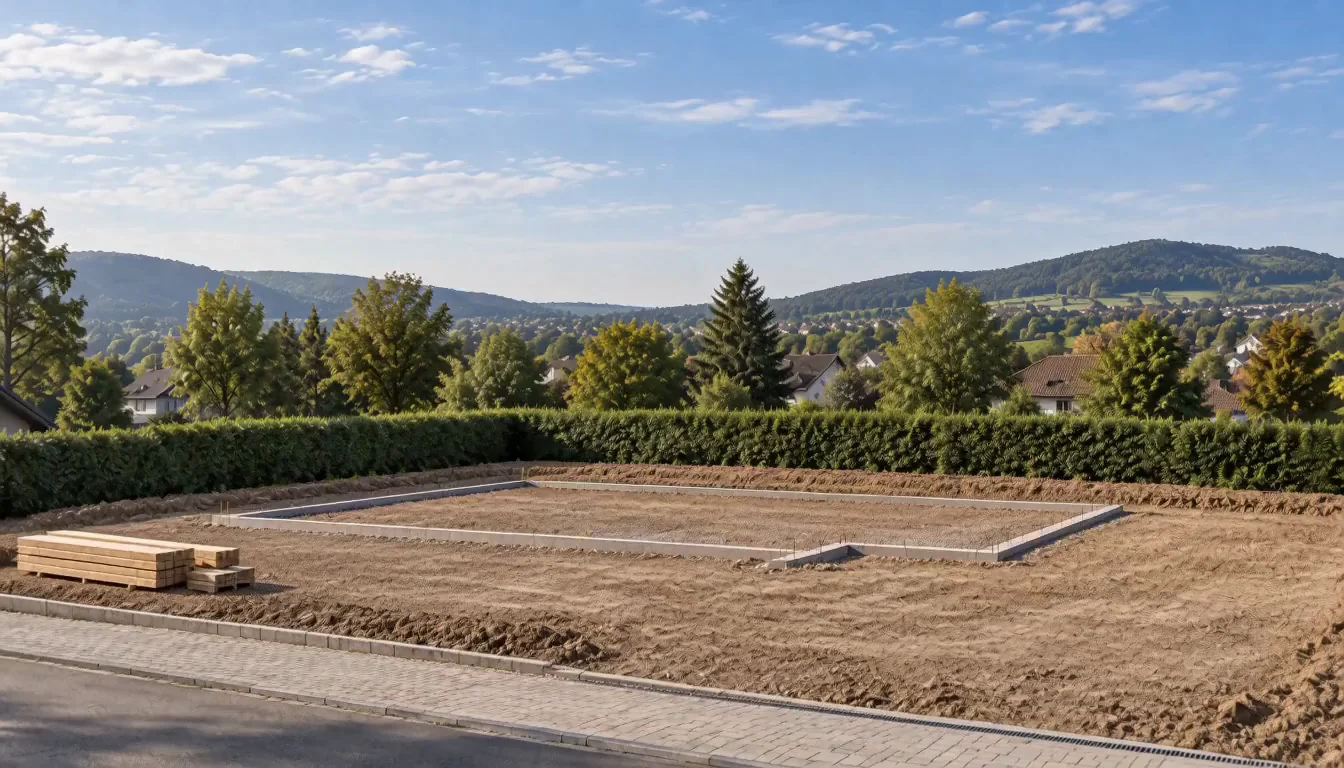
Plan the Reveal with an AI Construction Timelapse Generator
See how the AI Construction Timelapse Generator turns matching views into focused transitions for proposals, presentations, project updates, and property campaigns.
Create a Construction Timelapse from Two Photos
Upload an early-state image and finished design to the AI Construction Timelapse Generator. The AI Construction Timelapse Generator uses a first and last frame workflow, while matching camera position, perspective, crop, and site references gives the sequence a clearer path.
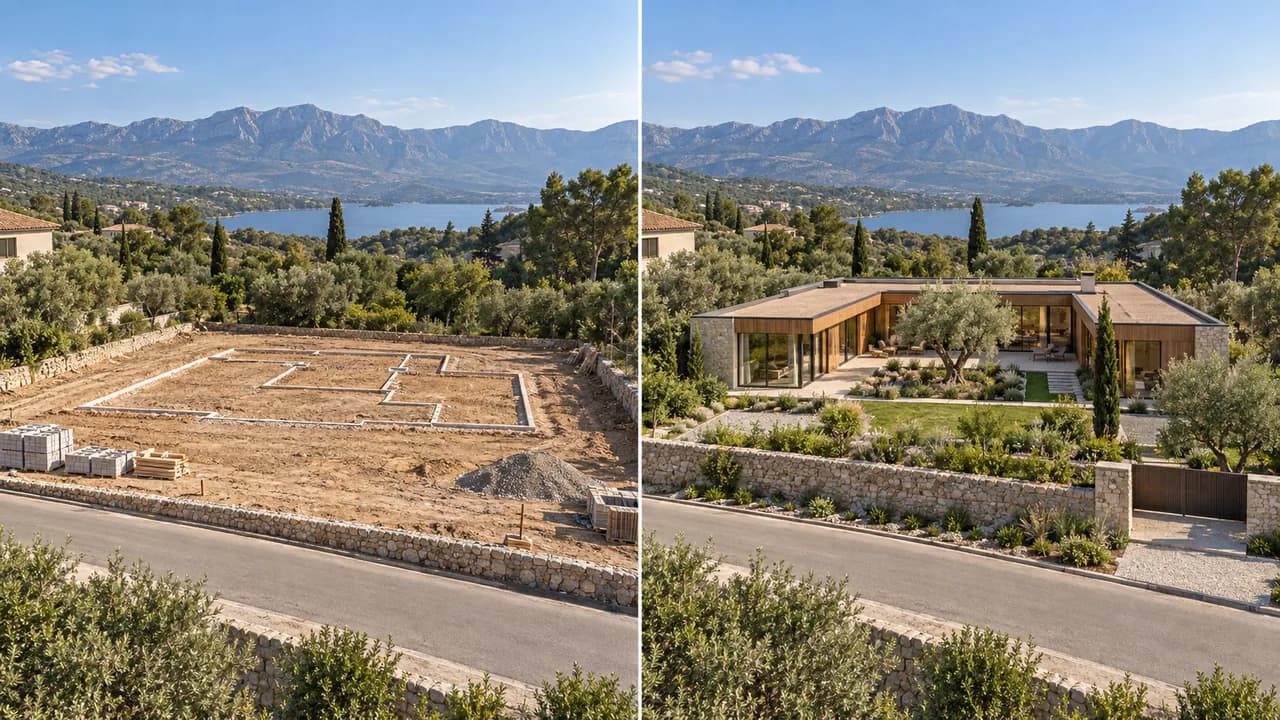
Turn a Finished Render into a Two-Frame Workflow
Starting with one render? Prepare a matching early state with an image to image workflow, then bring both views to the AI Construction Timelapse Generator. The AI Construction Timelapse Generator uses them as the opening and finished destination for the reveal.
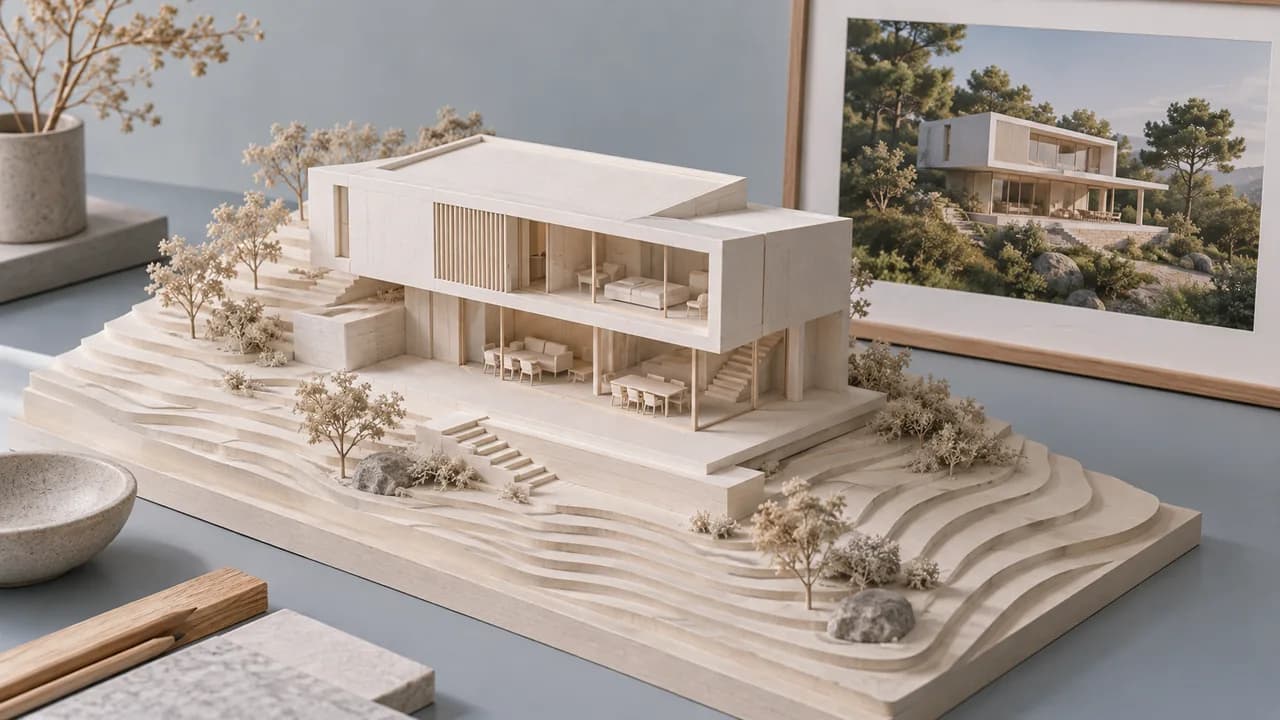
Guide the Build from Foundation to Finish
Describe foundation, structural frame, roof, facade, and the completed exterior in the AI Construction Timelapse Generator. A fixed-camera prompt helps the AI Construction Timelapse Generator keep the progression readable from the first structural stage to the finished design.
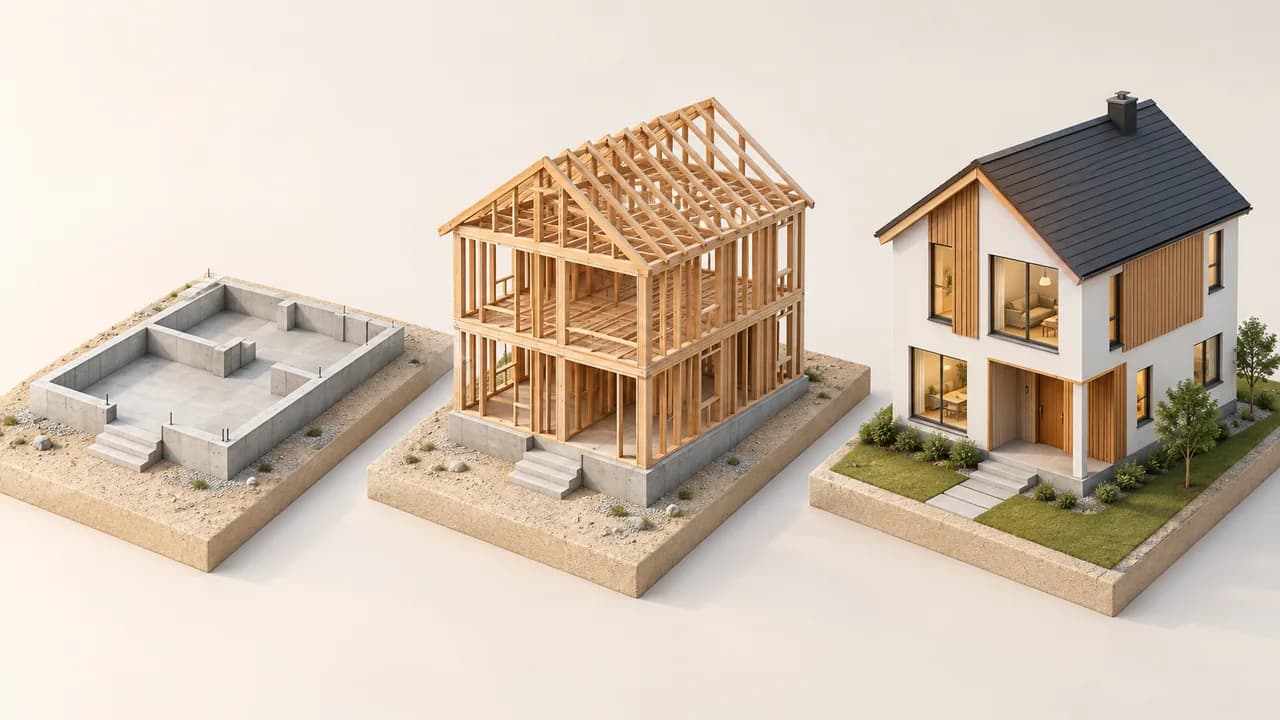
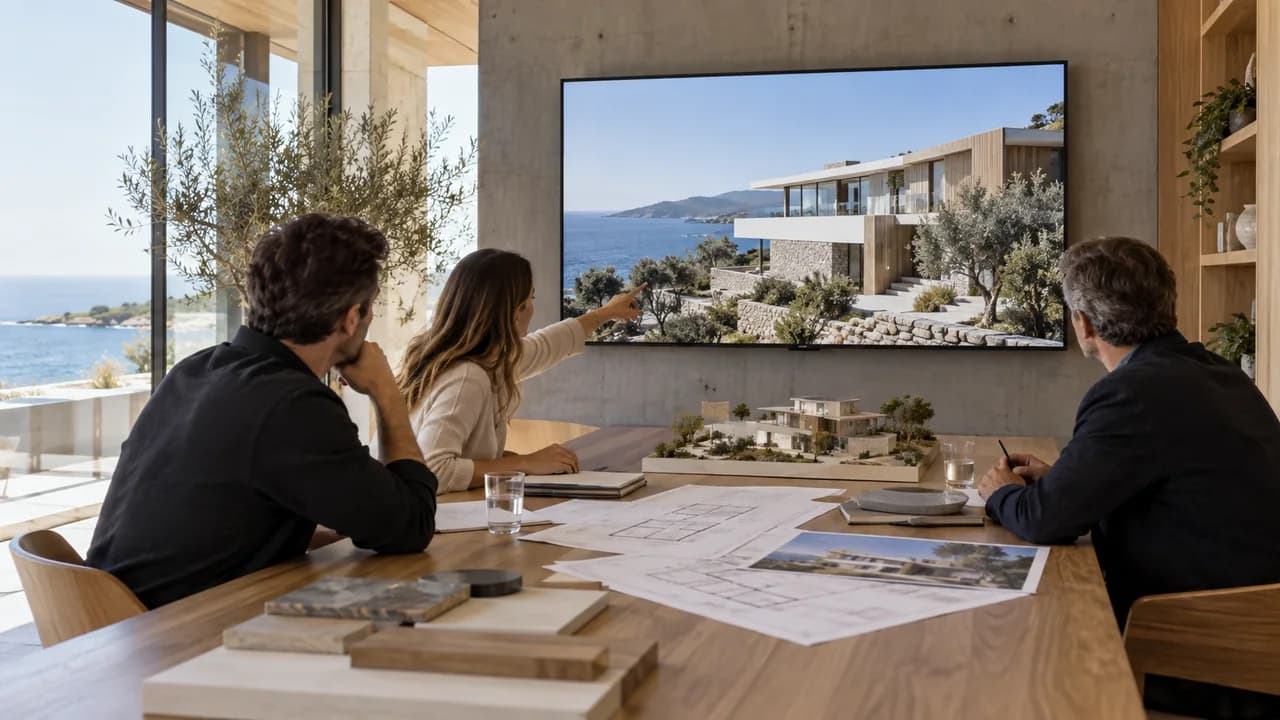
Bring House Renders into Client Presentations
Pair a proposed house render with a matching start state in the AI Construction Timelapse Generator. A short transition from the AI Construction Timelapse Generator can open a proposal, introduce a design option, or lead into the finished view before detailed plans.
Create Construction Videos for Project Marketing
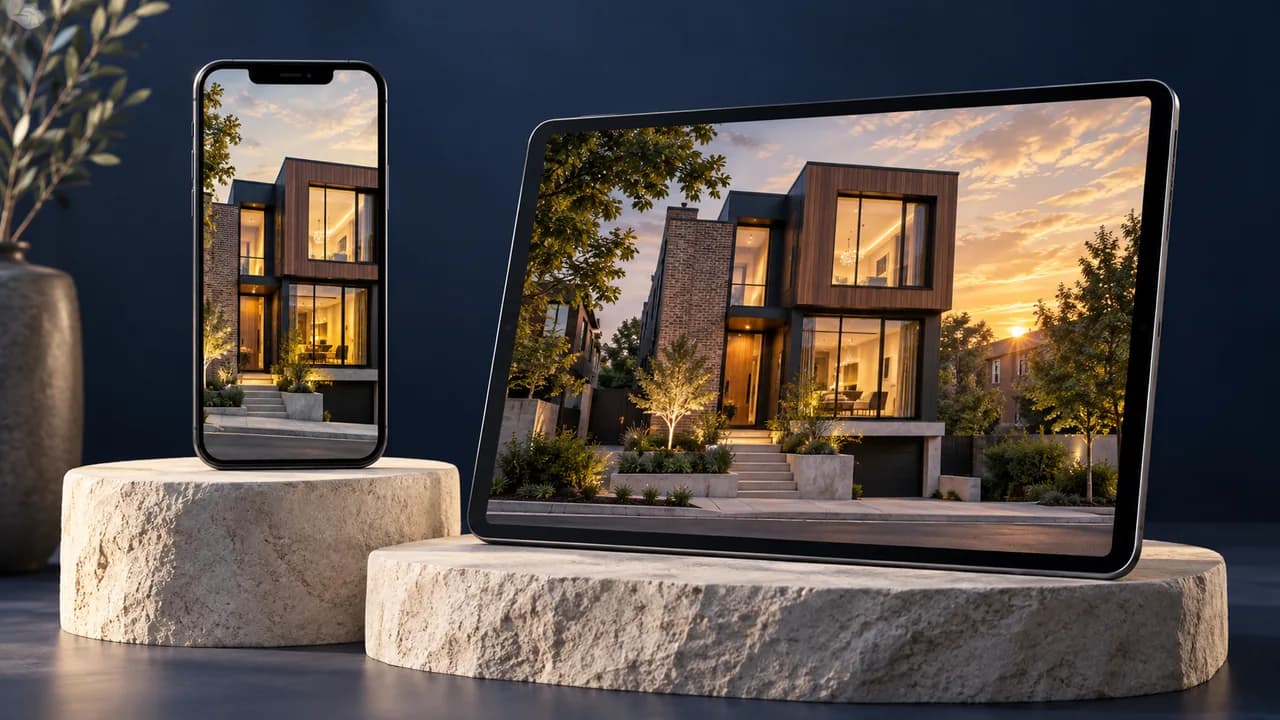
Use the AI Construction Timelapse Generator for a portfolio, property campaign, project update, or social post. The AI Construction Timelapse Generator can frame the completed building for landscape or vertical publishing before you add project names, branding, and contact details.
How to Use the AI Construction Timelapse Generator
The AI Construction Timelapse Generator moves from compatible endpoints to a reviewable building transition in three practical steps.
Upload matching first and last frames
Upload an early and finished state to the AI Construction Timelapse Generator with a similar camera position, perspective, crop, and aspect ratio.
Describe the transformation
Tell the AI Construction Timelapse Generator the build order, important materials, camera behavior, and final reveal. Keep the sequence concise for a short clip.
Generate, review, and download
Review the AI Construction Timelapse Generator credit estimate, create the video, and inspect geometry, materials, site continuity, and the ending frame before downloading.
Why Choose Our AI Construction Timelapse Generator?
The AI Construction Timelapse Generator keeps endpoints, transition direction, settings, and generation cost visible throughout the browser workflow.
Use your own project views
The AI Construction Timelapse Generator anchors the transformation in the early state and completed design you provide as first and last frames.
Edit the build description
The AI Construction Timelapse Generator provides a suggested prompt you can adapt for stages, materials, camera behavior, and final emphasis.
See settings and credits clearly
The AI Construction Timelapse Generator shows controls supported by the selected model and the credit estimate before each generation.
Work in one browser workspace
The AI Construction Timelapse Generator lets you upload both frames, direct the transformation, preview the result, and download from one workspace.
AI Construction Timelapse Generator Use Cases
The AI Construction Timelapse Generator helps an audience understand the starting view, proposed transformation, and finished idea.
Architects presenting a concept
Use the AI Construction Timelapse Generator with a matching start view and final render to introduce a residential or commercial design in a client proposal.
Property teams marketing a project
Use the AI Construction Timelapse Generator to create a visual reveal for a development page, sales presentation, project update, or campaign built around approved imagery.
Construction creators explaining change
Use the AI Construction Timelapse Generator to present a clear before-and-after concept, while labeling generated transitions separately from real site footage.
AI Construction Timelapse Generator FAQ
Can the AI Construction Timelapse Generator work from one image?
Can the AI Construction Timelapse Generator use photographs and renders?
Does the AI Construction Timelapse Generator need matching camera angles?
What duration and cost does the AI Construction Timelapse Generator offer?
Is an AI Construction Timelapse Generator result a construction record?
How can I improve AI Construction Timelapse Generator continuity?
Start with the AI Construction Timelapse Generator
Open the AI Construction Timelapse Generator, pair an aligned early state with the finished design, describe the change, and review the sequence before presenting.
AI Construction Timelapse Generator Online
The AI Construction Timelapse Generator turns matching first and last frames into a short building transition for architectural proposals, property presentations, and project marketing. Use the AI Construction Timelapse Generator to direct the build sequence, review geometry and materials, and download from one browser workflow.