
LogoPhoto to Video AI
  • Agent
  • First & Last Frame
  • Reference to Video
    • Image to Video
    • Text to Video
    • AI Video Editor
    • Video to Video
    • Lip Sync
    • Motion Control
    • MiniMax H3 Max
    • Kling 3.0
    • MiniMax H3
    • Hailuo AI
    • Text to Image
    • Image to Image
    • GPT Image 2.5
  • Pricing
New account bonus

Sign up for 30 free credits

Get free credits
LogoPhoto to Video AI
  1. Image to Video
  2. /AI Lip Sync Video Generator
  3. /AI Talking Photo

AI Talking Photo

Turn one portrait into a message people can hear. Upload your own recording or type a script, then use AI Talking Photo to create a speaking video for greetings, social posts, introductions, and explainers—without setting up a camera.
JPG, PNG, WEBP · 1 image
MP3, WAV, M4A · 1 audio · 50 MB max
Add optional visual direction for the speaker…

The selected model determines whether you add a portrait or a source video, then shows the matching speech and quality controls.

Turn on to apply this option

Use the visual prompt without automatic expansion.
Public
Private
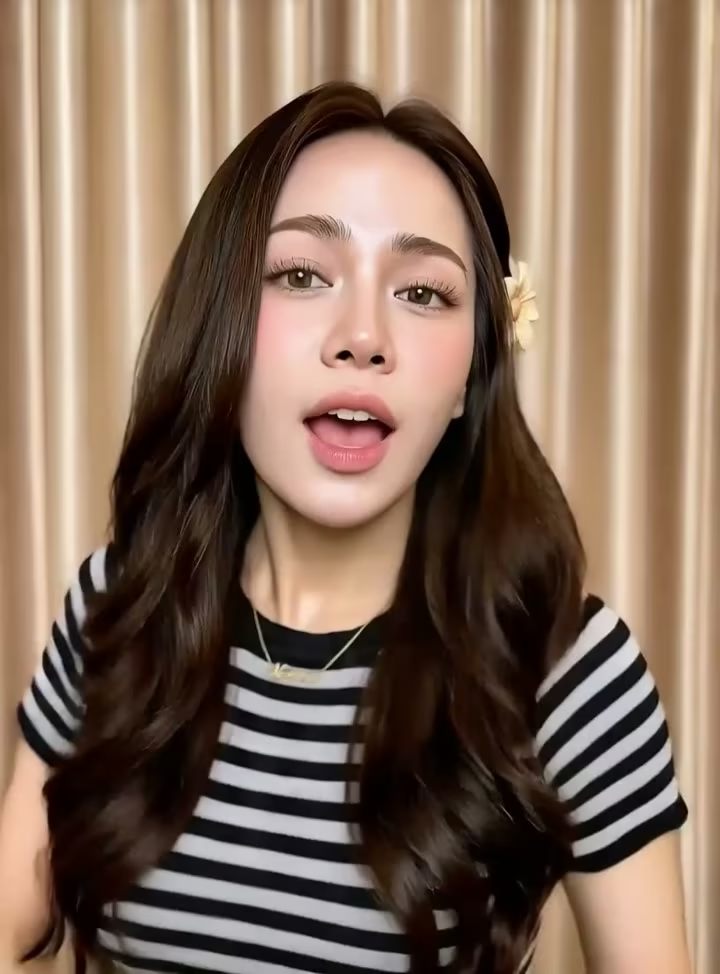
Expressive presenter speaking directly to the camera
Preparing generatorControls will be ready in a moment.

What You Can Make with AI Talking Photo

AI Talking Photo helps you add the right voice, language, and synchronized speech to one portrait—without filming a new video.

Your recording

Use Your Own Voice in AI Talking Photo

Keep the rhythm, warmth, and personality of your own recording. AI Talking Photo pairs familiar audio with a still portrait, helping greetings, introductions, and updates feel personal without asking you to record the visual performance.
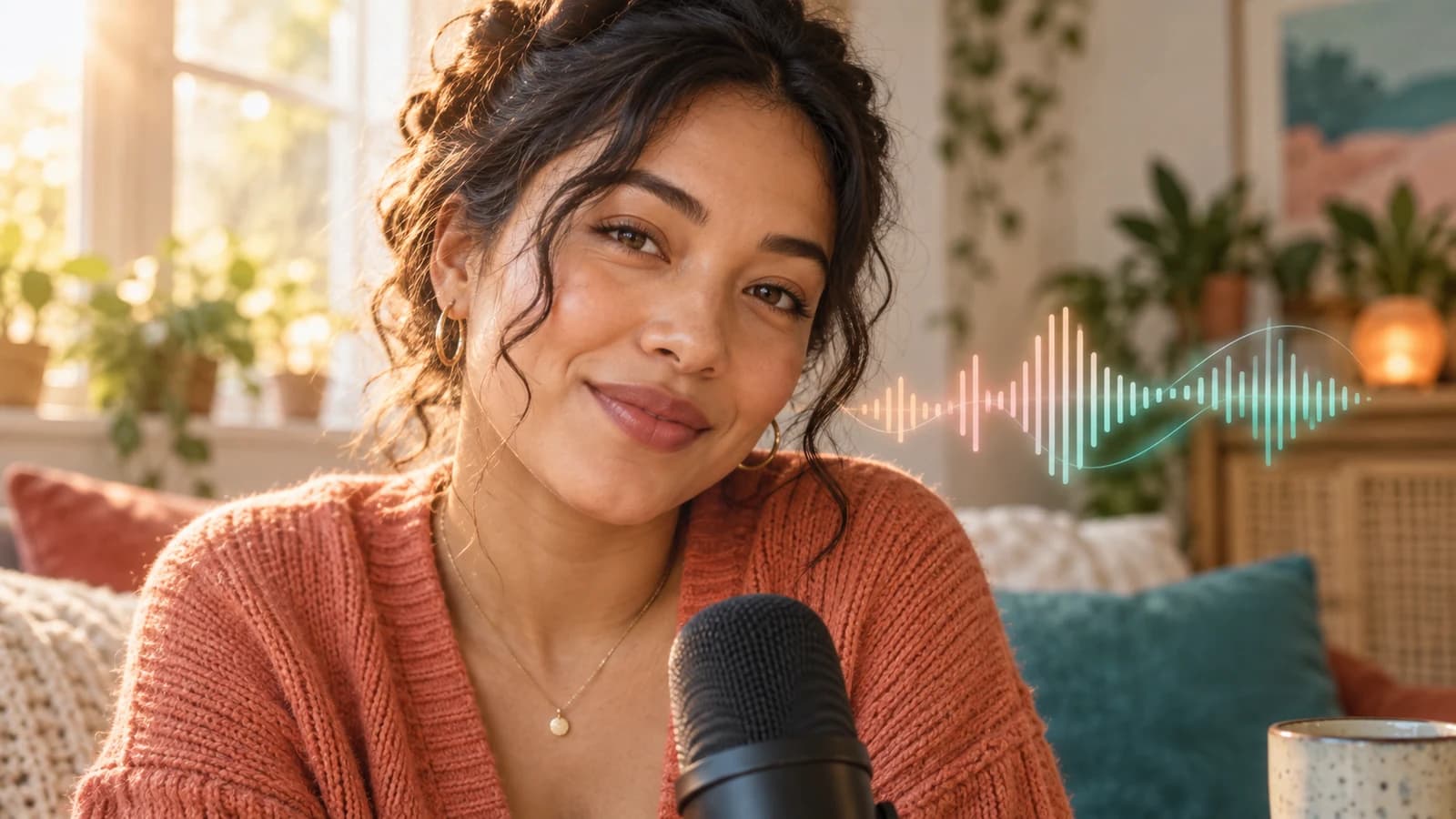
Person recording audio for a talking portrait

Typed script

Type the words when you do not want to record

Write the message and let AI Talking Photo deliver it with a generated voice. This path removes the need to record, makes wording changes easy, and creates several spoken variations from the same portrait.
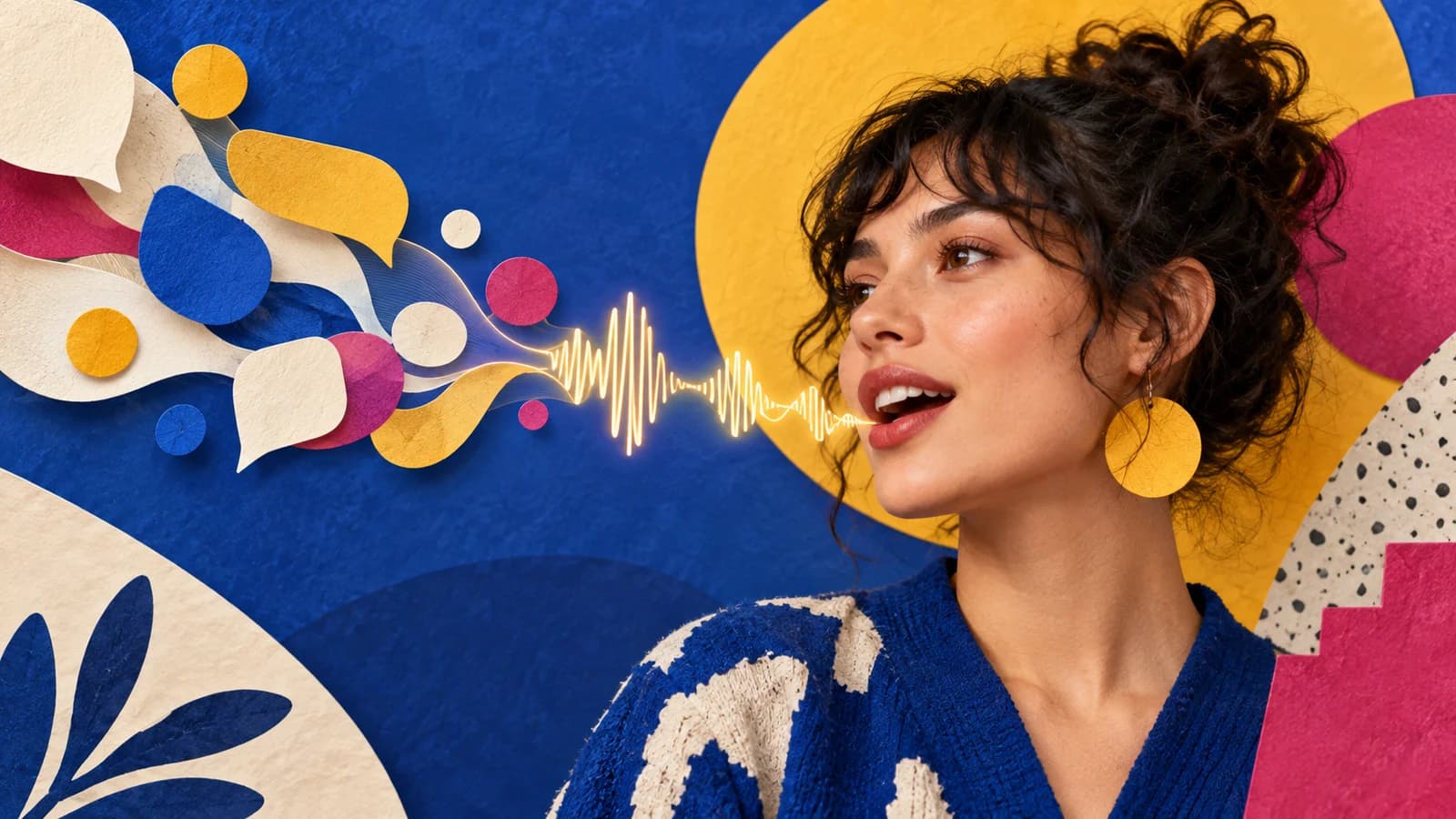
Colorful portrait expressing typed words as speech

Voice choices

Reach More People with AI Talking Photo

Pair each reviewed script with a supported language and voice. AI Talking Photo helps one portrait deliver greetings, lessons, or updates for different audiences, so the same visual can work across more channels.
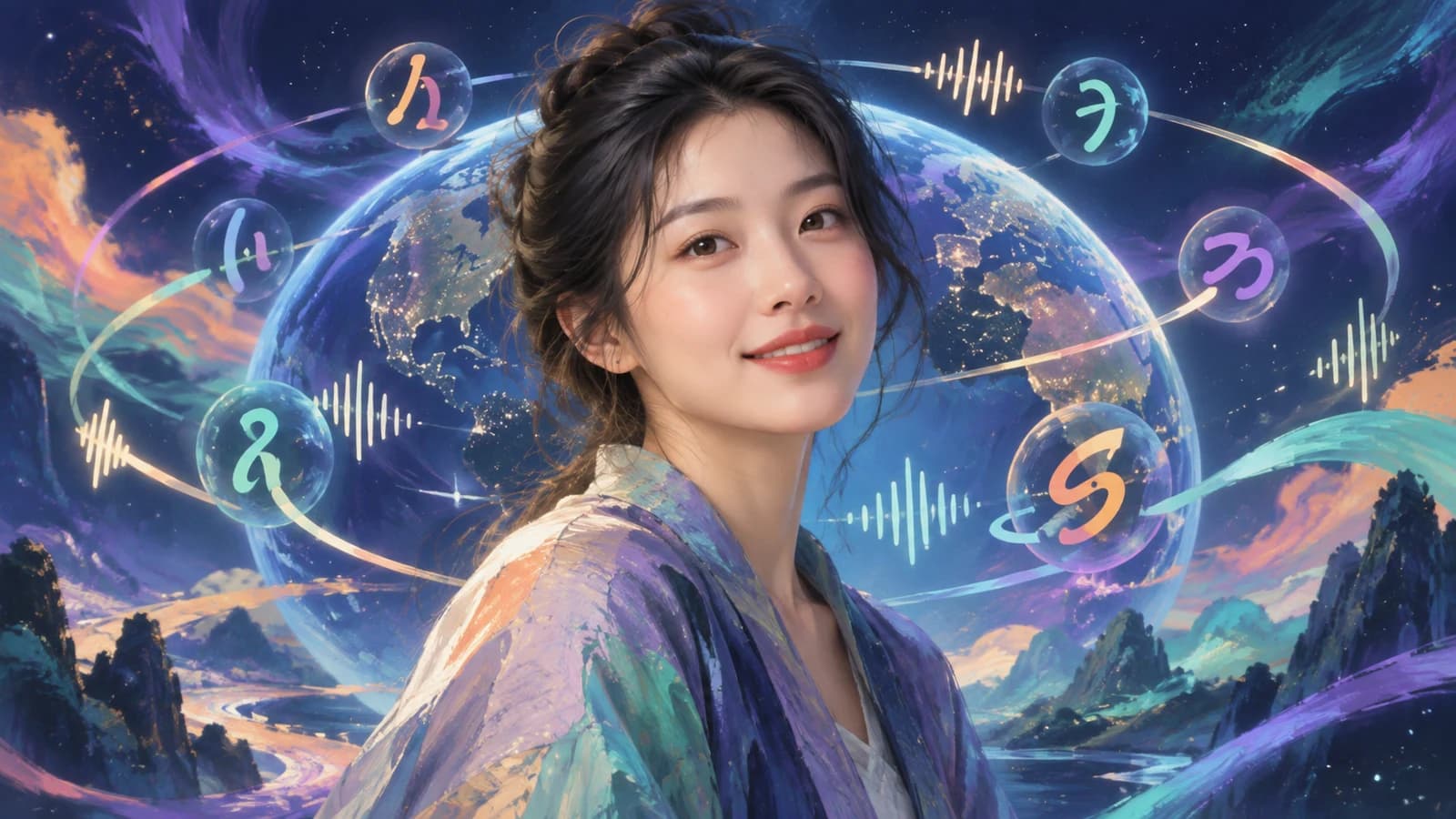
Portrait surrounded by multilingual sound motifs

Lip sync

Bring a still face to life with synchronized speech

AI Talking Photo creates mouth and facial movement around your speech instead of simply placing audio behind a still image. The result gives greetings, introductions, and short explanations a more immediate speaking presence.
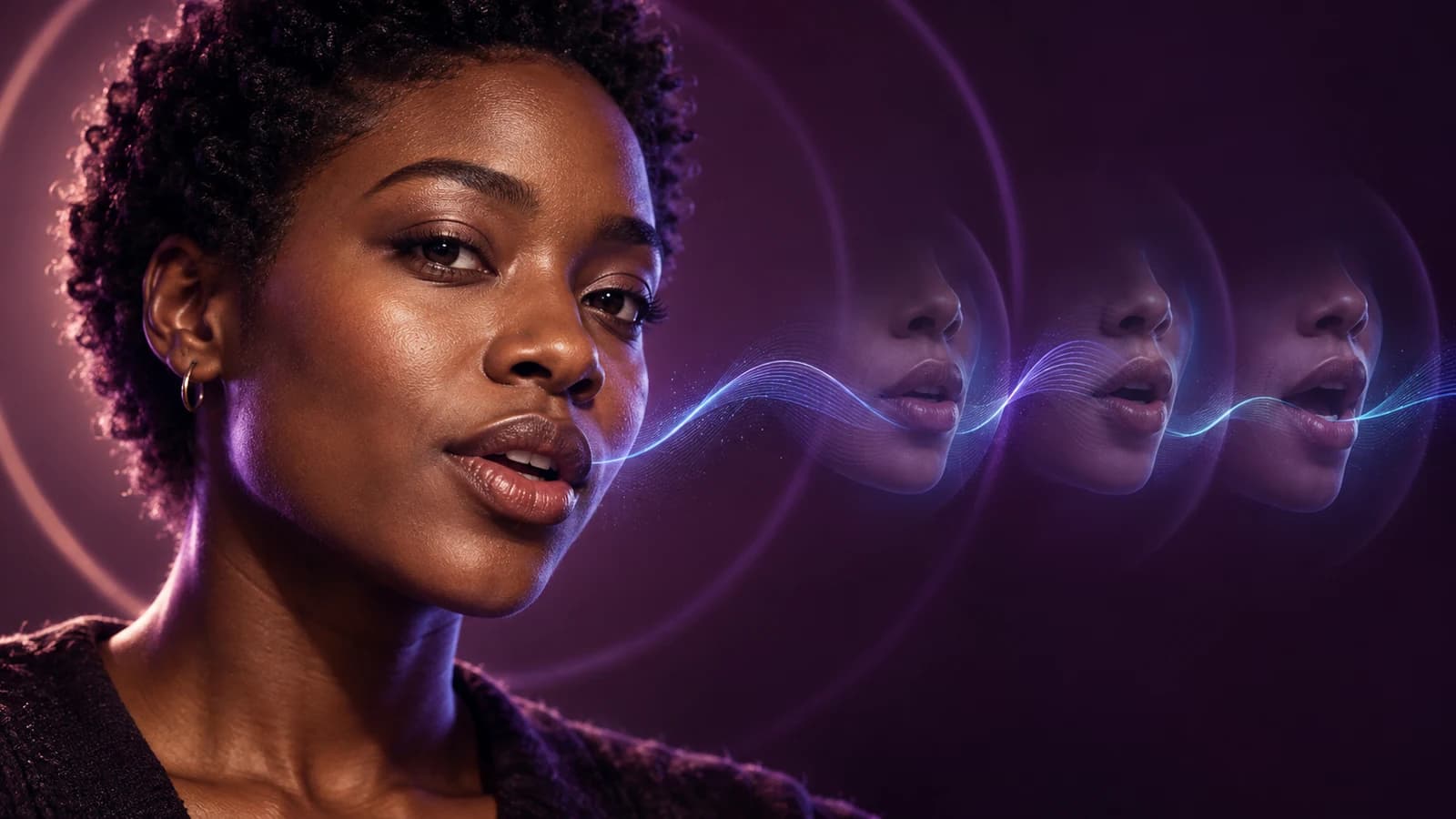
Portrait with a sequence of synchronized mouth movements

No reshoot

Make Personal Messages with AI Talking Photo

Create a birthday greeting, welcome, or short explanation without lights, a camera, or repeated takes. AI Talking Photo lets you revise the spoken message while keeping the same familiar source portrait.
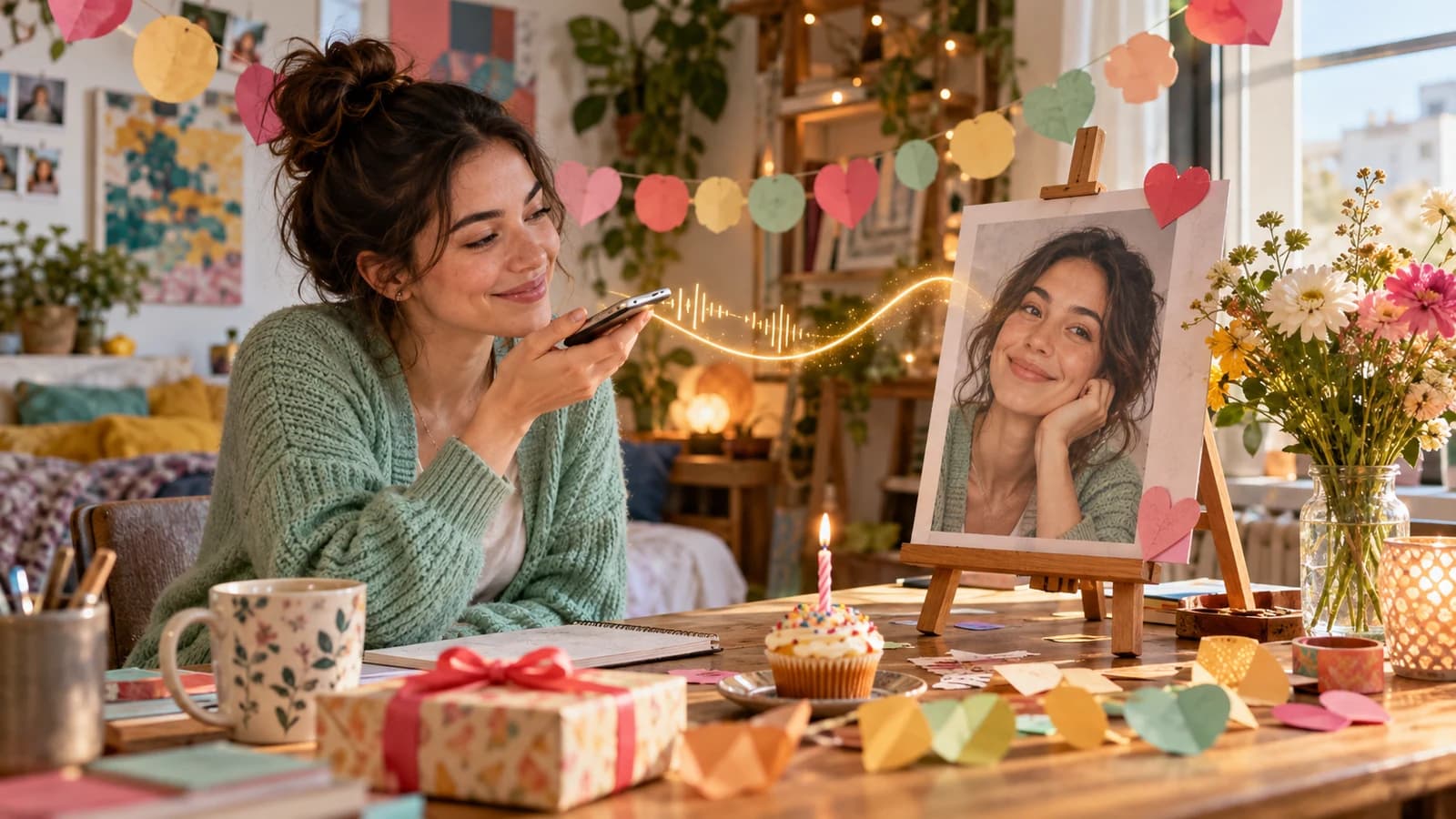
Personal birthday message made from a portrait and voice recording

How to Create an AI Talking Photo

Create your AI Talking Photo in three focused steps.

1

Upload one portrait

Start AI Talking Photo with one sharp JPG, PNG, or WebP portrait showing a clear, front-facing face.

2

Add audio or a script

Add your recording to AI Talking Photo, or type a script and choose a supported voice and language.

3

Generate and review

Create the AI Talking Photo, then preview mouth timing and expression before downloading your video.

AI Talking Photo Ideas for Everyday Content

One portrait can carry short messages across personal, social, product, and learning content.

Greetings and celebrations

Use AI Talking Photo for a birthday wish, thank-you, invitation, or announcement with recorded or generated speech.

Social intros and hooks

Make an AI Talking Photo for a fresh social intro or hook—without another shoot.

Product introductions

Create an AI Talking Photo for a product introduction or update, then review the result before publishing.

Lessons and explainers

Use AI Talking Photo to give one portrait a lesson intro, onboarding note, or short explanation from your script.

Why Choose Our AI Talking Photo Tool

AI Talking Photo keeps the face, voice, choices, and preview together in one focused workflow.

Audio and script paths

Bring your recording into AI Talking Photo, or create supported speech from text in the same portrait workflow.

Current choices shown clearly

Available voices, languages, speaking styles, resolution choices, and credit estimates stay visible while you prepare an AI Talking Photo.

Preview before download

Before download, AI Talking Photo lets you watch the result and check mouth timing, expression, and facial consistency.

AI Talking Photo FAQ

What is an AI Talking Photo?+
An AI Talking Photo turns one still portrait and a speech source into a video with visible mouth and facial movement. You can upload your own audio or use the current text-to-speech options shown in the form.
Can I make a photo talk with my own audio?+
Yes. Upload a clear JPG, PNG, or WebP portrait and an MP3, WAV, or M4A recording. The AI Talking Photo form shows the active size and duration requirements before generation.
Can I type a script instead of recording?+
Yes. In AI Talking Photo, enter your message, then choose a language, voice, and speaking style currently supported by the portrait model. The tool generates speech from that text before creating the talking video.
Is the AI Talking Photo generator free?+
New accounts currently receive 30 free credits after registration. Generation requires an account and uses credits based on the active settings; the form displays the current estimate before you create.
Which languages can the generated voices speak?+
AI Talking Photo currently lists English US and UK, Spanish, French, German, Italian, Portuguese Brazil, Japanese, Korean, and Hindi options. Availability can change, so check the live form. The tool does not automatically translate your script.
What kind of photo works best?+
Use one sharp portrait with a visible, mostly front-facing face, even lighting, and little obstruction around the mouth. Tiny faces, extreme profiles, heavy occlusion, or several people can make the result less predictable. Preview every AI Talking Photo before publishing because no generative workflow guarantees perfect identity or timing.
How long is the video, and can I choose 720p or 1080p?+
Each AI Talking Photo follows the speech length you provide. The current portrait workflow offers 720p and 1080p output choices, and the form shows the estimated credit cost for the selected resolution and speech duration before generation.
Can I use any photo or voice?+
Use AI Talking Photo only with portraits, recordings, and voice material you own or are authorized to process. Do not create deceptive impersonations, and disclose synthetic or altered media when the context or applicable rules require it.

Continue Your Portrait Workflow

Explore tools that complement AI Talking Photo: create a portrait, add silent motion, or work with an existing speaker clip.

AI Lip Sync Video GeneratorUse the broader lip-sync workflow when you need to synchronize an existing speaker video with a separate audio track.Portrait Image to Video AIAdd blinking, breathing, atmosphere, or camera movement when synchronized speech is not required.Text to ImageCreate an original portrait or character image before bringing the selected result into the speaking workflow.

Make Your First AI Talking Photo

Choose one clear portrait, add your audio or script, and start AI Talking Photo with a result you can preview before download.

Make My Photo Talk
View pricing plans

AI Talking Photo Online

AI Talking Photo creates a speaking video from one portrait and uploaded audio or generated speech. Review current language and voice choices, input requirements, credit cost, and the complete result in one online workflow.

LogoPhoto to Video AI

Email
Use Cases
  • Animated Book Cover Maker
  • AI Construction Timelapse Generator
  • AI Car Video Generator
  • Day to Night Transition
  • Pet Photo to Video AI
  • Animate Illustration AI
  • Fashion Photo to Video AI
  • Food Photo to Video AI
  • Portrait Image to Video AI
  • Wedding Photo to Video AI
  • Anime Image to Video AI
  • AI Furniture Video Generator
  • First & Last Frame Video
  • Reference to Video AI
  • All AI Video Tools
AI Models
  • LTX AI Image to Video
  • Seedance Image to Video
  • Veo 3.1 Image to Video
  • Grok Imagine Image to Video
  • GPT Image 2.5
  • Kling AI Image to Video
  • MiniMax H3 AI Video Generator
  • MiniMax H3 Max AI Video Generator
  • Hailuo AI Image to Video
Company
  • About
  • Contact
  • Changelog
Legal
  • Cookie Policy
  • Privacy Policy
  • Acceptable Use Policy
  • Terms of Service
© 2026 Photo to Video AI[email protected]We are not affiliated with the model providers. All trademarks belong to their respective owners.