
LTX AI Image to Video Generator
Prompt templates
Start with one clear subject action and one camera move, then refine after reviewing the result.
Generate audio for the video.
Checking access
Explore LTX AI Image to Video: Creative Workflows and Model Choices
Create motion from portraits, artwork, products, and everyday photos, then choose the LTX version that fits your shot and credit budget.
Everyday scenes
Turn a Single Image into Video
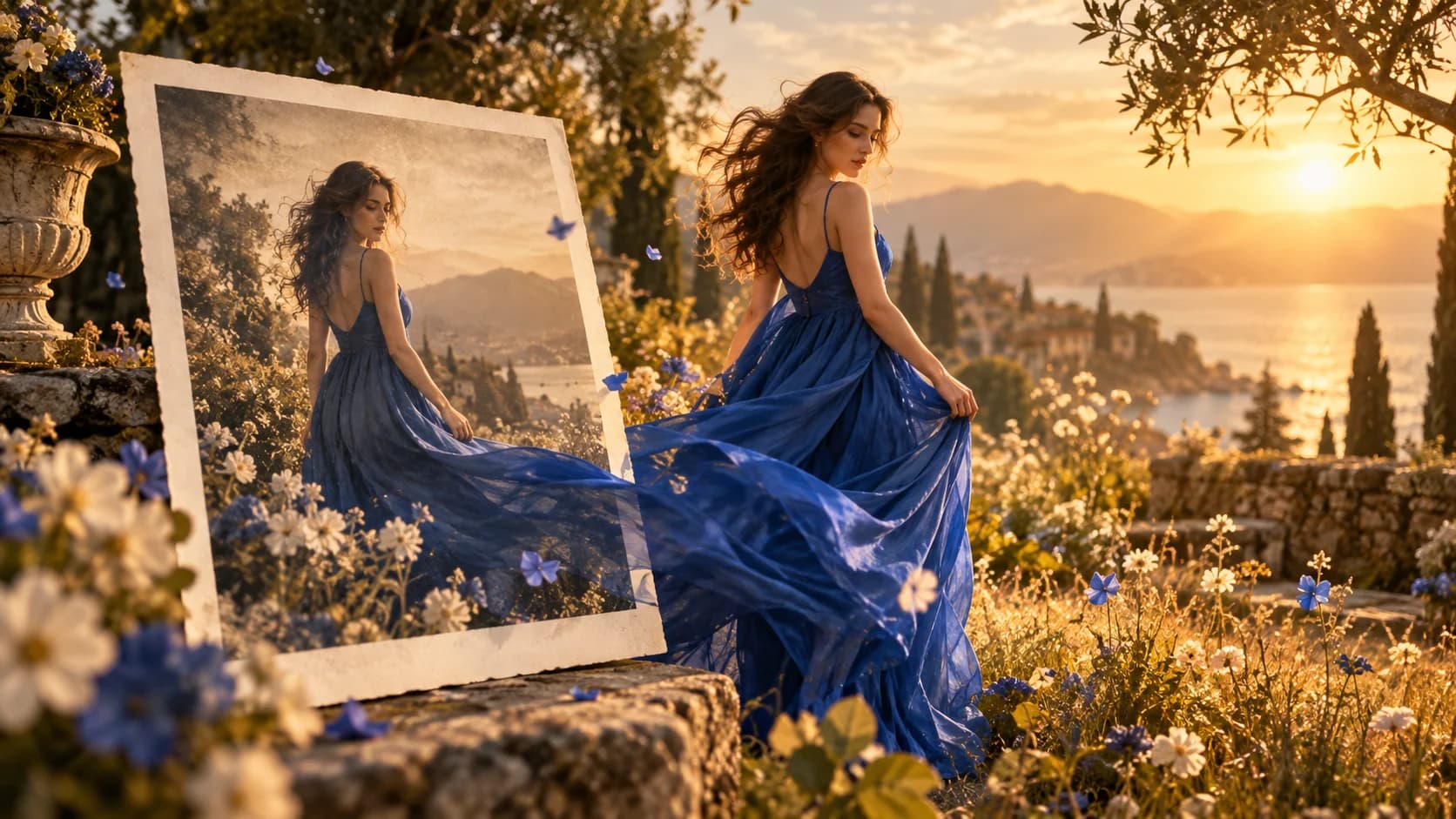
LTX AI Image to Video starts with one photograph that already has a readable subject, setting, and moment. Add a restrained gesture, background activity, or shift in light to continue the scene naturally. For social stories, editorial work, or film concepts, LTX AI Image to Video keeps the original frame as the visual anchor.

Illustrated worlds
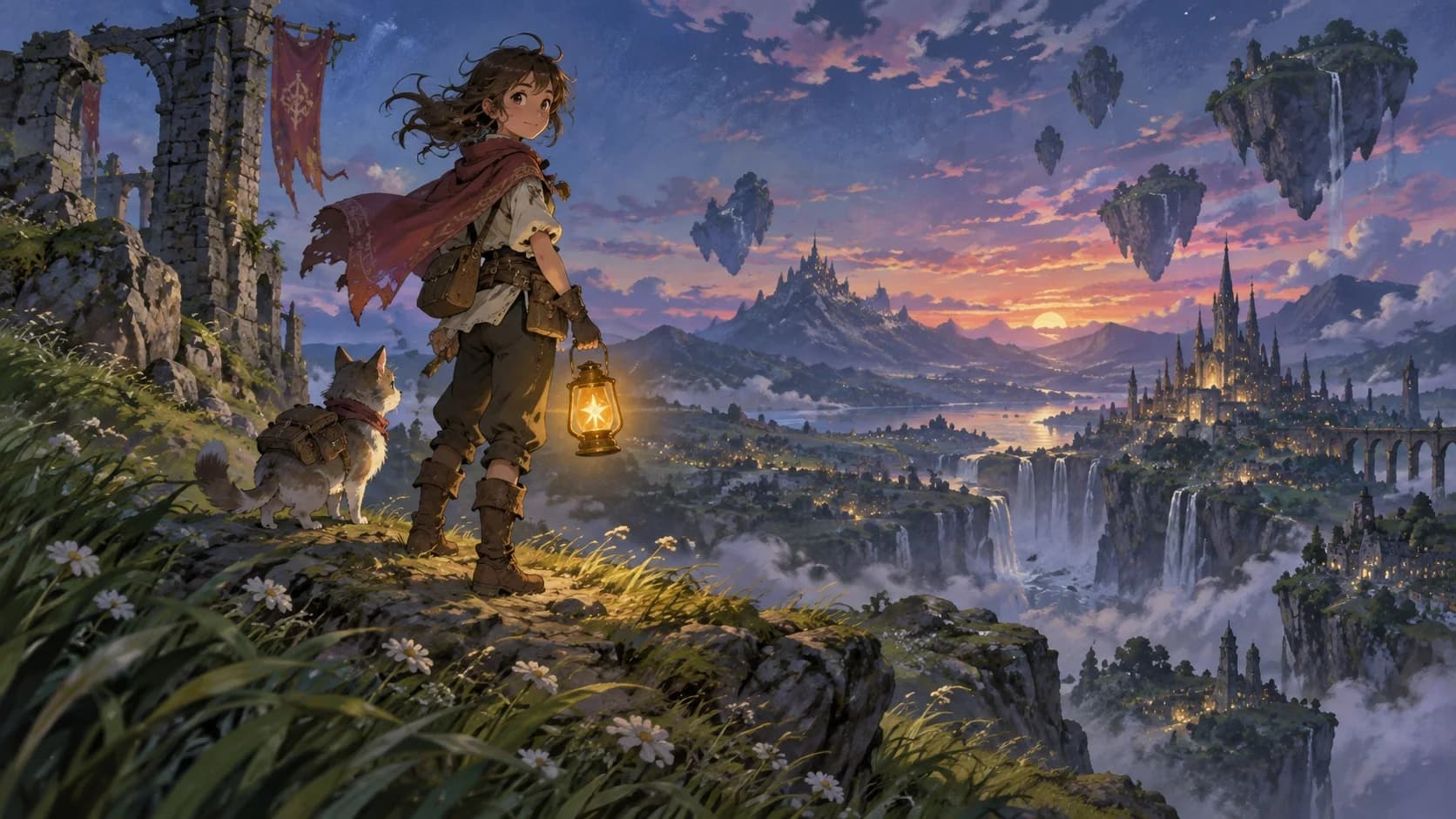
Bring Characters and Illustrations to Life
Start LTX AI Image to Video with an original drawing, painted scene, or character concept. Guide a cape, expression, glowing object, or environmental detail while the artwork continues to define the palette and composition. For story ideas, creator posts, and visual development, LTX AI Image to Video adds movement without rebuilding the frame.
Shot direction
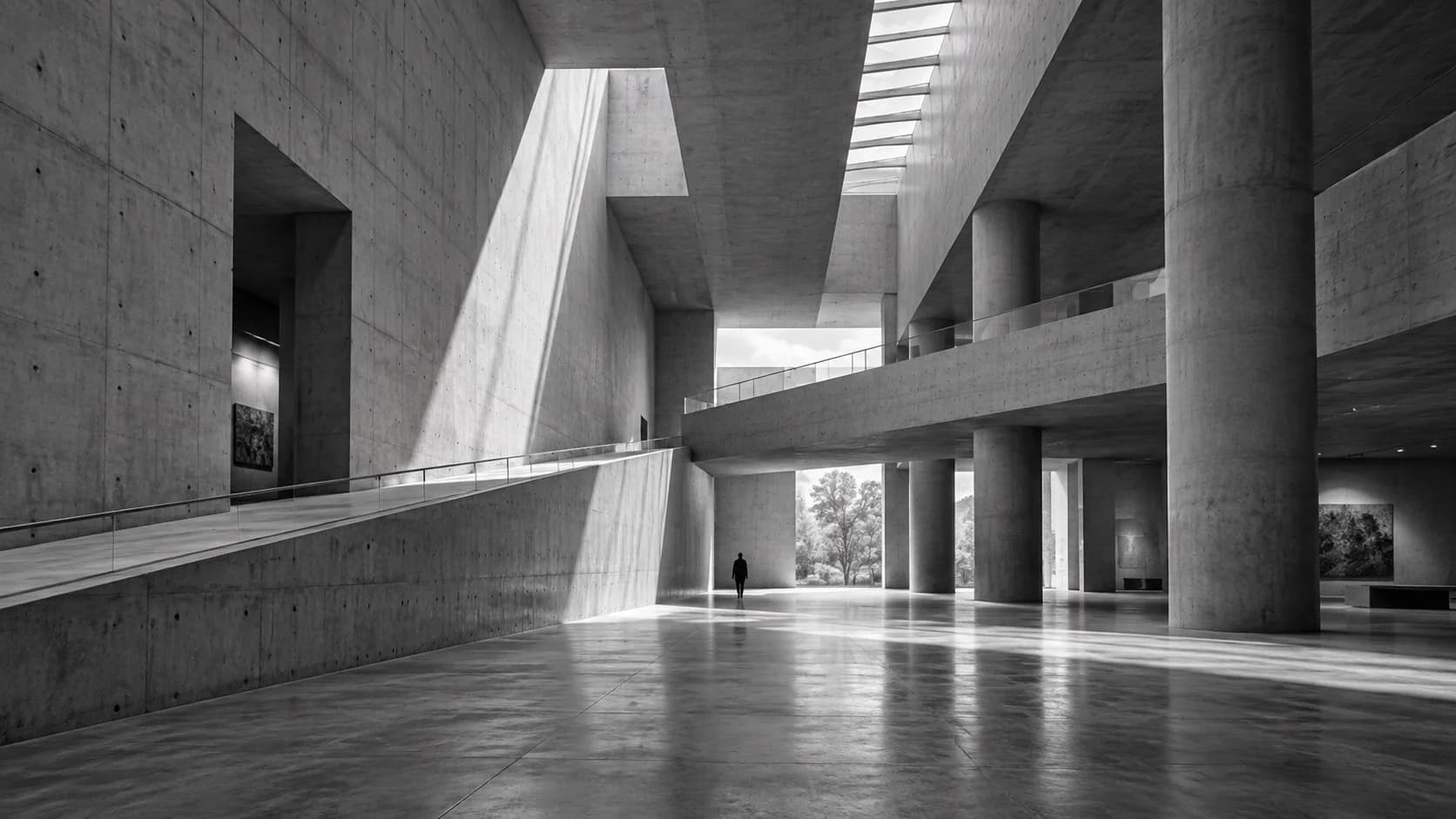
Guide Motion and Camera Movement
With LTX AI Image to Video, separate what moves inside the frame from how the viewer travels through it. A slow push reveals depth, while a pan, orbit, or tracking move shifts attention between forms. Clear direction helps LTX AI Image to Video turn a static composition into a deliberate shot with pace and focus.
Commerce content
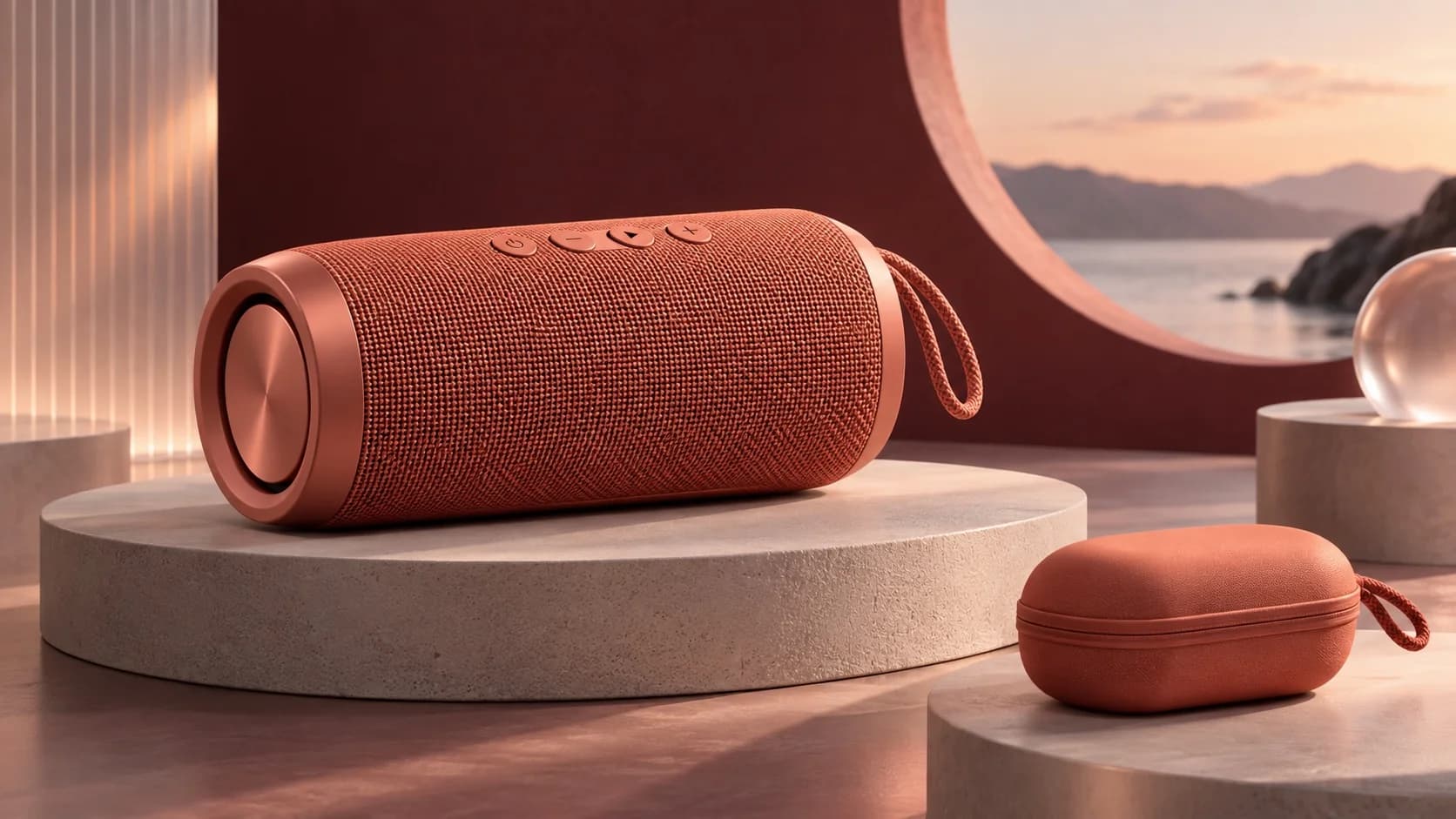
Create Product Videos from Still Images
LTX AI Image to Video can build a reveal from a polished catalog image or campaign still. Use a soft orbit to show form, a moving highlight to describe texture, or a measured push toward a useful detail. The approved product image remains the visual anchor while LTX AI Image to Video creates promotional variations.
Fine visual detail
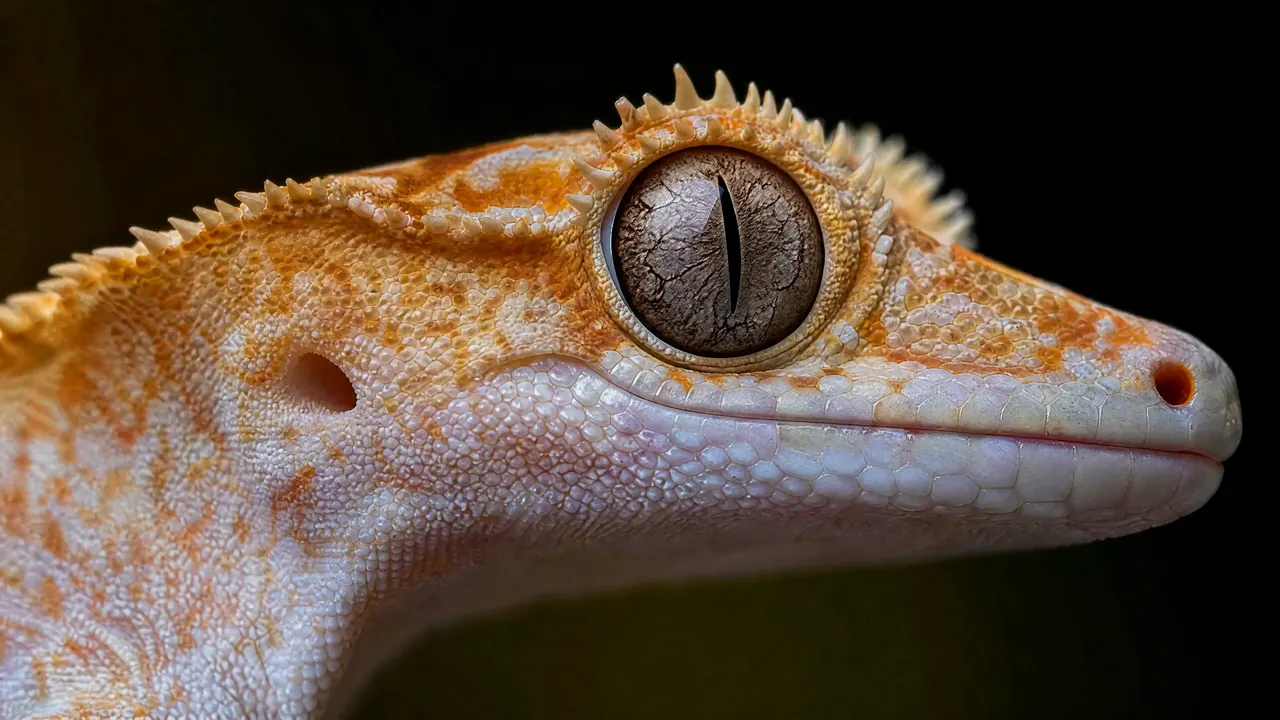
Create Detailed, High-Resolution Videos
Fine textures carry the appeal of macro nature, premium materials, and carefully lit photography. LTX AI Image to Video offers supported output choices up to 4K, letting you match resolution to a draft or detailed final render. Before sharing, use the LTX AI Image to Video preview to review delicate edges across the complete clip.

Choose your LTX version
LTX 2.3 or 2.5: Match the Model to Your Shot
Start with LTX 2.3 Fast for lower-credit drafts. LTX 2.3 improved image-to-video motion and consistency with the source frame. LTX 2.5 builds on that with a new decoder for finer textures, faces, clearer on-screen text, and steadier fast motion, plus stronger understanding of complex prompts. Both generations offer Fast and Pro choices; compare the available settings and live credit estimate before you create.
How to Use LTX AI Image to Video
LTX AI Image to Video moves from one clear source frame to a directed clip in three practical steps.
Upload a strong source image
Upload a clear JPG, PNG, or WEBP to LTX AI Image to Video. It uses that frame to anchor appearance and composition.
Describe the movement you want
Tell LTX AI Image to Video what moves and what stays recognizable. It works best with one main action and camera move.
Check the model, cost, and generate
Review the LTX AI Image to Video settings and credit estimate. Then generate the clip for preview and download.
LTX AI Image to Video Use Cases
LTX AI Image to Video supports human moments, designed artwork, commercial stills, and precise visual studies in one workflow.
Social and editorial stories
Use LTX AI Image to Video for portraits, street photography, travel frames, food moments, editorial posts, mood pieces, and campaign concepts.
Illustration and character development
LTX AI Image to Video adds character gestures, environmental response, or camera depth to concept art, storybook imagery, game art, and posters.
Product and campaign content
Create launch ideas, ecommerce placements, presentation clips, and social cuts from approved product stills with LTX AI Image to Video.
Architecture and detail studies
Guide measured camera movement through interiors, buildings, landscapes, materials, plants, and macro subjects using LTX AI Image to Video.
Why Choose Our LTX AI Image to Video Workspace
LTX AI Image to Video keeps browser creation, expected credit cost, and compatible model choices visible in one workspace.
Create directly in your browser
LTX AI Image to Video handles upload, direction, generation, preview, and download in a browser without a local model or separate production environment.
See credit costs before generation
LTX AI Image to Video shows the live credit estimate before generation, helping you compare supported settings and balance cost with output needs.
Keep the full model workspace
LTX AI Image to Video opens with LTX selected while other compatible models remain visible for projects needing different motion, timing, or production choices.
LTX AI Image to Video FAQ
Which image formats work with LTX AI Image to Video?
What changed between LTX 2.3 and LTX 2.5?
What is the difference between LTX Fast and Pro?
Which settings does LTX AI Image to Video support?
How much does LTX AI Image to Video cost?
How can LTX AI Image to Video create natural motion?
Is LTX AI Image to Video the official Lightricks Studio?
Bring Your Next Still Image to Life
Upload a clear frame, direct the motion, and review the credit estimate before LTX creates your clip online.
Create with LTX AI Image to Video Online
LTX AI Image to Video turns portraits, illustrations, product photos, architecture, and detailed nature images into moving scenes in a browser. Compare compatible options and review the live credit cost without a local installation. The workspace keeps direction, controls, preview, and download together.