
Image to Image AI Generator & Editor
Prompt templates
Be specific about both the requested edit and the details you want the model to preserve.
The selected resolution controls the configured credit cost.
What You Can Make with Image to Image AI
Image to Image AI is most useful when an existing visual should remain the starting point. Direct the change in plain language, state what must stay recognizable, and choose a model that fits the number of references and output size you need.
Product and scene editing
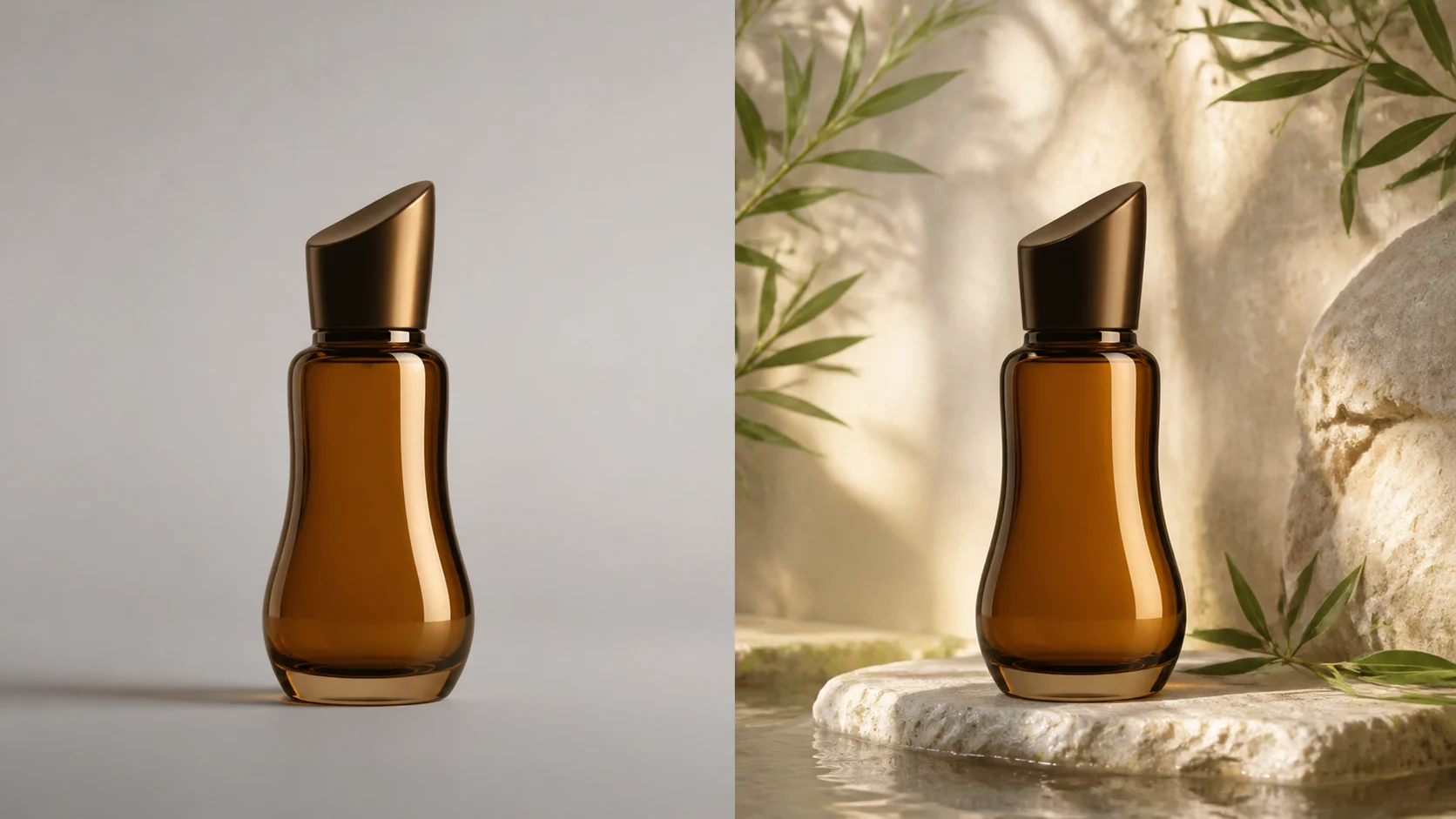
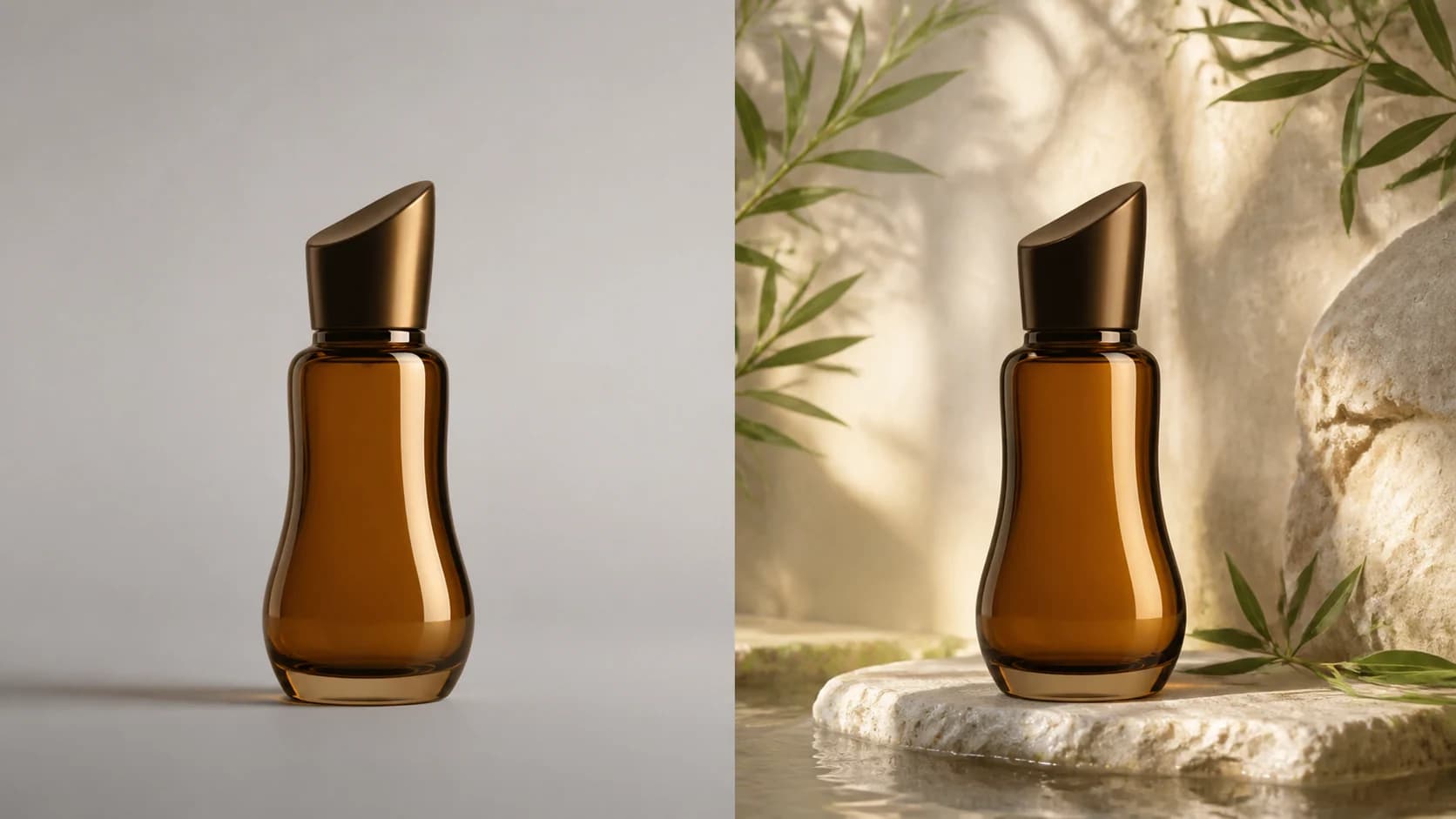
Product scene transformations
Use Image to Image AI to place an approved product in a new setting while the source anchors its shape, color, and angle. Explore backgrounds and lighting quickly, then verify packaging, labels, reflections, and geometry before publishing.
Portrait and wardrobe changes
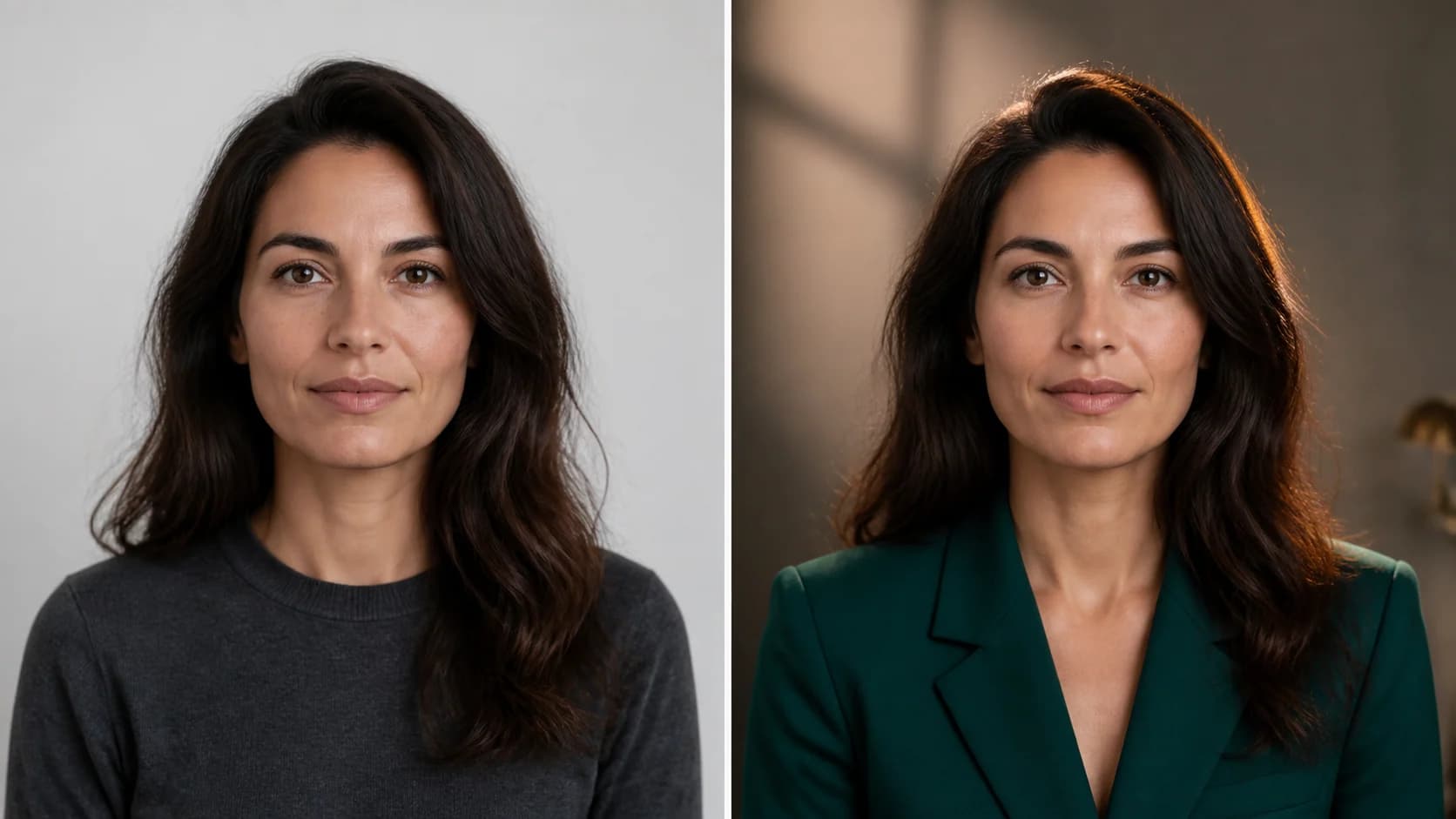
Portrait restyling with identity cues
Use Image to Image AI to change wardrobe, background, or editorial lighting while the source anchors the face, hairstyle, expression, and pose. A clear image and restrained edit improve consistency, but every face and hand still needs review.
Sketch to finished visual
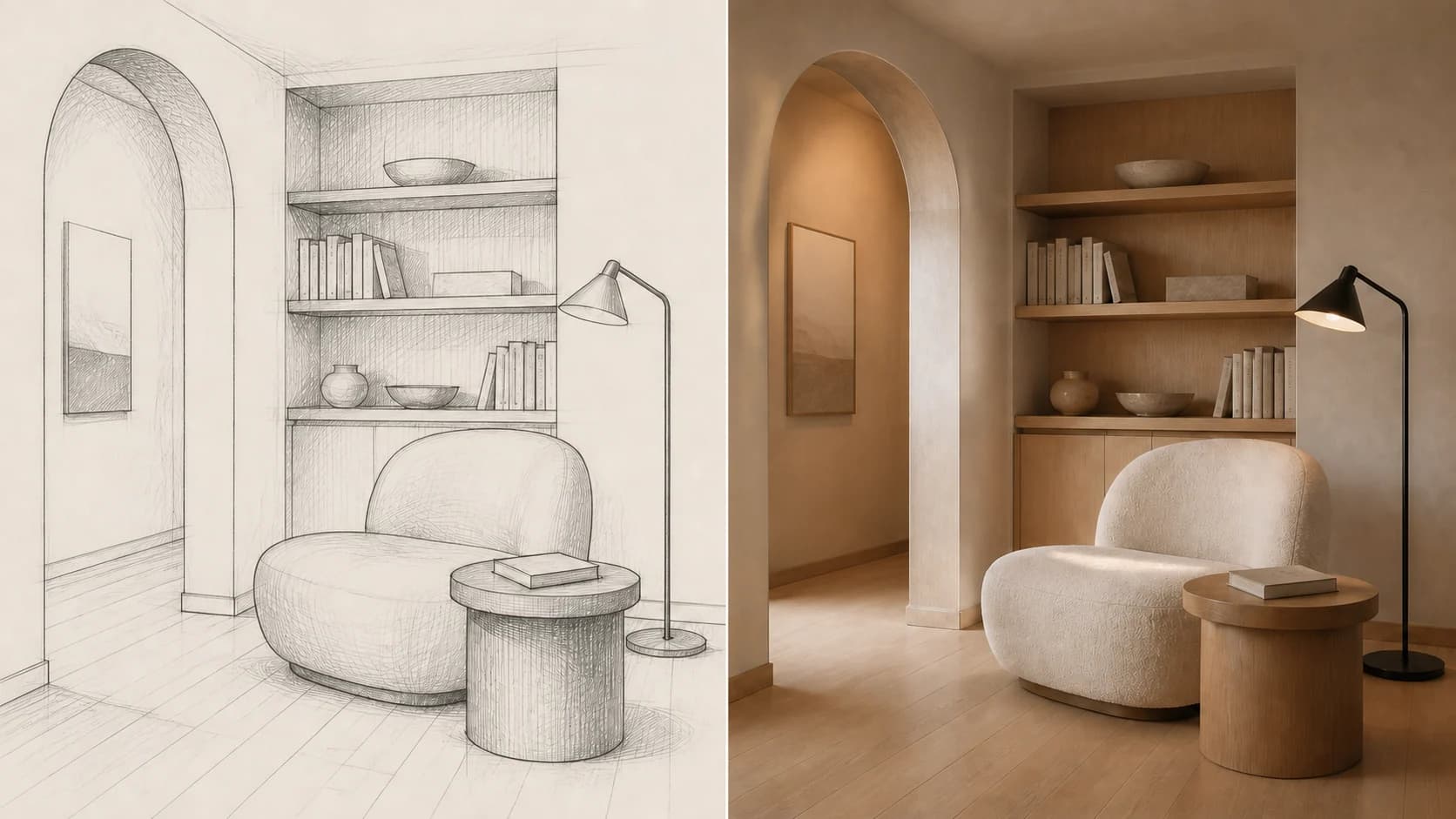
Sketch to polished render
Turn a drawing or wireframe into a finished visual while Image to Image AI keeps the established layout and perspective central. Add a focused brief for materials, lighting, and texture instead of rebuilding the composition from scratch.
Multi-reference composition
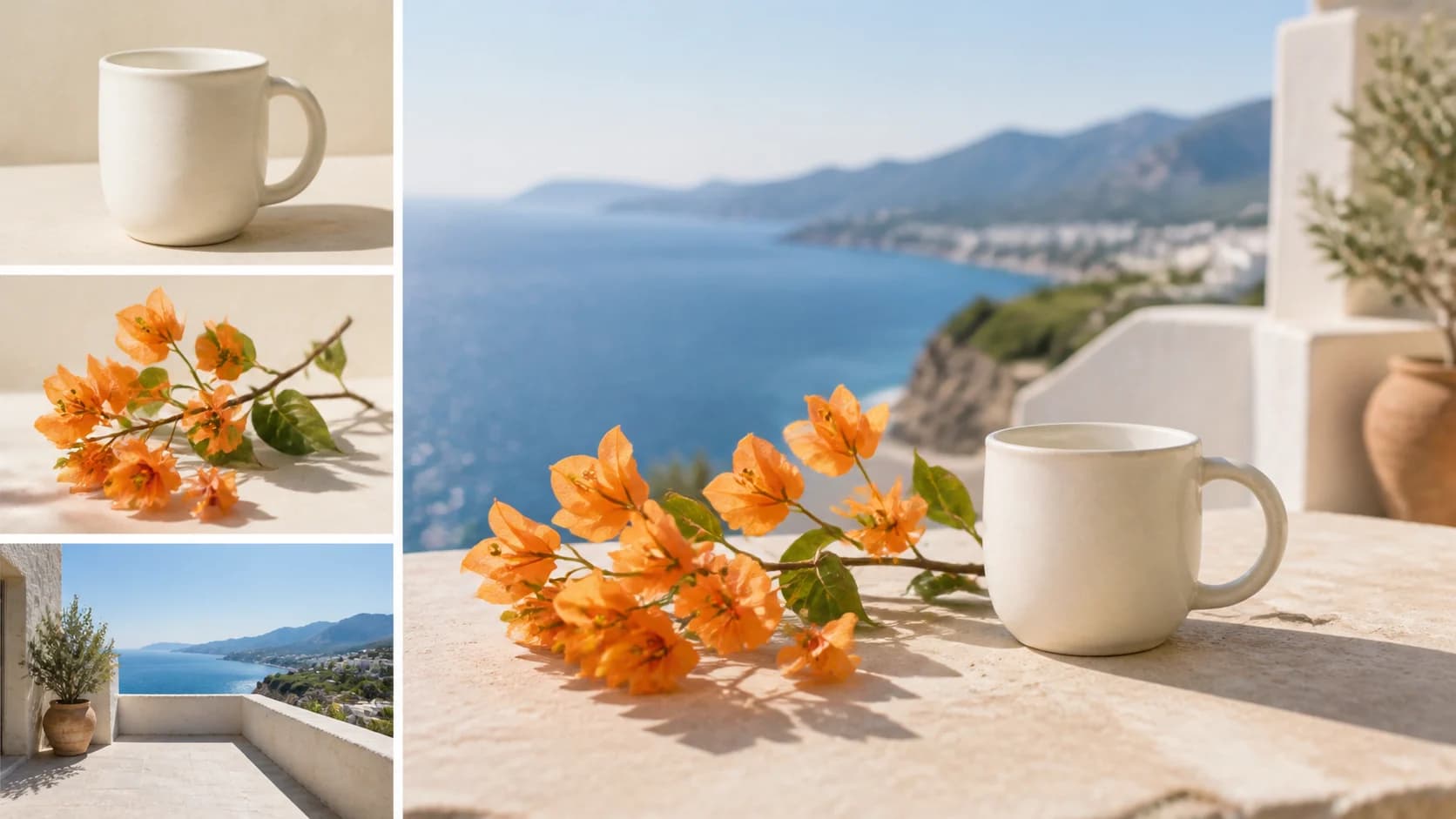
Blend multiple visual references
Combine a subject, product, setting, or style from separate references and give each image one clear role. Image to Image AI can build a unified composition on supported models, with the available reference limit shown in the form.
Object removal and replacement
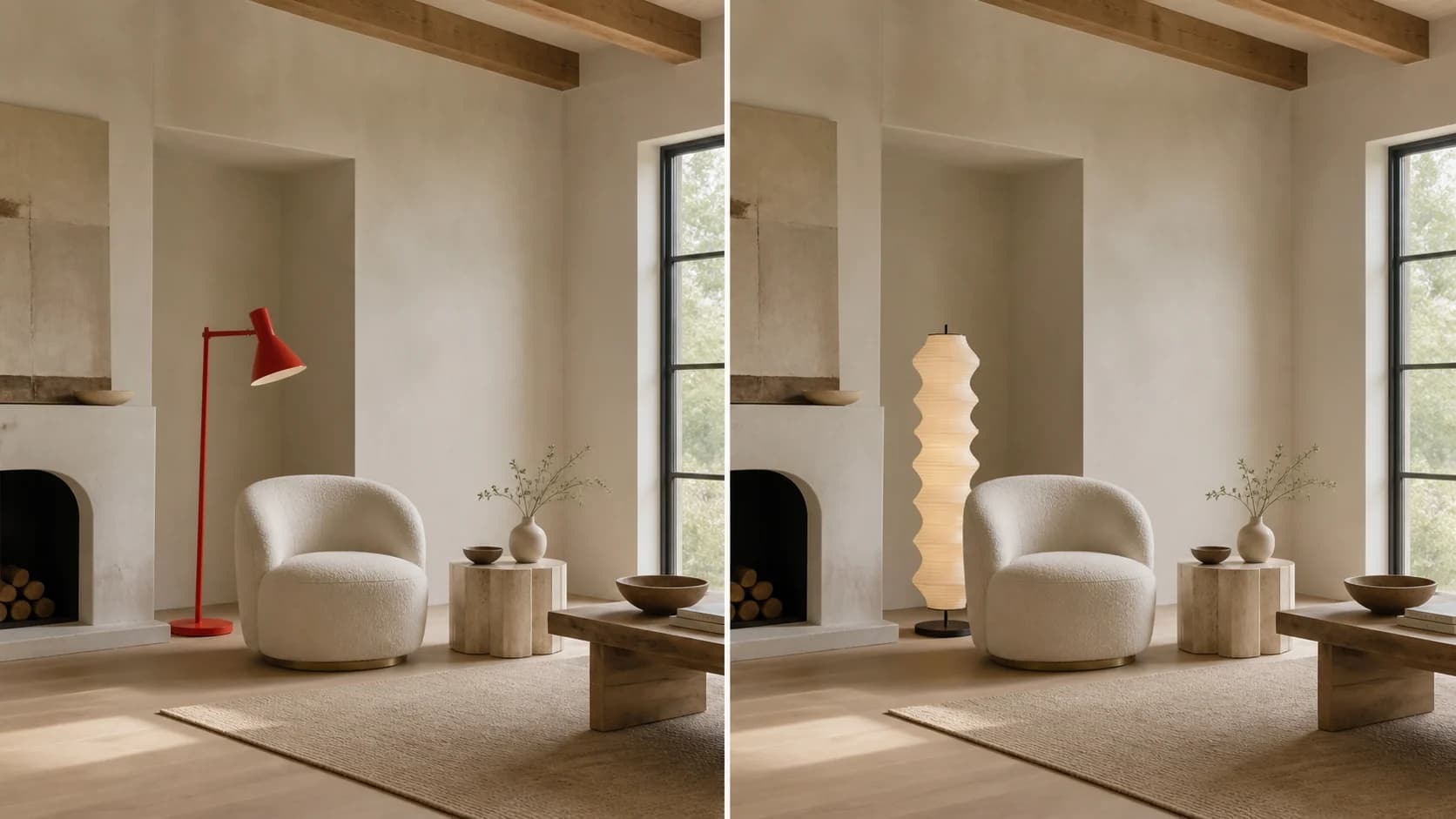
Change one object without rebuilding the scene
Use Image to Image AI to remove a distracting element or replace it with something that matches the original perspective and light. This works well for interiors and concept edits, although complex edges and hidden areas may be reconstructed.
How to Use Image to Image AI
Move from a source image to a directed variation in three practical steps.
Upload a clear source image
Add a JPG, PNG, or WebP. Image to Image AI can also accept multiple references on supported models; keep only the images that provide useful identity, style, or composition information.
Describe the change and preservation rules
Tell Image to Image AI what to add, remove, replace, or restyle, then name the face, object, layout, colors, text, or camera angle that should remain. Select the model, ratio, and available resolution for the job.
Generate, inspect, and refine
Review the full Image to Image AI result for identity, anatomy, spelling, geometry, and unwanted additions. If it is close, change one instruction or reference at a time before generating again.
Image to Image AI Use Cases
Use Image to Image AI when a source image contains useful identity, structure, composition, or art direction that a text-only generator should not have to guess.
Image to Image AI for marketing and ecommerce
Create campaign backgrounds, product variations, social concepts, and lifestyle compositions from an approved source. Image to Image AI can accelerate ideation, while final brand assets still need a careful accuracy review.
Image to Image AI for portraits and creator content
Explore outfits, environments, color grades, and editorial directions without beginning from an anonymous generated person. Use Image to Image AI with consent and avoid deceptive or harmful impersonation.
Image to Image AI for design concepts and previsualization
Develop sketches, layouts, reference boards, and rough compositions into presentation-ready directions. Image to Image AI is useful for iteration, not a substitute for checking dimensions, engineering, or production feasibility.
Who Uses Image to Image AI
The workflow serves people who already have a useful visual and need a faster route to a directed variation.
Image to Image AI for marketers
Use Image to Image AI to test campaign scenes and channel-specific visual directions from approved creative assets.
Image to Image AI for designers
Use Image to Image AI to develop layouts, sketches, styles, materials, and visual systems through controlled iterations.
Creators
Use Image to Image AI to restyle portraits and social visuals while keeping the original composition as an anchor.
Ecommerce teams
Use Image to Image AI to explore product settings and promotional concepts before committing to a full production pass.
Why Use Image to Image AI Here
Image to Image AI works inside one generator with compatible models, model-specific controls, a live credit estimate, preview, download, and creation history.
Multiple model choices
Image to Image AI starts with GPT Image 2 and lets you compare compatible image-editing models without rebuilding the workflow on separate sites.
Controls match the model
Image to Image AI shows the reference slots, aspect ratios, resolutions, and options supported by the current model before generation.
Source-led direction
Let the uploaded image carry identity and composition while Image to Image AI applies the exact change and preservation rules from your prompt.
Cost visible before generation
Image to Image AI shows the current credit requirement before submission, then keeps inspection and download in the same workspace.
Image to Image AI FAQ
What is Image to Image AI?
How is Image to Image AI different from text to image?
Which image editing model should I choose?
Can I use more than one reference image?
Can Image to Image AI preserve a face or product exactly?
Can it remove or replace backgrounds and objects?
What image formats and resolutions are supported?
Is Image to Image AI free to try?
Can I use the generated images commercially?
Create with Image to Image AI
Upload a source, describe the edit and the details to preserve, compare compatible models, and generate a result you can inspect before download.
Image to Image AI Online
Image to Image AI helps you transform a photo, sketch, product image, portrait, or group of visual references with a written instruction. Use it for prompt-guided edits, style transfer, background changes, concept development, and multi-reference composition while keeping the source image central to the workflow.