
Motion Control AI
Let the reference video drive the action. Use the prompt only to support the character and scene.
Match orientation in the video. Recommended.
Choose whether the generated background follows the reference video or the character image.
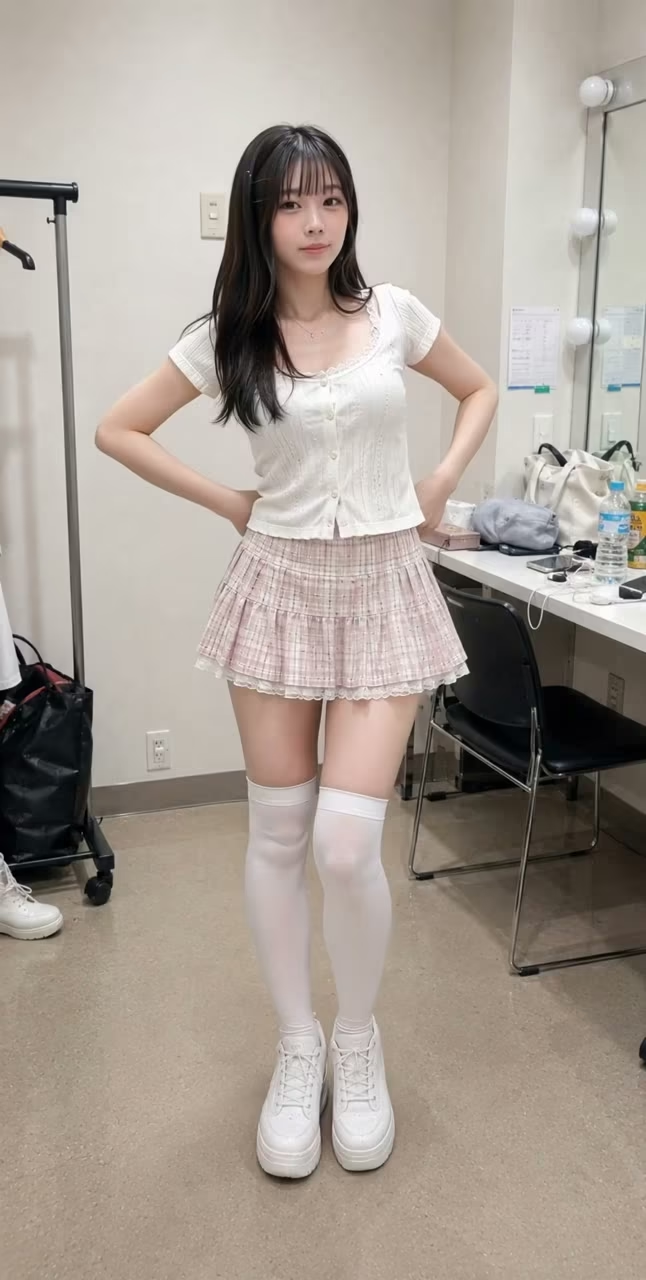
How Motion Control AI Works
Pair a character image with a reference performance, then choose how framing, background, and quality are handled.
Reference motion
Drive movement with a real performance
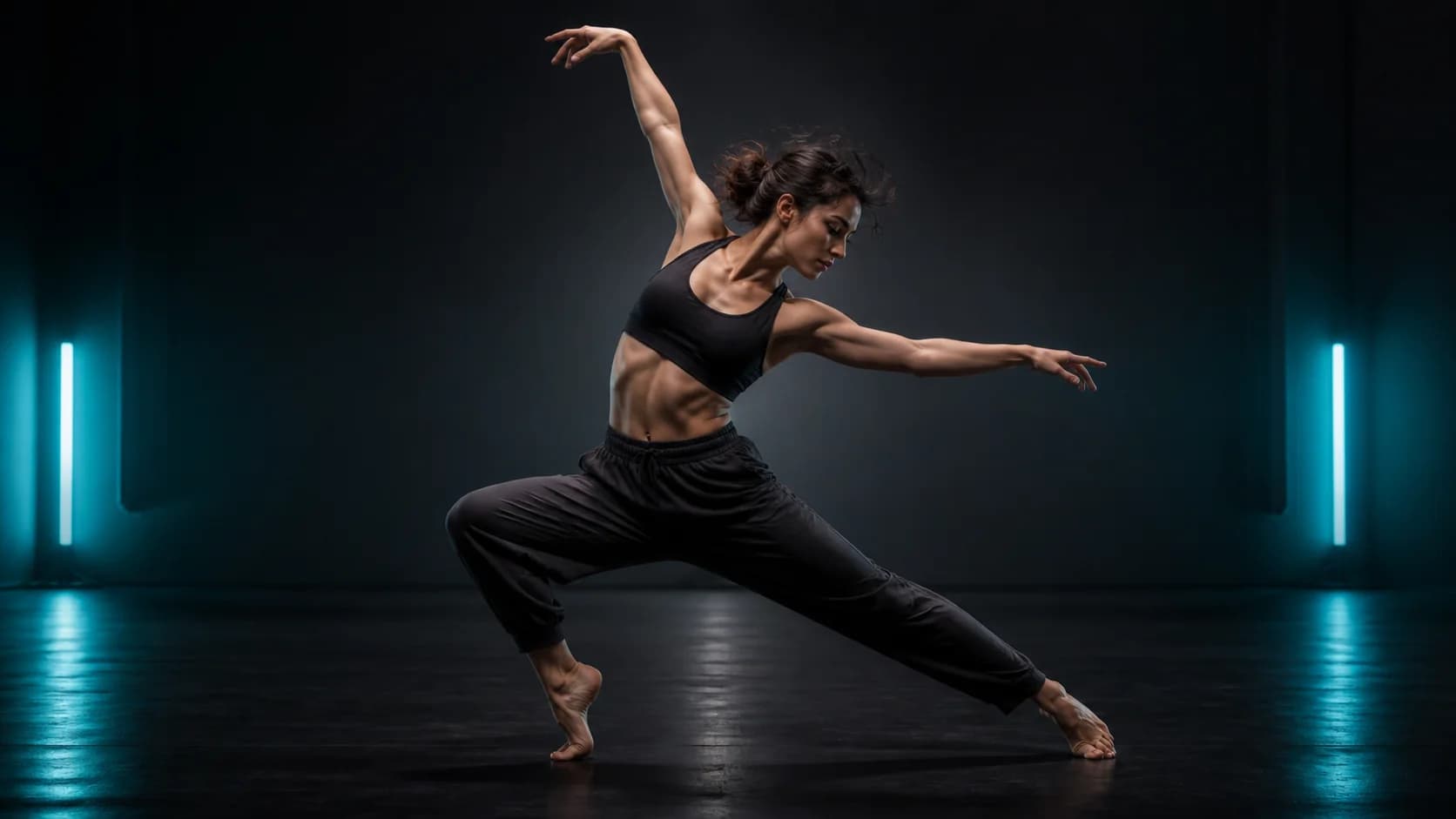
A stable reference clip gives Motion Control AI the timing, gestures, travel, and rhythm for dances, presentations, poses, or character acting.
Character control
Keep character identity in the image
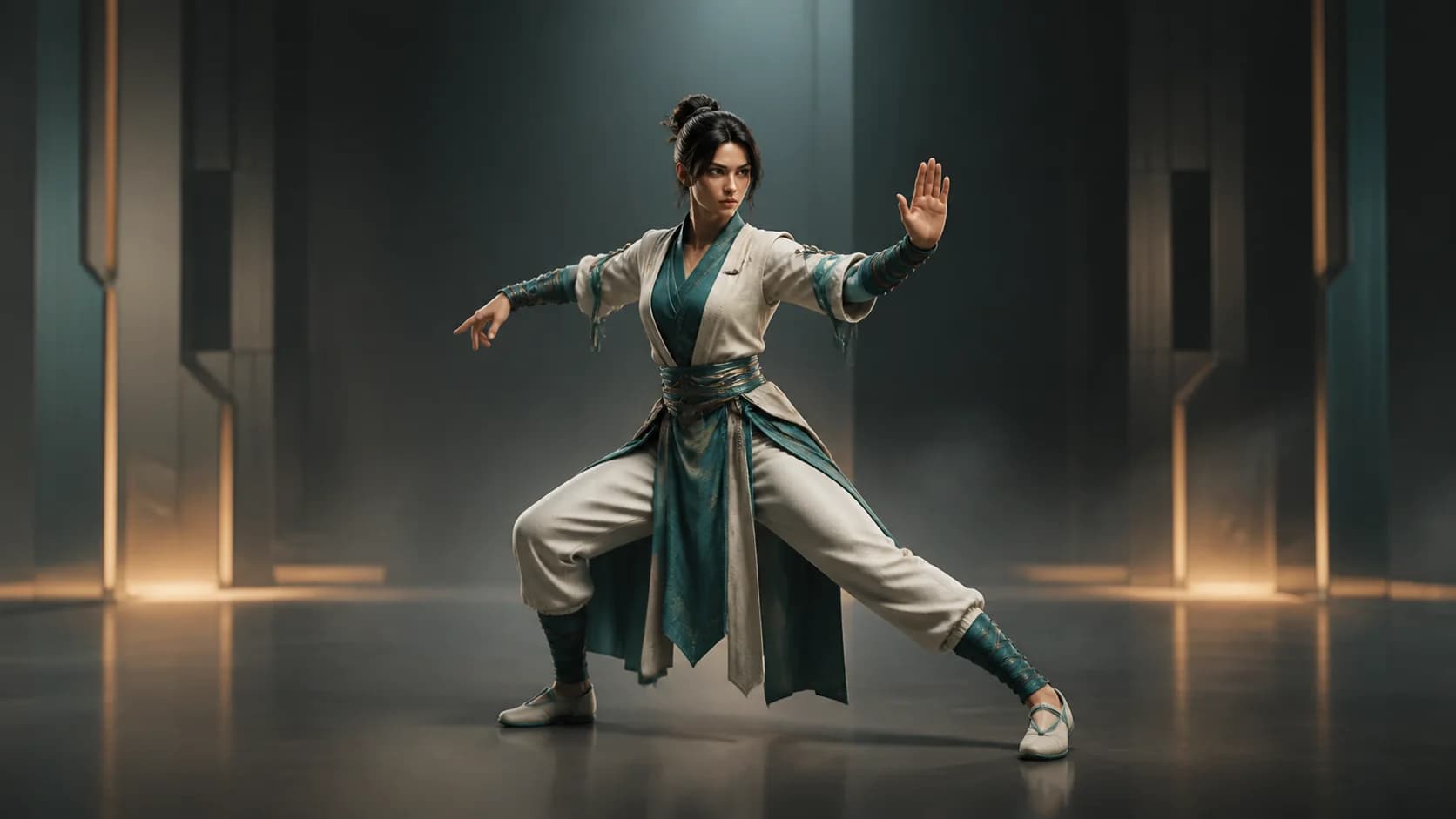
Let the image define appearance and the video define action. Clear anatomy and compatible framing help the two sources work together.
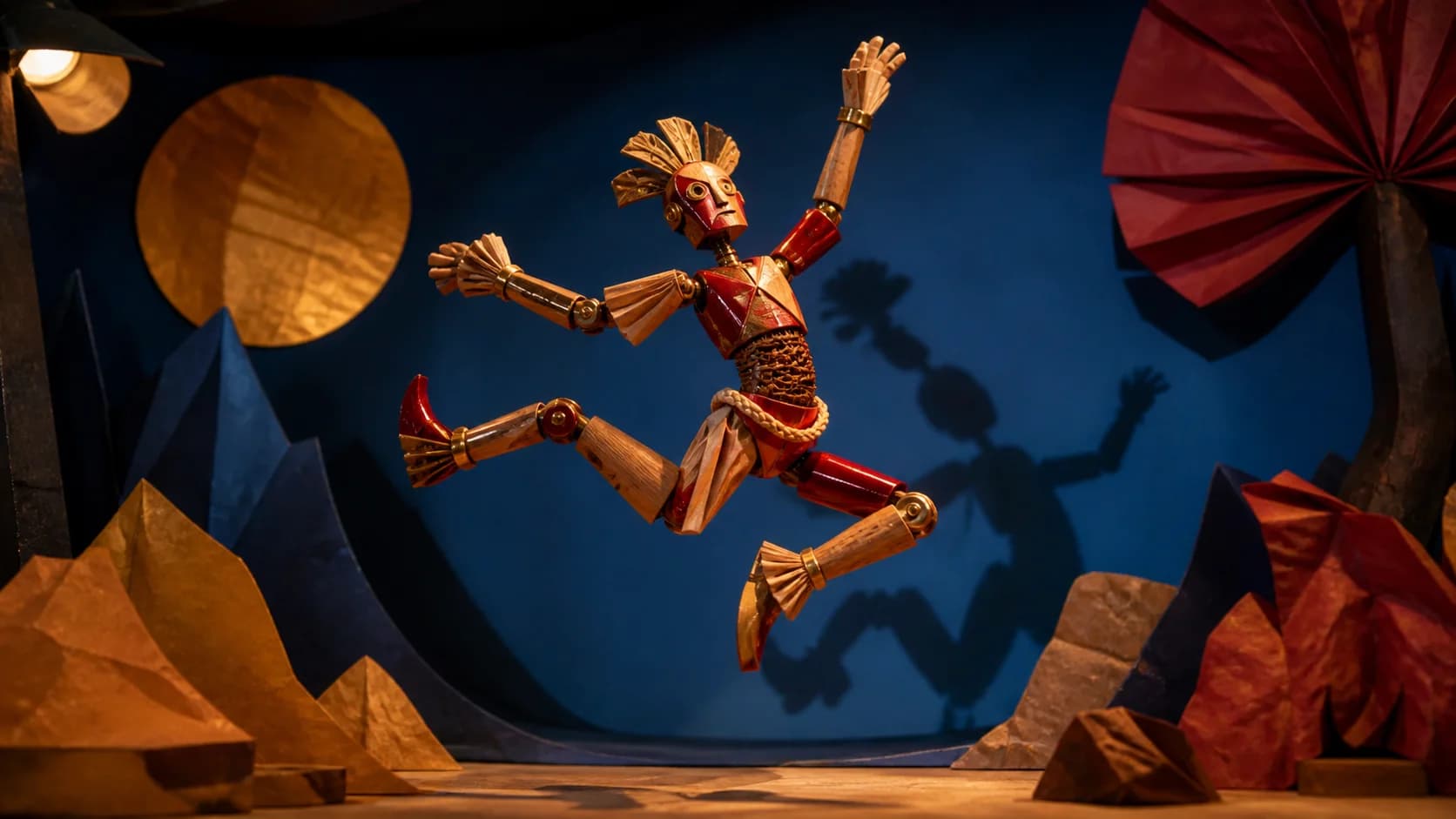
Stylized choreography
Transfer choreography to original characters
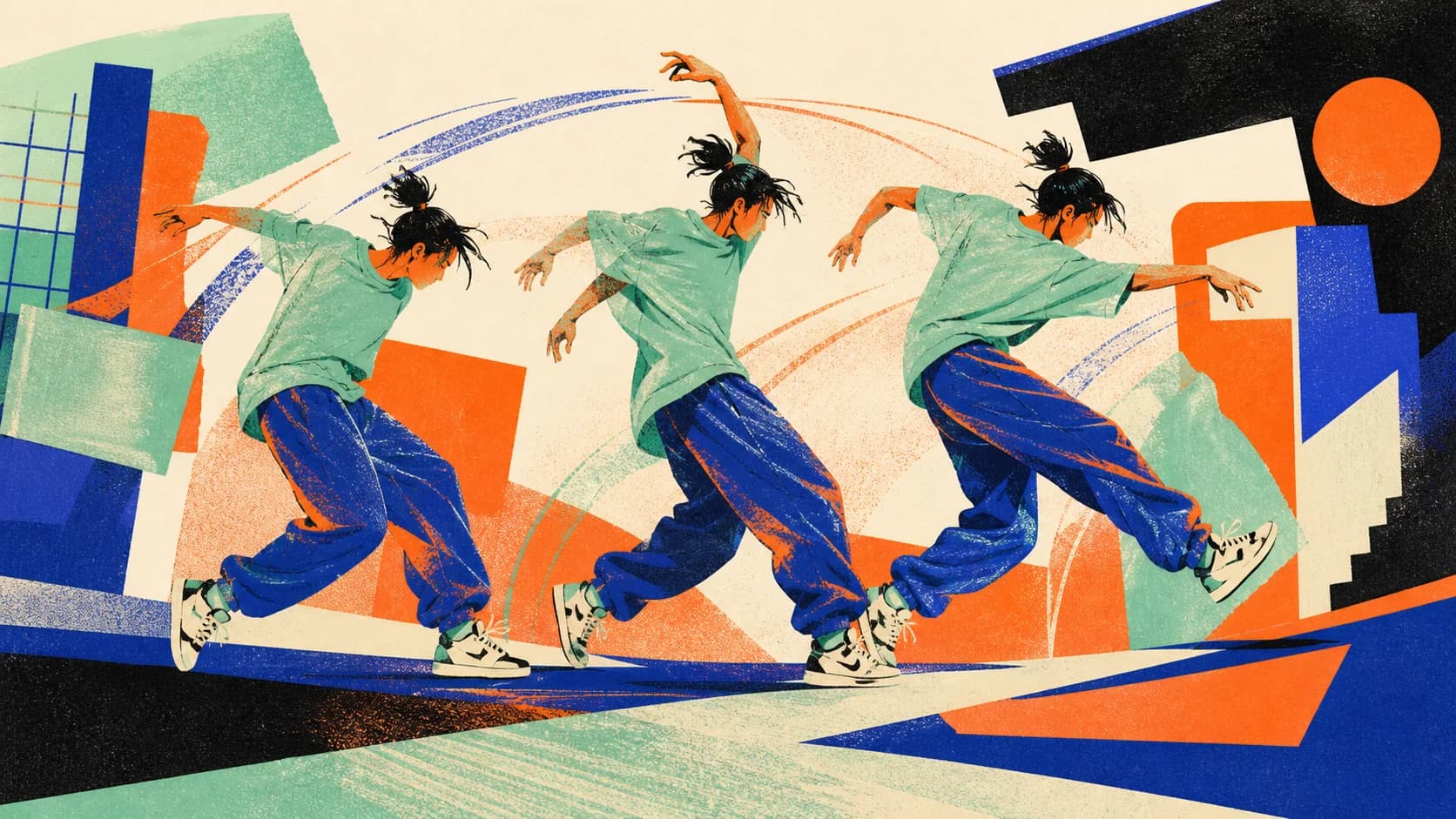
Apply a dance, gesture, entrance, or reaction to an avatar, mascot, or illustrated performer while preserving its rhythm.
Framing and background
Choose the frame and background source
Let orientation follow the video or image, select 720P or 1080P, and choose which source guides the background when Kling 3.0 supports it.
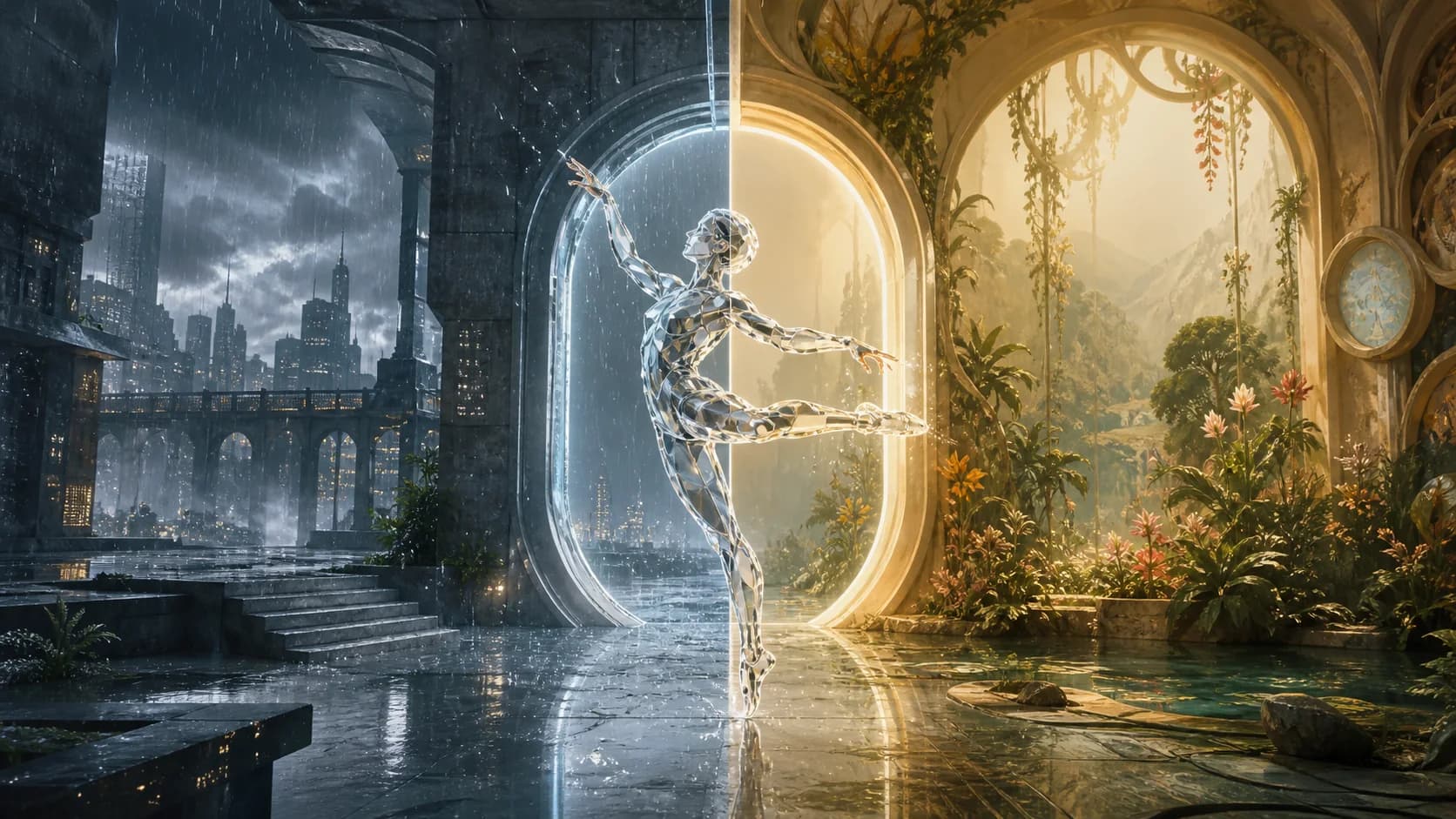
Character variations
Reuse one performance across designs
Keep the motion reference while testing different characters, costumes, materials, and art directions. The clip remains responsible for action and timing.
How to Use Motion Control AI
Pair compatible framing, let the reference clip carry the action, and use optional text only to support the visual direction.
Upload a clear character image
Choose a full- or half-body JPG or PNG with visible limbs, stable anatomy, and enough space for the intended action. Similar framing to the reference video reduces unnecessary interpretation.
Add a readable motion reference
Upload one stable performance clip with the subject in frame. Trim dead time, rapid cuts, crowds, heavy blur, and occlusion so the core movement is easy to follow.
Set controls, generate, and review
Choose Kling 3.0 or Kling 2.6, orientation, quality, and supported background source. Check the credit estimate, generate, then inspect anatomy, identity, and continuity.
Motion Control AI Use Cases
Use reference-led motion when the exact action is easier to demonstrate than to describe in a prompt.
Dance and social choreography
Transfer a readable routine, pose sequence, celebration, or short-form trend to an original character design for Reels, Shorts, TikTok, and campaign concepts.
Virtual characters and performers
Animate original avatars, mascots, stylized humans, and virtual performers from recorded gestures while keeping appearance and movement sources separate.
Ads, stories, and presentation gestures
Guide a product spokesperson pose, narrative beat, entrance, reaction, or presentation movement from a reference that stakeholders can see and approve.
Who Motion Control AI Is For
The workflow fits creators and teams that can record or source a permitted performance and need to apply it to a different character.
Short-form creators
Translate a repeatable dance, gesture, or trend into character-led social concepts without describing every movement in text.
Character artists
Test how an original design reads in motion before committing to a full animation or production workflow.
Marketing teams
Prototype mascot performances, campaign gestures, branded characters, and spokesperson movement for creative review.
Previsualization teams
Use a concrete motion reference to explore blocking, character action, and scene direction before a larger production.
Why Choose Our Motion Control AI
Motion Control AI keeps the character image, reference performance, Kling model, orientation, quality, background choice, and generation cost in one focused form.
Reference-led action
Use movement that can be seen and evaluated instead of asking a text prompt to invent an entire performance.
Two Kling routes
Compare Kling 3.0 and Kling 2.6 motion control without leaving the page or rebuilding the source inputs.
Relevant controls visible
Set orientation, supported duration, 720P or 1080P, and Kling 3.0 background behavior before generation.
Cost and review first
See the current credit requirement before submission and inspect anatomy, identity, and continuity before download.
Apply this workflow to your scene
These related scenarios use this tool when you have the matching source material and creative goal.
Motion Control AI FAQ
What is Motion Control AI?
What files do I need?
How long can the reference video be?
What is the difference between Kling 3.0 and Kling 2.6 motion control?
Should orientation follow the image or video?
Can I add a prompt?
Does motion transfer copy every frame exactly?
Transfer a Performance to Your Character
Pair compatible framing, select a Kling motion-control model, and inspect the full generated action.
Motion Control AI Online
Motion Control AI transfers dance, gestures, presentation movement, and character action from a reference video to a separate character image. Compare Kling 3.0 and Kling 2.6, set orientation and quality, and see the current credit requirement before generation.