
Grok Imagine Image to Video
Upload an image for Grok Imagine Image to Video
or drag and drop
Prompt templates
Start with one clear movement, generate a short variation, then refine the prompt.
Normal favors balanced motion, Fun is more playful, and Spicy adds stronger motion for text prompts. Image generation falls back to Normal when Spicy is selected.
Choose an output length from 6 to 30 seconds.
Checking access
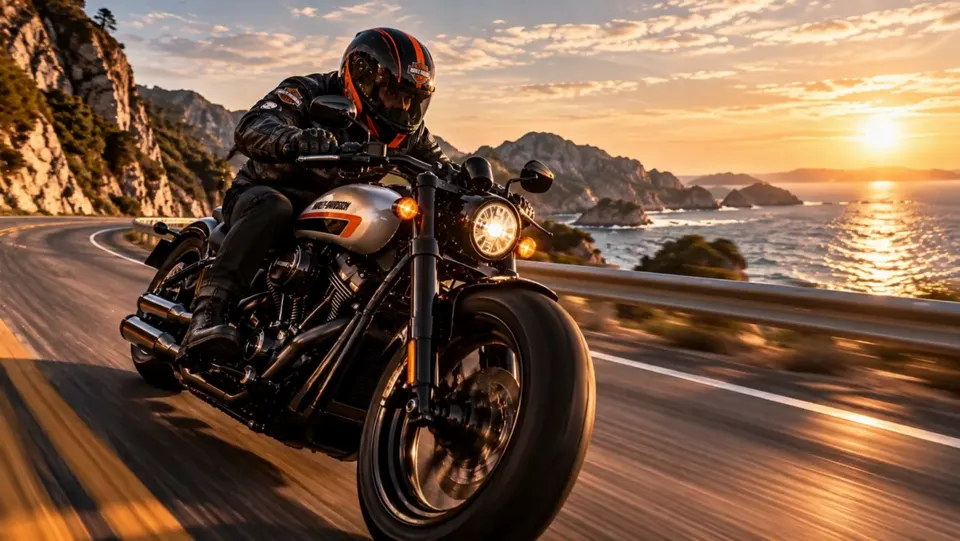
Make Still Images Feel Alive with Grok Imagine Image to Video
Grok Imagine Image to Video turns an uploaded frame into a moving scene with natural-language direction. The model family is built for cinematic motion, realistic interactions, visual continuity, flexible creative styles, and native audio generation. With Grok Imagine Image to Video, upload a portrait, product, pet photo, or illustration, review the visible studio settings and credit estimate, then generate from the same workflow. Separate tools handle text-only creation, source-image restyling, and first-and-last-frame transitions.
Create More with Grok Imagine Image to Video
Grok Imagine Image to Video gives a still image clear action, camera direction, and a mood viewers can feel. These original starting-image concepts show distinct creative directions to explore.
Image-led continuity
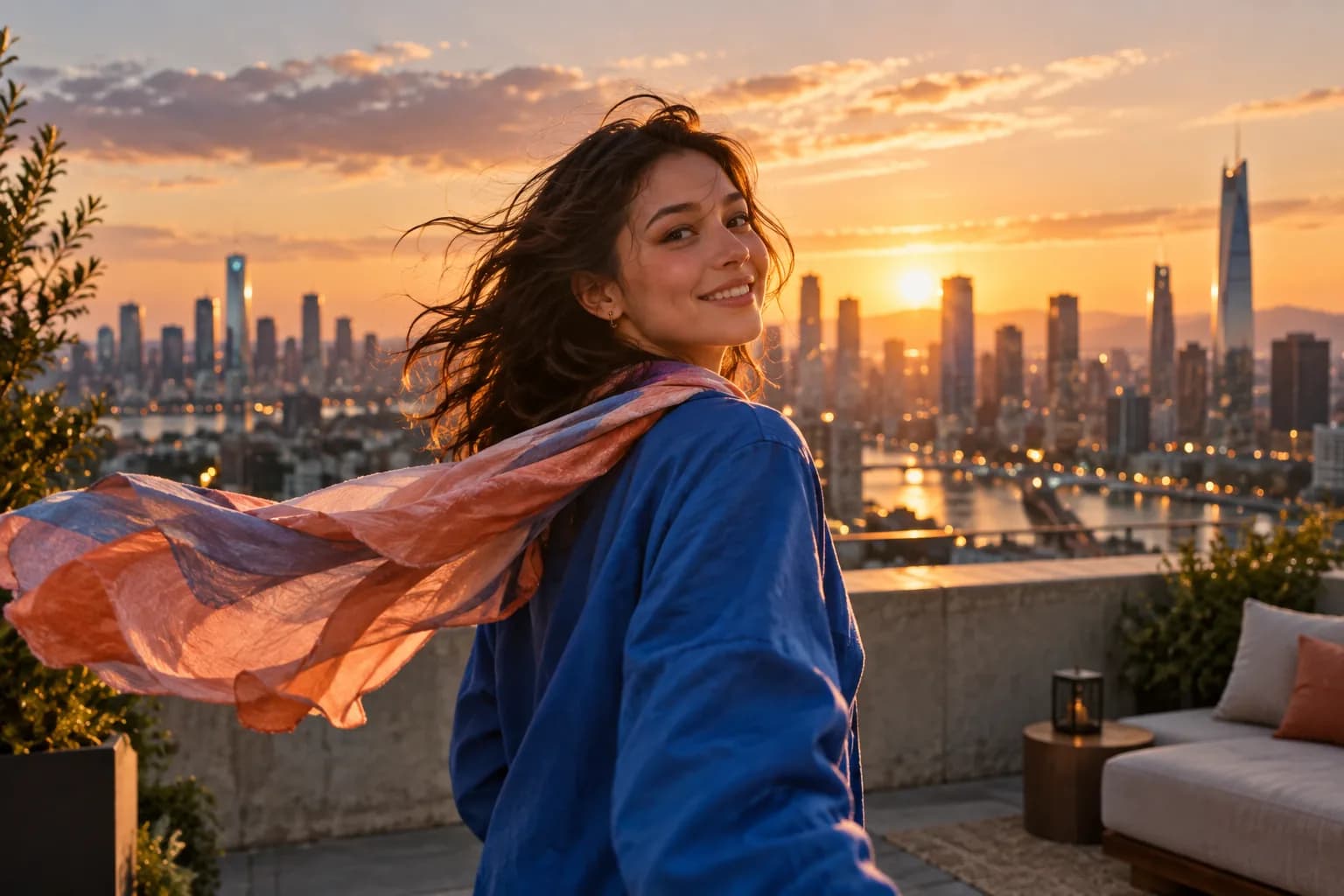
Photo Animation
Grok Imagine Image to Video treats your upload as the opening frame while natural-language direction guides subject and camera motion. The source look carries into a new scene. Need a different still first? Use the separate Image to Image AI workflow.
Cinematic coherence
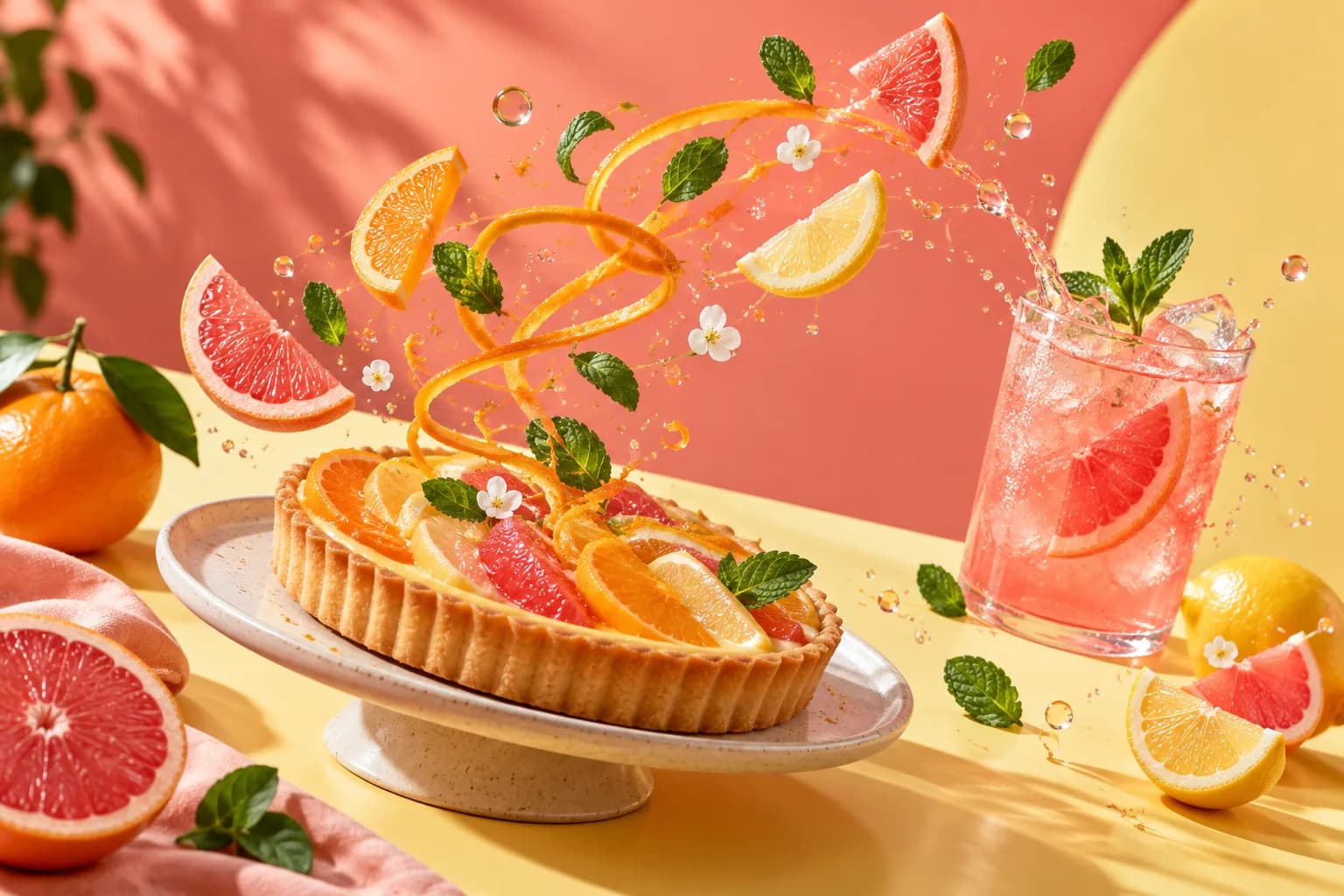
Realistic Motion
Grok Imagine Image to Video coordinates movement, object interactions, light, and materials so a shot feels physically connected. It suits product reveals, food visuals, and cinematic concepts where believable weight and visual continuity matter more than a basic animated effect.
Creative range
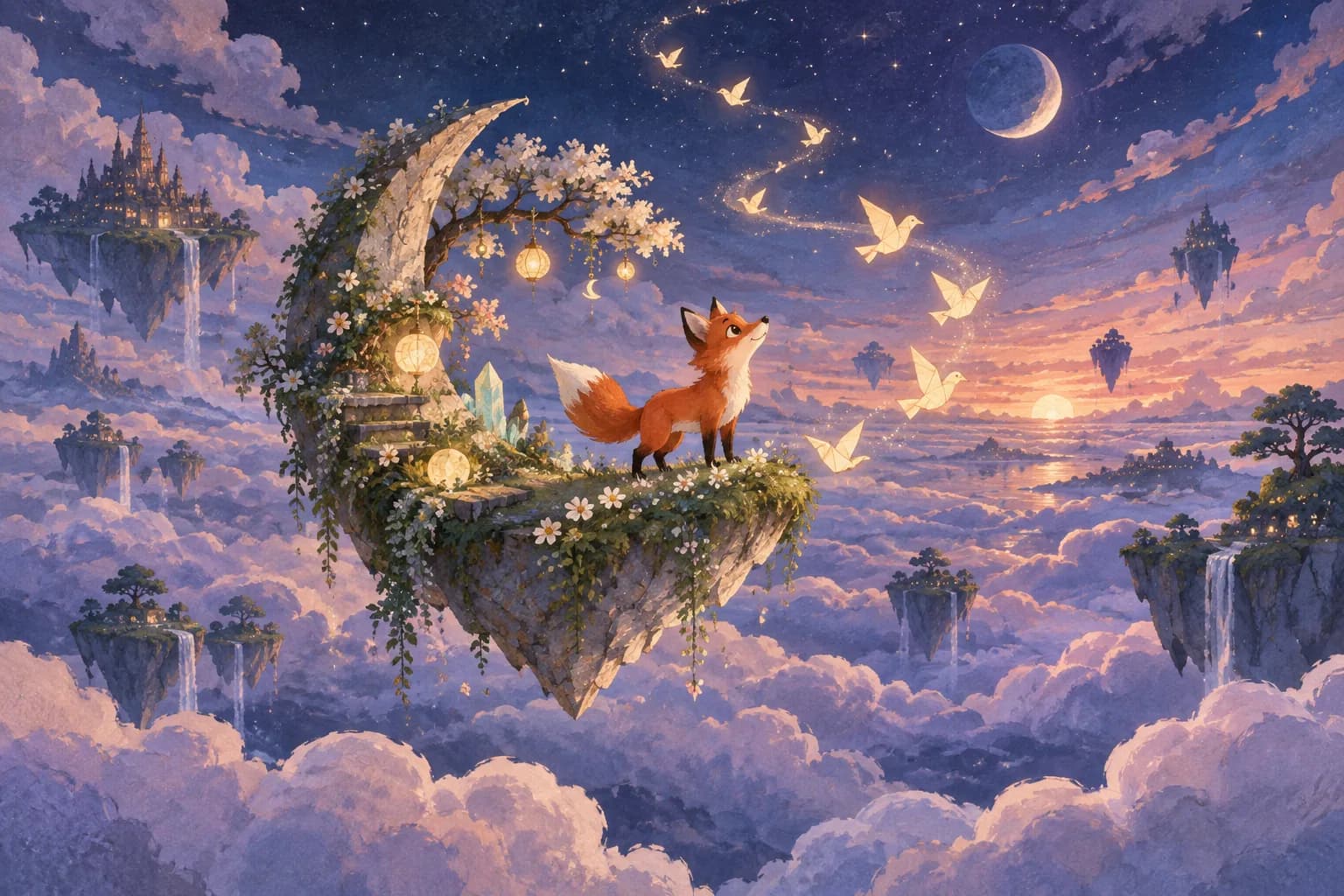
Creative Styles
Grok Imagine Image to Video supports photorealistic, illustrated, animated, and surreal directions while the source sets the visual language. Designers can explore story beats and art direction without rebuilding the frame. Starting from words? Use the separate Text to Video AI workflow.
Sound built with the scene
Native Audio
Grok Imagine Image to Video comes from a family that generates effects, ambience, and speech with the video. This synchronized foundation helps social stories and product moments feel complete sooner, reducing the need to assemble every sound layer separately.
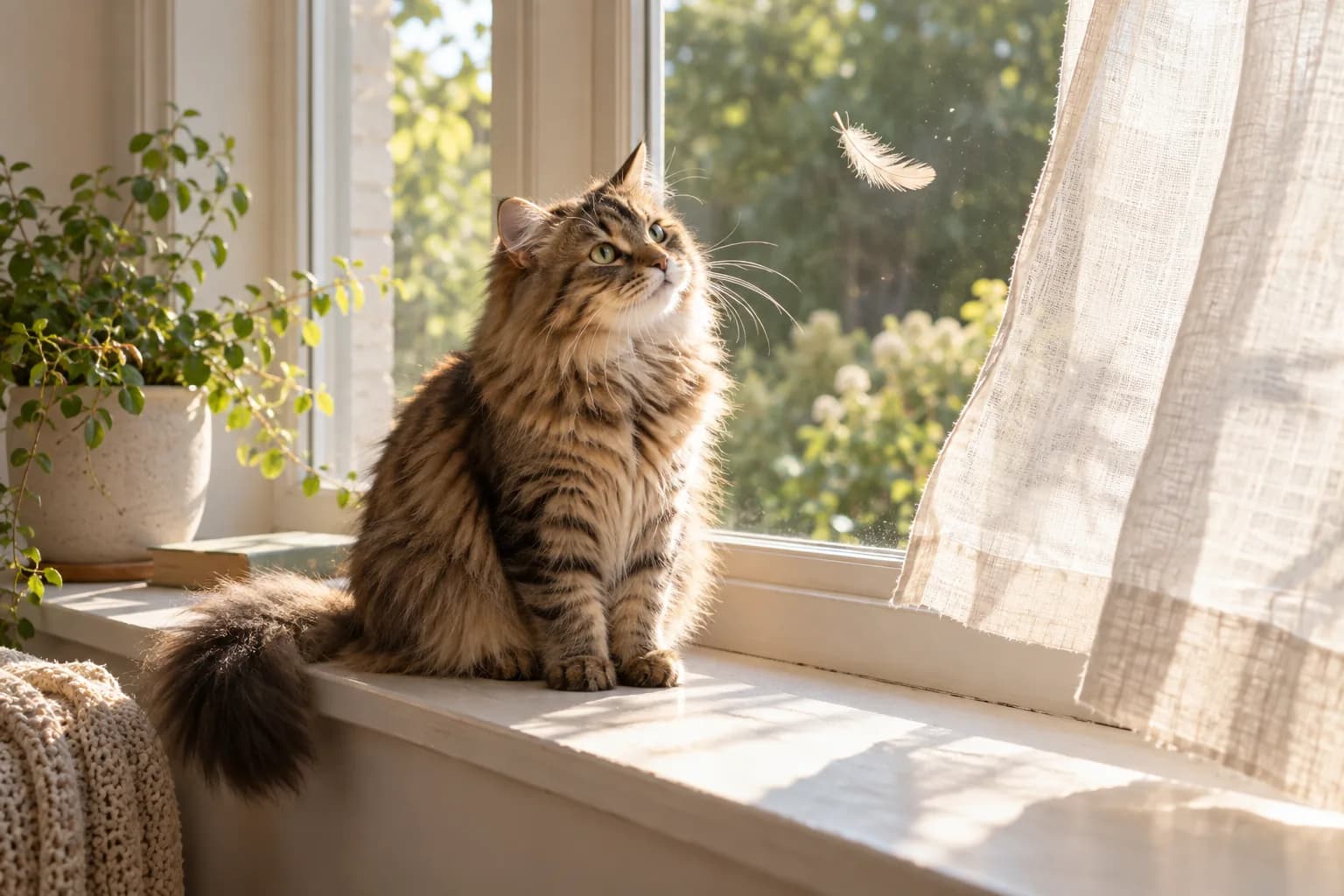
Rapid visual exploration
Fast Creative Iteration
Grok Imagine Image to Video supports rapid exploration across pacing, style, and campaign direction without organizing a full shoot. Creators and marketers can compare more social hooks, product concepts, and story treatments before choosing what deserves deeper production.
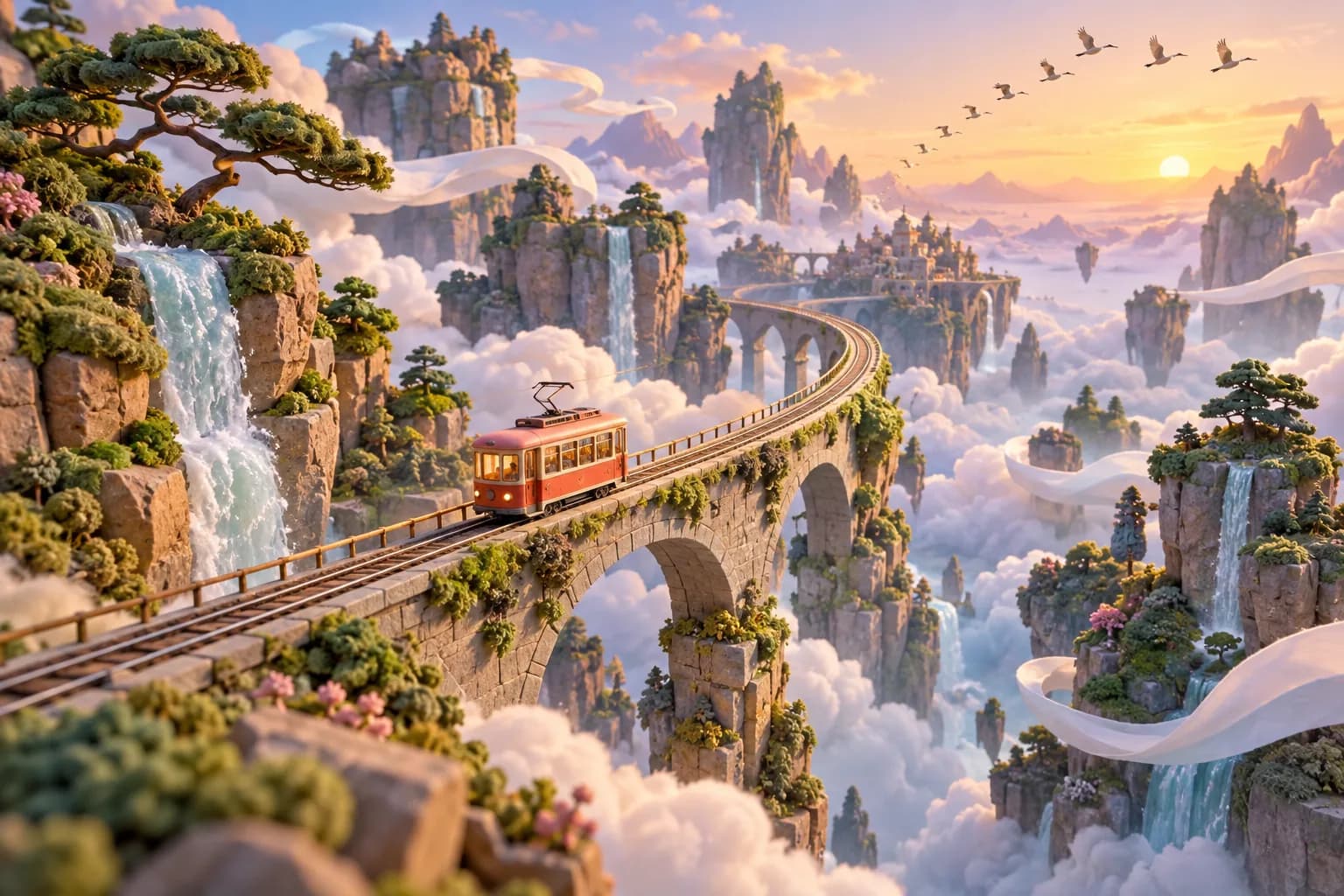
How to Use Grok Imagine Image to Video
Grok Imagine Image to Video moves from an image to a focused motion brief in three straightforward steps.
Choose a strong source image
Upload a clear frame with a recognizable subject and enough space for movement. Grok Imagine Image to Video works from the composition you provide, so a portrait, product, dish, pet, or illustration with a readable silhouette gives your motion idea a confident starting point.
Describe one action and one camera move
Tell Grok Imagine Image to Video what should move and how the viewer should see it. Try a gentle smile with a slow push-in, steam rising during a small orbit, or paper birds circling while the camera tilts upward. A visible sequence is more useful than a list of broad adjectives.
Review the settings and create
Check the current settings and credit estimate shown in the generator, then start Grok Imagine Image to Video. Preview the finished clip, compare it with your original intention, and refine the next prompt by changing one movement, camera instruction, or mood at a time.
Grok Imagine Image to Video Use Cases
Grok Imagine Image to Video builds useful motion concepts from images you already have for stories, products, campaigns, and everyday creative work.
Portraits and creator content
Grok Imagine Image to Video can add a small performance, fabric movement, or camera push to portraits for intros, profile stories, travel edits, and vertical social concepts.
Products, food, and campaign ideas
Use Grok Imagine Image to Video to explore product reveals, ingredient motion, changing light, and playful visual hooks before a larger campaign or production shoot.
Illustration and visual storytelling
Grok Imagine Image to Video can give painted characters, fantasy environments, album art, and editorial illustrations a sense of atmosphere and unfolding story.
Fast creative exploration
Try Grok Imagine Image to Video when a team needs a moving concept to discuss. A short clip can make camera language, pacing, and visual mood easier to evaluate together.
Grok Imagine Image to Video for Creative Teams
Grok Imagine Image to Video helps individuals and teams communicate motion ideas quickly through a direct image-led workflow.
Creators and storytellers
Use Grok Imagine Image to Video for visual hooks, character moments, travel memories, music ideas, and short scenes that begin with a compelling frame.
Marketing teams
Explore product motion, campaign mood, social concepts, and presentation-ready moving ideas with Grok Imagine Image to Video before production decisions are locked.
Design and animation teams
Use Grok Imagine Image to Video to test motion direction, lighting changes, camera behavior, and the animated potential of approved artwork.
Small businesses
Bring product photography, menus, services, and seasonal creative into motion with a Grok Imagine Image to Video brief built around one clear visual idea.
Why Choose Grok Imagine Image to Video
Keep the image, prompt, settings, credit estimate, preview, and next creative decision together in one Grok Imagine Image to Video workflow.
Start from a visual you already like
Grok Imagine Image to Video begins with your chosen composition, making it easy to turn an approved portrait, product image, food shot, or illustration into a motion direction.
Direct motion in everyday language
Describe a subject action and camera move in plain words. Grok Imagine Image to Video turns that concise instruction into a practical creative brief for the shot.
See the credit estimate first
The Grok Imagine Image to Video generator shows the current credit requirement before creation, so you can make an informed choice and keep experimentation intentional.
Iterate with a clear next step
Preview the clip, identify the one change that matters most, and refine Grok Imagine Image to Video with a tighter action, camera move, or atmosphere on the next pass.
Grok Imagine Image to Video FAQ
How do I turn a photo into a Grok video?
What is a good Grok image-to-video prompt?
Can I use Grok Imagine Image to Video for product content?
Can Grok Imagine Image to Video animate illustrations?
How do I start with Grok Imagine Image to Video?
What is Grok Imagine?
Can I use reference images for character consistency?
Does Grok Imagine generate native audio?
Which duration and resolution does this page use?
Create with Grok Imagine Image to Video
Choose a strong image, describe one clear motion idea, review the credit estimate, and use Grok Imagine Image to Video to turn your still frame into a moment people can watch.
Grok Imagine Image to Video Online
Grok Imagine Image to Video brings photo animation, natural-language motion direction, visible generation settings, credit estimates, previews, and iterative prompting into one browser workflow for portraits, products, food, illustration, social content, campaigns, and visual storytelling.