
AI Video Editor
Upload reference images for video generation.
Prompt templates
Name the target edit first, then protect identity, motion, framing, or objects that must stay consistent.
Transformation follows the source video duration.
Checking access
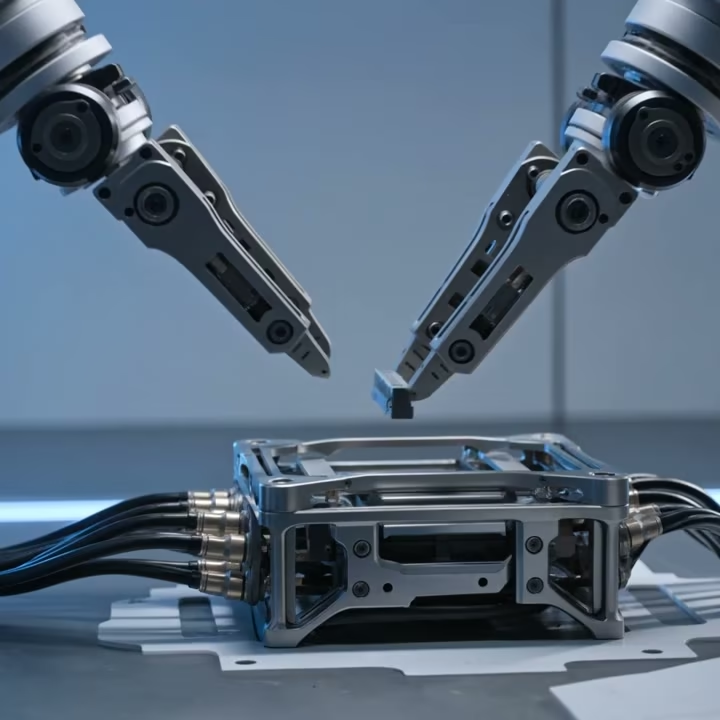
Make Directed Changes with AI Video Editor
AI Video Editor makes focused visual changes inside existing footage. Start with a useful performance, state what should change and what must remain, then review the full result.
Environment and mood
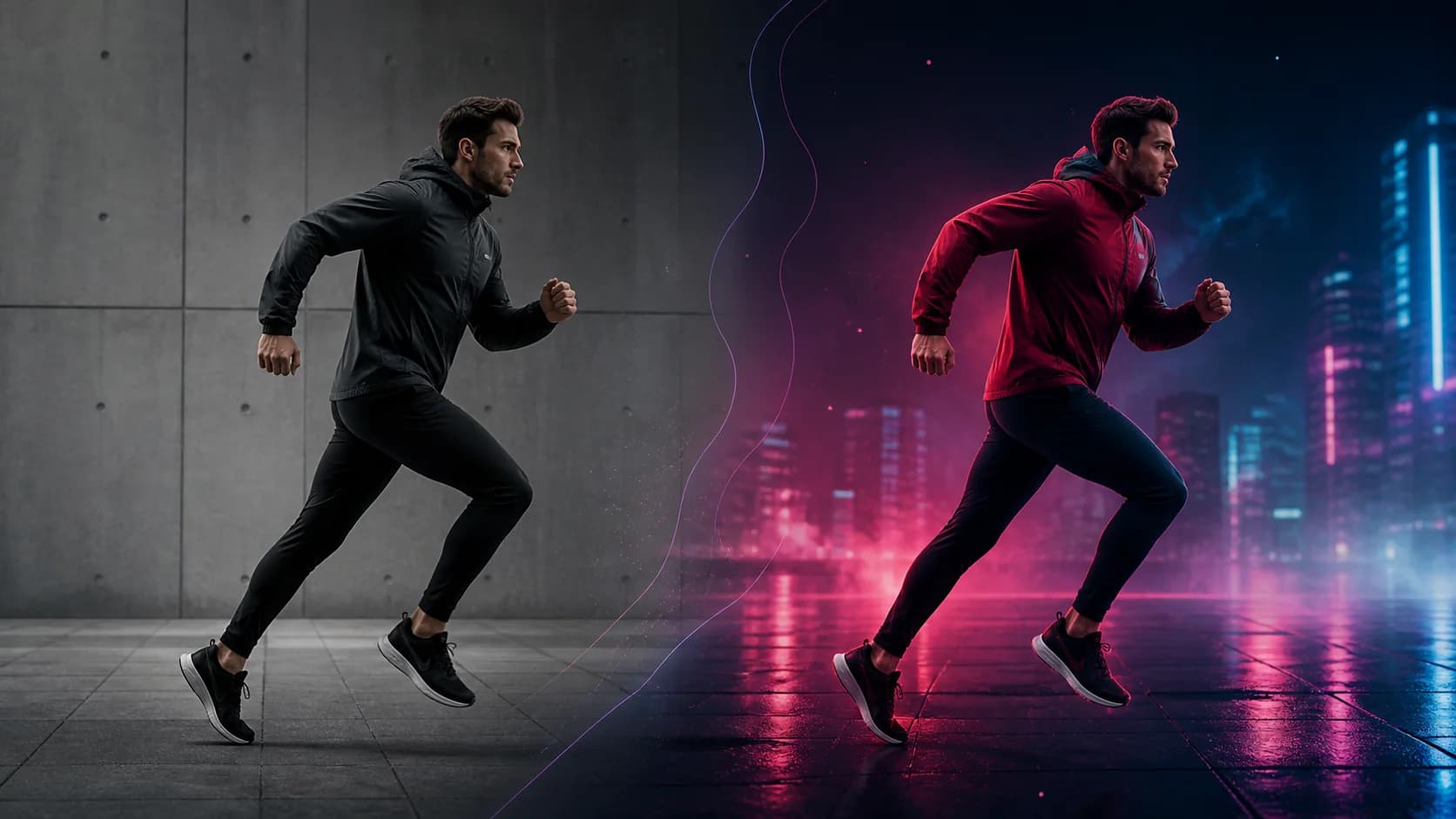
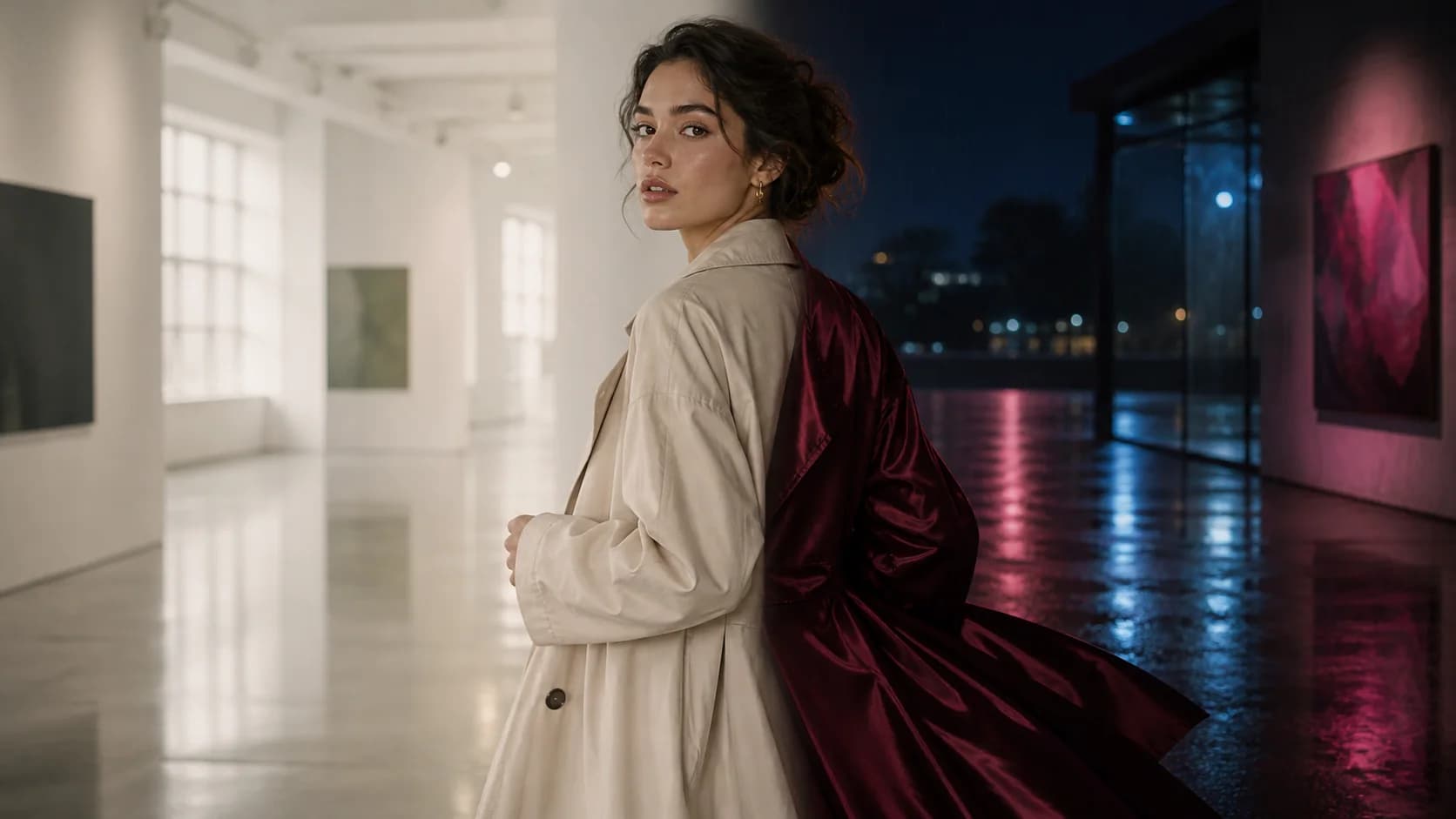
Restyle the scene without rebuilding the performance
When the action and camera already work, keep the source clip as the structural anchor. AI Video Editor can change the environment, lighting, or wardrobe while using the original motion and composition as guidance.
Objects and materials
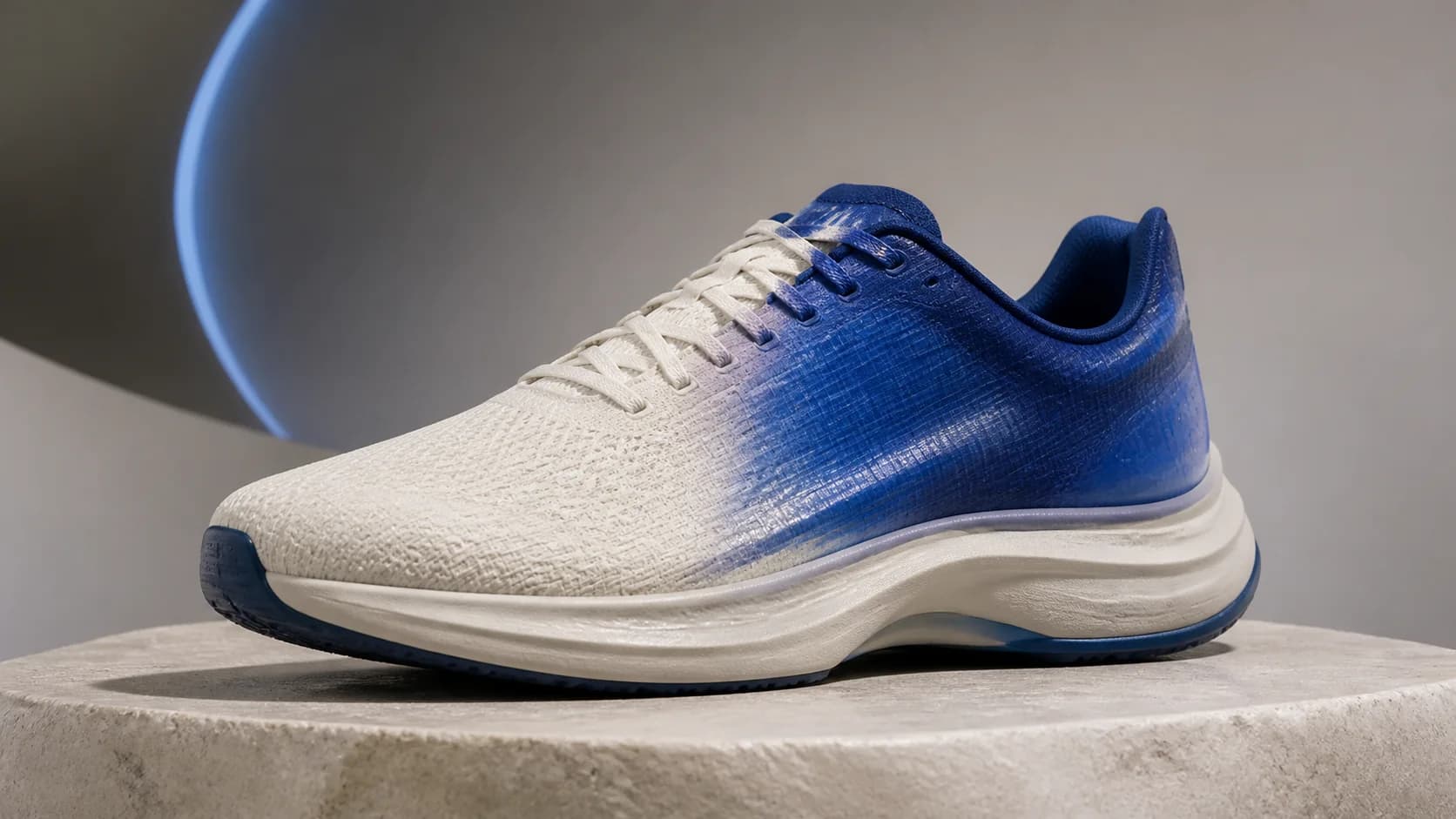
Change one product detail precisely
Name the object, the requested material or color, and the details that must stay fixed. AI Video Editor is easier to evaluate when the silhouette, camera, lighting, and protected product features are stated clearly.
Cleanup and removal
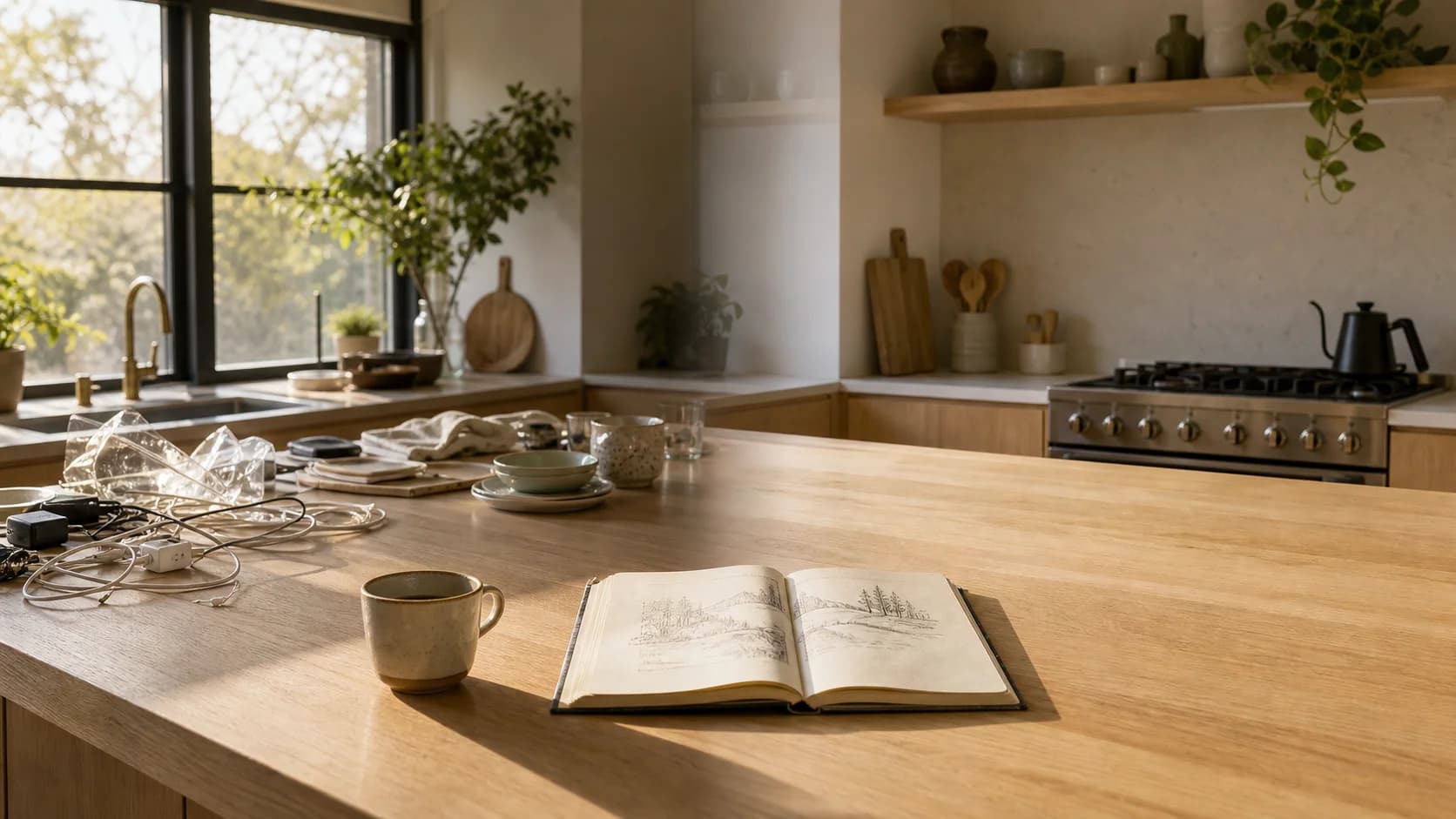
Remove distractions and preserve visual anchors
Use a narrow cleanup request: remove clutter or unwanted props while preserving the hero objects, architecture, perspective, shadows, and daylight. Review rebuilt surfaces and reflections across the full clip before publishing.
References and identity
Clarify wardrobe and identity with references
When a compatible model supports references, use a clean image to clarify a person, garment, object, texture, or art direction. Match the source angle and lighting where possible, and treat references as guidance rather than exact replication.
How to Use AI Video Editor
Start with a source clip that already contains the movement or composition you want to keep.
Upload a compatible source video
Choose a clip within the active model's format, size, and duration limits. A clear subject, stable camera, and limited cuts give the model a stronger structure.
Describe one primary visual change
Name what should change, what it should become, and what should remain. Add relevant reference images only when the selected model supports them.
Generate and review every frame
Compare the output with the source and watch for temporal consistency, identity, anatomy, text, edges, and small details. Refine one variable at a time.
AI Video Editor Use Cases
Reuse footage that already has the right action, then create the visual variation the project needs.
Product and campaign variations
Test new colorways, materials, backgrounds, seasonal moods, and campaign directions around an existing product or performance. Review exact identity, labels, and geometry before approval.
Social creative refreshes
Give a short clip a new environment, wardrobe direction, palette, or visual hook. Use a timeline editor afterward for cuts, captions, pacing, sound mixing, and final platform delivery.
Film, music, and concept development
Explore alternate lighting, props, worlds, textures, and surreal effects while retaining the original movement as a creative foundation.
Why Use This AI Video Editor
The source clip, written edit, optional references, compatible model controls, cost, and generated result stay in one focused workflow.
Source-led structure
Keep valuable timing, camera, framing, and performance as the starting point instead of generating an unrelated shot from zero.
Natural-language direction
Describe the visual result and preservation priorities without building a manual frame-by-frame mask for every first attempt.
Model-compatible references
Add reference images when the selected integration accepts them and the target identity, material, or style needs more than words.
Honest workflow scope
Use generative editing for changes inside the picture; use a separate timeline tool for cutting, captions, tracks, and final assembly.
AI Video Editor FAQ
What can AI Video Editor change?
Is this a timeline-based video editor?
How long can my source video be?
Can I edit video with reference images?
Will the edit preserve every original detail?
Does the edited video keep its original audio?
Make a Focused Change with AI Video Editor
Upload a compatible clip, describe one meaningful visual edit, and review how the selected model interprets your direction.
AI Video Editor Online
AI Video Editor applies prompt-guided visual changes to an uploaded source clip. Use the original performance as structure, describe the environment, object, material, color, lighting, wardrobe, or cleanup edit, add compatible references when available, and inspect the complete generated result for temporal consistency before further editing or publication.