
AI Shoe Video Generator
Shot direction
Choose a shot direction, then adapt it to your shoe. Review the credit estimate and product details before publishing.
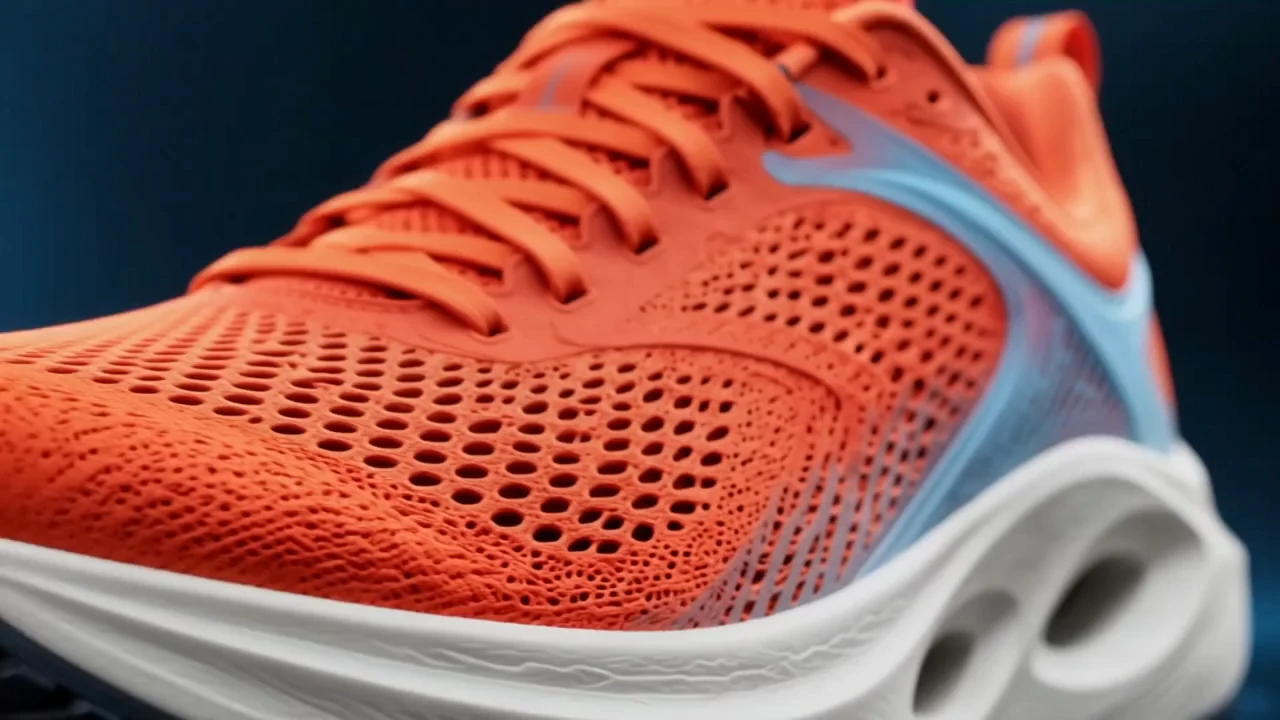
AI Shoe Video Generator for Footwear Marketing
Create product footage for launches, listings, and your next campaign.
Make more of your catalog
Make promotional clips from product photos
Use the AI Shoe Video Generator to turn approved catalog photos into footage for a listing, promotion, or social post. Reuse your photo without another product shoot. Give the AI Shoe Video Generator a clear, complete shoe image, then review the clip before adding it to your campaign.
- Reuse approved catalog photos
- Create promotional footage without another shoot
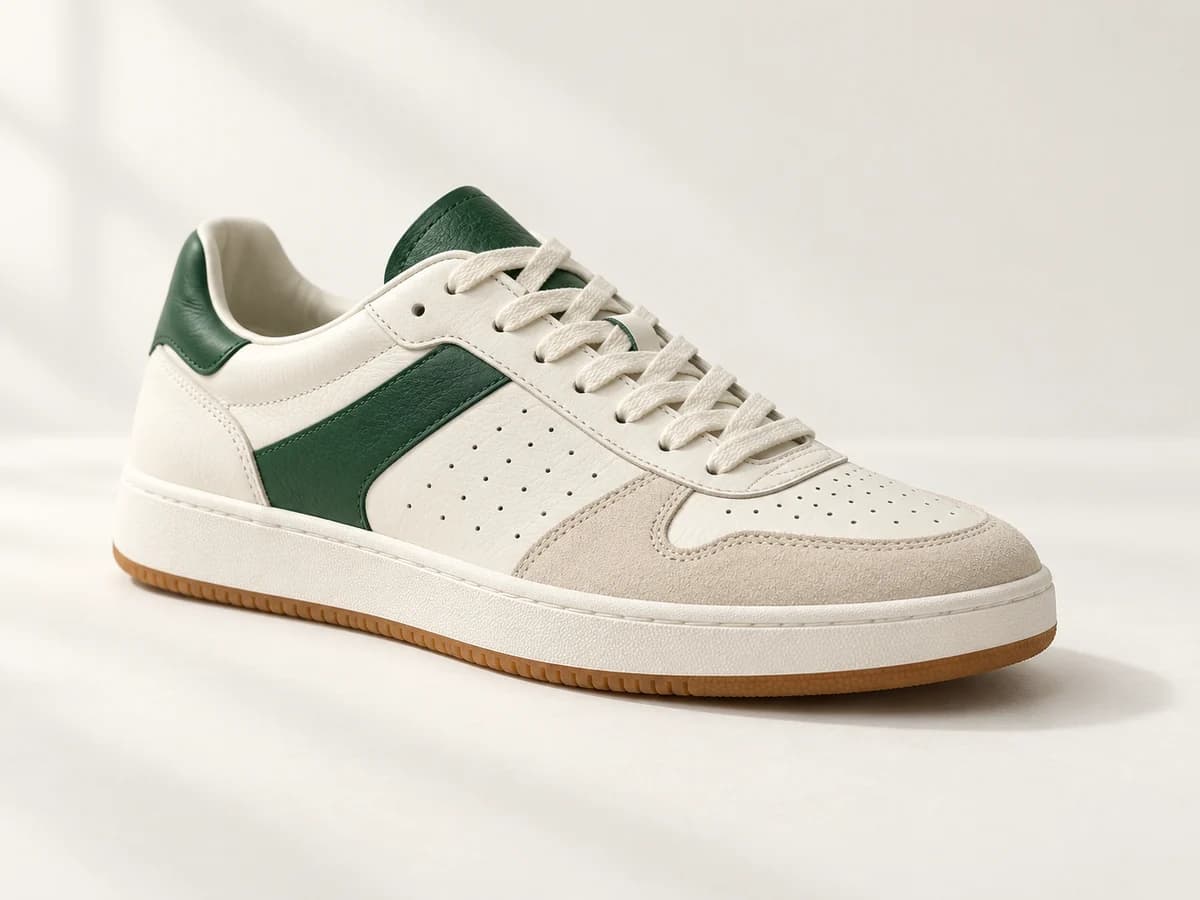
Details shoppers want to see
Show shoppers the details they look for
Shoppers comparing shoes often want to inspect the finish, fastening, or sole. Direct the AI Shoe Video Generator toward details visible in your photo. Place an AI Shoe Video Generator clip beside catalog images on your product page; check that textures, colors, and logos match the source.
- Highlight visible materials, fastenings, and sole details
- Review product accuracy before publishing
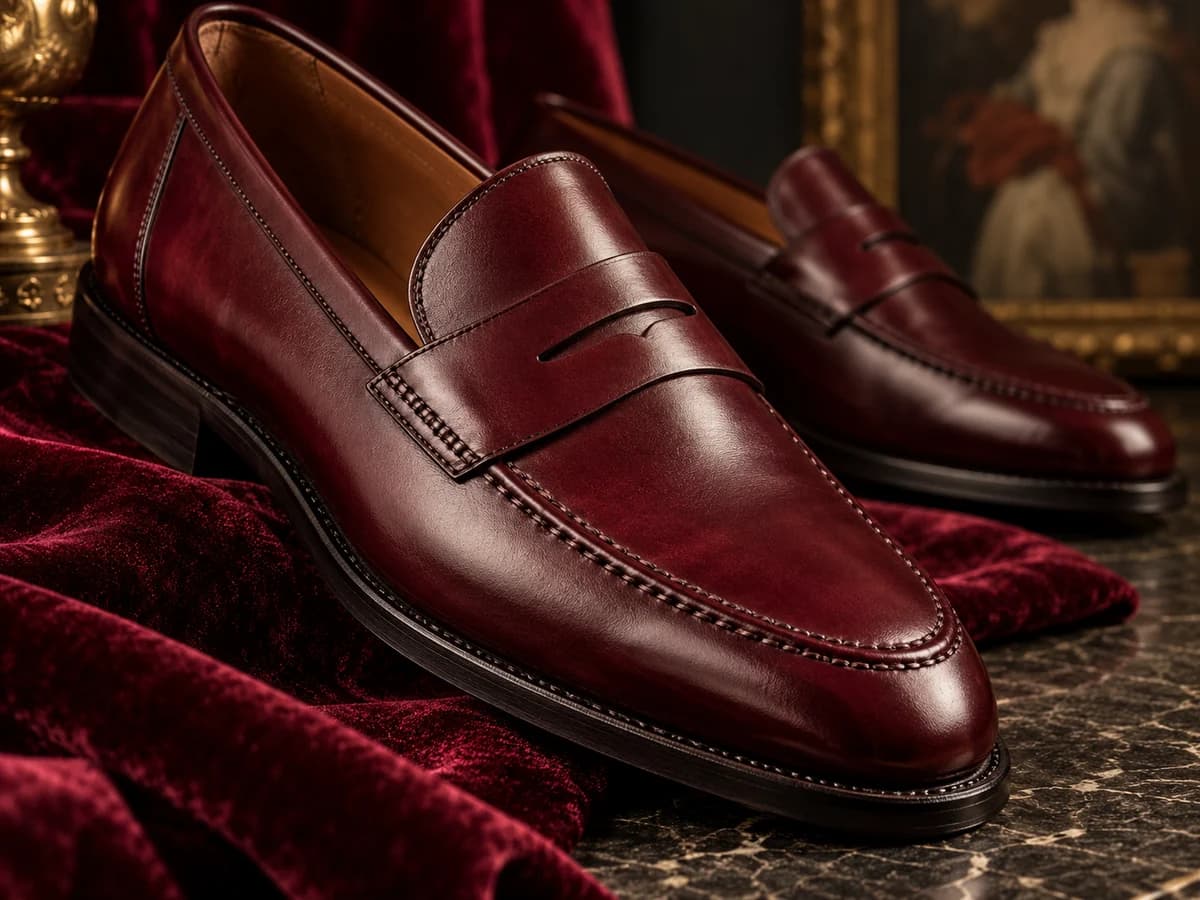
Footage for your next release
Create a launch clip for your next shoe drop
Introduce a new sneaker, restock, or colorway with an AI Shoe Video Generator launch teaser. Explore a close-up or product reveal, then build your chosen AI Shoe Video Generator footage into a social post or ad. Add your release date, offer, and call to action in your editor.
- Create assets for drops, restocks, and colorway launches
- Add release information and offers during editing
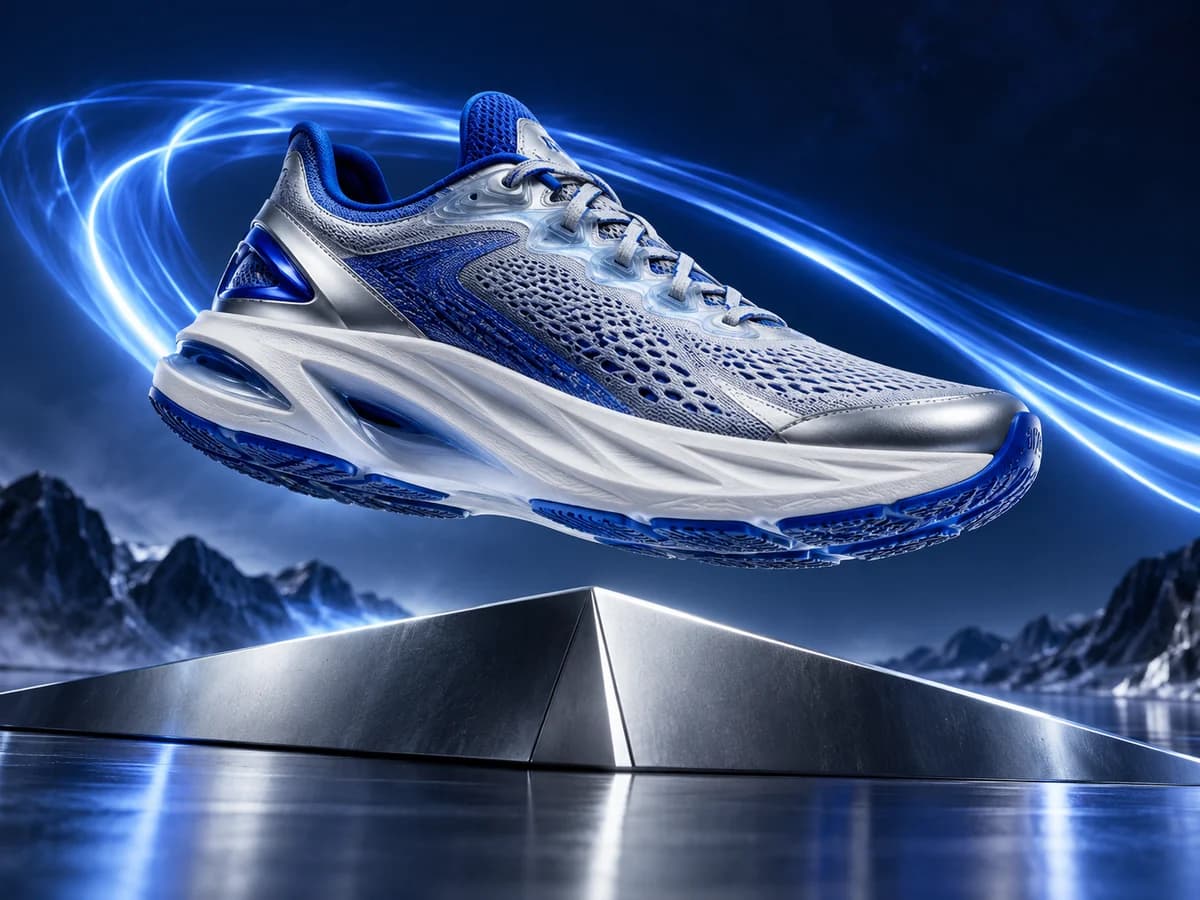
Keep campaign creative moving
Refresh campaign creative between shoots
Need another clip for a seasonal promotion? Keep your approved photo in the AI Shoe Video Generator and explore a different camera move, highlight, or mood. Compare separate AI Shoe Video Generator runs and choose footage for your campaign. Each variation uses the credits estimated before generation.
- Explore fresh campaign directions from existing photos
- Compare clips and generation costs
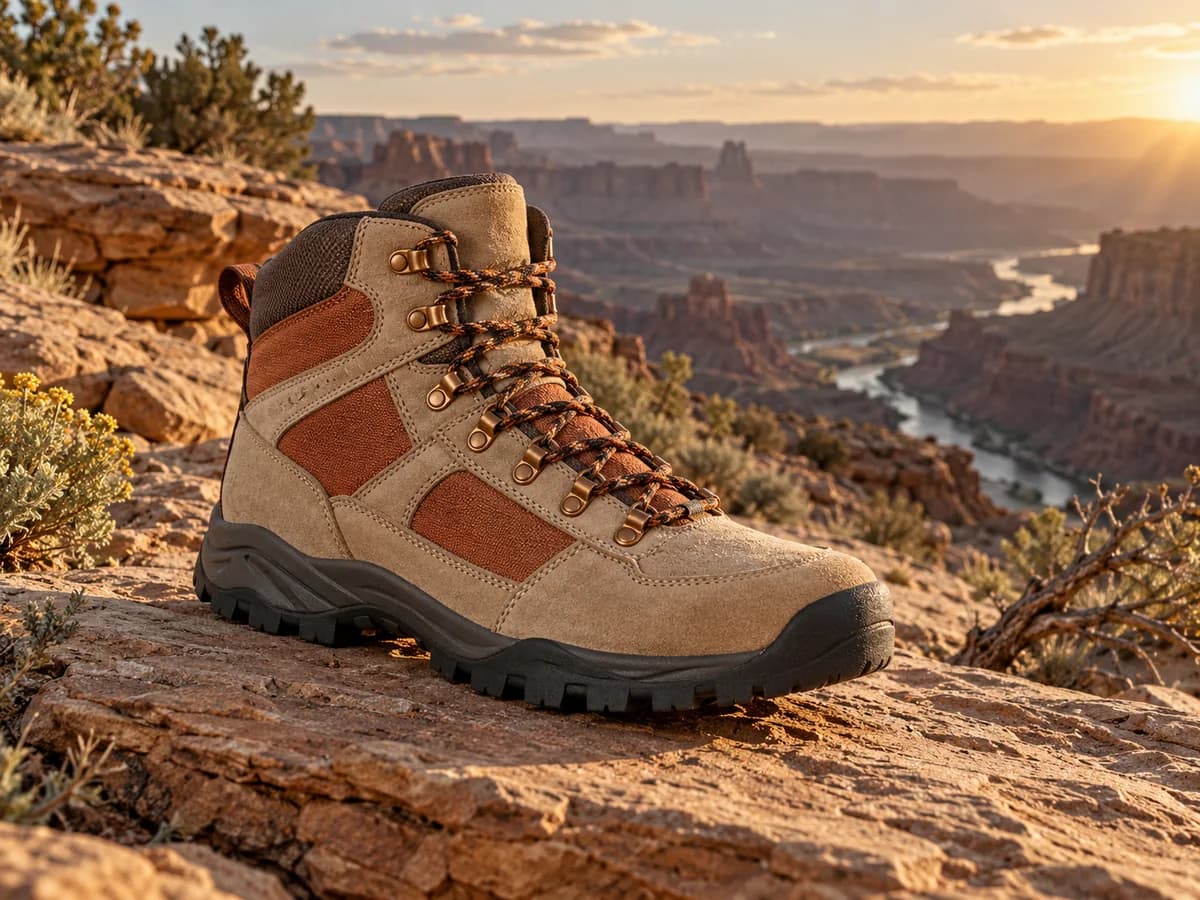
Product pages and social ads
Prepare footwear clips for the channel
Plan footage for TikTok, Reels, or your store with the AI Shoe Video Generator. Formats, lengths, and resolutions vary by model; image-based ratios may follow your photo. Start the AI Shoe Video Generator with framing that keeps the shoe visible and leaves room for captions, your offer, and platform controls.
- Plan framing for your publishing channel
- Leave space for offers and captions
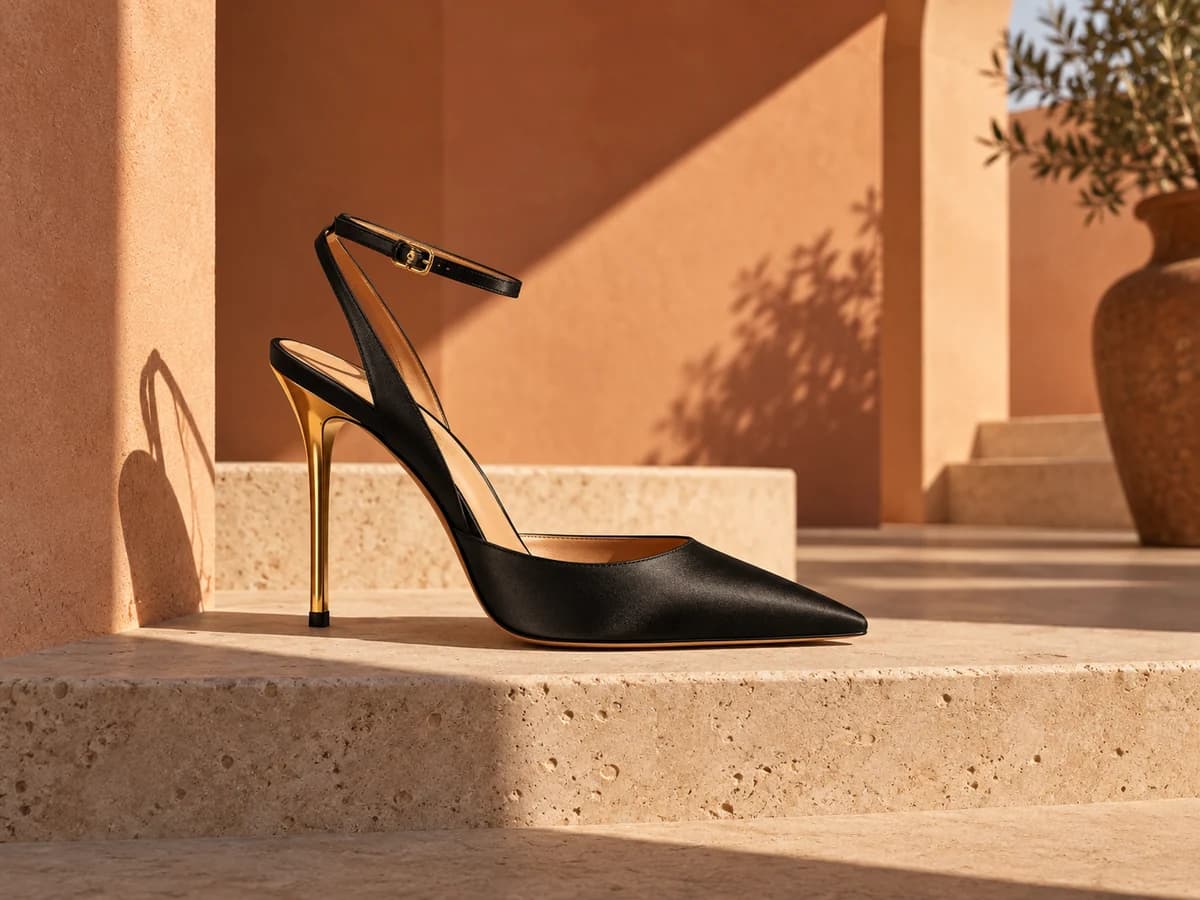
How to Use the AI Shoe Video Generator
From an existing product photo to promotional footage.
Upload your shoe
Add an approved product photo to the AI Shoe Video Generator, or start with an example.
Choose the motion
Choose an AI Shoe Video Generator shot direction and supported settings for your intended channel.
Generate and review
Check the AI Shoe Video Generator cost, review product accuracy, and download footage for your promotion.
AI Shoe Video Generator Use Cases
For footwear sellers, brands, and commercial content creators.
New shoe drops
Create an AI Shoe Video Generator teaser for a new release, restock, or colorway.
Product detail pages
Place an AI Shoe Video Generator clip beside catalog photos on your store's product pages.
TikTok and Reels
Build AI Shoe Video Generator footage into social ads, creator promotions, or organic posts.
Seasonal collections
Create an AI Shoe Video Generator clip for autumn boots, occasion shoes, or a holiday collection.
Why Choose This AI Shoe Video Generator?
Control the creative direction, budget each run, and review before publishing.
Choose a model for your footage
Select an AI Shoe Video Generator model and supported settings for your shot and budget.
Costs before you create
The AI Shoe Video Generator displays a credit estimate before each run, updating with your settings.
Review before publishing
Preview AI Shoe Video Generator footage beside the form, check the product details, and download your chosen clip.
AI Shoe Video Generator FAQs
What photos work best with the AI Shoe Video Generator?
Can the AI Shoe Video Generator animate different footwear or renders?
Will the AI Shoe Video Generator preserve my shoe shape and logo?
Is the AI Shoe Video Generator free, and do I need an account?
Which output settings does the AI Shoe Video Generator support?
Does the AI Shoe Video Generator offer virtual try-on or precise 360° views?
Can I use AI Shoe Video Generator clips commercially, and are they watermarked?
Does the AI Shoe Video Generator create a complete ad?
Create Your Next Shoe Promo with the AI Shoe Video Generator
Upload your product to the AI Shoe Video Generator for your next listing, launch, or ad.