
AI Car Video Generator
Prompt templates
Upload your photo, adapt the shot direction, and review the credit estimate before generating.
What Will You Make with the AI Car Video Generator?
Use the car animation tool with a car you recognize. Give the camera one clear job.
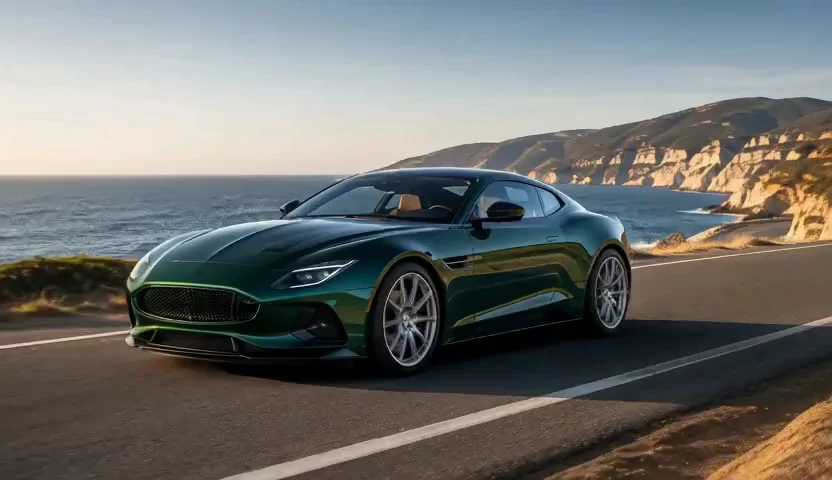
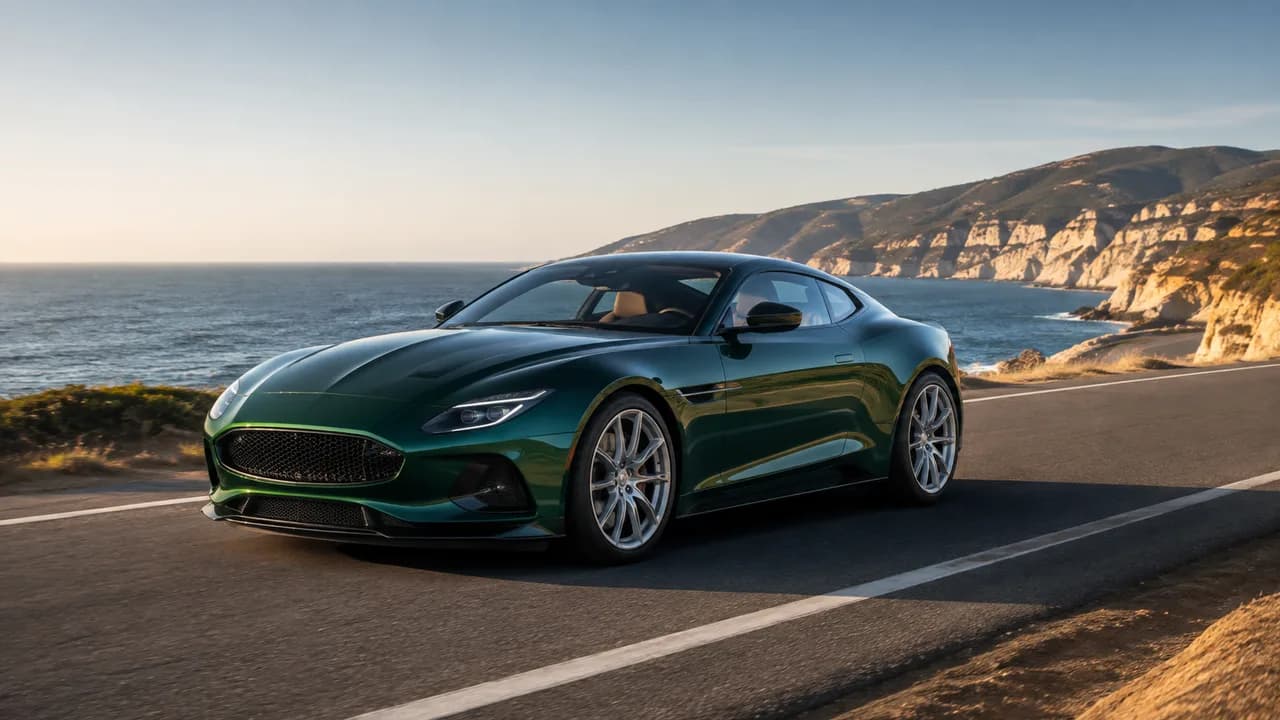
Your photo, your starting point
Bring your own car into motion
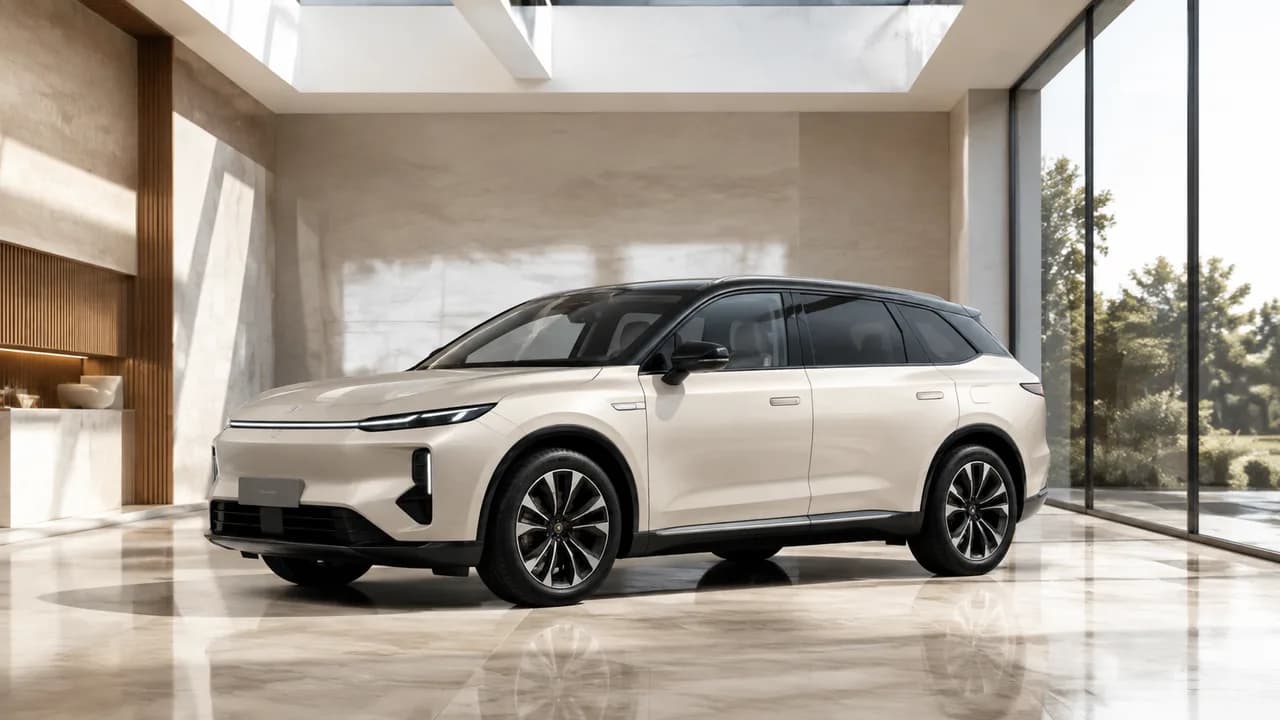
The AI Car Video Generator builds on our image to video tool, using your photo to guide the body shape, paint and visible details. Create a gentle rolling shot or slow showroom orbit. A clear three-quarter view gives the model more useful information than a tight crop.
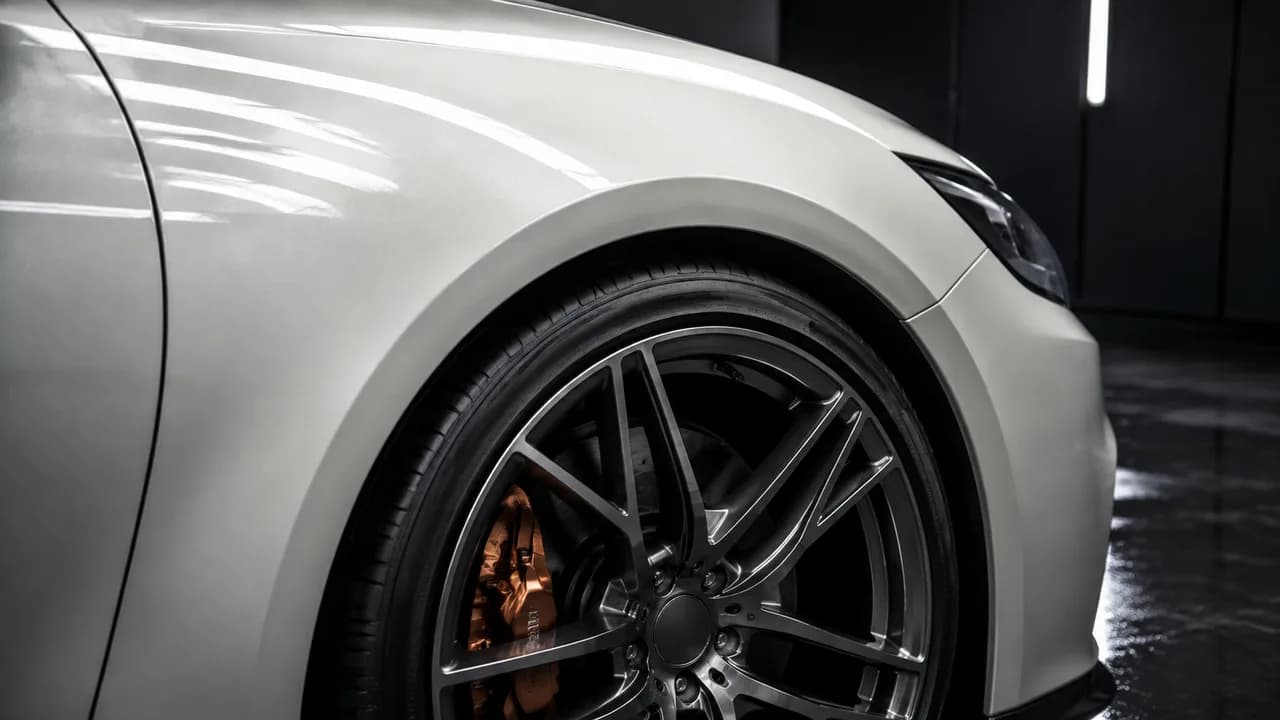
Paint, wheels and craftsmanship
Put the finish in the spotlight
Turn a detailing photo into a restrained light sweep or close-up reveal. The car animation tool helps wrap shops and detailers spotlight paint reflections, wheel finishes and custom styling. Guide attention toward the craftsmanship that makes each vehicle special.
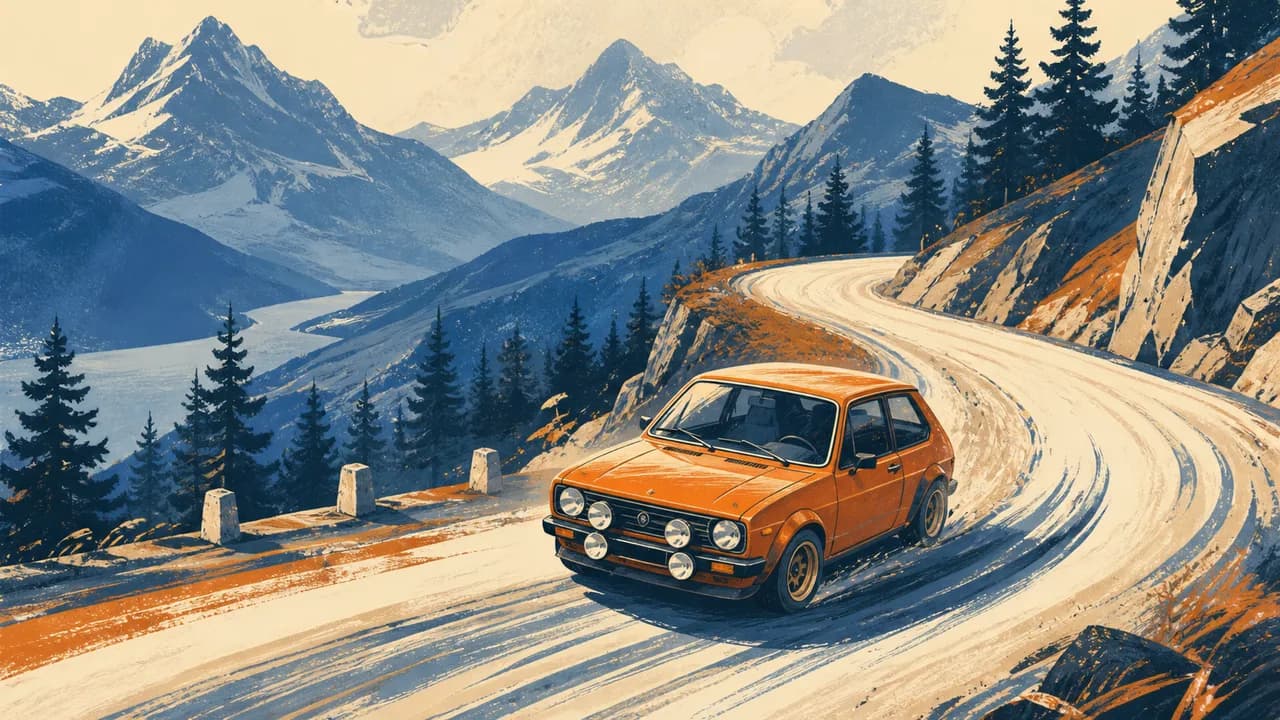
A different visual language
Give a car illustration a moving story
Try illustrated rally scenes, vintage poster artwork or concept-car sketches. The car animation tool can follow the source artwork while you describe the road and camera movement. Build an expressive creator edit with a style that belongs to you.
From listing photo to automotive campaign
Create car dealership videos from existing photos
Give each vehicle a fresh introduction with the car animation tool. Turn inventory photography into a polished showroom reveal for dealership websites, car listing videos and social ads. Use the car animation tool to explore new camera angles and moods around the vehicle you want buyers to notice.
How to Use the AI Car Video Generator
Create a focused shot and find the version you want to share.
Upload a clear car photo
Open the car animation tool and upload a sharp image with the complete vehicle visible. A clean three-quarter view makes a strong starting point for cinematic movement.
Describe the motion
Tell the car animation tool what should move: the car, the camera or the lighting. Add a setting and choose the available duration and format.
Preview and download
See the credit estimate in the car animation tool, create your shot and preview the motion. Download your favorite version for a social post, campaign or further editing.
Who Is the AI Car Video Generator For?
Use the car animation tool for a personal feed or a small business campaign.
Car enthusiasts and creators
Use the car animation tool for cinematic car videos, rolling-shot edits and short Reels built around your own vehicle.
Detailers and wrap shops
Show a fresh finish with the car animation tool. Direct gentle camera moves across paint, wheels or a completed customization.
Dealers and automotive marketers
Explore car promo video concepts with the car animation tool. Turn existing vehicle photography into fresh showroom reveals and social campaign ideas.
Why Choose Our AI Car Video Generator?
Bring your photos, your ideas and your next video together.
Start with the car you already photographed
The car animation tool brings your existing vehicle photos into a new creative workflow. Make a familiar car the center of your next video without arranging another shoot.
Direct the look in plain language
Use the car animation tool to shape camera movement, lighting and atmosphere. Describe a relaxed cruise, a polished reveal or an energetic automotive edit.
Explore more campaign ideas
Build several creative directions with the car animation tool from the same starting photo. Find a mood that fits your dealership, detailing business or personal feed.
Create and preview in one place
The car animation tool keeps photo upload, creative direction and video preview together. Review your result and download the shot you want to share.
AI Car Video Generator FAQ
Can I turn a photo of my own car into a video?
How do I highlight my car’s distinctive look?
Can I create rolling shots or drift videos?
How do I get started with the AI Car Video Generator?
Can I choose the format for my social posts?
Can I make a car ad with the AI Car Video Generator?
Try the AI Car Video Generator with Your Photo
Start with one car, one camera move and a scene you want to share.
AI Car Video Generator Online
The AI Car Video Generator turns a car photo into a rolling shot, detailing reveal or automotive social clip. Upload a source image, direct the motion, and preview your result in one browser workflow.