
Animated Book Cover Maker
Prompt templates
Start with one clear motion idea, then review lettering, faces, artwork, and crop before sharing.
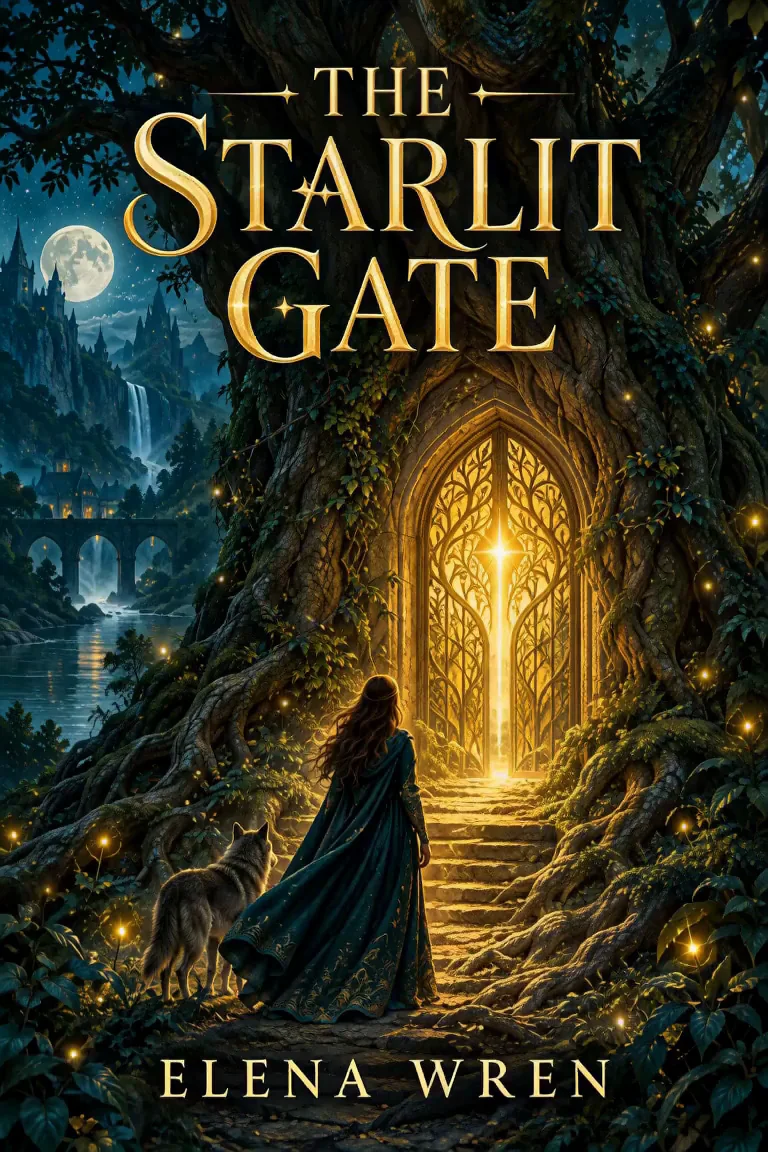
Make More of Your Cover with an Animated Book Cover Maker
See how the Animated Book Cover Maker turns one finished cover into focused motion for genres, launches, social formats, and campaign styles.
Animate Your Existing Book Cover Online
Upload a finished cover to the Animated Book Cover Maker and describe the movement you want. The Animated Book Cover Maker uses an image to video workflow, so no layered file is needed. Clear artwork keeps the title, author name, characters, and setting central.
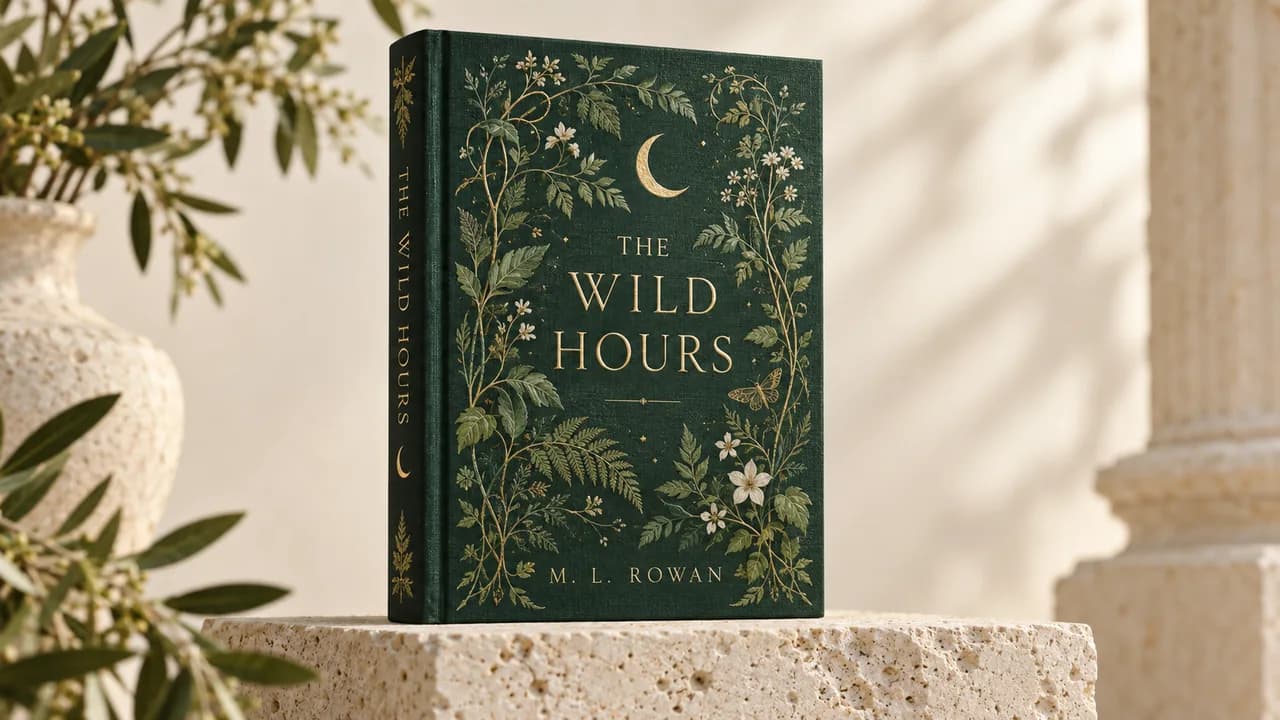
Match Book Cover Motion to the Genre
The Animated Book Cover Maker can match motion to genre: drifting mist for mystery, soft glow for fantasy, and restrained fabric movement for romance. Give the Animated Book Cover Maker one focused direction so the animation stays connected to the original artwork.
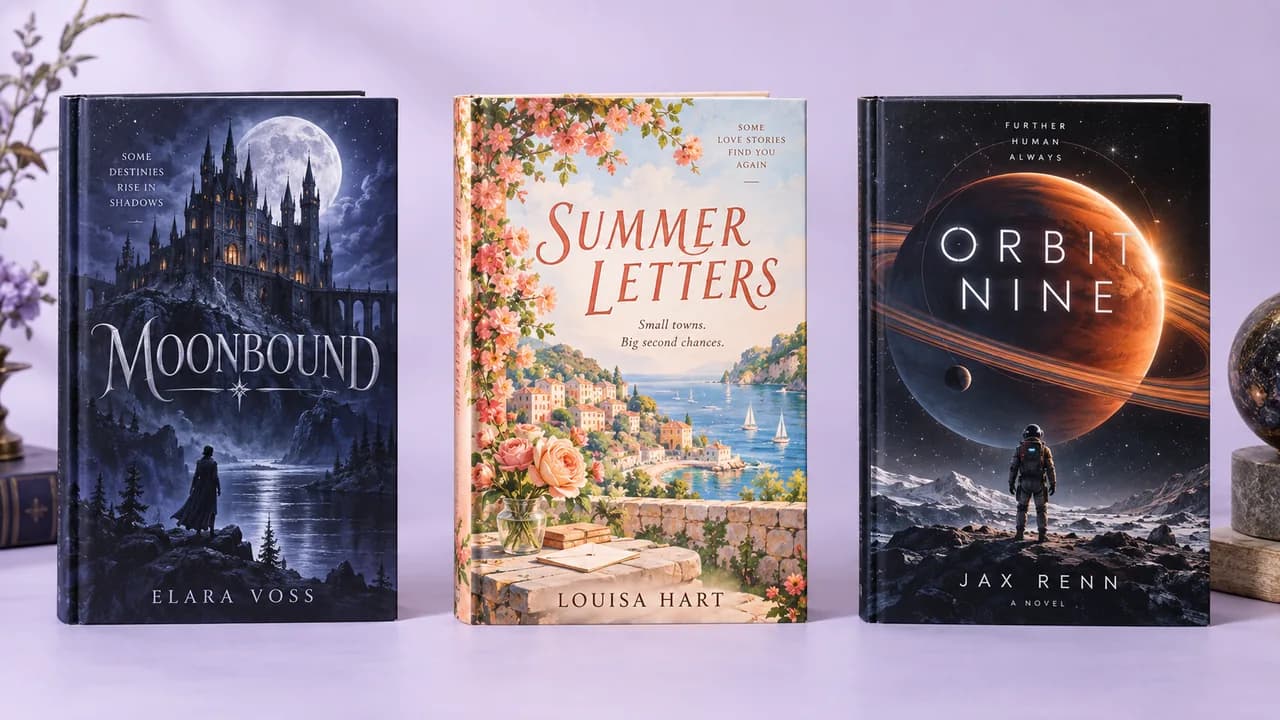
Create Book Teasers for Launches and Preorders
Use the Animated Book Cover Maker for a reveal, preorder announcement, launch-day post, or backlist reminder. A clip from the Animated Book Cover Maker can catch attention, open a longer book trailer, or accompany a caption with the release date and purchase link.

Frame Animated Covers for Reels
Choose an aspect ratio in the Animated Book Cover Maker for the final placement. The Animated Book Cover Maker gives a vertical cover breathing room for Reels and short videos, while a wider scene suits websites and landscape edits.

Explore Promo Styles from One Cover
Create a restrained version with the Animated Book Cover Maker, then revise the prompt for a stronger reveal. The Animated Book Cover Maker lets you compare camera movement, light, particles, weather, or one character gesture from the same cover.
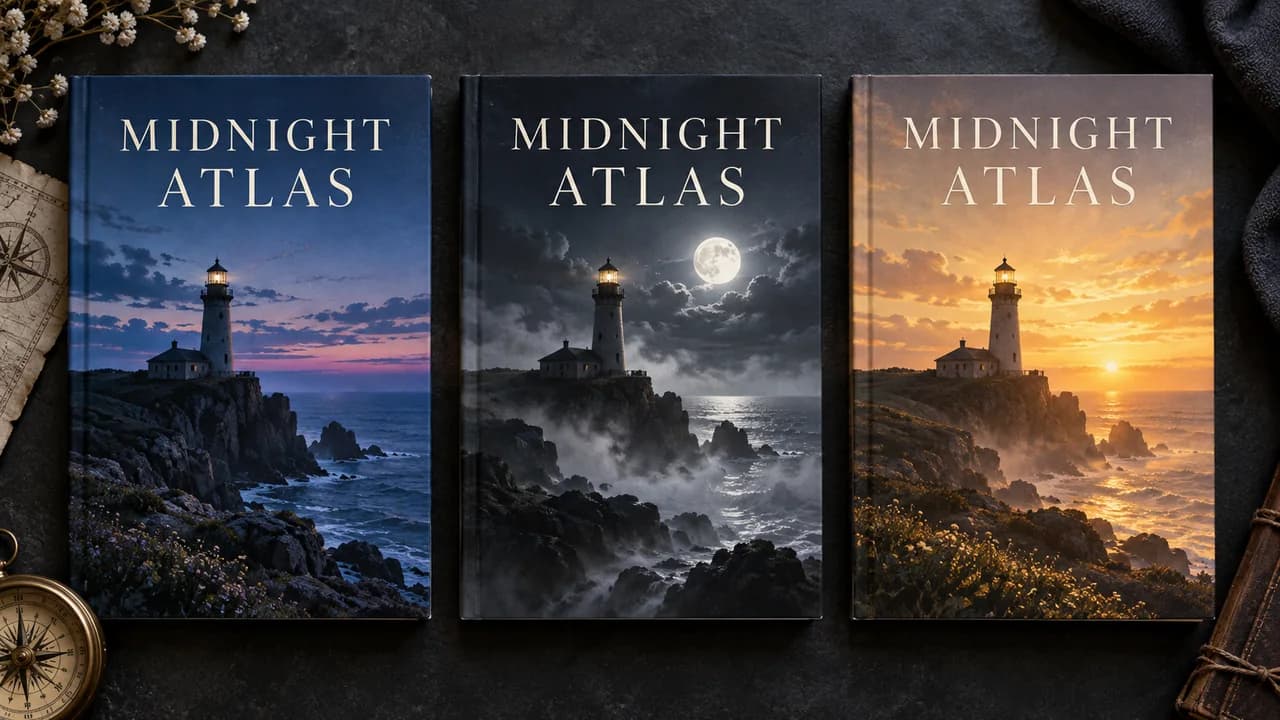
How to Use the Animated Book Cover Maker
The Animated Book Cover Maker moves from finished cover art to a reviewable promotional clip in three practical steps.
Upload your cover
Upload a clear, high-resolution front cover to the Animated Book Cover Maker. Keep the full title, author name, and important artwork visible in the frame.
Describe one motion direction
Adapt the Animated Book Cover Maker prompt to name the atmosphere, subject movement, and camera behavior you want. Select from the settings offered by the current model.
Generate, review, and download
Review the Animated Book Cover Maker credit estimate, create the clip, and inspect the lettering, faces, artwork, and crop before downloading the version you want to share.
Why Choose Our Animated Book Cover Maker?
The Animated Book Cover Maker keeps the browser workflow direct while making creative direction and generation cost visible.
Begin with finished artwork
The Animated Book Cover Maker begins with the finished cover you already use, giving the video model a clear visual reference without rebuilding separate layers.
Edit the suggested direction
The Animated Book Cover Maker provides a practical motion prompt you can adapt for the genre, atmosphere, subject action, or camera move.
See the cost before generation
The Animated Book Cover Maker shows a credit estimate for the selected model and settings before you submit each version.
Preview in the same workspace
The Animated Book Cover Maker lets you upload, direct, generate, and review in one browser workspace before downloading your chosen version.
Animated Book Cover Maker Use Cases
The Animated Book Cover Maker gives authors, publishers, and cover designers a focused moving asset for a specific campaign moment.
Authors planning a cover reveal
Use the Animated Book Cover Maker to introduce a new title with a moving cover for a reveal post, preorder reminder, release countdown, or launch-day update.
Publishers promoting a list
Use the Animated Book Cover Maker to give a seasonal catalog title, backlist campaign, or social post its own distinct motion direction.
Designers extending a cover package
Use the Animated Book Cover Maker to explore a motion concept from approved artwork, then review it as a separate promotional deliverable.
Animated Book Cover Maker FAQ
Will the Animated Book Cover Maker preserve my title and author name?
Does the Animated Book Cover Maker need a layered source file?
What format and duration does the Animated Book Cover Maker offer?
How much does the Animated Book Cover Maker cost?
Can the Animated Book Cover Maker export a GIF or seamless loop?
Can I use an Animated Book Cover Maker result as an ebook cover?
Start with the Animated Book Cover Maker
Open the Animated Book Cover Maker, upload the cover readers recognize, describe one clear motion idea, and review every detail before sharing.
Animated Book Cover Maker Online
The Animated Book Cover Maker turns an existing cover into a short promotional video for reveals, launches, preorders, and author social posts. Use the Animated Book Cover Maker to direct mood and movement, review design details, and download the result from one browser workflow.