
AI Lip Sync Video Generator
The selected model determines whether you add a portrait or a source video, then shows the matching speech and quality controls.
Use the visual prompt without automatic expansion.
What You Can Create with AI Lip Sync
Create talking photos, resynced speaker clips, localized messages, and repeatable presenter content in one workflow.
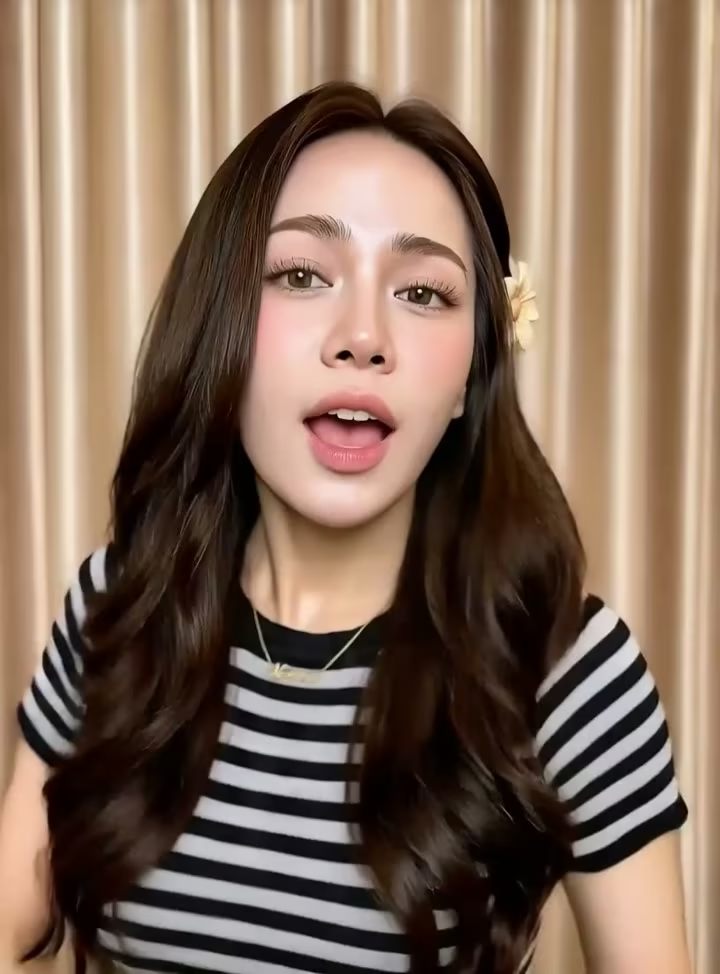
Talking photo
Turn a portrait into a speaker
Use a clear portrait with recorded or generated speech. Keep the face, words, delivery controls, and 720p or 1080p output in one workflow.
Existing video
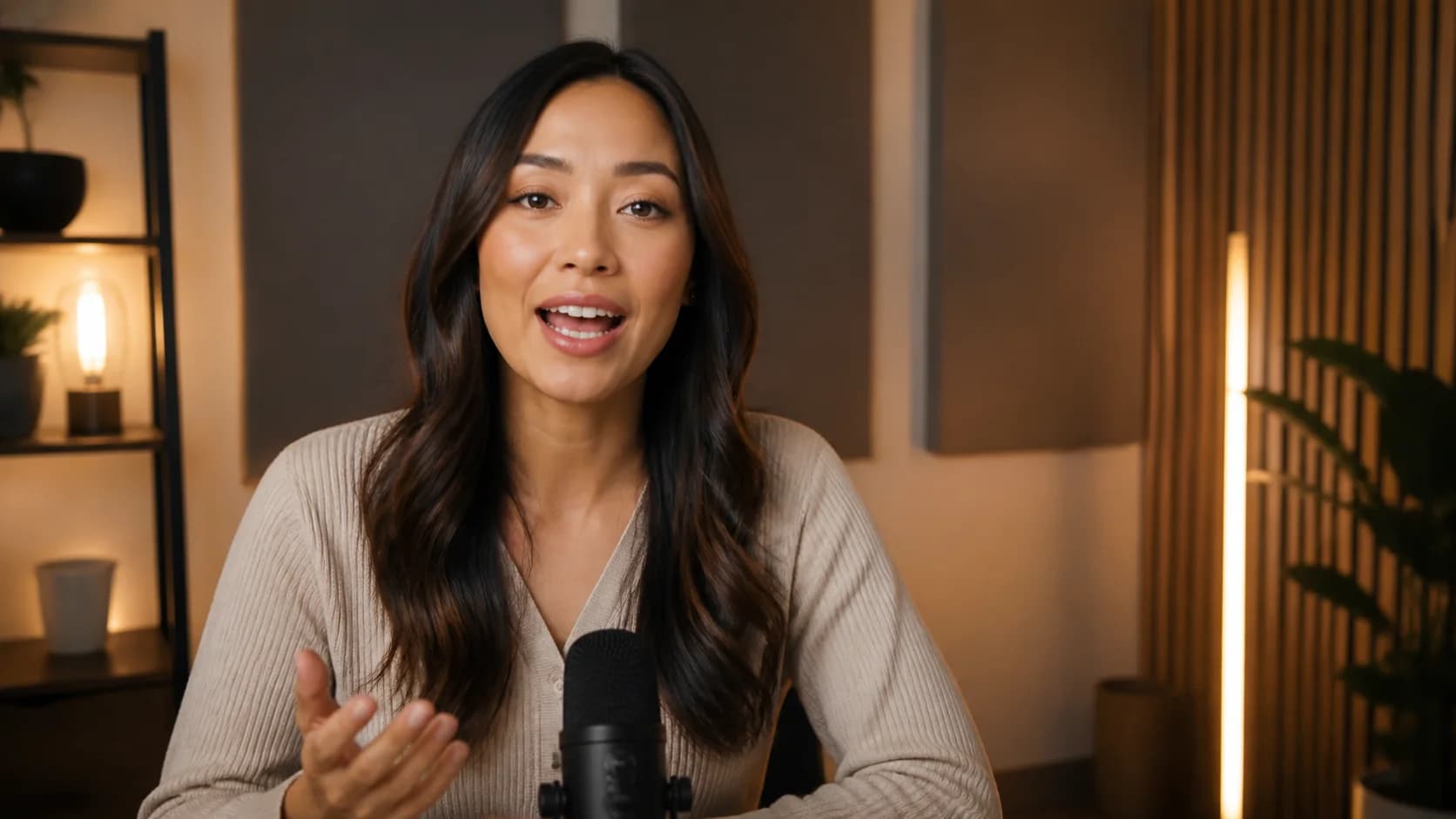
Resync an existing speaker video
Pair a stable speaker clip with a separate audio file. A visible mouth, clean speech, and limited cuts give PixVerse Lip Sync a clearer timing target.
Generated voice
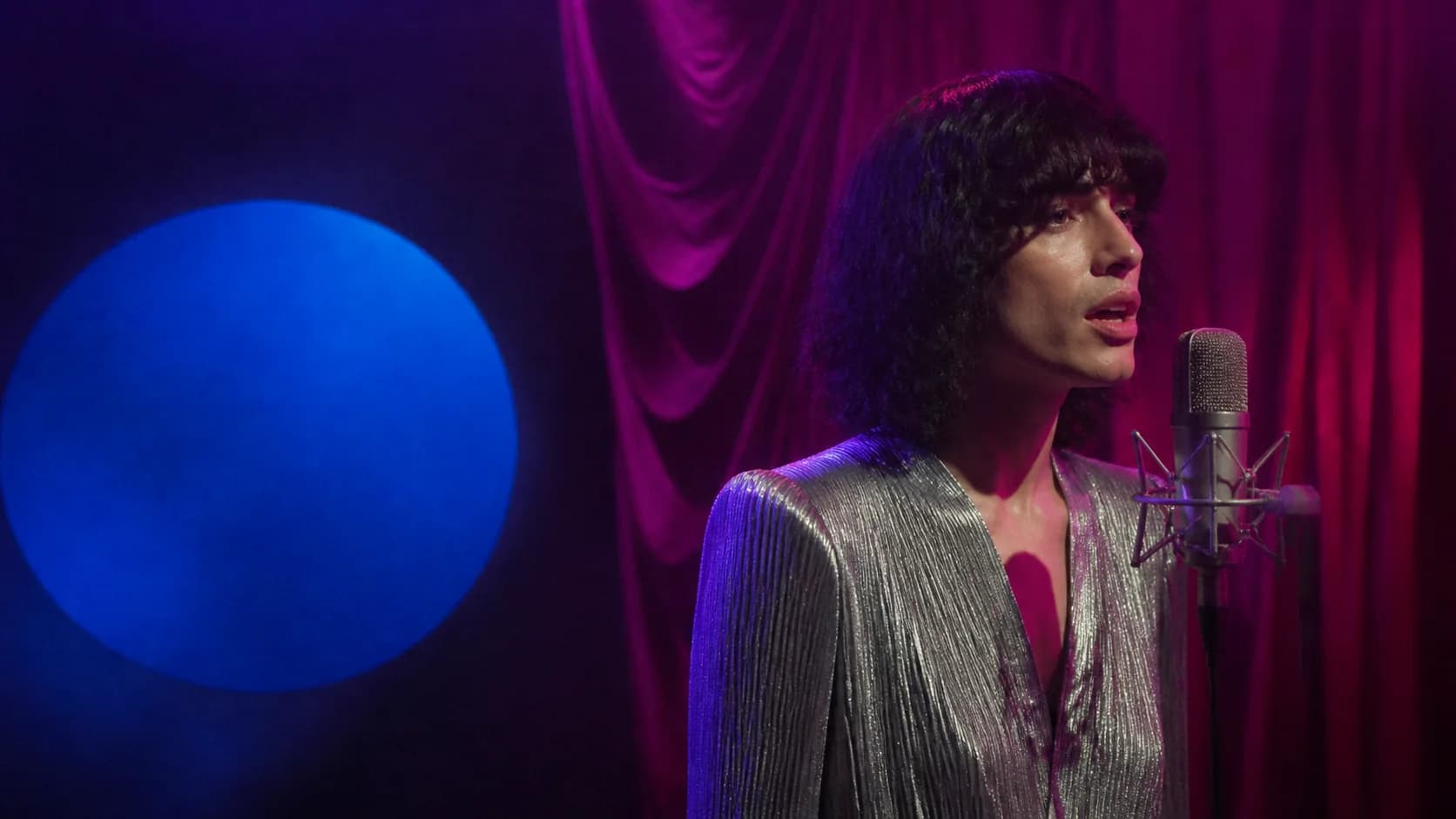
Localize one presenter across languages
Enter a script, then choose a supported language, voice, and speaking style for explainers, lessons, onboarding, and recurring updates.
Delivery control
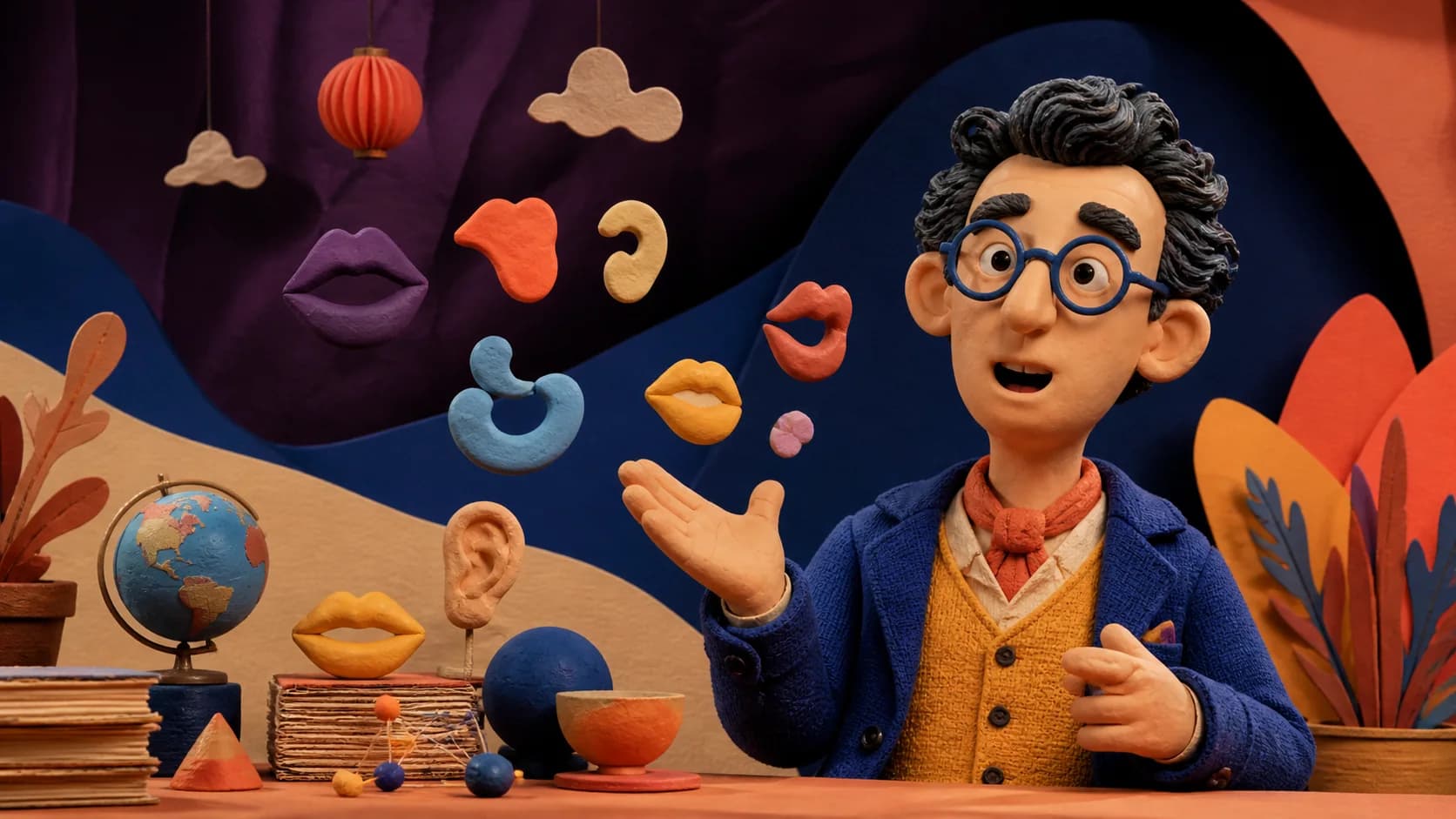
Control the look and delivery
Keep speech source, language, speaking style, visual direction, negative guidance, and resolution connected to the same face and audio.
Campaign variants
Update messages without reshooting
Reuse one presenter for product updates, lessons, and internal messages. Review timing and identity before publishing.
How to Use AI Lip Sync Video Generator
Start with the source you already have, keep the first test short, and review the complete speaking performance.
Choose portrait or video lip sync
Select P Video Avatar for one portrait plus speech, or PixVerse Lip Sync for an existing speaker video plus separate audio. The form updates to show only the active model requirements.
Add clear speech
Upload a clean recording or, in portrait mode, enter a script and select a supported language, voice, and speaking style. Match the delivery to the visible expression for a more natural result.
Generate and inspect
Check the credit estimate, create the result, then watch every line for mouth timing, facial consistency, unwanted looping, and audio alignment before you publish.
AI Lip Sync Video Generator Use Cases
Use synchronized speaking video when the message changes more often than the presenter setup.
Localized creator and social videos
Adapt one presenter into short explainers, hooks, announcements, and language variants without recording the same visual setup for every speech track.
Product and brand messages
Create spokesperson drafts, product introductions, founder updates, campaign variants, and ecommerce messages from a consistent presenter and voice.
Lessons, onboarding, and training
Prepare lesson intros, onboarding clips, internal summaries, and recurring training messages with one recognizable presenter and reviewable speech timing.
Who AI Lip Sync Video Generator Is For
The workflow fits teams that need faster talking-video variants from a consistent presenter, voice, and message.
Creators
Make repeatable presenter clips, character tests, social hooks, and multilingual versions from the same source assets.
Marketing teams
Draft product messages, campaign updates, paid-social variations, and spokesperson content without reshooting each line.
Educators
Reuse a consistent presenter for course intros, explanations, onboarding, and internal knowledge clips.
Localization teams
Test translations and supported generated voices while comparing delivery, tone, and cultural fit before release.
Why Choose Our AI Lip Sync Video Generator
This workflow keeps two distinct lip-sync jobs understandable instead of hiding every input behind one generic upload field.
Model-specific form
Portrait, video, audio, script, voice, language, direction, and quality controls appear only when the selected model supports them.
Flexible speech sources
Reuse existing recordings or create supported generated speech from a script without moving to a separate talking-video tool.
Requirements shown first
See accepted inputs, size guidance, active controls, and the current credit estimate before committing to a generation.
Preview before download
Watch the complete speaking result and compare identity, mouth movement, expression, and audio timing before downloading the final video.
Choose the right speaking-photo workflow
Use the dedicated talking-photo page for a portrait with uploaded audio or generated speech. Stay with the broader lip-sync workflow when you need to synchronize an existing speaker video to a separate audio track.
Apply this workflow to your scene
These related scenarios use this tool when you have the matching source material and creative goal.
AI Lip Sync Video Generator FAQ
What is an AI Lip Sync Video Generator?
Can I make a talking photo from one image?
Can I lip sync an existing video to different audio?
Which generated voice languages are available?
How can I get more natural lip sync?
Does AI lip sync preserve a face perfectly?
Can I use any face or voice?
Create a Synchronized Talking Video
Choose a clear face, add speech, and create a synchronized video ready for preview and download.
AI Lip Sync Video Generator Online
AI Lip Sync Video Generator supports talking photos with uploaded audio or generated speech and existing speaker videos with a separate audio track. Model-specific requirements, supported controls, and the current credit estimate stay visible before every generation.