
Hailuo AI Image to Video
Prompt templates
Choose an output length from 4 to 15 seconds.
Checking access
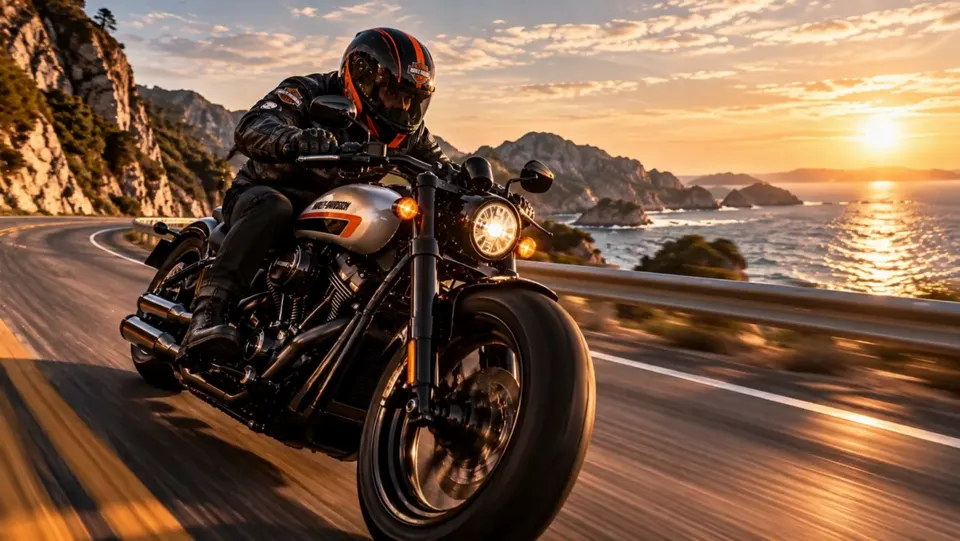
Turn Still Images into Scenes Worth Watching
Hailuo AI Image to Video uses the image as the visual anchor, so your prompt can focus on action, camera, atmosphere, and the moment that makes the shot memorable.
Image-led storytelling
Continue the moment already inside the frame
Start from a pose, vehicle, landscape, product, or illustrated scene with a clear sense of direction. Describe what happens next and how the camera follows it. Hailuo can turn a single visual beat into a scene with momentum while keeping the original subject easy to recognize.
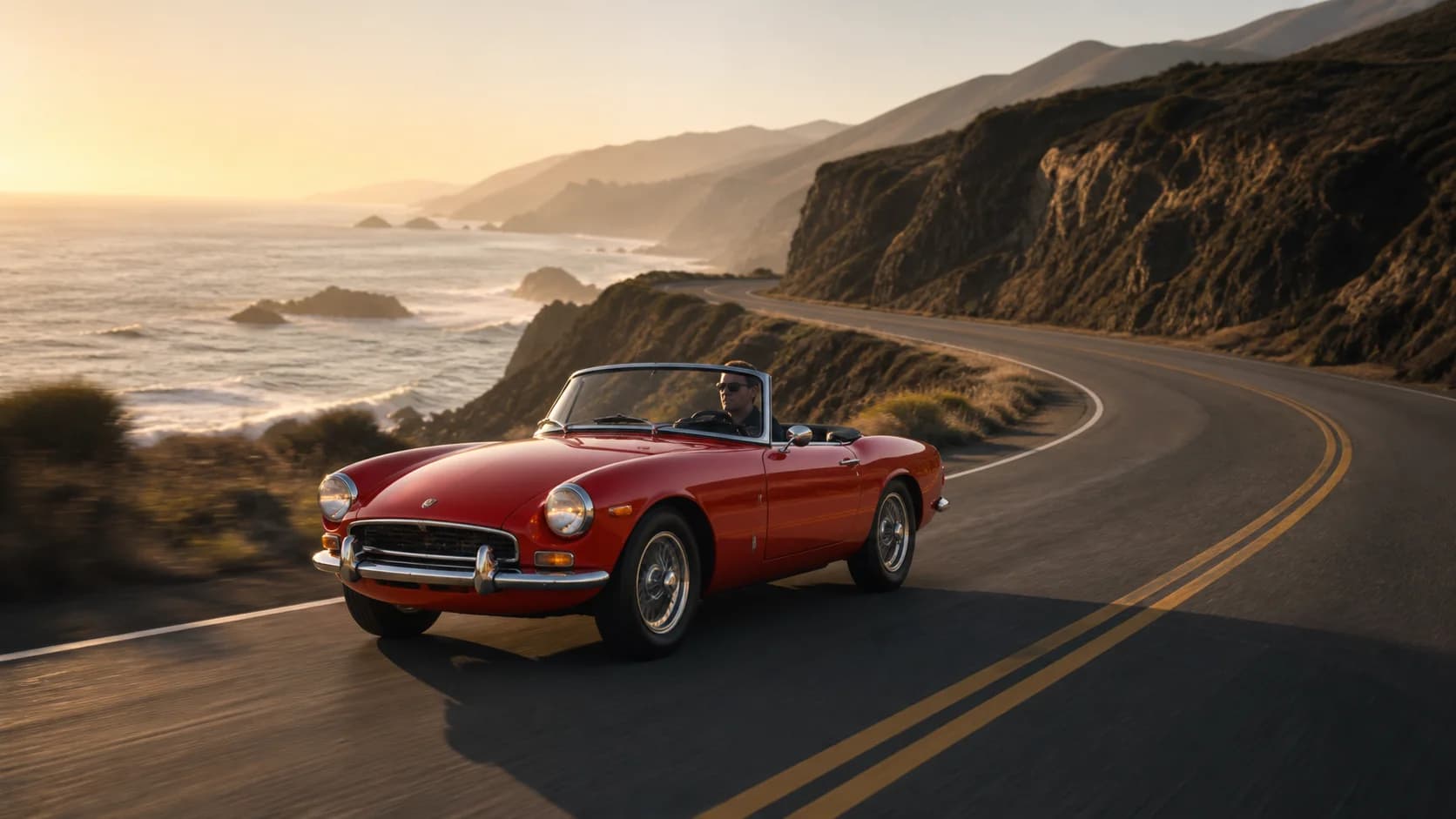
Materials in motion
Make light, liquid, glass, fabric, and reflections perform
A still product image becomes more persuasive when materials respond to the scene. Direct a flowing splash, soft fabric lift, moving highlight, rising steam, turning reflection, or controlled camera reveal to make texture and craft feel tangible on a product page or social feed.
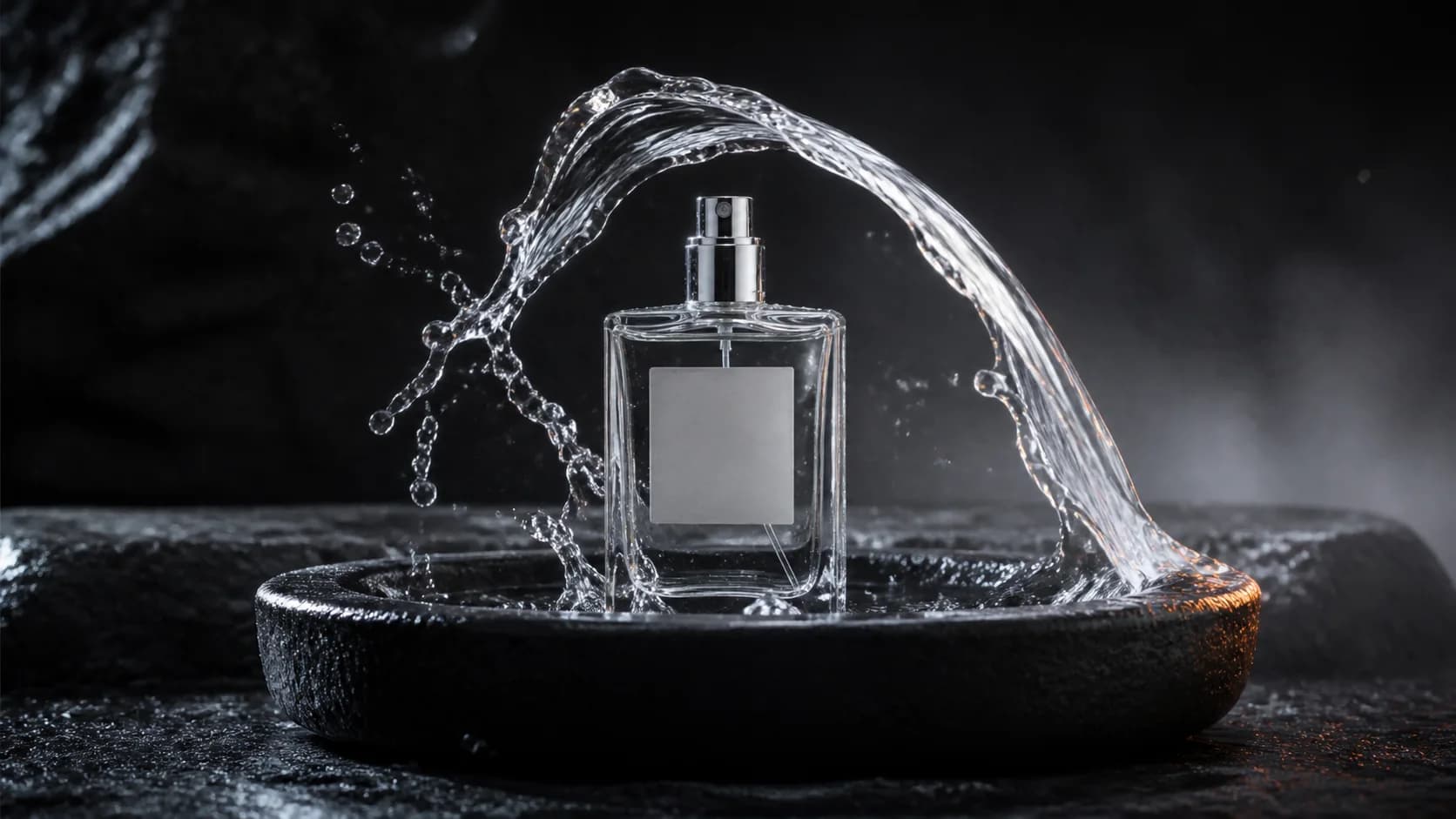
Human moments
Give portraits and documentary frames a natural next beat
Guide a glance, gesture, breath, craft movement, walking step, or camera push that belongs to the visible pose. Portraits, travel images, food photography, workshop scenes, and editorial frames gain life through one readable action and a matching environmental response.
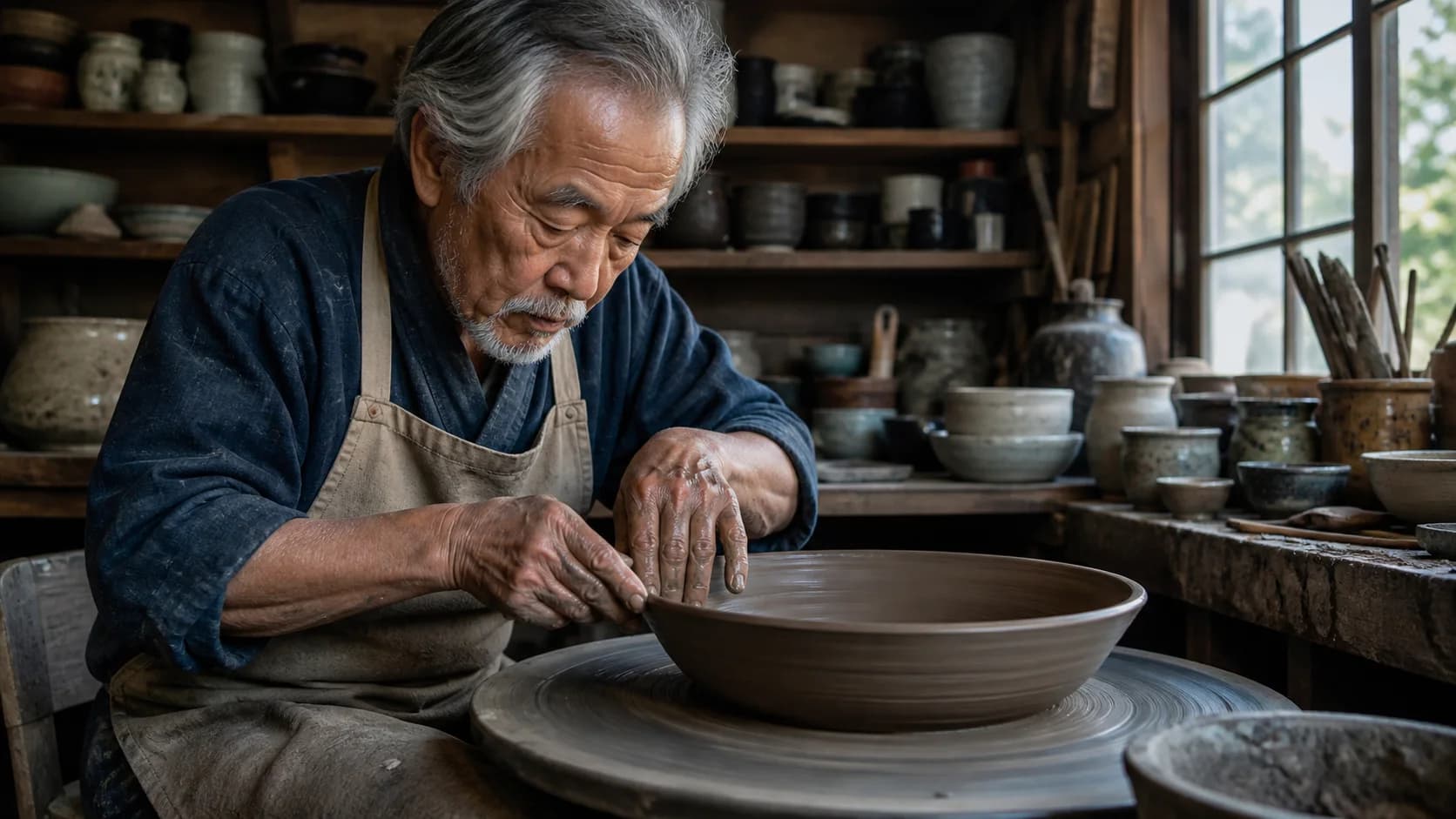
Creative campaigns
Turn an approved key visual into more campaign content
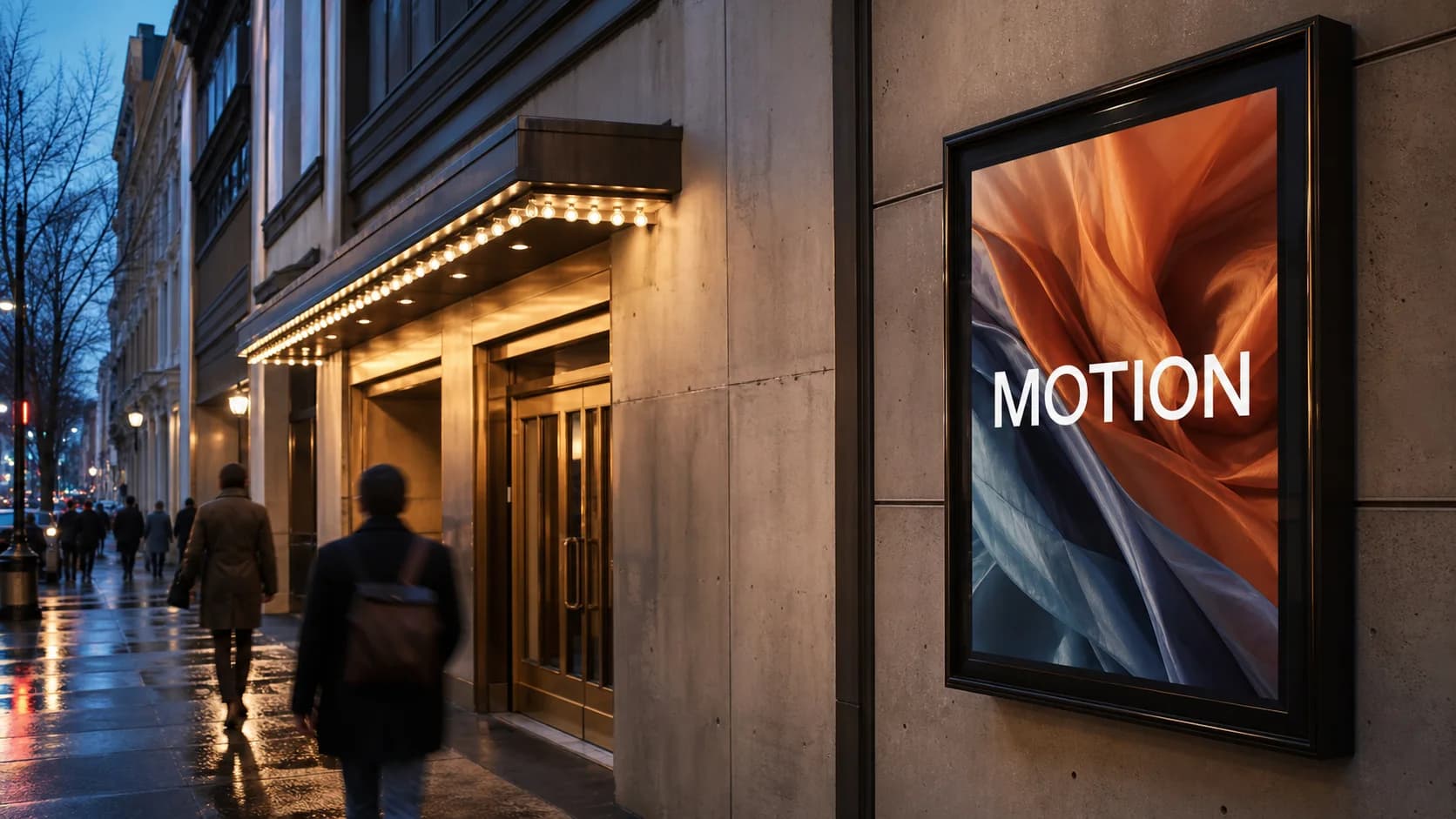
Use a poster, product still, fashion image, artwork, or branded composition as the opening frame for landing-page motion, launch teasers, social cuts, mood films, and pitch concepts. The source image carries the visual language while the prompt creates the reveal.
Flexible creative direction
Shape pace, atmosphere, and camera around the image
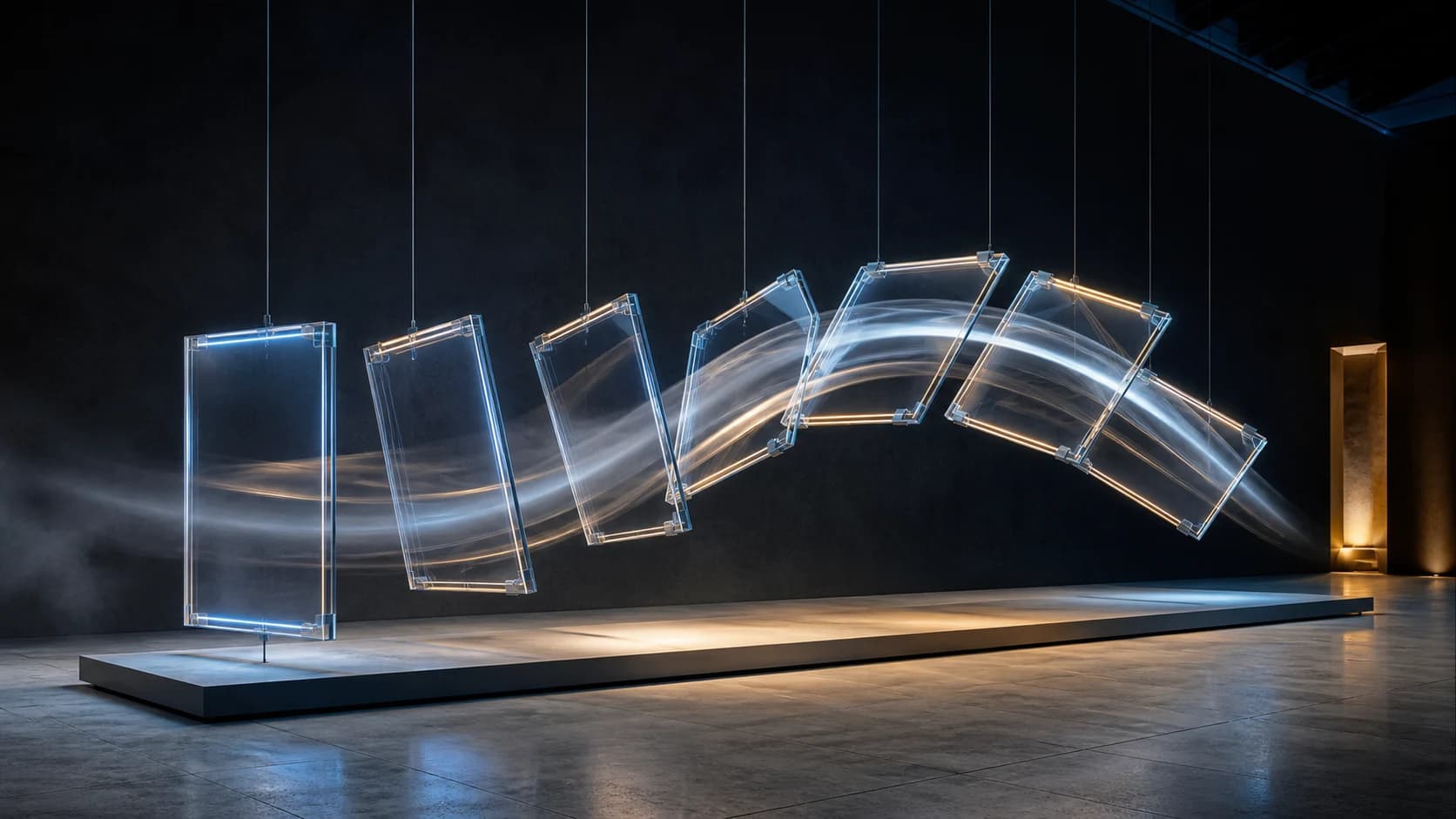
A slow push can make a portrait intimate, an orbit can make a product dimensional, and a tracking shot can make a vehicle feel cinematic. Match the camera to the image, add one strong action, and use weather, light, particles, or depth to complete the mood.
How to Use Hailuo AI Image to Video
Move from one clear source image to a directed video in three quick steps.
Upload the image you want to animate
Choose a sharp JPG, PNG, or WEBP with a clear subject, readable depth, and visual room for the movement you have in mind.
Describe the next moment
Write the subject action, camera movement, environmental response, and mood. The AI Video Agent can help turn a loose idea into a focused motion prompt.
Choose the look and generate
Keep MiniMax H3 selected or explore another compatible model, set the available video controls, review the live credit estimate, and create your clip.
Popular Hailuo AI Image to Video Ideas
Start with visual work you already have and turn it into fresh motion for content, campaigns, memories, and creative development.
Products and advertising
Animate packaging, cosmetics, jewelry, food, furniture, fashion, vehicles, and campaign key visuals into polished short-form content.
Portraits and real moments
Bring portraits, travel photos, craft scenes, editorial images, food stories, pets, and personal memories to life with expressive motion.
Cinematic and visual concepts
Develop vehicles, environments, illustrations, posters, story frames, and mood boards into moving concepts for pitches and social posts.
Why Create Hailuo Image-to-Video Here
Your source image, prompt, model choice, video controls, credit estimate, preview, and download stay together in one browser studio.
The image leads the look
Let the uploaded frame define the subject and composition while the prompt concentrates on motion, camera, light, and atmosphere.
A strong model is ready
MiniMax H3 opens by default, so you can move directly from upload to creative direction and generation.
More creative models remain available
Explore the complete compatible image-to-video model menu whenever a different visual character fits your source image.
See the cost before creating
The live credit estimate responds to the model and settings you choose, then the completed clip is ready to preview and download.
Hailuo AI Image to Video FAQ
What is Hailuo AI Image to Video?
Which model is selected for Hailuo image animation?
What images work well with Hailuo AI?
How should I prompt Hailuo AI Image to Video?
Can Hailuo animate products and branded visuals?
How is this page different from the MiniMax H3 page?
Bring Your Image to Life with Hailuo AI
Upload a strong frame, describe the next moment, choose your creative settings, and turn a still image into a scene ready to share.
Hailuo AI Image to Video Online
Hailuo AI Image to Video transforms one source image into expressive motion for portraits, products, vehicles, artwork, food, fashion, travel, pets, stories, and campaign visuals. Upload the frame, direct the action and camera in a prompt, review the live credit estimate, and generate in one browser workflow.