
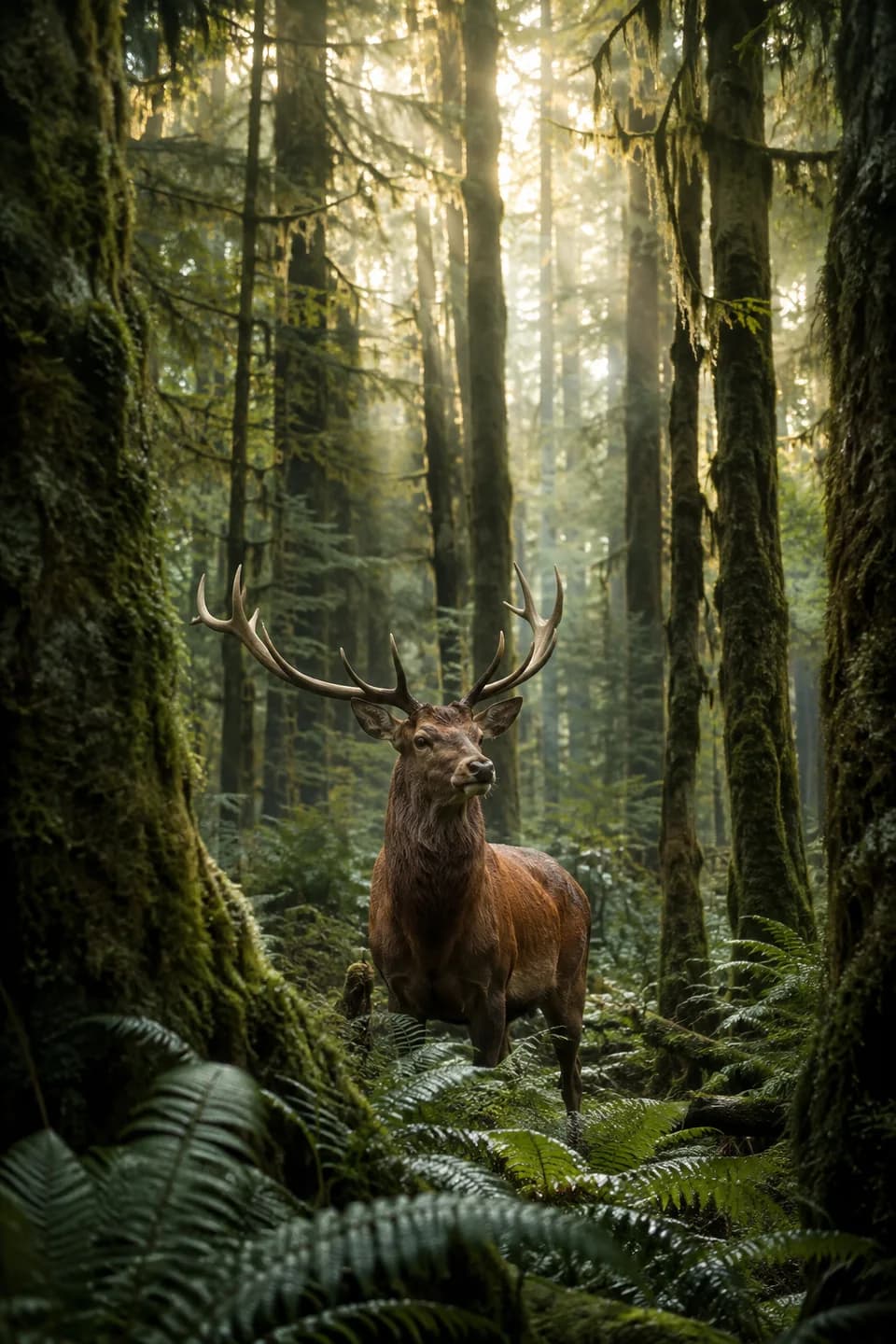
AI Video Agent Bring Your Photos to Life
Upload a photo. Describe the motion. Create by chatting.
A Little Inspiration
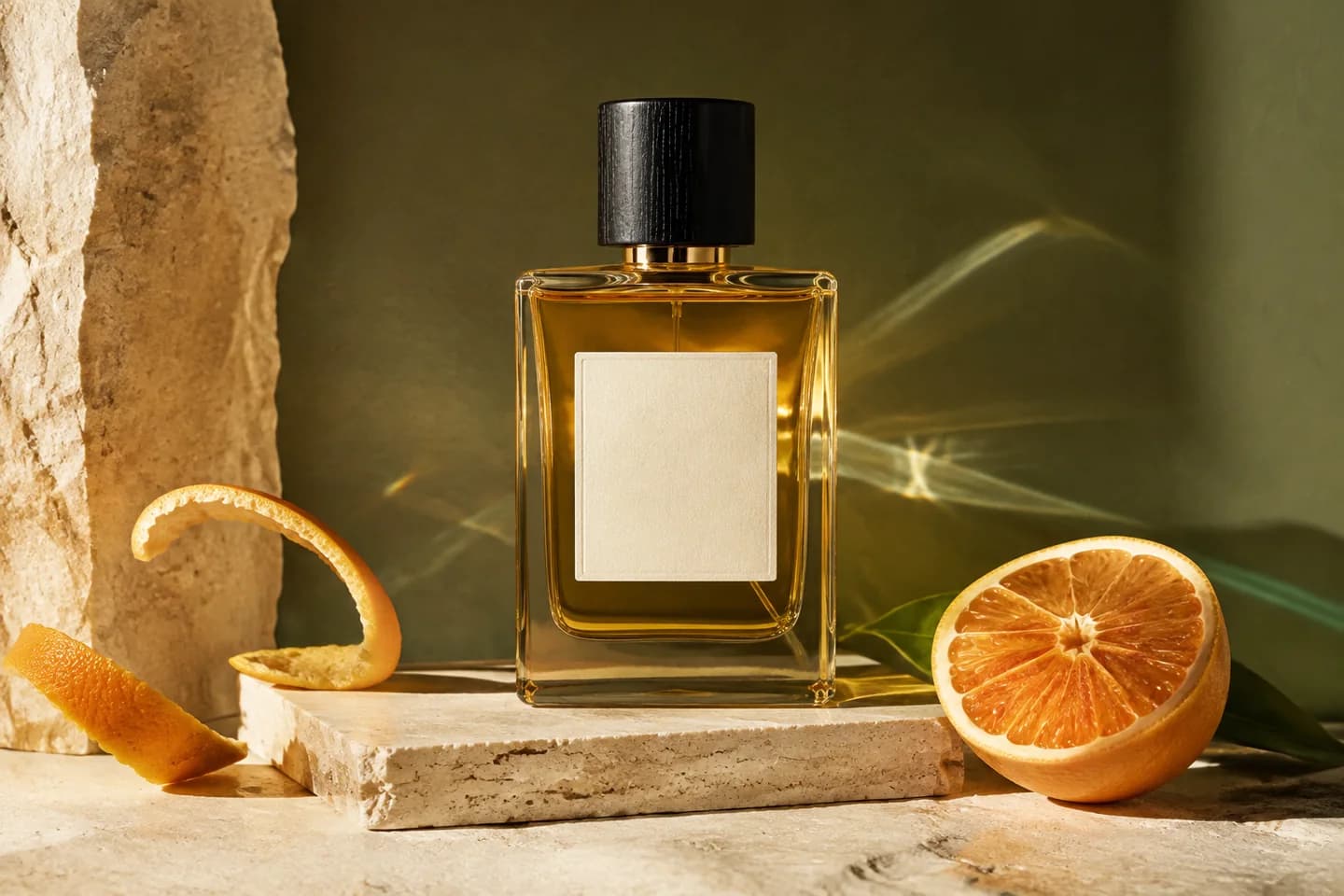
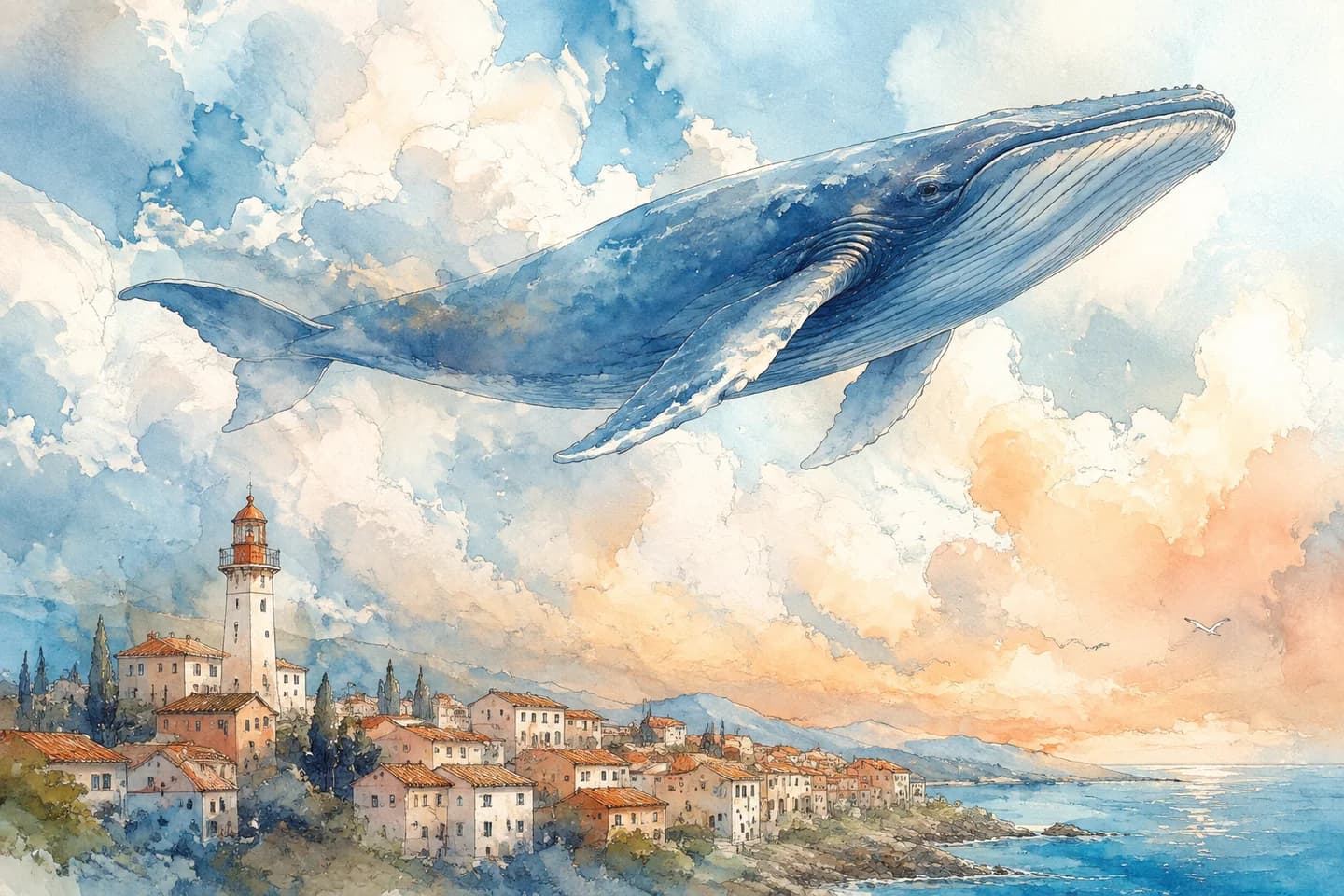
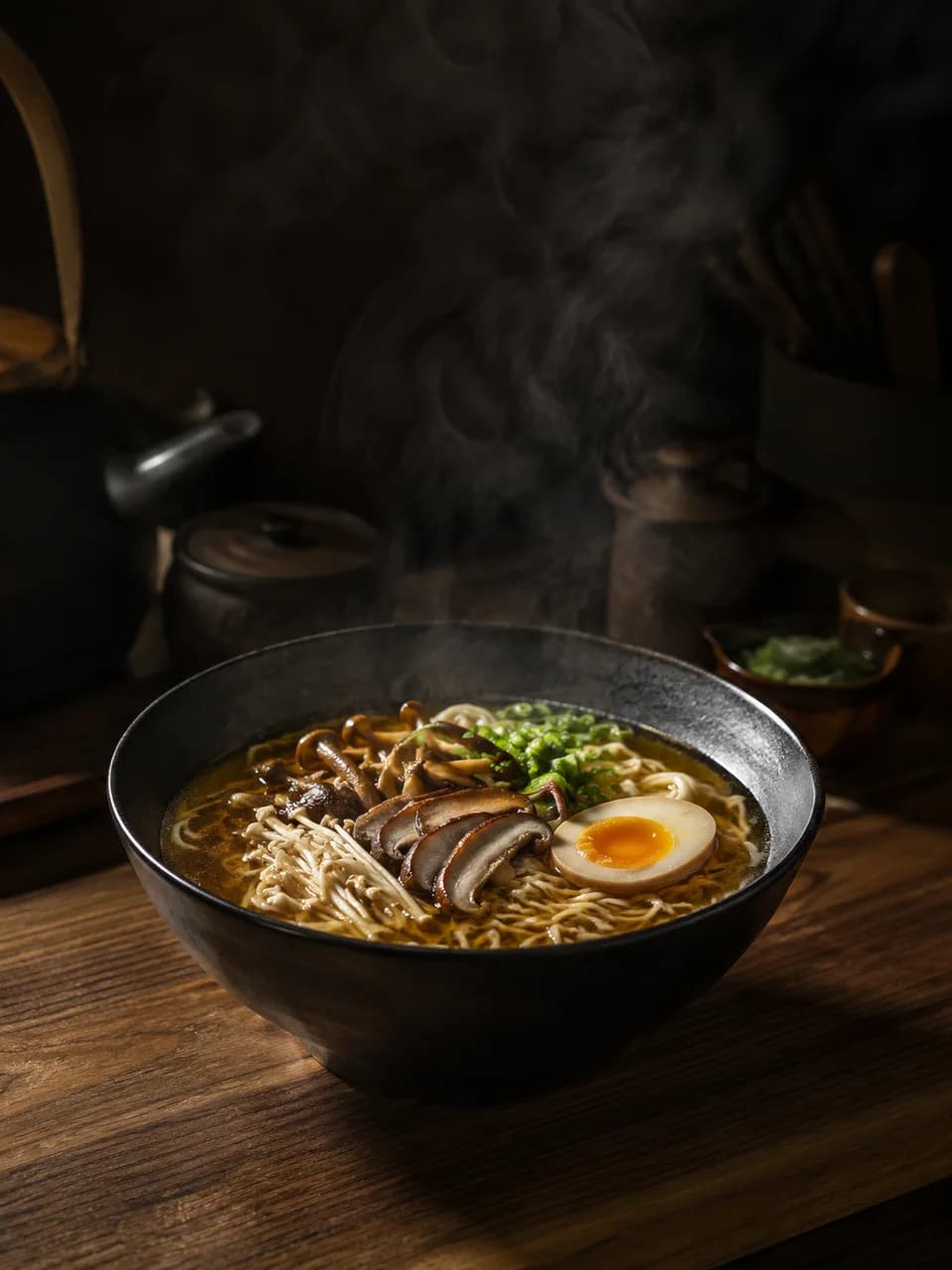
Explore a direction for your AI Video Agent. Concept images, ready for your ideas.
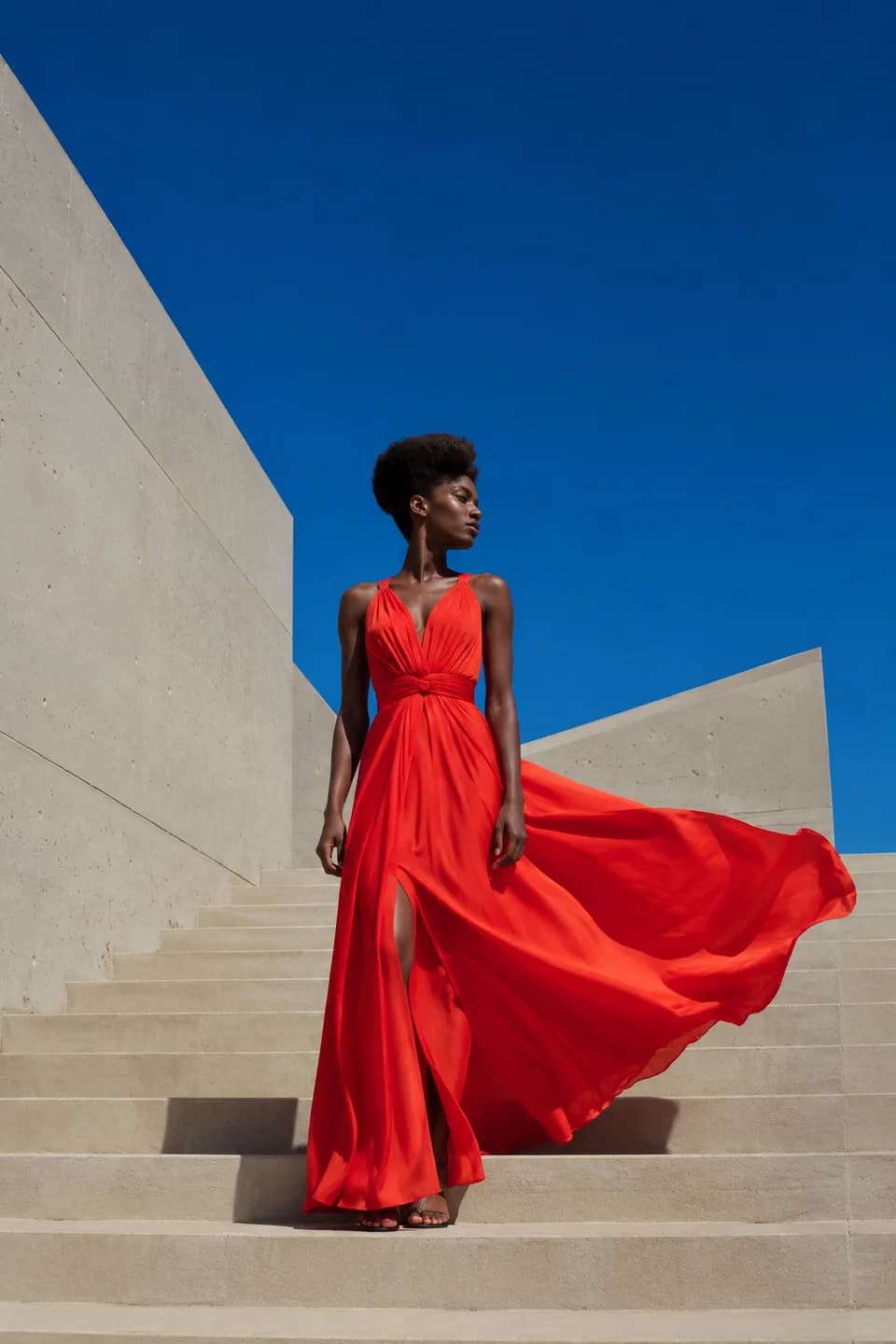
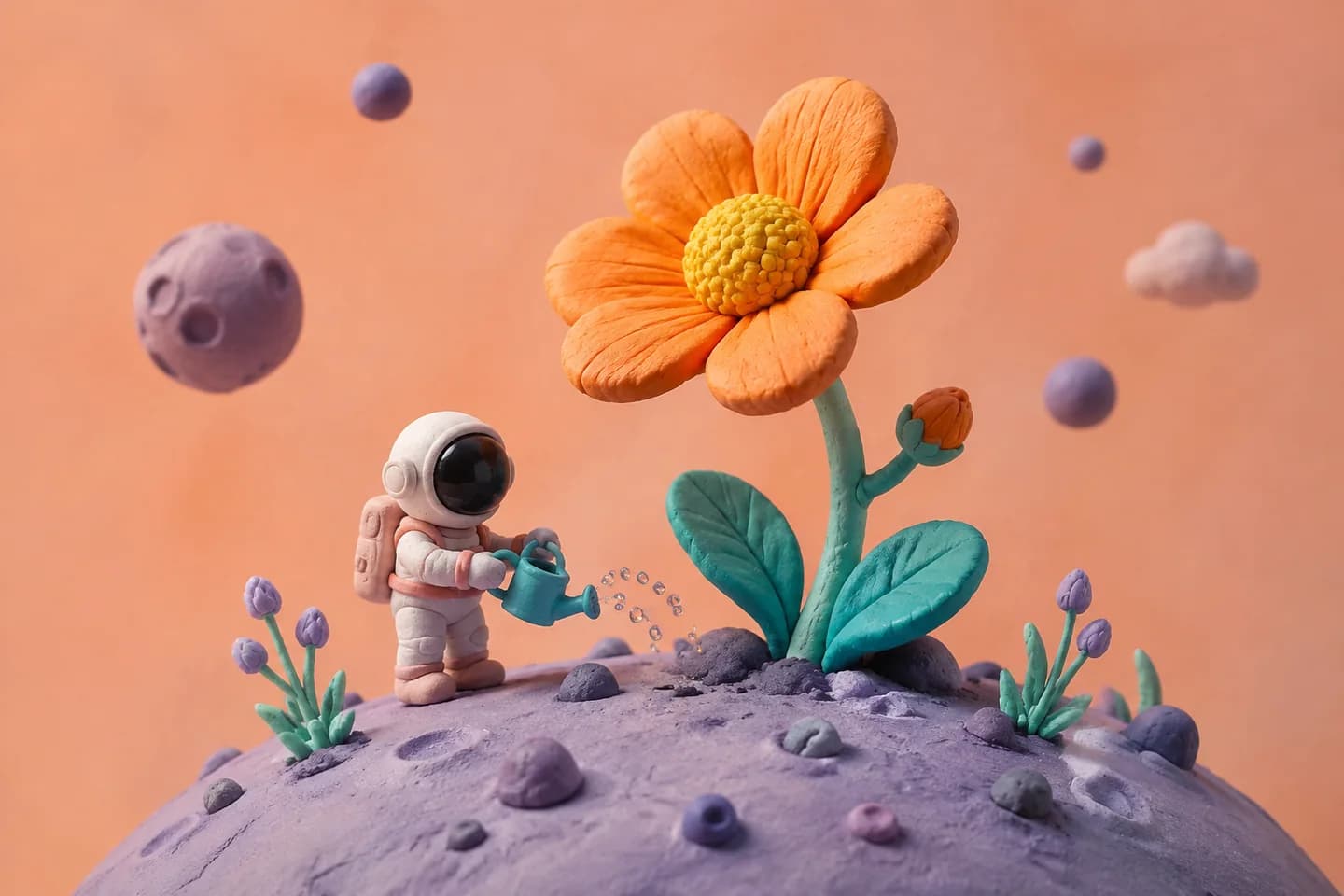
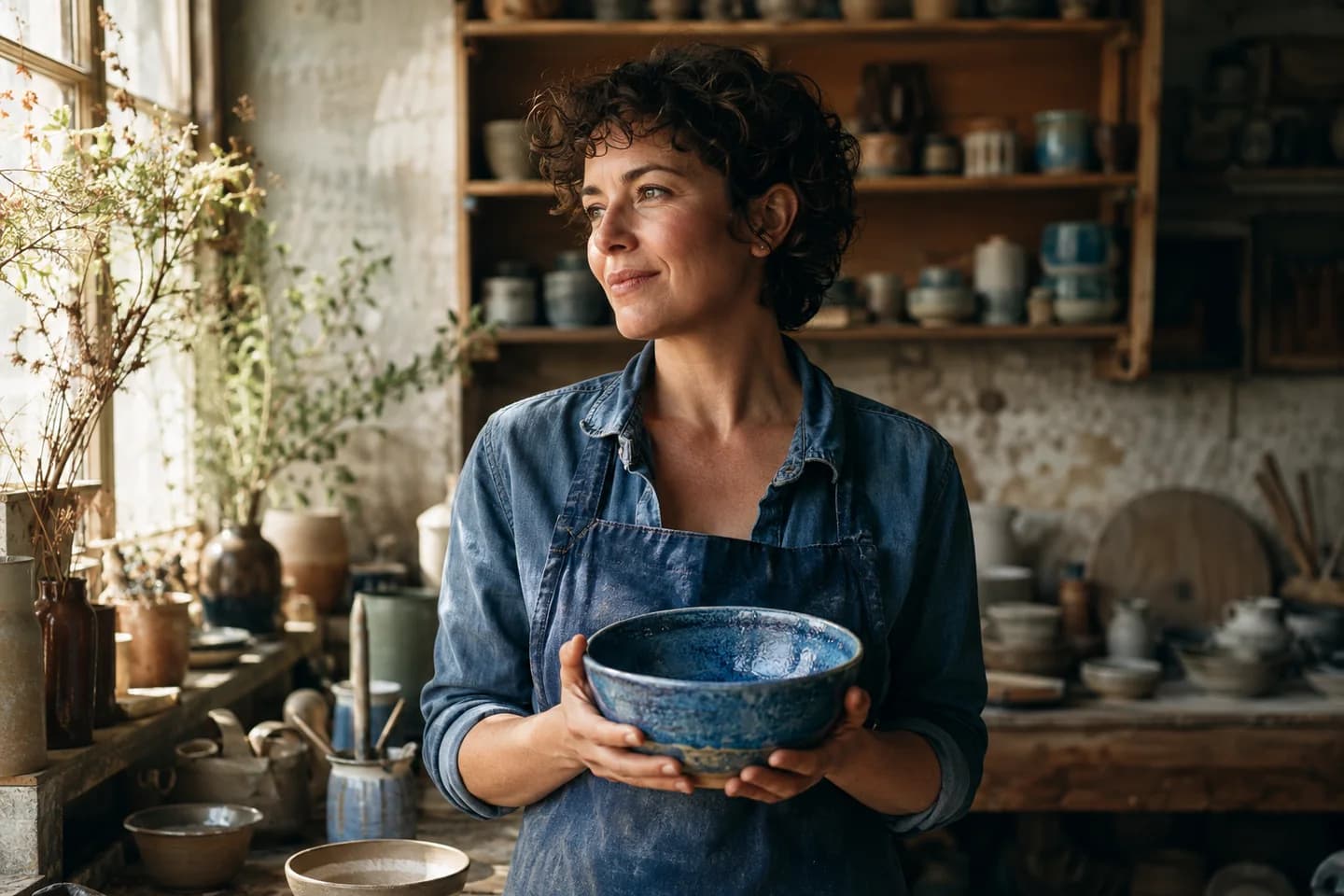
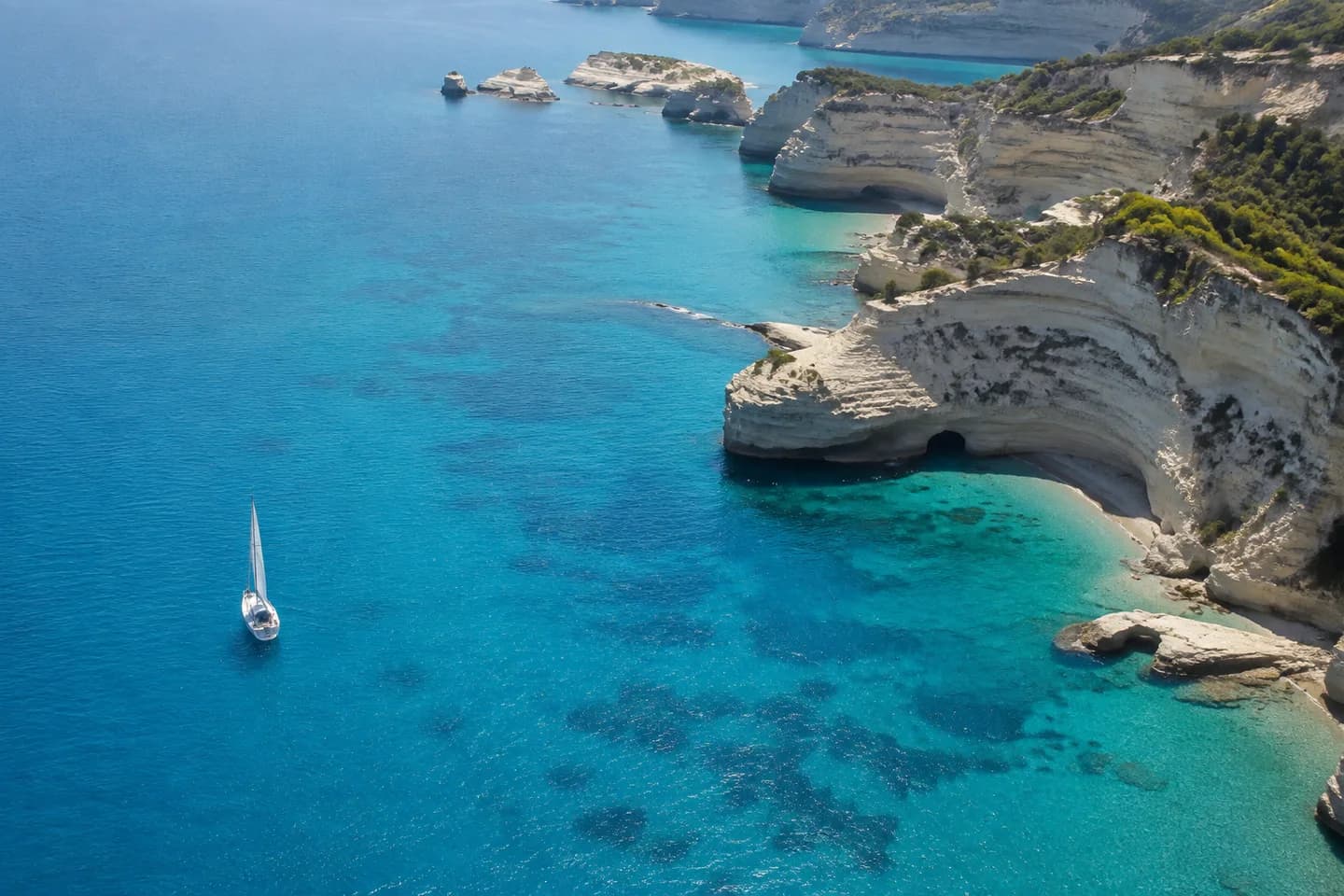
Your AI Video Agent. Your Direction.
From the first idea to the next version.
01 / IMAGINE
Start with a spark
Start with a rough idea and let the AI Video Agent help shape the scene, mood, and camera movement. This conversational AI video generator turns a creative brief into a direction you can discuss.
Create videos by chatting: explore a short shot plan, refine the visual style, or go straight to generation when your idea is clear. Keep the decisions together as your project takes shape.
02 / REFERENCE
Make it yours
Use an AI Video Agent with reference images to put your product, person, or setting at the center. Add up to three images and explain the details each one should contribute.
For photo to video AI, describe how the subject and camera should move. Your references guide the look of the clip, while you review identity, product details, and composition before sharing.
03 / PREPARE
Set the scene
Prepare a stronger starting frame with the AI Video Agent. Generate a new scene or edit an existing image to explore the composition, background, and visual style before bringing it into motion.
Keep AI image and video generation in one conversation: review the key visual, then use it as a reference for your next clip. This preparation step is optional, and generated images use credits.
04 / DIRECT
Find your next version
Continue with your AI Video Agent after the first result. Ask for a slower camera, a different mood, or a new visual direction while keeping useful references and creative decisions in the same project.
Use this AI video creation assistant to develop short product videos, portrait moments, or vertical social media clips. Each revised video is a new generation, so you can compare versions and choose what works.
How to Use the AI Video Agent
Bring an idea and let the AI Video Agent help you take the next creative step.
1
Describe Your Video
Tell the AI Video Agent your idea, mood, and format. Add photos when visual details matter.
2
Shape It or Generate
Plan the direction together, or give the AI Video Agent a clear request to generate directly.
3
Review and Continue
Download your result or ask the AI Video Agent to explore another direction in the same project.
AI Video Agent Use Cases
Create short clips for product campaigns, personal portraits, social posts, and illustrated stories.
Product Videos
Use the AI Video Agent for product videos, from clean studio reveals to warm lifestyle scenes.
Portrait Animation
Give the AI Video Agent a portrait and bring it to life with subtle, natural movement.
Social Media Clips
Create 9:16 social media clips with the AI Video Agent for Reels, Shorts, and TikTok projects.
Illustrated Stories
Explore painted worlds and imagined characters with an AI Video Agent that follows your visual direction.
Why Choose Our AI Video Agent?
More time shaping the result. Less setup between steps.
Fewer handoffs
Keep references, image preparation, and video creation together. The AI Video Agent lets you move between these steps without rebuilding your brief in separate tools.
Generate when you are ready
Explore your direction with the AI Video Agent before committing to a render. Optional image preparation lets you choose the steps your idea needs.
Pick up where you left off
Return to your saved project with its conversation and assets. Your AI Video Agent keeps useful context available as you develop the next version.
AI Video Agent FAQ
What is an AI Video Agent?
An AI Video Agent is a conversational workflow for planning and generating video. Here, it connects your creative brief, project images, optional image preparation, and short-video generation so you can develop an idea across multiple messages.
How is an AI Video Agent different from a video generator?
Our direct generators suit a ready-to-use prompt. The AI Video Agent also helps discuss your direction, work with references, prepare images, and continue the project by chat. Choose the workflow that fits how much creative direction you already have.
Can the AI Video Agent turn my photos into videos?
Yes. Upload a photo and tell the AI Video Agent how the subject, environment, or camera should move. You can also start with a text description when you do not have an image.
Can I use the AI Video Agent with multiple reference images?
Yes. The reference-to-video mode accepts up to three images. Tell the AI Video Agent which image guides the person, product, or scene. References guide generation, but exact identity, packaging text, and small details still need review.
Can the AI Video Agent create and edit images too?
Yes. The AI Video Agent can generate a new image or edit an uploaded one to prepare a video scene. A generated image preview uses credits and is optional; a clear video request can proceed directly.
Can I adjust the result after generation?
Continue the conversation with the AI Video Agent and request a new creative direction. Video changes are produced through another generation. This workflow does not offer timeline trimming, automatic captions, or element-by-element editing without rendering again.
Is the AI Video Agent free?
Media generation with the AI Video Agent uses credits and requires an eligible signed-in account. Current paid-model access requires a previous successful purchase. Check Pricing for available plans. A text discussion does not itself generate a paid image preview.
What video formats does the AI Video Agent support?
The AI Video Agent currently supports 720p video in landscape 16:9 and vertical 9:16. Text-to-video and image-to-video offer 4, 6, or 8 seconds; reference-to-video produces 8-second clips. Native generated audio is supported.
Do I need a finished prompt or video editing skills?
No. Give the AI Video Agent your goal in everyday language. Mention the details that matter, such as subject, movement, mood, and intended use. When a choice is unclear, you can discuss a shot plan before generation.
Which models does the AI Video Agent use?
The current AI Video Agent uses Veo 3.1 Fast for video and GPT Image 2 for image creation and preparation. Model availability and output settings may change. Native video audio does not include a separate voice-cloning or subtitle editor.
Start Your Next Video with an AI Video Agent
Bring a photo, a reference, or an idea. Tell the AI Video Agent what you want to make and take the next step from there.