
MiniMax H3 Max AI Video Generator
Use Image 1, Image 2, etc. in the prompt to identify each reference.
Prompt templates
Describe your scene, movement and sound. Add a photo to animate it, or start with words alone.
Native audio is included. Describe dialogue, ambience, and music in your prompt.
Checking access
What Is MiniMax H3 Max?
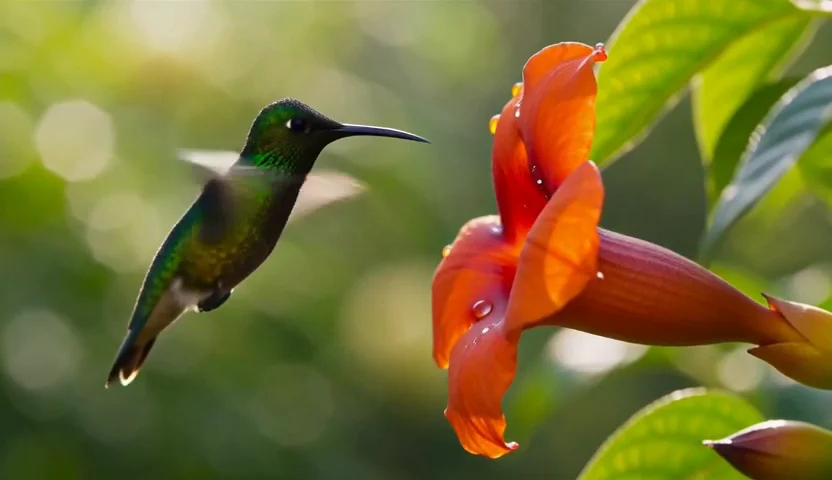
MiniMax H3 Max is fal’s post-trained version of MiniMax H3, tuned for stronger prompt adherence and visual aesthetics. It is built for briefs with specific actions, camera moves and sound cues—and for exploring those ideas quickly. Within a single generation, you can direct multiple shots around the same character and visual style, with synchronized audio created alongside the picture.
What Makes MiniMax H3 Max Different?
Explore H3 Max’s strengths: detailed direction, character continuity and audiovisual quality at speed. The storyboards below illustrate creative briefs, not benchmark results.
Speed without the usual quality tradeoff
Try the next take while the idea is fresh
H3 Max brings faster turnaround to detailed creative work. Its post-training and optimized inference engine are designed to preserve visual quality while accelerating generation, giving you more room to explore a performance, camera move or mood. Published performance reports under three seconds of model generation for a five-second clip; total delivery time also depends on prompt processing, queueing and transfer.
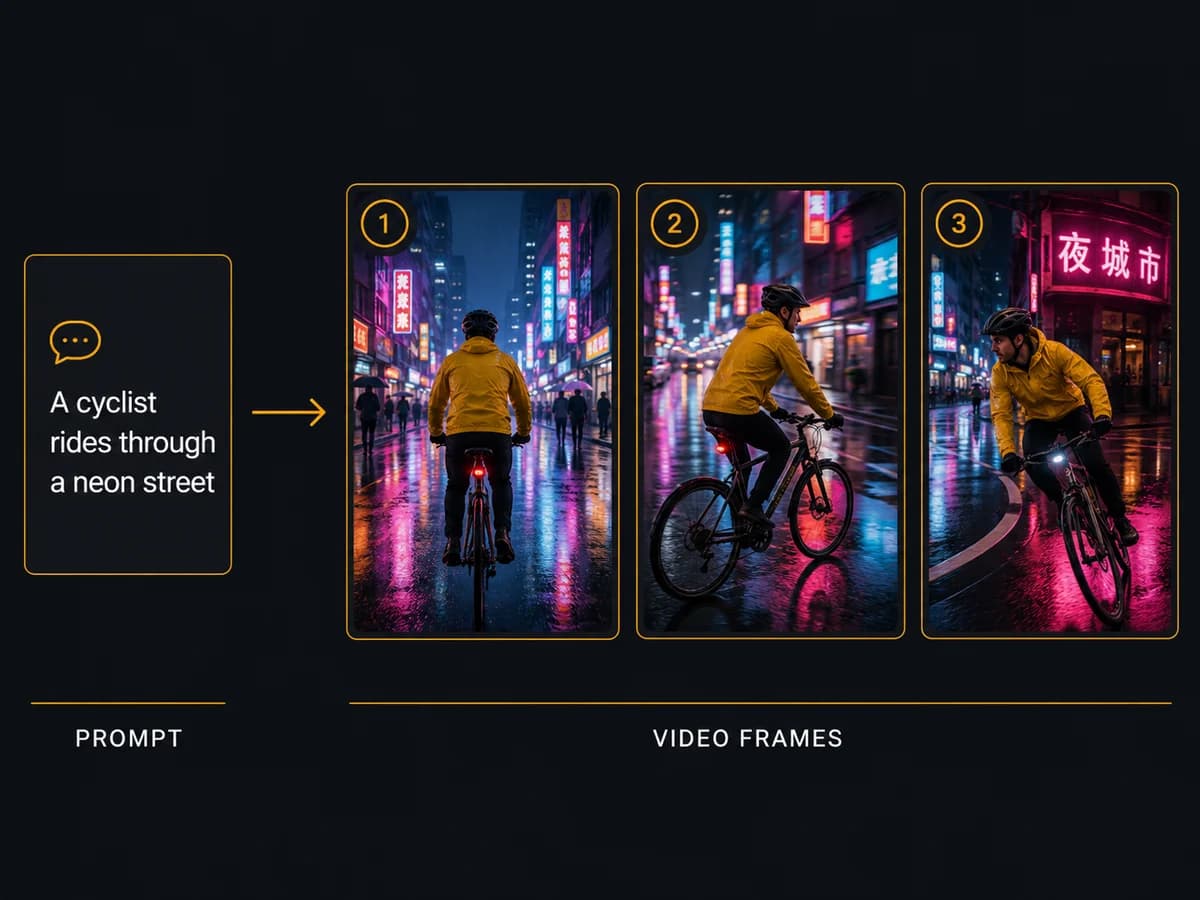
Prompt adherence · Action and camera direction
Give every moment a clear direction
Flowing fabric, a camera circling a bottle, a final close-up on the label: H3 Max is tuned to follow the details and sequence of a creative brief. Stronger prompt adherence supports more deliberate action, framing and short on-screen text, helping a product reveal or story moment take the shape you described.
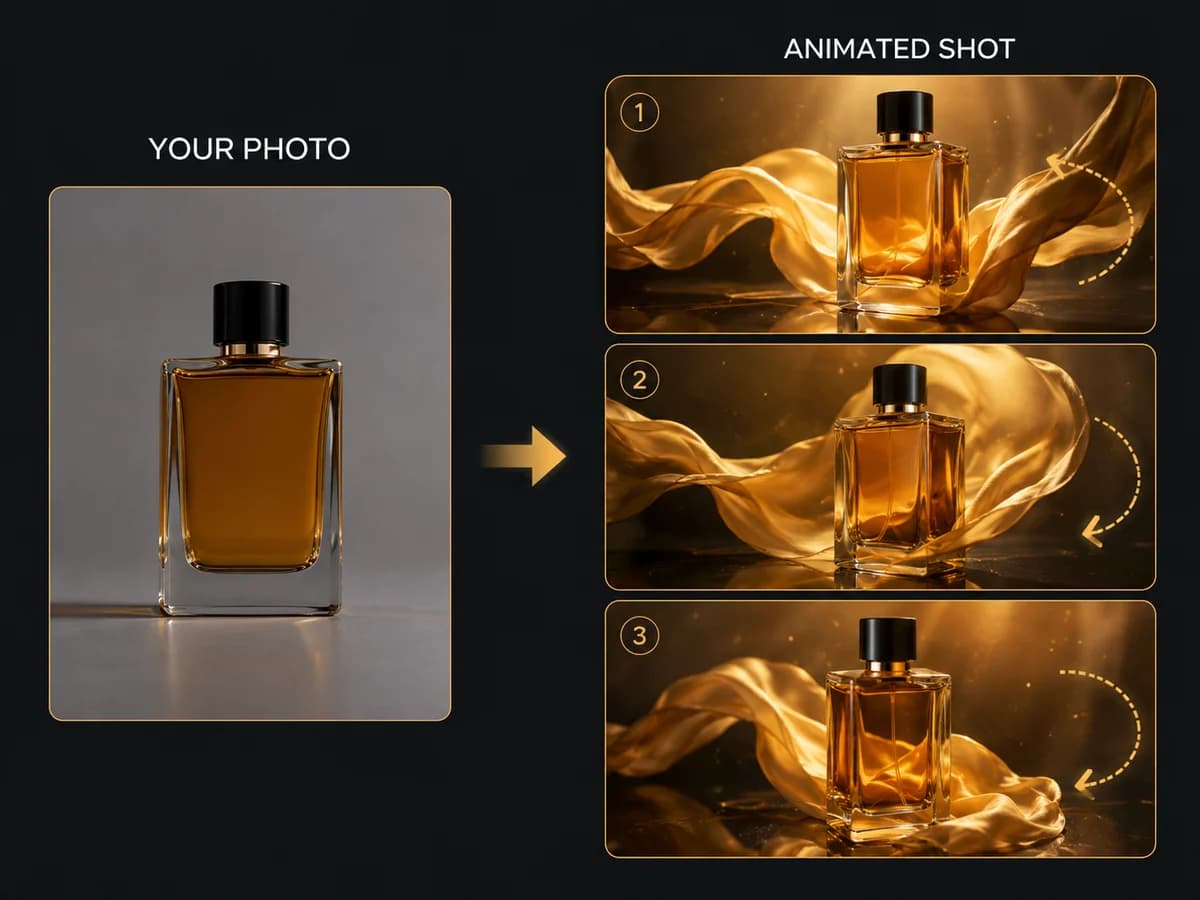
Character consistency · Within one generation
Change the shot. Keep the character.
A wide introduction, a new setting, a close-up: H3 Max can preserve a character’s face, clothing and proportions across cuts within a single generation. That continuity gives a short sequence a recognizable lead as the scene changes. Consistency across separate generations is not guaranteed.
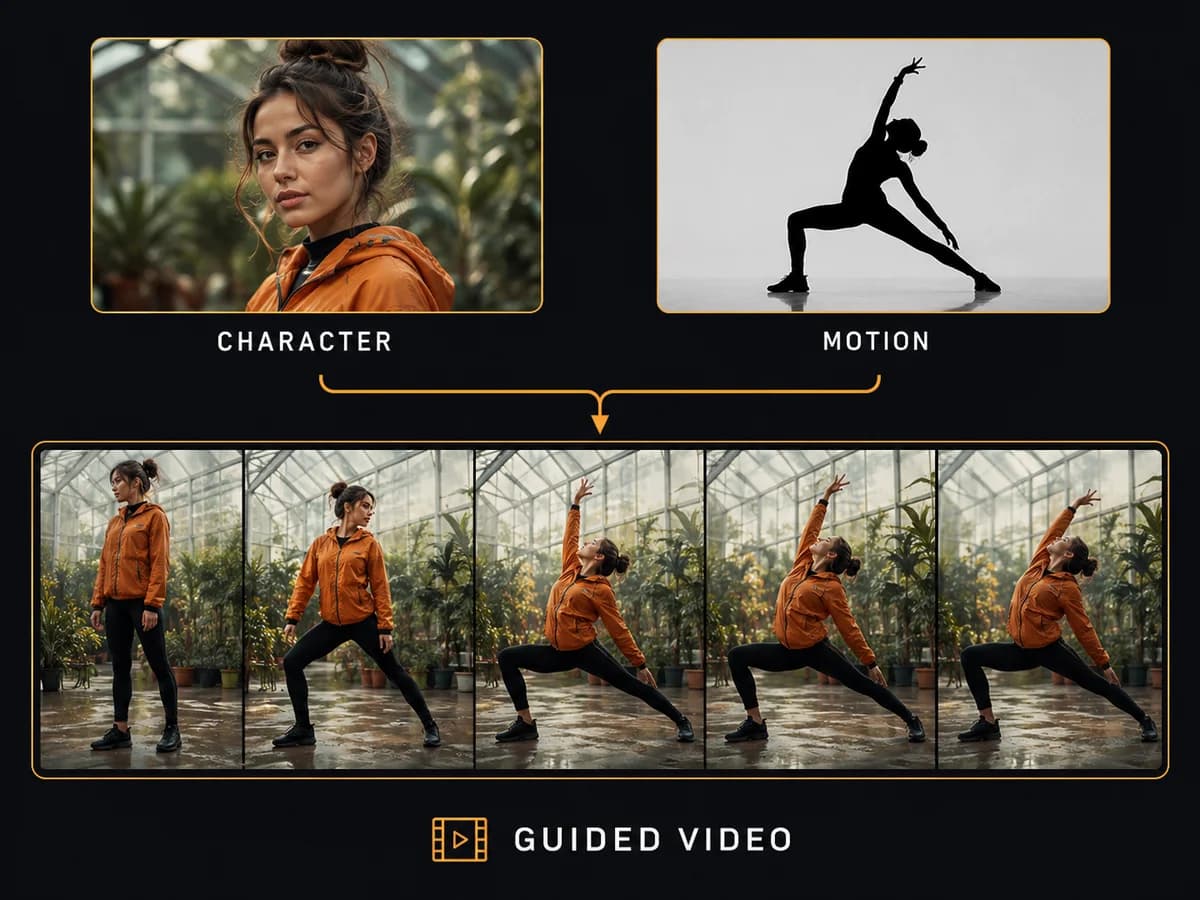
Native audio · Dialogue and timed sound
Make the sound part of the performance
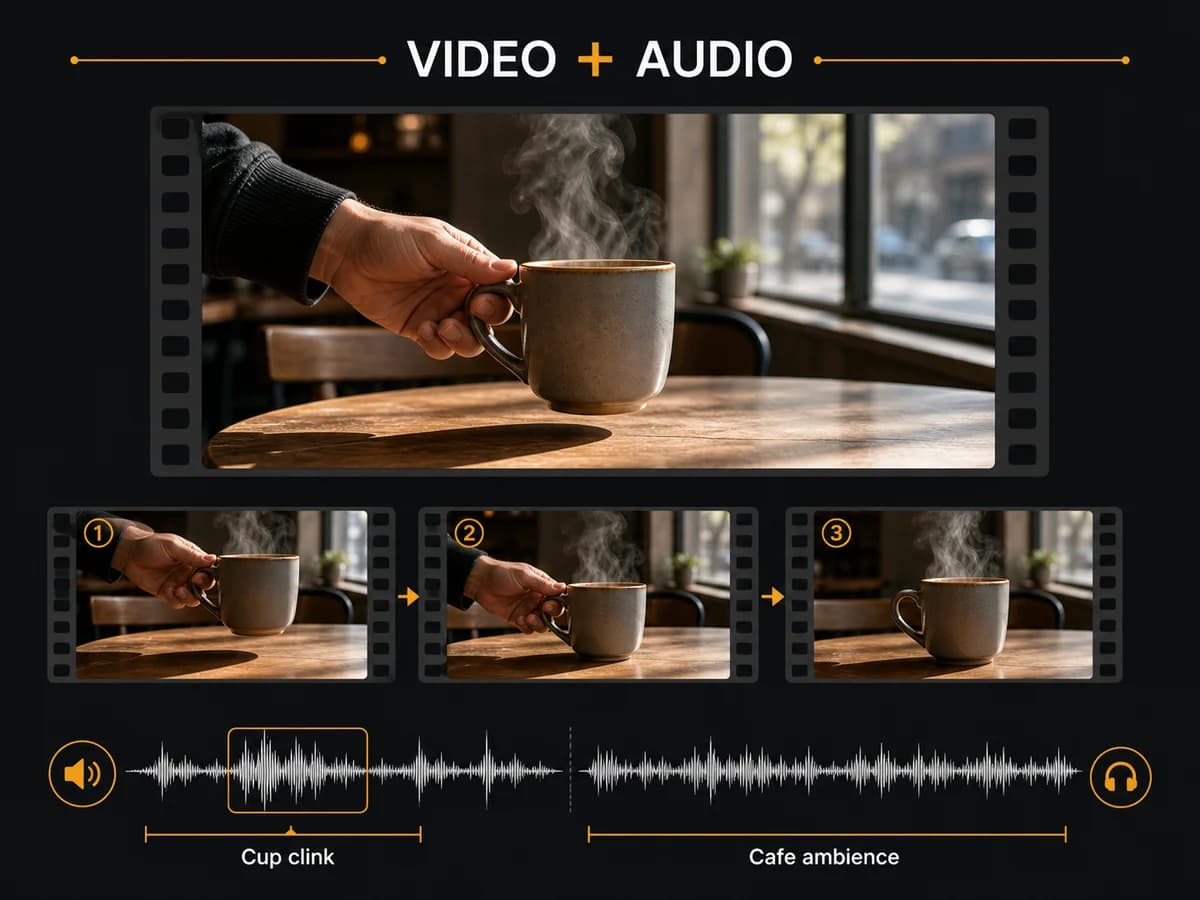
A quiet line to camera, footsteps entering a room, a cup meeting the table. H3 Max generates dialogue, lip sync, effects and ambience alongside the picture, so sound can follow the performance in the same generation. The result brings voice, movement and atmosphere into one scene.
Direct Your First H3 Max Sequence
Start with a brief, then refine the details that matter.
Set the character and visual style
Start with text or a photo. Name the subject, outfit, palette and lighting you want to carry through the clip.
Write the action, cuts and sound
Describe one shot or a short sequence of ordered beats. Add camera direction, quoted dialogue and sound cues that fit your selected duration.
Review, then refine one detail
Check continuity, action order and sound. Change one part of the brief to explore the next take, then download your chosen result.
Give Your Sequence a Consistent Look
H3 Max’s style continuity helps you carry one visual direction across shots within a single generated clip.
One palette across the cuts
Define the colors, lighting and texture once, then repeat them as the camera moves from a wide shot to a detail. Use it to explore a cohesive short brand sequence.
A recognizable animation style
Describe clay, paper, painted lines or pixel art consistently across your shot brief. Keep the material and rendering style stable while the action changes.
A short story with ordered beats
Plan an opening, an action and a closing moment within 5–15 seconds. Give each beat room to happen and keep the character description consistent.
Visual details worth reviewing
Check faces, clothing, lettering and style at each cut. Precise direction helps guide the model; the final clip still needs your creative review.
What Will You Create with H3 Max?
From product reveals to character-led stories, bring detailed creative direction to short videos.
Product launches and ad concepts
Build a reveal around a fabric sweep, an orbiting camera or a close-up. H3 Max’s attention to action and framing helps turn a specific product idea into a short ad concept.
Character-led social stories
Follow one character through an opening, an action and a reaction in a single clip. Continuity across cuts helps a short social story feel connected.
Animated brand worlds
Explore a paper, clay or illustrated world with a shared palette and texture across shots. Give a campaign concept a recognizable visual personality.
Dialogue scenes and pitch previews
Bring a written scene into focus with a spoken line, camera direction and atmosphere. Explore the performance and timing before developing a longer production.
Why Create with Photo to Video AI?
A clear path from your creative brief to a video you can review and download.
Explore ideas from one workspace
Start with H3 Max, then explore other available models from the same menu. Keep experimenting with your idea in one familiar interface.
See the cost before you create
The form updates your credit estimate as you choose settings, including additional reference costs when applicable. See the total before starting a generation.
Get help shaping your prompt
Prompt ideas uses your current images and text to suggest directions for the scene. Develop a rough idea into a more specific creative brief.
Review the result in one place
Play your generated clip with sound and download the result from the same workspace. Judge the movement, dialogue and atmosphere together.
MiniMax H3 Max Questions, Answered
How fast is MiniMax H3 Max?
Can H3 Max keep the same character across multiple shots?
How do I keep a consistent style and action order?
What duration and resolution does MiniMax H3 Max support?
How much does MiniMax H3 Max cost?
Can I try MiniMax H3 Max for free?
Can MiniMax H3 Max animate my photo?
Which MiniMax H3 Max references can I use?
How does MiniMax H3 Max compare with MiniMax H3?
Is MiniMax H3 Max Director available here?
How should I write a MiniMax H3 Max prompt?
Put Your Next Scene into Motion
Set the look. Direct the beats. Give the scene its sound. Explore your next take with MiniMax H3 Max.
MiniMax H3 Max AI Video Generator Online
MiniMax H3 Max combines fast video generation with stronger prompt adherence, character and style continuity within a single clip, and synchronized audio. Direct camera moves, ordered actions and dialogue in 5–15 second videos at 480P or 768P. Text, image, first-and-last-frame and reference workflows are available through the linked tools.