
GPT Image 2.5 Online — Keep the Details That Matter.
Prompt templates
Start from text or add reference images for editing. Credits update with your settings and inputs.
Credits vary with size, quality, prompt and reference count. The charge is shown before generation.
Checking access
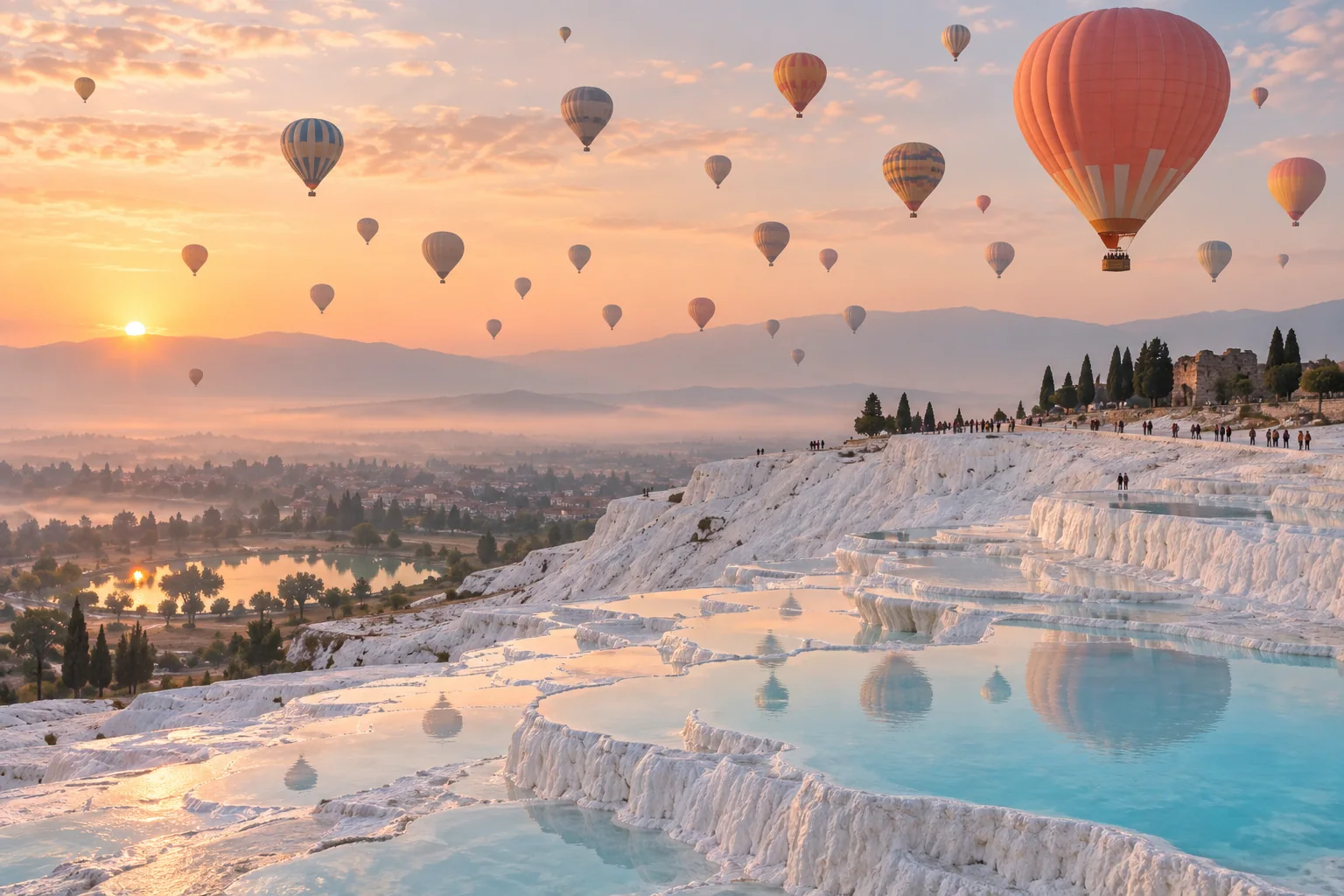
The GPT Image 2.5 Upgrade, in the Details
More recognizable subjects, more deliberate changes and a closer match to your visual style. AI-created illustrations.
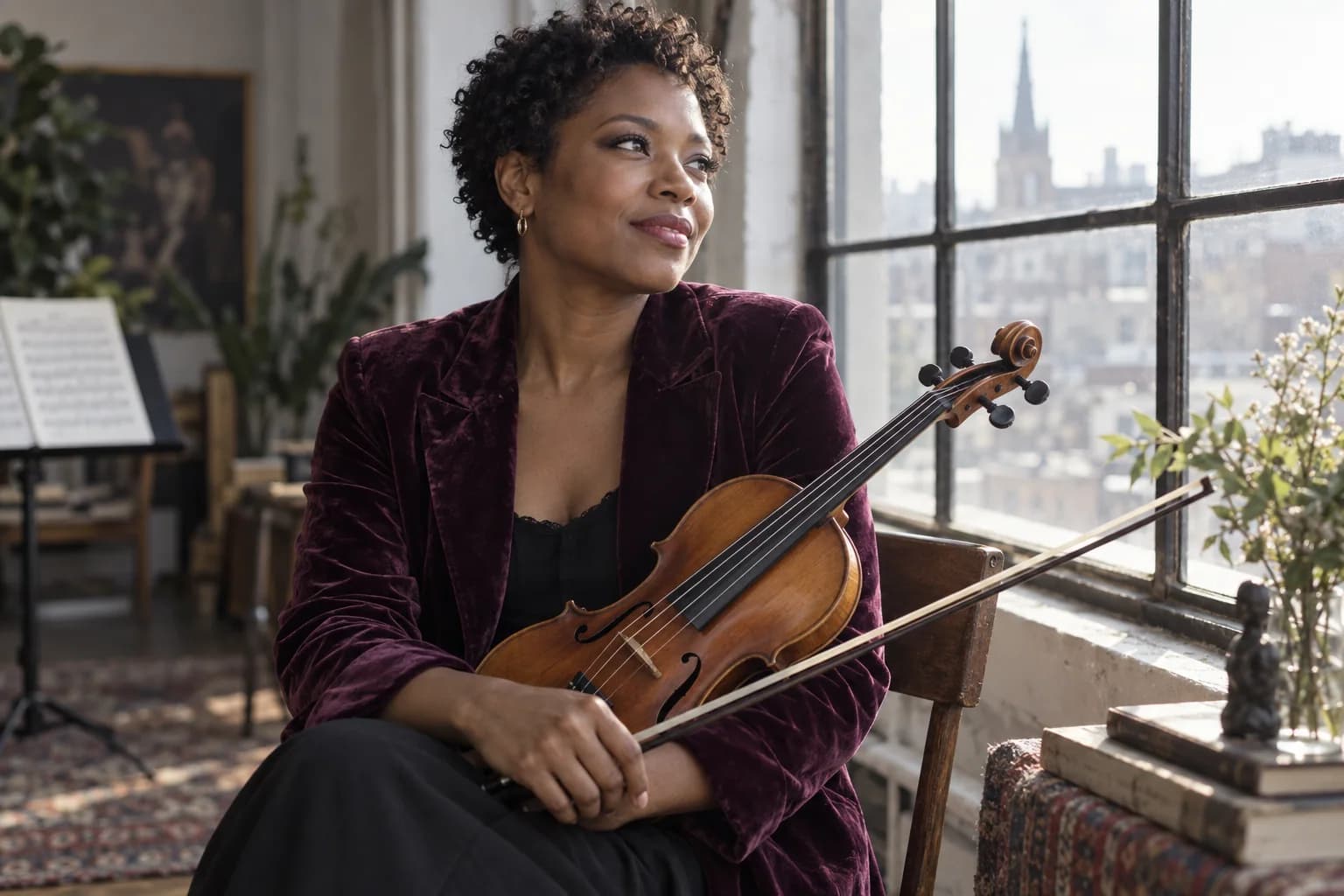
More faithful people and natural detail
GPT Image 2.5 better retains distinctive features from reference photos. More natural light and richer skin, hair and fabric textures help portraits feel closer to the people behind them.
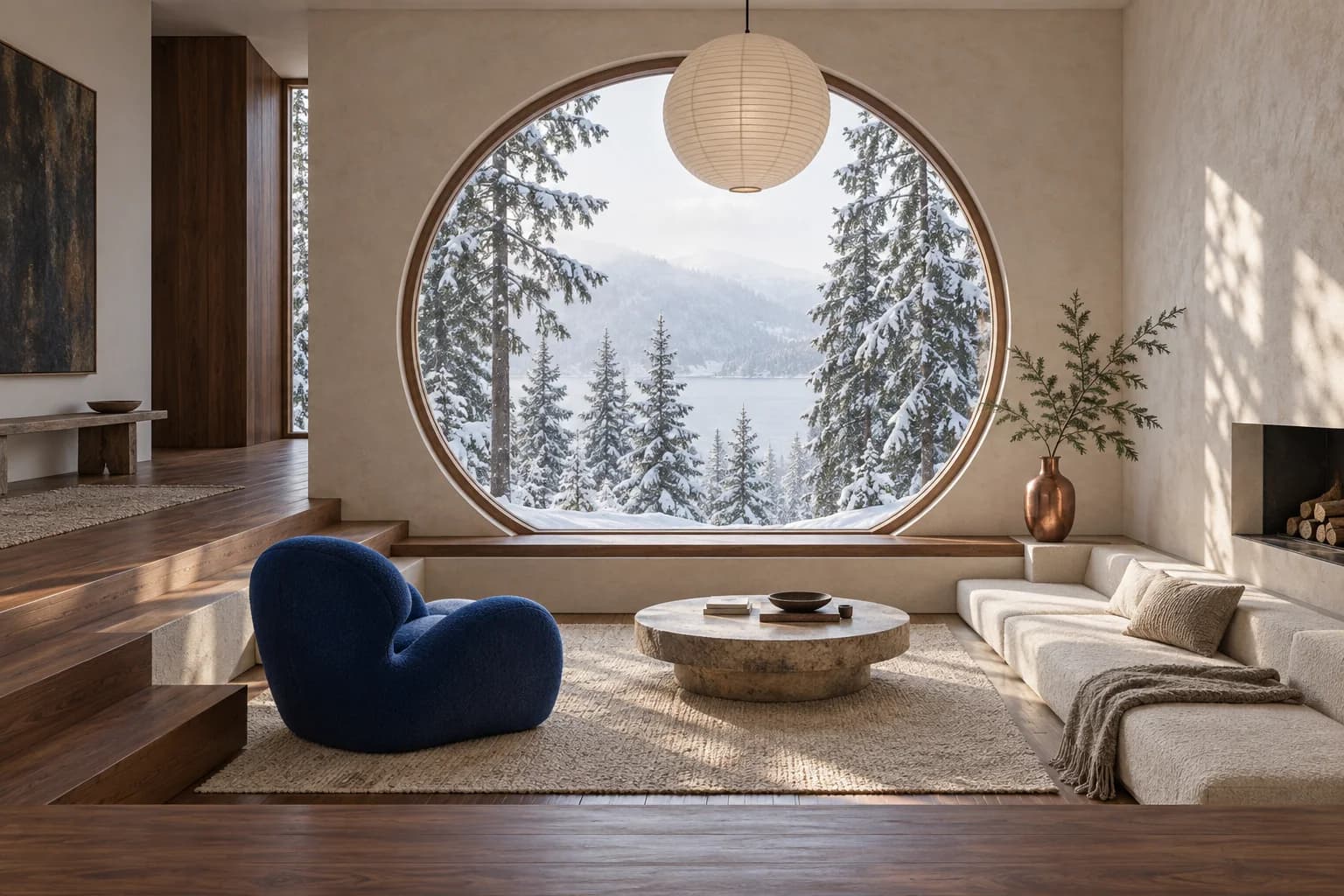
Change one element with greater precision
Replace a background, adjust a color or restyle a room while preserving surrounding details more reliably. GPT Image 2.5 follows focused requests better, reducing unwanted changes elsewhere.
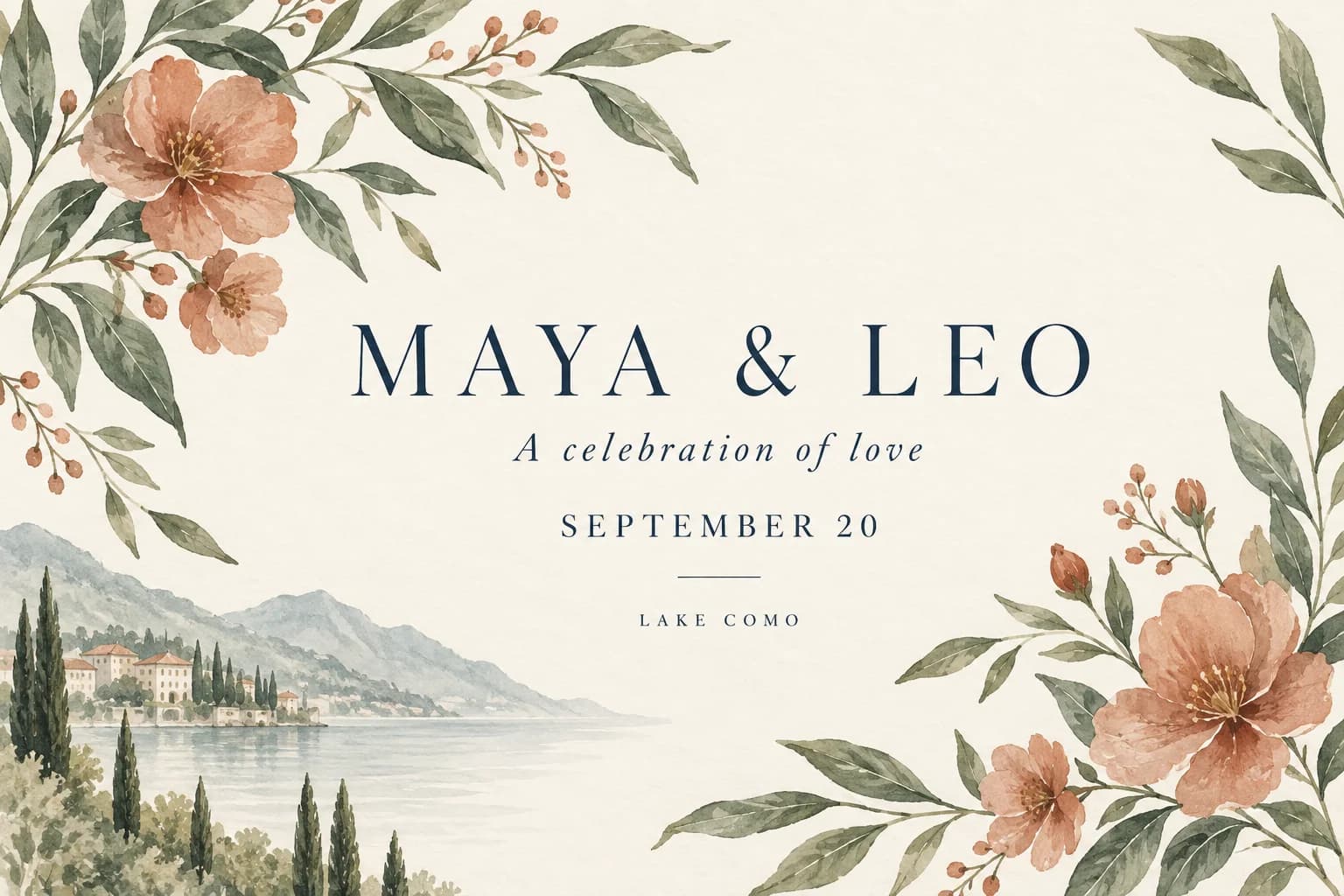
Keep earlier refinements through later edits
GPT Image 2.5 follows successive editing instructions more consistently. Refine an invitation’s wording, color and decoration in stages while keeping earlier design decisions more stable.
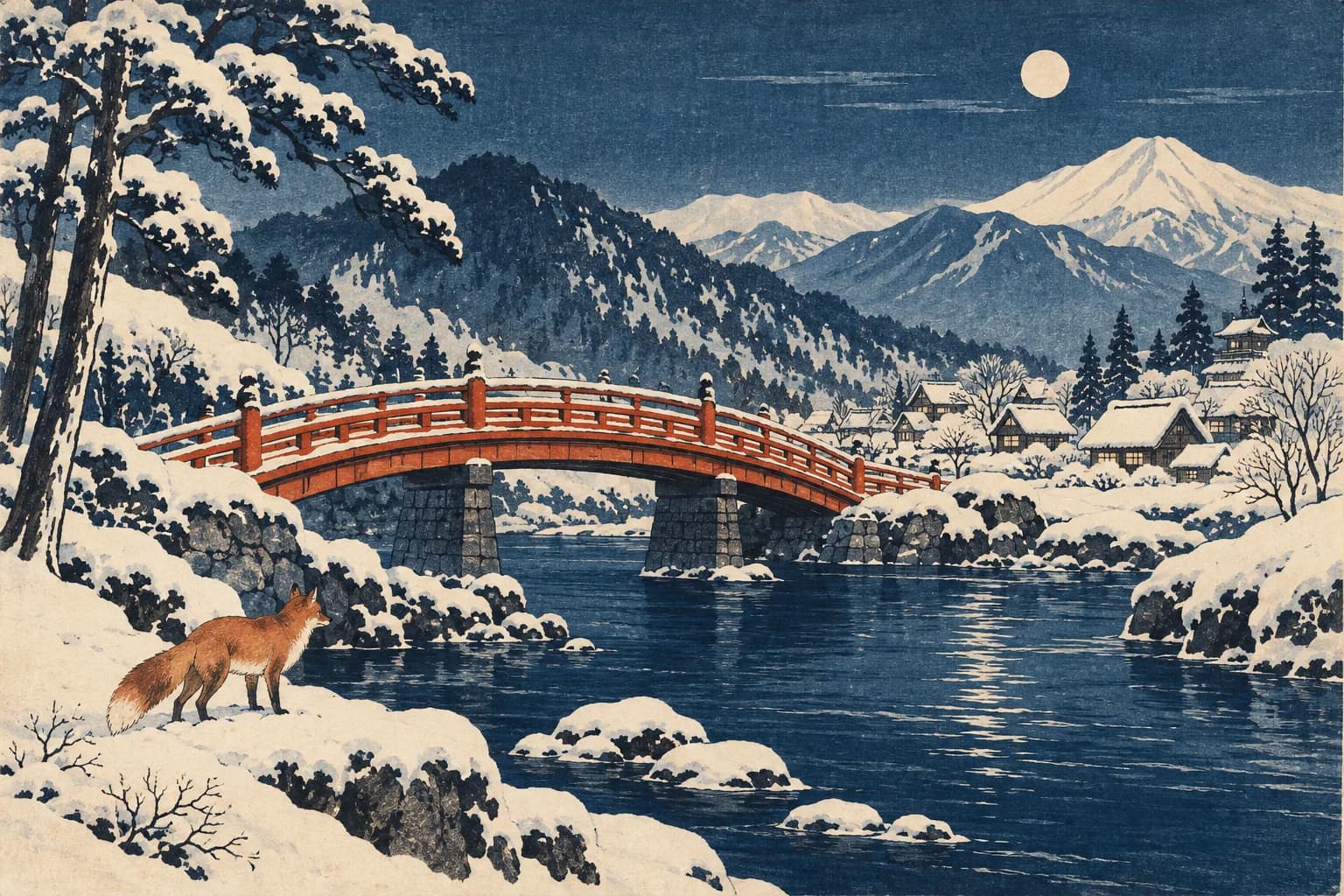
A closer match to the style you chose
From woodblock prints to watercolor, GPT Image 2.5 interprets artistic direction more closely. Transform a familiar place into artwork with a deliberate palette, medium and composition.
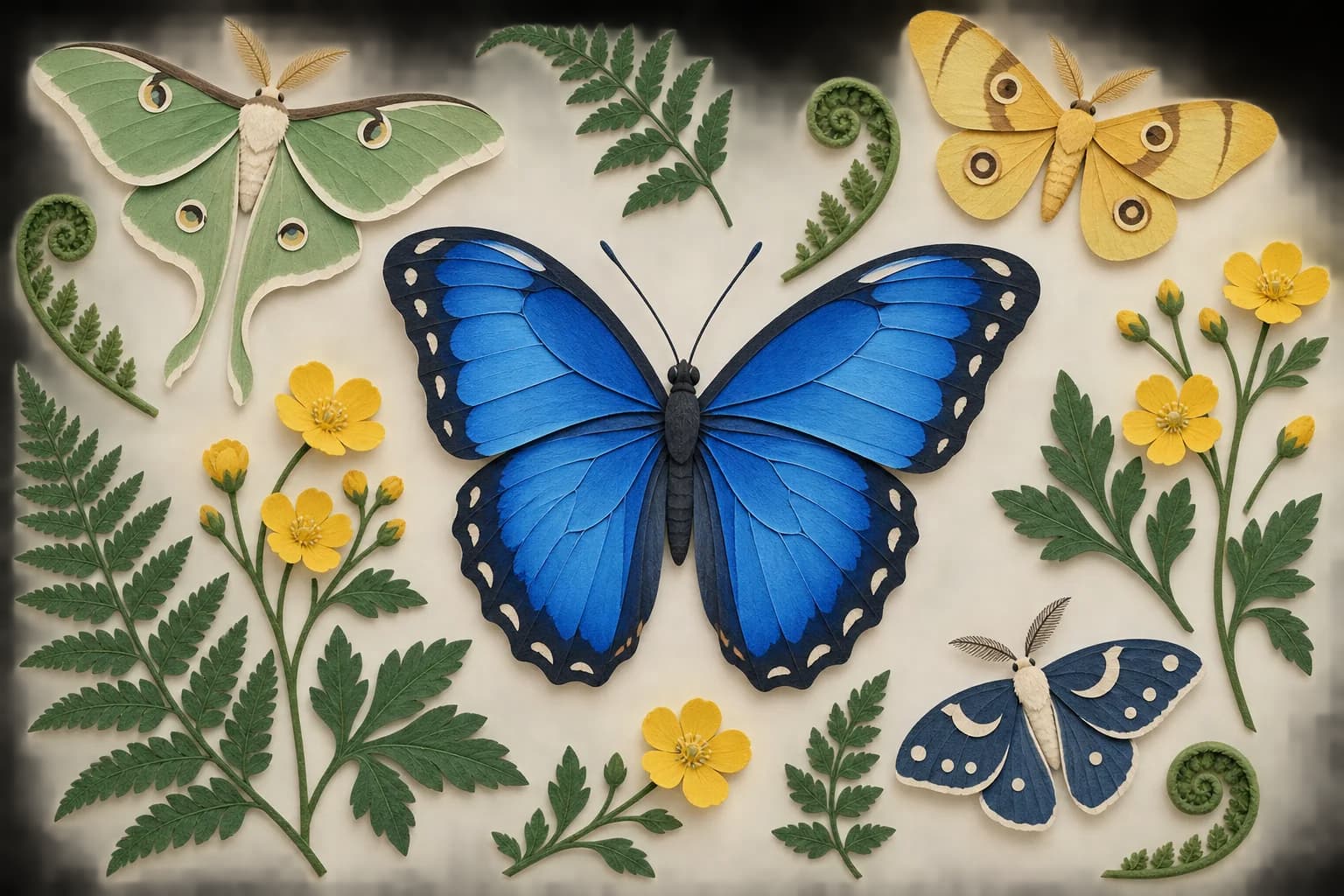
Smarter composition and cleaner asset layouts
GPT Image 2.5 handles complex visual instructions, structured layouts and transparent backgrounds more reliably. Arrange illustrations, create cutout motifs or prepare layered graphics with clearer visual relationships.
Use GPT Image 2.5 in Three Steps
Bring a photo, a sketch or simply an idea.
Choose your image or idea
Upload a reference to GPT Image 2.5, or begin with text. Select Flare for quicker experiments or Sunburst for closer control.
Explain the edit
Say which subject, colors or details to preserve. Adjust quality and dimensions, then check the displayed credits before starting.
Save and continue
Inspect your GPT Image 2.5 result and download it. For another refinement, upload that image and describe the next change.
What Will You Make with GPT Image 2.5?
Personal projects, client visuals and everyday creative work.
Portraits & personal profiles
Refresh a setting or visual style with GPT Image 2.5 while keeping the person recognizable. Useful for profile imagery and editorial portraits.
Family & pet keepsakes
Reimagine a favorite photo with GPT Image 2.5 as a painted scene, playful costume or illustrated memory, with stronger attention to the original subject.
Wedding & event invitations
Build a coordinated invitation, announcement or celebration graphic. GPT Image 2.5 handles richer layouts; review names, dates and spelling before sharing.
Travel & home inspiration
Turn a familiar view into artwork or explore a room’s colors and atmosphere. Make focused changes while keeping the composition recognizable.
Teaching & illustrated explainers
Create lesson visuals, labeled diagrams and presentation illustrations. Better understanding of real-world information helps, but factual content still needs review.
Stickers & social graphics
Use GPT Image 2.5 to create isolated motifs and transparent assets, or compose a post with expressive imagery and a clear message.
Why Create with GPT Image 2.5 on Photo to Video AI?
A direct route from your reference to a downloadable result.
Speed when you are exploring
GPT Image 2.5 Flare brings faster iteration. OpenAI reports latency reductions of up to 50% against Images 2.0; your prompt and settings affect the actual wait.
Precision when details matter
Switch to Sunburst for demanding photo edits and refined designs. GPT Image 2.5 gives you a choice between quicker exploration and more deliberate refinement.
Flexible files and dimensions
Export in PNG, WebP or JPEG. Pick a landscape, square or portrait canvas, and use transparent output when a design needs layering.
Clear controls, visible credits
Adjust quality and size in the browser, with an estimate before each generation. A qualifying purchase unlocks access; no separate API key is required.
Before You Try GPT Image 2.5
What improved in GPT Image 2.5 photo editing?
Can GPT Image 2.5 preserve a face while changing the background?
Which GPT Image 2.5 version should I select for photos?
Can GPT Image 2.5 use multiple photos or a sketch?
How much does GPT Image 2.5 cost here?
Which GPT Image 2.5 sizes and file types are available?
Can I refine a GPT Image 2.5 result again?
Can a GPT Image 2.5 photo become a video?
Are GPT Image 2.5 text and image details always exact?
Try a New Look with GPT Image 2.5
Keep the subject you care about. Explore the changes you have in mind.