
Seedance Image to Video
Upload an image for Seedance Image to Video
or drag and drop
Prompt templates
Use the image for appearance, then give the subject and camera one clear movement each.
Checking access
What Seedance Image to Video Can Do
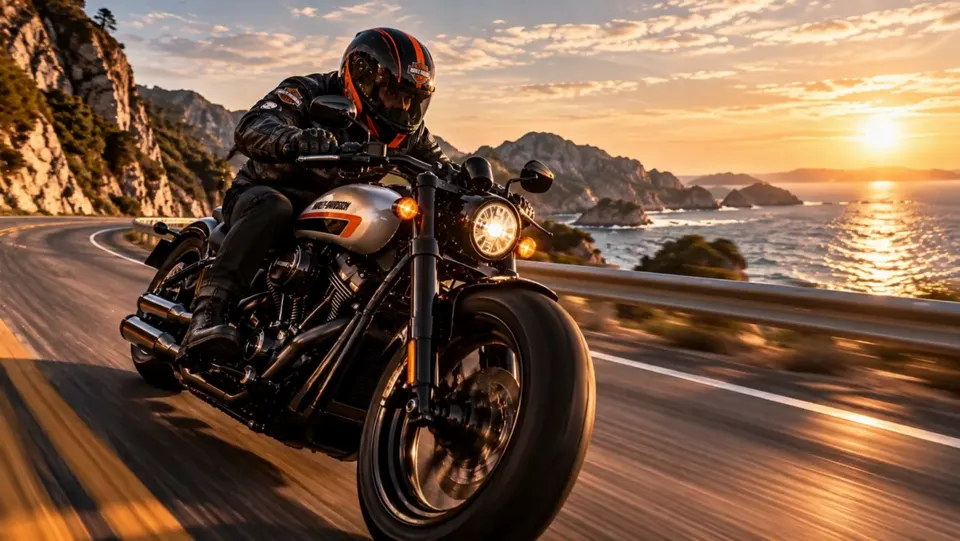
Seedance Image to Video turns an uploaded frame into the visual foundation for motion, camera direction, sound, and story. Seedance 2.0 established joint audio-video generation, multimodal references, and controlled performance; Seedance 2.5 extends the family with longer narratives, broader reference control, and targeted editing. This page explains Seedance 2.5 capabilities, while the generator currently opens with Seedance 2 and lists available models in the selector. Sign up to get starter credits.
Five Core Seedance Image to Video Capabilities
See how visual continuity, physical motion, synchronized sound, longer stories, and reference-led control answer different production needs across the Seedance family.
Visual continuity
Visual Consistency
Seedance Image to Video uses the uploaded frame as a visual anchor, giving teams a clearer foundation for product and character consistency. Explore Product Photo to Video when brand appearance should remain central from concept to campaign.

Physical motion
Realistic Motion
Seedance Image to Video is built for stable movement and multi-subject interaction, helping action read as one believable performance rather than disconnected gestures. Portrait Image to Video AI offers a focused path for identity-led human motion.
Audio-video generation
Native Audio
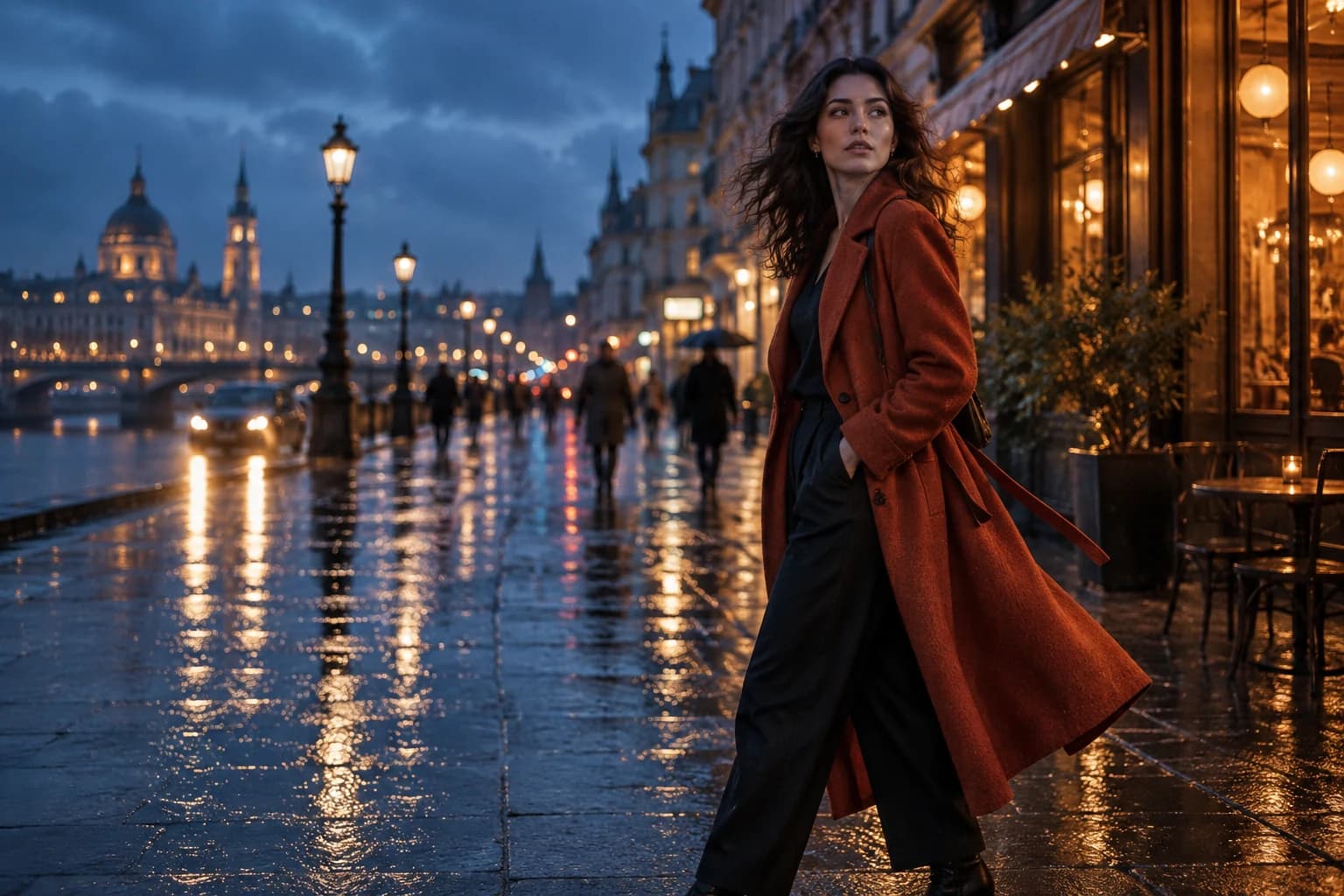
The Seedance family uses joint audio-video generation to align dialogue, ambience, effects, and visual timing. For creators, that closes the gap between a silent visual concept and a scene whose sound already supports its emotion and action.

Seedance 2.5 storytelling
Longer Stories
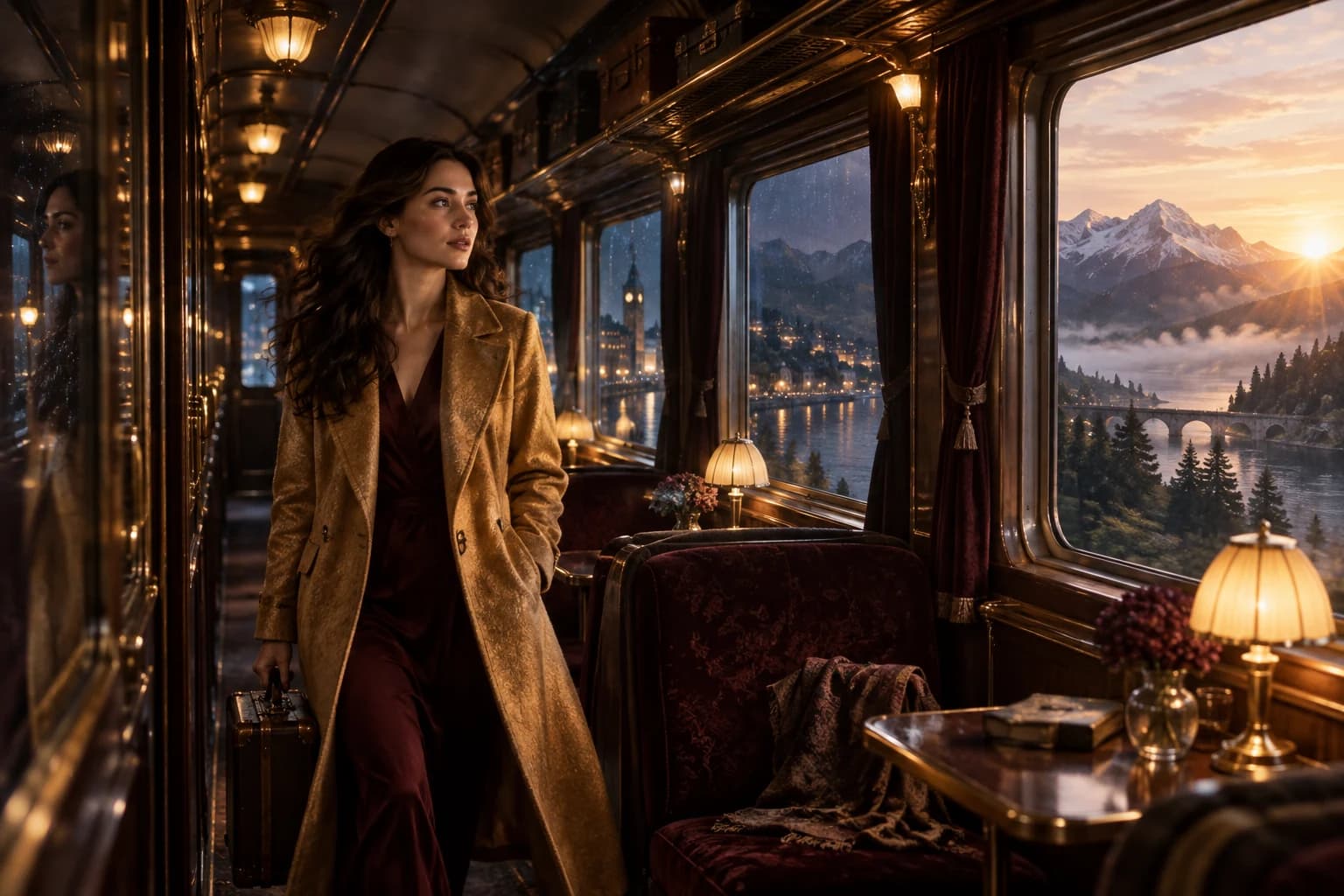
Seedance 2.5 supports 30-second generations and two extensions, with stronger continuity across scene changes. This gives creators more room for a complete narrative arc. First & Last Frame Video Generator helps define planned transitions in today's tools.
Reference-led production
Reference-Based Control
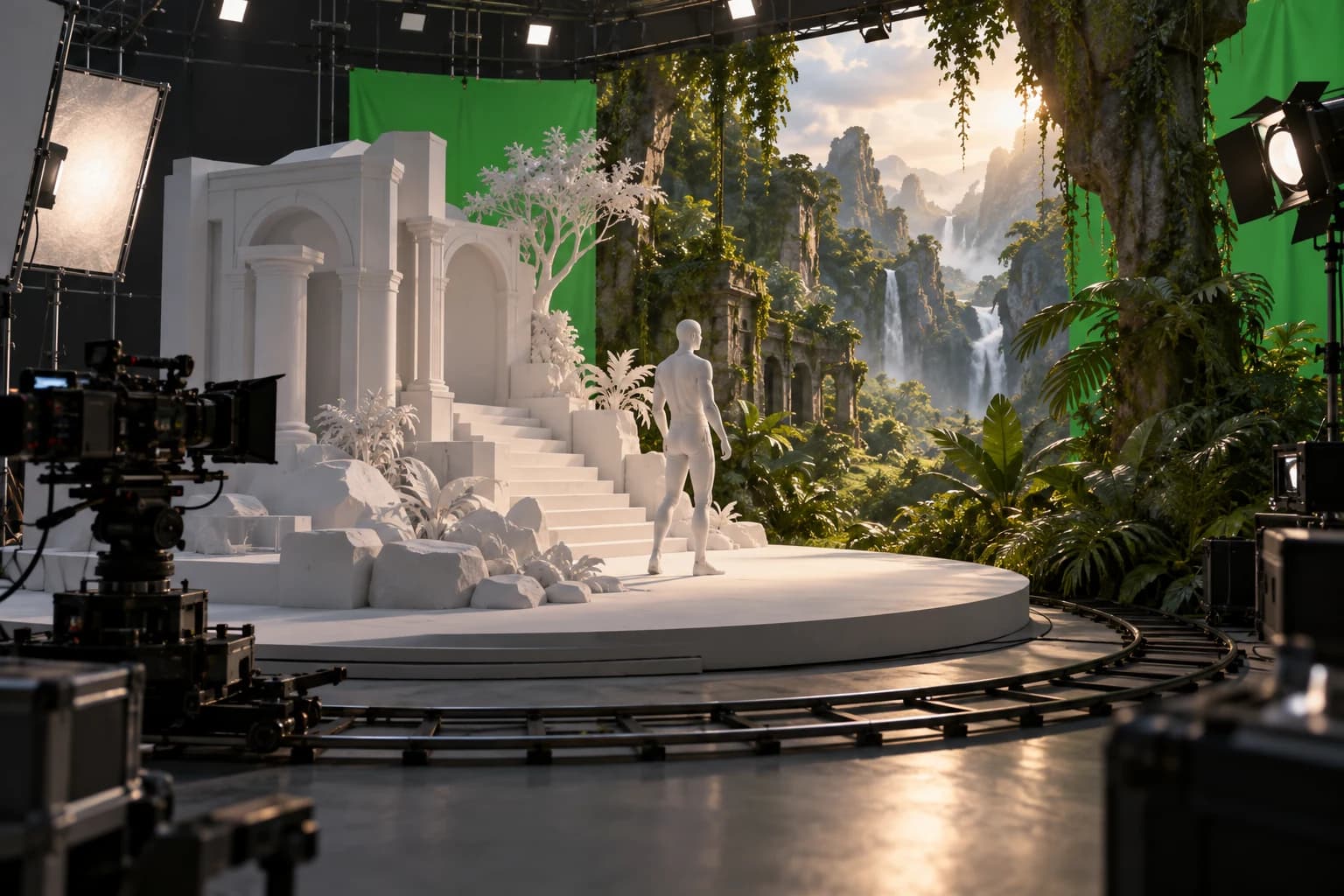
Seedance 2.5 combines multimodal and 3D scene references with precise video editing, helping teams keep characters, products, and visual language on brand. For Seedance Image to Video projects, Reference to Video AI helps organize visual source roles.
How to Use Seedance Image to Video
Seedance Image to Video moves from one image to a directed short clip in three clear steps.
Upload a clear source image
Choose a photo or illustration with a readable subject and intentional framing. Seedance Image to Video uses that image as the visual starting point, so a clean composition gives your motion prompt a strong foundation.
Describe the subject, camera, and timing
Tell Seedance Image to Video what the subject does, how the camera moves, and when each action happens. One concrete action plus one camera move is a practical first prompt; add a second beat only when the sequence remains easy to picture.
Review the available model and generate
The studio opens with Seedance 2 selected. Compare the models and compatible settings currently shown in the selector, check the live credit estimate, and begin the Seedance Image to Video generation.
Seedance Image to Video Use Cases
Seedance Image to Video supports commercial images, creator content, artwork, and cinematic ideas in one focused workflow.
Product ads with Seedance Image to Video
Use Seedance Image to Video to explore product reveals, material close-ups, moving light, fabric motion, and campaign hooks from a prepared hero image.
Portrait motion with Seedance Image to Video
Use Seedance Image to Video for restrained performance, clothing movement, editorial camera glides, and atmospheric social clips built from a strong portrait.
Illustration and character ideas
Use Seedance Image to Video to add small character actions, environmental movement, and camera depth while the original art direction remains central.
Landscape and travel moments
Use Seedance Image to Video to move water, clouds, leaves, light, and the camera through scenic photos for short travel stories and mood films.
Who Uses Seedance Image to Video
The same image-led process supports quick ideas and carefully art-directed shots.
Creators
Seedance Image to Video helps turn a strong photo or artwork into a short social hook while the idea is fresh.
Marketing teams
Seedance Image to Video helps teams explore product motion, campaign direction, and launch concepts before a full production.
Artists and designers
Seedance Image to Video adds movement to illustration, concept art, editorial design, and visual storytelling experiments.
Video teams
Seedance Image to Video creates visible motion studies for pitches, storyboards, treatments, and early scene development.
Why Explore Seedance Image to Video
See how Seedance Image to Video connects current image animation with the family's direction in storytelling and production control.
Image-first direction
Seedance Image to Video starts with your composition, giving subject appearance and framing a visual anchor before motion is added.
Readable shot structure
Seedance Image to Video lets you separate subject action, camera movement, environment motion, and timing in one compact brief.
A family built around references
Seedance Image to Video reflects a model family that has developed from Seedance 2.0 multimodal direction toward Seedance 2.5 longer stories and deeper reference control.
Current choices stay visible
Seedance Image to Video shows the available model, compatible controls, and live credit estimate before generation, so you can decide with the current studio information in view.
Seedance Image to Video FAQ
What is Seedance Image to Video?
How do Seedance 2.5 and 2.0 shape Seedance Image to Video?
What reference and editing controls does Seedance 2.5 Image to Video add?
How do I turn a photo into a Seedance video?
How do I start with Seedance Image to Video?
How should I write a Seedance Image to Video prompt?
What can I create with Seedance Image to Video?
How does Seedance Image to Video approach audio?
How much does Seedance Image to Video cost?
What image works well for Seedance Image to Video?
Create with Seedance Image to Video
Upload a strong starting image, direct one clear action and camera move, review the available model and credit estimate, and turn the still into a purposeful short video.
Seedance Image to Video Online
Seedance Image to Video combines a focused image upload, motion prompt, currently available Seedance model choices, visible credit estimate, preview, and download in one browser workflow. Explore product, portrait, illustration, scenery, and connected-story techniques shaped by the wider Seedance 2.0 and Seedance 2.5 family.