
AI Rap Video Generator
Prompt templates
Start with a clear portrait and one performance direction. Review facial details and movement before sharing.
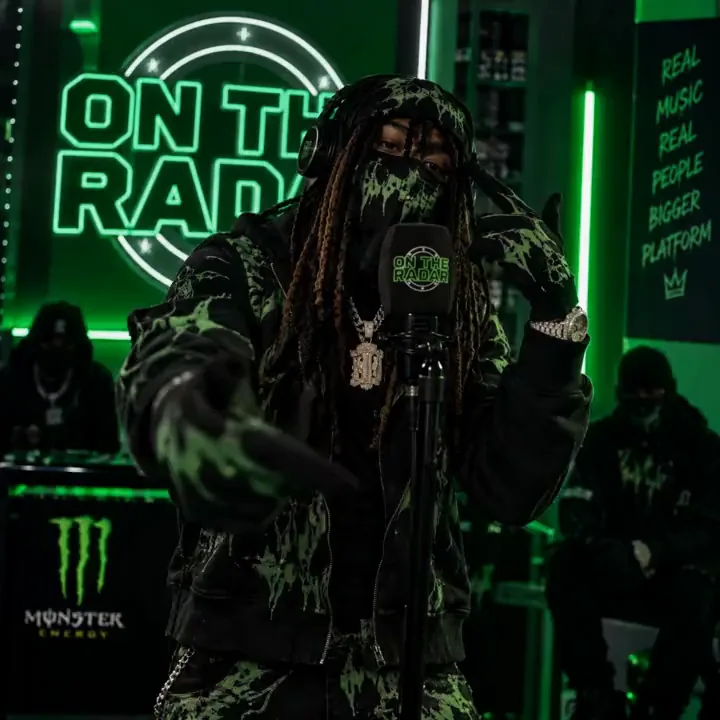
Create More with an AI Rap Video Generator
Build the performance, visual identity, and release content around your track. Each AI Rap Video Generator workflow begins with media you choose and keeps the next creative decision visible.
Photo to performance
Make Your Photo Rap
Start the AI Rap Video Generator with a clear portrait and turn a still pose into a performance with presence. Shape the energy through natural head movement, expressive gestures, atmosphere, and one camera idea while keeping the artist's face and styling at the center.
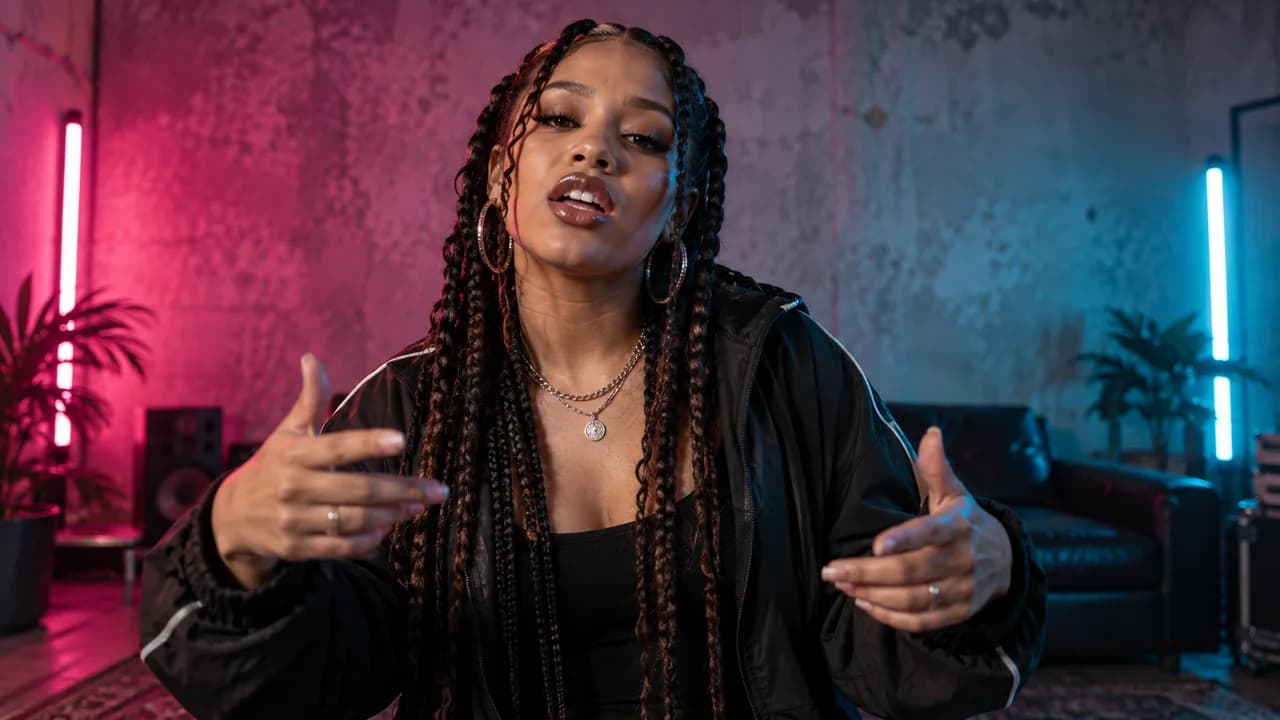
Visual direction
Create Your Own Rap Video Look
Move beyond a plain talking portrait. Use the AI Rap Video Generator to place the performance in a neon street, intimate studio, clean stage, or illustrated world that fits your sound. Give every hook a distinct atmosphere without organizing a location shoot.
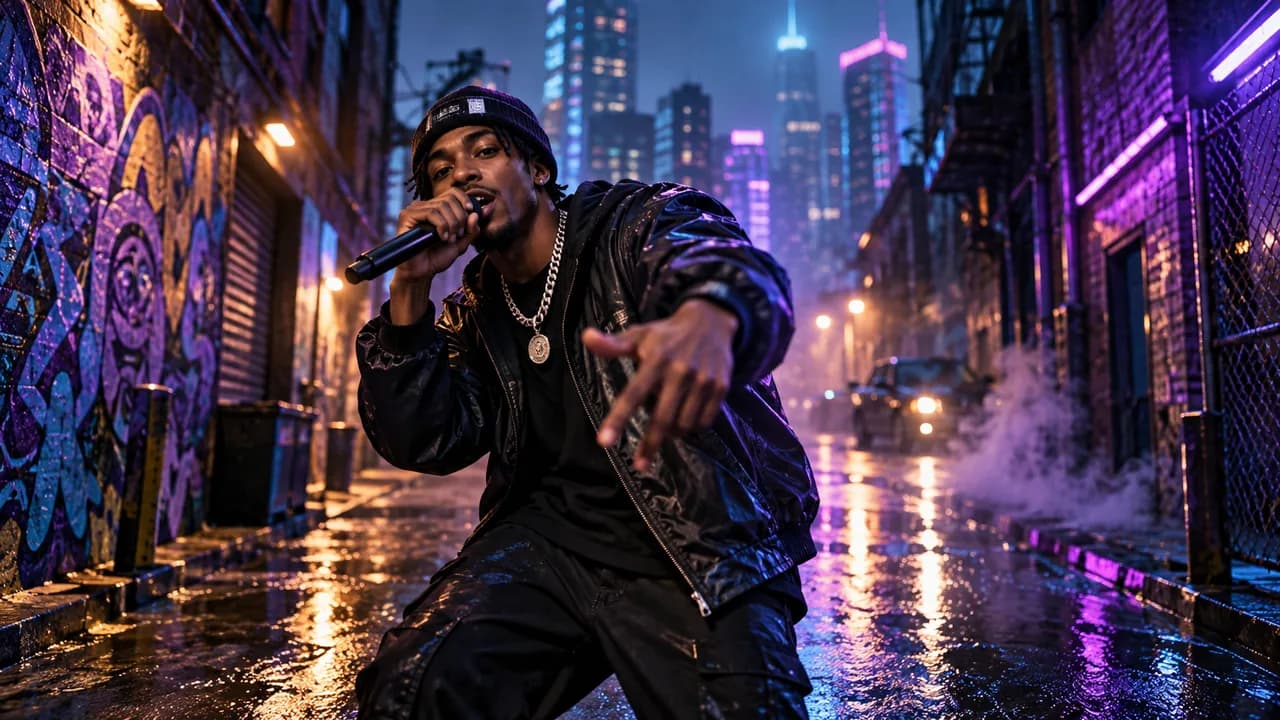
Your own vocal
Put Your Own Rap Track in the Spotlight
Choose rap lip sync when the words, flow, and delivery already exist. The AI Rap Video Generator pairs a portrait or source video with your uploaded audio, giving a hook, verse, or freestyle a visible performer and a stronger visual identity.
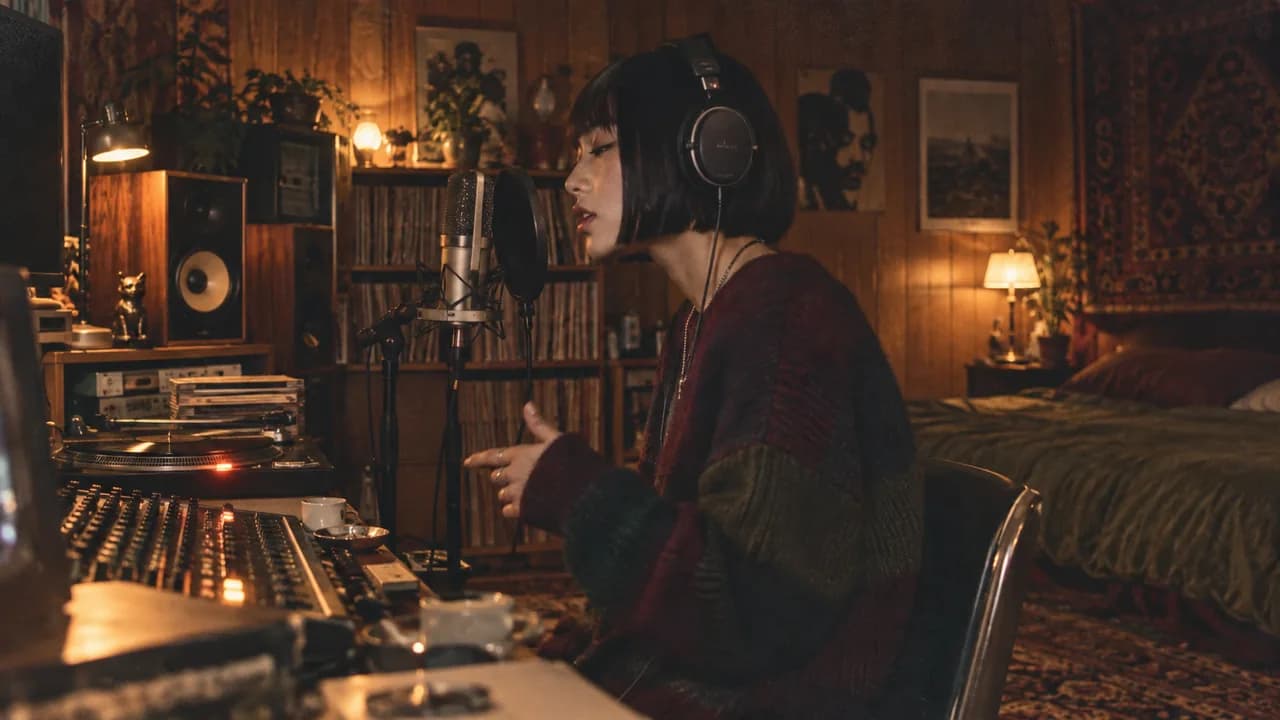
Original characters
Give Your Virtual Rapper a Face
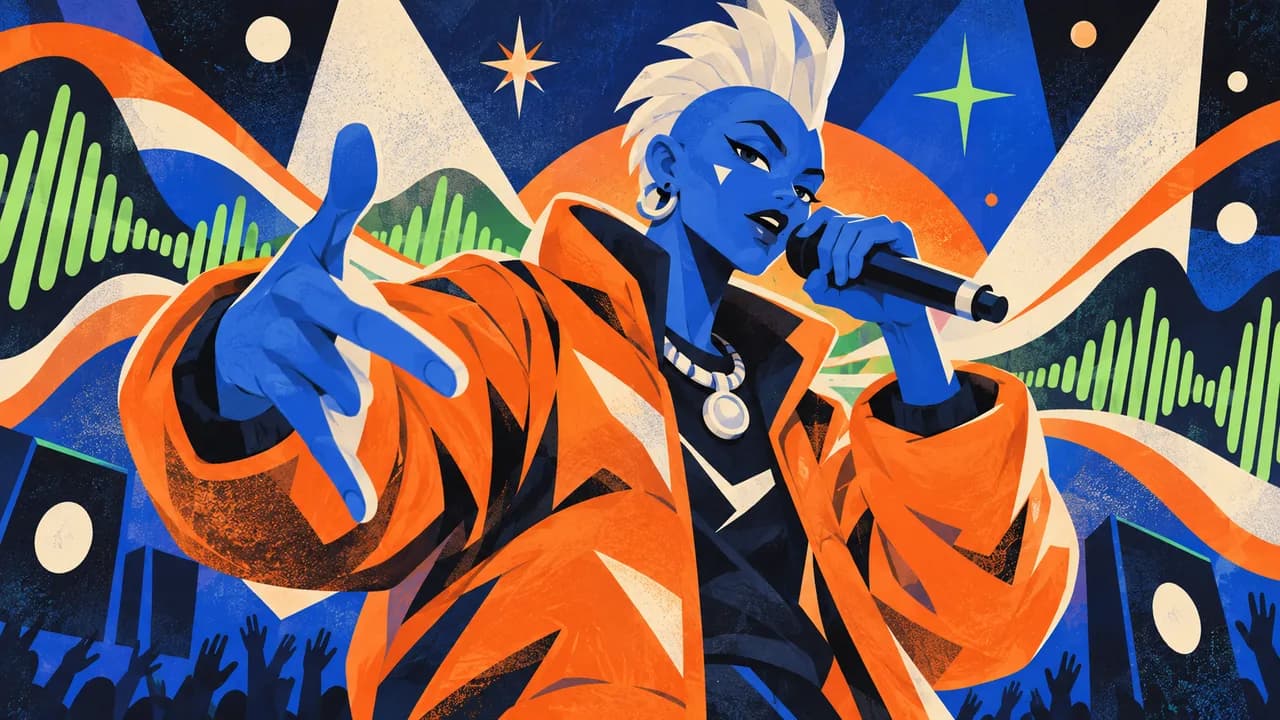
Build a visual identity without appearing on camera. Start with artwork or an original character portrait, then use the AI Rap Video Generator to explore performance motion or match supported lip sync to your audio. Give a fictional artist a face, attitude, and repeatable screen presence.
Release content
Turn Your Next Release into Social Content
Give a new release more than static cover art. The AI Rap Video Generator can turn a memorable hook, freestyle moment, or announcement into a short visual for TikTok, Reels, or YouTube Shorts. Build attention around the strongest few seconds of your track.
How to Use the AI Rap Video Generator
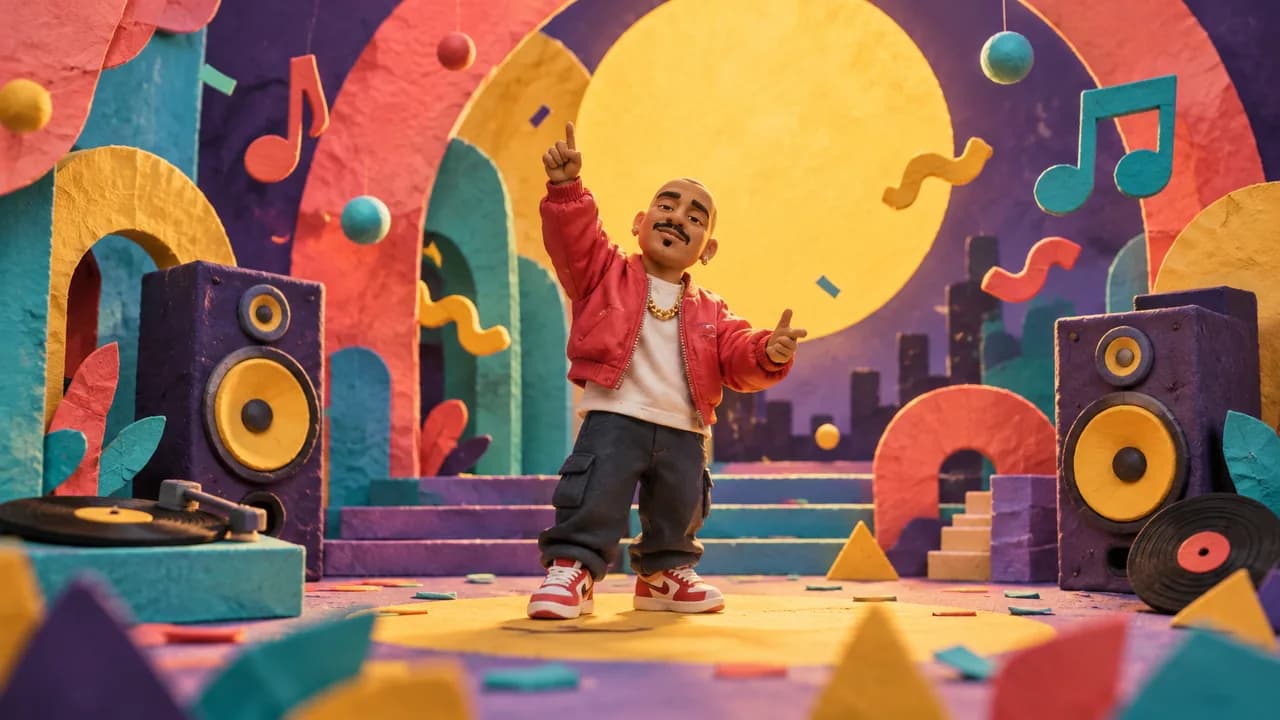
The AI Rap Video Generator moves from your source media to a reviewable performance in three steps.
Choose a workflow
Pick image-to-video for directed performance motion, or rap lip sync when your own vocal should guide the mouth movement.
Add your media
Upload a clear portrait. For lip sync, add the rap recording you want the performer to follow.
Generate and review
Check the AI Rap Video Generator credit estimate, create the clip, and review timing, identity, and crop before download.
AI Rap Video Generator Use Cases
Use the AI Rap Video Generator for focused moments that need a performer, a strong visual identity, or a fast release asset.
Freestyle performances
Use the AI Rap Video Generator to give a freestyle a visual performer with photo animation or your supplied vocal.
Hooks and release teasers
Use the AI Rap Video Generator to turn one memorable section into a short clip that introduces the sound and artist identity.
Virtual artist content
Use original character art to develop a repeatable on-screen identity without filming yourself.
Why Choose Our AI Rap Video Generator?
The AI Rap Video Generator keeps both creation paths, current model choices, and preview controls together in one browser workflow.
Two useful starting points
Animate a portrait with image-to-video, or use rap lip sync when a specific vocal performance matters.
Creative choices stay visible
Choose from the current models and settings, then see the credit estimate before each AI Rap Video Generator run.
Preview before download
Watch the result inside the AI Rap Video Generator and check the face, timing, motion, and framing before sharing.
AI Rap Video Generator FAQ
What is an AI Rap Video Generator?
Can I make a rap video from one photo?
Can I upload my own rap song or freestyle?
Does the tool write lyrics or generate the rap song?
Will fast rap audio lip sync perfectly?
Is the AI Rap Video Generator free?
Which video format, length, and aspect ratio can I use?
Can I use any face or recording?
Start with the AI Rap Video Generator
Choose your workflow, add a clear portrait, and use the AI Rap Video Generator to create a performance you can preview before download.
AI Rap Video Generator Online
The AI Rap Video Generator turns a portrait into a short rap performance or pairs suitable visual media with your own rap audio. Create a freestyle clip, hook teaser, virtual artist performance, or social release asset in one online workflow.