
AI Day to Night Transition
Prompt templates
Upload your photo, adapt the shot direction, and review the credit estimate before generating.
Create a Day to Night Transition from Your Scene
Give the light a clear progression while keeping the composition familiar.
Real estate, without the return visit
Let the property lights tell the story
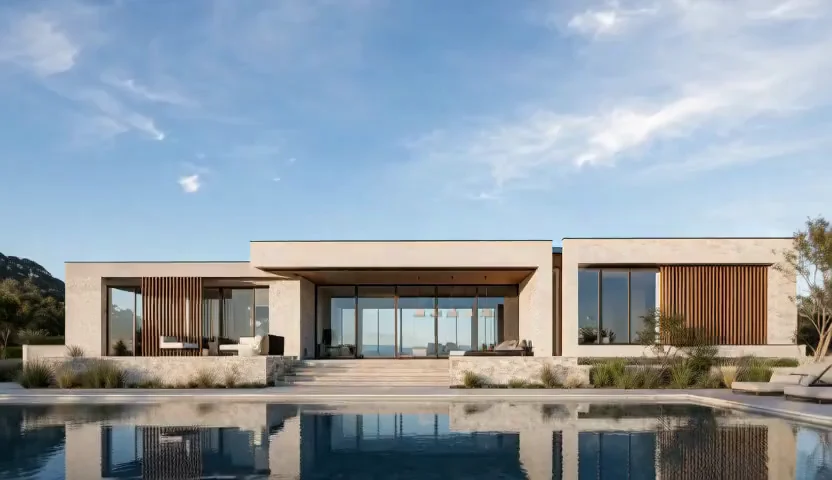
A Day to Night Transition brings an inviting evening mood to a daylight property image. Ask for warm windows, subtle garden lighting and shimmering pool reflections. Our image to video tool starts with the property photo you already have. A fixed camera keeps attention on the changing atmosphere, giving a home or terrace a memorable reveal.
Sky, shadows and city lights
Build a gradual shift through blue hour
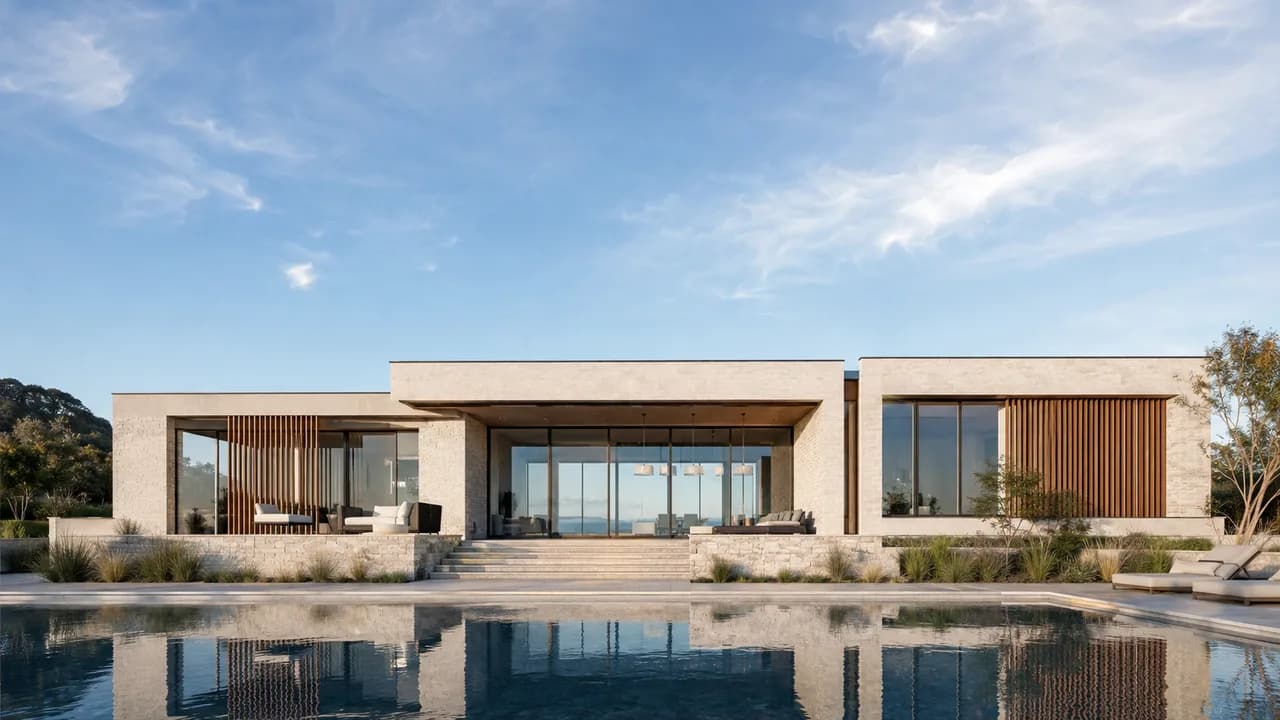
Direct a day-to-night effect through golden hour, twilight and deep blue evening. Describe how the sky darkens and streetlights brighten together. This works as a travel-video opening, city mood shot or atmospheric bridge between scenes.
Photography is just the beginning
Animate an illustrated passage of time
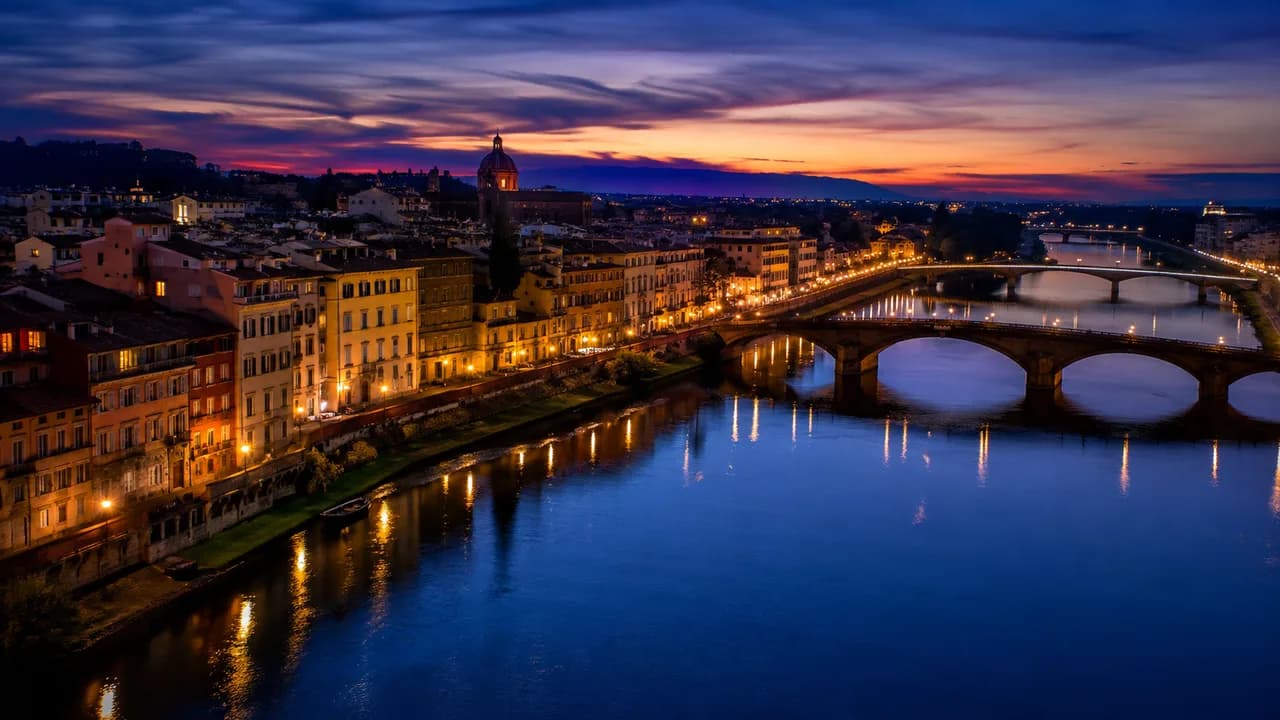
Try a day-to-night effect with painted landscapes, paper-cut worlds or an illustrated cabin. Carry the original textures into a new mood as sunset gives way to stars. A simple composition makes the passage of time easy to follow.
An evening invitation for your guests
Give hotel and terrace photos an evening reveal
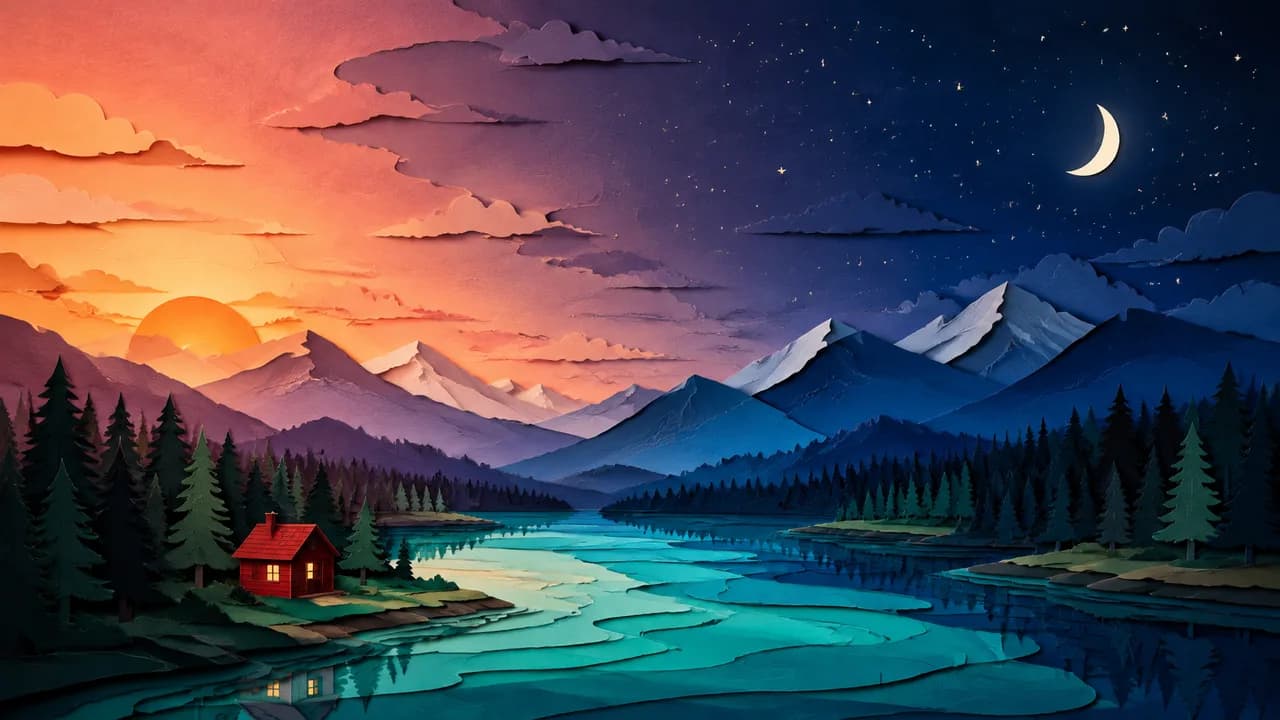
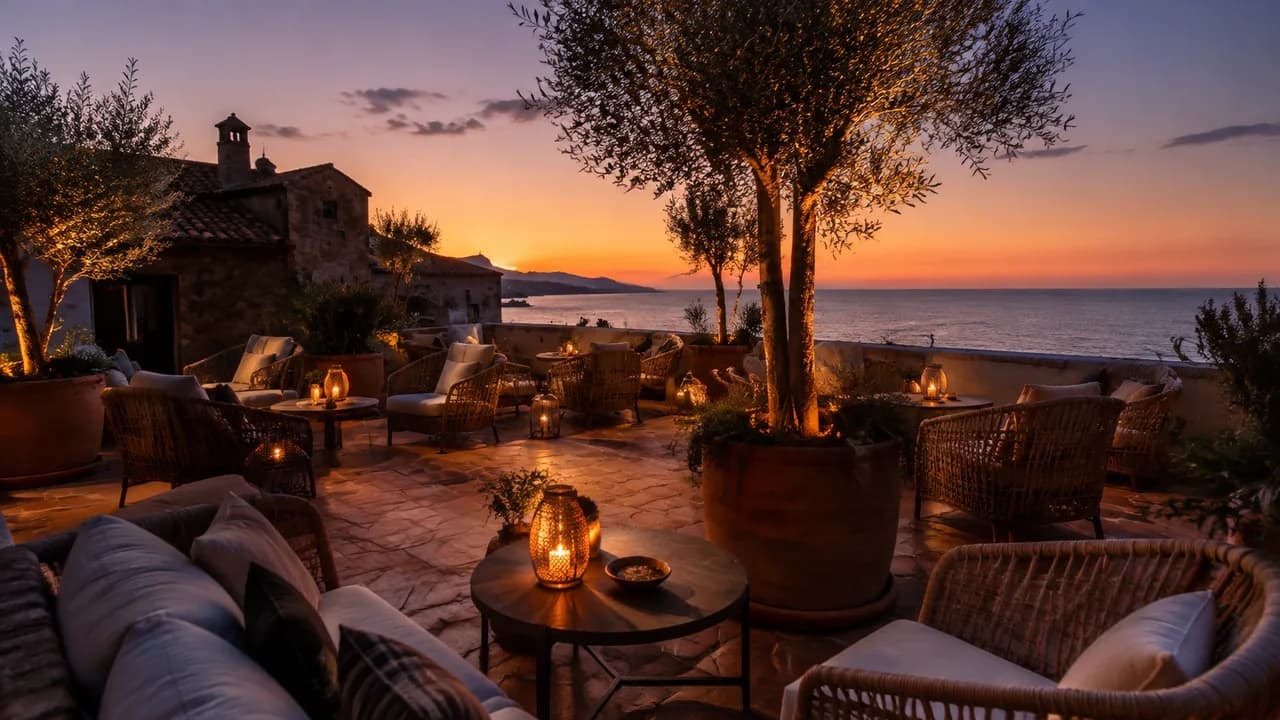
Create a day-to-night effect for a hotel rooftop, restaurant patio or holiday rental. Let lanterns glow as sunset settles over the seating area, turning a venue photo into an inviting hospitality video. A day-to-night effect helps guests imagine the atmosphere of their next evening out.
How to Make a Day to Night Transition
Begin with a single photo, or define both endpoints in the linked keyframe tool.
Add your daytime photo
Upload a clear outdoor image to the day-to-night effect form. Visible sky and recognizable buildings give the scene a useful starting structure.
Describe the evening
Direct your day-to-night effect from daylight through sunset into night. Describe a fixed camera, warm window lights and the evening mood you want viewers to feel.
Generate and review
See the credit estimate and generate your day-to-night effect. Watch the changing light, pick your favorite result and download it for your next story or property presentation.
Where a Day to Night Transition Fits
Create a short sense of time passing from an image you already have.
Property and hospitality marketing
Use a day-to-night effect to visualize the evening mood of a home, hotel or terrace. Let glowing windows and outdoor lights create a welcoming reveal.
Travel and city stories
Add a day-to-night effect to a skyline, waterfront or landmark photo for a cinematic opening or travel montage.
Creative social edits
Build a day-to-night effect animation from original artwork. Give a short story a visible shift in time and mood.
Why Choose Our Day to Night Transition Tool?
Bring your photos, your ideas and your next video together.
One photo opens a new evening scene
Create a day-to-night effect from a daylight image you already have. Bring a fresh mood to property, travel and venue photography without planning a second visit.
Shape the atmosphere you want
Guide your day-to-night effect with everyday language. Choose a warm sunset, a calm blue hour or glowing nighttime windows to match the story you want to tell.
A passage of time made for storytelling
Use a day-to-night effect as an opening, a reveal or a bridge between scenes. Give short social videos and property presentations a clear change in mood.
Preview the whole transformation
Create and watch your day-to-night effect in the same browser workflow. Review the changing light, choose your favorite scene and download it for your next edit.
Day to Night Transition FAQ
Can I make a Day to Night Transition from one photo?
Can I use a daytime and nighttime image together?
What makes a Day to Night Transition look cinematic?
Which photos work best for a Day to Night Transition?
How do I get started with a Day to Night Transition?
Can I make a night to day transition instead?
How can I use a Day to Night Transition in a real estate video?
Create Your Day to Night Transition
Start with a daylight scene and give it an evening worth watching.
Day to Night Transition Online
Create a Day to Night Transition online for real estate, travel and creative stories. Guide the light, sky and atmosphere with a prompt, then preview your completed time-lapse-style clip.