
AI Cosmetics Video Generator for Product Ads
Shot direction
Choose a shot direction and adapt it to your product. Review the credit estimate and packaging details before publishing.
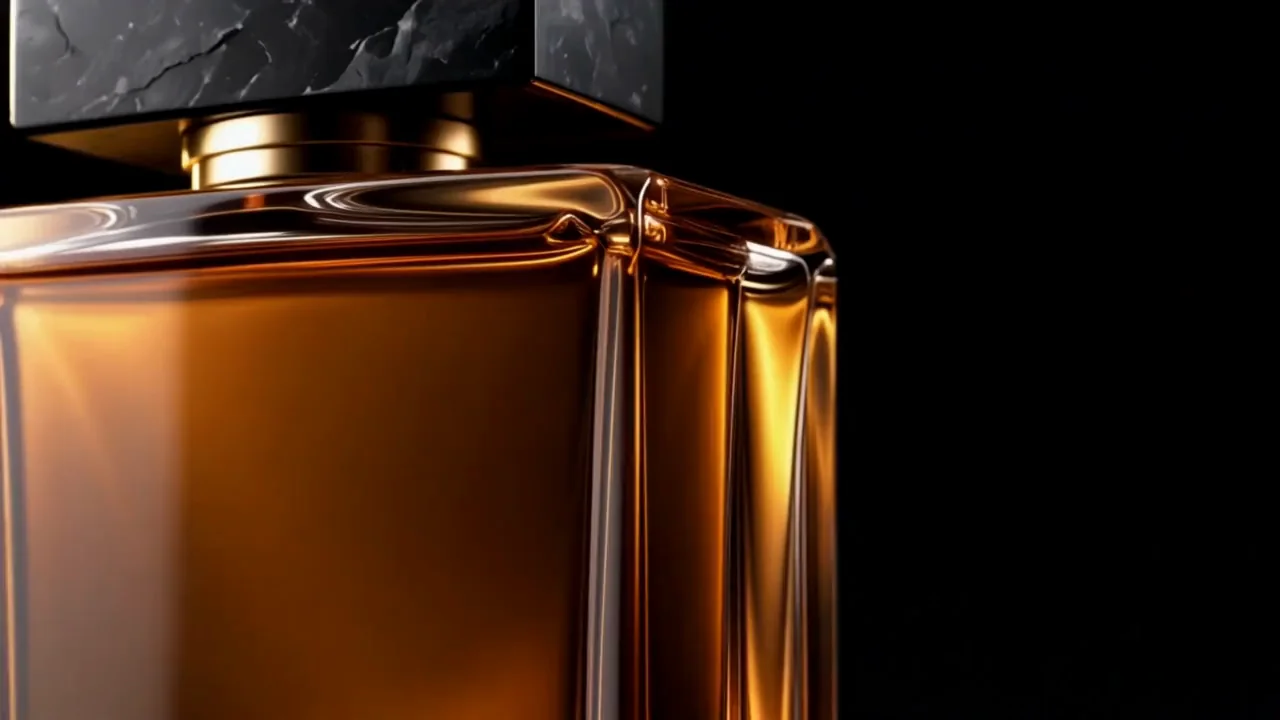
AI Cosmetics Video Generator for Beauty Campaigns
Reuse your photos to create product videos for launches, ecommerce, and social campaigns.
Reuse your product photos
Create promotional videos without another product shoot
The AI Cosmetics Video Generator starts with your existing catalog or campaign photos. Turn a serum packshot or cream image into a short promotional clip without arranging another product shoot. Give the AI Cosmetics Video Generator a clear product reference, choose the movement, and review packaging details before publishing.
- Reuse approved catalog and campaign photos
- Create promotional clips without a new shoot
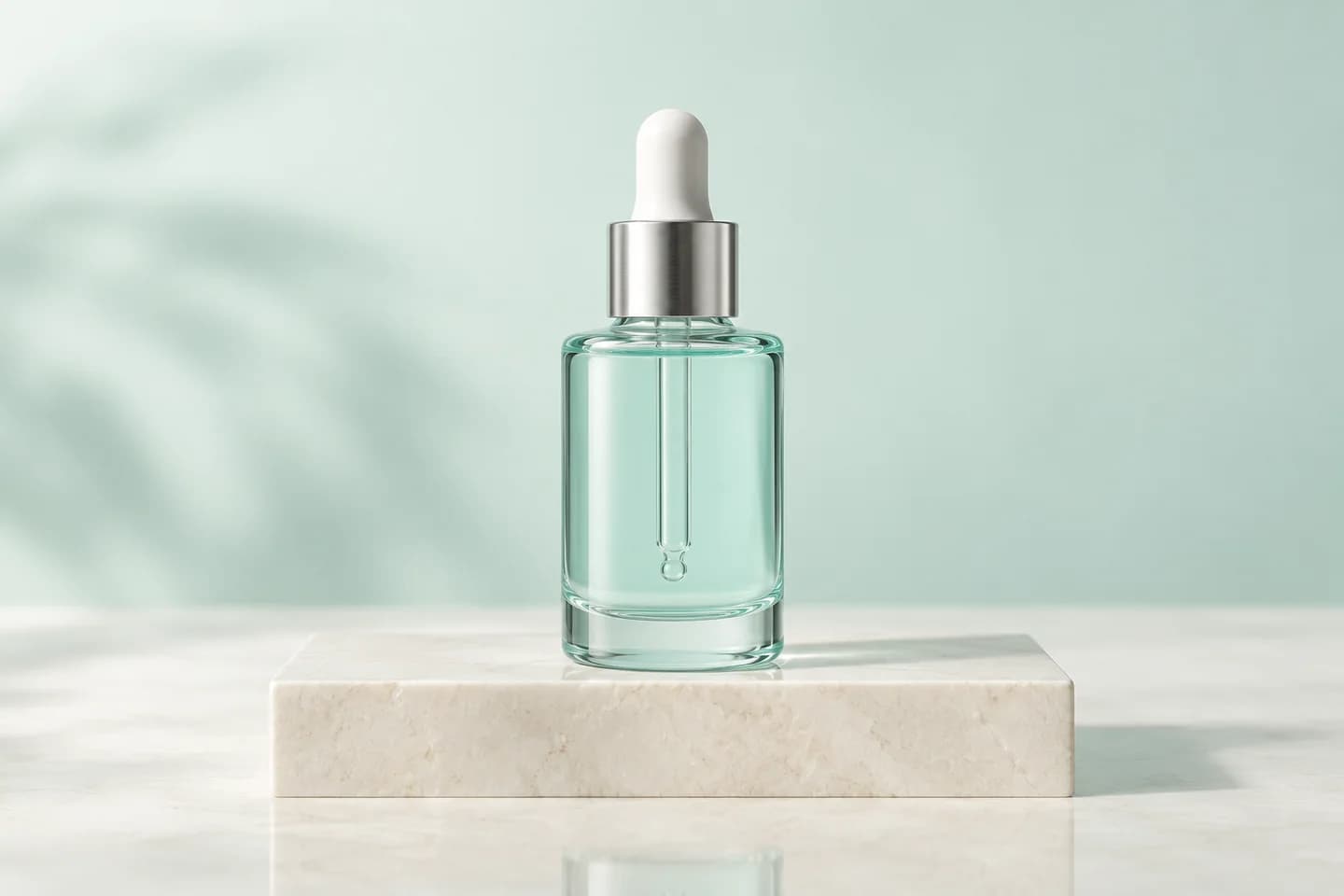
Show the details shoppers care about
Help shoppers see packaging, shade, and finish
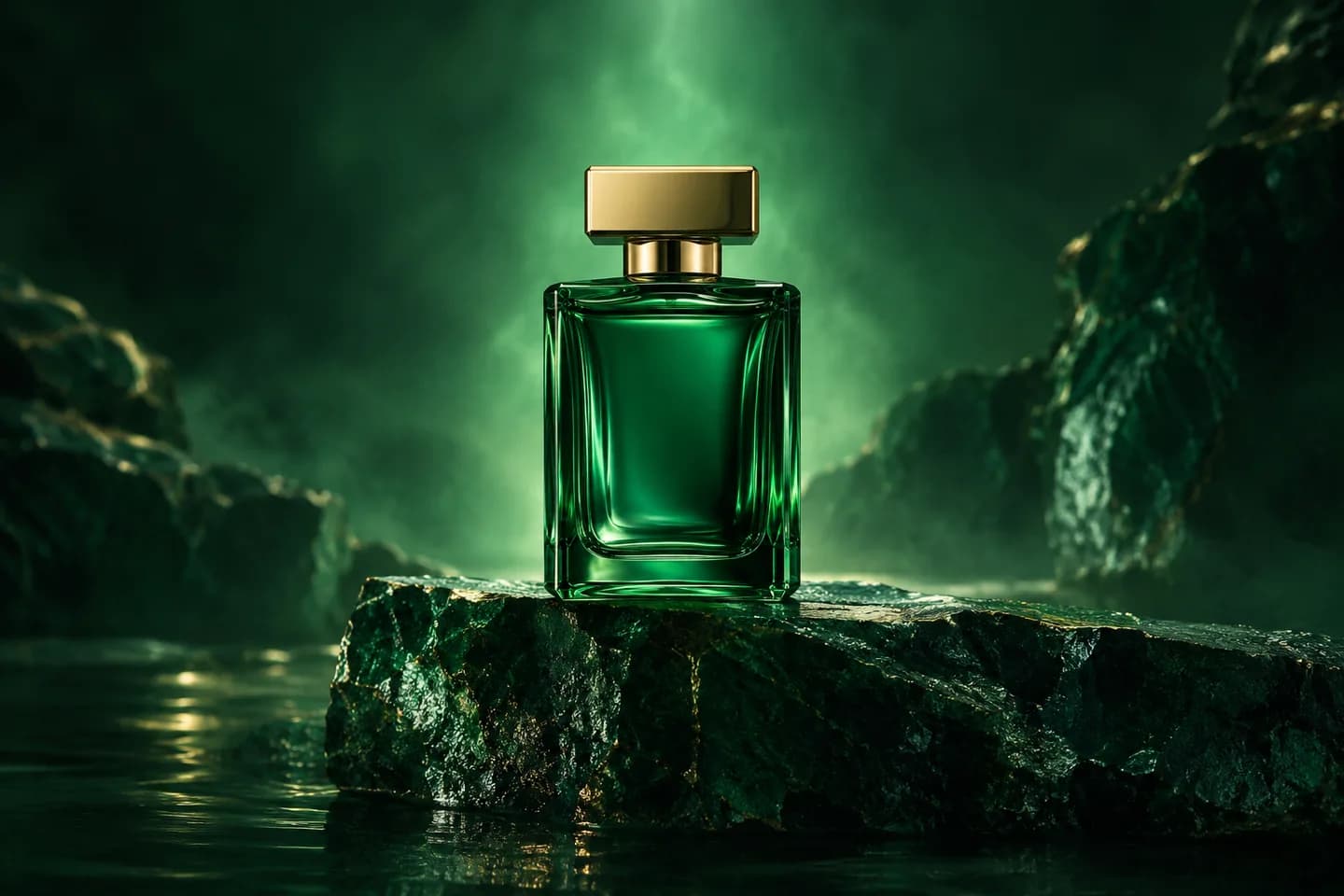
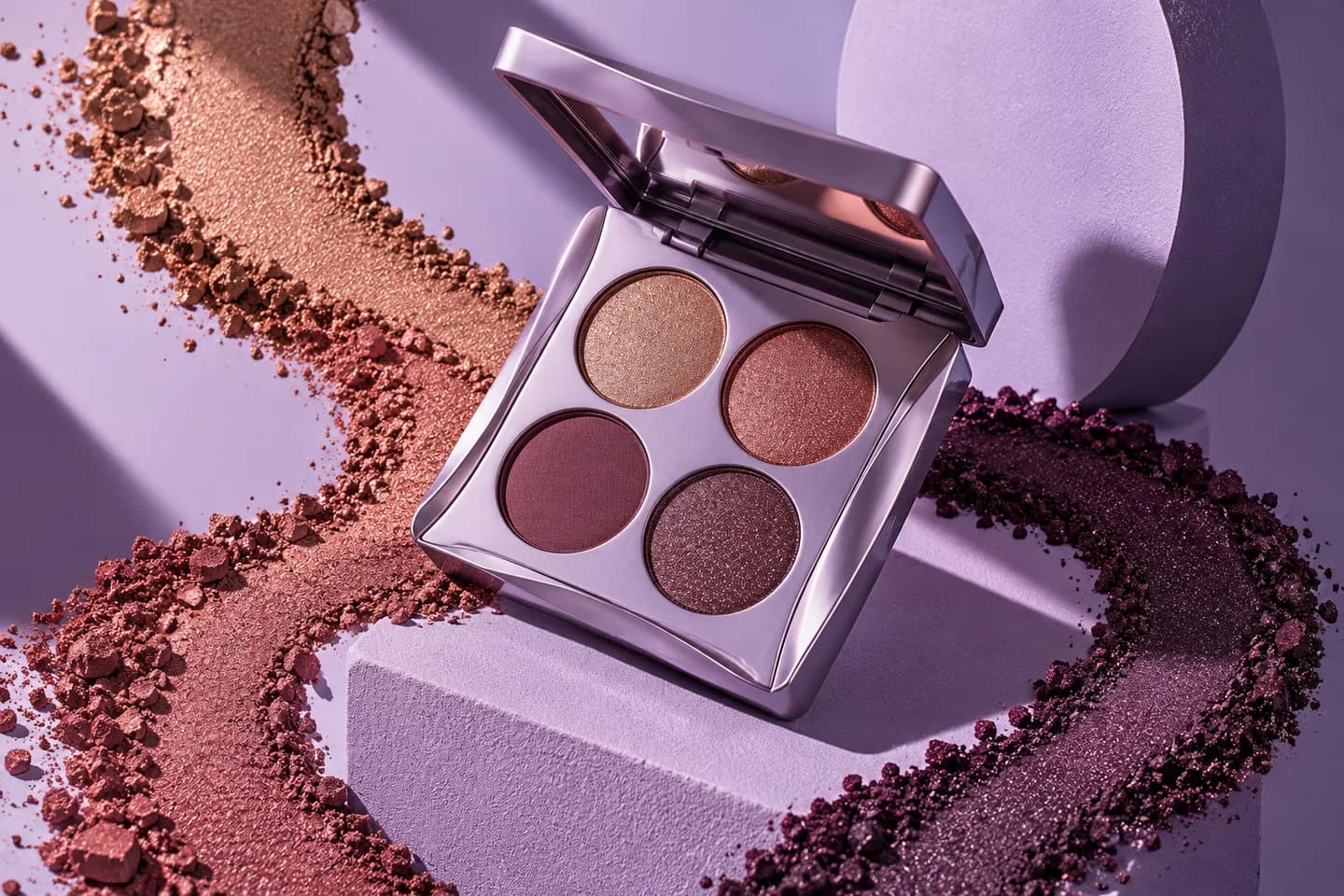
Use the AI Cosmetics Video Generator to show a lipstick shade, glass bottle, or metallic case in a short product clip. Direct close-ups and lighting in the AI Cosmetics Video Generator to highlight visible details for product pages and ads. Review colors and labels against your source before publishing.
- Put visible product details in focus
- Show packaging and finishes in motion
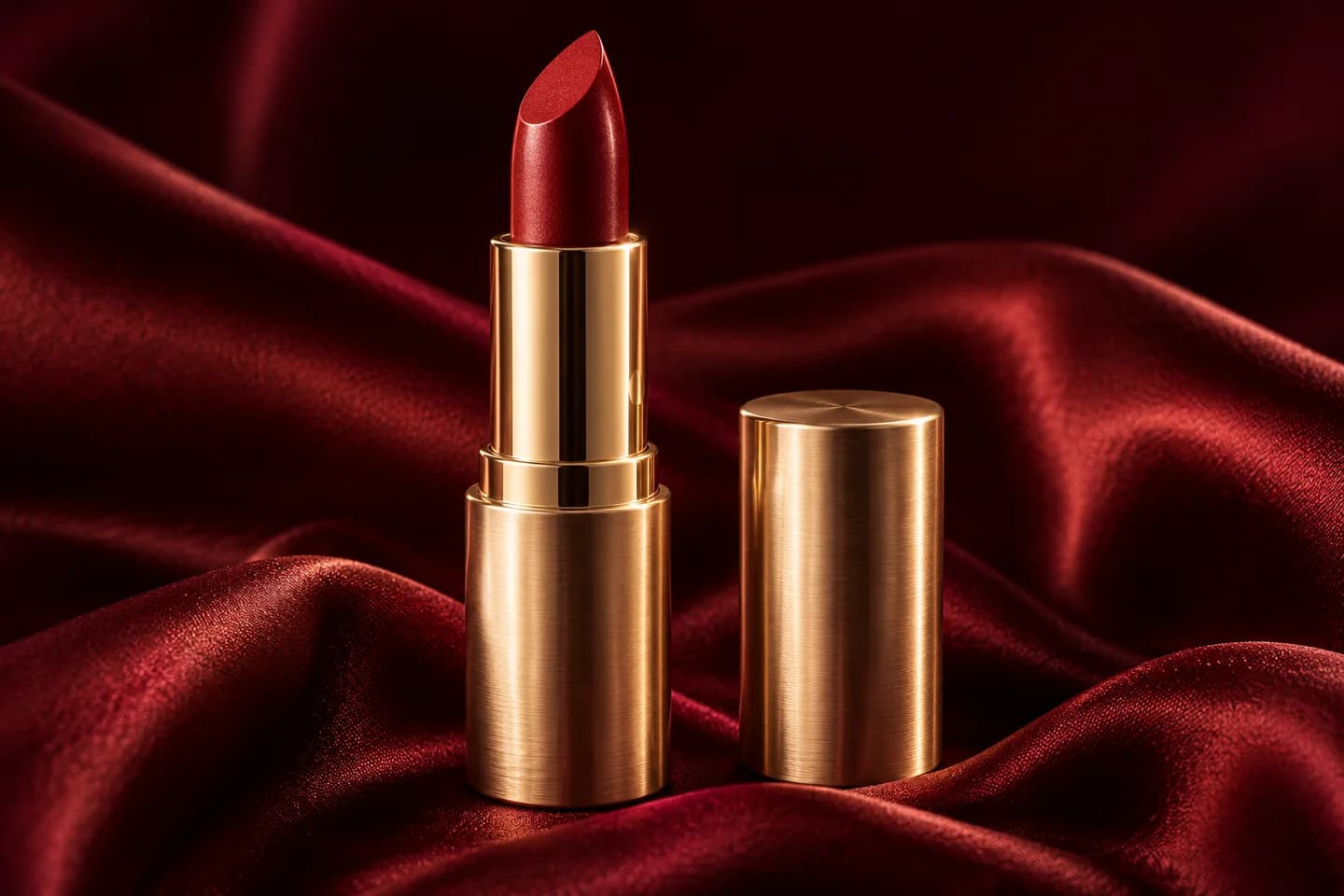
Support your next launch
Create a campaign look for launches and promotions
Use the AI Cosmetics Video Generator for a skincare launch, makeup collection, or seasonal fragrance campaign. Start with photography that fits the campaign, then direct movement and lighting. The AI Cosmetics Video Generator helps turn that visual into promotional footage; review product consistency when experimenting with scene changes.
- Support new releases and seasonal campaigns
- Match source photography to your brand
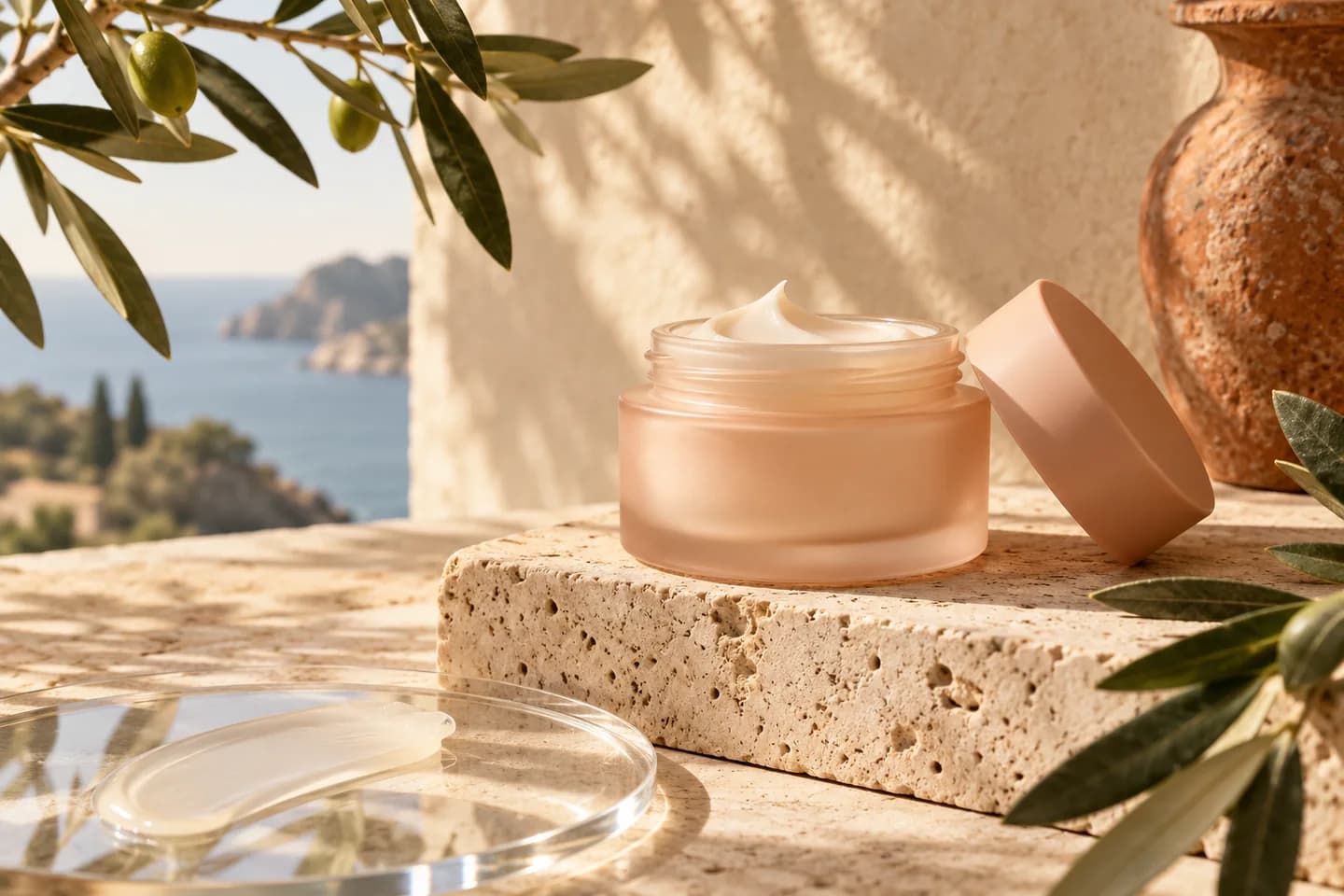
Reach your publishing channels
Prepare product clips for Reels and ecommerce pages
Choose a supported ratio in the AI Cosmetics Video Generator for a vertical Reel, TikTok post, or landscape product-page video. Keep the product visible and leave space for captions added in editing. The AI Cosmetics Video Generator offers model-dependent formats and lengths; check the available settings before each generation.
- Select a supported vertical or landscape ratio
- Leave space for captions added in editing
Keep your campaigns supplied
Build video variations for your next ad campaign
Use one approved photo in the AI Cosmetics Video Generator to create separate versions with different camera moves, highlights, or atmosphere. Prepare footage to test in your own ad campaigns or rotate across social posts. Compare AI Cosmetics Video Generator results, check each run’s credit estimate, and choose what to publish.
- Prepare separate creatives for campaign testing
- Compare versions before choosing what to publish
How to Use the AI Cosmetics Video Generator
One photo. One shot direction. A short product video.
Upload your product
Upload a sharp product photo to the AI Cosmetics Video Generator, with complete packaging and accurate color.
Set the direction
Choose a shot direction in the AI Cosmetics Video Generator, then select your model and supported settings.
Generate and review
Check the AI Cosmetics Video Generator cost, generate, review product details, and download your clip.
AI Cosmetics Video Generator Use Cases
Short visual assets for product discovery and promotion.
New product launches
Use the AI Cosmetics Video Generator to reveal a new lipstick shade, serum, or fragrance.
Ecommerce product pages
Use the AI Cosmetics Video Generator to add a moving product showcase beside your catalog photos.
Reels and TikTok
Make product clips with the AI Cosmetics Video Generator for organic posts and edited social ads.
Seasonal promotions
Use the AI Cosmetics Video Generator for gift collections and seasonal promotional footage.
Why Choose This AI Cosmetics Video Generator?
Compare models, see costs, and review results in one place.
Match the model to your creative
Choose among available models in the AI Cosmetics Video Generator, with settings for your intended product shot.
Plan your generation budget
The AI Cosmetics Video Generator shows the credit estimate before each run, so you can budget for creative variations.
Review before you publish
Preview your AI Cosmetics Video Generator clip, inspect packaging and color, then download the footage for your campaign.
AI Cosmetics Video Generator FAQs
What photos work best with the AI Cosmetics Video Generator?
Can the AI Cosmetics Video Generator preserve my logo and product shade?
Is the AI Cosmetics Video Generator free to try?
Which output settings does the AI Cosmetics Video Generator support?
Can I use AI Cosmetics Video Generator videos commercially?
Does the AI Cosmetics Video Generator make try-ons or complete UGC ads?
Do I need a detailed AI Cosmetics Video Generator prompt?
Start with the AI Cosmetics Video Generator
Upload a product photo to the AI Cosmetics Video Generator and create footage for your next campaign.