
MiniMax H3 AI Video Generator
Prompt templates
Start with a prompt only, or add optional images and a motion reference video when you want more control.
Upload reference images for video generation.
Choose an output length from 4 to 15 seconds.
Checking access
Create More with the MiniMax H3 AI Video Generator
Move from a fast text-to-video concept to a carefully referenced production shot without leaving the same creative form.
Prompt to cinematic video
Direct the whole shot from one vivid idea
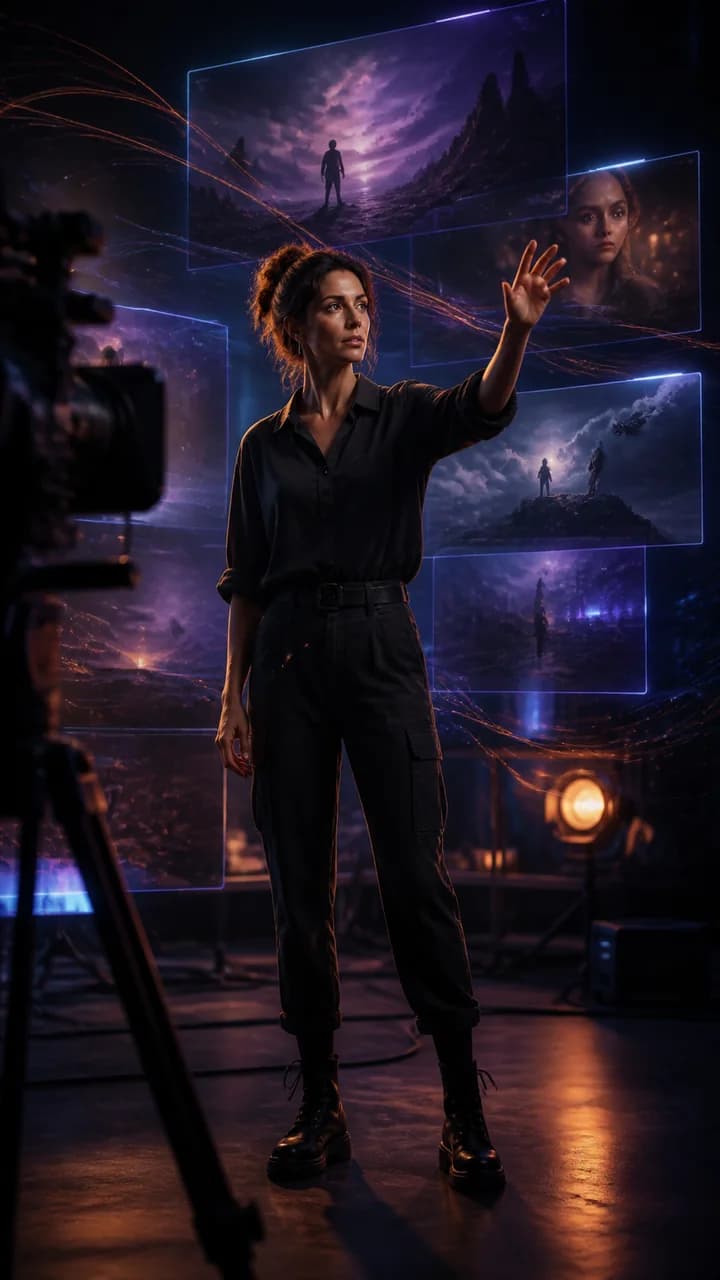
Begin with the subject, action, setting, camera move, lighting, and mood. MiniMax H3 turns that direction into a coherent scene with purposeful movement and visual momentum. Describe a visible sequence so the prompt feels like a compact director's brief instead of a static image description.
2K product campaigns
Make products feel designed for motion
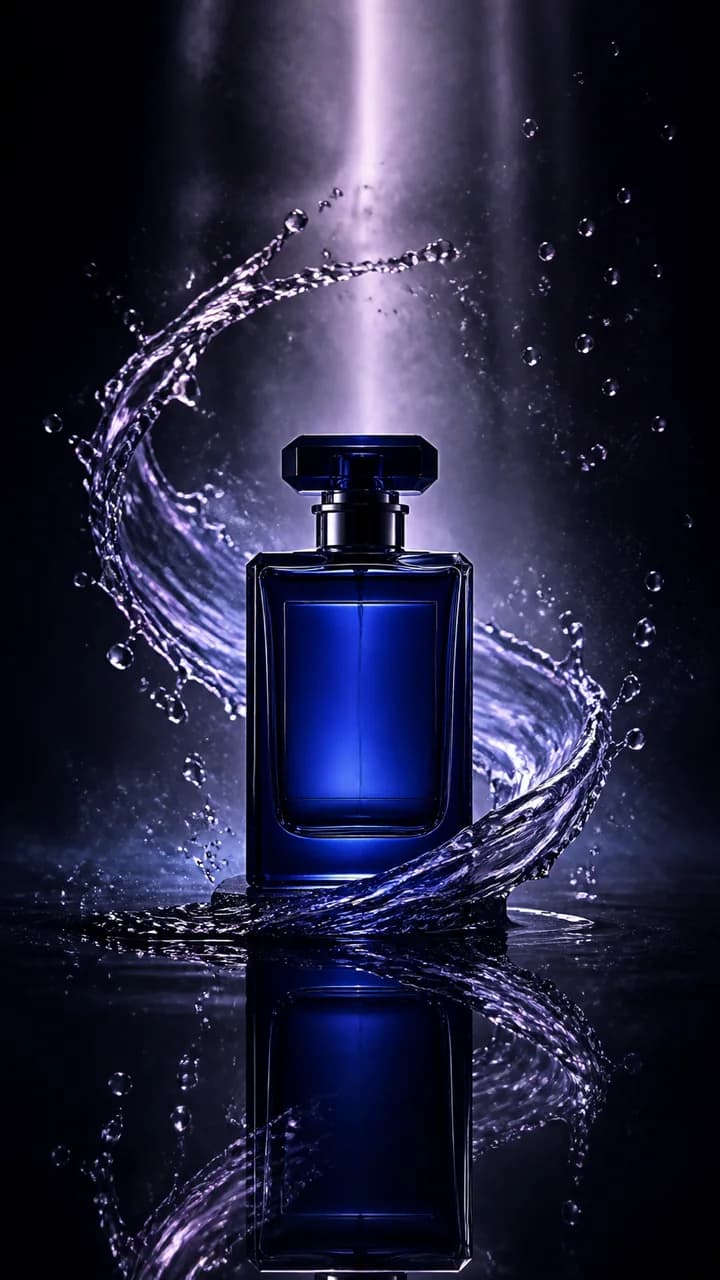
Transform a product idea or reference image into a polished reveal with flowing materials, precise light, macro detail, and controlled camera direction. Choose 2K when packaging, glass, texture, jewelry, cosmetics, food, or branded surfaces deserve a closer look across landing pages, paid social, and campaign pitches.
Characters and visual worlds
Carry a recognizable hero into a richer story
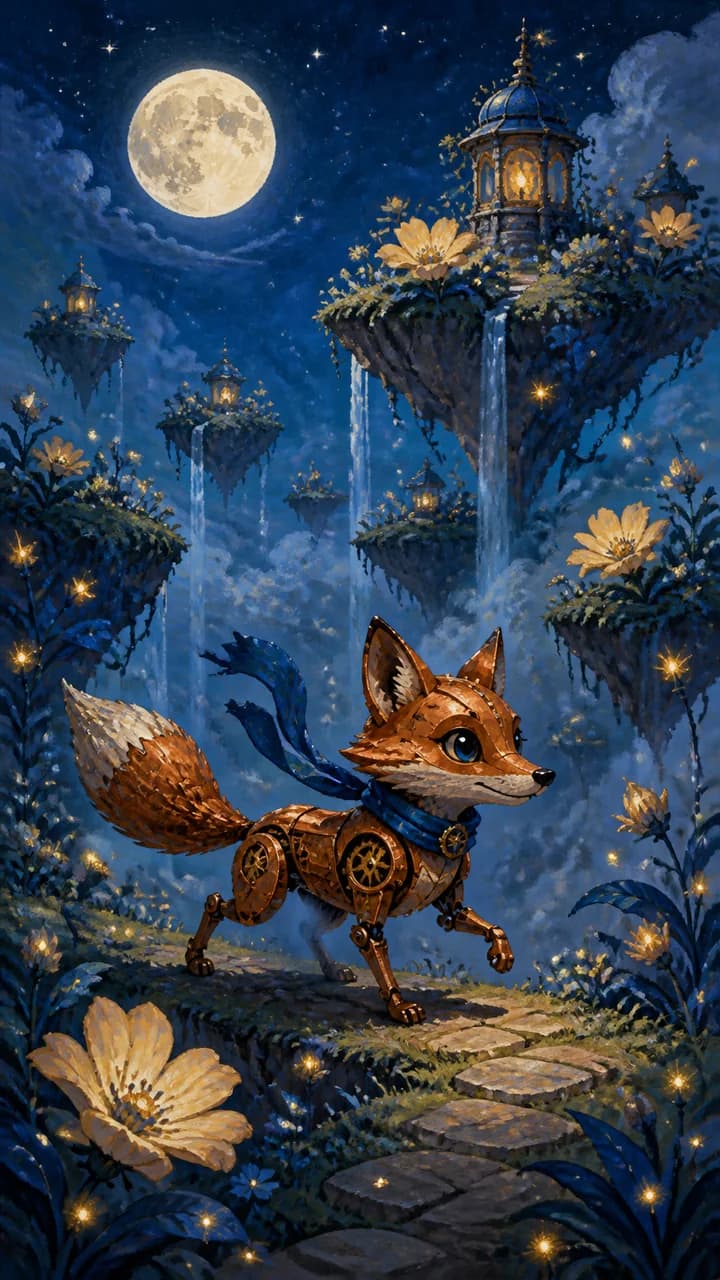
Use optional reference images to define a character, costume, product, creature, or art direction, then spend the prompt on performance and story. MiniMax H3 can build cinematic live action, anime, illustration, fantasy, and game-inspired sequences while references keep the creative identity easy to recognize.
Motion and physical detail
Fill the frame with movement viewers can feel
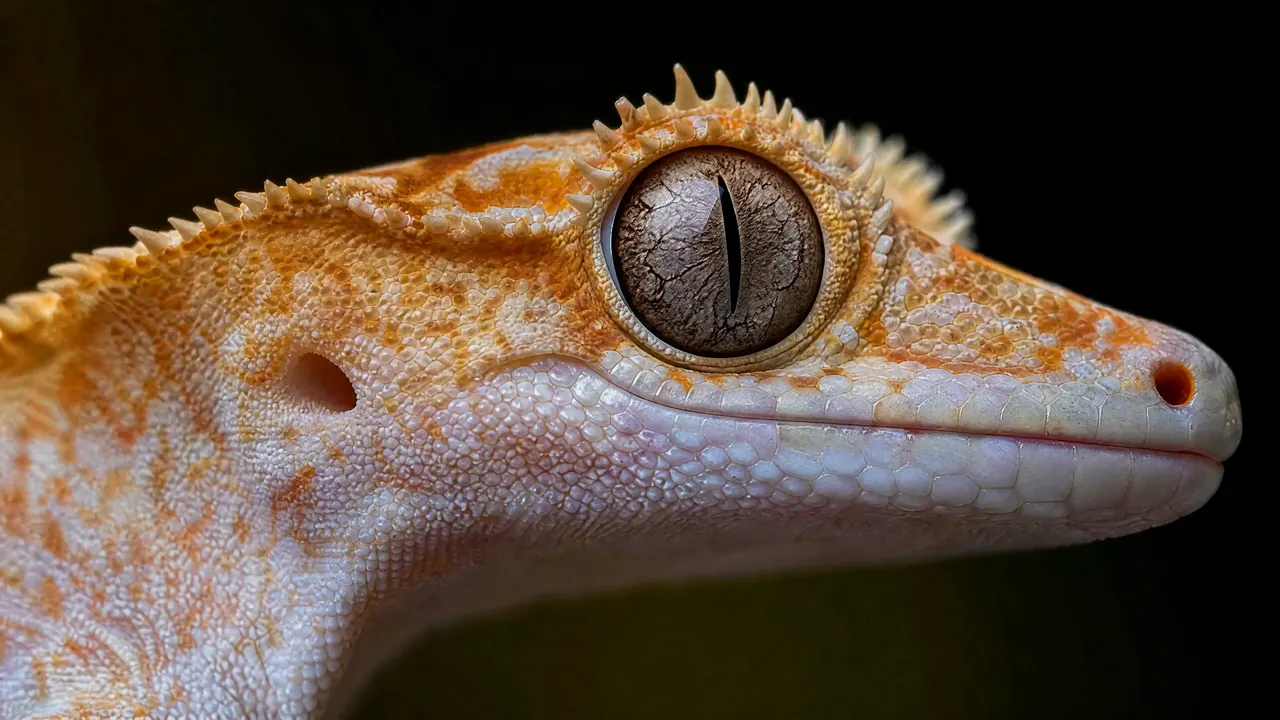
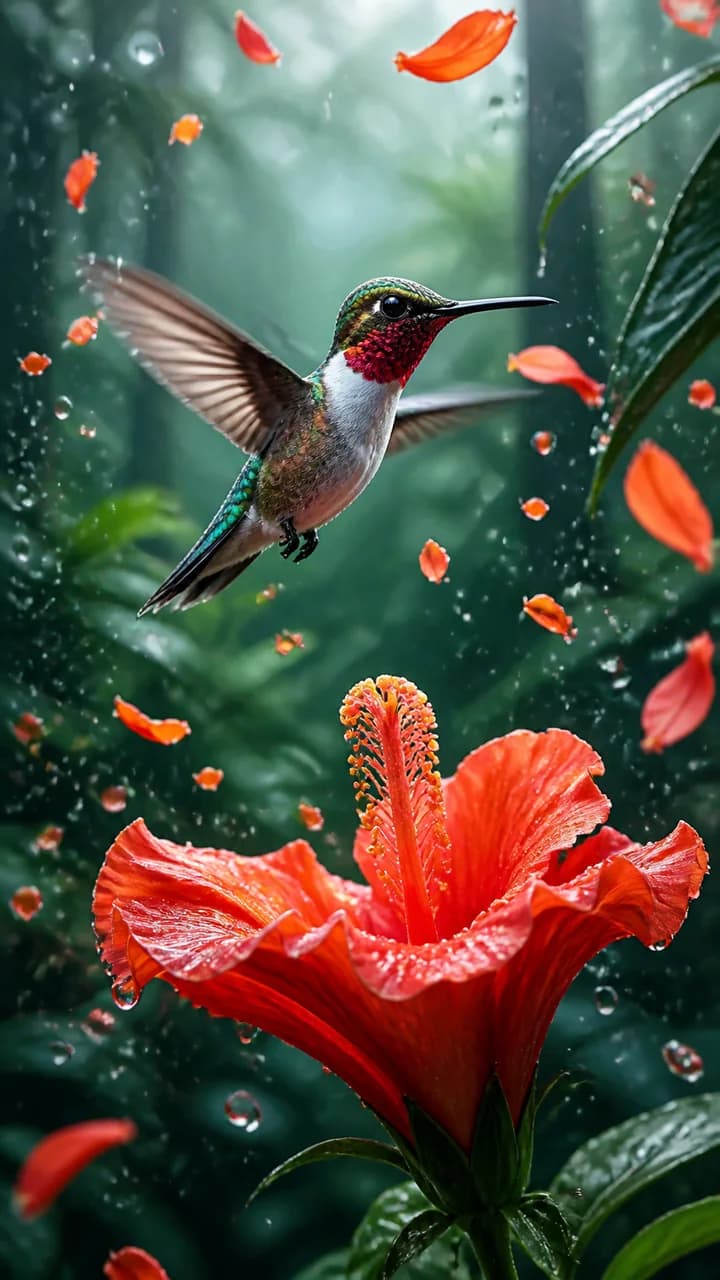
Describe how wings beat, water scatters, fabric flows, petals turn, reflections travel, or the camera follows the action. H3 is built to coordinate subject motion with the surrounding scene, helping natural details and high-energy effects belong to the same shot rather than look pasted together.
Style without sameness
Explore photoreal, animated, handcrafted, and surreal looks
A single model can move between premium product photography, cinematic realism, painted animation, miniature stop motion, and imaginative social concepts. That range makes MiniMax H3 useful for rapid visual exploration: test several strong directions, find the one that earns attention, and develop it into a repeatable campaign language.

How to Use the MiniMax H3 AI Video Generator
Go from a written idea to a production-ready direction in three focused steps.
Write the scene you want
Start immediately with a prompt. Name the subject, visible action, setting, camera movement, lighting, style, and final visual emphasis. A concrete visual sequence gives H3 more to direct than a short list of adjectives.
Add references when they strengthen the idea
Upload optional images for a character, product, setting, or visual language, or add a source video when its motion and camera rhythm should guide the result. The form can use up to nine reference images for a richly defined creative brief.
Choose the format and generate
Set a 4–15 second duration, select a horizontal, square, or vertical aspect ratio, and choose 768P for rapid creative iteration or 2K for showcase detail. Review the live credit estimate, generate the shot, and download the result.
MiniMax H3 AI Video Generator Use Cases
Create attention-ready shots for campaigns, stories, products, social feeds, animation, and visual development.
Product ads and e-commerce
Create product reveals, material close-ups, feature moments, launch concepts, and paid-social hooks from a prompt or approved product references.
Short-form social content
Build scroll-stopping 9:16 ideas for Reels, Shorts, TikTok, music visuals, food content, transformations, and creator campaigns.
Narrative, anime, and IP
Develop characters, fantasy worlds, animated sequences, trailer moments, storyboards, game concepts, and repeatable visual identities.
Cinematic and nature sequences
Visualize atmospheric environments, wildlife action, travel moments, camera studies, physical effects, and high-impact establishing shots.
Built for Every Kind of Video Creator
H3 gives solo creators and production teams a fast path from imagination to a shot everyone can see, discuss, and improve.
Creators and storytellers
Turn an idea into a cinematic clip, vertical hook, animated moment, music visual, or story beat while inspiration is fresh.
Marketing teams
Explore product launches, ad concepts, campaign variations, social creative, and branded worlds before committing to a full shoot.
Design and animation teams
Test visual styles, character motion, transitions, materials, camera language, and motion-design directions with reference-led control.
Film and game teams
Create previz, mood shots, character moments, environments, trailers, cutscene ideas, and pitch-ready moving concepts.
Why Choose Our MiniMax H3 AI Video Generator
The model, optional references, creative controls, credit estimate, preview, and download live in one browser workflow.
Prompt-first by design
Open with MiniMax H3 already selected and create from text alone. There is no setup step between your idea and the first generation.
References when you want them
Add images or a motion reference video to anchor a character, product, world, action, or camera rhythm without giving up prompt-led direction.
Formats made for real channels
Create cinematic widescreen, square campaign assets, portrait compositions, and 9:16 social video with 768P or 2K output.
Creative cost stays visible
See the current credit requirement update with duration and resolution before generation, then preview and download from the same studio.
MiniMax H3 AI Video Generator FAQ
What is MiniMax H3?
Can I generate a MiniMax H3 video from text only?
Can I add images to a MiniMax H3 prompt?
Can a reference video guide MiniMax H3 motion?
What duration and quality can I create?
What is a good MiniMax H3 prompt structure?
Is MiniMax H3 the same as Hailuo AI?
How many credits does MiniMax H3 use?
Create with the MiniMax H3 AI Video Generator
Write one vivid prompt, add optional references when they sharpen the idea, choose your format, and turn the scene in your head into a video people can watch.
MiniMax H3 AI Video Generator Online
The MiniMax H3 AI Video Generator combines prompt-first creation with optional images and motion reference video, flexible 4–15 second timing, vertical and widescreen formats, and 768P or 2K output for cinematic stories, product ads, animation, social video, and visual development.