
AI Product Reveal Video Generator
Upload a product photo
or drag and drop
Optional references share a 7 unit input quota: each image counts as 1, one source video counts as 2, and each character ID counts as 1.
Prompt templates
Focus on the reveal and camera movement. The uploaded product photo supplies the product details.
Upload a product photo
or drag and drop
Used when no source video is provided. Source-video runs let the model decide duration.
720P and 1080P share the same credit tier. 4K uses the higher tier.
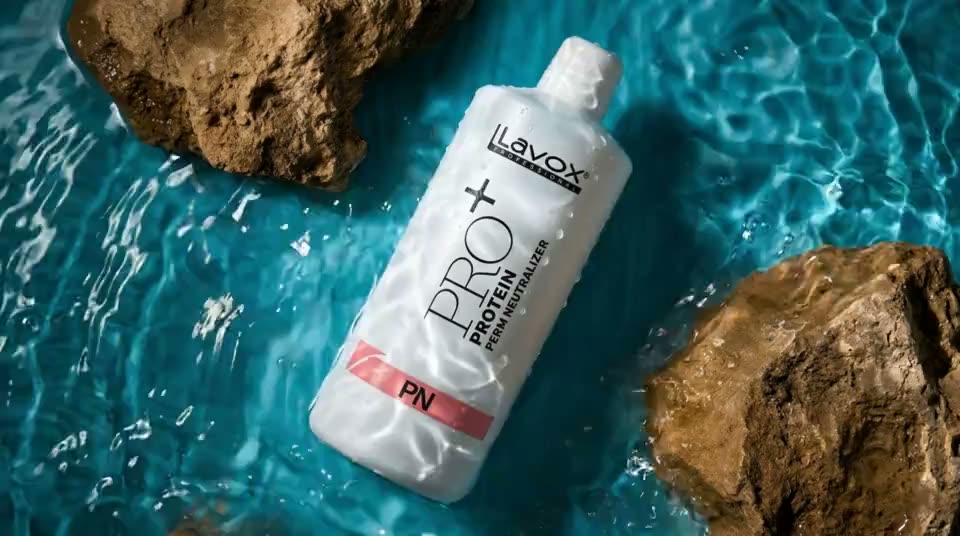
Product Reveal Video Examples
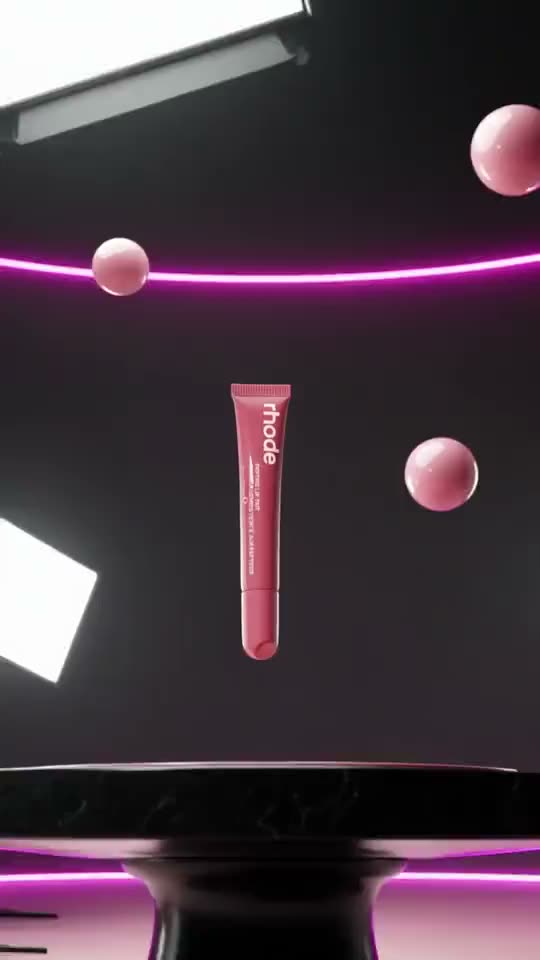
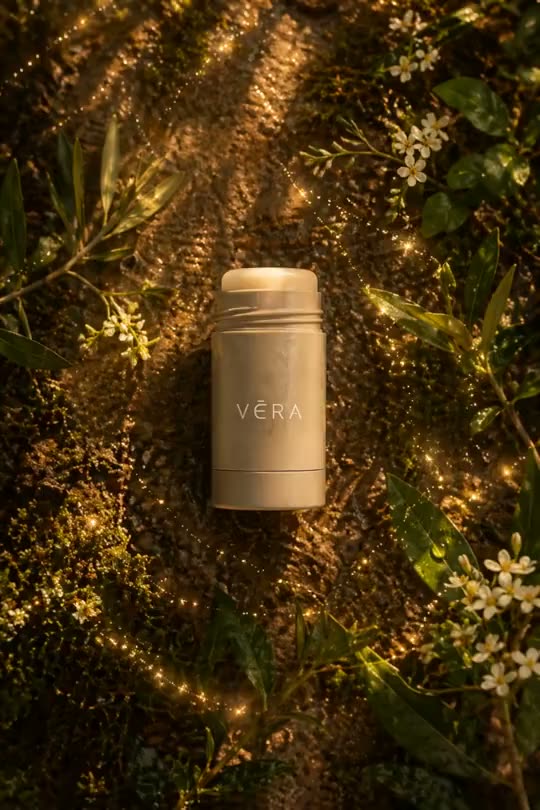
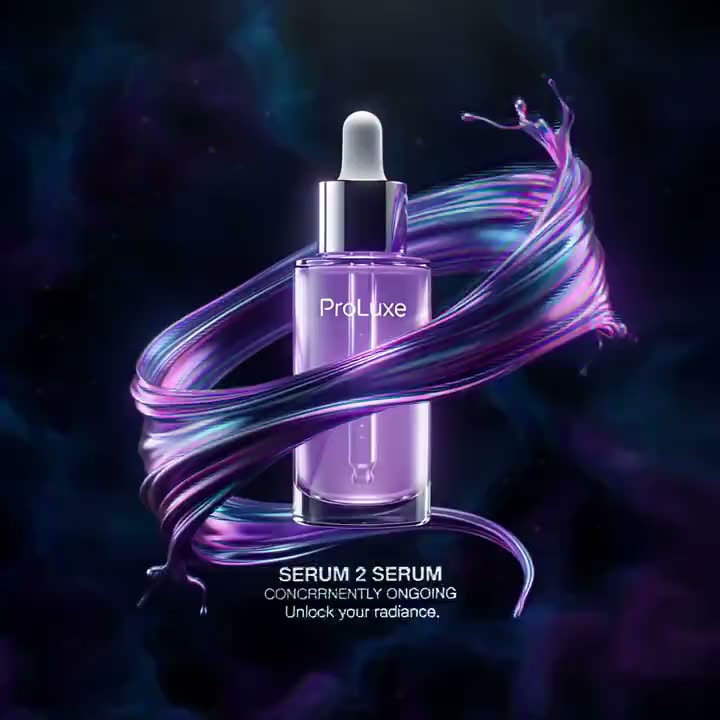
Explore product reveal directions across vertical ads, square store placements, and widescreen launch moments. Hover or tap any example to preview the motion.
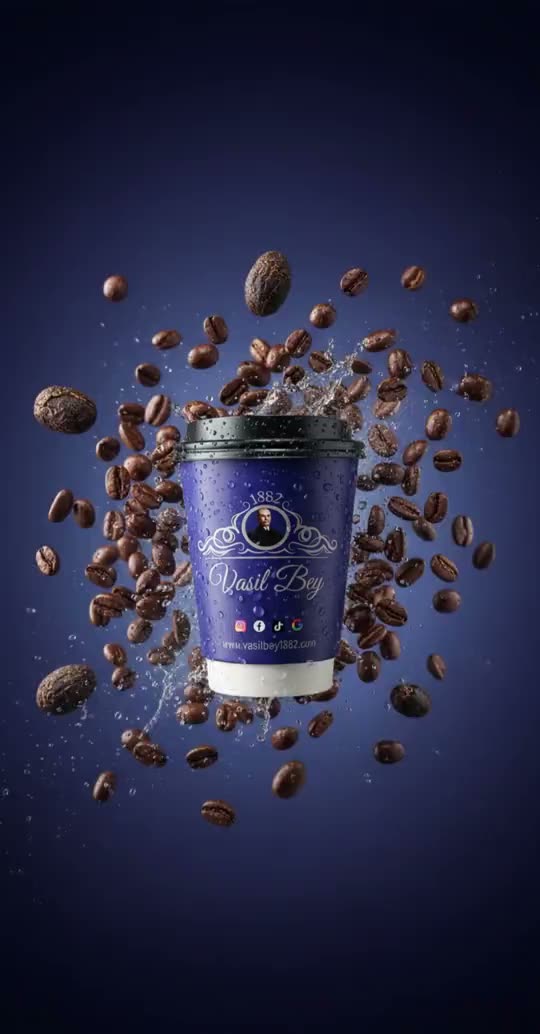
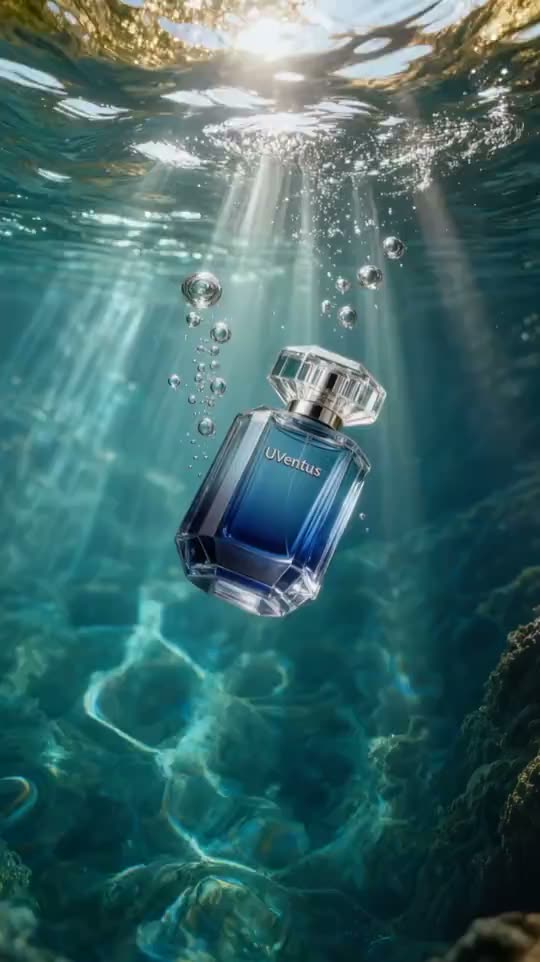

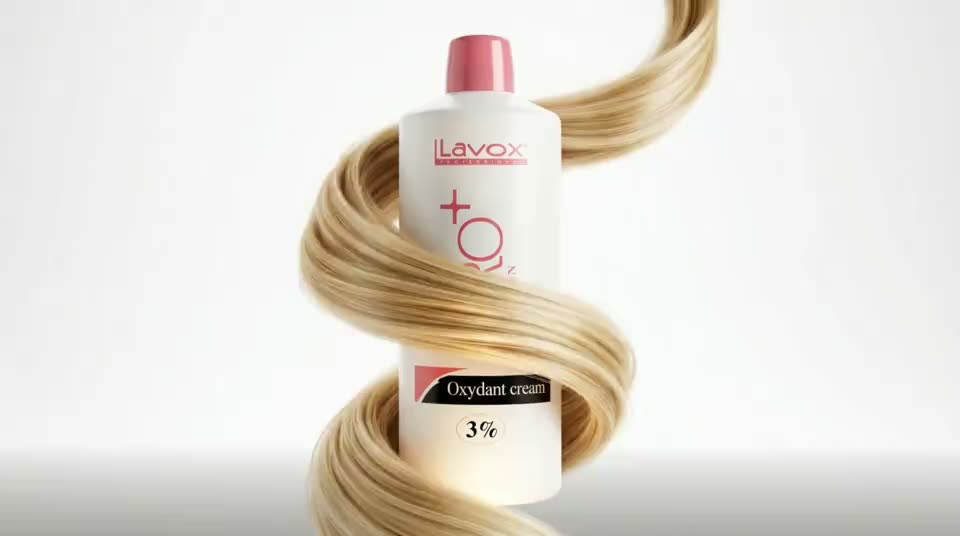

Build the Product Reveal Your Launch Actually Needs
A useful AI Product Reveal Video Generator does more than move a still image. It should let you protect product recognition, direct the reveal, preserve the campaign look, and prepare the same approved product for every launch placement.
Product identity
Make the approved product photo the hero of every frame
The AI Product Reveal Video Generator starts from the product image your team has already approved, so the reveal is built around the real silhouette, color, packaging hierarchy, and materials. Instead of asking a text-only model to invent the item, you give the video model a clear identity anchor and direct only the motion, light, atmosphere, and camera behavior around it.
- Keep the product recognizable while adding cinematic launch energy
- Reuse catalog, campaign, or transparent-background product photography
- Test new reveal directions without organizing another studio shoot
Reveal direction
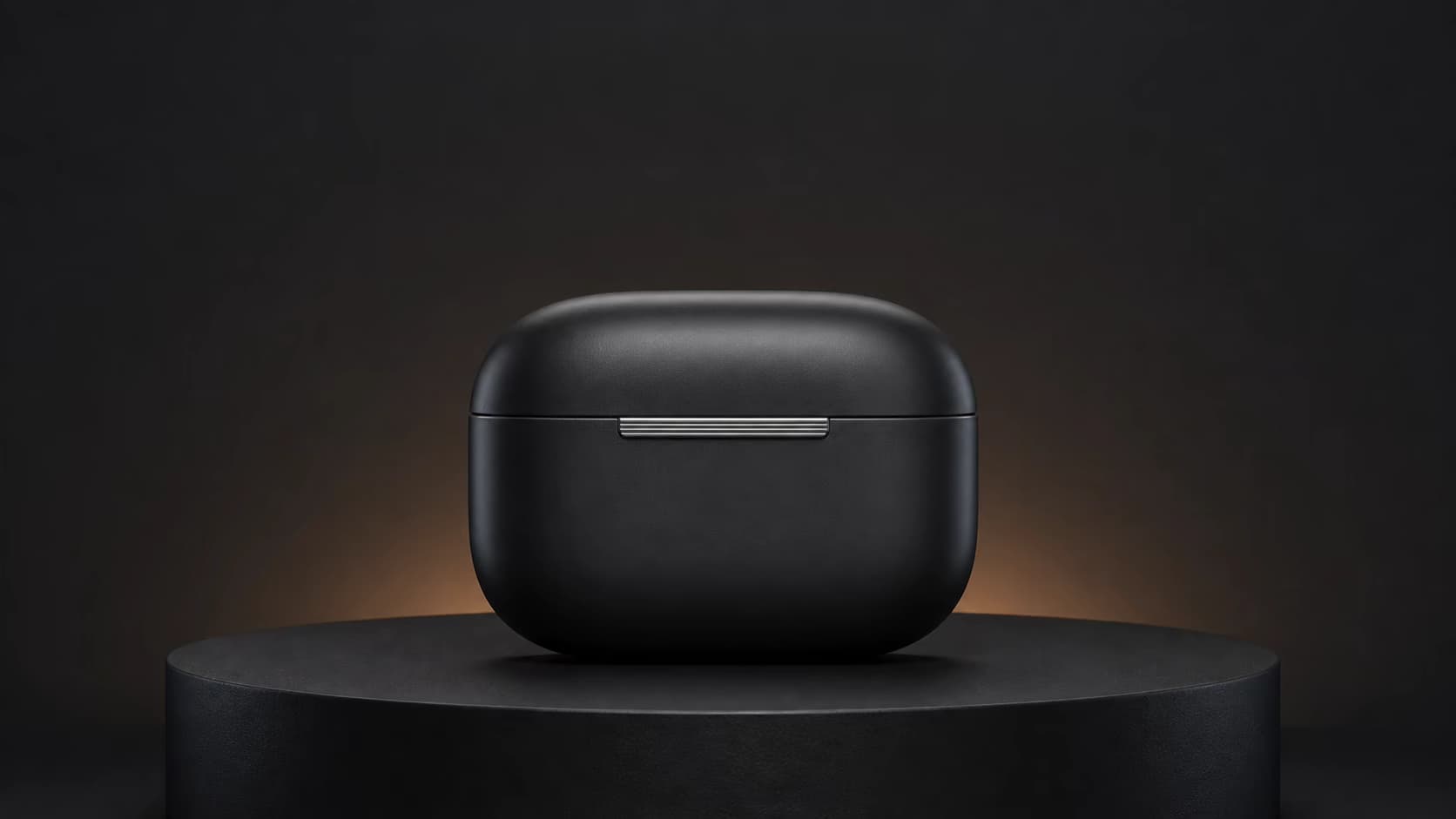
Control how the camera and light introduce the product
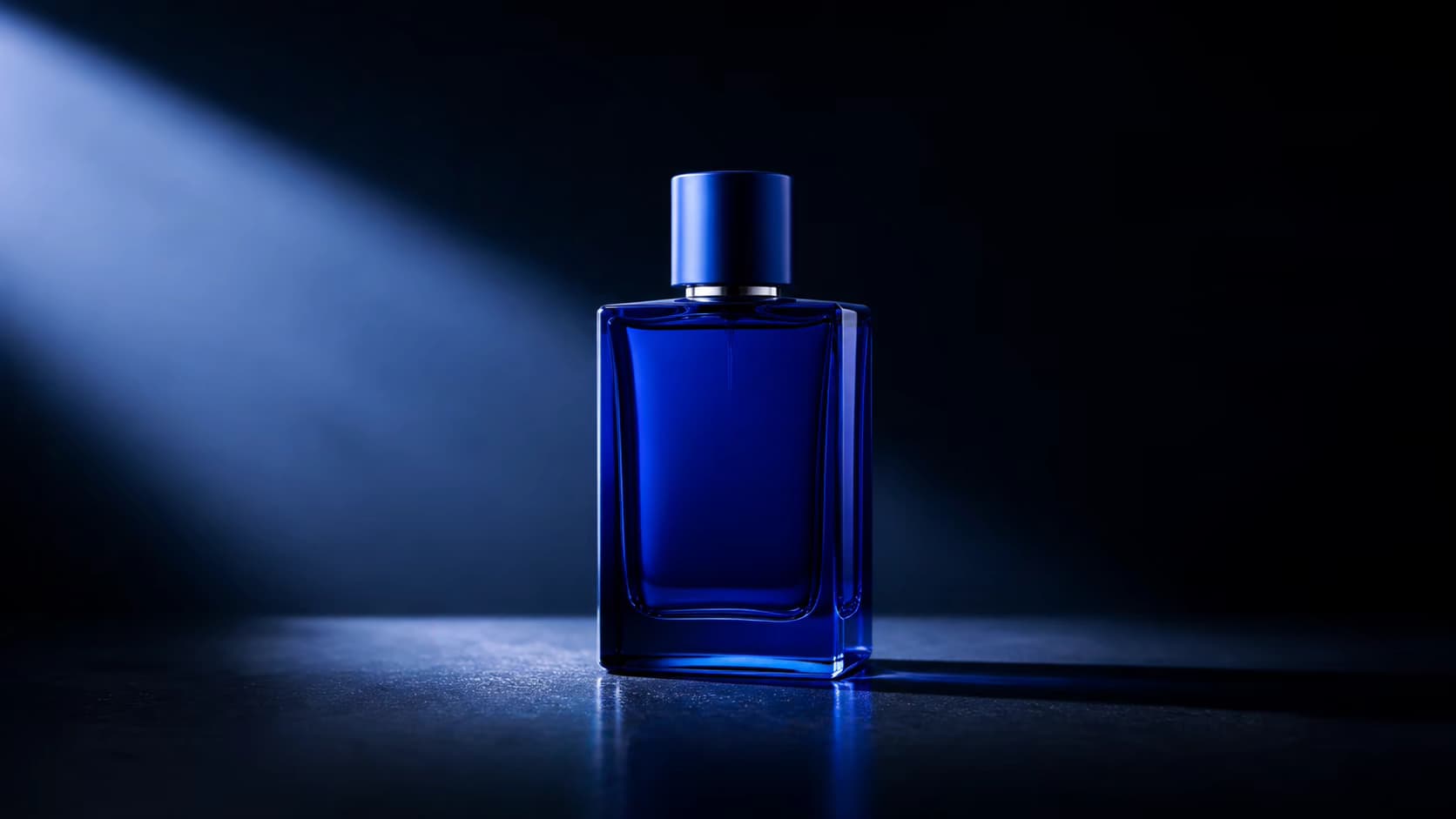
A reveal works when attention lands on the right detail at the right moment. Prompt a restrained dolly-in, slow orbit, rising pedestal shot, moving rim light, reflection pass, floating entrance, smoke reveal, or clean studio turn. The AI Product Reveal Video Generator lets you pair one camera idea with one lighting behavior, then generate several directions until the opening hook and final hero frame feel deliberate.
- Describe the opening state, reveal action, and final hero composition
- Choose subtle motion for detail-led products or drama for launch teasers
- Preview logos, edges, controls, labels, and reflections across the full clip
Brand consistency
Keep a product family inside one visual campaign system
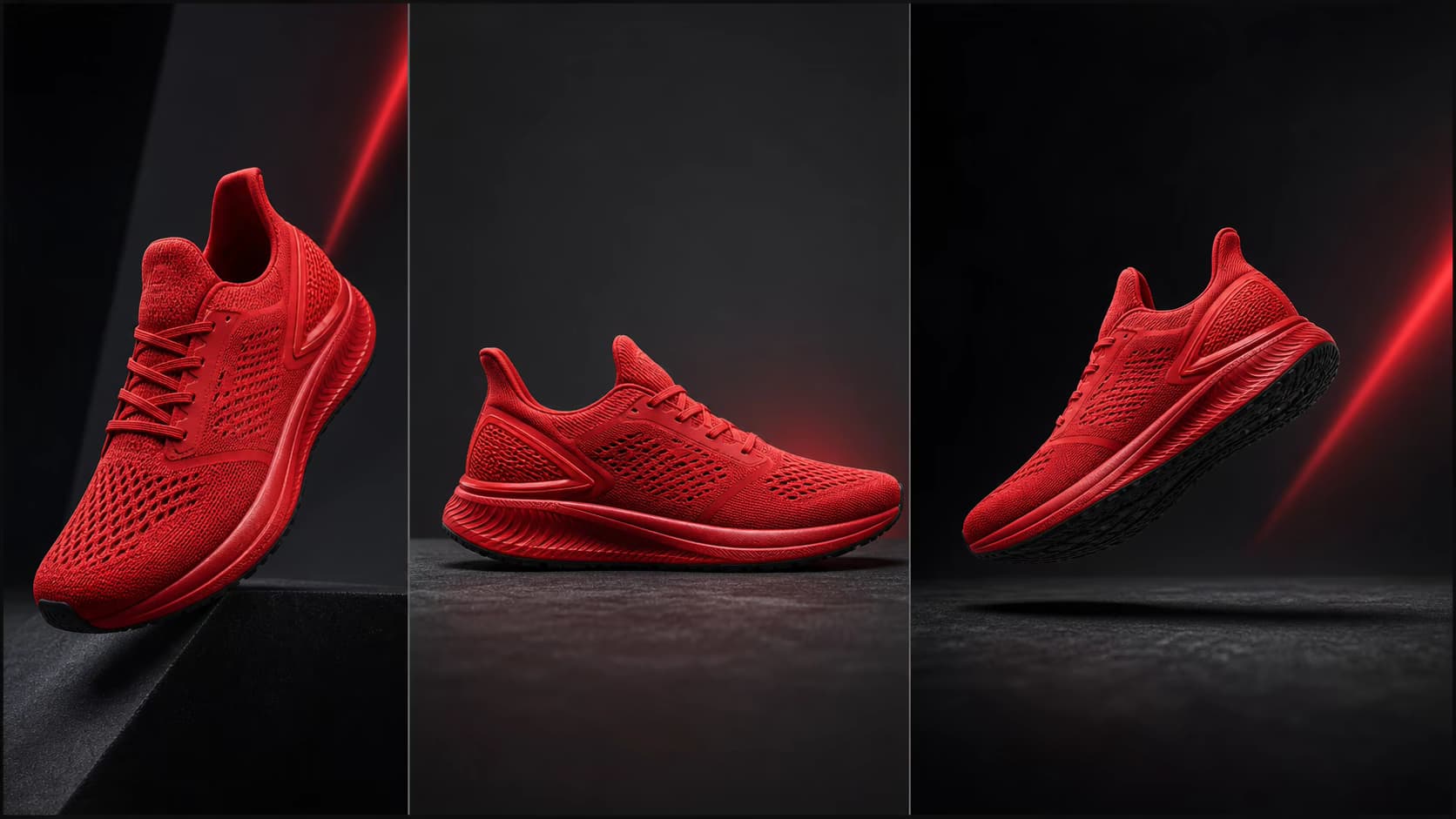
Launches rarely stop at one SKU. Use the same background language, camera pace, highlight color, surface treatment, and atmosphere across a complete product family, then adapt the motion to each bottle, box, device, shoe, or accessory. This gives every product reveal video a shared campaign signature while each item remains easy to identify.
- Repeat a premium studio, beauty, tech, sport, or seasonal art direction
- Create coordinated variants for hero products, bundles, and colorways
- Compare multiple generations before approving a consistent campaign set

Launch delivery
Turn one approved image into launch-ready aspect ratios
The same product launch may need a vertical teaser, square feed asset, widescreen landing-page hero, marketplace clip, and sales presentation visual. Choose a model-supported 9:16, 1:1, or 16:9 composition before generation so the product, negative space, and camera path are designed for the placement rather than cropped as an afterthought.
- Plan 9:16 motion for Reels, Shorts, TikTok, and story placements
- Use 1:1 for feeds and 16:9 for sites, ads, screens, and presentations
- Generate several hooks from the same source for rapid creative testing
Why Use This Product Reveal Video Maker
A product-specific workflow keeps the source photo, reveal direction, output format, and generation cost visible in one place.
Product-first motion
Guide the camera and atmosphere while the uploaded product image remains the main visual reference. Review fine details before using a result in a campaign.
Reveal style control
Describe a slow orbit, dolly-in, light sweep, floating reveal, clean studio move, or dramatic launch moment instead of accepting generic motion.
Campaign-ready formats
Choose model-supported 9:16, 16:9, or 1:1 output for social feeds, ads, product pages, presentations, and launch screens.
Clear generation costs
See the credit cost before generation. Failed generation jobs are refunded automatically, and paid plans include watermark-free commercial output.
Create a More Consistent Product Reveal Video
The AI Product Reveal Video Generator performs best when the product is easy to identify and the requested motion is controlled.
Use one clear hero product
Keep the complete product visible and in focus. Avoid hands, packaging, props, or reflections that cover important edges, labels, controls, or surface details.
Leave room for movement
Give the product breathing room so an orbit, push-in, or light reveal can happen without cropping the subject or forcing the model to invent hidden areas.
Describe one reveal idea
A prompt such as “slow camera push-in with a controlled rim-light reveal” is easier to follow than several competing camera moves and effects.
Check logos and fine details
AI video can change tiny text, logos, seams, or geometry during strong motion. Preview the complete clip and reduce motion before publishing if details drift.
Product Reveal Video Ideas for Every Launch Channel
Use the AI Product Reveal Video Generator to make focused launch assets instead of rebuilding the same campaign video for every placement.
E-commerce product reveal video
Add a clean product reveal video to Shopify product pages, collection launches, Amazon listings, email campaigns, and marketplace promotions. Use restrained motion when product recognition matters most.
Product launch video for social media
Generate vertical product launch videos for TikTok, Instagram Reels, YouTube Shorts, launch countdowns, and creator briefs without arranging a new studio shoot for each format.
Paid product ads and landing pages
Create several reveal directions from the same product photo, compare hooks and camera movements, and export the strongest product video for paid social, display ads, or a campaign landing page.
How to Create a Product Reveal from One Photo
Move from a static product photo to a short product reveal video in three practical steps.
Upload a product photo
Choose a sharp JPG, PNG, or WEBP with the product fully visible. Clean catalog photography, transparent-background product shots, and simple studio scenes work well.
Direct the product reveal
Describe the camera move, reveal timing, lighting, background, and atmosphere. Keep the prompt focused on motion because the photo already supplies the product.
Generate, review, and export
Choose a model, supported duration, resolution, and aspect ratio, review the credit cost, then generate and download the product launch video.
Product Reveal Video Pricing
Sign in to receive free credits. Free-credit videos include a small evaluation watermark; paid plans unlock 1080p, watermark-free output, and commercial use.
- Valid for 30 days
- One-time payment, no subscription
- Unlocks all available models and watermark-free videos
- Other benefits match subscription plans, except for the credit amount and validity
Basic
For getting started with photo-to-video creation
- 1,200 credits included every month
- Up to 40 videos per monthBased on Veo 3.1 Lite at 30 credits per video (8 seconds, 720p). Actual output varies by model and settings.
- Full access to all available models
- Turn photos into videos in minutes
- Unlimited encrypted history storage by default
- 24/7 customer support
- No watermark on exported videos
Pro
For creators who need more output and faster iteration
- 3,000 credits included every month
- Up to 100 videos per monthBased on Veo 3.1 Lite at 30 credits per video (8 seconds, 720p). Actual output varies by model and settings.
- Full access to all available models
- Turn photos into videos in minutes
- Unlimited encrypted history storage by default
- 24/7 customer support
- No watermark on exported videos
Max
For teams and power users with high-volume production
- 8,000 credits included every month
- Up to 266 videos per monthBased on Veo 3.1 Lite at 30 credits per video (8 seconds, 720p). Actual output varies by model and settings.
- Full access to all available models
- Turn photos into videos in minutes
- Unlimited encrypted history storage by default
- 24/7 customer support
- No watermark on exported videos






AI Product Reveal Video Generator FAQ
What is an AI Product Reveal Video Generator?
Can I create a product reveal video from one photo?
Can I make a product launch video for Amazon or Shopify?
Is the AI Product Reveal Video Generator free?
Will the product stay exactly the same in every frame?
Which product reveal video prompts work best?
Can I use generated product reveal videos commercially?
Create a Product Reveal Video from One Photo
Open the AI Product Reveal Video Generator, upload your product image, and test a cinematic launch direction with free credits.
AI Product Reveal Video Generator Online
Photo to Video AI is an online AI Product Reveal Video Generator for product reveal videos, product launch videos, e-commerce product videos, Amazon product videos, brand videos, social ads, product reveal ideas, and product launch video examples. Upload a product photo, direct the camera and lighting, generate a short MP4, and review the result before publishing.