
Animate Old Photos
Prompt templates
Gentle motion is more believable. Avoid dramatic gestures, fast turns, or instructions that change the person.
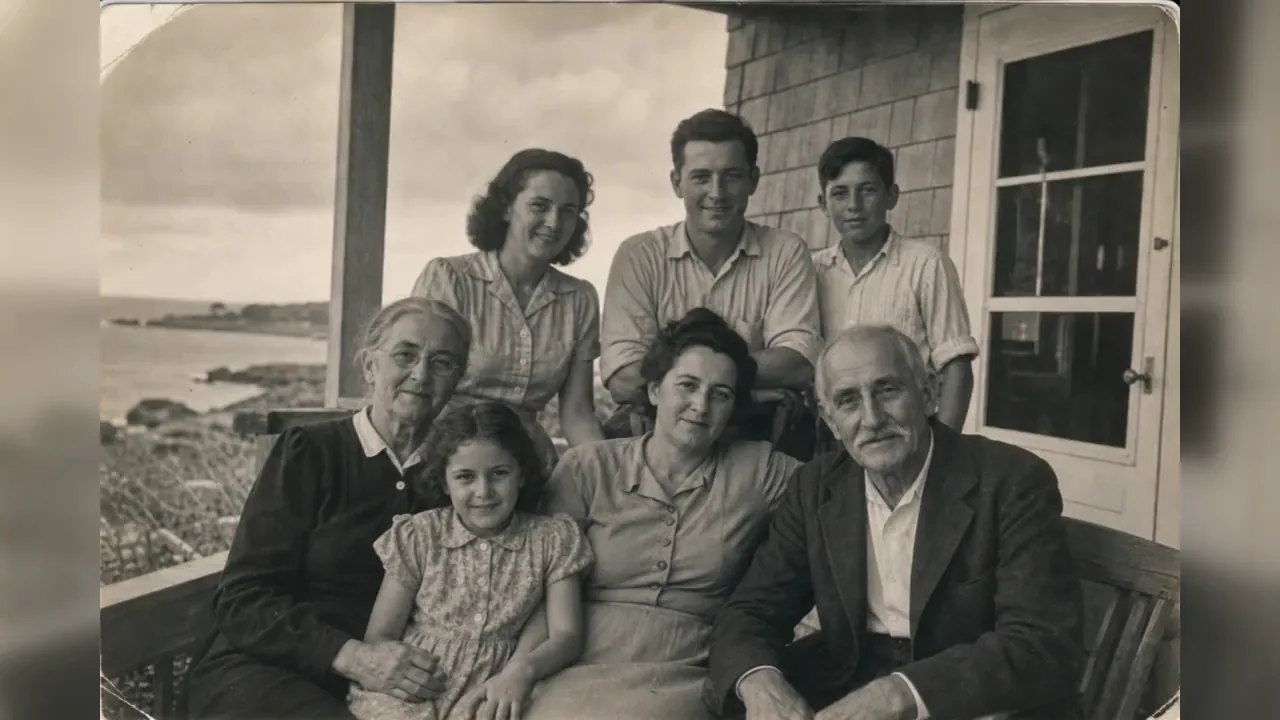
Old Photo Animation Examples
See how old photo animation adds subtle blinks, breathing, expressions, fabric movement, and slow camera motion to family portraits, black-and-white pictures, wedding photos, and historical scenes while helping faces stay recognizable.
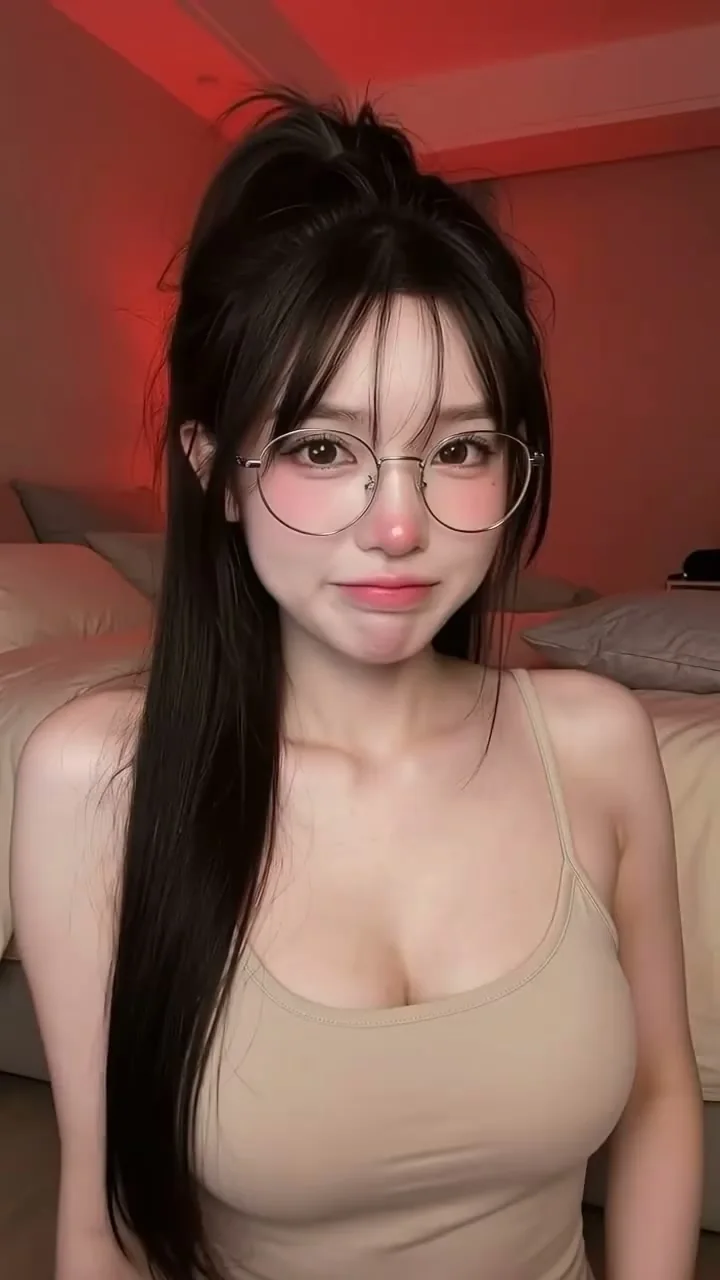
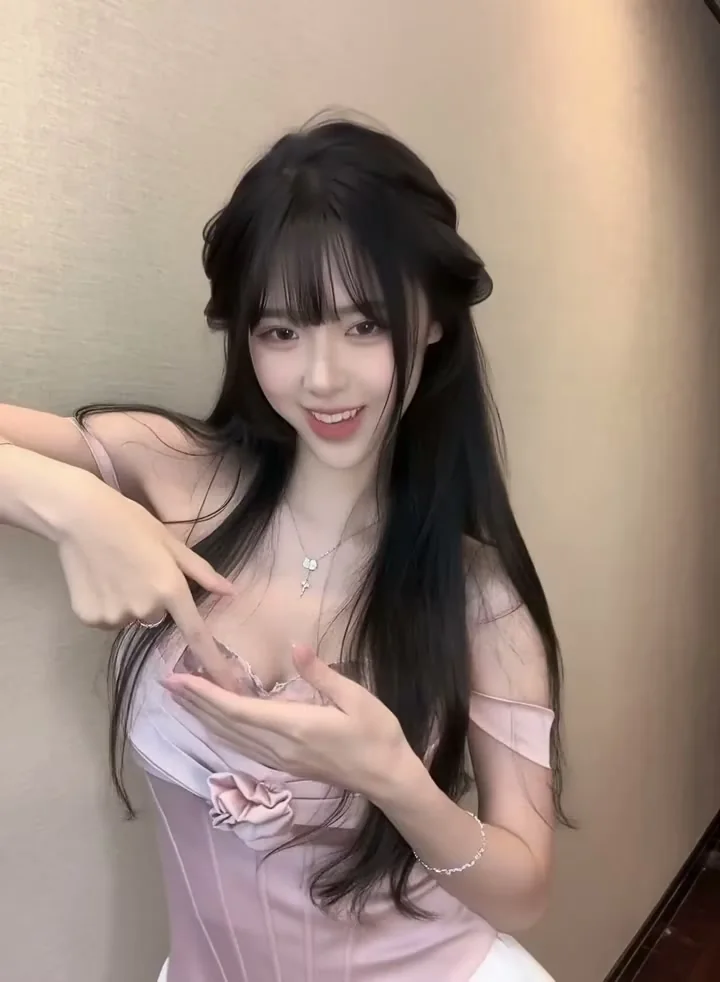
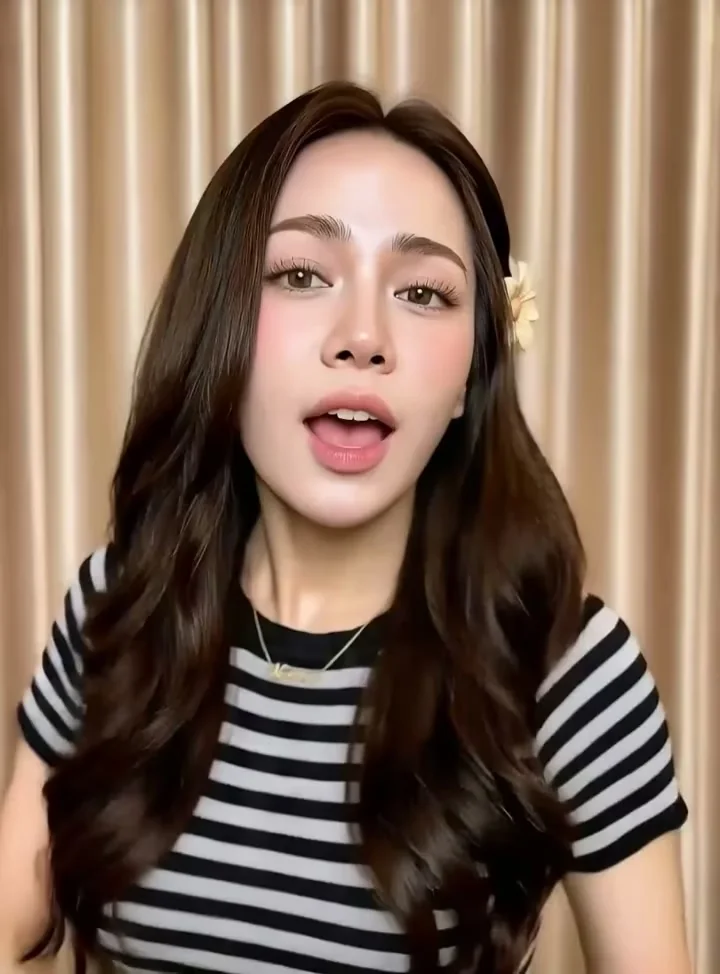
Add Motion Without Losing the Original Character
Six careful choices keep old-photo animation subtle, readable, and respectful.
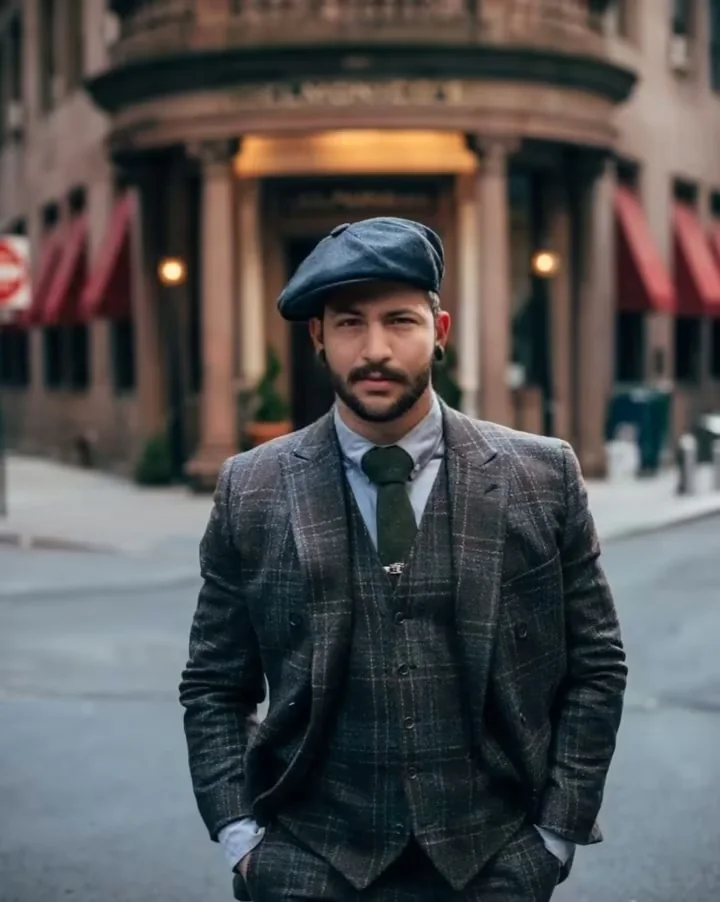
Subtle portrait motion
Start with a blink, breath, or small expression
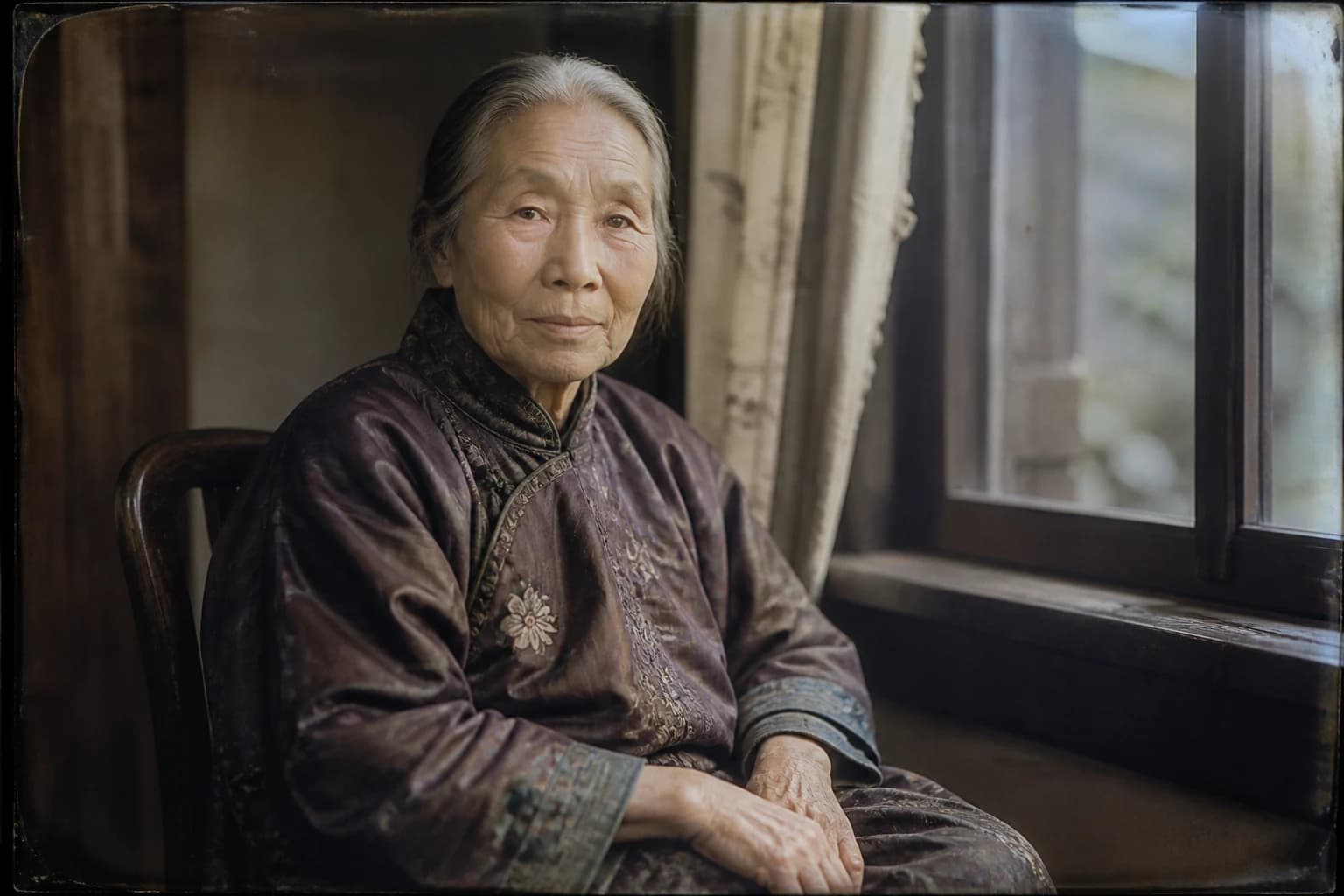
Prompt only a few micro-movements: one blink, quiet breathing, a gaze shift, or a small head turn. Add a slow push-in when the photograph has space around the face. Large gestures require more invented anatomy and can change identity.
- Use low motion when recognition matters most
- Choose one expression change rather than several gestures
- Treat generated movement as interpretation, not evidence
Group photographs
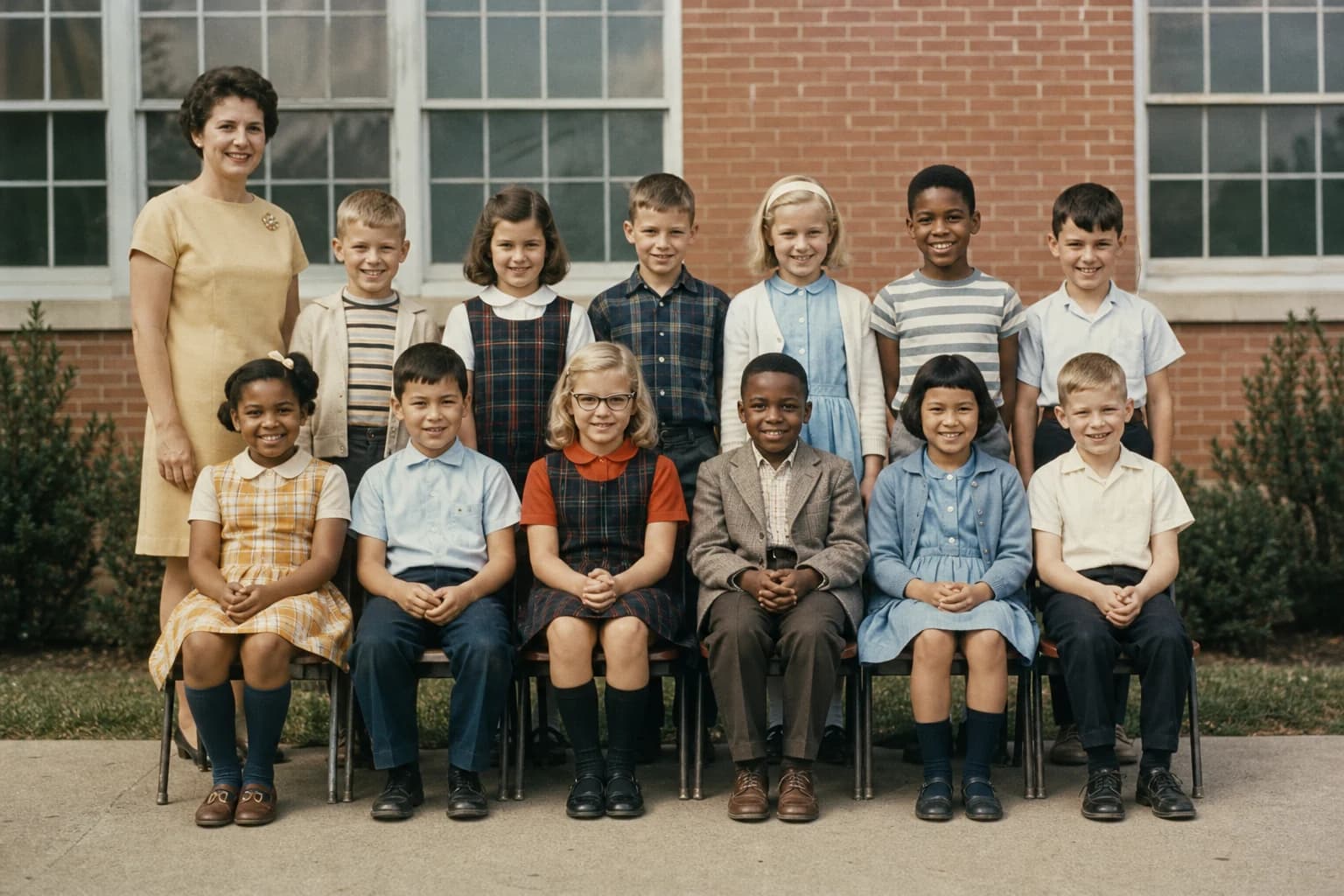
Keep group photos calm enough for every face
Group pictures require the model to maintain several faces and overlapping bodies. Use one shared camera move or gentle environmental action instead of assigning every person a gesture. A slow push-in and slight expressions are easier to keep coherent.
- Begin with a stable camera and low group motion
- Avoid assigning a different action to every person
- Check edge subjects and overlapping faces
Input quality
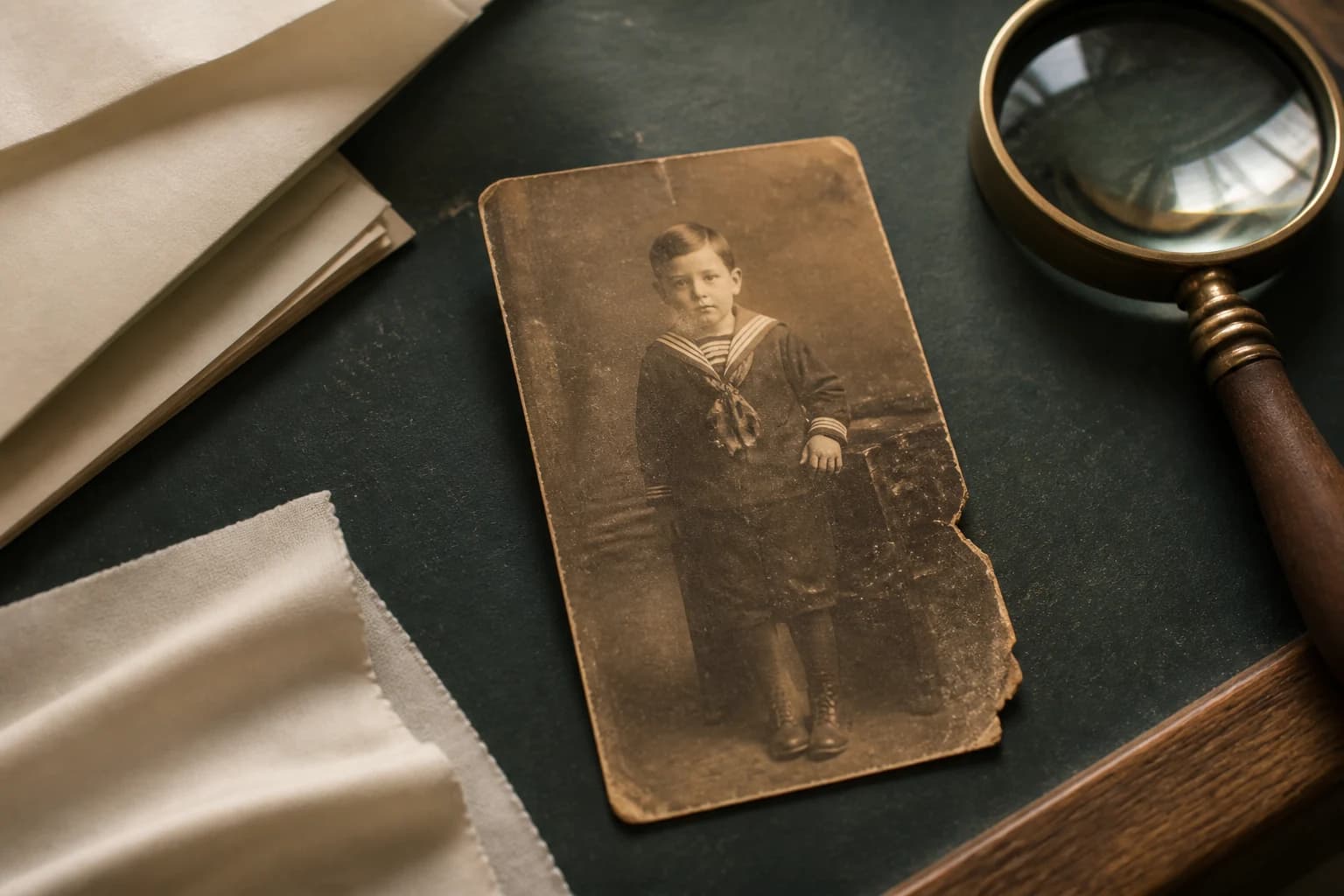
Prepare the scan before adding motion
A tiny, blurred, torn, or overexposed face gives the model less reliable information. Use the best scan available, correct severe rotation, and crop excess border while leaving room around the subject. Restore major damage separately when it hides facial structure.
- Use the best scan available instead of a screenshot
- Keep the face readable with space around the head
- Handle restoration or colorization separately
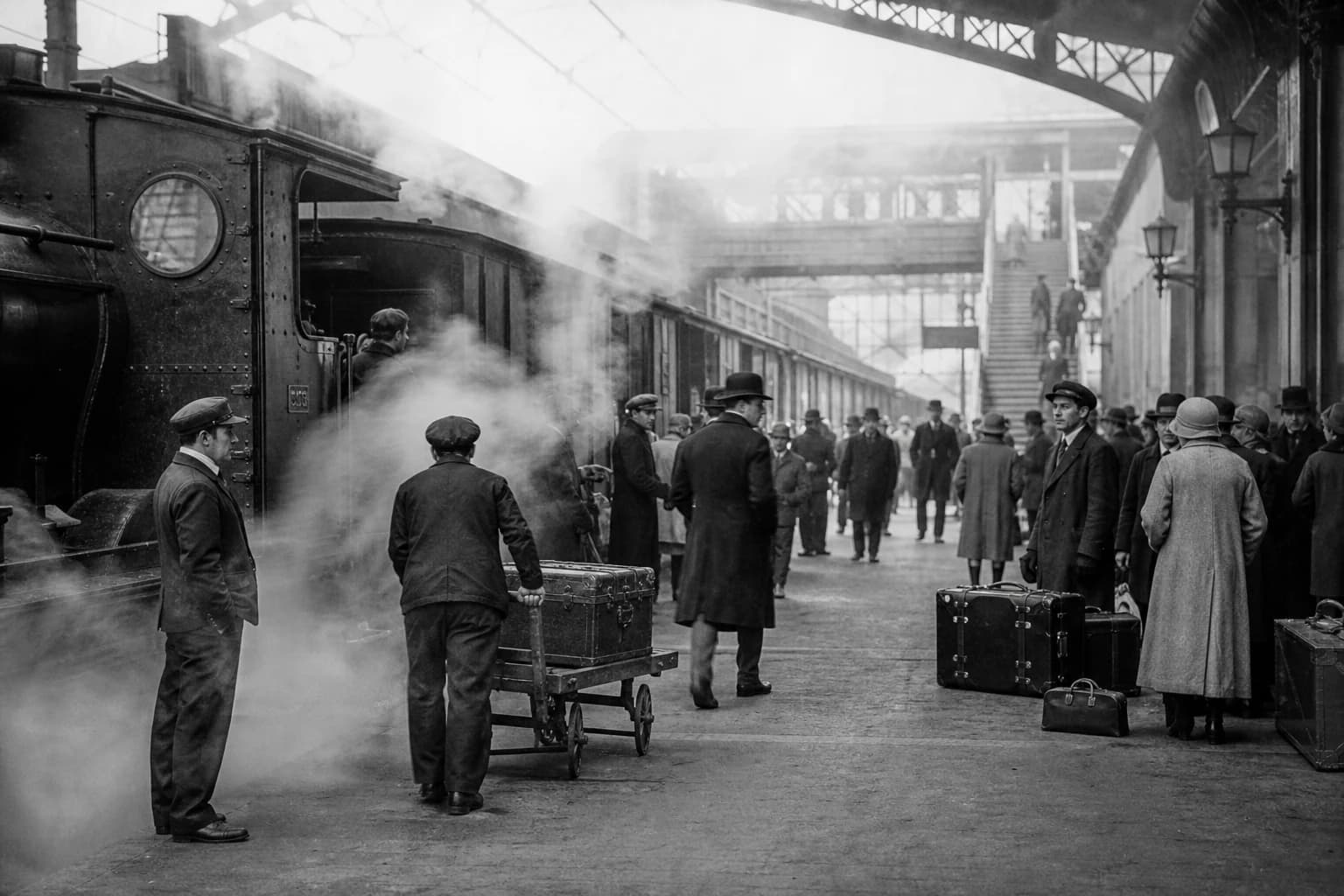
Historical scenes
Animate atmosphere around small figures
When faces are too small for reliable animation, direct the environment instead: drifting steam, moving branches, distant fabric, clouds, or a slow parallax push. Keep crowd movement general and label the result as generated interpretation rather than authentic footage.
- Prioritize atmosphere and depth over tiny faces
- Use a slow shot to preserve the composition
- Label generated motion when historical context matters
Responsible preservation
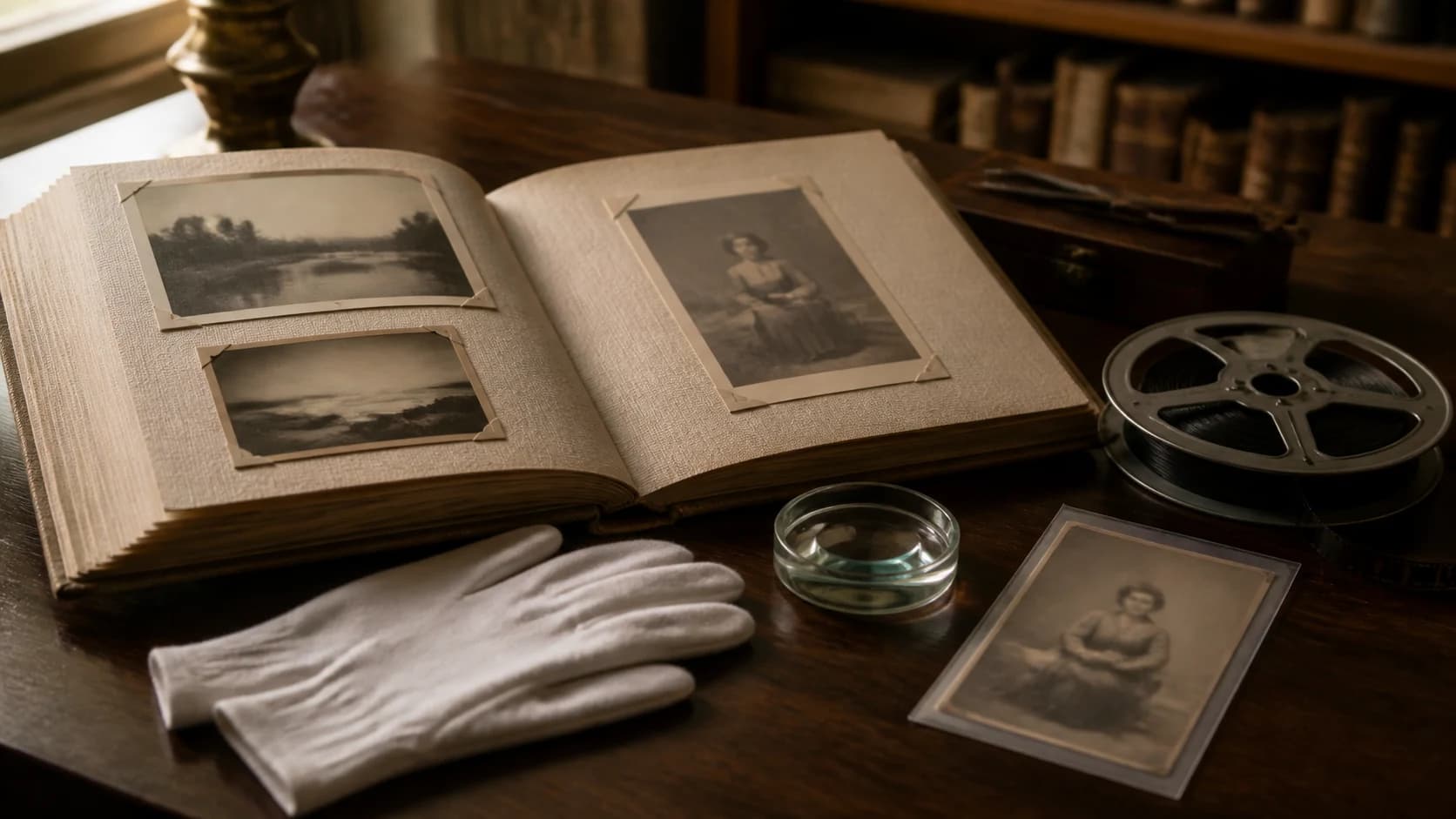
Treat personal photographs with care
Ask permission when identifiable people or family archives are not yours, and consider how an animated expression may be received. Keep the result gentle, avoid misleading claims, and preserve the context that explains who or what the original photograph represents.
- Confirm permission before sharing private family material
- Avoid invented speech or dramatic behavior
- Keep names, dates, and historical context with the source
Source and output
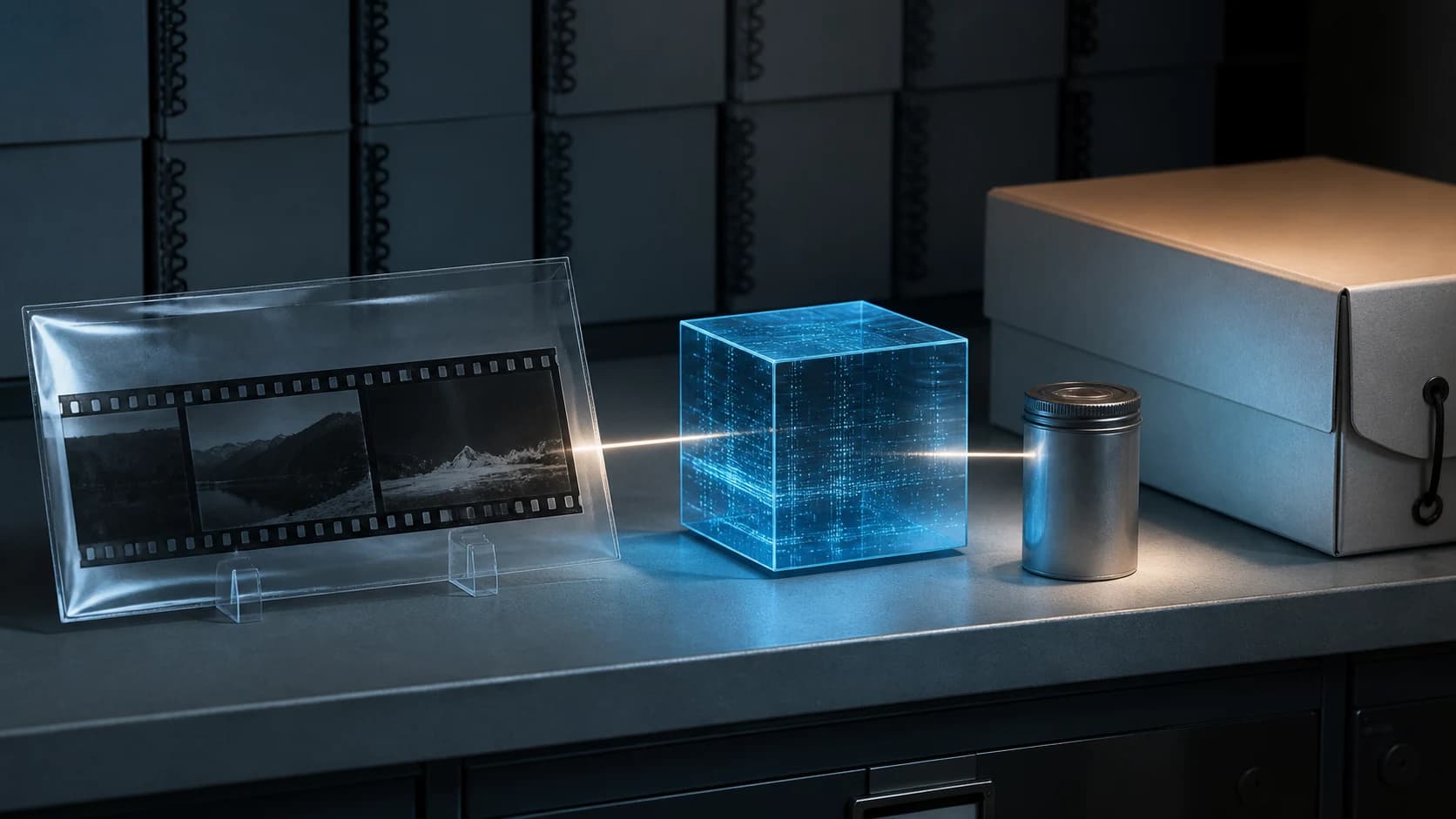
Keep the original and animation separate
Save an untouched master scan before restoration, cropping, or video generation. Export the animation as a new file and record that AI created the movement. A clear archive prevents the generated version from replacing the original historical source.
- Preserve the highest-quality original scan
- Export every animation as a separate derivative
- Label generated motion when the context matters
Who Uses Old Photo Animation
For families, storytellers, and cultural organizations that want gentle motion without presenting generated movement as real footage.
Families and family historians
Bring old family photos and ancestor portraits to life for private stories, anniversaries, remembrance, or a digital family archive.
Memorial, wedding, and reunion storytellers
Animate wedding, class, team, and group photos with a slow camera move and restrained shared motion instead of exaggerated gestures.
Museums, archives, and educators
Create disclosed historical photo animations for exhibitions, classrooms, period stories, or digital archives while preserving names, dates, and context.
Why Choose Photo to Video AI to Animate Old Photos
Start from the real photograph, choose restrained movement, and review every face before saving a new animated version.
Motion designed to stay subtle
Begin with a blink, quiet breathing, a small expression, fabric movement, or a slow camera push instead of exaggerated gestures.
Keep the original photo central
The uploaded photograph anchors the identity and composition while the selected model adds a restrained amount of movement and depth.
Use black-and-white and vintage photos
Animate monochrome, sepia, hand-tinted, faded, or color photographs without confusing animation with restoration or automatic colorization.
Review faces and preserve context
Inspect every face, hand, garment, and group member, save the animation separately, and keep the untouched original with its historical context.
How to Animate an Old Photo with AI
Turn one family, vintage, or historical photograph into a short video in three steps.
Upload your best scan
Choose a clear old photo that you have permission to use. Correct major rotation, crop excess borders, and leave enough space around faces and bodies for natural motion.
Choose gentle motion
Keep the default low-motion prompt or describe a blink, breath, slight head movement, fabric shift, atmospheric detail, or slow camera push-in.
Generate and review every face
Select a model and supported settings, check the credit price, generate, then inspect identity, hands, clothing, background, and group members before download.
Animate Old Photos FAQ
How can I animate an old photo with AI?
Can AI animate black-and-white or sepia photos?
What motion looks natural in an old portrait?
Can I animate a family group photo?
Does this tool restore, repair, or colorize old photos?
Why does the face change during old photo animation?
Is it safe to upload family photographs?
Is it free to animate old photos?
Bring an Old Photograph to Life Gently
Upload your best scan, begin with subtle motion, and create a short memory video with free evaluation credits.
Animate Old Photos Online with AI
Photo to Video AI helps animate family portraits, black-and-white pictures, sepia photographs, group photos, and historical scenes with gentle motion. Upload one image, choose a low-motion prompt and supported settings, review the cost, and treat the result as creative interpretation rather than authentic footage.