LogoPhoto to Video AI
  • Agent
  • First & Last Frame
  • Reference to Video
    • Image to Video
    • Text to Video
    • AI Video Editor
    • Video to Video
    • Lip Sync
    • Motion Control
    • MiniMax H3 Max
    • Kling 3.0
    • MiniMax H3
    • Hailuo AI
    • Text to Image
    • Image to Image
    • GPT Image 2.5
  • Pricing
New account bonus

Sign up for 30 free credits

Get free credits
LogoPhoto to Video AI
  1. Image to Video
  2. /AI Cosplay Video Generator

AI Cosplay Video GeneratorYour character, brought to life.

Bring your character to life with the AI cosplay video generator. Turn a photo into expressive movement, a cinematic entrance, or a clip worth sharing.

Choose a movement

Choose a movement
Give your character a moment: a glance, a gesture, a breeze…
Public
Character dance · From our homepage collection
Preparing generatorControls will be ready in a moment.

Explore the AI Cosplay Video Generator

From a subtle glance to a flowing cape, give your favorite character a moment of their own.

Creative styling illustrations below; watch the dance example above.

01 / PHOTOS INTO PERFORMANCE

AI Cosplay Video Generator for Expressive Portraits

Your costume and favorite shot become the starting point. The AI cosplay video generator adds a glance, breathing, or movement in hair and fabric. Give a still portrait presence and bring fresh material to your cosplay portfolio.

Animate your cosplay photo
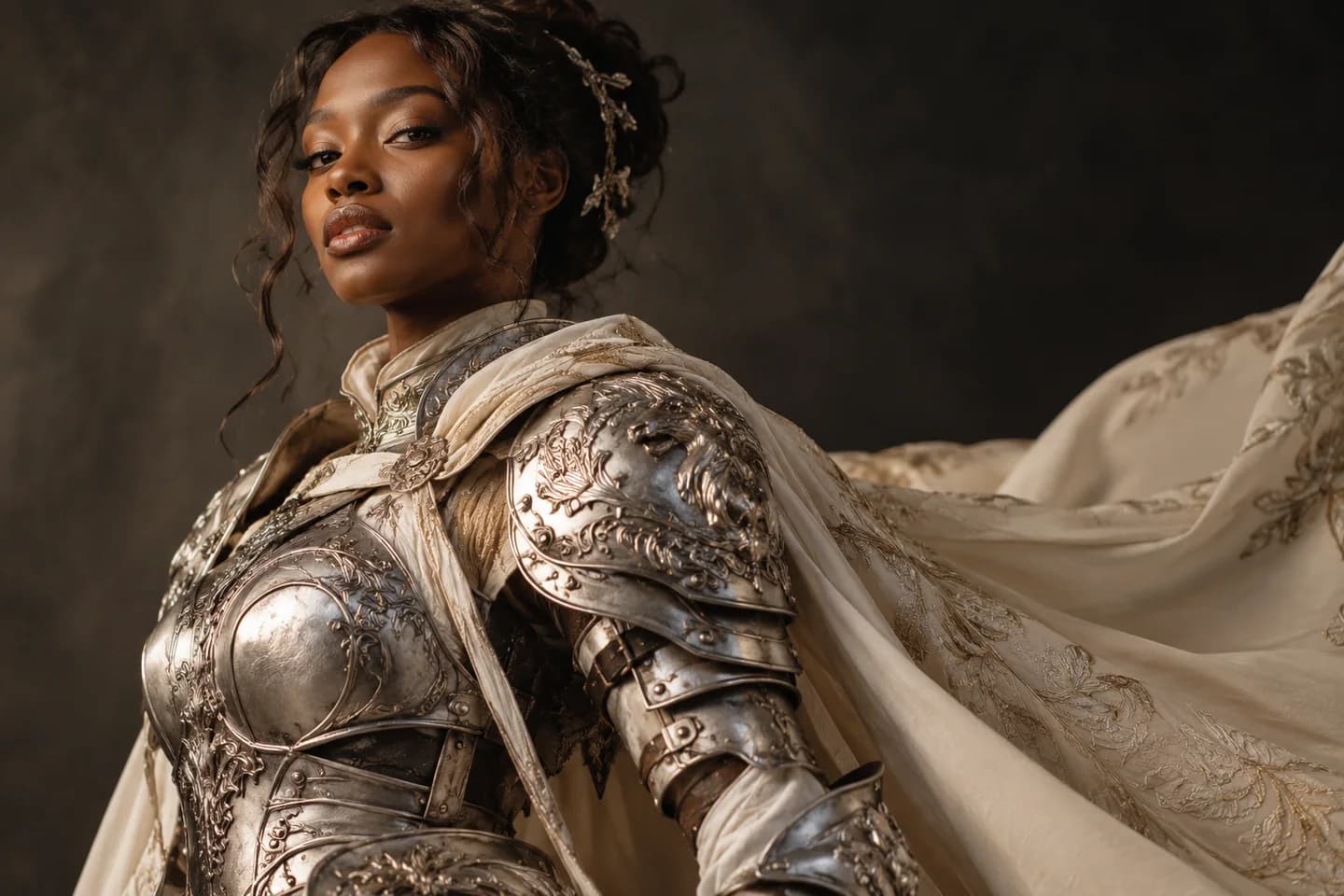
Original silver-armored knight with an embroidered ivory cape in warm studio lighting

02 / A CINEMATIC ENTRANCE

Make your first moment memorable

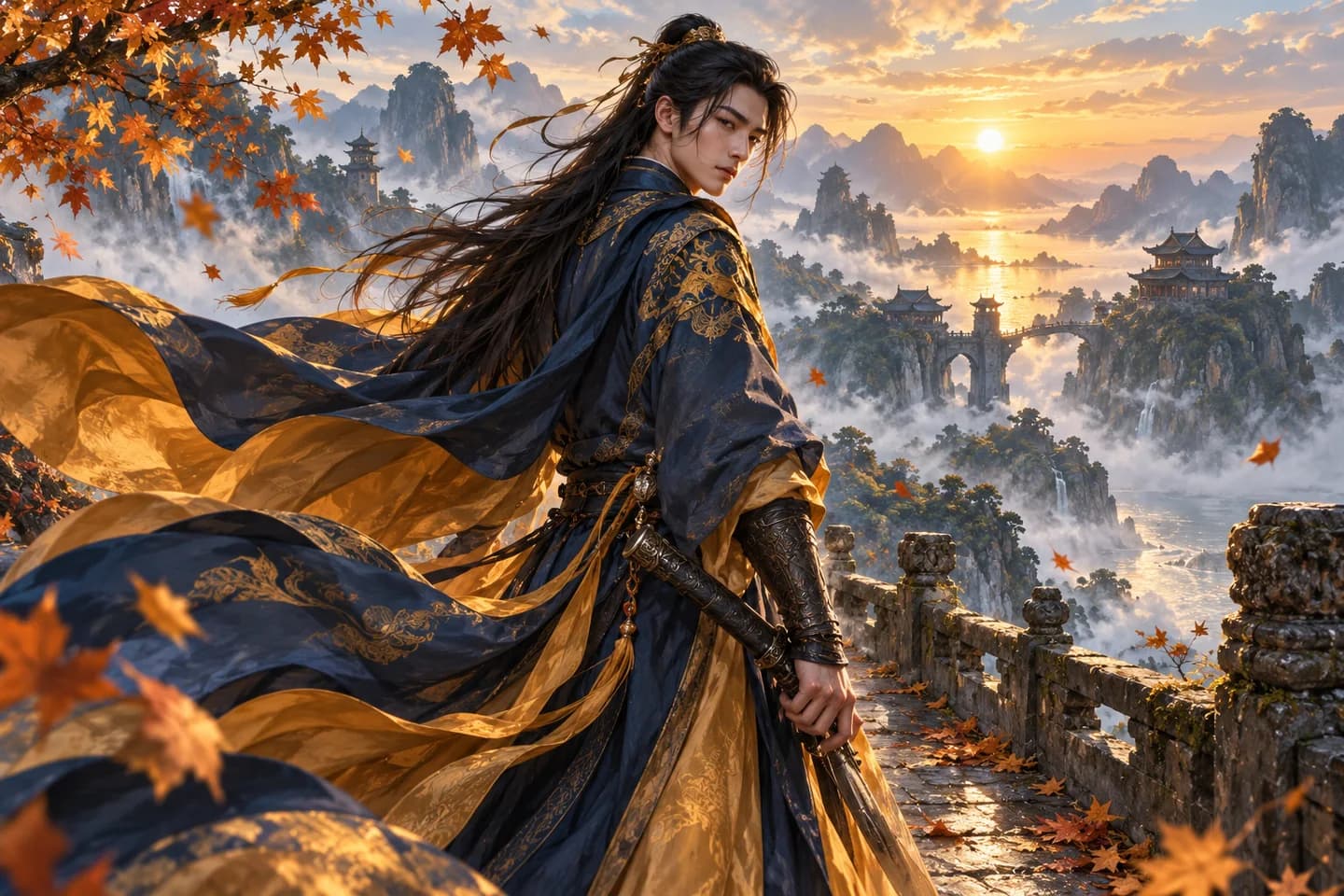
Create a slow camera push-in, a confident turn, or a mysterious greeting with the AI cosplay video generator. Choose a movement idea or describe the scene. Build the atmosphere around the character you want viewers to remember.

Try a character entrance
Fantasy swordsman looking over his shoulder on a misty bridge with flowing blue and gold robes

03 / IMAGINE YOUR LOOK

Create the character you have in mind

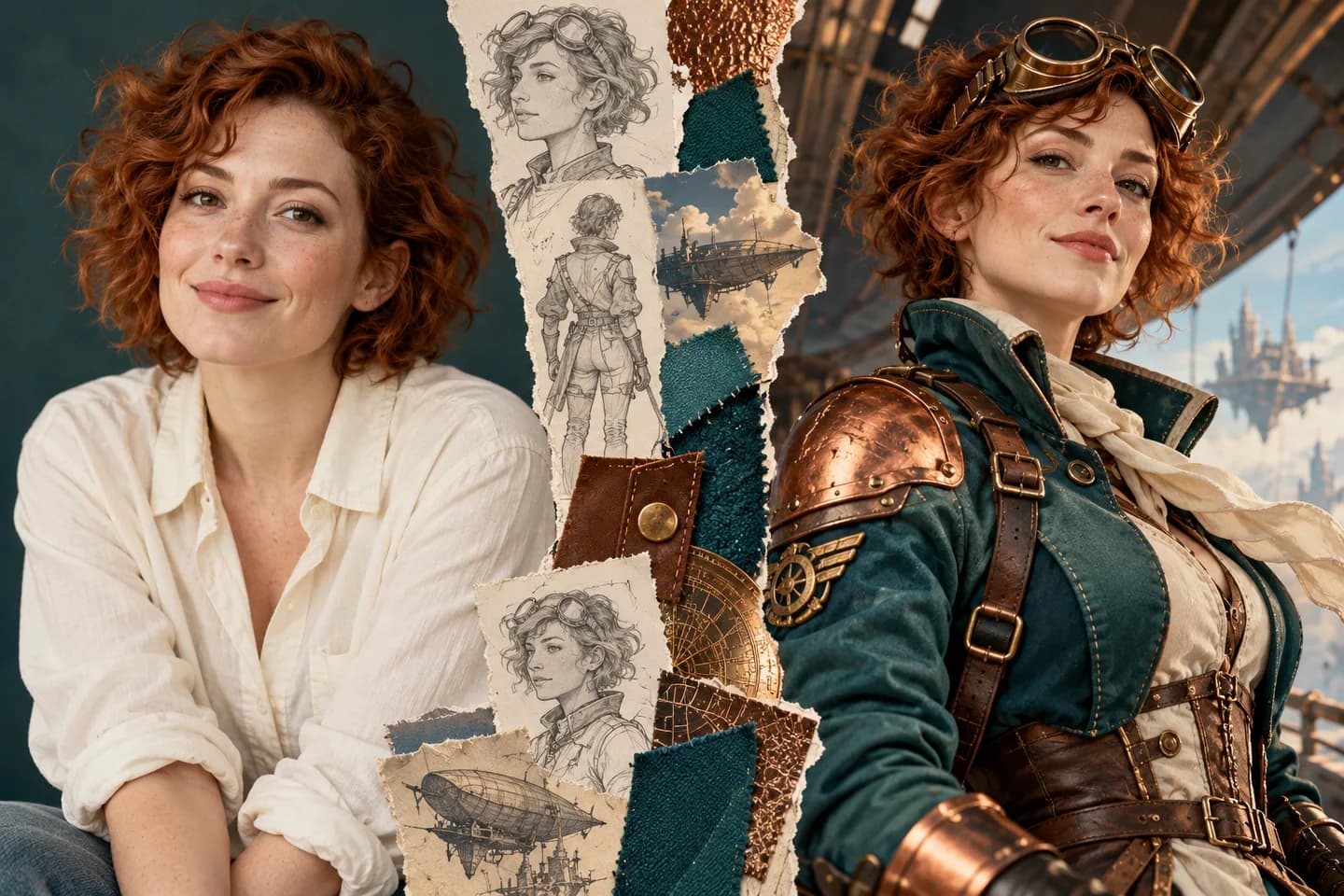
Start in Image to Image to explore an anime-inspired outfit, fantasy armor, or futuristic persona. Save your favorite look, then open the AI cosplay video generator to animate it. Refine the costume before giving the character an entrance.

Create your character look
Editorial collage of an auburn-haired woman and her original teal and copper sky-pilot costume concept

04 / TAKE THE STAGE

Give your character a dance to perform

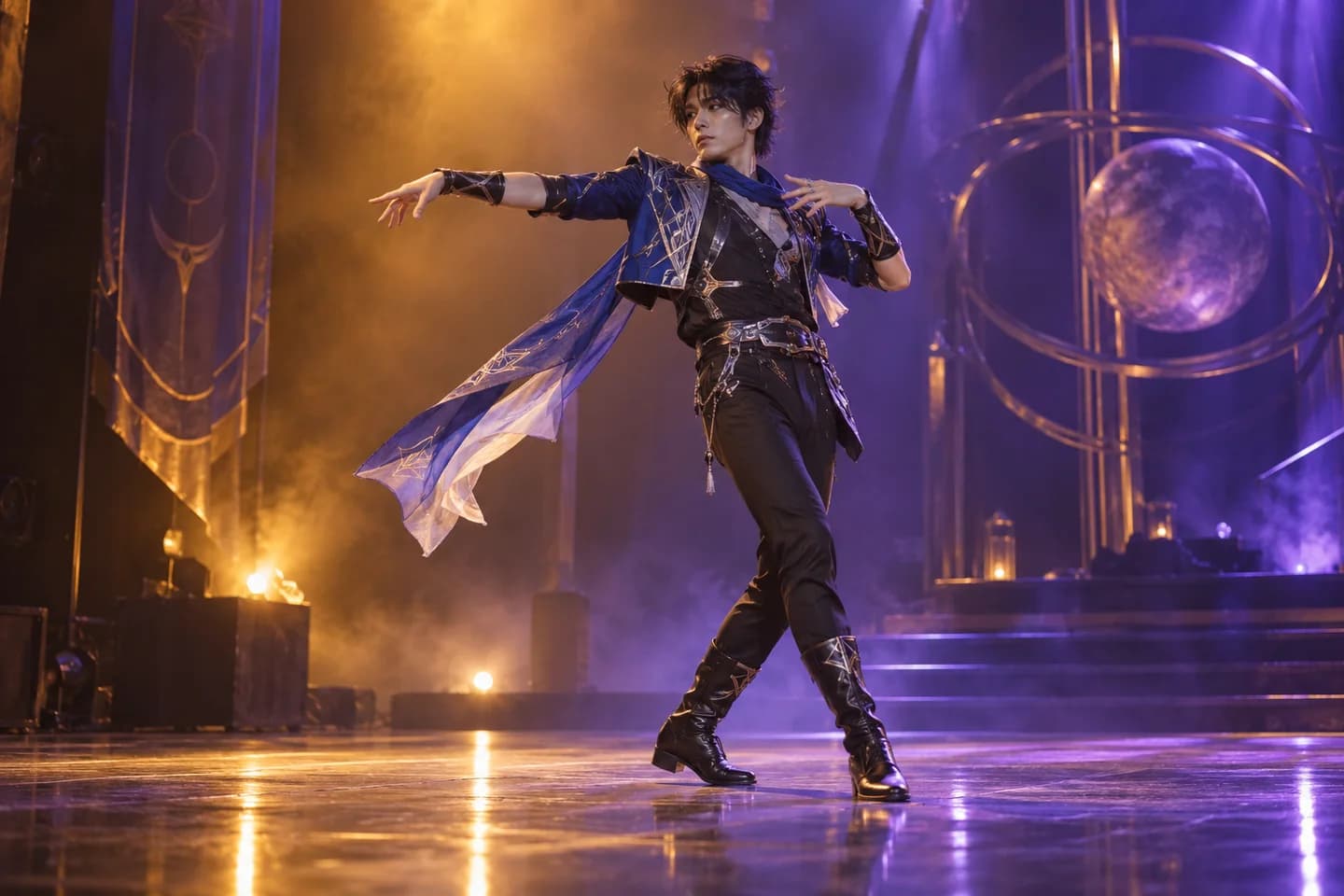
Create an introduction with the AI cosplay video generator, then explore a performance in Motion Control. Pair a character image with a dance reference to guide the choreography. Build a fan edit or stage-persona reveal around your chosen movement.

Create a reference-guided dance
Original science-fiction cosplayer performing a full-body dance under amber and violet stage lights

05 / READY FOR YOUR FEED

AI Cosplay Video Generator for TikTok & Reels

Create reveals for TikTok, Reels, and Shorts with the AI cosplay video generator. Try a close-up or dramatic opening from the same photo. Download your favorite clip, then add music or captions before sharing it with your community.

Create your next character clip
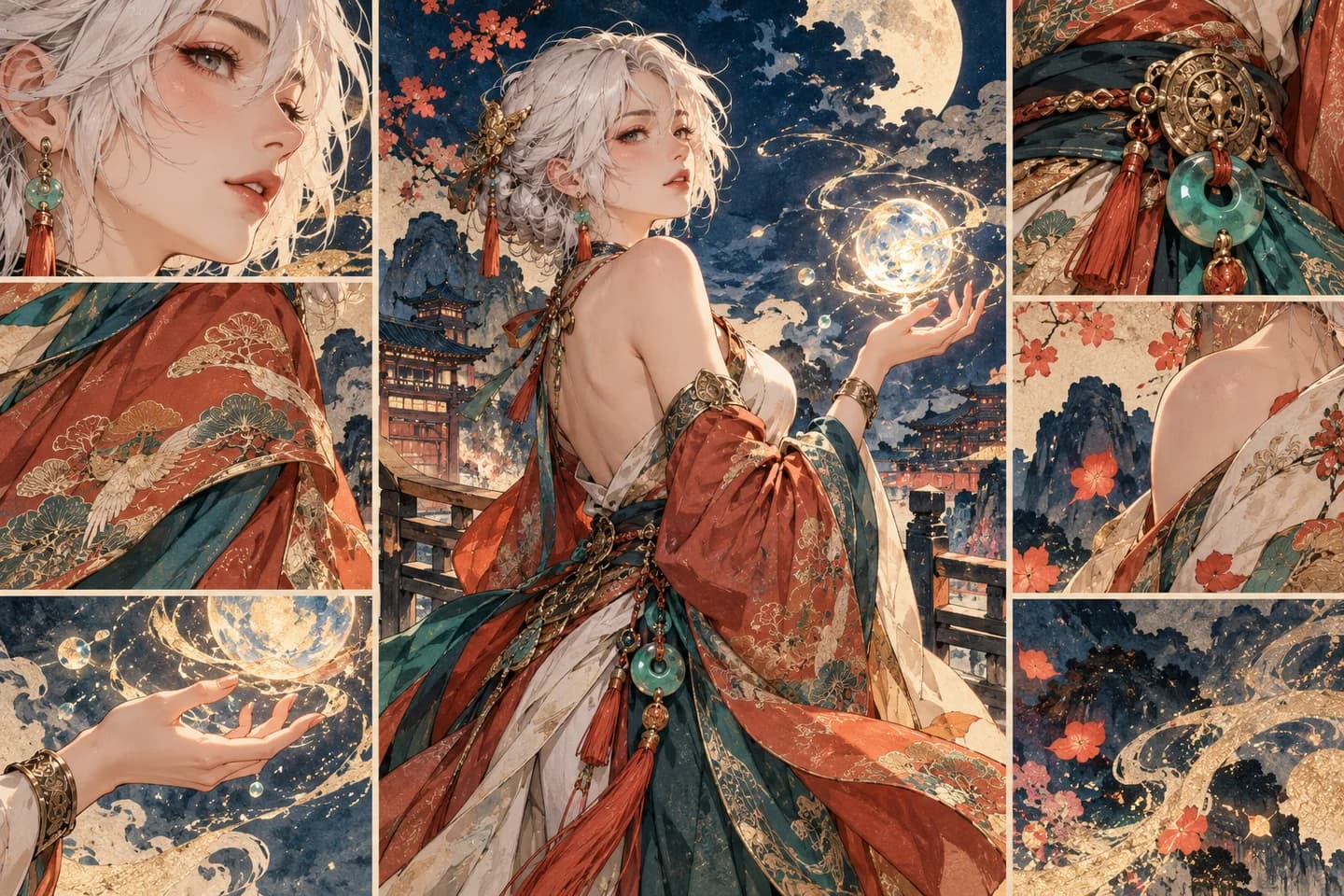
Cel-shaded white-haired fantasy mage framed by watercolor costume details and glowing magical particles

How to Use the AI Cosplay Video Generator

  1. 01

    Bring your photo

    Upload a clear photo to the AI cosplay video generator, or select a sample image.

  2. 02

    Choose the movement

    Choose a quick movement or write a prompt. Review the AI cosplay video generator’s model and credit estimate.

  3. 03

    Preview and share

    Preview your AI cosplay video generator result, download it, and add your finishing touches.

AI Cosplay Video Generator Use Cases

A character debut

Introduce a new costume with an AI cosplay video generator reveal before posting the full photo set.

A convention teaser

Use the AI cosplay video generator for a character greeting that builds anticipation for your next convention.

A fan creation

Create anime-inspired scenes and original fantasy personas with the AI cosplay video generator for your fan community.

A fresh social post

Turn an older shoot into a fresh Reel or Short with the AI cosplay video generator.

Why Choose Our AI Cosplay Video Generator?

Models in one workspace

Choose compatible models in the AI cosplay video generator and see their available controls in one place.

An easy starting point

The AI cosplay video generator includes sample photos and movement prompts, so your first scene starts with an idea.

Keep your flow

Generate, preview, and download in the AI cosplay video generator. Review the credit estimate before each creation.

A FEW USEFUL ANSWERS

AI Cosplay Video Generator FAQ

How do I use the AI cosplay video generator with my photo?

Upload a clear photo, choose a movement or write a prompt, and generate. The AI cosplay video generator uses your image as the visual starting point. Preview the clip and download your favorite.

Can the AI cosplay video generator animate a selfie?

Yes. Create your costume and character look in Image to Image first. Save the image, then upload it to the AI cosplay video generator for movement.

Does the AI cosplay video generator support anime and original characters?

Yes. The AI cosplay video generator accepts realistic cosplay photos, anime artwork, and original character images. Describe the expression and atmosphere you want, then explore how your character moves.

How do I keep faces consistent in the AI cosplay video generator?

Start with a sharp image and one clearly visible character. Choose simple movements and ask to preserve the face and costume. Review faces, hands, and clothing before sharing.

Can I make dance clips with the AI cosplay video generator?

Use the AI cosplay video generator for a character introduction. For specific choreography, open Motion Control and pair your character image with a dance reference. The example above comes from our homepage collection.

Is the AI cosplay video generator free to try?

New accounts receive 30 signup credits. Review the displayed estimate before generating. Model access and credit costs vary; plans and credit packs are available for more creations.

What files and video settings does the AI cosplay video generator support?

Upload JPG, PNG, or WebP to the AI cosplay video generator. With a reference photo, the default Veo 3.1 Lite workflow uses 8 seconds and offers vertical or landscape output. Durations, resolutions, and image limits depend on the model.

Can I download AI cosplay video generator results without a watermark?

Download AI cosplay video generator results from the preview. Free-credit videos include a watermark; paid access offers watermark-free output. Results use the displayed public setting, and private mode unlocks after a purchase.

Tools for Your AI Cosplay Video Generator

Image to Image

Create a costume or explore a new character look.

Anime Image to Video

Bring illustrated characters and anime artwork into motion.

Motion Control AI

Guide a performance with a reference video.

AI Lip Sync

Give your character a voice with an audio-led portrait.

Your Next Scene Starts with the AI Cosplay Video Generator

Bring a photo and a little imagination. Use the AI cosplay video generator to create a character moment worth sharing.

Create My Cosplay Video
LogoPhoto to Video AI

Email
Use Cases
  • AI TikTok Video Generator
  • AI UGC Video Generator
  • AI Birthday Video Maker
  • AI Dance Video Generator
  • AI Shoe Video Generator
  • AI Cosmetics Video Generator
  • AI Rap Video Generator
  • AI Talking Photo
  • Animated Book Cover Maker
  • AI Construction Timelapse Generator
  • AI Car Video Generator
  • Day to Night Transition
  • Pet Photo to Video AI
  • Animate Illustration AI
  • Fashion Photo to Video AI
  • Food Photo to Video AI
  • Portrait Image to Video AI
  • Wedding Photo to Video AI
  • Anime Image to Video AI
  • AI Furniture Video Generator
  • First & Last Frame Video
  • Reference to Video AI
  • All AI Video Tools
AI Models
  • LTX AI Image to Video
  • Seedance Image to Video
  • Veo 3.1 Image to Video
  • Grok Imagine Image to Video
  • GPT Image 2.5
  • Kling AI Image to Video
  • MiniMax H3 AI Video Generator
  • MiniMax H3 Max AI Video Generator
  • Hailuo AI Image to Video
Company
  • About
  • Contact
  • Changelog
Legal
  • Cookie Policy
  • Privacy Policy
  • Acceptable Use Policy
  • Terms of Service
© 2026 Photo to Video AI[email protected]We are not affiliated with the model providers. All trademarks belong to their respective owners.