Use AI UGC Video Generator to create casual, direct-to-camera clips. Start with a portrait and speech in Lip Sync, or switch to Text to Video to explore fresh hooks without filming.
JPG, PNG, WEBP · 1 image
MP3, WAV, M4A · 1 audio · 50 MB max
Add optional visual direction for the speaker…
The selected model determines whether you add a portrait or a source video, then shows the matching speech and quality controls.
Turn on to apply this option
Use the visual prompt without automatic expansion.
Public
Preparing generatorControls will be ready in a moment.
Create better ads with AI UGC Video Generator
Turn a scene idea into a presenter-led clip you can review, refine, and use in your next campaign.
01 / YOUR PRESENTER
Give one portrait a speaking role
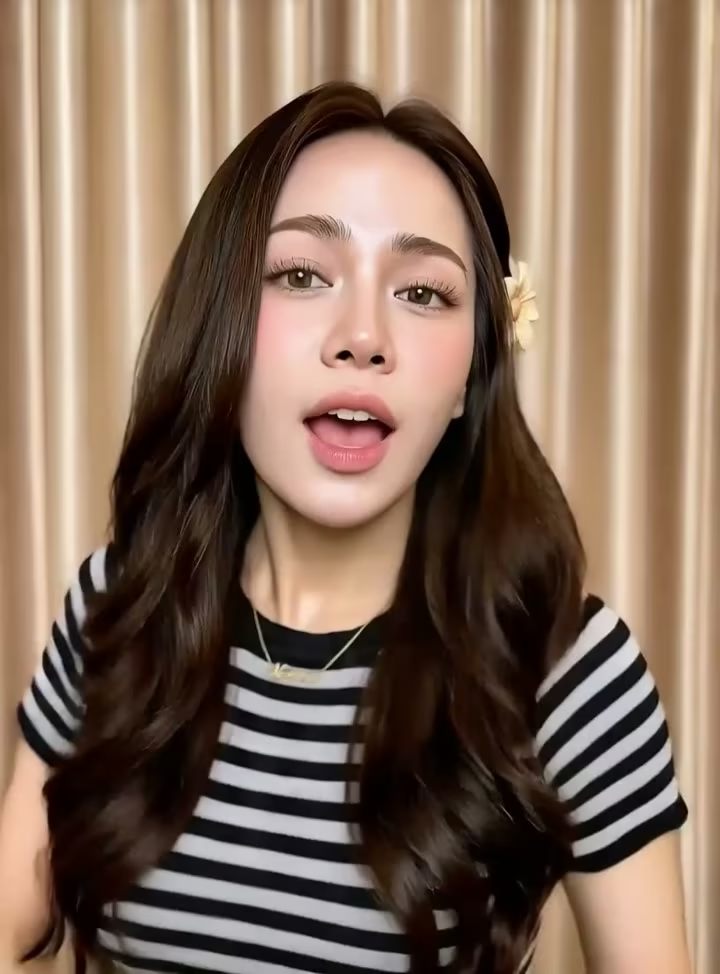
Describe a founder, brand spokesperson, or character in a familiar setting. AI UGC Video Generator helps you explore a presenter without organizing a shoot. Choose the expression, surroundings, and delivery that suit your audience. Use AI UGC Video Generator for a fresh creator scene; for an existing portrait and recording, choose Lip Sync above and review facial consistency before publishing.
Lead with one useful benefit and a clear next step. AI UGC Video Generator accepts short spoken lines in scene prompts for audio-capable models. Try a preset, then replace the example with accurate product details. Use AI UGC Video Generator to explore different wording; choose Lip Sync above when you need selectable voices or exact script delivery.
Keep the pauses, pronunciation, and personality of a recording you already like. The Lip Sync mode in AI UGC Video Generator pairs your own audio with an authorized face. Reuse founder messages or approved campaign recordings instead of recording a new visual take. Combine this workflow with AI UGC Video Generator when your campaign needs both familiar speech and fresh creative scenes.
Try a question, a practical benefit, or a seasonal offer. AI UGC Video Generator lets you create each version separately and compare how clearly it communicates. Change the opening while keeping your brief focused on one product. Use AI UGC Video Generator clips alongside your product footage and call to action, then test the finished ads with your audience.
Prepare a reviewed script for each audience. AI UGC Video Generator supports creative exploration across compatible video models; Lip Sync mode adds explicit voice and language choices for typed scripts. Current options include English, Spanish, French, German, and Japanese. Use AI UGC Video Generator with this workflow to build localized campaigns, checking translated wording, pronunciation, and offer details before publishing.
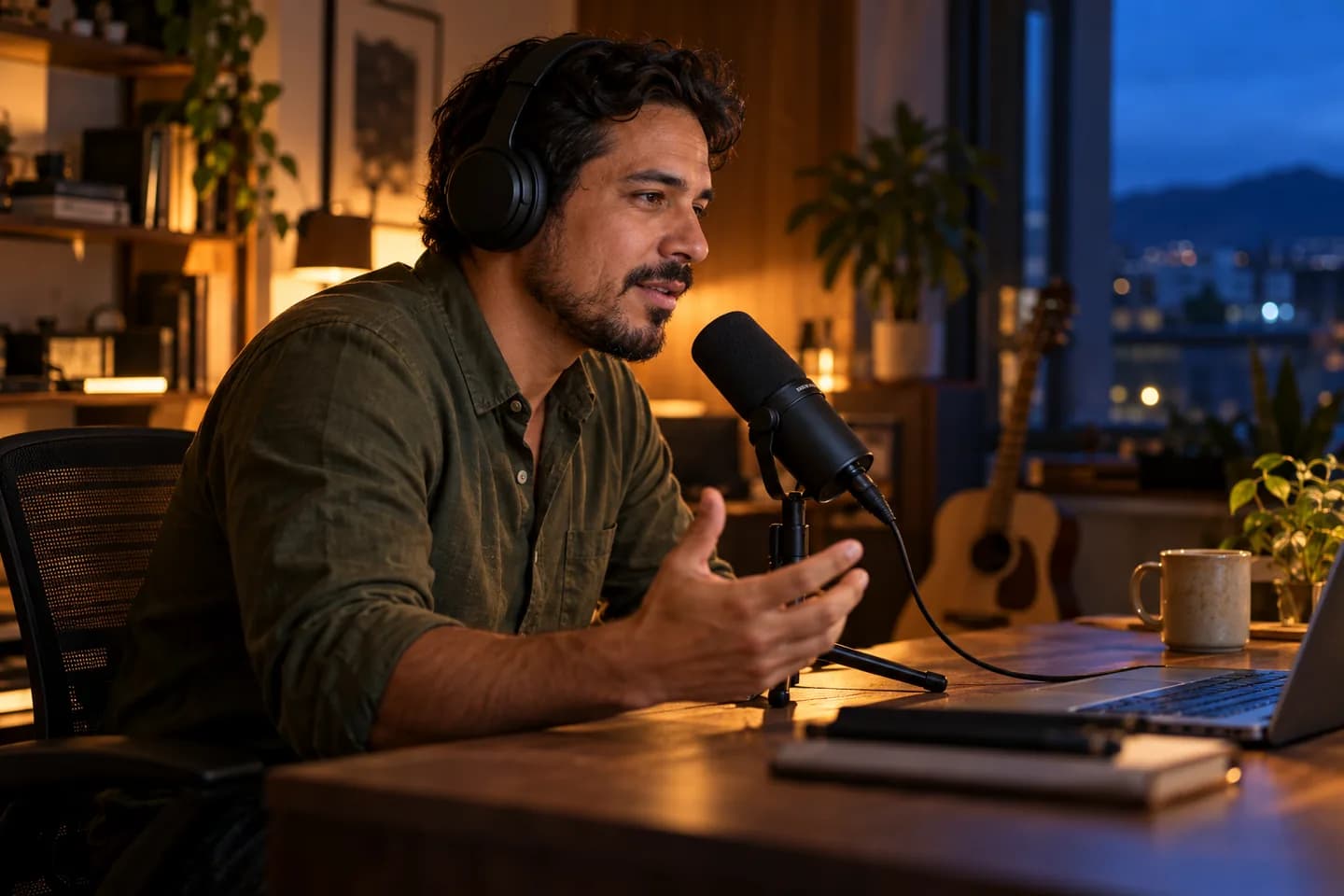
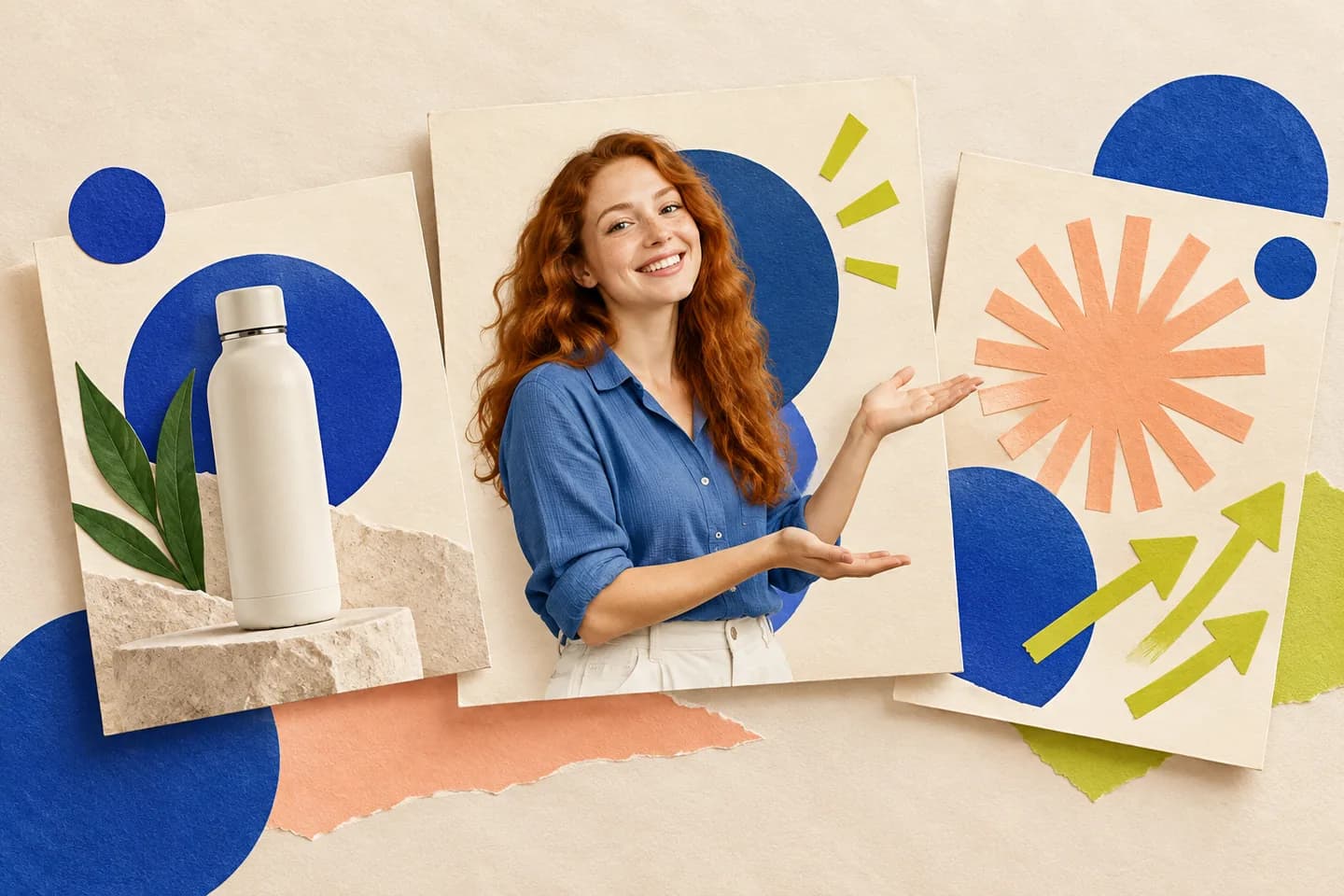
Feature artwork is illustrative. Lip Sync shows a presenter example; the Text to Video preview is a real four-second Kling 3.0 Standard image-to-video sample, without audio.
How to use AI UGC Video Generator
01
Choose your starting point
Add a portrait and speech in AI UGC Video Generator, or switch to Text to Video and describe a scene.
02
Choose your settings
Choose an AI UGC Video Generator model and settings; use a recording or type a script in Lip Sync.
03
Generate and review
Check the AI UGC Video Generator credit estimate, create your clip, then preview and download.
AI UGC Video Generator for everyday campaigns
Product introductions
Introduce a new product with AI UGC Video Generator for launch or storefront edits.
TikTok & Reels hooks
Test AI UGC Video Generator openings for TikTok, Instagram Reels, and other short-form ads.
Offer updates
Use AI UGC Video Generator to explain a seasonal promotion with accurate, current wording.
Agency concepts
Prepare AI UGC Video Generator concepts for client feedback before building a finished campaign.
Why choose AI UGC Video Generator?
Choose your starting point
Start AI UGC Video Generator with portrait lip sync, or switch to a scene prompt for fresh visuals.
See the cost first
AI UGC Video Generator shows the current credit estimate before you create a clip.
Compare your options
Compare supported AI UGC Video Generator models, formats, and quality settings in one form.
A FEW THINGS TO KNOW
AI UGC Video Generator FAQ
What can I create with AI UGC Video Generator?
AI UGC Video Generator creates synthetic, creator-style clips. Lip Sync starts with a portrait and uploaded or generated speech; Text to Video starts with scene prompts. Present synthetic content honestly; it does not document a real customer experience.
Is AI UGC Video Generator free to try?
AI UGC Video Generator uses credits. New accounts currently receive 30 signup credits. Costs depend on the model, duration, audio, and quality; check the estimate, as free credits may not cover every setting.
What photo and audio should I upload?
In AI UGC Video Generator, Lip Sync with P-Video Avatar accepts a clear JPG, PNG, or WebP face image and MP3, WAV, or M4A audio up to 50 MB. You can also type a script. Text to Video starts with a scene prompt.
Can I use my own voice or type a script?
AI UGC Video Generator defaults to Lip Sync. With P-Video Avatar, upload your recording or choose Script to enter speech and select a voice and language. This workflow does not include voice cloning. Text to Video accepts dialogue prompts on audio-capable models.
Which languages can I use with AI UGC Video Generator?
AI UGC Video Generator controls vary by model. Portrait lip sync currently lists US and UK English, Spanish, French, German, Italian, Brazilian Portuguese, Japanese, Korean, and Hindi. Supply your translated script; translation is separate.
How long are AI UGC Video Generator clips?
AI UGC Video Generator displays durations, formats, and quality supported by your model. Portrait lip sync follows speech length and offers 720p or 1080p. Review the estimate and complete result before downloading.
Does it include captions, product footage, or a finished ad?
AI UGC Video Generator creates individual clips. Add captions, product footage, branding, and placement formatting in your editor. Image to Video can create supporting shots. Our Kling 3.0 preview is a silent example.
Are exports watermark-free, and can I use them in ads?
AI UGC Video Generator free-credit exports include an evaluation watermark. Paid plans offer watermark-free output and commercial-use rights under applicable terms. Use authorized materials and disclose synthetic content where required. Ad results vary.