LogoPhoto to Video AI
  • Agent
  • First & Last Frame
  • Reference to Video
    • Image to Video
    • Text to Video
    • AI Video Editor
    • Video to Video
    • Lip Sync
    • Motion Control
    • MiniMax H3 Max
    • Kling 3.0
    • MiniMax H3
    • Hailuo AI
    • Text to Image
    • Image to Image
    • GPT Image 2.5
  • Pricing
New account bonus

Sign up for 30 free credits

Get free credits
LogoPhoto to Video AI
  1. Image to Video
  2. /AI TikTok Video Generator

AI TikTok Video GeneratorTurn photos & ideas into videos.

Start with a few words in the AI TikTok Video Generator. Create a vertical clip for your next post, with no camera setup or required image.

Start with an idea

Start with an idea
What happens in your TikTok? Describe a subject, one action, and a visual style…

Start with words. A reference image is optional.

Upload reference images for video generation.

Public
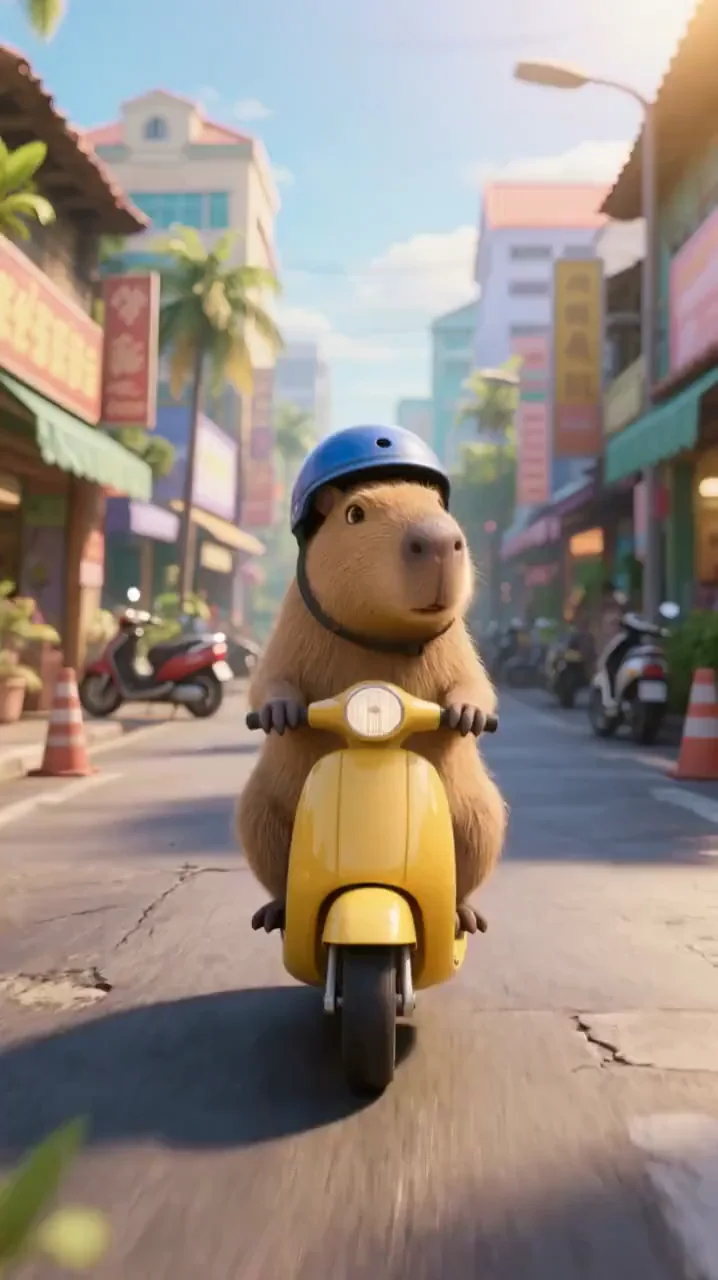
A capybara wearing a blue helmet rides a yellow scooter
Preparing generatorControls will be ready in a moment.

What can your AI TikTok Video Generator create?

Explore the AI TikTok Video Generator for photos, original ideas, product reveals, and short-form visual stories.

01 / PHOTOS IN MOTION

Give a still image its next moment

Bring a drink, pet, or illustration to life with the AI TikTok Video Generator. A soda can fizz, a character can look up, or a drawing can catch the breeze. For photo-led work, open Image to Video from the AI TikTok Video Generator page. Choose a clear reference and one simple action. Review faces, shapes, and motion before sharing a clip made with the AI TikTok Video Generator.

Animate a photo
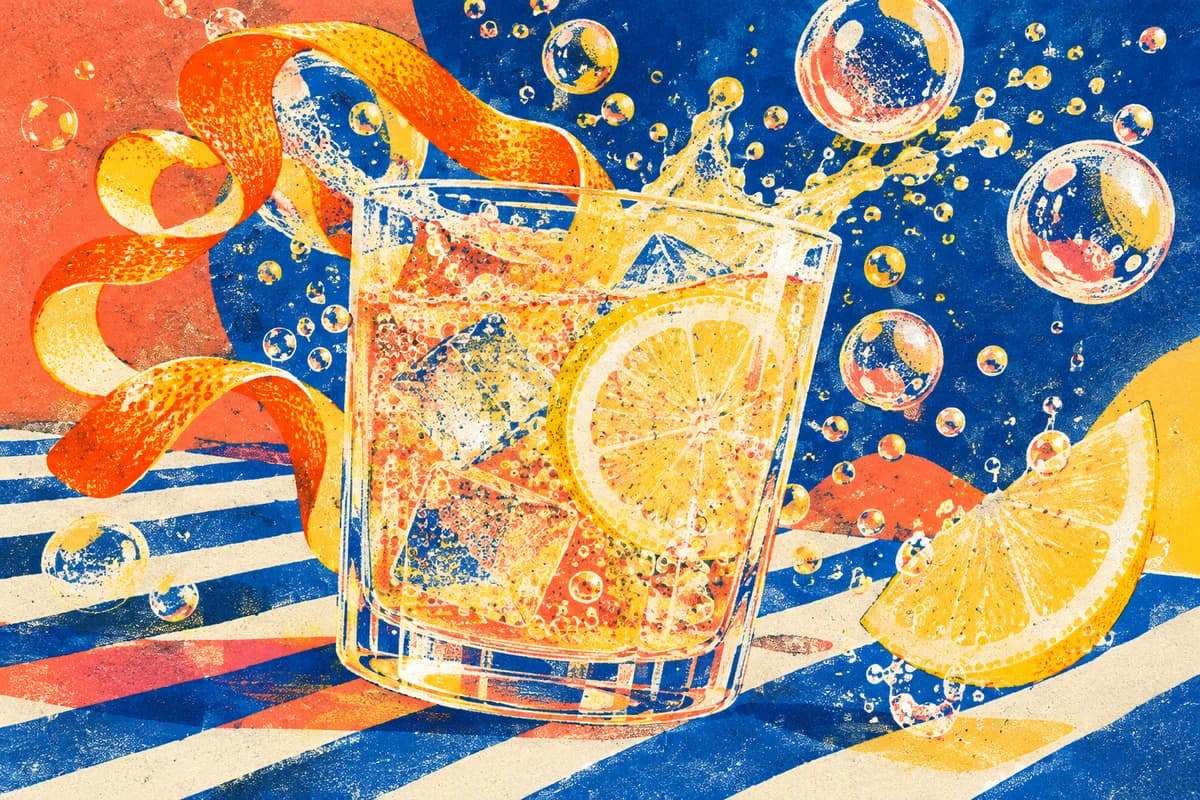

Risograph citrus soda illustration with floating bubbles and a curling orange peel

02 / WORDS INTO WORLDS

No footage? Start with an impossible idea.

Imagine a miniature city inside a seashell or a train among the clouds. The AI TikTok Video Generator turns a written scene into a short clip without requiring footage. Use the AI TikTok Video Generator for faceless story openings and imaginative cutaways. Describe one subject, one action, and one mood. Review your first result, then refine the scene in the AI TikTok Video Generator to explore a different take.

Try an idea
Handmade ceramic miniature city and tiny train nestled inside a seashell

03 / PRODUCTS WITH PERSONALITY

Make the reveal part of the story

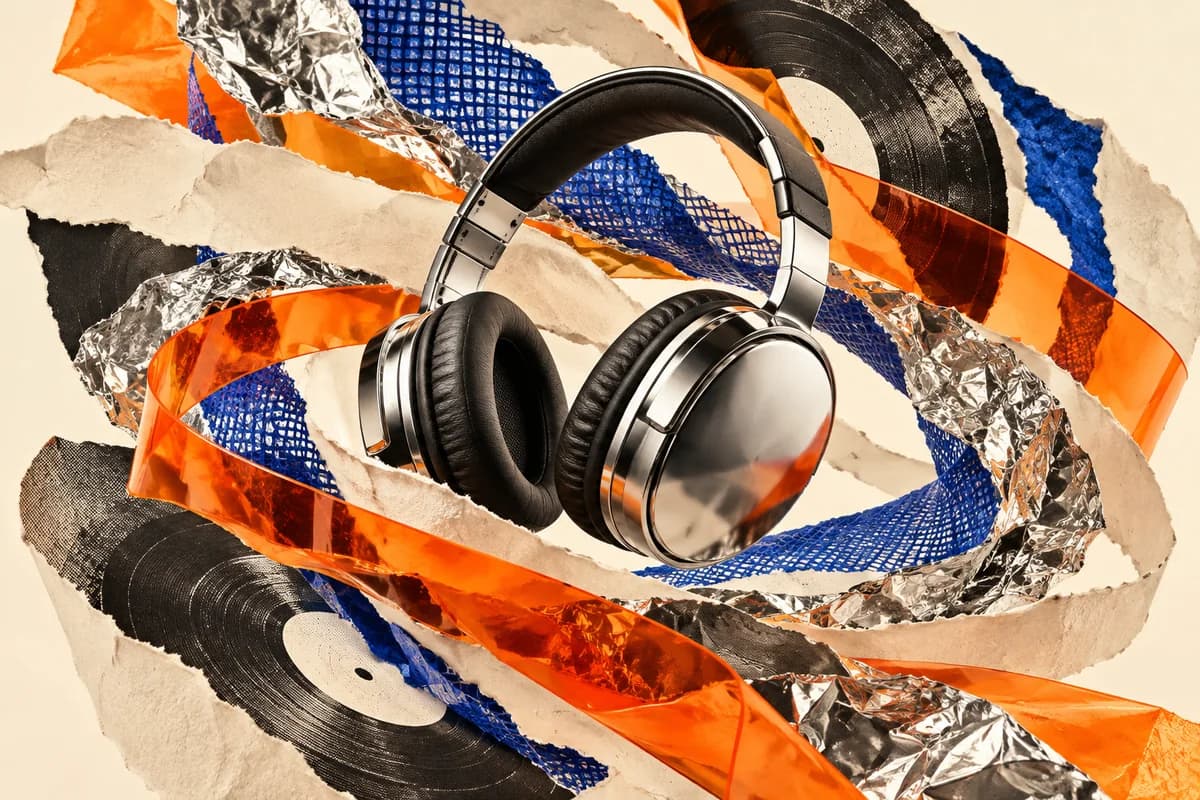
Open on a material detail, add motion, then reveal your product. The AI TikTok Video Generator helps explore short visual concepts for launches and shop updates. Start from words in the AI TikTok Video Generator, or follow Product Photo to Video for a real item. Check shapes, logos, and materials before publishing. Add exact prices and offer text after downloading from the AI TikTok Video Generator.

Explore product videos
Chrome headphones in an energetic collage of torn paper, orange acetate and cobalt mesh

04 / THINK VERTICAL

Build the scene for a phone screen

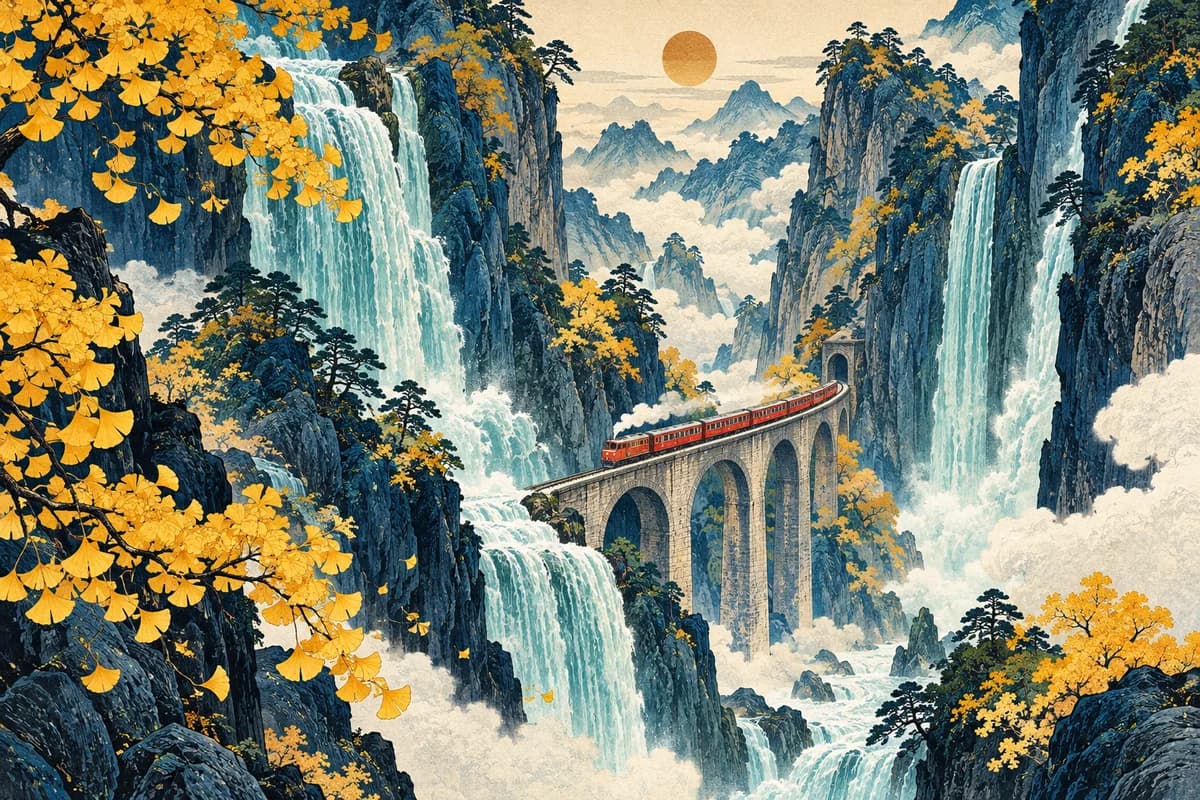
Give a waterfall height or a product room to move. The AI TikTok Video Generator starts in 9:16 on the default model, helping you compose for a phone screen. Formats can change when you choose another model in the AI TikTok Video Generator. Keep the main action centered and leave room for captions. Clips from the AI TikTok Video Generator can also support Reels and YouTube Shorts.

Create a vertical clip
Woodblock-style red train climbing between tall turquoise waterfalls and indigo cliffs

05 / A DIFFERENT OPENING

One concept. A few unexpected directions.

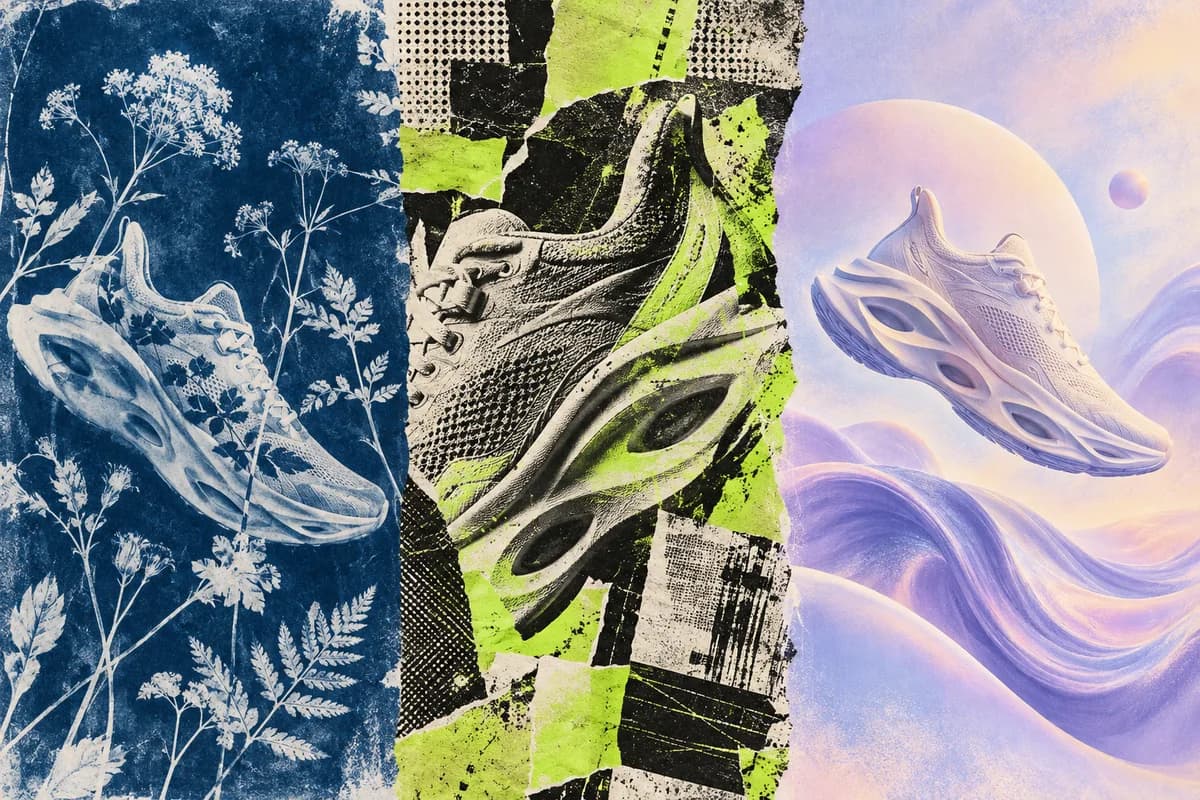
Try a close-up, a surprising setting, or a new visual style. Create each version separately with the AI TikTok Video Generator, then compare the openings. Adjust the prompt in the AI TikTok Video Generator without organizing another shoot. Check the updated credit estimate before generating again. Use the AI TikTok Video Generator to explore creative options, then judge each clip by how clearly it introduces your story.

Explore another direction
One shoe concept explored through cyanotype, punk paper collage and pastel airbrush art

How to use the AI TikTok Video Generator

  1. 01

    Describe your idea

    Describe one subject, action, and style in the AI TikTok Video Generator. Try a starting prompt; images are optional.

  2. 02

    Choose and generate

    Choose settings in the AI TikTok Video Generator, review the credit estimate, sign in, and generate.

  3. 03

    Preview and download

    Preview your AI TikTok Video Generator result, check the details, and download it for final editing and posting.

Find your AI TikTok Video Generator use case

A new drop

Use the AI TikTok Video Generator to explore a teaser for a launch, collection, or shop update.

A faceless story

Give a narrated story an imaginative opening with the AI TikTok Video Generator, without recording yourself.

A little entertainment

Explore playful animals, illustrated characters, and surreal jokes with the AI TikTok Video Generator.

A place worth sharing

Bring destination ideas and travel memories into motion with the AI TikTok Video Generator.

Why choose this AI TikTok Video Generator?

Models in one workspace

Compare compatible models in one AI TikTok Video Generator workspace, with the controls each model supports.

See the cost first

The AI TikTok Video Generator shows an estimate before generation. Model, duration, and resolution affect credit cost.

Keep the process moving

Write, generate, preview, and download in the AI TikTok Video Generator, then refine your next idea.

A FEW USEFUL ANSWERS

AI TikTok Video Generator questions, answered

Is the AI TikTok Video Generator free to try?

The AI TikTok Video Generator offers 30 signup credits. Sign in and check the estimate before generating. Some models require a purchase, and each generation uses credits.

Does the AI TikTok Video Generator export without a watermark?

Free-credit output from the AI TikTok Video Generator includes a watermark. Paid access offers watermark-free output. Check your account access and the download options for each result.

Does the AI TikTok Video Generator need a photo?

No photo is required in the AI TikTok Video Generator above. For photo-led work, use Image to Video with JPG, PNG, or WebP; upload limits depend on the model.

Can the AI TikTok Video Generator make faceless videos?

Yes. Use the AI TikTok Video Generator for scenery, objects, characters, and imaginary scenes. Assemble longer stories, narration, and exact captions in a separate editor.

What formats does the AI TikTok Video Generator support?

The AI TikTok Video Generator defaults to Veo 3.1 Lite with 4, 6, or 8 seconds and vertical 9:16. Quality options and generation time depend on the model and settings.

Can the AI TikTok Video Generator add captions and music?

Audio options in the AI TikTok Video Generator depend on the model. Add exact captions or a chosen song separately. For synchronized speech, explore the dedicated lip-sync tool.

Can I use the AI TikTok Video Generator for product promotion?

Review model terms, your plan, and source-asset rights before commercial use of AI TikTok Video Generator clips. Check product accuracy and follow applicable TikTok advertising and AI disclosure rules.

Can the AI TikTok Video Generator import YouTube links?

The AI TikTok Video Generator creates short clips from text and optional image references. It does not import YouTube links or publish directly; download and upload the finished video yourself.

Take your idea a little further

Text to Video

Explore the broader prompt-to-video workflow.

Product Photo to Video

Start with a real product image.

AI Dance Video Generator

Guide a character with reference motion.

AI Lip Sync Video Generator

Match a portrait to speech or audio.

Your next TikTok starts with an idea.

Start with a scene in the AI TikTok Video Generator. Create a clip, review the result, and use the AI TikTok Video Generator to explore another direction.

Create your TikTok video
LogoPhoto to Video AI

Email
Use Cases
  • AI Cosplay Video Generator
  • AI UGC Video Generator
  • AI Birthday Video Maker
  • AI Dance Video Generator
  • AI Shoe Video Generator
  • AI Cosmetics Video Generator
  • AI Rap Video Generator
  • AI Talking Photo
  • Animated Book Cover Maker
  • AI Construction Timelapse Generator
  • AI Car Video Generator
  • Day to Night Transition
  • Pet Photo to Video AI
  • Animate Illustration AI
  • Fashion Photo to Video AI
  • Food Photo to Video AI
  • Portrait Image to Video AI
  • Wedding Photo to Video AI
  • Anime Image to Video AI
  • AI Furniture Video Generator
  • First & Last Frame Video
  • Reference to Video AI
  • All AI Video Tools
AI Models
  • LTX AI Image to Video
  • Seedance Image to Video
  • Veo 3.1 Image to Video
  • Grok Imagine Image to Video
  • GPT Image 2.5
  • Kling AI Image to Video
  • MiniMax H3 AI Video Generator
  • MiniMax H3 Max AI Video Generator
  • Hailuo AI Image to Video
Company
  • About
  • Contact
  • Changelog
Legal
  • Cookie Policy
  • Privacy Policy
  • Acceptable Use Policy
  • Terms of Service
© 2026 Photo to Video AI[email protected]We are not affiliated with the model providers. All trademarks belong to their respective owners.