LogoPhoto to Video AI
  • Home
  • AI Video Agent

AI Video

  • Image to Video
  • Text to Video
  • First & Last Frame
  • Reference to Video
  • AI Video Editor
  • Video to Video
  • Lip Sync
  • Motion Control

AI Image

  • Text to Image
  • Image to Image

Models

  • GPT Image 2.5New
  • MiniMax H3 MaxNew
  • Kling 3.0
  • MiniMax H3
  • Hailuo AI
  • Creation History
  • Pricing
LogoPhoto to Video AI
Start for Free

AI Image to Video Generator

Turn any photo, product image, portrait, or artwork into a natural-looking AI video. Choose a leading video model, describe the motion you want, and sign in to receive free credits. A free account is required; no editing skills needed.

Upload reference images for video generation.

Public
Private
Cinematic woman beside a rain-fogged window at night
Preparing generatorControls will be ready in a moment.
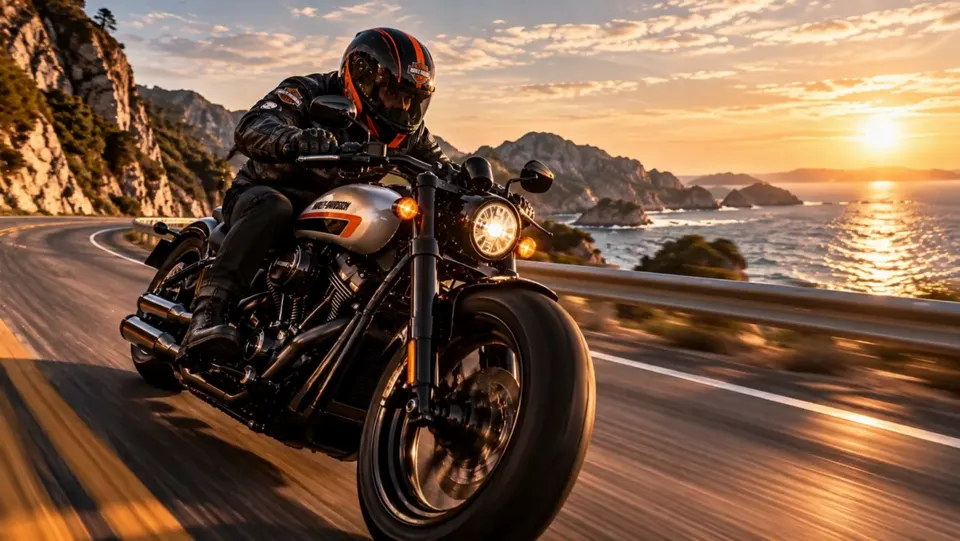
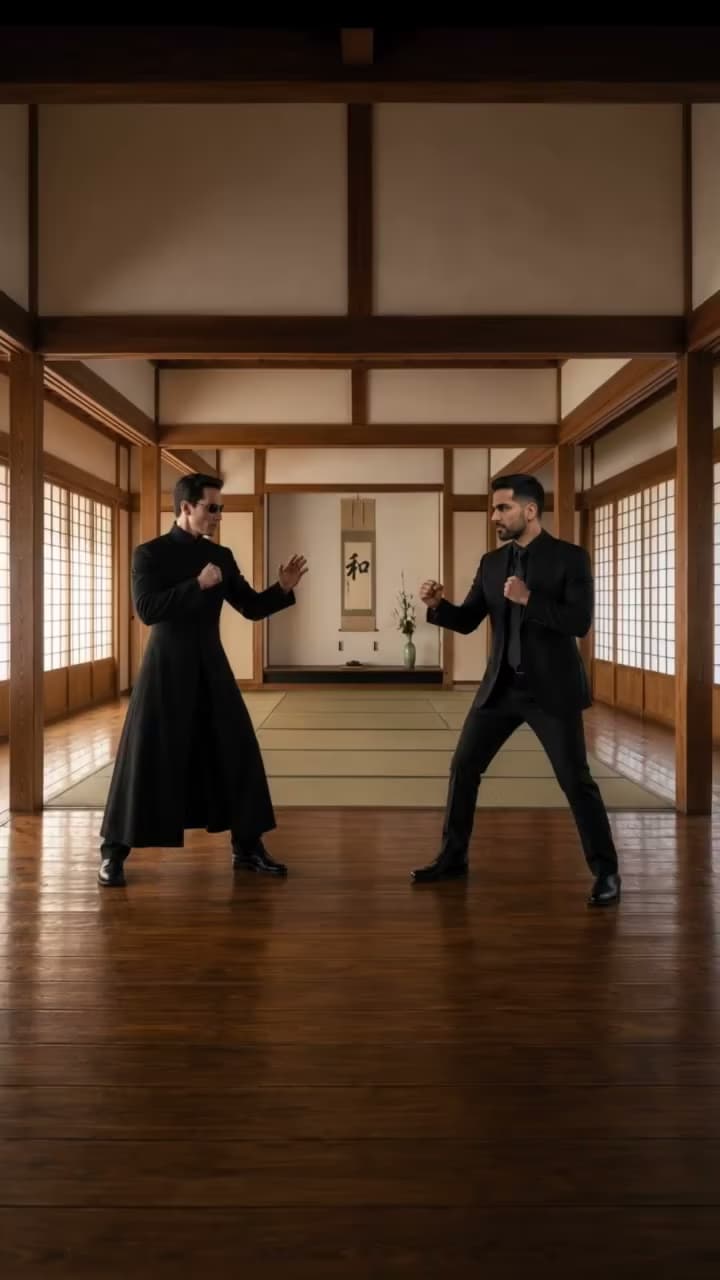
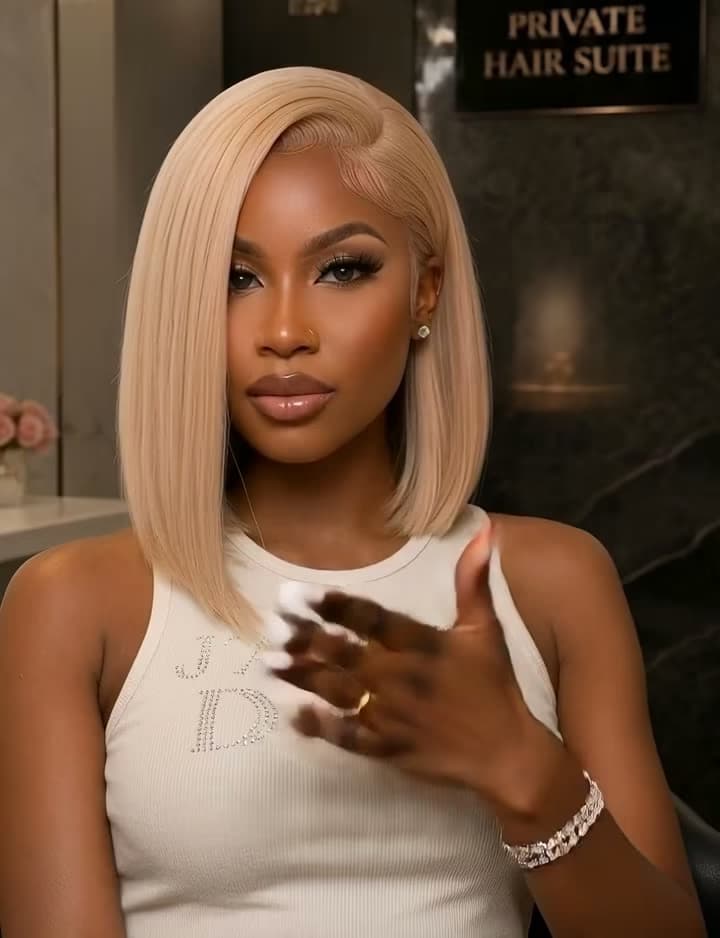
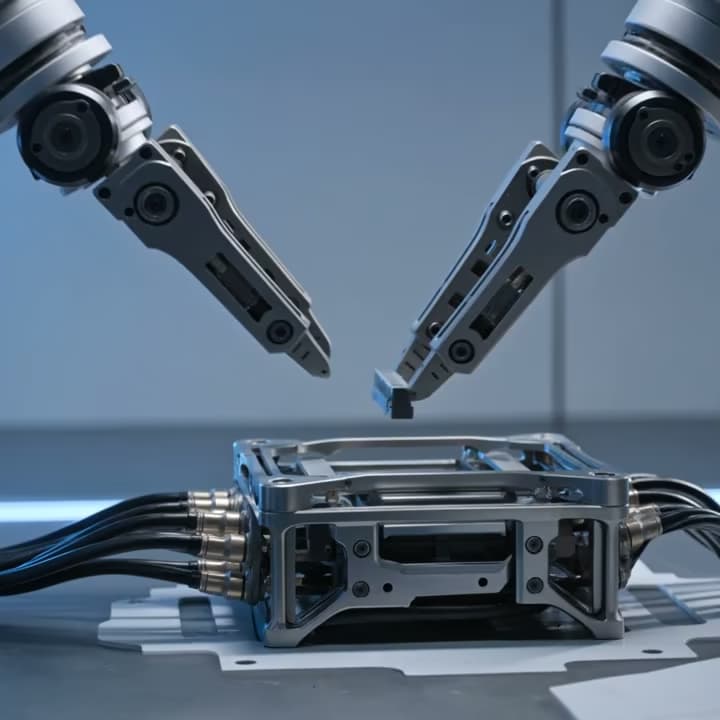
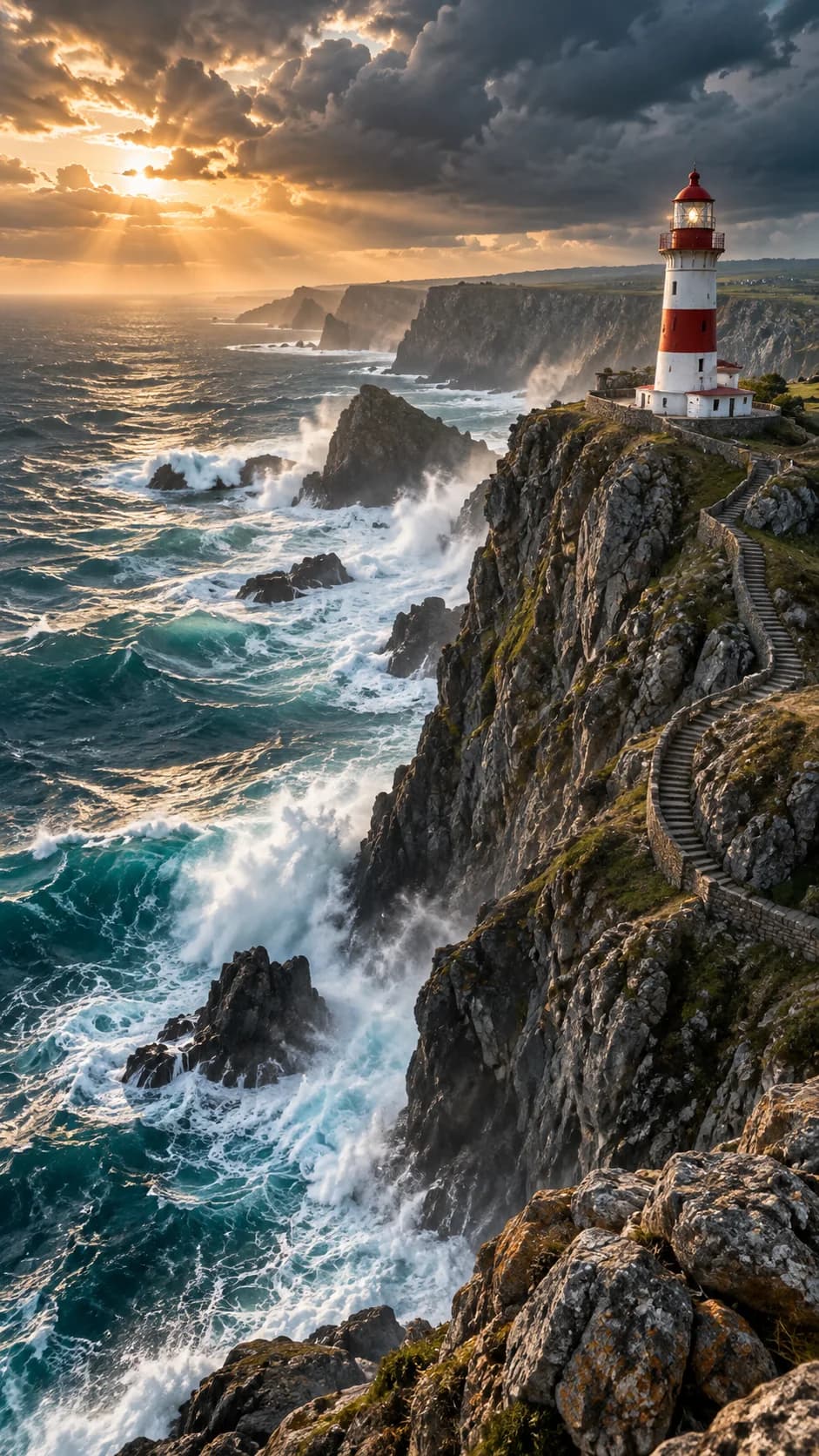
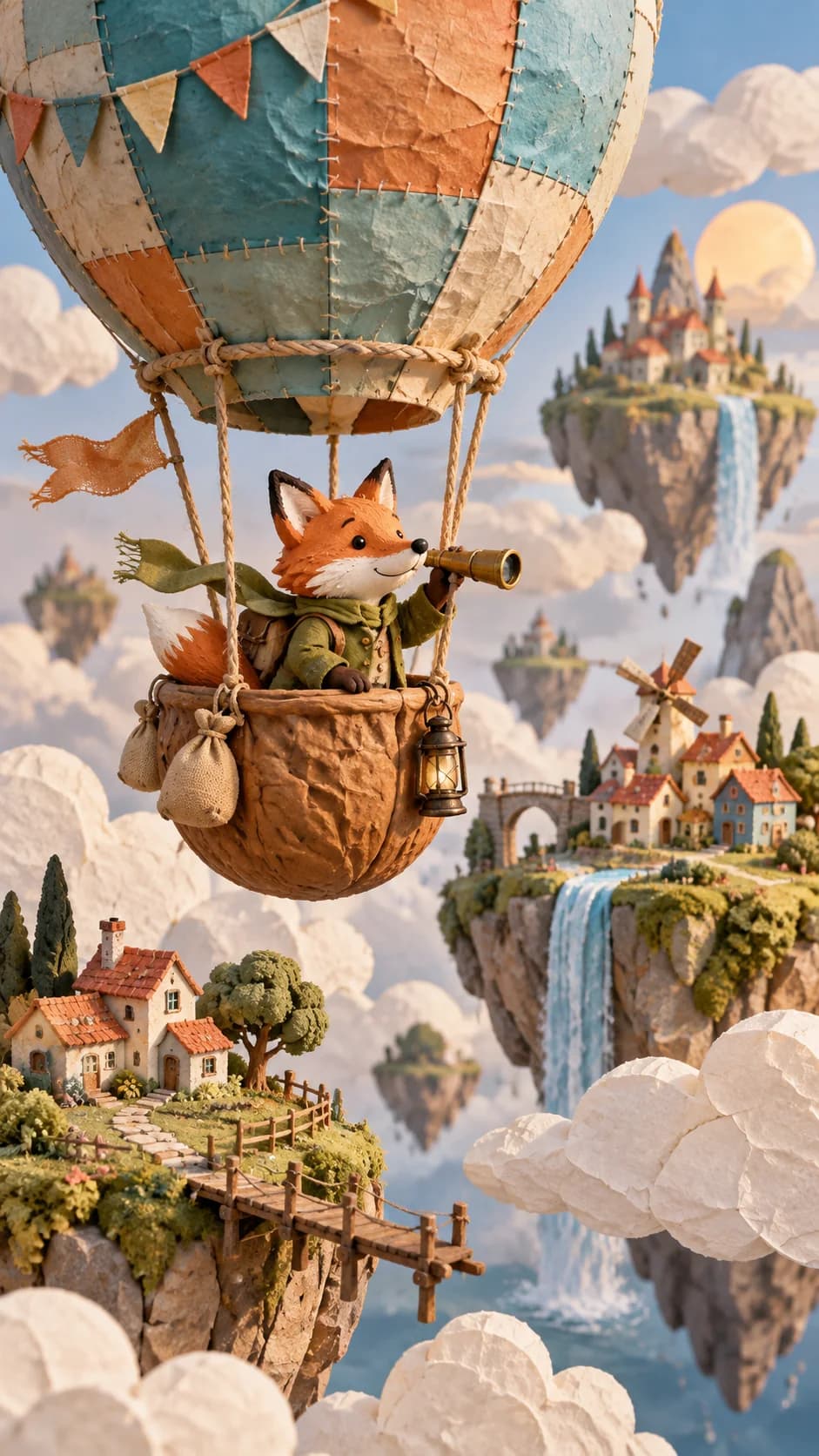
AI Image to Video example 01 generated with Photo to Video AI
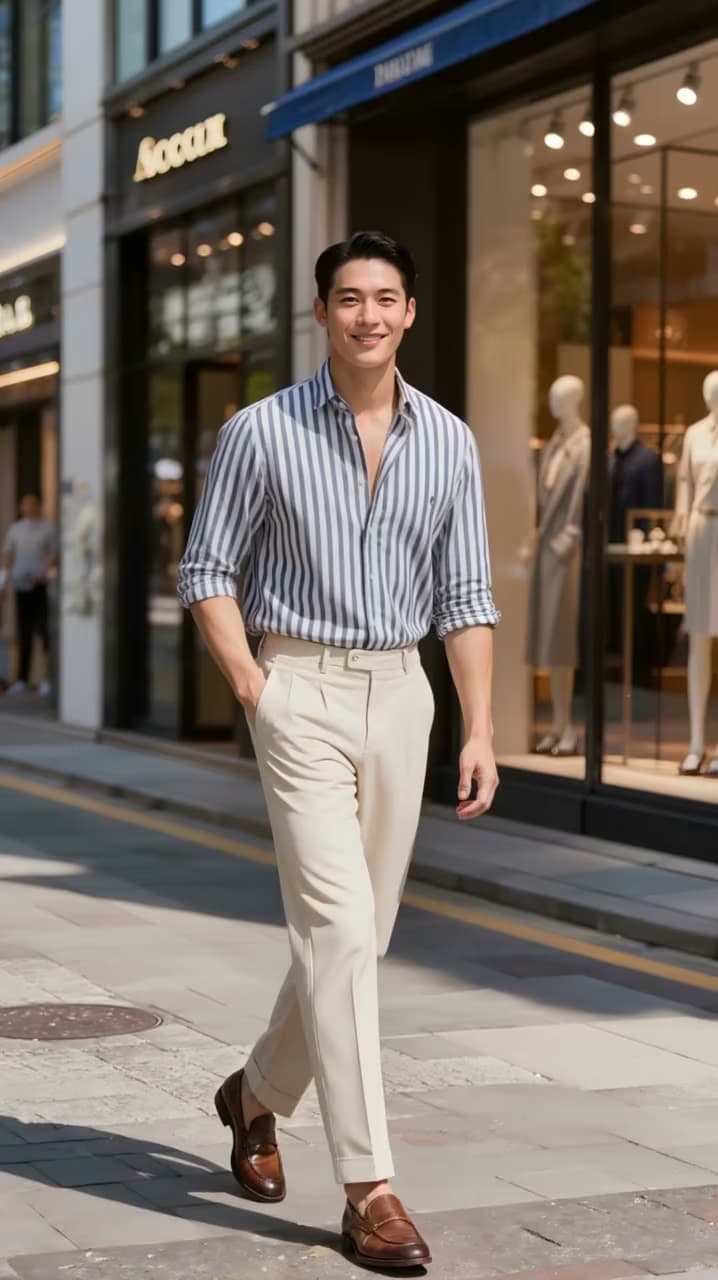
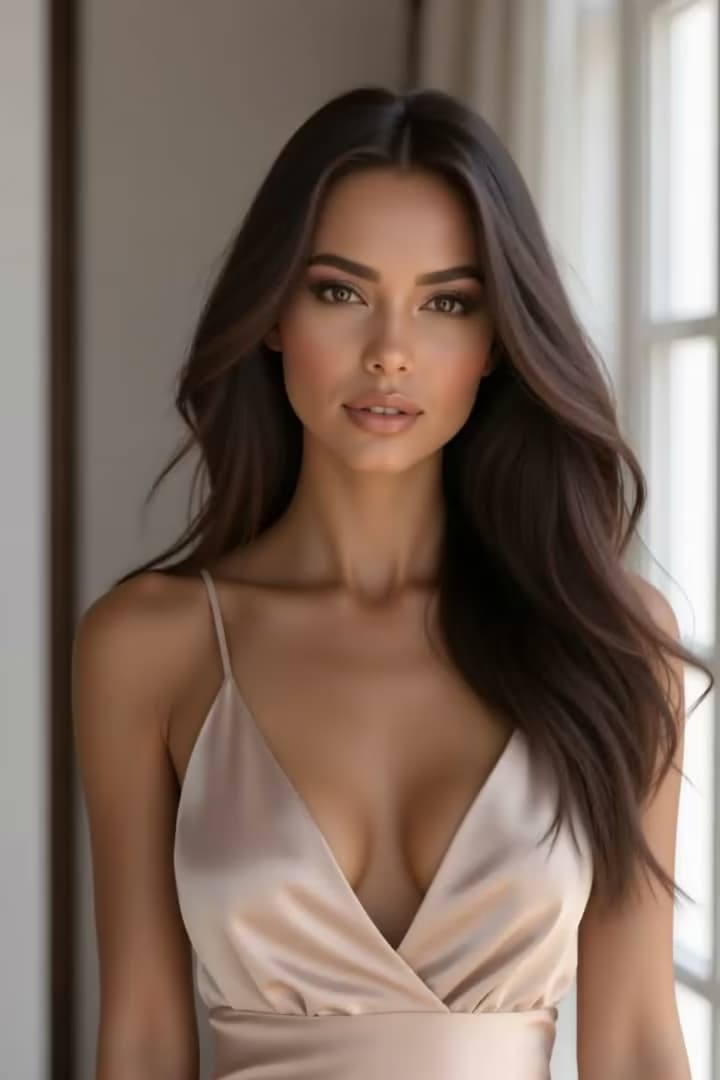
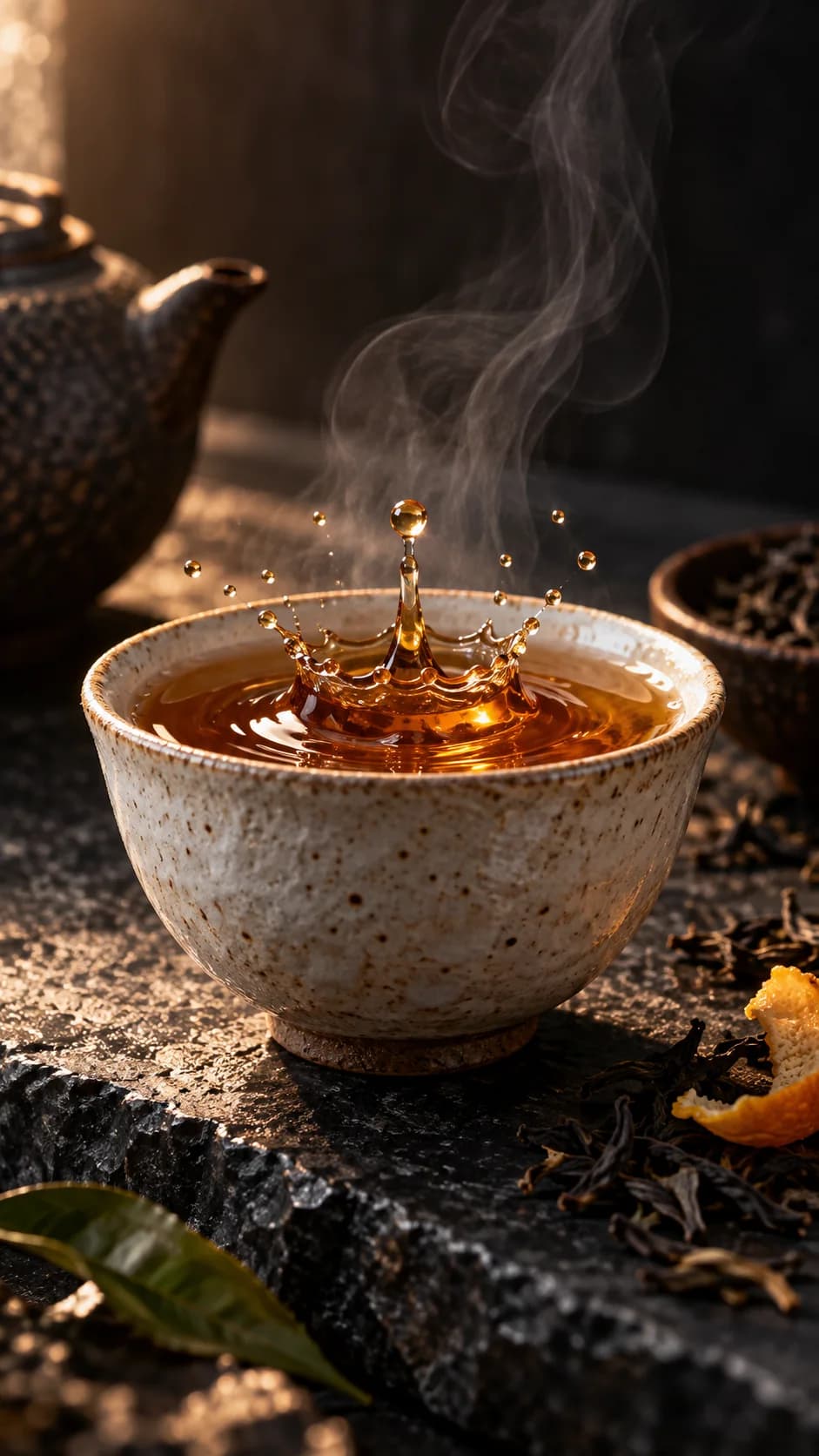
AI Image to Video example 03 generated with Photo to Video AI
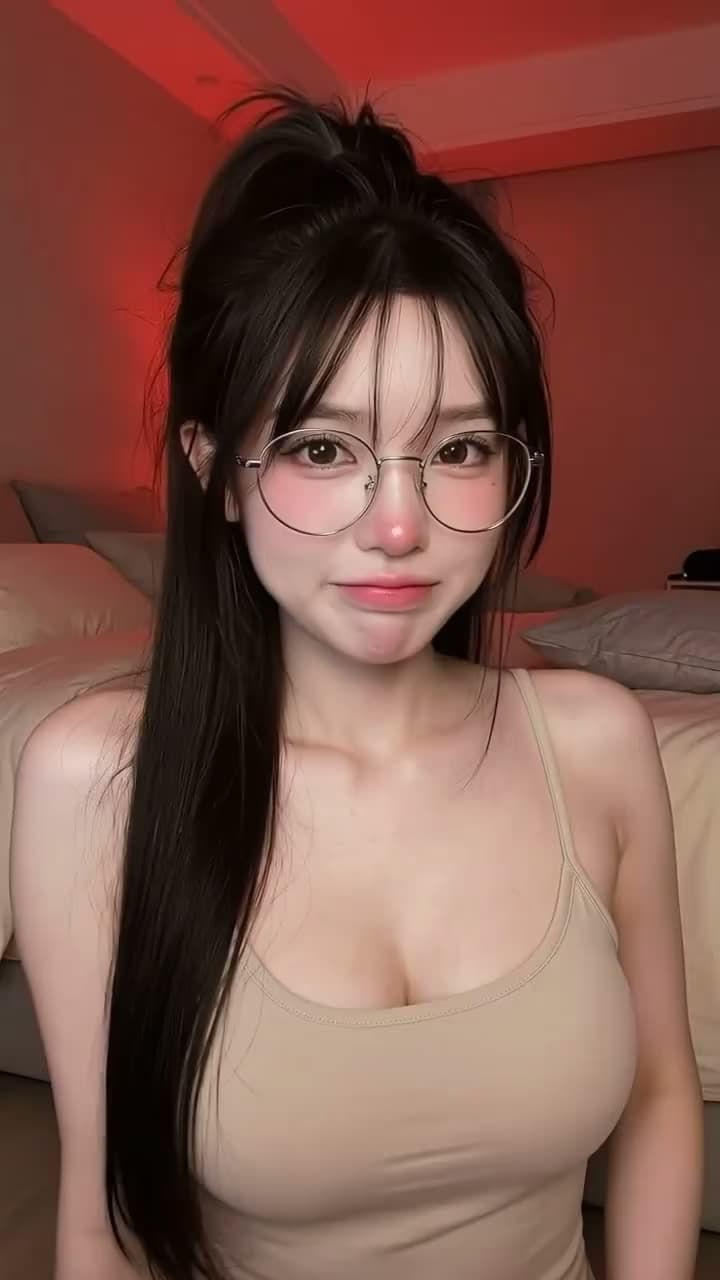
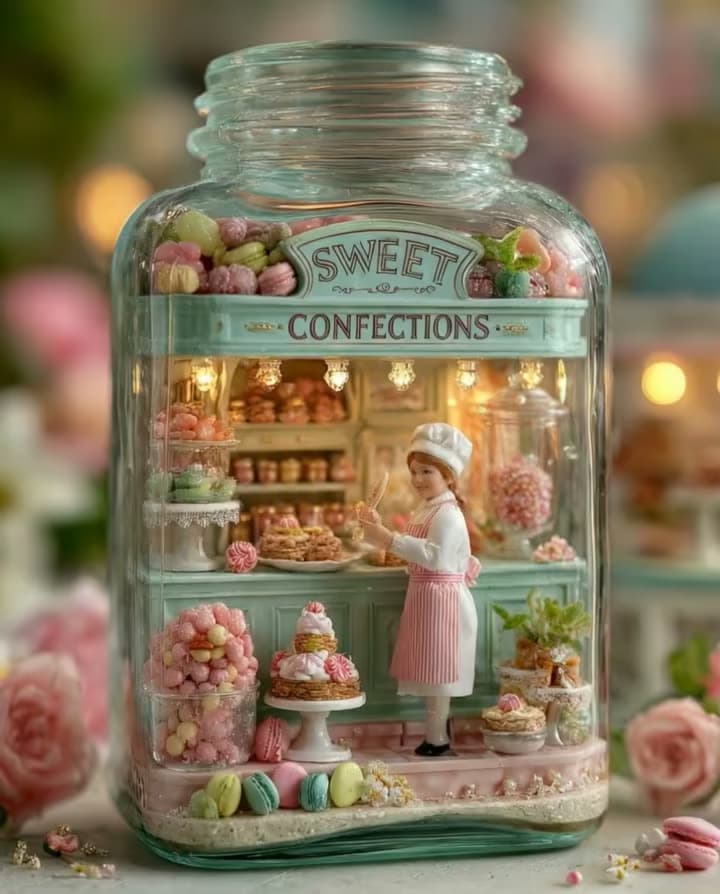
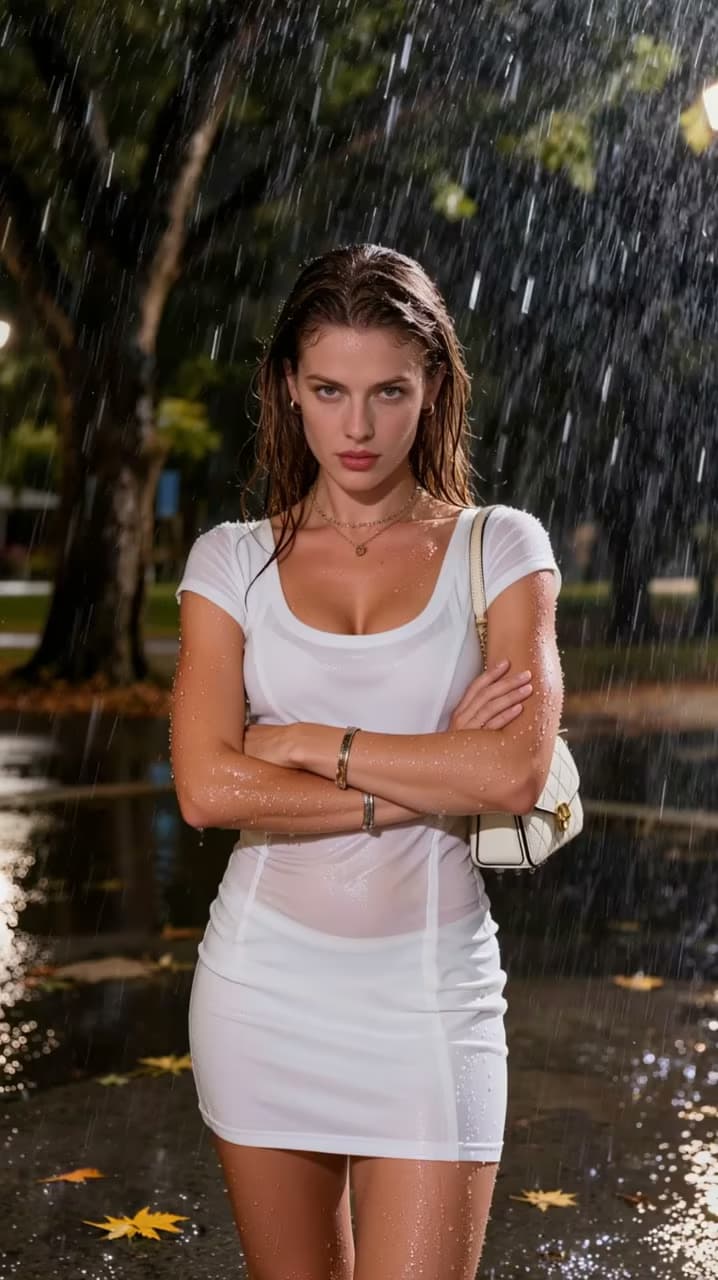
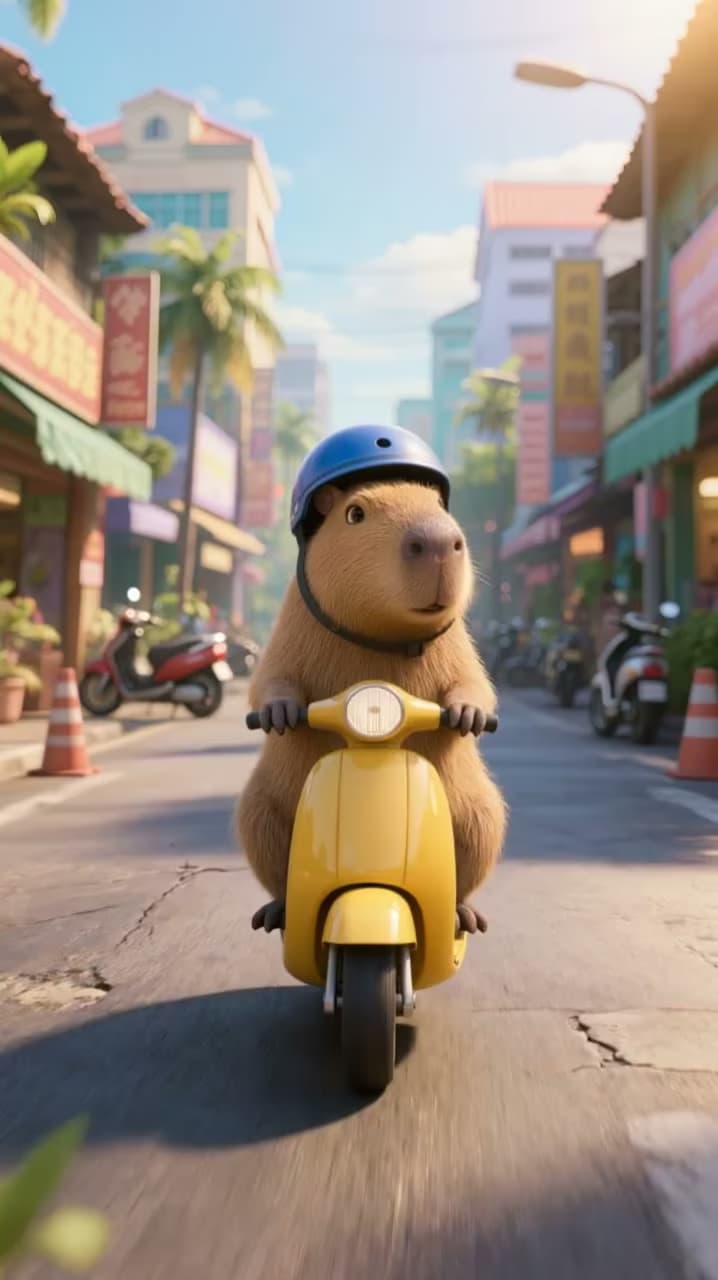
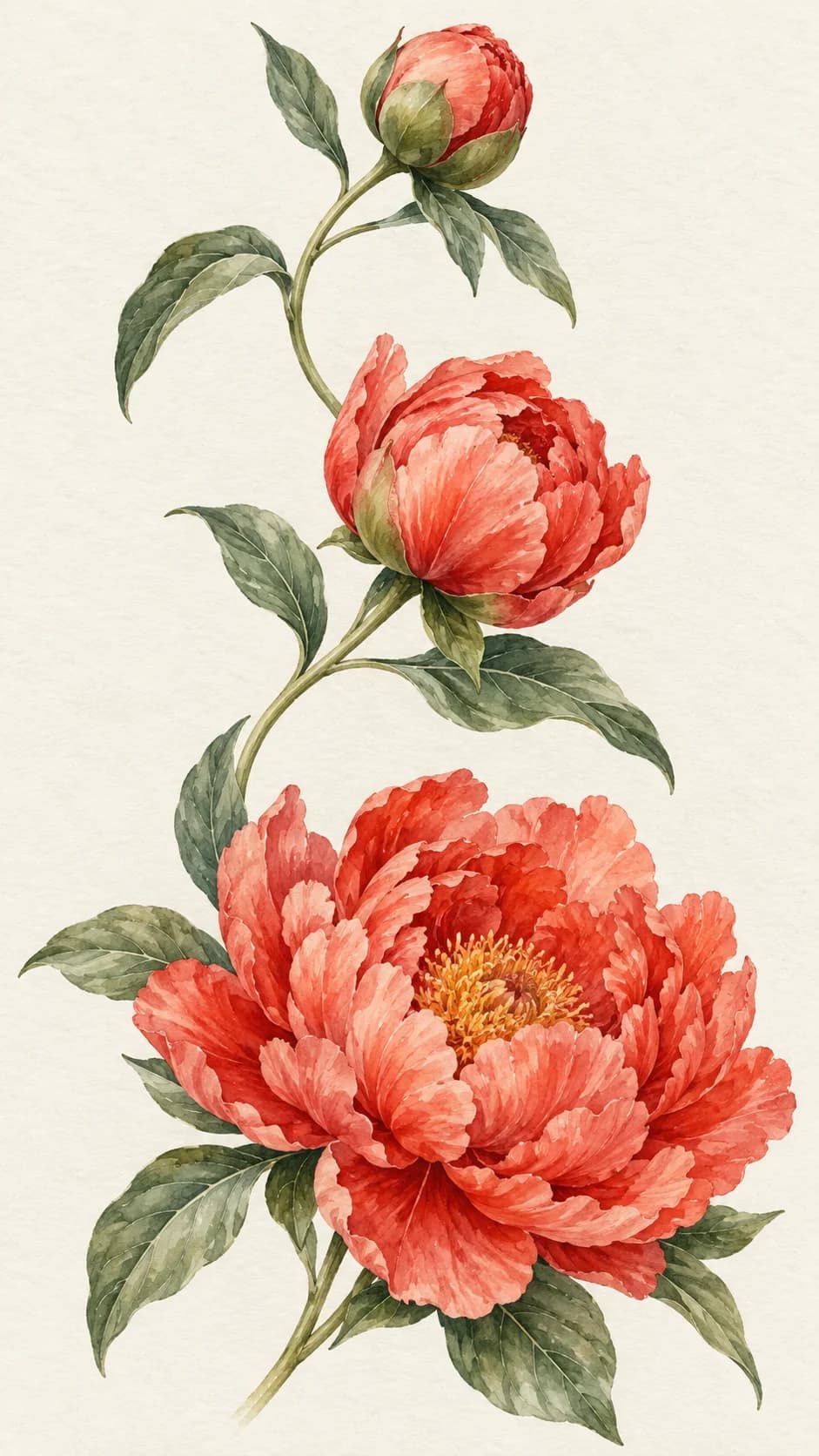
AI Image to Video example 05 generated with Photo to Video AI
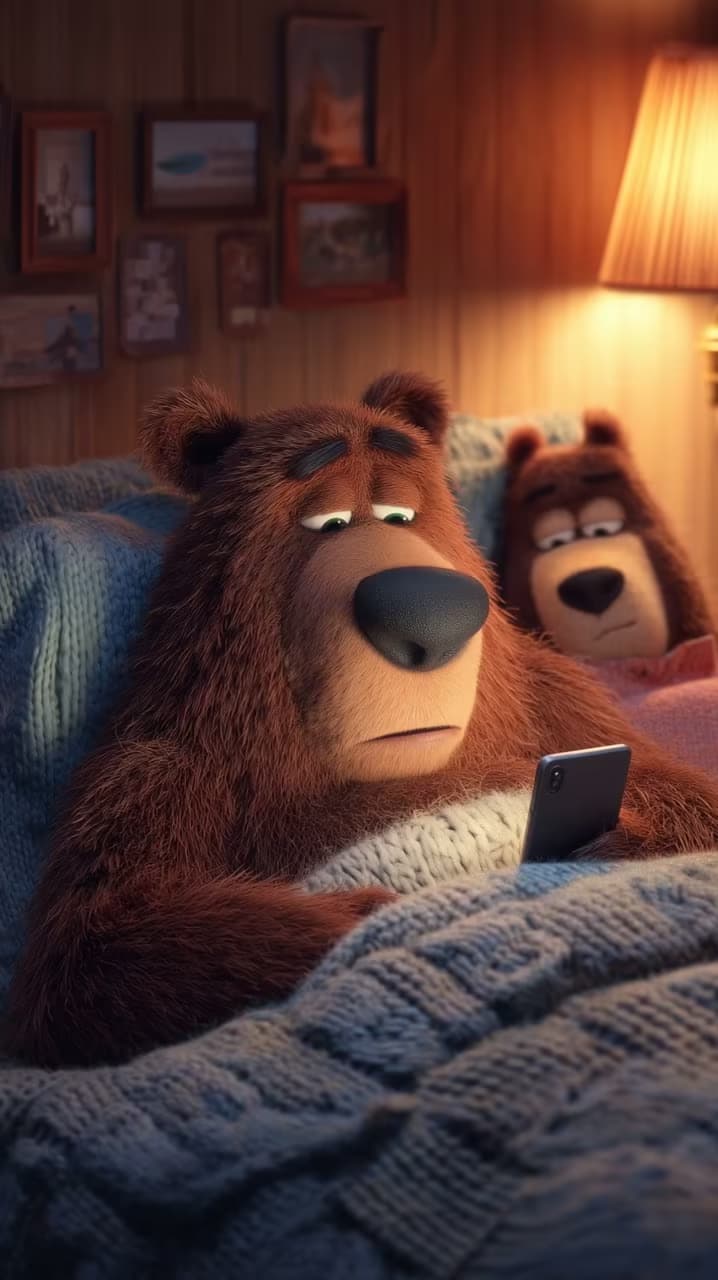
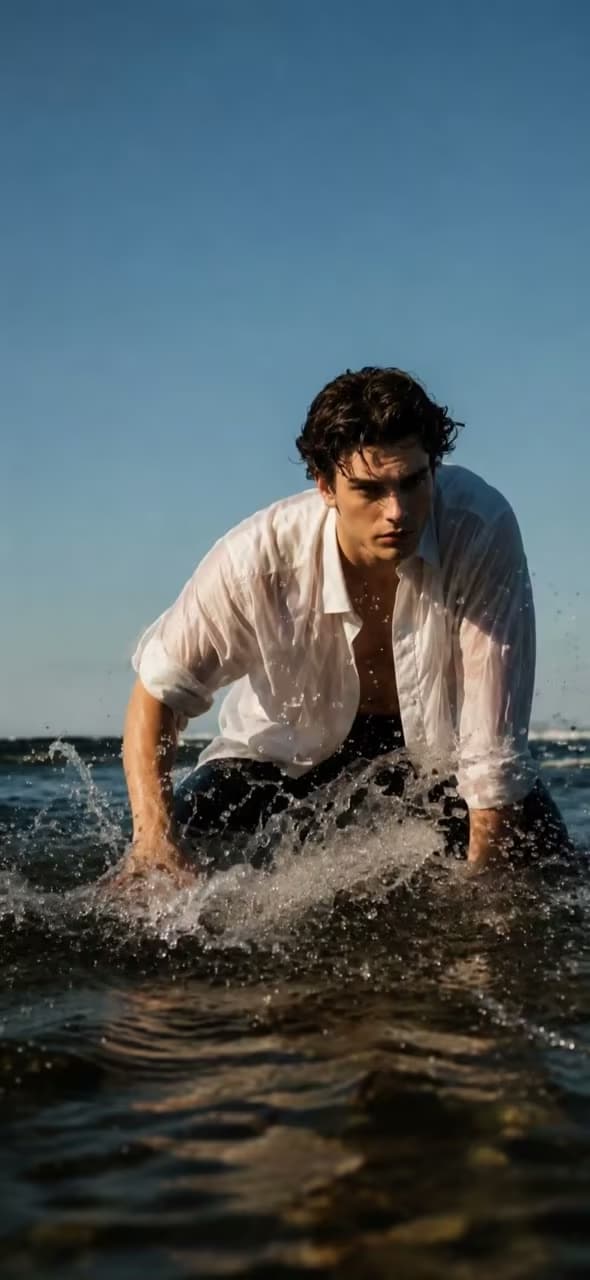
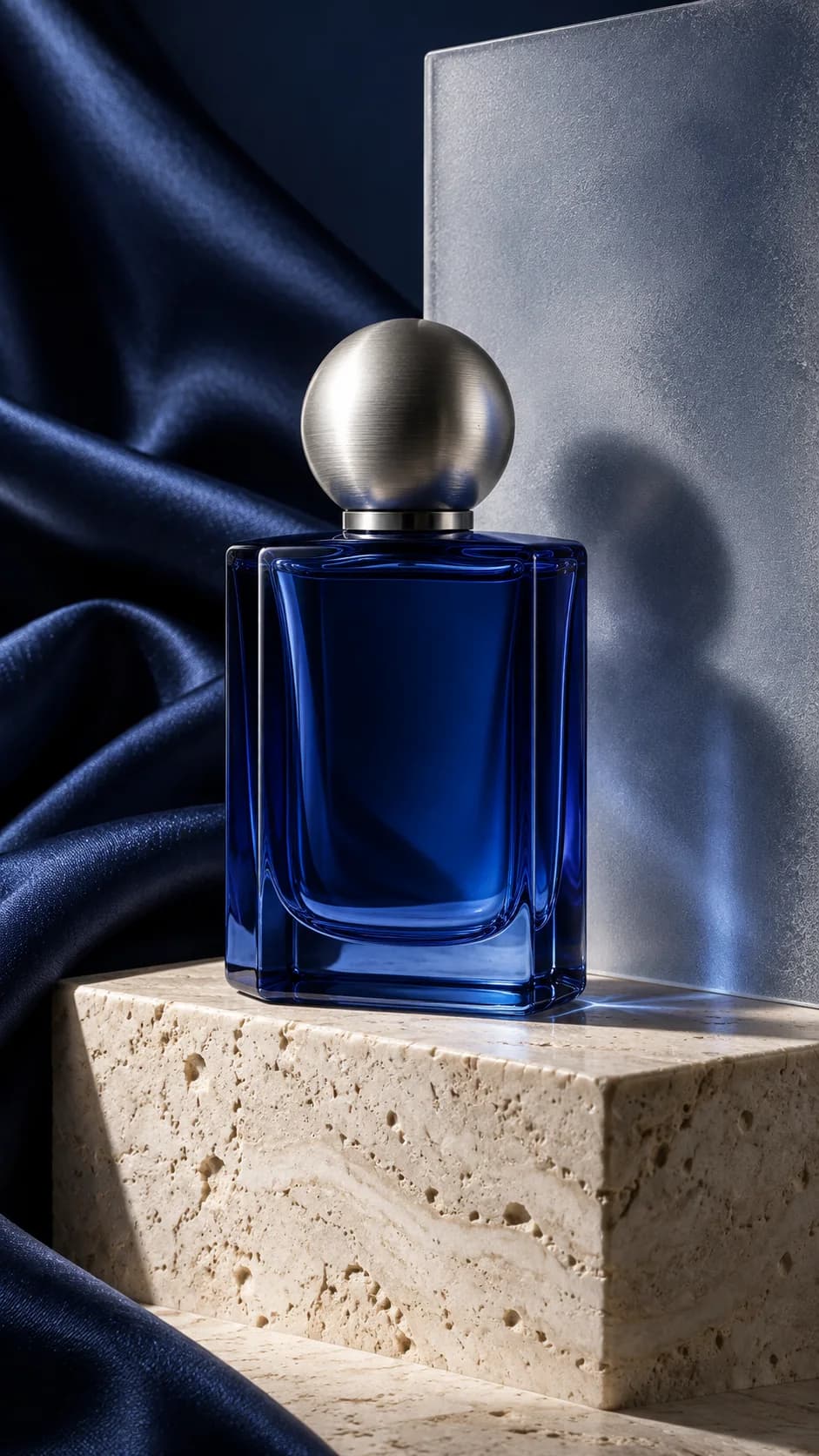
AI Image to Video example 07 generated with Photo to Video AI
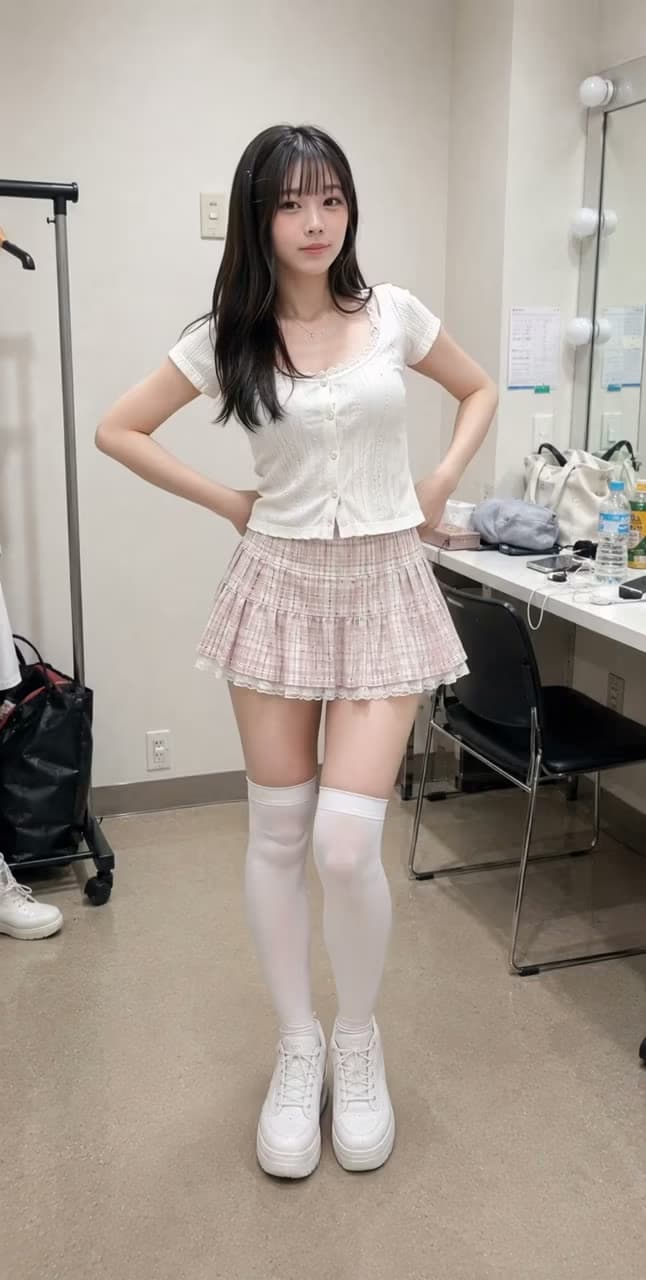
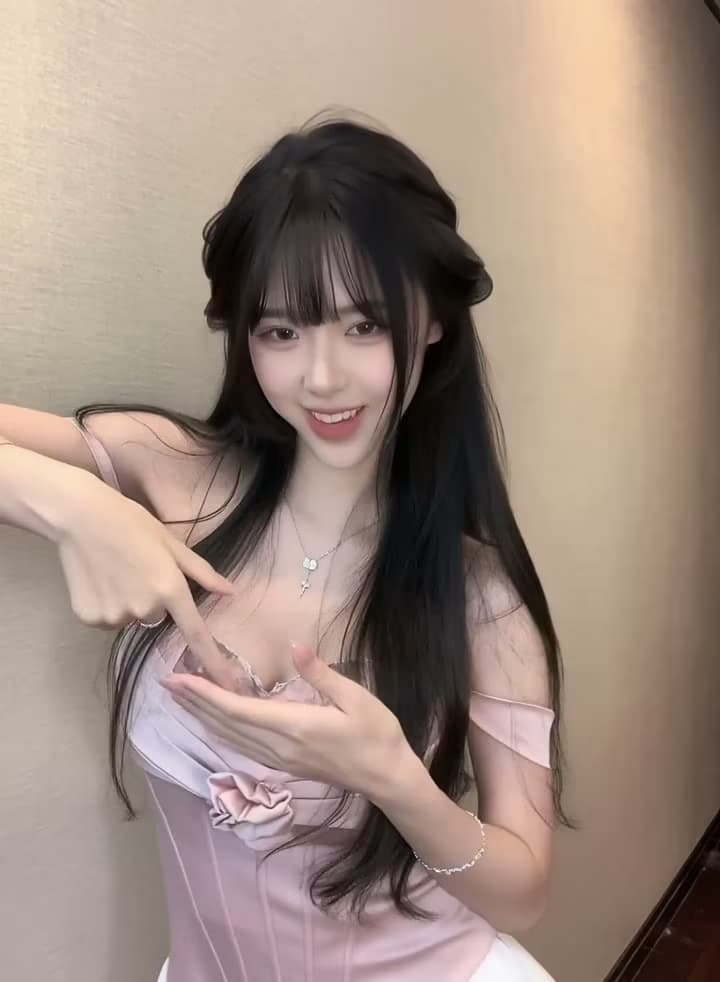
AI Image to Video example 09 generated with Photo to Video AI
AI Image to Video example 11 generated with Photo to Video AI
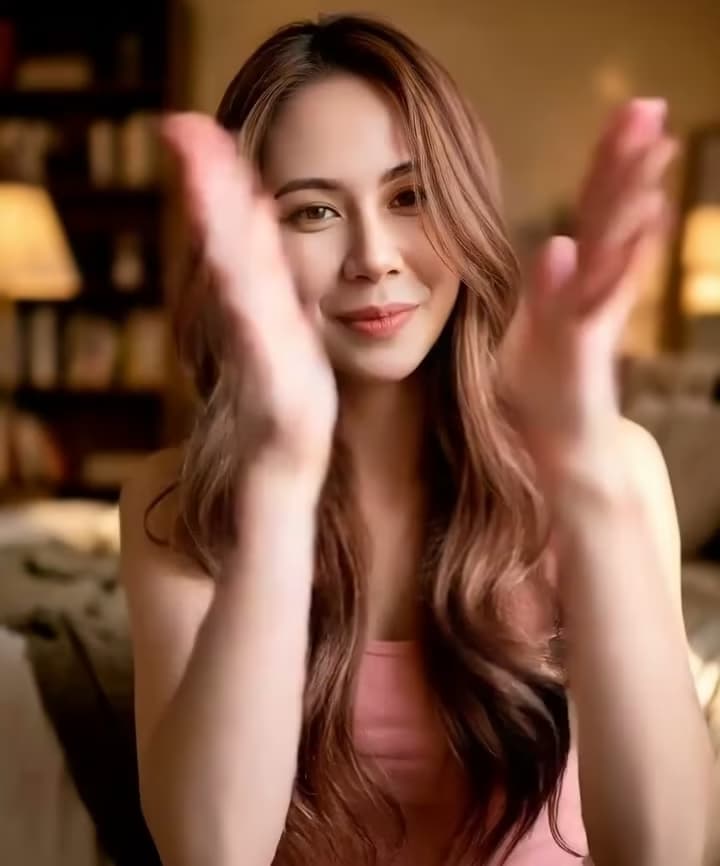
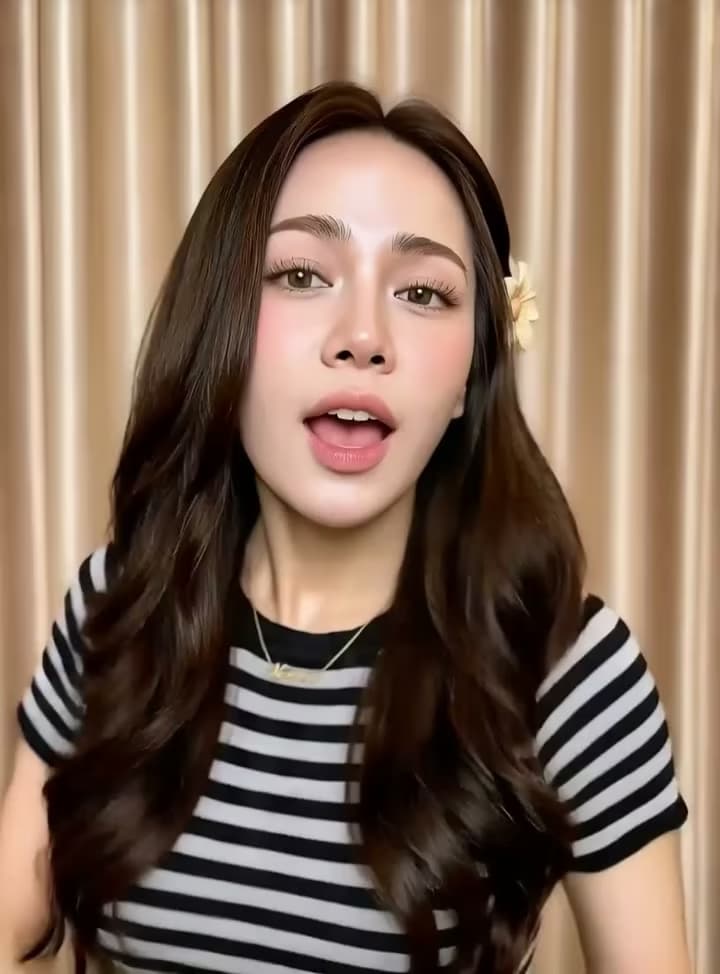
AI Image to Video example 13 generated with Photo to Video AI
AI Image to Video example 16 generated with Photo to Video AI
AI Image to Video example 19 generated with Photo to Video AI
AI Image to Video example 21 generated with Photo to Video AI
AI Image to Video example 24 generated with Photo to Video AI
AI Image to Video example 26 generated with Photo to Video AI
AI Image to Video example 28 generated with Photo to Video AI
AI Image to Video example 02 generated with Photo to Video AI
AI Image to Video example 04 generated with Photo to Video AI
AI Image to Video example 06 generated with Photo to Video AI
AI Image to Video example 08 generated with Photo to Video AI
AI Image to Video example 10 generated with Photo to Video AI
AI Image to Video example 12 generated with Photo to Video AI
AI Image to Video example 15 generated with Photo to Video AI
AI Image to Video example 18 generated with Photo to Video AI
AI Image to Video example 20 generated with Photo to Video AI
AI Image to Video example 22 generated with Photo to Video AI
AI Image to Video example 25 generated with Photo to Video AI
AI Image to Video example 27 generated with Photo to Video AI
AI Image to Video example 29 generated with Photo to Video AI

Turn any image into a video you can direct

Keep your uploaded image as the visual reference while you guide the motion with an optional prompt, choose the model and settings, and export for the platform you need.

Keep your photo as the visual anchor

The source image guides the generation to help faces, products, objects, colors, and composition remain recognizable as motion is added. Clear, well-lit photos usually produce the most stable results.

Direct the motion your way

Use an optional prompt to describe subject movement, camera direction, and atmosphere. Leave it blank when you prefer the selected model to infer motion directly from the photo.

Choose the model and settings that fit

Select from supported AI Image to Video models, then adjust model-specific options such as duration, resolution, aspect ratio, frames, or sound. The credit cost updates before you generate.

Export for every platform

Choose 9:16 for TikTok, 16:9 for YouTube, or 1:1 for product pages. All from one upload, at 720p or 1080p — ready to post or deliver.

AI Image to Video use cases

Turn product images, portraits, artwork, and photos into AI videos online — no production budget, camera, or editing skills required.

E-commerce product showcase

Turn static product shots into dynamic showcase videos — 360 spins, floating effects, zoom-ins, and ambient motion that make products stand out on listing pages, ads, and social carousels.

Social media & viral content

Generate 9:16 vertical videos for TikTok, Instagram Reels, and YouTube Shorts from your photo library. Create scroll-stopping loops, animated portraits, and before/after reveals — without a camera.

Selfie to video & photo animation

Animate any selfie or personal photo into a short AI video — with subtle hair movement, gentle expression shift, and soft lighting. Perfect for profile videos, personal branding, and social media avatars.

Portrait & memory animation

Turn a portrait or family photo into a short video with gentle head movement, lighting shifts, or atmospheric motion. Clear faces and restrained movement usually produce more recognizable results.

Marketing & advertising

Produce video assets for paid ads, landing pages, and email campaigns from existing brand photography — no new shoot required. Lower cost-per-asset, faster iteration, more formats covered.

Create AI videos from your photo library

Turn each photo into an AI video with its own motion prompt and aspect ratio. Start with one image, then build a ready-to-publish content library.

Choose from leading AI video models

Switch models to balance motion quality, generation speed, and creative control.

  • Google logoVeo 3.1Google
  • Kling AI logoKling 2.6 & 3.0Kling AI
  • ByteDance logoSeedanceByteDance
  • Alibaba logoWan 2.6Alibaba
  • Google logoVeo 3.1Google
  • Kling AI logoKling 2.6 & 3.0Kling AI
  • ByteDance logoSeedanceByteDance
  • Alibaba logoWan 2.6Alibaba

Why choose our AI Image to Video generator

Flexible models, useful controls, and clear generation costs help you move from a still image to a usable video with fewer surprises.

Multiple AI video models

Choose from supported models for portraits, product shots, cinematic scenes, and different speed or quality needs.

Controls that stay understandable

Set model-supported options such as duration, resolution, aspect ratio, start and end frames, or sound without editing on a timeline.

See the cost before you generate

The credit cost updates with the selected model and settings, so you know what each generation will cost before it starts.

Failed generations are refunded

Credits charged for failed generation jobs are returned automatically, so a failed attempt does not consume your balance.

How to turn an image into a video with AI

Upload an image, add an optional motion prompt, and generate an AI video in three steps. Sign in to receive free credits; no editing skills needed.

1

Upload your photo

Drop in any JPG, PNG, or WEBP — a product shot, portrait, landscape, or anything you want to bring to life with natural motion.

2

Describe the motion or let the model decide

Write an optional direction for the subject, camera, or atmosphere. If you leave it blank, the selected model can infer motion from the uploaded image.

3

Review settings, generate, and download

Choose the model-supported duration, resolution, and aspect ratio, review the credit cost, then generate and download your MP4 video.

How to get better AI Image to Video results

A clear source image and a focused motion direction make AI video output more predictable and help reduce avoidable artifacts.

Start with a clear source image

Use a sharp, well-lit JPG, PNG, or WEBP with the main subject in focus. Heavy blur, compression, or blocked facial features give the model less reliable visual information.

Keep the main subject prominent

Photos work best when the person, product, or object is large enough to identify and separated from a busy background. Crowded scenes and several competing subjects are less predictable.

Describe motion, not the whole image

Focus on subject movement, camera movement, and atmosphere—for example: “subtle head turn, slow camera push-in, soft breeze.” The uploaded photo already supplies the visual details.

Simplify an unstable result

If a face, logo, text, or product shape changes too much, request gentler motion and fewer simultaneous actions. Adjust one part of the prompt at a time before regenerating.

AI Image to Video pricing — free credits and pro plans

Create a Photo to Video AI account and sign in to receive free credits — no card required. Paid plans unlock more generations, 1080p output, and watermark-free commercial use.

Save 30%

Basic

$15.9/month

For getting started with photo-to-video creation


  • 1,200 credits included every month
  • Up to 20 video generations each month
  • Full access to all available models
  • Turn photos into videos in minutes
  • Unlimited encrypted history storage by default
  • 24/7 customer support
  • No watermark on exported videos
    Popular

    Pro

    $29.9/month

    For creators who need more output and faster iteration


    • 3,000 credits included every month
    • Up to 50 video generations each month
    • Full access to all available models
    • Turn photos into videos in minutes
    • Unlimited encrypted history storage by default
    • 24/7 customer support
    • No watermark on exported videos

      Max

      $69.9/month

      For teams and power users with high-volume production


      • 8,000 credits included every month
      • Up to 133 video generations each month
      • Full access to all available models
      • Turn photos into videos in minutes
      • Unlimited encrypted history storage by default
      • 24/7 customer support
      • No watermark on exported videos
        Top up

        Credit packs

        Add more credits when you need extra generations.

        $9.9600credits
        Valid for 30 daysUp to 10 video generationsOther benefits match subscription plans, except for the credit amount
        Secure paymentsPowered by Stripe
        MastercardVisaApple PayUnionPayGoogle Pay

        Find the right photo-to-video workflow

        Choose by the photo you have or the motion you want. Start with a focused workflow for products, properties, people or illustrations, or control the result with reference images, keyframes, audio or motion.

        AI Car Video GeneratorYour car photo could be your next best post. Try our AI Car Video Generator for rolling shots, showroom reveals and social clips. See an example, then create.AI Lip Sync Video GeneratorTurn a portrait or speaker clip into a convincing talking video. Add uploaded audio or a generated voice, compare quality and cost, then create online.Motion Control AIBring a still character to life with motion from a reference performance. Transfer dances, gestures, and action with Kling controls, then generate online.Pet Photo to Video AITurn one pet photo into a short video with Pet Photo to Video AI. Guide natural dog, cat, rabbit, or bird motion, choose a model, and download the result.Animate Illustration AIUse Animate Illustration AI to turn a drawing, storybook image, poster, watercolor, or concept artwork into a short video with prompt-guided motion.Portrait Image to Video AIPortrait Image to Video AI turns a portrait, selfie, or headshot into a subtle non-talking video with blinking, breathing, hair, light, and camera motion.Wedding Photo to Video AIAnimate a wedding portrait with gentle couple motion, camera movement, fabric detail, and atmosphere for invitations, anniversaries, and social clips.AI First and Last Frame Video GeneratorUse our AI First and Last Frame Video Generator to turn a start image and an end image into a smooth, controlled video transition online.Reference to Video AIUse Reference to Video AI to guide characters, products, scenes, and visual style with one or multiple reference images, then generate a directed video.Product Photo to Video AIUse Product Photo to Video AI to animate a product image with controlled camera movement, lighting, and motion for ecommerce, ads, and social media.Animate Old PhotosAnimate Old Photos with AI to add gentle, natural movement to family, vintage, and historical pictures. Upload an old photo and create a short video online.Spotify Canvas MakerUse our Spotify Canvas Maker to turn cover art or an artist photo into a 3–8 second, 9:16 MP4 Canvas video for Spotify for Artists.Real Estate Photo to Video AIUse Real Estate Photo to Video AI to turn property photos into cinematic listing clips with natural camera motion for MLS, websites, and social media.

        AI Image to Video Generator — FAQ

        Is this AI Image to Video generator free?+
        Yes — create a free account and sign in to receive free credits, enough to try your first generation. No credit card or subscription is required. Videos made with registration credits include a small watermark for evaluation; paid plans unlock watermark-free output, 1080p resolution, and commercial use rights. Anonymous generation is not supported.
        How do I get started with this AI Image to Video generator?+
        Sign up and log in to a free account — no credit card required. You'll receive free credits to convert your first photo to video. Upload an image, optionally describe the motion, review the model settings and credit cost, then generate your video.
        How do I turn a photo into a video with AI?+
        Three simple steps: (1) Sign in and upload a JPG, PNG, or WEBP photo. (2) Optionally describe the subject motion, camera movement, or atmosphere; if the prompt is blank, the selected model can infer motion from the image. (3) Review the settings and credit cost, generate, and download the video. No editing software or camera is required.
        Are Photo to Video AI and AI Image to Video the same thing?+
        They usually describe the same workflow: upload a still image and use an AI model to generate motion. AI Image to Video is the broader term because the input can be a photograph, product graphic, illustration, or AI-generated artwork. Photo to Video AI supports this one-image workflow across multiple models.
        Can I make an AI video from multiple photos?+
        Currently, each generation converts one photo into one video. You can upload and convert multiple photos separately, each with its own motion prompt and aspect ratio. This works well for creating a series of product showcase videos or a set of social media clips from your photo library. Batch processing for multiple photos at once is on our roadmap.
        How do AI Image to Video prompts control motion?+
        AI Image to Video prompts can guide camera movement (slow zoom in, pan left to right), subject actions (hair blowing in the wind, gentle head turn), and atmosphere (golden-hour light, rain). Focus on the motion instead of repeating everything already visible in the image. The prompt is optional on this page, so you can also let the selected model infer movement from the image.
        Can I convert a selfie to video with AI?+
        Yes. Upload a clear selfie and request subtle motion such as gentle blinking, a small head turn, soft hair movement, or a lighting transition. Keeping the motion simple helps the model preserve recognizable facial features. Results can vary, especially with group photos, occluded faces, or large movements, so preview the output and adjust the prompt if needed.
        Can I use the generated videos commercially?+
        Yes. All videos generated on paid plans are cleared for commercial use — including ads, product pages, social media posts, client work, and marketing campaigns. You own the output. Free plan videos carry a watermark and are intended for evaluation. Make sure you have rights to the photo you upload.
        Does the free plan add a watermark?+
        Yes — sign in to a free account to receive free credits. Videos generated with those credits include a subtle watermark so you can evaluate the quality. All paid plans produce clean, watermark-free video ready to publish anywhere. You can try the AI photo to video generator completely free, then upgrade when you're ready to use the output professionally.
        What photo formats and aspect ratios are supported?+
        Upload any JPG, PNG, or WEBP photo. Output formats include 9:16 vertical (TikTok, Instagram Reels, YouTube Shorts), 16:9 widescreen (YouTube, display ads, presentations), and 1:1 square (product pages, carousels). Resolution options: 720p for fast previews and 1080p for publish-quality output. Clear, well-lit photos with a defined subject produce the best AI video results.

        Create your first AI video from an image

        Sign in to receive free credits — no card required. Upload one image and turn it into a video in minutes.

        Create an AI Video Free
        View pricing plans
        LogoPhoto to Video AI

        Email
        Use Cases
        • AI Car Video Generator
        • Day to Night Transition
        • Pet Photo to Video AI
        • Animate Illustration AI
        • Fashion Photo to Video AI
        • Food Photo to Video AI
        • Portrait Image to Video AI
        • Wedding Photo to Video AI
        • Anime Image to Video AI
        • AI Furniture Video Generator
        • First & Last Frame Video
        • Reference to Video AI
        • All AI Video Tools
        AI Models
        • GPT Image 2.5
        • Kling AI Image to Video
        • MiniMax H3 AI Video Generator
        • MiniMax H3 Max AI Video Generator
        • Hailuo AI Image to Video
        Company
        • About
        • Contact
        Legal
        • Cookie Policy
        • Privacy Policy
        • Acceptable Use Policy
        • Terms of Service
        • Featured on Findly.tools
        © 2026 Photo to Video AI All Rights Reserved.[email protected]We are not affiliated with the model providers. All trademarks belong to their respective owners.