AI Christmas Video GeneratorBring your holiday photos to life
Make a Christmas greeting that feels like you. Our AI Christmas Video Generator turns your photo into a festive short video with gentle movement, glowing lights, and your own creative direction. Start with 30 free signup credits.
Christmas mood
Public
Preparing generatorControls will be ready in a moment.
A more personal Christmas starts with our AI Christmas Video Generator
Give a familiar smile, a favorite pet, or a beautiful winter scene a little movement. Our AI Christmas Video Generator helps you turn the photos you love into greetings worth sending.
01A greeting with someone you know
Make your photo the heart of the greeting
A familiar face makes a holiday message feel closer. Turn a favorite portrait into a moving Christmas video card with a soft smile, a gentle blink, or a slow camera move. Our AI Christmas Video Generator gives your own photograph the starring role, so the greeting starts with a moment that already means something.
Choose a tree-side portrait or a memory from a previous celebration. Describe a gentle expression in the AI Christmas Video Generator and make a thoughtful surprise for someone across the street or across the world. A personal Christmas video starts with someone they recognize.
Bring snow, candlelight, and Christmas lights to life
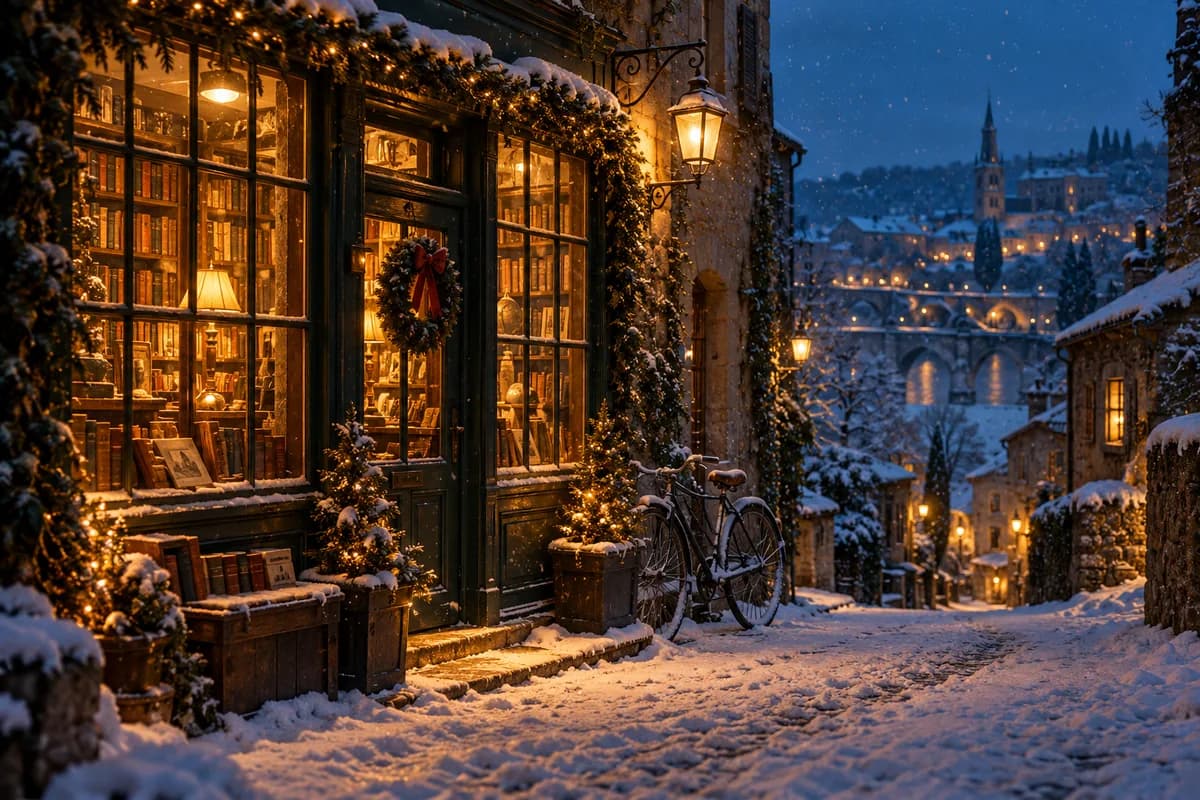
Make the details carry the feeling: snow drifting past a window, candlelight dancing on the table, or warm lights glowing along a winter street. Describe a festive motion and let the AI Christmas Video Generator explore it with your image. A simple scene becomes a small moment people want to pause and watch.
Pick Cozy Christmas, Snowy Wishes, or Festive Sparkle in the AI Christmas Video Generator, then make the direction your own. Choose a little snowfall, a slow camera drift, or a warm glow. Small movements give your holiday scene a feeling people can connect with.
Give pets and holiday artwork a little Christmas magic
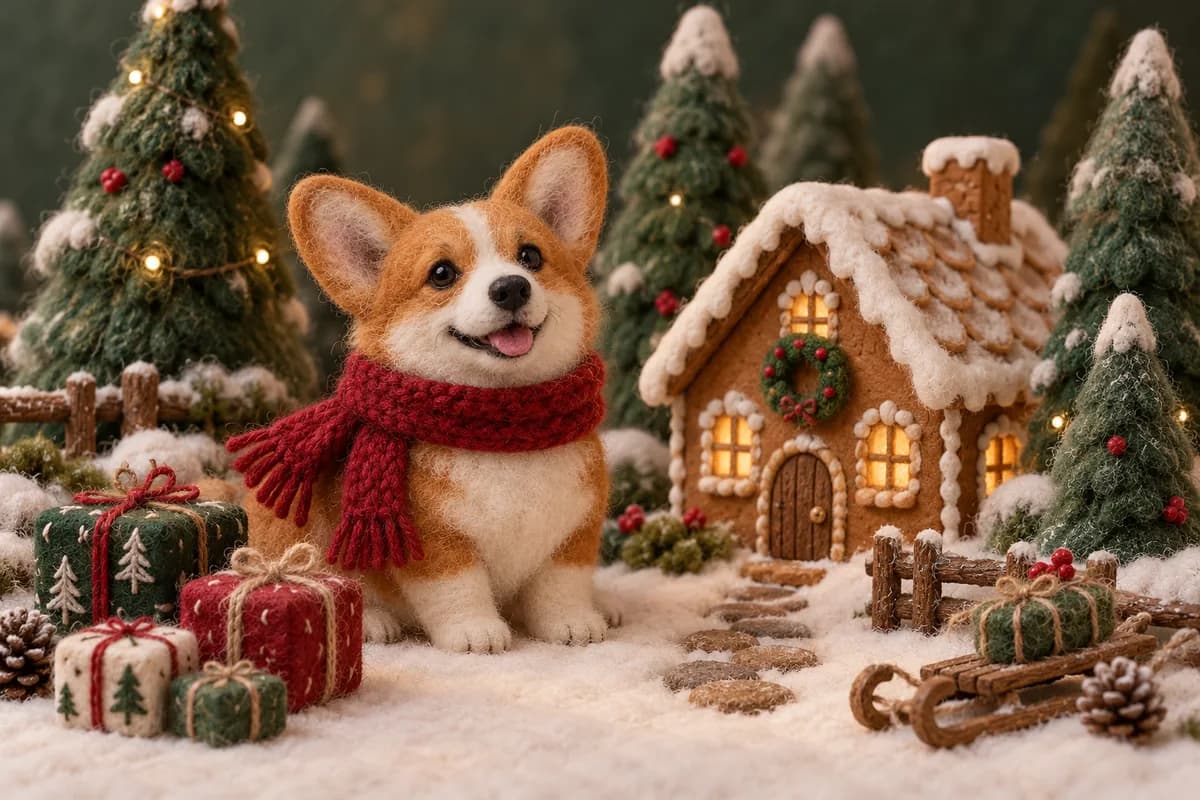
Your greeting can be as playful as your imagination. Animate a scarf-wearing pet, a Santa illustration, or a tiny handmade winter scene. The AI Christmas Video Generator works from the artwork you upload, giving you a personal way to create funny Christmas clips and animated holiday wishes with a distinctive visual character.
Try a tiny nod, a curious head tilt, or gently swaying decorations. The AI Christmas Video Generator can animate photography, watercolor, felt art, or a festive character illustration. Start with a style you love and let its own charm lead the movement.
Give a gift set, handmade candle, or seasonal bestseller a moving introduction. Use your existing product photography to explore a gentle reveal, a closer camera view, or light moving across the packaging. Our AI Christmas Video Generator helps small shops and creative businesses build holiday video assets from the images they already have.
Keep your product at the center and let the festive atmosphere support it. Use the AI Christmas Video Generator for a gift-guide opening, a seasonal collection announcement, or a customer thank-you. One clear shot can give your Christmas campaign a welcoming first impression.
Make a vertical holiday clip for Instagram Reels or TikTok, or choose a landscape composition for a wider view of your Christmas scene. Select the supported format in the AI Christmas Video Generator before you create, keeping the main subject and the festive details comfortably inside the frame.
Preview your AI Christmas Video Generator result in the same workspace and download the MP4. Send it to the family chat, post a holiday Story, or use it as the opening of a wider Christmas edit. Your favorite photo gets a life beyond the camera roll.
Upload a portrait, pet photo, product image, or festive illustration to the AI Christmas Video Generator. You can also select a ready-to-use example.
02
Pick the Christmas mood
Choose a seasonal prompt in the AI Christmas Video Generator, adjust the movement, and select the format and credit cost that suit your idea.
03
Generate and share
Create your clip in the AI Christmas Video Generator, preview the result, and download an MP4 to share with your favorite people.
Find your holiday moment with the AI Christmas Video Generator
A greeting across the miles
Send distant friends and family a familiar face with a warm, personal greeting from the AI Christmas Video Generator.
A playful holiday post
Give your pet or illustrated character a starring role in a joyful AI Christmas Video Generator social post.
An invitation worth opening
Use the AI Christmas Video Generator to create a moving backdrop for a winter dinner or Christmas party invitation.
A seasonal shop announcement
Introduce a gift collection or thank your customers with an atmospheric clip from the AI Christmas Video Generator.
Why choose our AI Christmas Video Generator?
Leading models, one workspace
Explore compatible Veo, Kling, and other video models in one AI Christmas Video Generator, with a familiar upload and preview workflow.
A clear cost before you create
The AI Christmas Video Generator shows the total for your settings before you create. Start with signup credits and choose your next direction.
An easy creative starting point
Use seasonal prompt starters in the AI Christmas Video Generator, refine your idea in plain language, and create directly in your browser.
AI Christmas Video Generator FAQ
Can I try the AI Christmas Video Generator free?
Yes. New accounts receive 30 free credits to try the AI Christmas Video Generator. The starting Veo 3.1 Lite configuration creates an 8-second, 720p clip for 30 credits. Review the total before you generate, then explore more models and settings as your ideas grow.
Which photos work well in the AI Christmas Video Generator?
Start with a clear JPG, PNG, or WebP. The AI Christmas Video Generator works with well-lit portraits, pet photos, decorations, products, and holiday artwork. Choose a picture with room around the subject, or click one of the examples to explore a direction straight away.
How do I make a video with music using the AI Christmas Video Generator?
Choose an audio-capable model in the AI Christmas Video Generator to explore sound with your festive scene. To use a favorite Christmas song, download your clip and pair it with the soundtrack in your editor or social app. A gentle instrumental suits a cozy greeting beautifully.
Can I personalize Santa greetings with the AI Christmas Video Generator?
Upload Santa artwork or a holiday portrait to the AI Christmas Video Generator, then describe the expression, movement, and atmosphere. Finish your greeting with names and a written wish in your editor. Explore AI Talking Photo when you want to deliver a spoken Christmas message.
What can I download from the AI Christmas Video Generator?
Download an MP4 from the AI Christmas Video Generator. Start with 8 seconds at 720p or explore the model selector for other durations and resolutions, including 1080p on compatible models. Choose vertical for Stories and Reels or landscape for a wider view of your holiday scene.
How can I make a slideshow with the AI Christmas Video Generator?
Animate your favorite images as individual clips with the AI Christmas Video Generator, then arrange them into a festive slideshow in your editor. Mix family portraits, decorations, and shared memories for a little holiday story. Add your chosen music and a closing wish to bring it together.
How do I get private, watermark-free output from the AI Christmas Video Generator?
Choose a plan or credit pack to unlock private mode and watermark-free AI Christmas Video Generator output. Set your preferred visibility before generating. You get a clean clip for a personal greeting, a client deliverable, or a seasonal campaign, with more credits to explore fresh ideas.
Can I use the AI Christmas Video Generator for my business?
Yes. Paid AI Christmas Video Generator output supports commercial projects under the applicable terms and your source-material rights. Use photographs or artwork you own or have permission to use. Create gift-guide clips, festive product reveals, customer thank-yous, and seasonal social content that fits your brand.