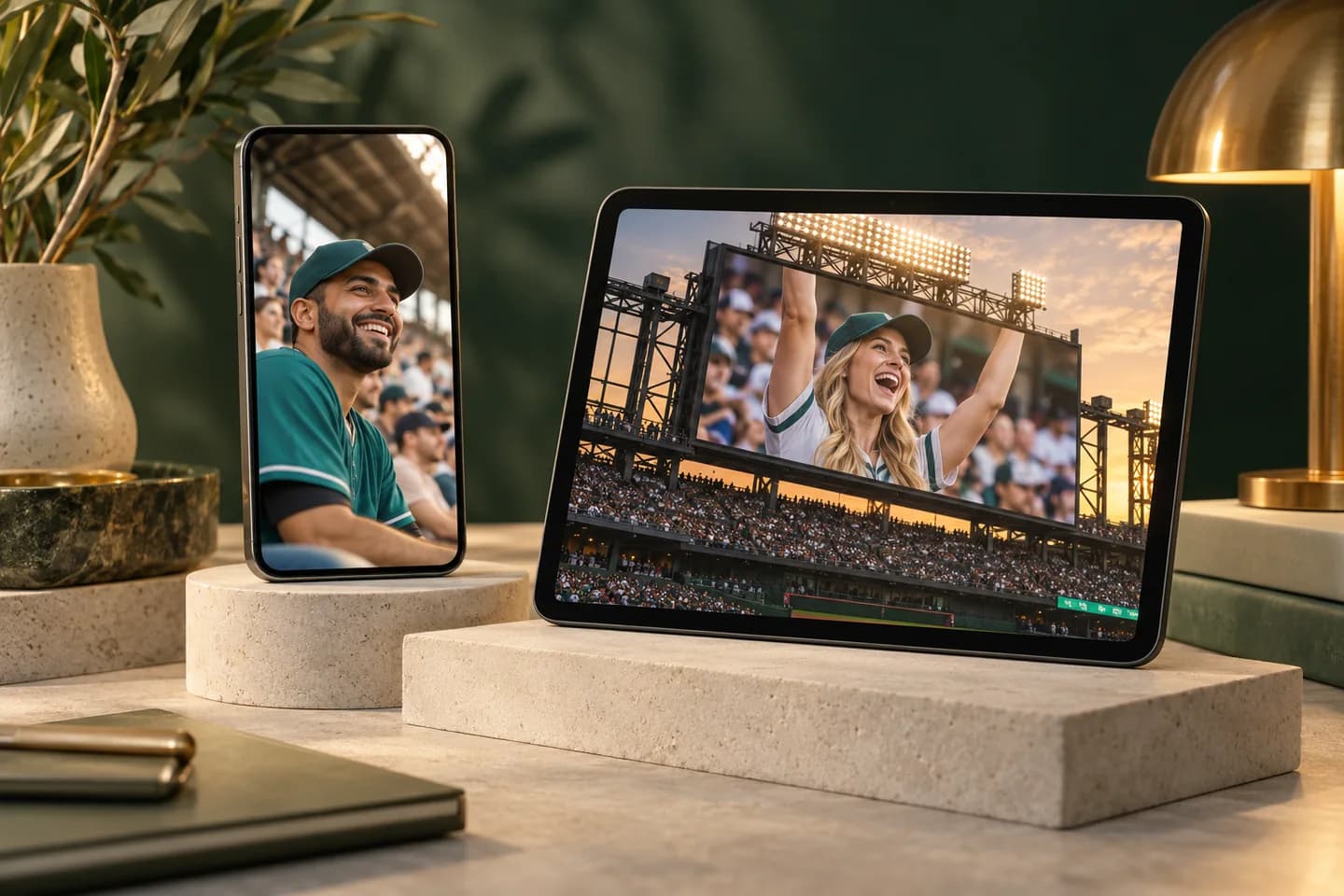
AI Stadium BroadcastTurn Your Selfie into a Fan Cam Video
Turn a photo into the moment the stadium camera finds you. Create an AI stadium broadcast with match-day atmosphere, a natural reaction, and a close-up made for your feed.
AI stadium broadcast, with you at the center
An AI stadium broadcast starts with you, then brings the stands, the spotlight, and the reaction together. Build a personal sports moment with the look you want and a simple path from photo to video.
01 / FROM YOUR PHOTO
Put yourself in the picture
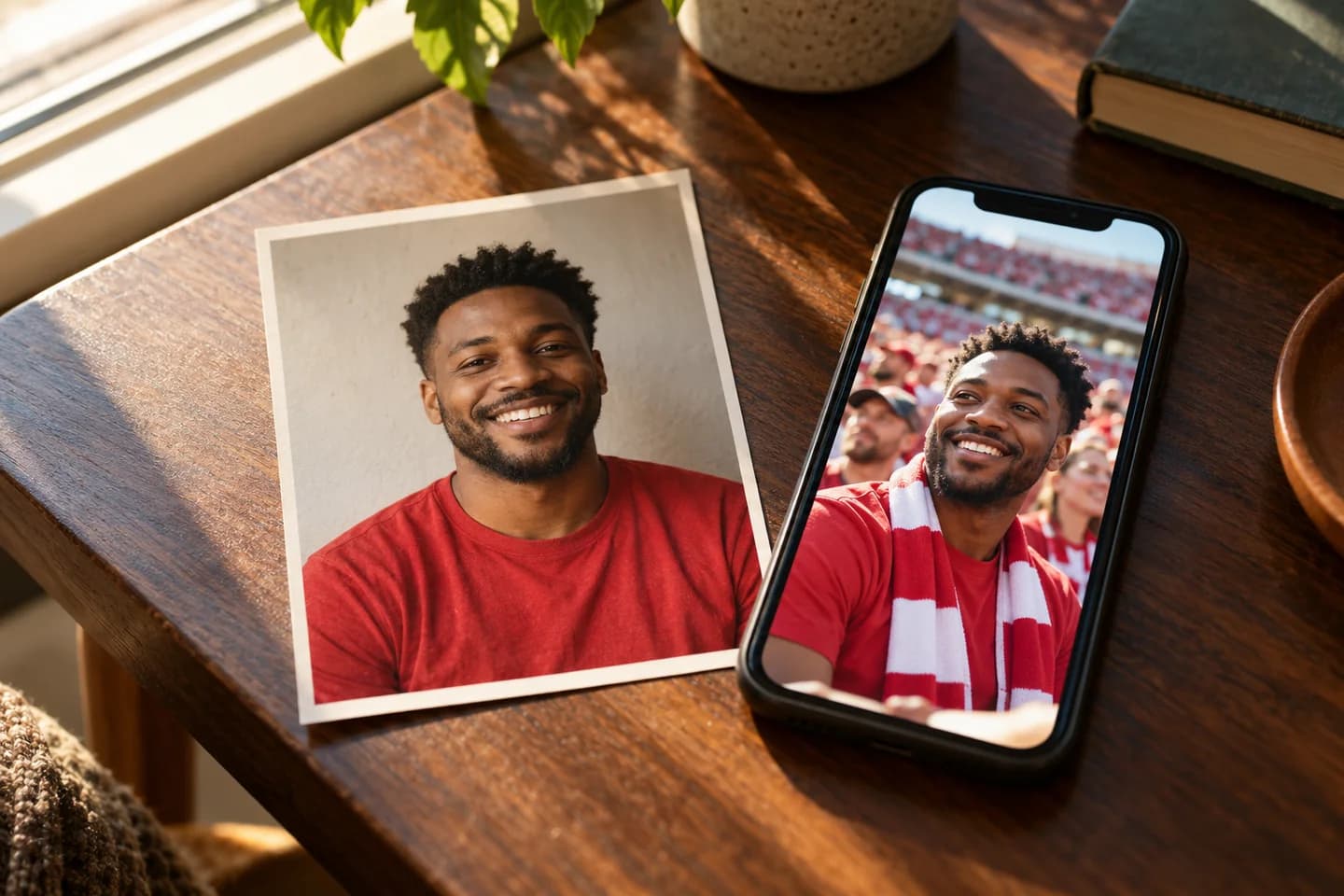
You have the selfie. Now give it a match-day story. Use AI stadium broadcast to place your portrait in a football stand, a baseball crowd, or a courtside scene. Your reference photo guides the person while your chosen setting brings the atmosphere around them.
Start by creating a stadium first frame, then choose the version you want to animate. This AI stadium broadcast workflow lets you shape the outfit colors, seating, lighting, and expression before the camera starts moving. A familiar face makes the finished fan cam feel personal.
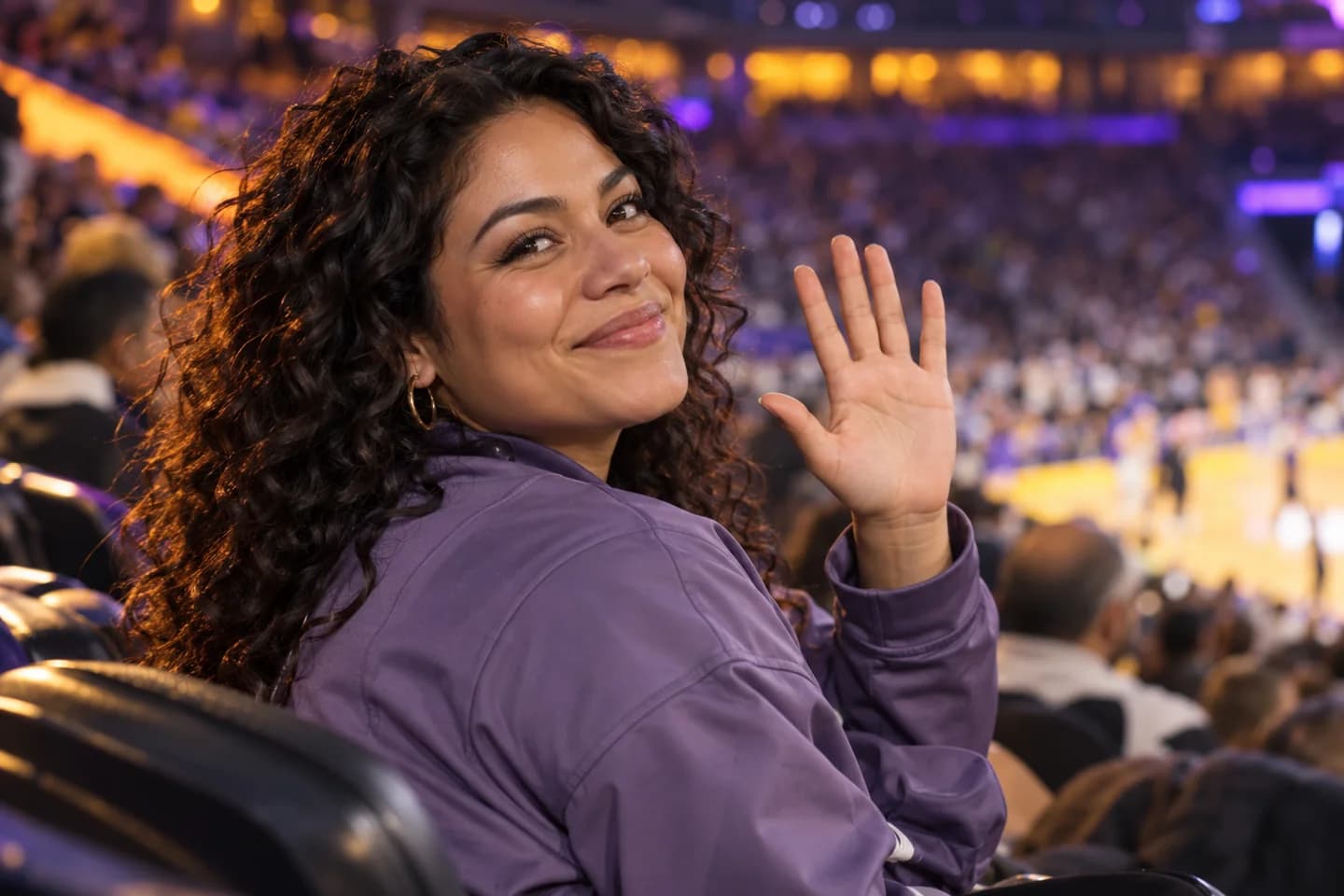
A smile, a surprised glance, a little wave: the most memorable fan cams feel spontaneous. AI stadium broadcast brings that energy to a still image with natural-looking reactions and subtle movement in the surrounding crowd. Give your portrait something to do beyond holding a pose.
Choose a reaction that fits your personality, from a quiet smile to a cheerful greeting. Describe the moment in everyday language and let the AI stadium broadcast develop the shot. Gentle blinking, moving hair, and a small camera drift can give a short clip an engaging rhythm.
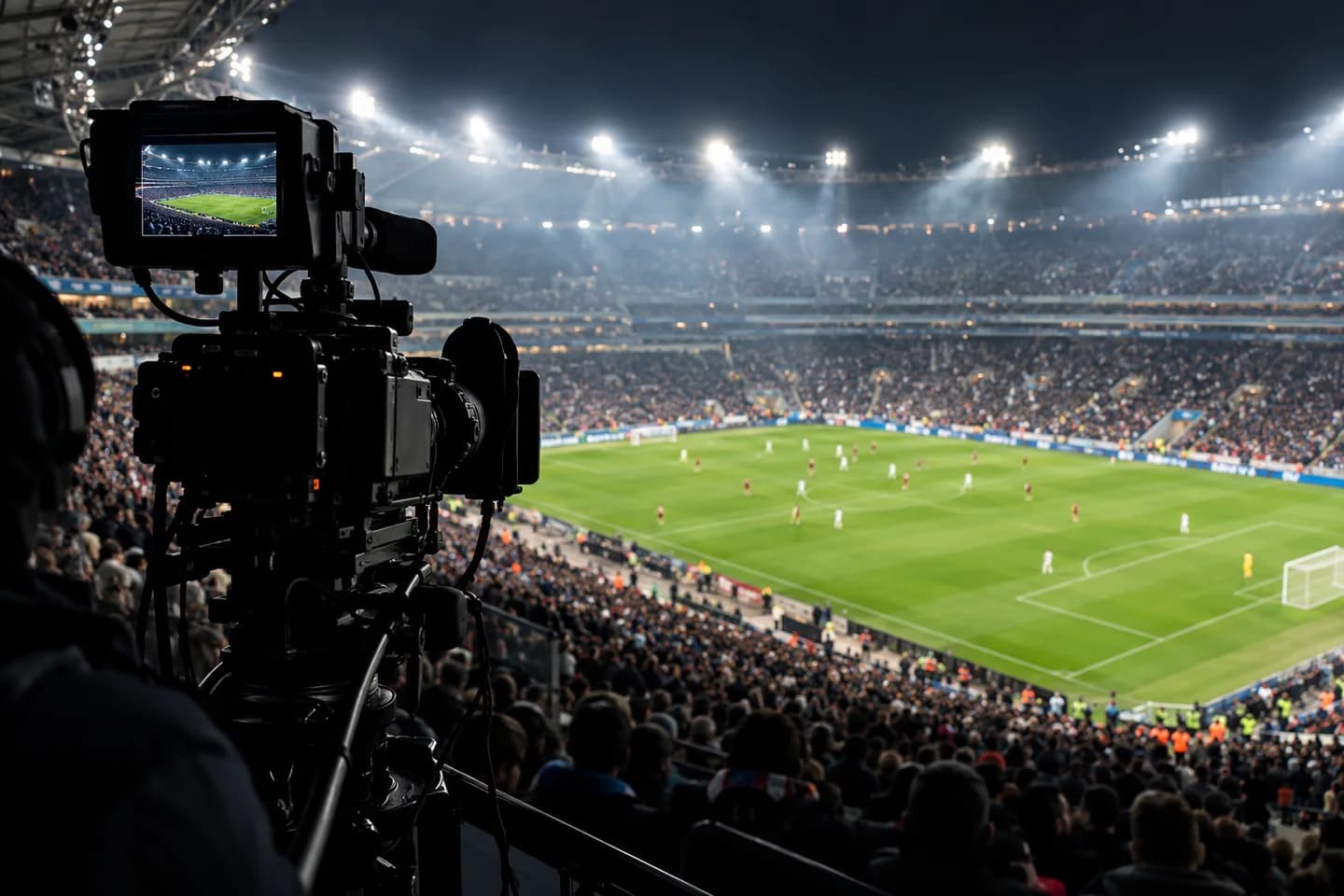
The appeal of an AI stadium broadcast is in the visual details: a clear subject, layers of fans, bright floodlights, and the compressed perspective of a long television lens. Bring those elements together to create a scene that feels like a camera found you in the stands.
Explore a close crowd cutaway, a wider match-day view, or a jumbotron-inspired composition. Your AI stadium broadcast can favor the soft crowd background of a portrait or the scale of a packed arena. Pick a visual direction that makes the opening frame immediately readable on a small screen.
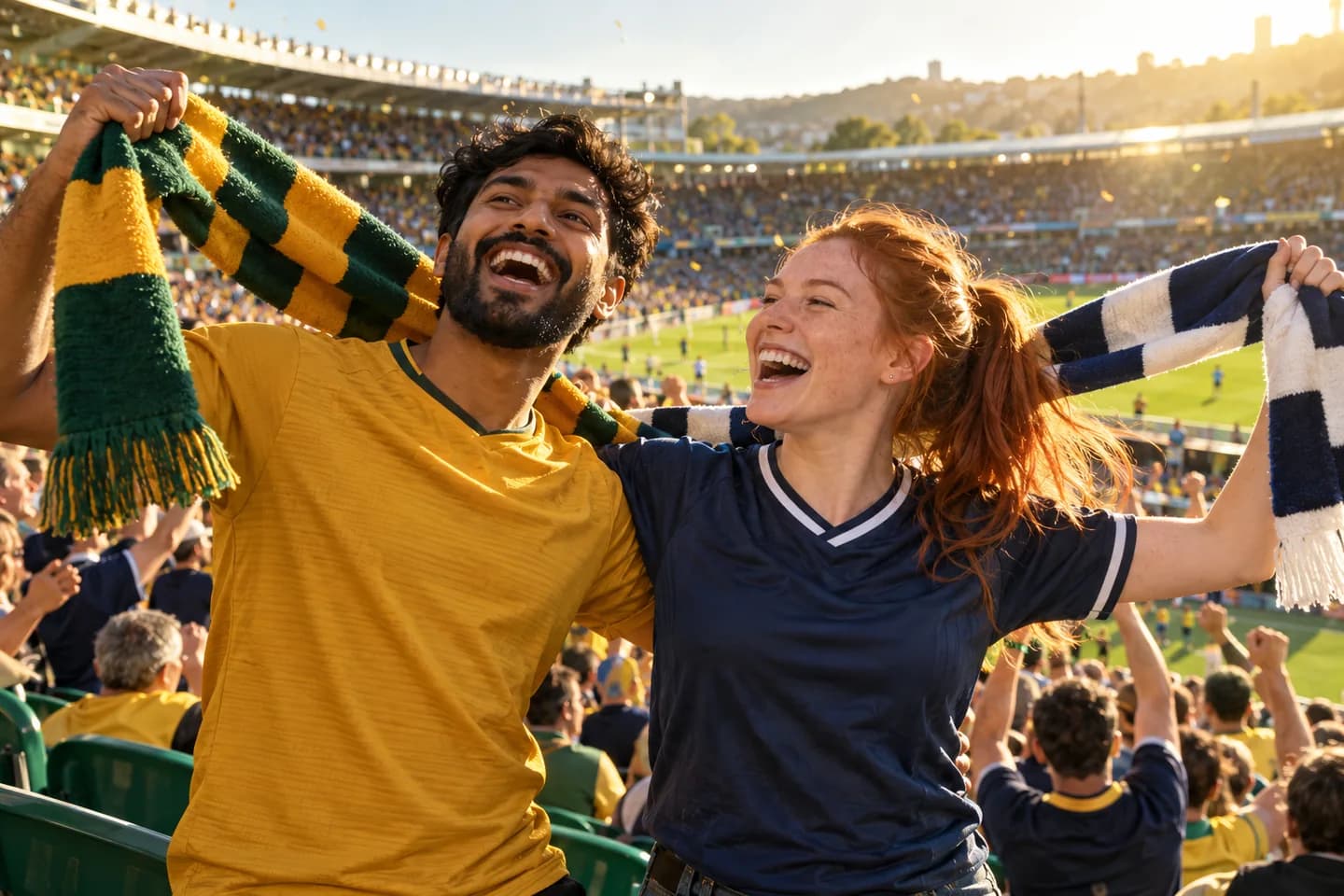
Football under the lights, baseball at blue hour, or a basketball crowd buzzing courtside: each setting tells a different story. AI stadium broadcast helps you explore the environment that fits your idea. Add team-inspired colors, a favorite style of jersey, and a reaction that matches the occasion.
Create a celebratory scene for a big game or a relaxed spectator moment for an everyday post. With AI stadium broadcast, your direction can be as simple as the sport, the mood, and the colors you love. Keep a cohesive series or explore a completely different match-day atmosphere.
Catch attention with the moment the camera lands on you. Create a vertical AI stadium broadcast for TikTok, Instagram Reels, or YouTube Shorts, or choose a horizontal frame for a classic television composition. Decide how the shot will appear before you generate your clip.
Use the finished fan cam as an opening, a playful reaction, or the centerpiece of a match-day edit. AI stadium broadcast gives you a short visual moment you can download and build around. Add your own caption, soundtrack, and finishing touches in your usual publishing workflow.
Upload a clear portrait, or start with a stadium image you already love. Choose your sport, reaction, and preferred frame.
02
Set your scene
Create a stadium first frame from your selfie, then continue with your chosen image. Your AI stadium broadcast direction stays together in the workspace.
03
Bring it to life
Ask for the video, preview the movement, and download your AI stadium broadcast. Add your finishing touches and share the moment.
An AI stadium broadcast for your next idea
Join the fan-cam trend
Make an AI stadium broadcast for your personal feed: a playful camera-found-me moment with your own face and match-day style.
Energize a fan account
Build a match-day opener, a celebratory post, or a lighthearted crowd reaction that gives followers something fresh between fixtures.
Surprise your friends
Create an AI stadium broadcast birthday greeting or a big-screen-inspired surprise. Make a shared love of sports part of the celebration.
Open a creator story
Introduce a sports-themed Reel, outfit reveal, or weekend story with a short fan-cam hook that establishes the setting immediately.
Why create your AI stadium broadcast here?
One connected creative flow
Prepare your stadium image and continue into video in one workspace. Your AI stadium broadcast references and creative direction stay close at hand.
Your direction, in plain words
Choose a starting idea, then describe the expression, colors, or camera feel you want. Shape the next version through a simple conversation.
A frame for your destination
Create an AI stadium broadcast in portrait or landscape. Choose the composition that suits a mobile feed, a reaction edit, or a wider sports story.
A FEW THINGS TO KNOW
AI stadium broadcast questions, answered
What is an AI stadium broadcast?
An AI stadium broadcast is an AI-generated sports-style clip that places a person in a crowd-camera, fan-cam, or big-screen-inspired scene. It combines a personal portrait with stadium atmosphere and a short reaction, giving you a creative way to take part in the stadium trend.
How do I make an AI stadium broadcast from a selfie?
Choose From a Selfie, upload your portrait, and select a scene and reaction. Create your stadium image first, then ask to animate the version you like. If you already have the right stadium image, choose Animate a Stadium Photo to begin with it.
Which photo works best for an AI stadium broadcast?
Choose a sharp, well-lit portrait with a clearly visible face and a natural expression. A front-facing or gentle three-quarter view makes a helpful starting point. Use your own photo or an image you have permission to use for your AI stadium broadcast.
Can I create an AI stadium broadcast for different sports?
Yes. Start with a football, baseball, or basketball setting, then describe the colors, lighting, and crowd mood you want. Personalize your AI stadium broadcast with a night match, a relaxed baseball stand, or a lively courtside moment, and continue refining the image before animation.
Can an AI stadium broadcast show a jumbotron reaction?
Yes. Describe a big-screen-inspired shot or a close crowd-camera cutaway when you prepare your image. For movement, try a smile, a small wave, or a surprised glance. A clear starting frame helps your AI stadium broadcast carry the visual idea into motion.
What AI stadium broadcast size and length can I choose?
The connected workspace supports 720p video in vertical 9:16 and horizontal 16:9. Image-to-video offers four, six, or eight seconds, and generated audio is available. Choose a portrait AI stadium broadcast for a mobile feed or a landscape version for a television-style composition.
How much does an AI stadium broadcast cost?
Creation uses credits. Sign in to view the plans and generation details available for your account. Preparing a new stadium image and generating its video are separate creative steps; you can also bring an existing stadium photo and go straight to animation.
Can I share my AI stadium broadcast on TikTok or Reels?
Yes. Download your AI stadium broadcast and use it in your social publishing workflow. Add a caption, music, or a reaction edit to make it yours. Present the clip as an AI creation so viewers can enjoy the stadium moment as part of your creative story.
Keep your next creative move close
Continue your AI stadium broadcast idea with a focused tool for the part you want to explore next.
Bring your photo, pick the atmosphere, and make the camera-found-you moment your own. Create an AI stadium broadcast that gives your next post something to cheer about.