
Spotify Canvas Maker
Upload cover art or an artist photo
or drag and drop
Optional references share a 7 unit input quota: each image counts as 1, one source video counts as 2, and each character ID counts as 1.
Prompt templates
Use smooth, repeatable motion. Avoid lyrics, rapid cuts, flashing, or important details near the edges.
Upload cover art or an artist photo
or drag and drop
Spotify Canvas accepts video between 3 and 8 seconds.
Spotify Canvas uses a vertical 9:16 frame.
720P and 1080P share the same credit tier. 4K uses the higher tier.

Spotify Canvas Examples in 9:16
Explore short music visuals created with Kling AI—from animated cover art and artist portraits to dreamy release worlds, rhythmic movement, and vinyl-inspired loops. Hover or tap any example to preview the motion.


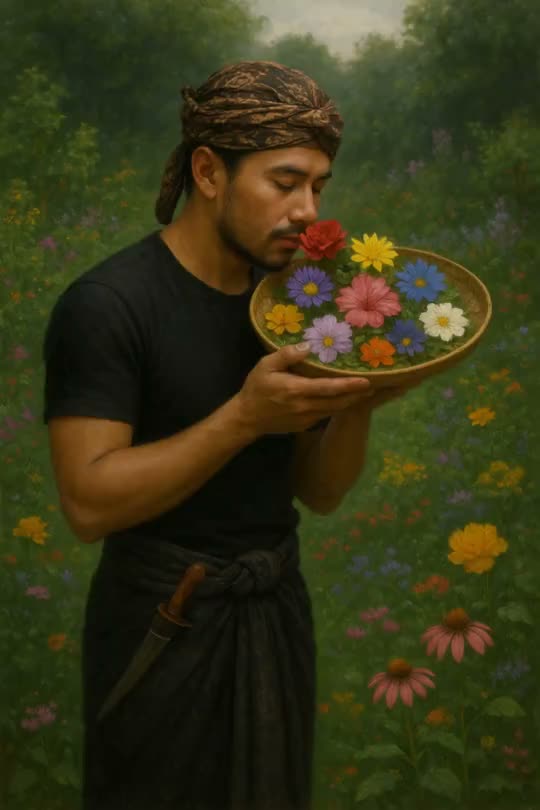





Design a Canvas That Feels Like Part of the Release
A focused Spotify Canvas Maker should protect the artwork listeners recognize, create a satisfying 3–8 second loop, frame the subject for Spotify's mobile player, and help a complete release share one visual language.
Release identity
Animate the artwork listeners already associate with the track
The Spotify Canvas Maker uses your cover art, artist portrait, collage, illustration, or release-world still as the visual anchor. Add motion to light, fabric, water, particles, typography-free artwork, a camera drift, or one expressive subject action while keeping the color palette and central image recognizable. The result feels connected to the release instead of looking like unrelated stock footage.
- Start from album art, single art, an artist photo, or a campaign still
- Keep the track's palette, mood, and visual motif present throughout
- Use motion to extend the artwork rather than cover its strongest detail

Loop design
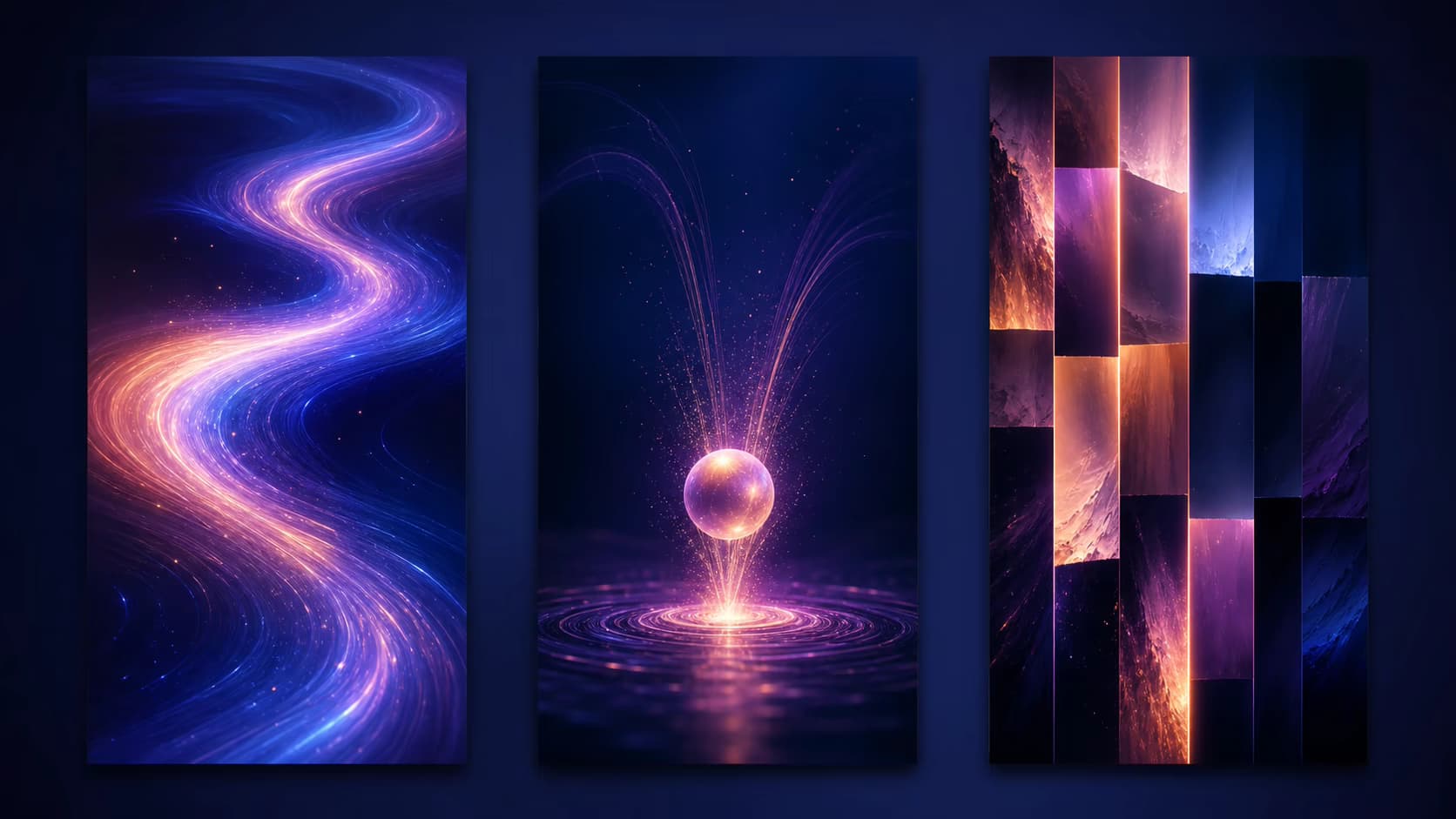
Choose a loop behavior that matches the music
A Canvas repeats for as long as the listener stays on the Now Playing screen, so the transition matters as much as the first frame. Direct a continuous loop for ambient tracks, a forward-and-back rebound for a breathing or camera movement, or a deliberate hard cut for rhythmic impact. Preview the entire MP4 and judge the seam in motion, not from a single frame.
- Continuous loops suit drifting light, water, haze, particles, and rotation
- Rebound motion can turn a short rise, push, or gesture into a repeatable cycle
- Hard cuts can feel intentional when the edit lands with the track's energy
Spotify framing
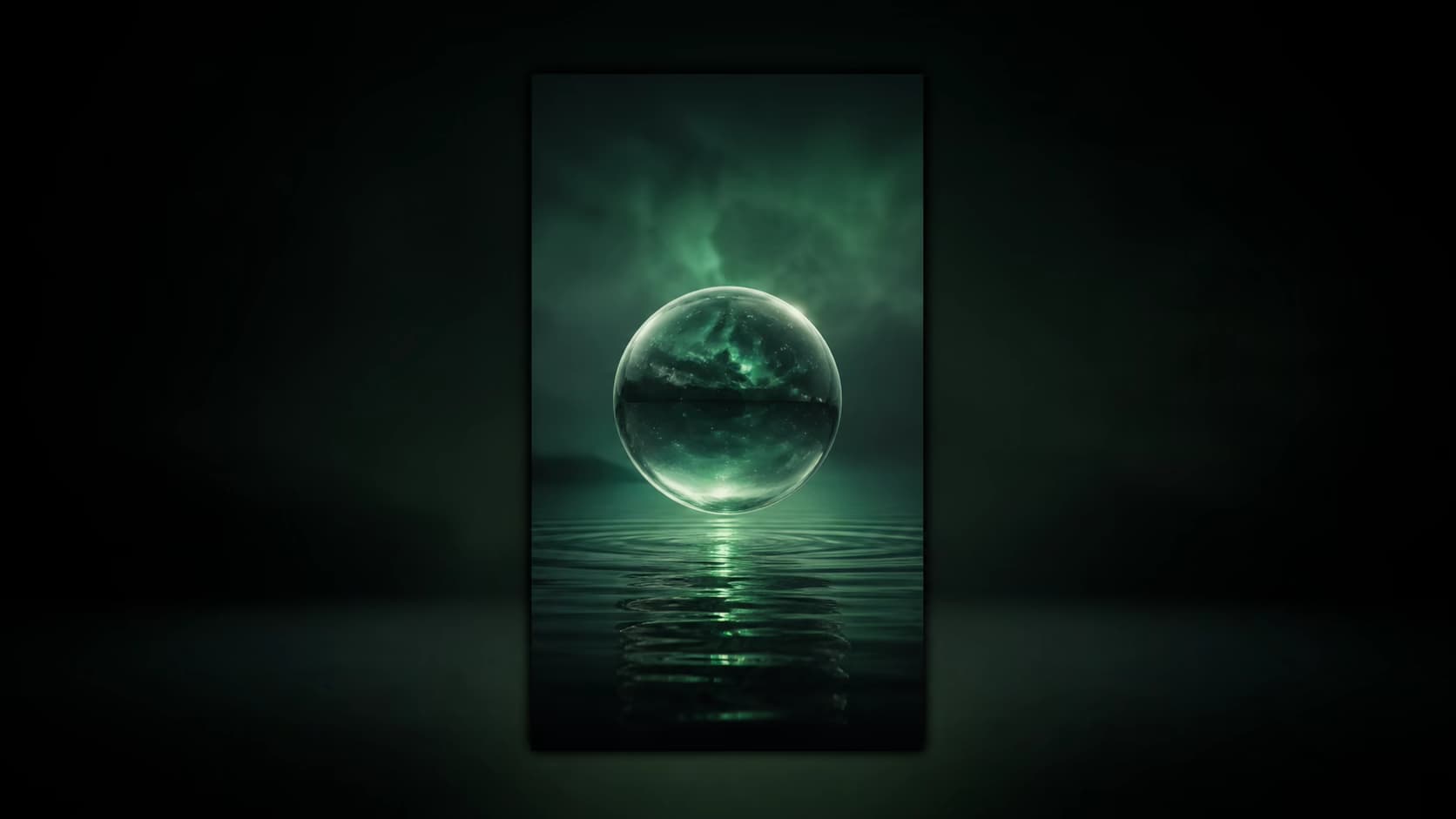
Build for a 3–8 second vertical mobile Canvas from the start
This Spotify Canvas Maker begins with the format the destination expects: a short 9:16 MP4. Keep faces, symbols, and the release's most important visual detail in the central viewing area, allow breathing room near the edges, and avoid rapid flashing or tiny text that competes with the player interface. Generate a supported 4, 6, or 8 second clip and review the exported file before uploading in Spotify for Artists.
- Compose vertically instead of cropping a horizontal music visual later
- Keep critical artwork clear of edge crops and player-interface pressure
- Review duration, orientation, motion intensity, and the final MP4 loop
Release system
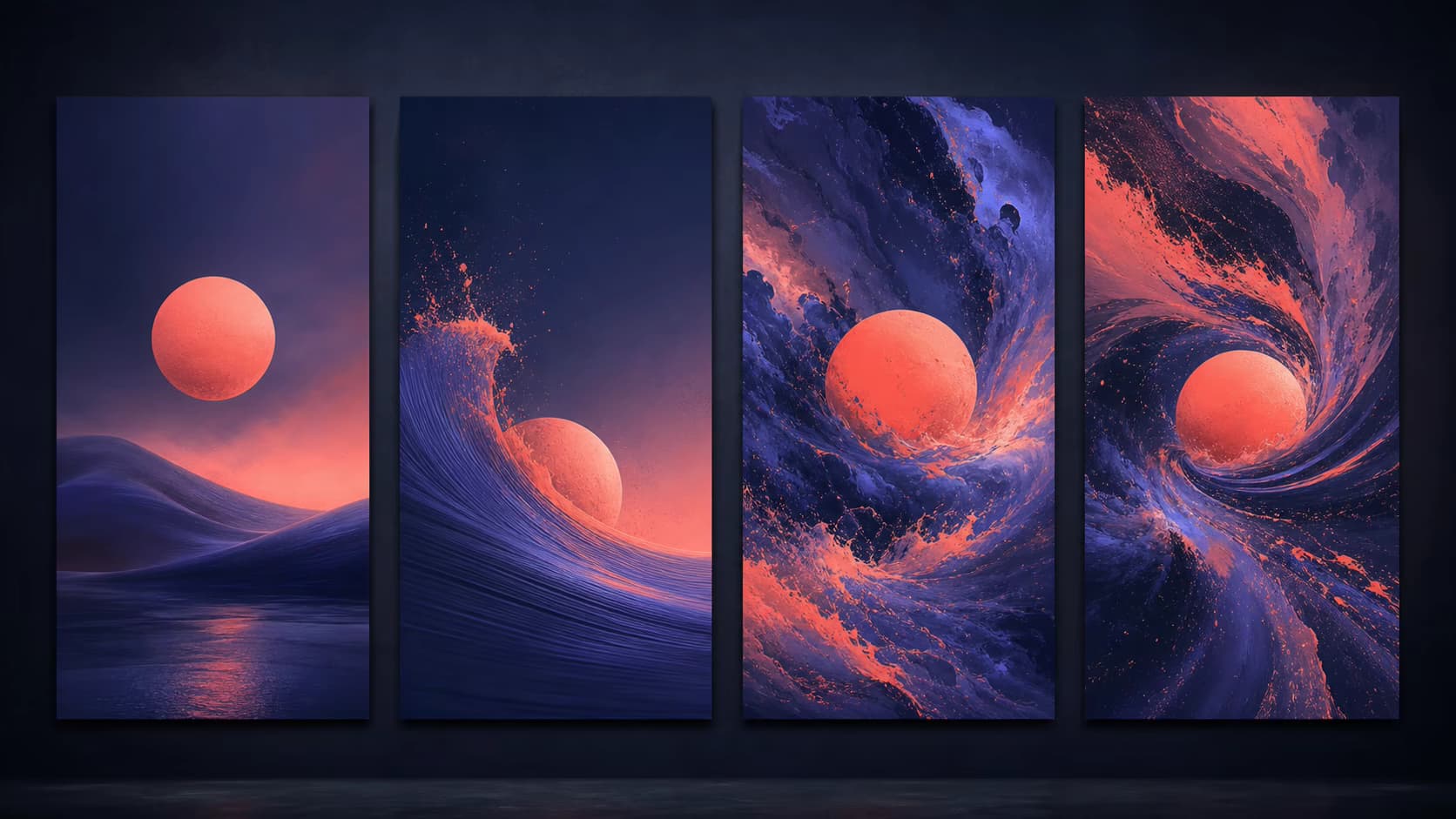
Give every track its own Canvas without losing album consistency
For an EP, album, deluxe release, or back-catalog refresh, reuse a controlled palette, texture, camera pace, and motion motif across several tracks. Then vary the subject, focal color, movement, or intensity so each Canvas responds to its song. Labels and independent artists can build a recognizable visual campaign without commissioning a completely separate shoot for every track.
- Create coordinated Canvas variants for singles, album tracks, and remixes
- Reuse one visual rule while giving each track a distinct focal moment
- Carry the approved vertical direction into Stories, Reels, and Shorts
Why Use This Spotify Canvas Maker
The page is designed around Spotify Canvas requirements rather than treating Canvas as a generic vertical video.
9:16 from the start
Generate in the vertical Canvas format instead of cropping a horizontal video after rendering. Keep essential artwork away from edges that Spotify may crop.
Canvas-length output
Use a supported 4, 6, or 8 second duration so the exported video stays inside Spotify's current 3–8 second Canvas requirement.
Loop-friendly direction
Prompt smooth, repeatable motion and preview the complete result. Generative motion may need another pass before the first and final frames feel continuous.
Clear watermark rules
Try generation with free credits. Free-credit exports contain a small evaluation watermark; paid plans unlock clean MP4 output and commercial use.
Create a Better Spotify Canvas Video
A useful Spotify Canvas Maker respects the mobile crop, short duration, silent playback context, and repeated loop.
Design for the safe center
Spotify can crop the outer edges on different screens. Keep faces, products, symbols, and other essential details away from the top, bottom, and side boundaries.
Avoid rapid cuts and flashing
Use smooth movement and restrained lighting. High-frequency flashes and very fast edits are distracting in a repeated loop and may create accessibility concerns.
Do not duplicate the interface
The Spotify player already shows the song and artist. Large repeated titles often add clutter, so let the artwork and motion carry the visual identity.
Preview the loop manually
AI can create loop-friendly motion, but it does not guarantee identical first and last frames. Watch several repeats and regenerate with gentler motion if the seam is distracting.
Spotify Canvas Video Ideas for Artists and Labels
Use the Spotify Canvas Maker to create a recognizable visual system for one single, a complete release, or a back catalog refresh.
Animate album and single artwork
Bring an existing cover into motion with a continuous ambient loop, a deliberate hard cut, or a rebound-style movement while keeping the release identity recognizable.
Create a visual for every track
Reuse a shared palette and motion language across an EP or album, then vary the subject, pace, or atmosphere so each track gets its own Canvas without losing campaign consistency.
Repurpose vertical music visuals
Use the same 9:16 creative direction as a starting point for Stories, Reels, Shorts, pre-save announcements, and release countdowns after checking each platform's format rules.
How to Make a Canvas with the Spotify Canvas Maker
Create a vertical Spotify Canvas video from cover art in three focused steps.
Upload cover art or a photo
Choose a sharp image with important subjects near the center. Avoid placing essential text, faces, or logos against the outer edges of the 9:16 frame.
Describe repeatable motion
Ask for a slow drift, flowing light, gentle zoom, rotating form, or restrained character movement. Avoid rapid cuts, flashing, and actions that depend on lyric timing.
Generate, preview, and upload
Generate a 4, 6, or 8 second MP4, watch the ending and restart, download the approved version, then upload it through Spotify for Artists.
Spotify Canvas Maker Pricing
Sign in to receive free credits. Free-credit videos include a small watermark; paid plans provide watermark-free output, 1080p options, and commercial use.
- Valid for 30 days
- One-time payment, no subscription
- Unlocks all available models and watermark-free videos
- Other benefits match subscription plans, except for the credit amount and validity
Basic
For getting started with photo-to-video creation
- 1,200 credits included every month
- Up to 40 videos per monthBased on Veo 3.1 Lite at 30 credits per video (8 seconds, 720p). Actual output varies by model and settings.
- Full access to all available models
- Turn photos into videos in minutes
- Unlimited encrypted history storage by default
- 24/7 customer support
- No watermark on exported videos
Pro
For creators who need more output and faster iteration
- 3,000 credits included every month
- Up to 100 videos per monthBased on Veo 3.1 Lite at 30 credits per video (8 seconds, 720p). Actual output varies by model and settings.
- Full access to all available models
- Turn photos into videos in minutes
- Unlimited encrypted history storage by default
- 24/7 customer support
- No watermark on exported videos
Max
For teams and power users with high-volume production
- 8,000 credits included every month
- Up to 266 videos per monthBased on Veo 3.1 Lite at 30 credits per video (8 seconds, 720p). Actual output varies by model and settings.
- Full access to all available models
- Turn photos into videos in minutes
- Unlimited encrypted history storage by default
- 24/7 customer support
- No watermark on exported videos






Spotify Canvas Maker FAQ
What is a Spotify Canvas Maker?
What size and length should a Spotify Canvas be?
Can this Spotify Canvas Maker animate cover art?
Does a Spotify Canvas include audio?
Does the Spotify Canvas Maker guarantee a seamless loop?
Is the Spotify Canvas Maker free without a watermark?
How do I upload the finished Canvas?
Create Your Spotify Canvas from Cover Art
Open the Spotify Canvas Maker, upload your artwork, and generate a 3–8 second vertical MP4 with free credits.
AI Spotify Canvas Maker Online
Photo to Video AI is an online Spotify Canvas Maker and Spotify Canvas generator for artists, labels, producers, and music marketers. Turn cover art into a 3–8 second 9:16 Spotify Canvas video, test loop-friendly AI motion, download an MP4, and upload the approved visual with Spotify for Artists. Sign in to a free account to receive free credits; free-credit exports have a small watermark.