
AI Jewelry Video Generator
Upload a jewelry photo
or drag and drop
Optional references share a 7 unit input quota: each image counts as 1, one source video counts as 2, and each character ID counts as 1.
Prompt templates
Describe one controlled camera move. Clear, centered jewelry photography helps preserve fine details.
Upload a jewelry photo
or drag and drop
Used when no source video is provided. Source-video runs let the model decide duration.
720P and 1080P share the same credit tier. 4K uses the higher tier.
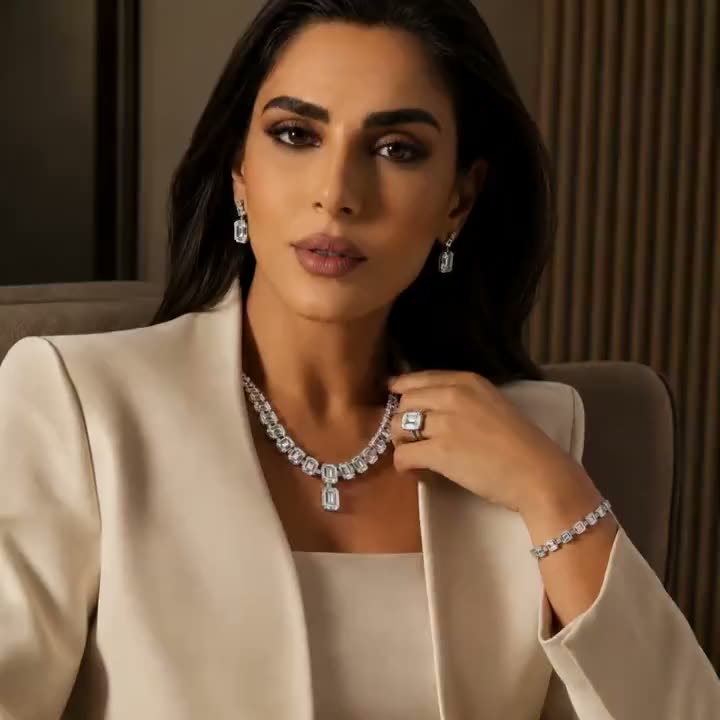
AI Jewelry Video Examples
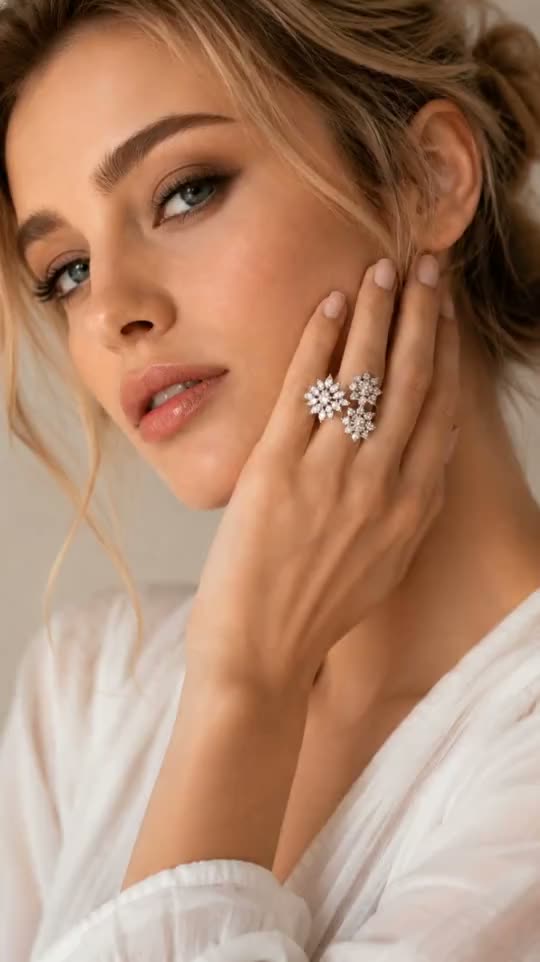
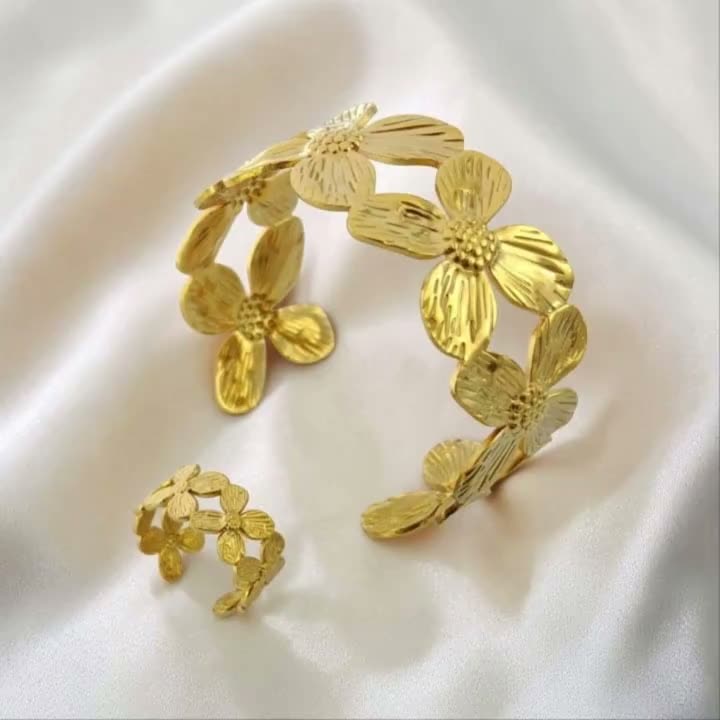
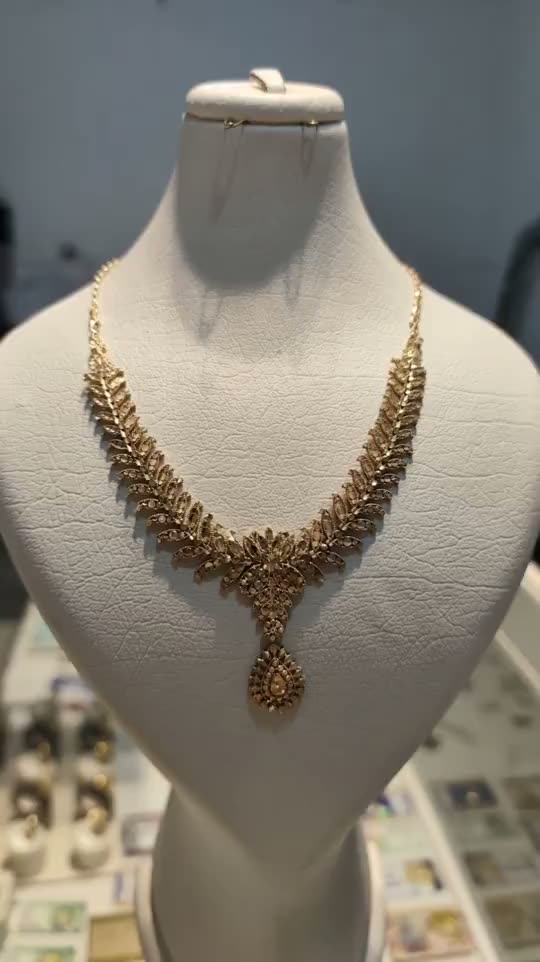
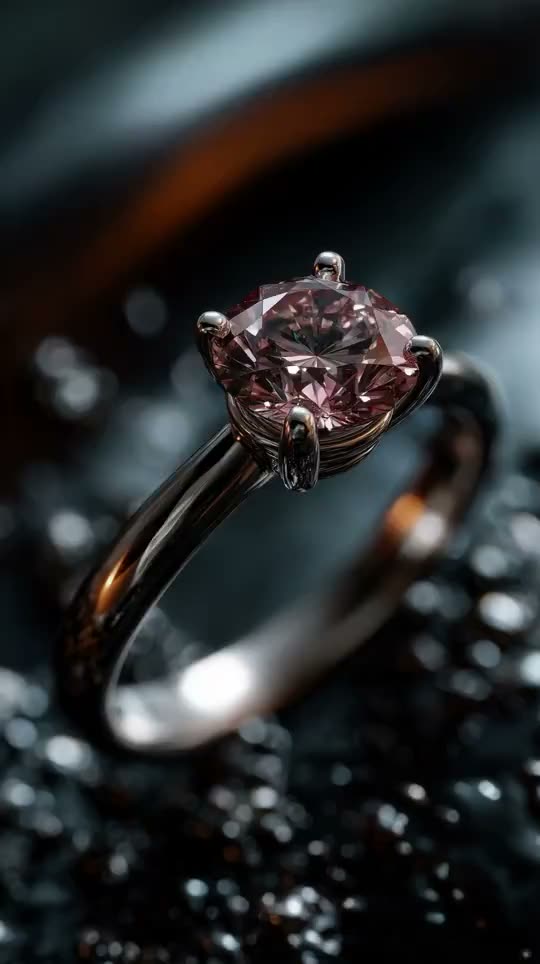
Explore on-model campaigns, macro ring reveals, necklaces, bracelets, and luxury display concepts. Hover or tap any example to preview the motion.
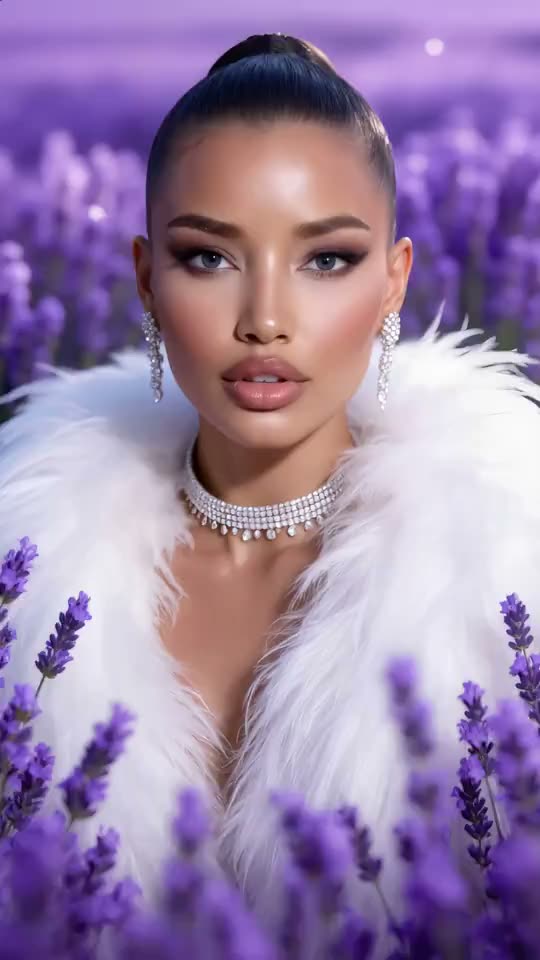
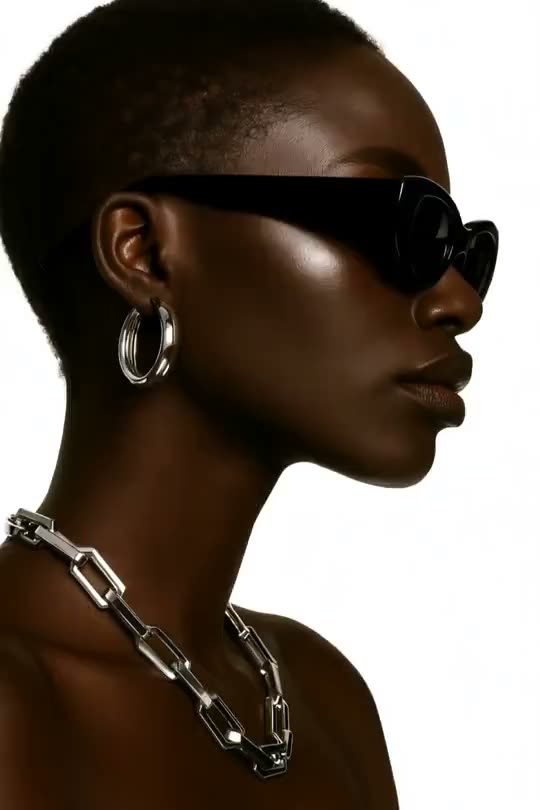
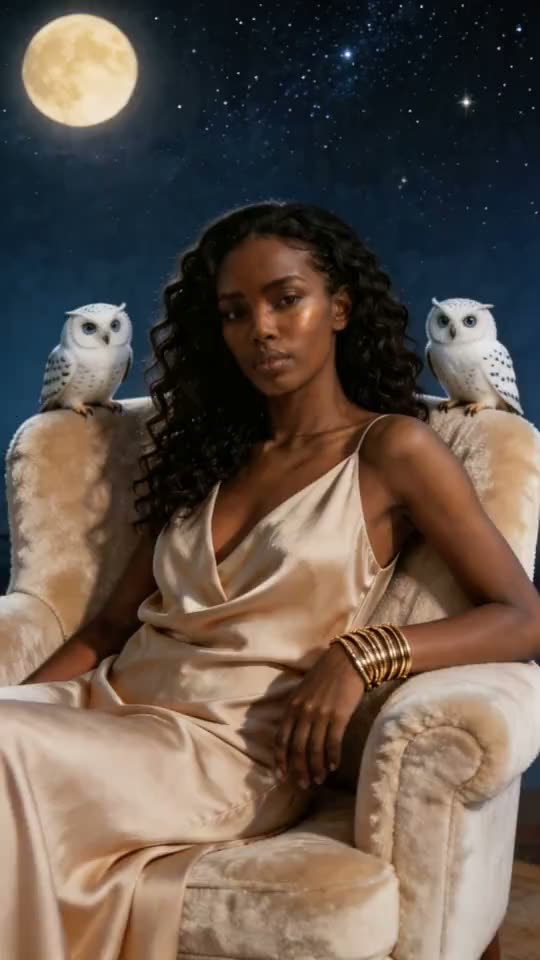
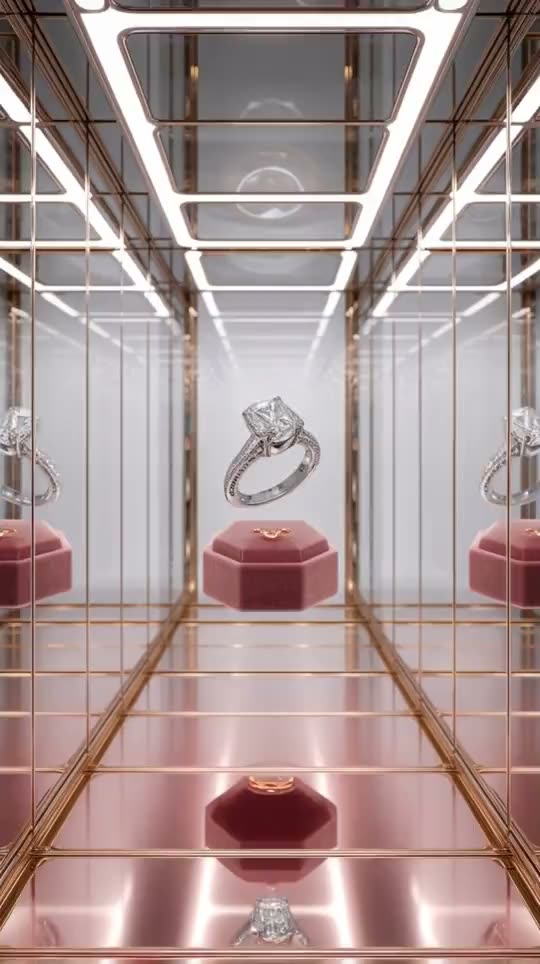
Create Jewelry Video Around the Details Buyers Inspect
A specialized AI Jewelry Video Generator must do more than add movement. It needs to hold the piece's identity, reveal the design from useful angles, preserve material cues, and show scale or styling in the context where customers make a purchase decision.
Design fidelity
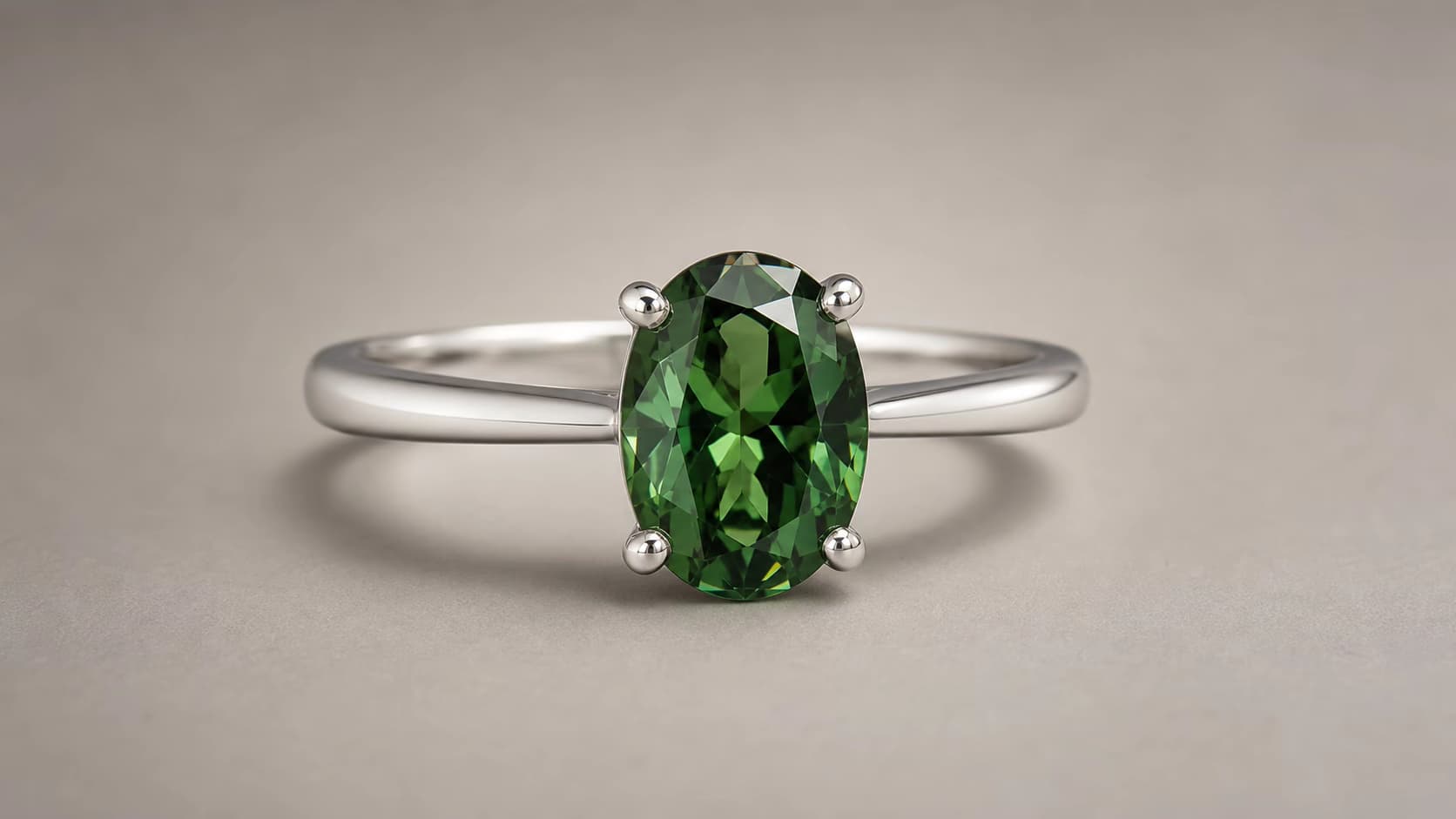
Anchor every shot to the jewelry piece you actually sell
The AI Jewelry Video Generator starts from your ring, necklace, bracelet, earring, watch, or loose-gem photo instead of inventing a new design from text. A detailed image supplies the silhouette, stone layout, setting, metal color, proportions, and surface finish, while your prompt directs the camera, turntable, hand, fabric, light, and background movement around that identity.
- Use high-resolution catalog, campaign, macro, or clean on-model photography
- Keep the piece large enough to inspect prongs, links, clasps, and stone placement
- Generate alternate motion directions without reshooting the physical inventory
360° product view
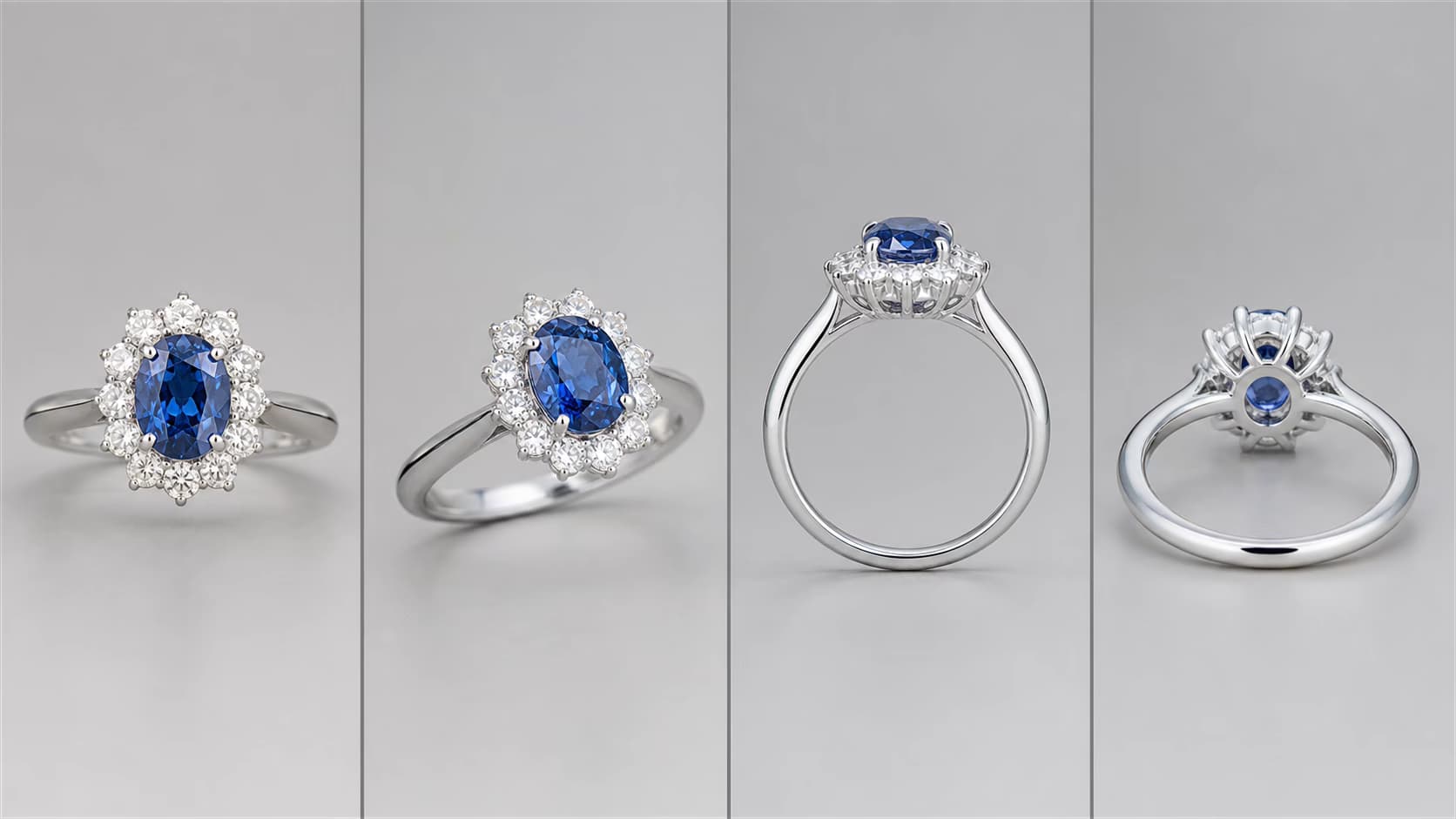
Turn a still jewelry photo into a controlled multi-angle reveal
Use an orbit, turntable rotation, half-turn, tilt, or paired front-and-profile motion to help shoppers understand the form beyond one static angle. Stronger image-to-video models can create convincing 360° jewelry video directions from a clear source; the best commercial result still comes from checking symmetry, hidden geometry, stone count, setting height, and the return to the starting view across the full clip.
- Prompt a slow full rotation, partial orbit, pedestal turn, or camera arc
- Show ring profiles, pendant depth, earring backs, bracelet links, and watch cases
- Use restrained speed so buyers have time to read the construction and silhouette
Material realism
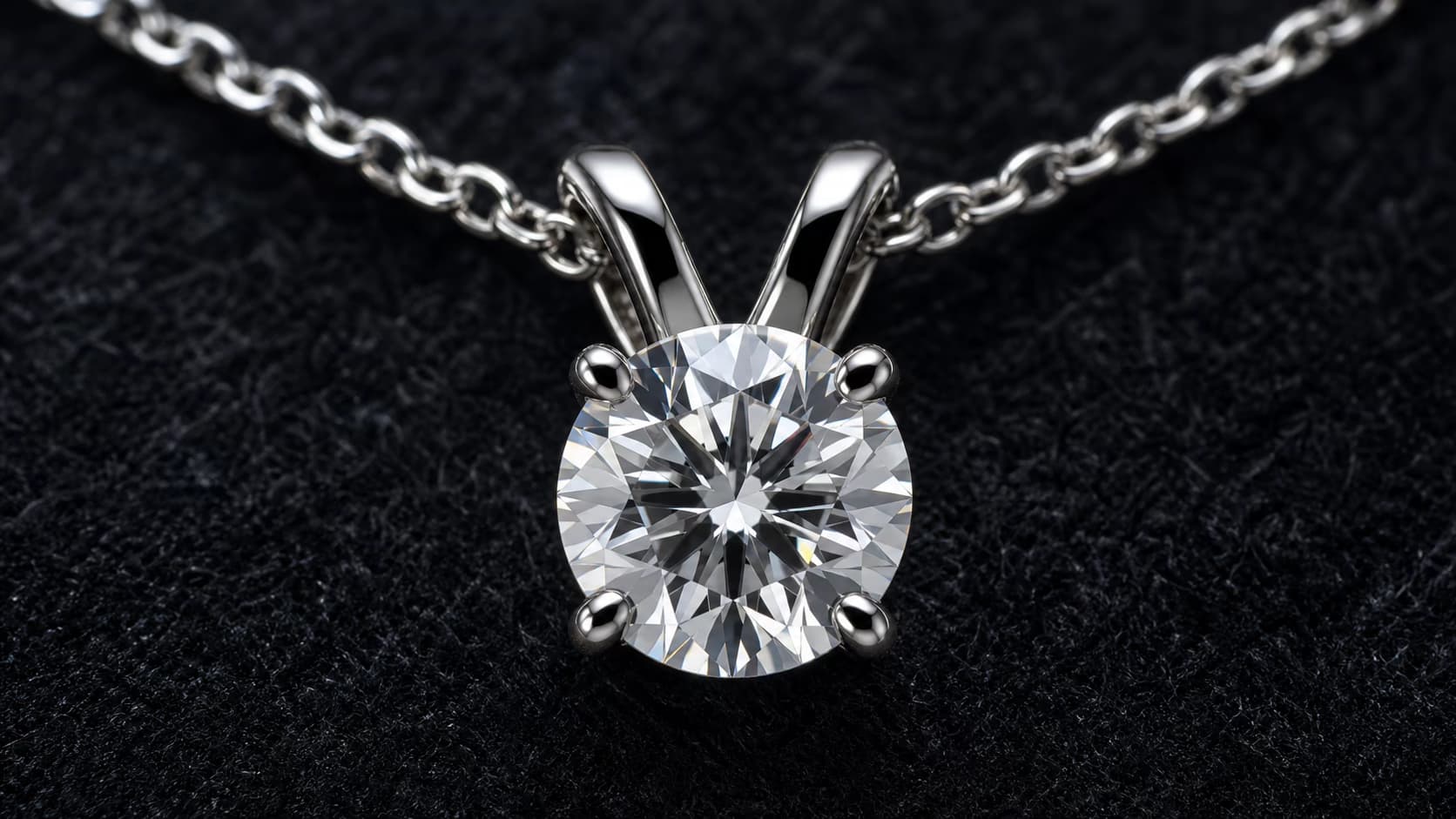
Reveal gemstones, metal finish, sparkle, and craftsmanship in motion
Jewelry buyers look for fire, brilliance, color, polish, texture, prong work, engraving, chain behavior, and how reflections move across a surface. Direct a macro camera push, traveling highlight, controlled sparkle, velvet movement, or slow focus transition that reveals those cues without turning the piece into an exaggerated light effect. The AI Jewelry Video Generator can create multiple luxury art directions from the same approved macro image.
- Separate gemstone sparkle from the metal's softer highlight behavior
- Preserve fine construction cues such as pavé rows, claws, links, and edges
- Match the background and light quality to fine, fashion, vintage, or bridal jewelry
On-model selling
Show scale, placement, movement, and styling on a person
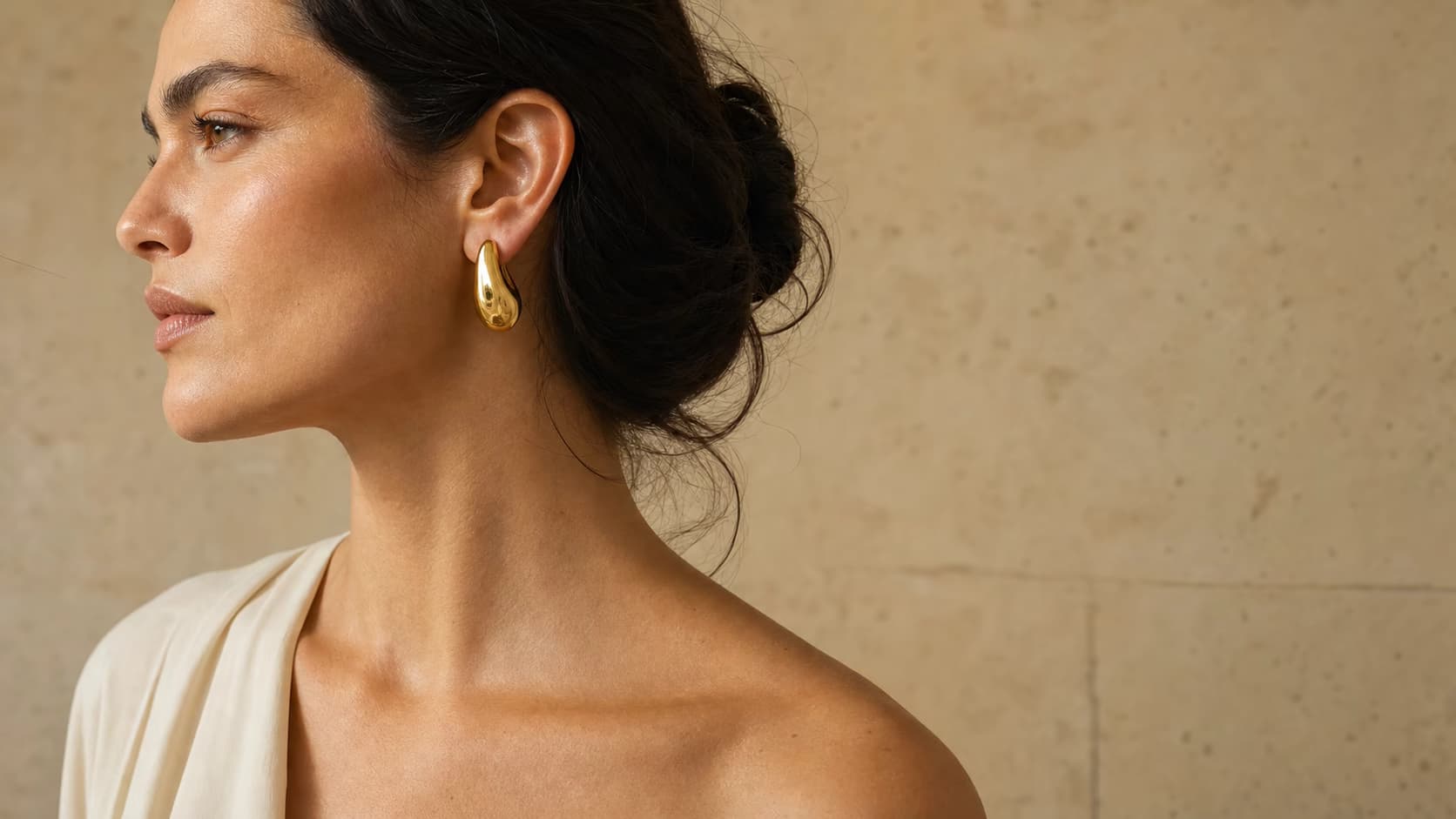
An on-model jewelry video answers questions a clean product cutout cannot: where the piece sits, how large it appears, how an earring moves, how a pendant falls, or how a bracelet catches light beside skin and fabric. Start from a strong on-model source or use a capable model to explore a styled context, then compare the result with the physical piece before publishing it on a product detail page, ad, or social campaign.
- Demonstrate earring drop, necklace length, ring scale, and bracelet movement
- Create editorial, bridal, luxury, minimal, or everyday styling directions
- Pair clean product motion with an on-model clip to support purchase confidence
Why Jewelry Sellers Use an AI Jewelry Video Generator
A vertical workflow reduces repetitive production work while keeping product accuracy, channel formats, and review in focus.
Detail-aware review
Inspect the complete clip for gemstone count, prongs, chains, engravings, reflections, and product proportions before approving an AI jewelry video.
Jewelry camera directions
Prompt slow rotation, macro dolly, tilt reveal, parallax, floating presentation, or a controlled light sweep instead of generic object motion.
Commerce-ready ratios
Choose supported 1:1, 9:16, or 16:9 output for Shopify, Amazon, Etsy, TikTok Shop, Instagram, paid ads, and email campaigns.
More creative per SKU
Generate several motion directions from an approved source photo to test clean PDP video, launch creative, social hooks, and seasonal campaign treatments.
Get Better AI Jewelry Video Generator Results
Jewelry has small, reflective, high-value details, so input quality and restrained movement matter more than spectacle.
Capture real product detail
Use high-resolution photography with the stones, setting, clasp, chain, and silhouette in focus. Avoid heavy retouching that erases edges or creates impossible reflections.
Center the complete piece
Leave room around rings and earrings; arrange necklaces and bracelets so the model can read their shape. Cropped chains and hidden clasps give the model less information.
Control sparkle and reflection
Request subtle light travel and realistic reflections. Excessive flare or glitter can cover gemstone facets, change metal color, and make the result less useful for commerce.
Validate every new angle
A single photo cannot show all hidden geometry. During a large orbit or full rotation, inspect newly generated angles and regenerate with smaller movement if product accuracy drifts.
AI Jewelry Videos for Product Pages and Campaigns
Use the AI Jewelry Video Generator for clean catalog motion, richer advertising scenes, and product storytelling across the customer journey.
360° jewelry product rotation
Create a slow rotational view for rings, necklaces, bracelets, earrings, and watches. Use a centered image and controlled movement, then check hidden geometry as the model reveals new angles.
Macro jewelry reveal
Use a slow dolly, tilt, light sweep, or close orbit to emphasize gemstone facets, pavé detail, polished metal, engraving, and craftsmanship for a PDP or luxury campaign.
Lifestyle and on-model creative
Direct a lifestyle setting or model-oriented composition when the selected model supports the reference. Review scale, placement, hands, skin contact, clasps, and product identity carefully.
How to Use the AI Jewelry Video Generator
Create a jewelry product video from one source photo in three steps.
Upload a detailed jewelry photo
Use a sharp, well-lit JPG, PNG, or WEBP with the complete piece visible. Product-centered images with controlled reflections provide a clearer identity reference.
Choose one motion direction
Describe a 360° rotation, slow orbit, macro push-in, tilt reveal, sparkle highlight, lifestyle scene, or model context without combining too many actions.
Generate and inspect the details
Choose supported settings, review the credit cost, generate the MP4, and examine geometry, metal, stones, scale, hands, logos, and text before download.
AI Jewelry Video Generator Pricing
Sign in to receive free credits. Free-credit videos include a small evaluation watermark; paid plans unlock 1080p, watermark-free export, and commercial use.
- Valid for 30 days
- One-time payment, no subscription
- Unlocks all available models and watermark-free videos
- Other benefits match subscription plans, except for the credit amount and validity
Basic
For getting started with photo-to-video creation
- 1,200 credits included every month
- Up to 40 videos per monthBased on Veo 3.1 Lite at 30 credits per video (8 seconds, 720p). Actual output varies by model and settings.
- Full access to all available models
- Turn photos into videos in minutes
- Unlimited encrypted history storage by default
- 24/7 customer support
- No watermark on exported videos
Pro
For creators who need more output and faster iteration
- 3,000 credits included every month
- Up to 100 videos per monthBased on Veo 3.1 Lite at 30 credits per video (8 seconds, 720p). Actual output varies by model and settings.
- Full access to all available models
- Turn photos into videos in minutes
- Unlimited encrypted history storage by default
- 24/7 customer support
- No watermark on exported videos
Max
For teams and power users with high-volume production
- 8,000 credits included every month
- Up to 266 videos per monthBased on Veo 3.1 Lite at 30 credits per video (8 seconds, 720p). Actual output varies by model and settings.
- Full access to all available models
- Turn photos into videos in minutes
- Unlimited encrypted history storage by default
- 24/7 customer support
- No watermark on exported videos






AI Jewelry Video Generator FAQ
What is an AI Jewelry Video Generator?
Can the AI Jewelry Video Generator create a 360° jewelry video?
Can I create a jewelry model video or virtual try-on?
Which jewelry photos produce better videos?
Will gemstone facets and metal color stay accurate?
Is the AI Jewelry Video Generator free?
Can I use an AI jewelry video on Shopify, Amazon, or Etsy?
Create an AI Jewelry Video from One Photo
Open the AI Jewelry Video Generator, upload a detailed product photo, and test a rotation or macro reveal with free credits.
AI Jewelry Video Generator Online
Photo to Video AI is an online AI Jewelry Video Generator for jewelry photo to video, 360° jewelry rotation, jewelry model video, macro product reveals, lifestyle jewelry ads, and marketplace product video. Create videos for rings, necklaces, earrings, bracelets, and watches in social, product-page, and advertising formats, then inspect every generated detail before publishing.