
Add Text to Video with AI
Upload a photo to create a video with text
or drag and drop
Text ideas
Write the exact words in quotation marks, describe their placement, then add one simple motion. Review spelling in the result.
AI Models for Words in Motion
Add Text to Video with a model that suits your scene. Compare available settings and credit costs in the form.
 Kling
 MiniMax
 Gemini
 Seedance
 PixVerse
Create Videos with Titles, Signs and Product Text
Add Text to Video for a title, a feeling or a message worth sharing. These concept images illustrate creative directions. Generated lettering and motion vary with the source and prompt.
Give your image a cinematic opening title
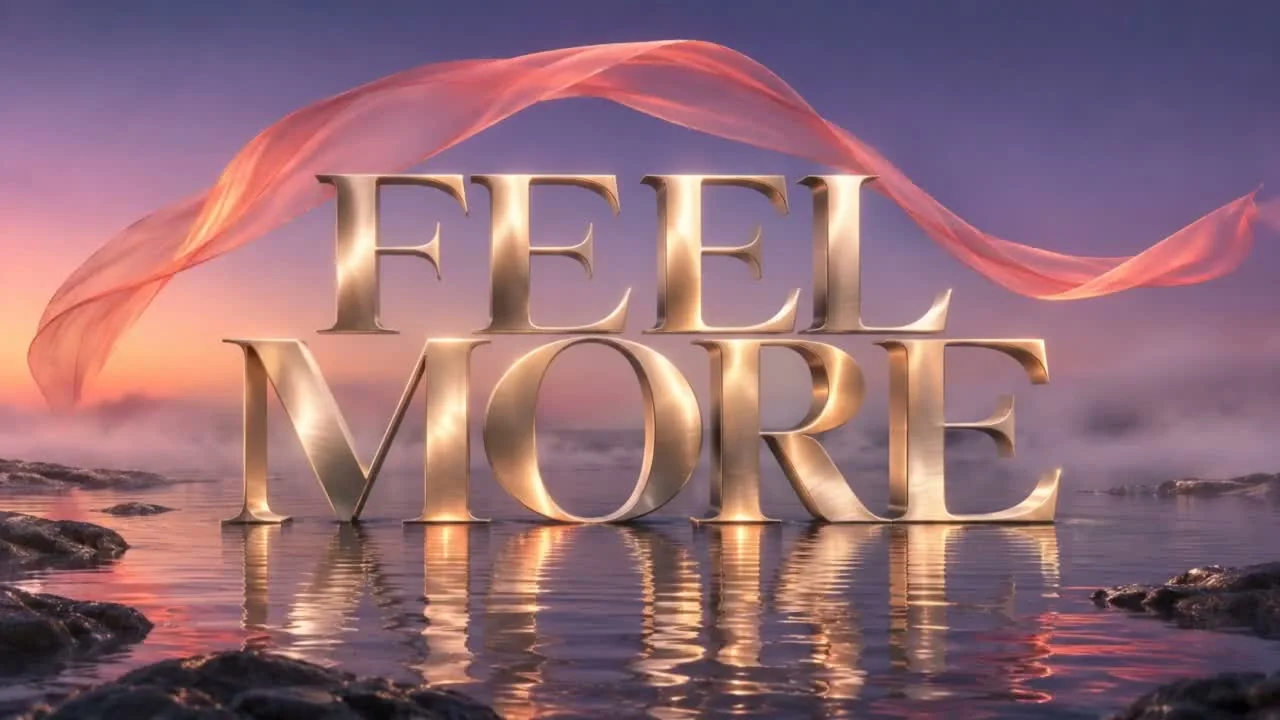
Give a landscape, portrait or creative still a short opening title. Describe the exact words, their place in the frame and the feeling you want, then pair them with restrained movement. A phrase such as ‘STAY WILD’ can turn a quiet image into the beginning of a travel story or personal film. Short, well-spaced wording gives the message room to breathe.

Keep the product name part of the story
Start with a product photo whose label is already clear. Use the source image to guide lettering while developing camera movement, reflections and light. Add Text to Video for a fragrance reveal, packaging close-up or branded still-life concept. Keep the label large in the source and use a gentle move, then inspect the name, fine print and bottle details throughout the result.

Let the scene carry the message
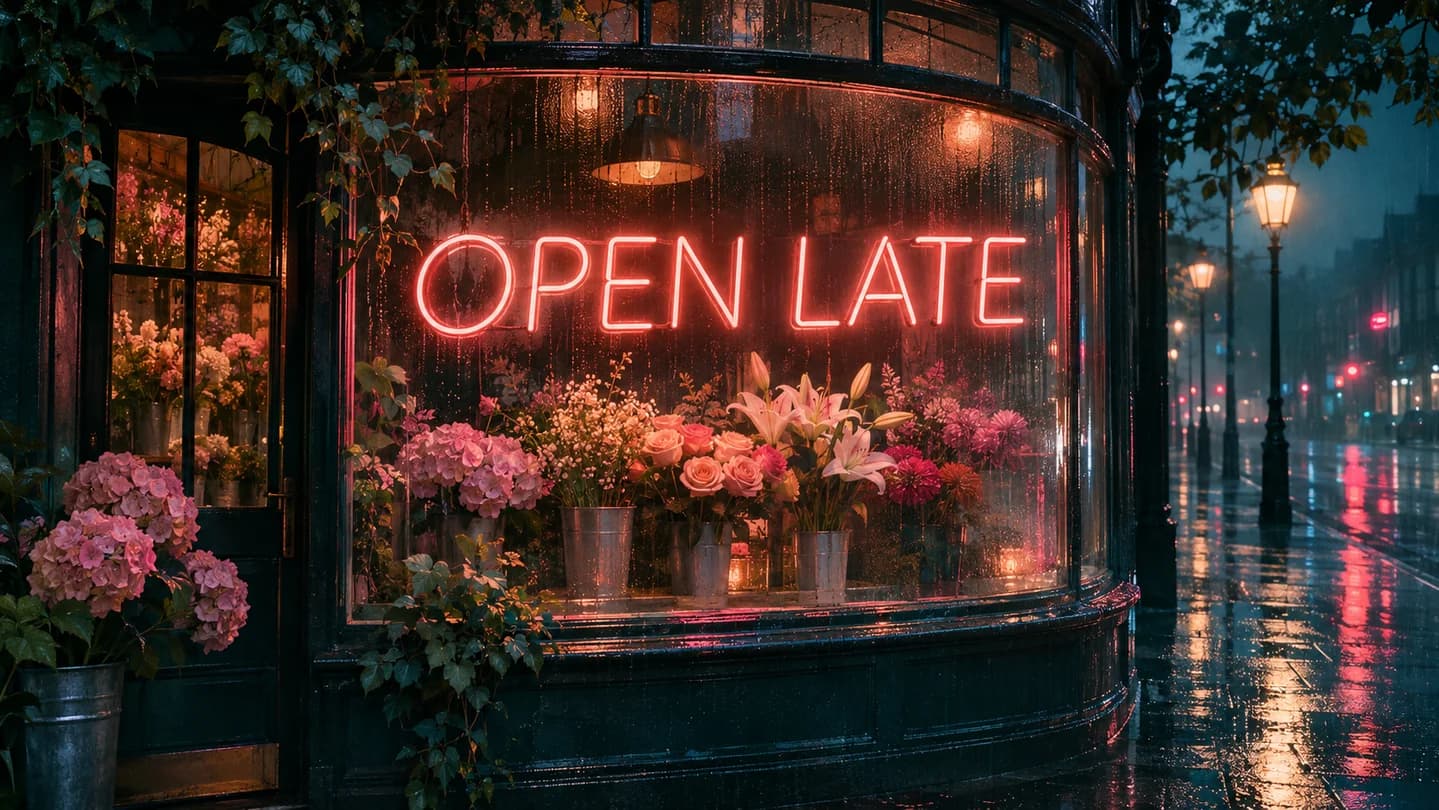
Put your words on a shop window, a glowing sign or a poster inside the scene. Describe the surface, lettering and lighting together so the text has a visual role. A rainy storefront with ‘OPEN LATE’ can suggest an entire evening in one shot. This approach suits café announcements, event teasers and cinematic concepts where the environment contributes as much as the message.
Make a greeting feel personal
Bring an illustrated card, painted poster or favorite creative image into motion with a brief message. Add Text to Video for a birthday wish, release announcement or seasonal greeting, using a few meaningful words and one gentle action. Describe paper texture, drifting stars or softly moving flowers to guide the mood. Leave generous space around the lettering so the finished message stays easy to follow.

Build a product teaser around one clear line
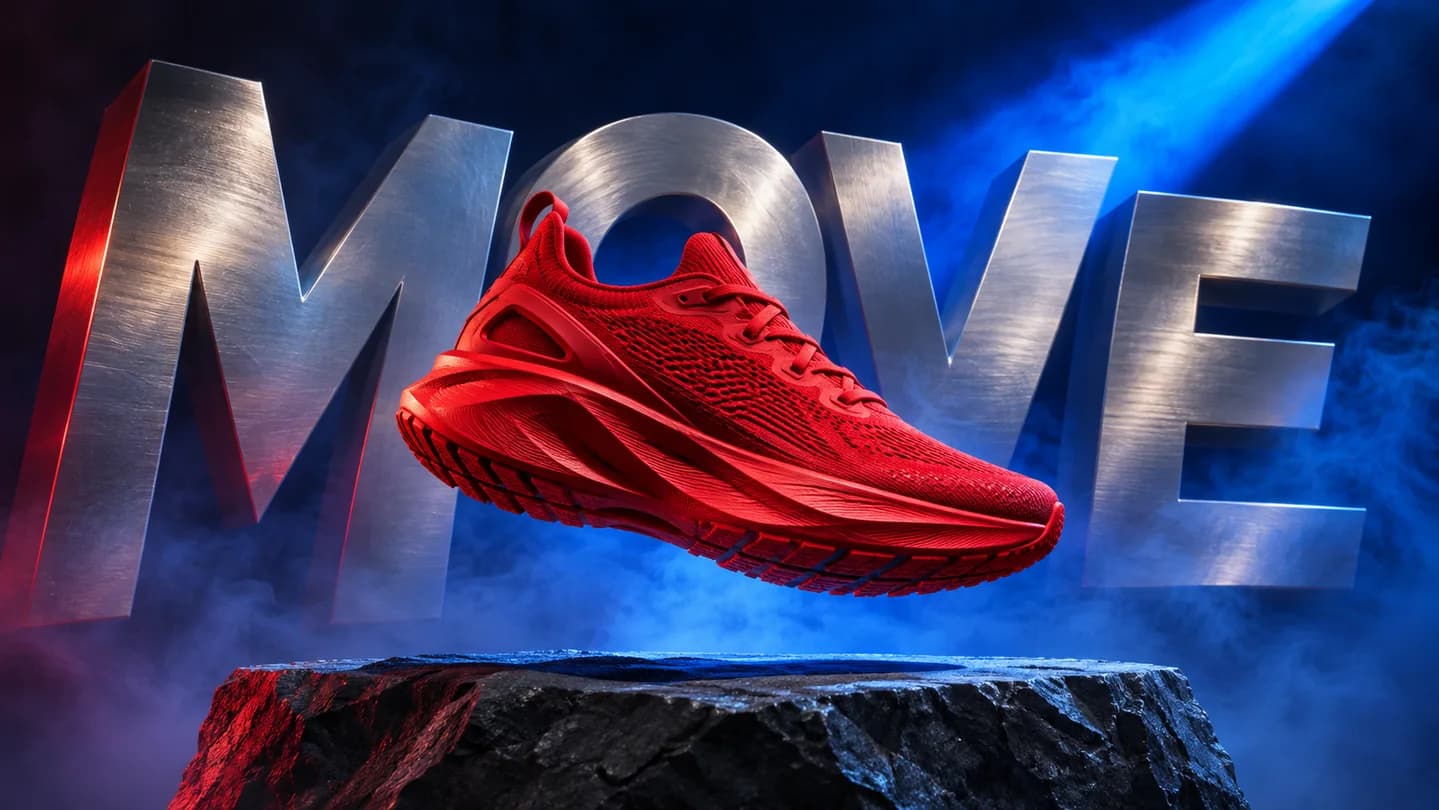
Build a short campaign around one product and one memorable line. A sneaker, a sculptural headline and a controlled light sweep can become a launch teaser, ecommerce visual or social ad concept. Direct the camera and typography in the same prompt, keeping the product easy to recognize. Use the supported landscape or vertical setting for your destination and review the complete clip before publishing.
How to Add Text to Video with AI
Start with a still image and one clear message.
Upload a photo
Choose a clear photo with room for your message, then select a text-capable model in the form.
Describe words and motion
Put the desired wording in quotation marks, then describe its placement and a simple camera move.
Generate and review
Check the credit estimate, create your clip, then review spelling and consistency before downloading.
Text for Ads, Greetings and Social Videos
Match the message to the moment.
Product launches
Introduce a new release with a short campaign line and a clear product shot.
Social opening shots
Give a Reel or Short an opening title that establishes its subject and mood.
Personal greetings
Turn a wish, invitation or illustrated card into a small moving keepsake.
Local announcements
Explore a storefront sign or event teaser for a café, shop or creative project.
Why Create Here?
Your source, creative direction and generation stay together.
Your choice of AI model
Choose a text-capable video model while keeping your source image and creative prompt together.
Cost visible first
Review the live credit requirement for your settings before starting a generation.
A connected creative workflow
Prepare images, animate products and explore related video tools within the same account.
Add Text to Video FAQ
How does Add Text to Video work here?
Which AI models can I use to Add Text to Video?
Will the generated words be spelled correctly?
Can I keep text that is already in my photo?
Can I control the font, position and timing?
What files and video lengths can I use?
Is Add Text to Video free, and will my download have a watermark?
Can I use an existing video or generate automatic subtitles?
Can I create on a phone or use another language?
Add Text to Video with Your Choice of AI Model
Bring a photo, a few words and a feeling. Choose a text-capable model and create your next short video.
Add Text to Video Online with AI
Add Text to Video starts with a photo and a written creative direction. Generate short scenes with titles, signs, greetings or product lettering, review your video and download the result.