AI Logo Animation Generator Brand intros that stand out

Give your static logo an entrance. Upload your mark, choose a reveal, and create a short branded video with the AI Logo Animation Generator.

Upload your logo

or drag and drop

PNG, JPG, WEBP · 1 image

Choose a reveal

Choose a reveal
51-15

Choose an output length from 1 to 15 seconds.

Turn on to apply this option

Adds native audio and uses the audio-enabled credit rate.

Checking access

Logo animation example · PixVerse v6
Preparing generatorControls will be ready in a moment.

Bring your brand to life with the AI Logo Animation Generator

The AI Logo Animation Generator turns an existing brand asset into a short visual moment, from a quiet light sweep to a bolder reveal.

Original style illustrations below. Watch the generated logo example in the tool above.

Start with the logo people recognize

Bring your icon, wordmark, or badge to the AI Logo Animation Generator. Your image provides the visual starting point, so you can focus on movement. Give a static brand asset presence and create an opening that belongs with your content.

Animate your existing logo
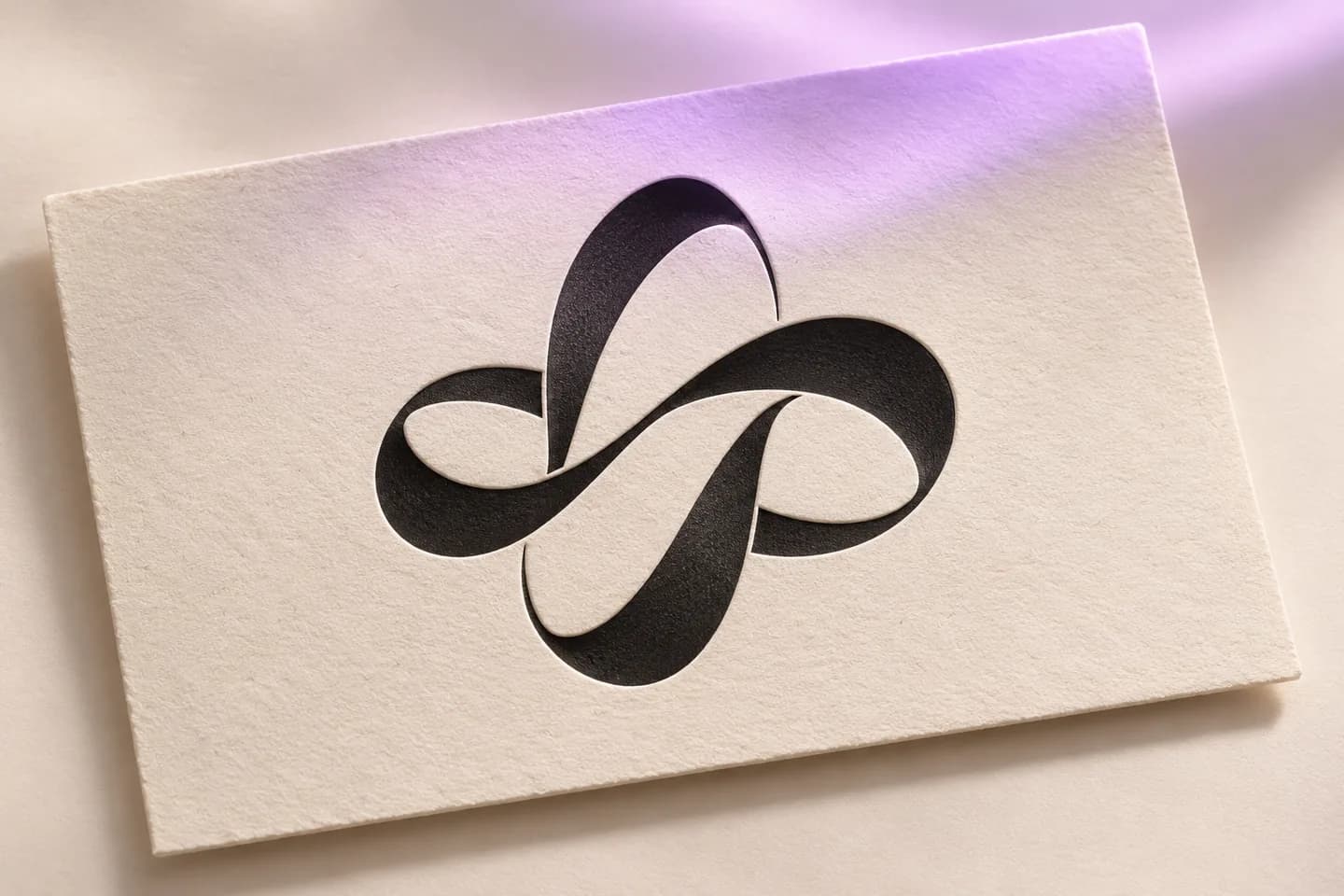
Original black ribbon emblem pressed into ivory cotton paper under a soft lavender light sweep

Find a reveal that feels like your brand

Choose Clean Light Sweep, Cinematic Spotlight, Neon Pulse, Soft Ink Reveal, or Metallic Depth. Each preset gives the AI Logo Animation Generator a motion direction. Start with a restrained business intro or an expressive creator reveal, then make the atmosphere your own.

Choose your reveal style
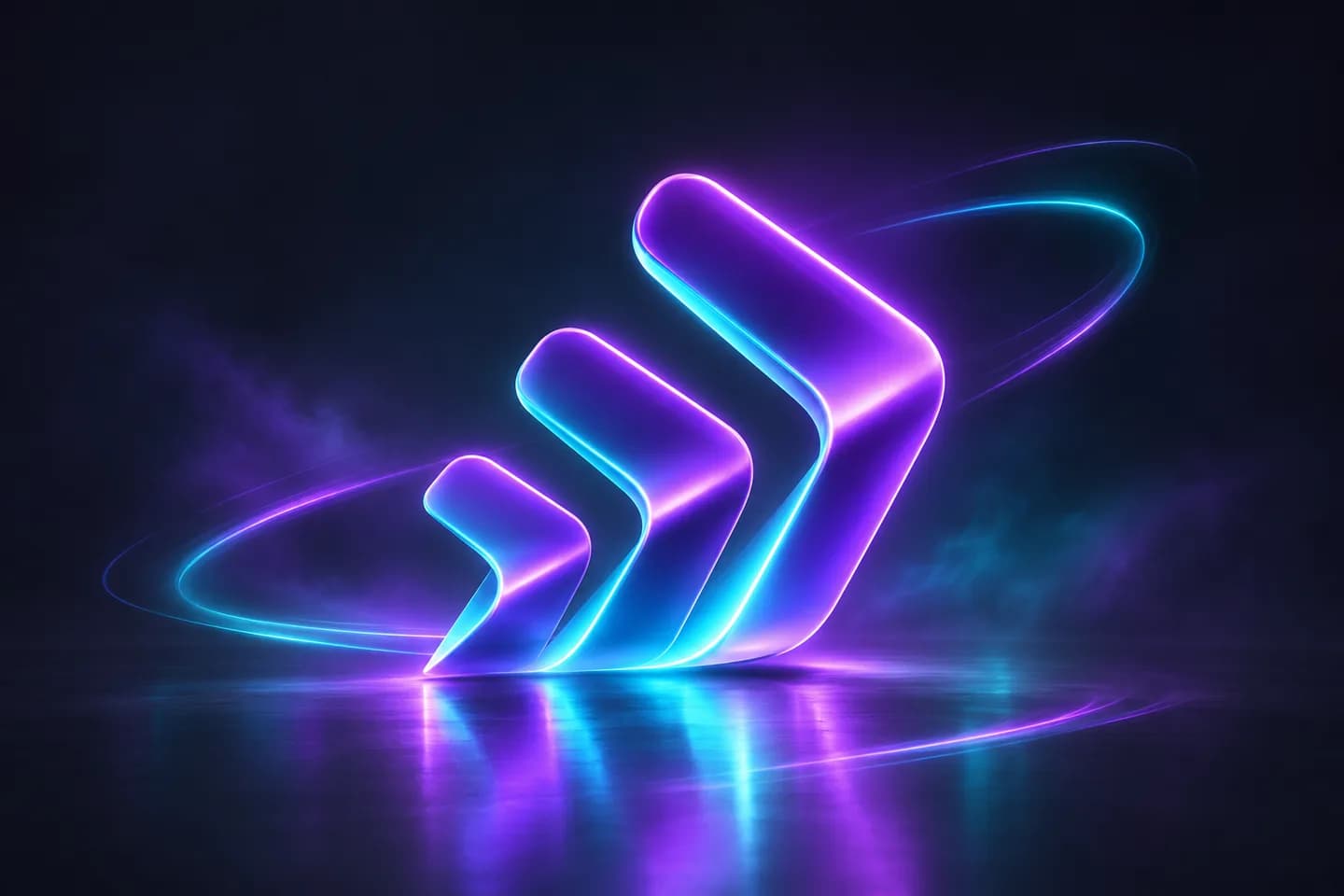
Original luminous violet and cyan chevron emblem on a dark reflective stage

Direct the movement in a few words

Ask for a slow push-in, softer lighting, or a longer final hold. The AI Logo Animation Generator follows your motion prompt alongside your image. Shape the pace around your message without building a timeline or setting individual keyframes.

Give your logo a direction
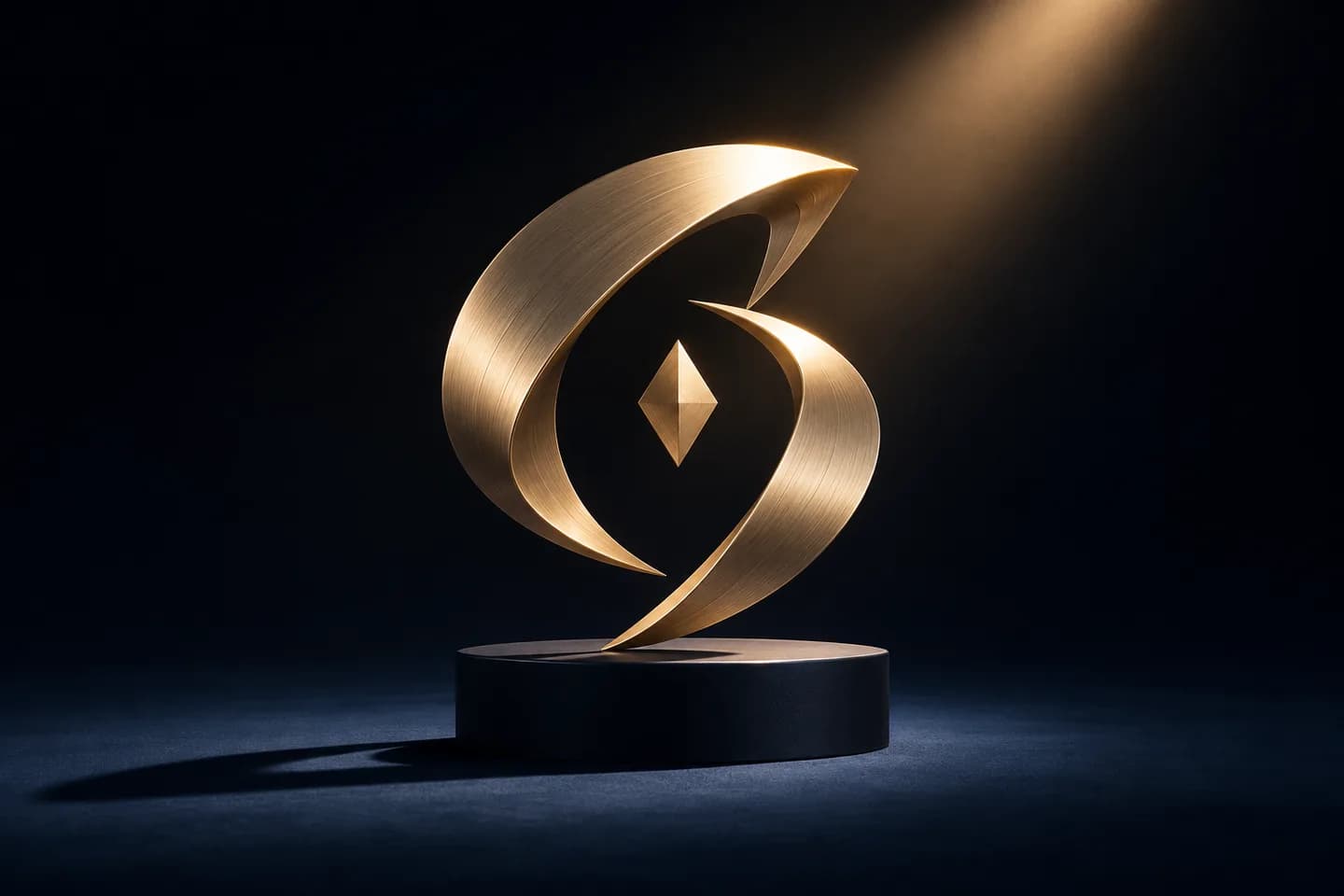
Original brushed-gold arc emblem illuminated by one warm spotlight on a midnight-blue plinth

Frame the moment for your next release

Create a landscape presentation intro or explore a vertical composition for a social launch. The AI Logo Animation Generator offers formats supported by your selected model. Give the mark room to breathe and match the animation to where your audience watches.

Create your next brand intro
Original burnt-orange botanical sunburst on a cream ceramic disc against warm terracotta plaster

Preview, refine, and bring it into your edit

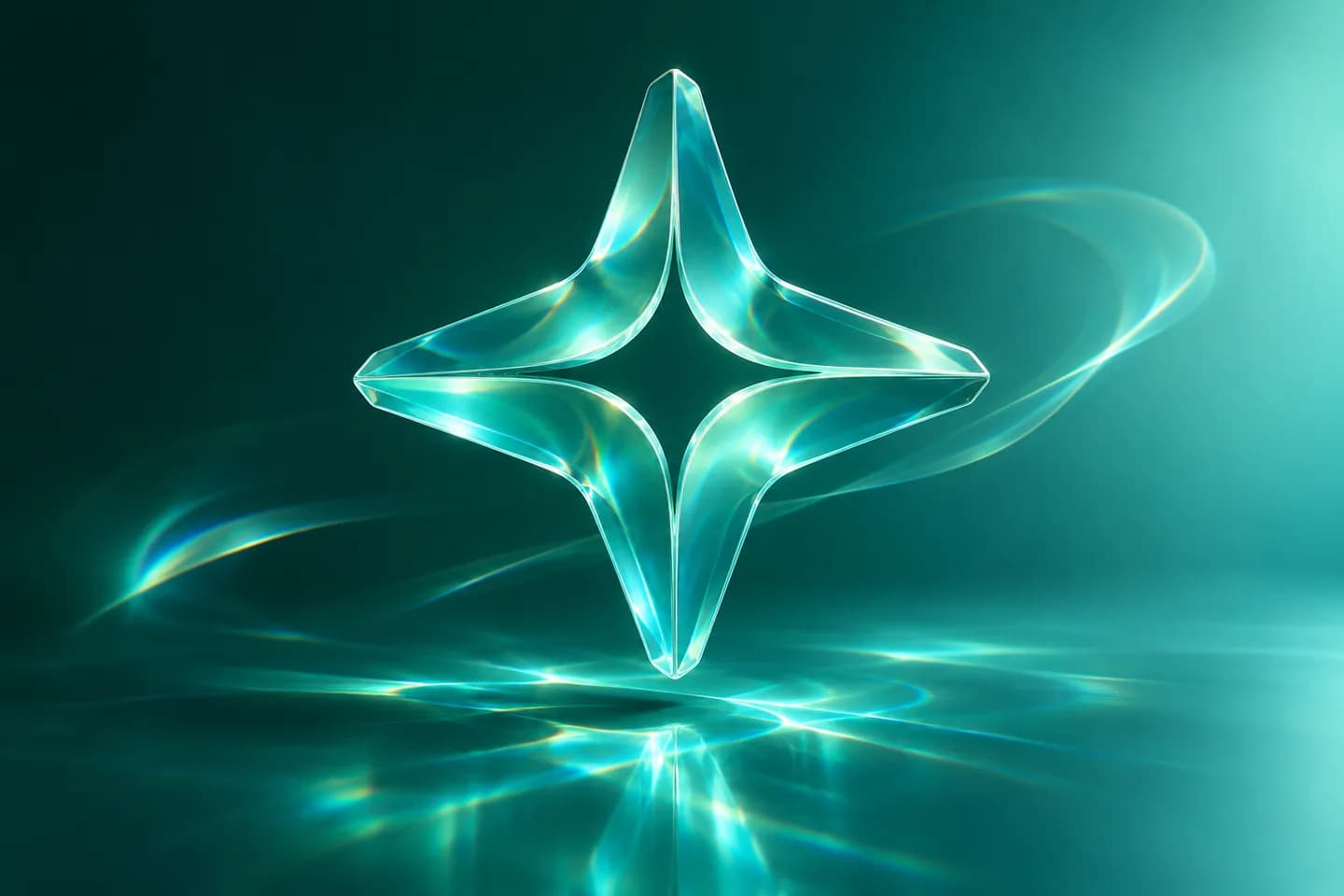
Watch the complete reveal in the AI Logo Animation Generator. Check the lettering, edges, colors, and final frame, then adjust the motion if needed. Download your chosen clip for an intro, outro, launch video, or presentation with your existing editing tools.

Make a logo animation
Original translucent sea-glass compass emblem with cyan caustic light over a deep-teal surface

How to use the AI Logo Animation Generator

  1. Upload your logo

    Add a clear logo image to the AI Logo Animation Generator, with room around the mark.

  2. Choose a reveal

    Pick a preset in the AI Logo Animation Generator, then review the settings and credit estimate.

  3. Generate and download

    Preview your AI Logo Animation Generator result, check the details, and download your chosen video.

A short reveal, plenty of places to use it

Video intros & outros

Open a tutorial, podcast, or channel video with an AI Logo Animation Generator clip.

Social launches

Give a campaign announcement a recognizable branded moment in Reels, Shorts, or TikTok.

Product releases

Use the AI Logo Animation Generator to introduce a new collection, app, or product demo.

Presentations & events

Bring a little motion to the opening or closing slide of a pitch, webinar, or event.

Why choose our AI Logo Animator?

A focused starting point

Five dedicated reveal presets put useful motion directions within reach of your first upload.

A visible credit estimate

The AI Logo Animation Generator shows the selected model and estimated credits before you generate.

One creation workspace

Upload, change the motion, preview your result, and download without moving between tools.

AI Logo Animation Generator FAQ

How does the AI Logo Animation Generator work?

The AI Logo Animation Generator uses your image and a motion prompt to create a short video. Choose a preset or describe the movement, review the settings, then generate and preview.

Which logo files should I upload?

Upload a clear PNG, JPG, or WebP with legible lettering and space around the mark. The AI Logo Animation Generator shows model-specific requirements. Export a raster image first if your original asset is a vector file.

Will my logo and text stay exactly the same?

Your image guides the AI Logo Animation Generator, but generative video can change small letters, edges, or proportions. Use a clear source, start with restrained movement, and inspect the complete clip before publishing.

Can I download a transparent logo animation?

The AI Logo Animation Generator creates a video with a background. A transparent PNG input does not guarantee transparent video. Choose a background that works with your content and preview the result before editing.

Is the AI Logo Animation Generator free?

Generation uses credits, with the estimate shown before submission. Default PixVerse v6 requires a paid customer account. Review models and purchase a plan or credit pack through the AI Logo Animation Generator’s pricing options.

How long can the animation be, and what can I download?

The AI Logo Animation Generator starts with a five-second clip. Duration, resolution, aspect ratio, and audio depend on your selected model. Review its settings for other options, then download the generated video from the preview.

Can I make a 3D-style logo intro?

Try Metallic Depth in the AI Logo Animation Generator for a light sweep and subtle dimensional movement. Describe a material or lighting direction, then review how the effect treats your mark.

Can I use the animation for my business?

Upload assets you own or have permission to use. Check the applicable terms for your intended use. Review your AI Logo Animation Generator result for accurate branding before publishing an ad, presentation, or launch video.

Make your next intro with the AI Logo Animation Generator

Upload your mark to the AI Logo Animation Generator and give your next video a reveal that feels like your brand.

Animate My Logo