AI 360 Product Video GeneratorOne photo. A new angle on your product.

Give shoppers a moving view. Upload a product photo to the AI 360 Product Video Generator, choose a rotation, and create a short showcase for your store or next campaign.

Upload a product photo

or drag and drop

PNG, JPG, WEBP · 1 image

Choose the rotation

Choose the rotation
53-15
Product rotation example · Kling 3.0 Standard
Preparing generatorControls will be ready in a moment.

Show more of your product with the AI 360 Product Video Generator

The AI 360 Product Video Generator turns an existing packshot into a focused product spin, with your choice of motion, lighting, and supported format.

Let shoppers follow the shape

Bring a clear product photo to the AI 360 Product Video Generator and request a smooth turntable-style spin. Changing angles give the silhouette, proportions, and construction more screen time. Keep one item fully visible with room around its edges. The AI 360 Product Video Generator helps turn that approved packshot into a moving product view for your gallery.

Try AI 360 Product Video Generator
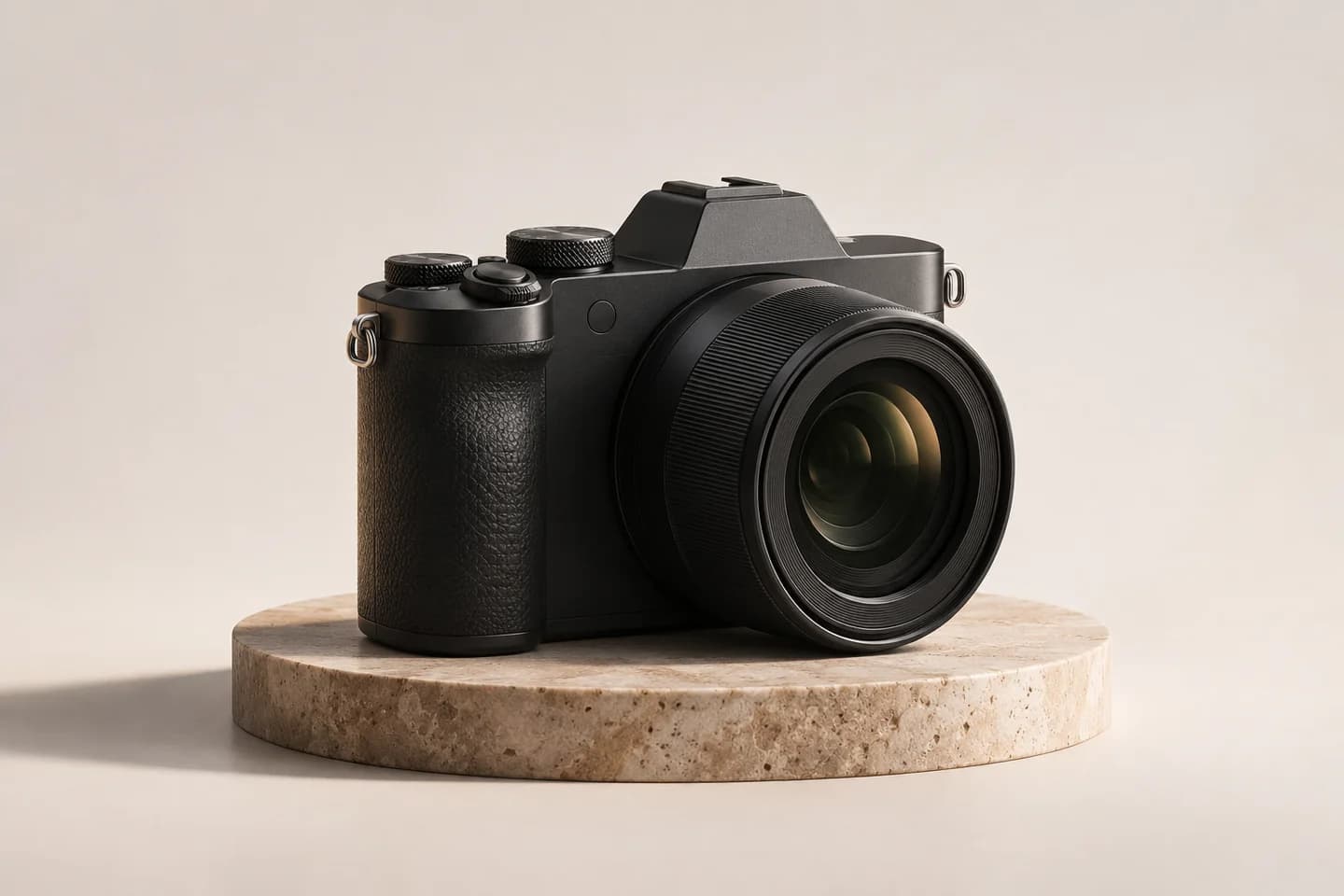
Original unbranded graphite camera photographed at a three-quarter angle on a warm stone podium

Give material a moment in the light

Glass, polished metal, leather, and matte finishes respond differently as a product turns. Tell the AI 360 Product Video Generator how highlights should move and where the light should stay soft. A restrained rotation can reveal surface character while keeping attention on the item. Use the AI 360 Product Video Generator to explore the lighting that suits your product.

Explore AI 360 Product Video Generator
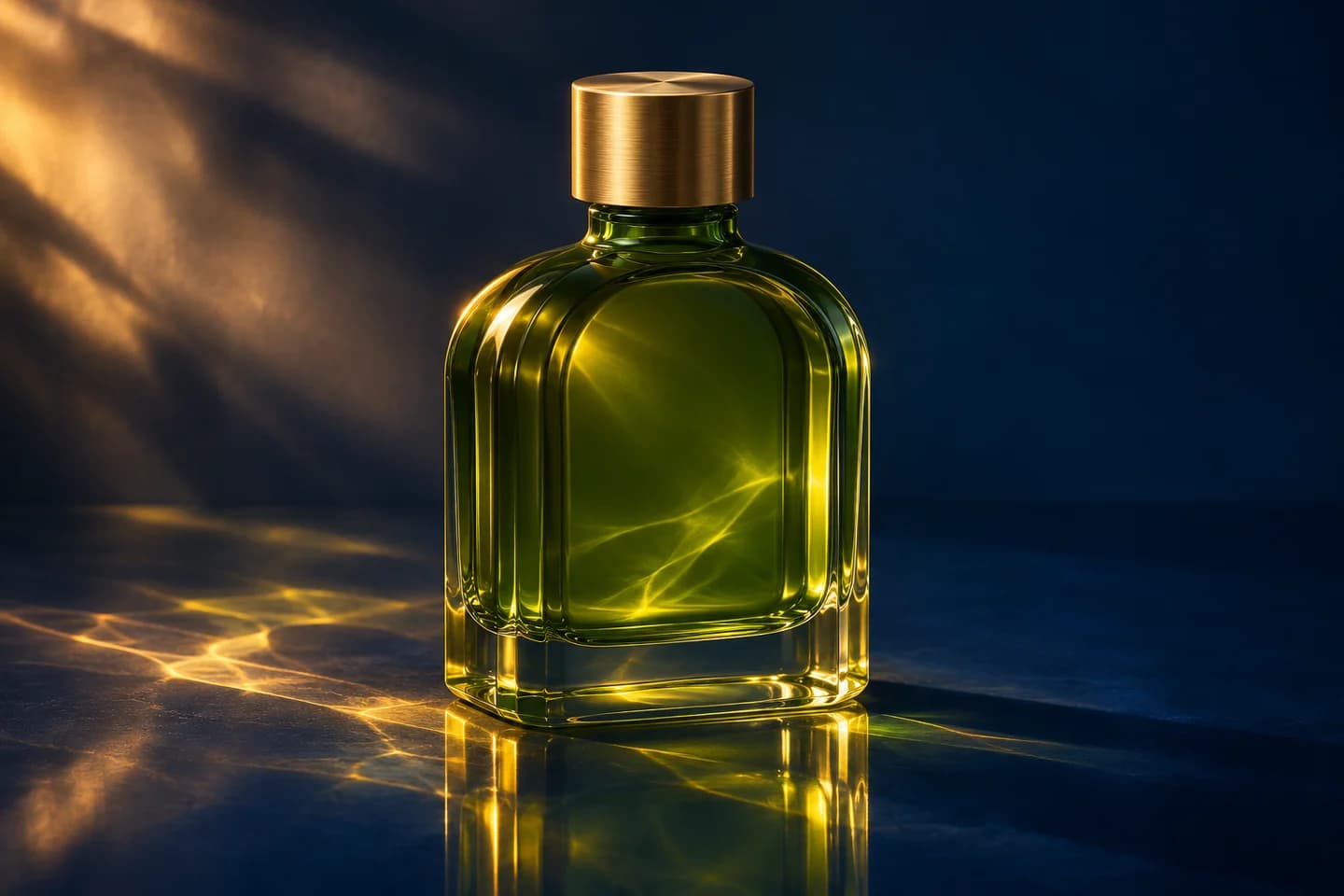
Original olive-green glass bottle with a brass cap and golden caustics over a midnight-blue surface

Keep the product at the center

Choose a full spin, slow camera orbit, or gentle half-turn in the AI 360 Product Video Generator. Each preset supplies an editable motion direction, so you can keep the camera steady or let it travel around the subject. Ask for consistent scale and a quiet background. Preview the AI 360 Product Video Generator result to check framing throughout the turn.

Open AI 360 Product Video Generator
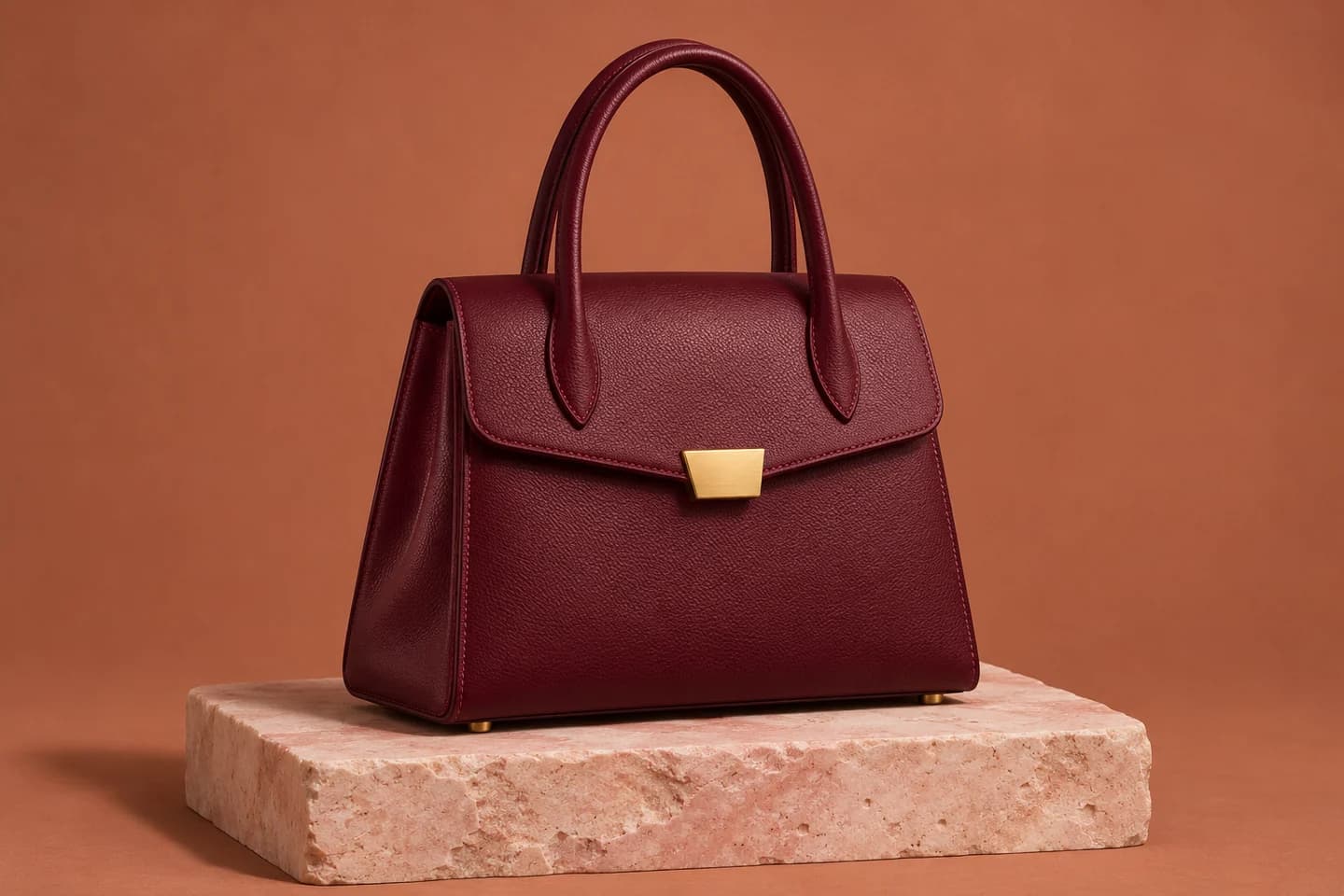
Original burgundy leather handbag centered on pale pink limestone against a warm clay backdrop

Frame the spin for its destination

A product gallery and a vertical social post give your item different space. The AI 360 Product Video Generator offers the aspect ratios and output settings supported by your chosen model. Leave room for the widest point of the rotation, then inspect the complete frame. Create a landscape, square, or portrait direction with the AI 360 Product Video Generator.

Use AI 360 Product Video Generator
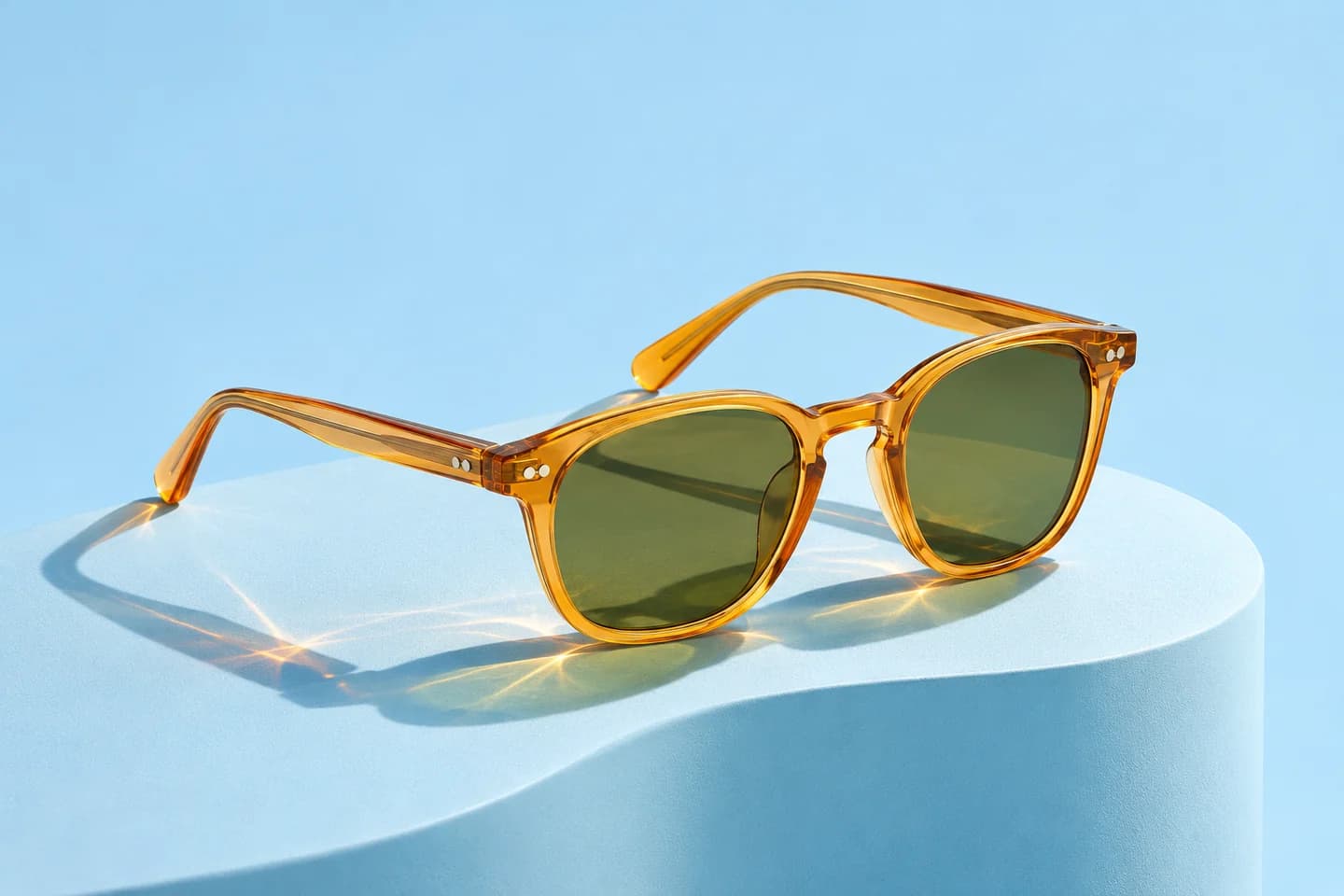
Original amber acetate sunglasses with olive lenses in an airy sky-blue studio composition

Put existing catalog photography to work

Start with the product photos your team already has. The AI 360 Product Video Generator gives each item a new motion direction without arranging another shoot. Reuse a clear lighting and rotation brief across individual products, then review each result against its source. The AI 360 Product Video Generator keeps generation, preview, and download together as you build your collection.

Create with AI 360 Product Video Generator
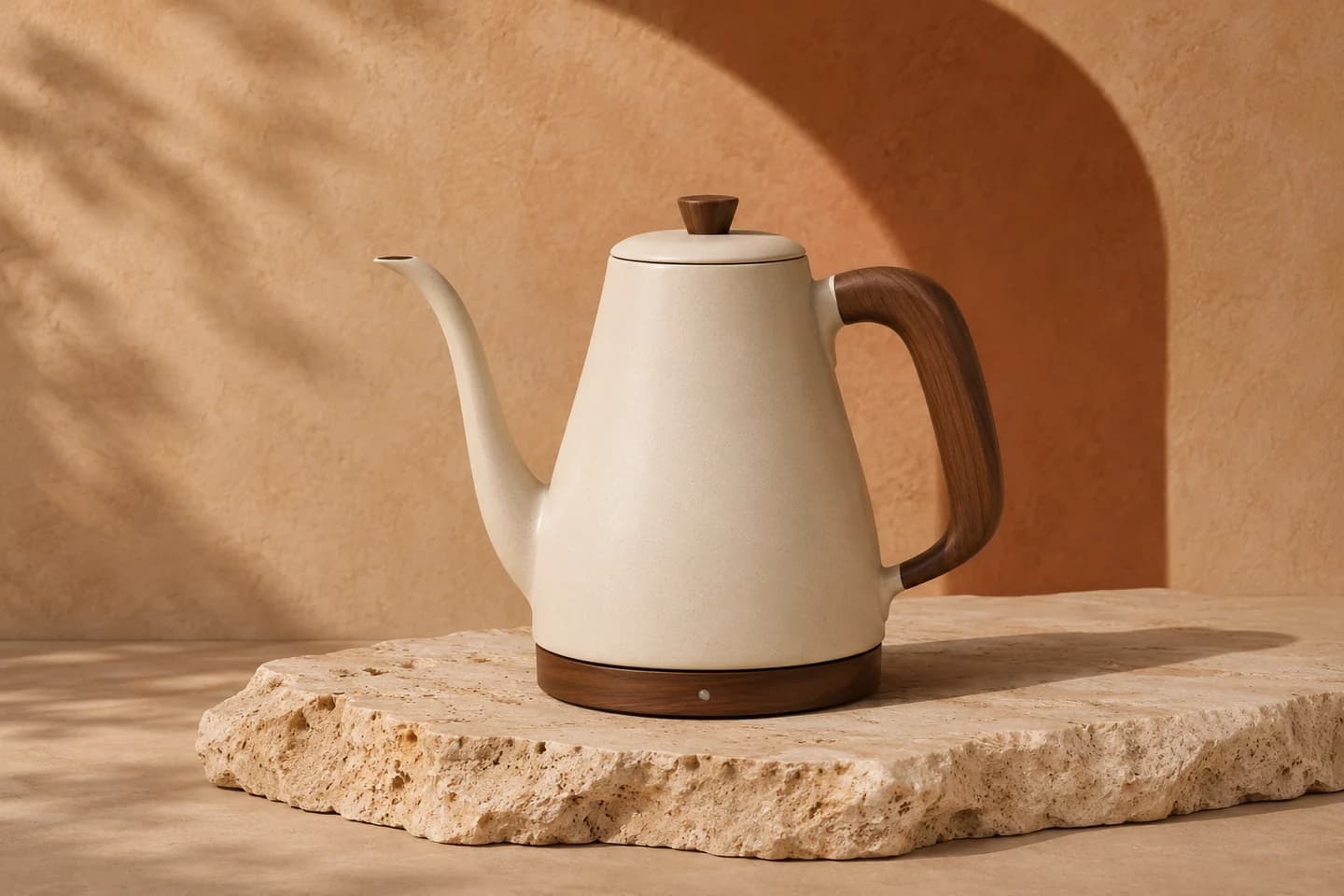
Original ivory ceramic kettle with a walnut handle in warm sunlight on textured travertine

How to use the AI 360 Product Video Generator

  1. Upload one product photo

    Add a sharp, well-lit image to the AI 360 Product Video Generator with the entire item visible.

  2. Choose your rotation

    Pick a motion preset in the AI 360 Product Video Generator, review the model settings, and check the credit estimate.

  3. Preview and download

    Generate your AI 360 Product Video Generator clip, check every angle, and download the version you want to use.

A moving view wherever people shop

Product detail galleries

Place an AI 360 Product Video Generator clip alongside catalog photos so shoppers can follow the product's shape.

Marketplace listings

Prepare an AI 360 Product Video Generator showcase for a listing, then check the marketplace's current media requirements.

Social product posts

Use the AI 360 Product Video Generator to create a focused rotation for Reels, Shorts, or a paid social creative.

Why choose our AI 360 Product Video Generator?

Purposeful starting directions

The AI 360 Product Video Generator includes three editable motion presets for product spins and orbits.

Clear generation costs

See the selected model and credit estimate in the AI 360 Product Video Generator before submitting.

One practical workspace

Upload, refine the direction, preview, and download from the same AI 360 Product Video Generator workspace.

AI 360 Product Video Generator FAQ

Can the AI 360 Product Video Generator work from one photo?

Yes. The AI 360 Product Video Generator turns one image and a motion prompt into a rotation-style clip. Choose a sharp photo showing the entire item against a simple background.

Will the back and small details be accurate?

The AI 360 Product Video Generator generates unseen angles. Check labels, seams, controls, and proportions across the clip. Use approved references or production assets when exact hidden geometry matters.

Is the AI 360 Product Video Generator an interactive viewer?

The AI 360 Product Video Generator exports a video clip. Drag-to-rotate viewers require an image sequence or 3D assets. Add your downloaded clip to a compatible product gallery or video placement.

Can I choose how the product rotates?

Choose Full Product Spin, Slow Camera Orbit, or Gentle Half-Turn in the AI 360 Product Video Generator. Edit pace, lighting, and finishing angle. Movement depends on the image, model, and instructions.

Is the AI 360 Product Video Generator free?

Generation uses credits. The AI 360 Product Video Generator shows your estimate before submission. Purchase a plan or credit pack through the pricing options when you need more.

What length and resolution can I download?

The AI 360 Product Video Generator starts with Kling 3.0 Standard, five seconds, and sound off. Other lengths, resolutions, formats, and audio options follow your selected model.

Which images work best with the AI 360 Product Video Generator?

Upload a clear JPG, PNG, or WebP meeting the model's requirements. The AI 360 Product Video Generator needs the whole item visible, with space for your requested movement.

Can I use AI 360 Product Video Generator videos in my store?

Upload assets you own or have permission to use. Check applicable terms and inspect your AI 360 Product Video Generator output for accurate product representation before publishing.

Give your next product a turn with the AI 360 Product Video Generator

Upload your packshot to the AI 360 Product Video Generator and create a moving view for your next product page.

Create My Product Spin