AI Architecture Animation Generator

Give your design a moving introduction. Upload an interior or exterior render to the AI Architecture Animation Generator, choose a camera direction, and create a short presentation video.

Upload a render or architectural image

or drag and drop

PNG, JPG, WEBP · 1 image

Choose a camera direction

Choose a camera direction
53-15
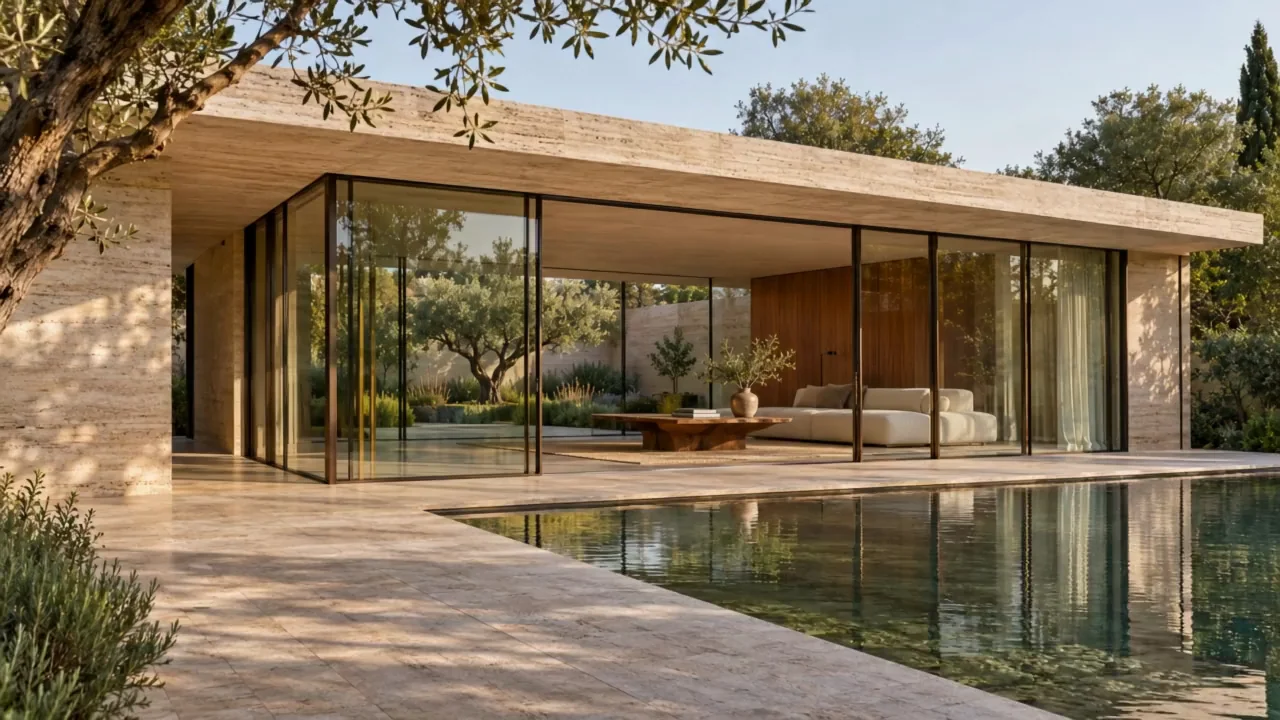
Architectural animation example · Kling 3.0
Preparing generatorControls will be ready in a moment.

Have two matching views? Use first and last frames

Bring ideas into view with the AI Architecture Animation Generator

The AI Architecture Animation Generator gives finished design images depth, movement, and atmosphere for the people reviewing your work.

AI Architecture Animation Generator for existing renders

Bring a finished rendering to the AI Architecture Animation Generator and give your design a moving introduction. Your image anchors the visible forms, material palette, and composition. The AI Architecture Animation Generator turns that starting view into a short presentation shot, helping a client follow depth and scale. Reuse approved exterior perspectives, interiors, and carefully photographed models in the AI Architecture Animation Generator.

Animate your architectural render
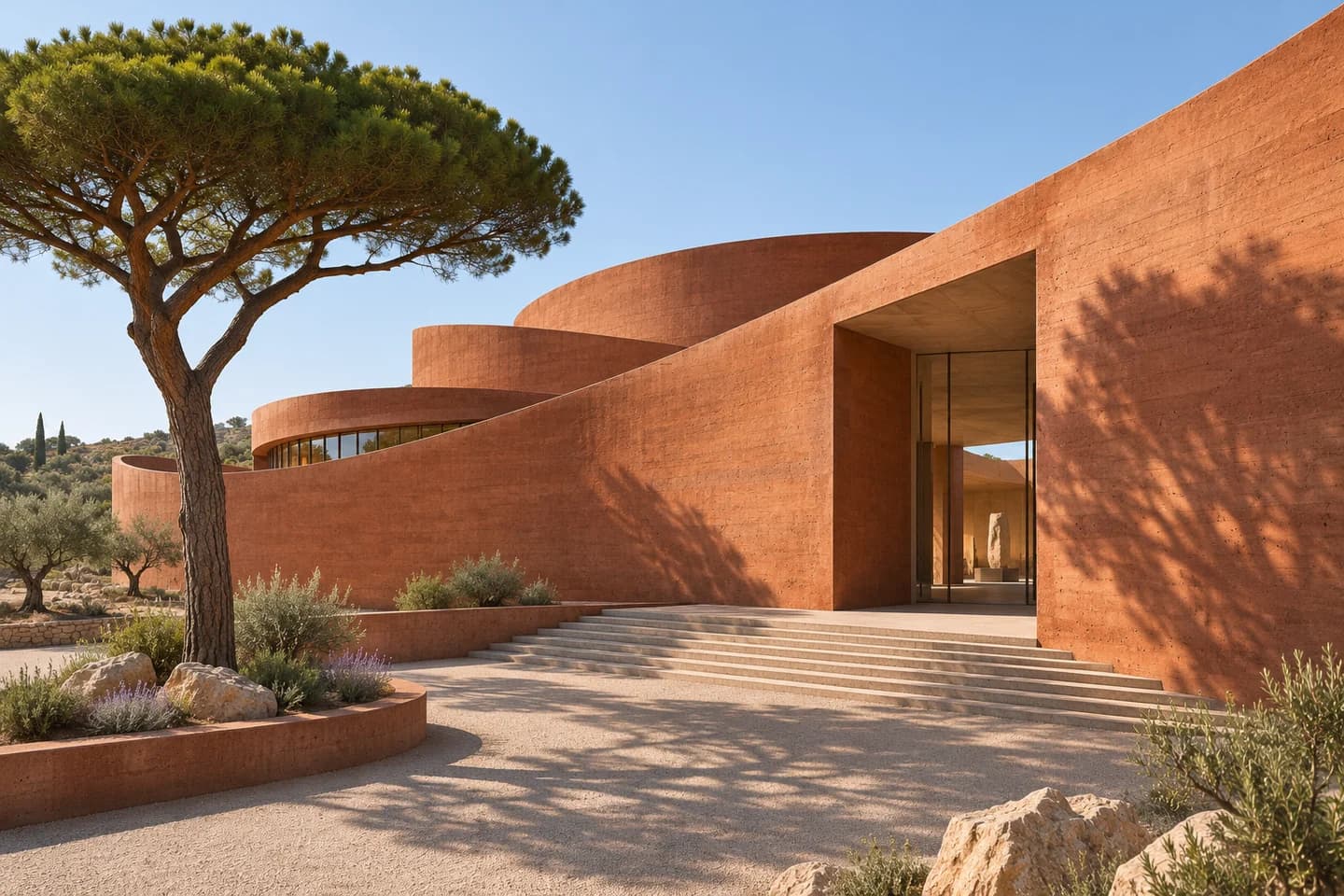
Original terracotta cultural center with sculptural curved walls and an umbrella pine in a sunlit courtyard

Choose the movement that explains the space

Use a slow push-in to reveal an entrance, or a lateral pan to follow a facade. The AI Architecture Animation Generator offers focused camera directions you can edit. A restrained move helps the AI Architecture Animation Generator keep your composition readable. Direct one clear shot in the AI Architecture Animation Generator and let the building remain the focus.

Choose a camera direction
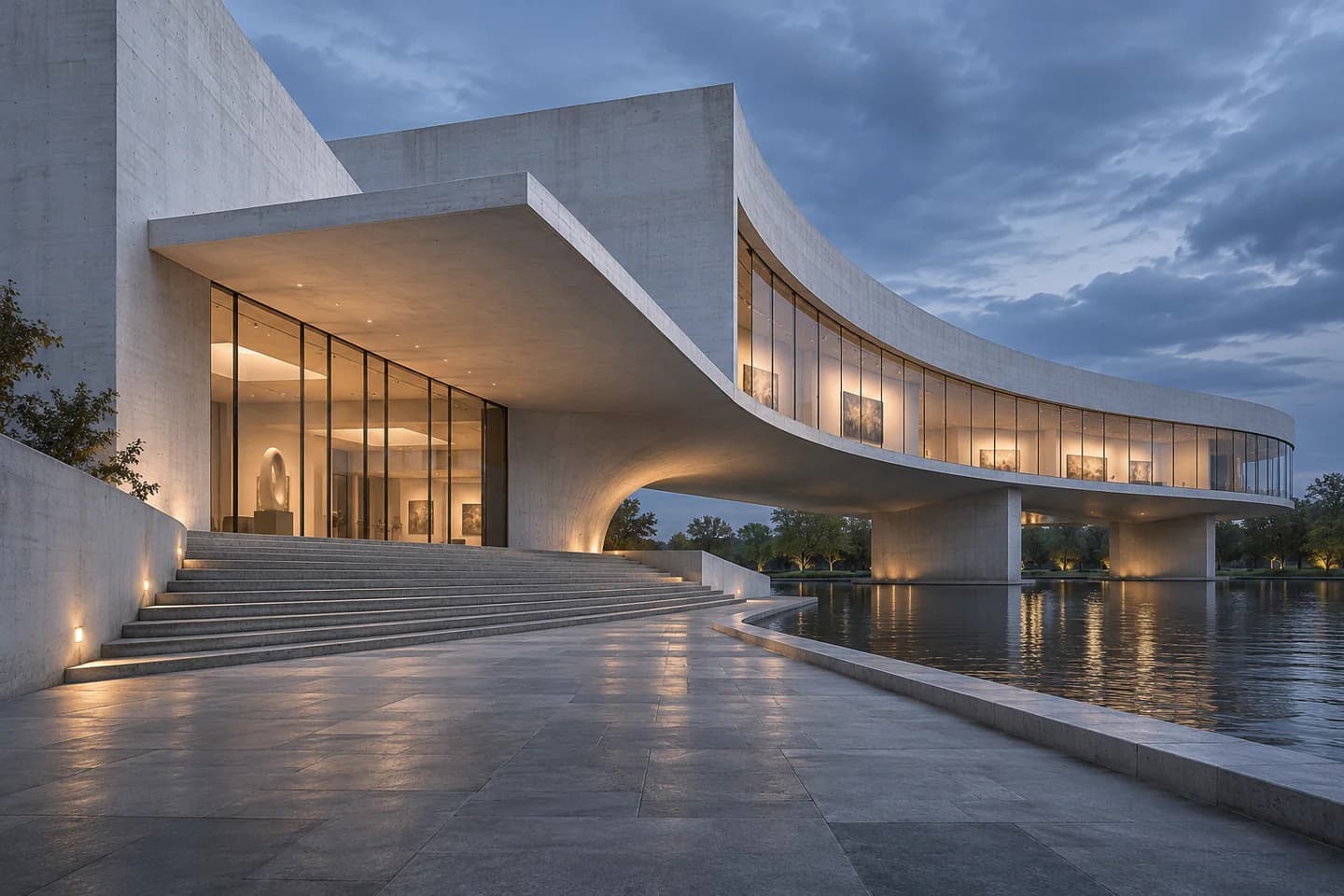
Original curved concrete art museum with a cantilevered gallery and broad stone steps at blue hour

Make light and atmosphere part of the design

A moving curtain, gentle foliage, or water reflections can make a spatial proposal feel more tangible. Describe the atmosphere in the AI Architecture Animation Generator. Keep source lighting consistent in the AI Architecture Animation Generator. Review materials and shadows in the AI Architecture Animation Generator before choosing the version to present.

Give your space atmosphere
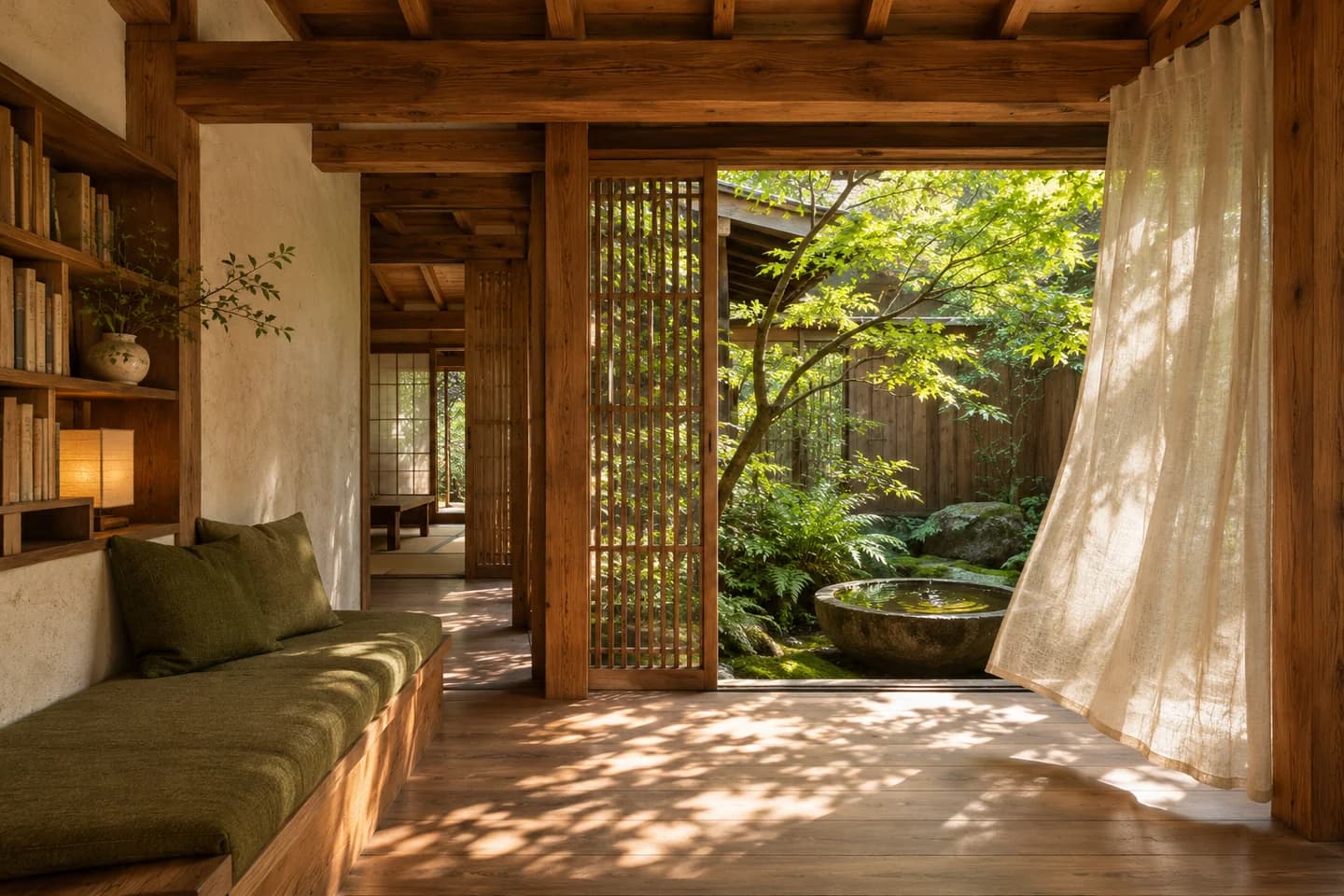
Original cedar reading room with a linen curtain, dappled light and an intimate planted courtyard

Try another presentation direction from one image

Explore a quieter approach for a client meeting or a stronger reveal for your portfolio. Reuse the same image in the AI Architecture Animation Generator and adjust one creative choice at a time. The AI Architecture Animation Generator keeps the starting point familiar while you compare motion and mood. Select a suitable model in the AI Architecture Animation Generator, review its credit estimate, and develop the shot that communicates your idea.

Explore a presentation direction
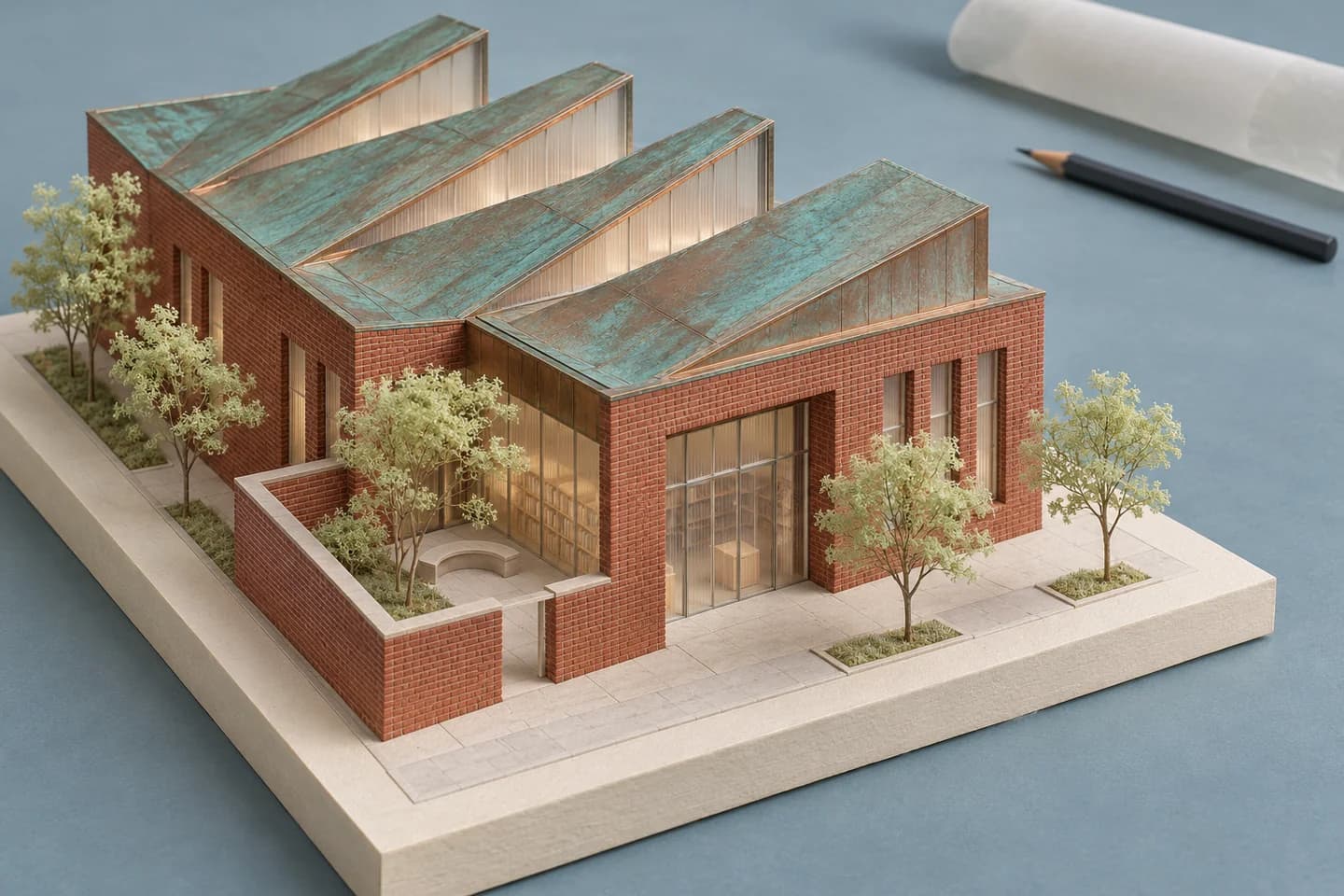
Original red-brick library scale model with copper sawtooth roofs on a pale blue architectural studio table

AI Architecture Animation Generator for portfolios

Choose a supported landscape format for a presentation or a vertical composition for a studio update. The AI Architecture Animation Generator follows the options available for your selected model. Give important building details room within the frame, then watch the complete AI Architecture Animation Generator result. Download a chosen shot from the AI Architecture Animation Generator and bring it into a project deck, portfolio reel, or longer edited presentation.

Create your presentation clip
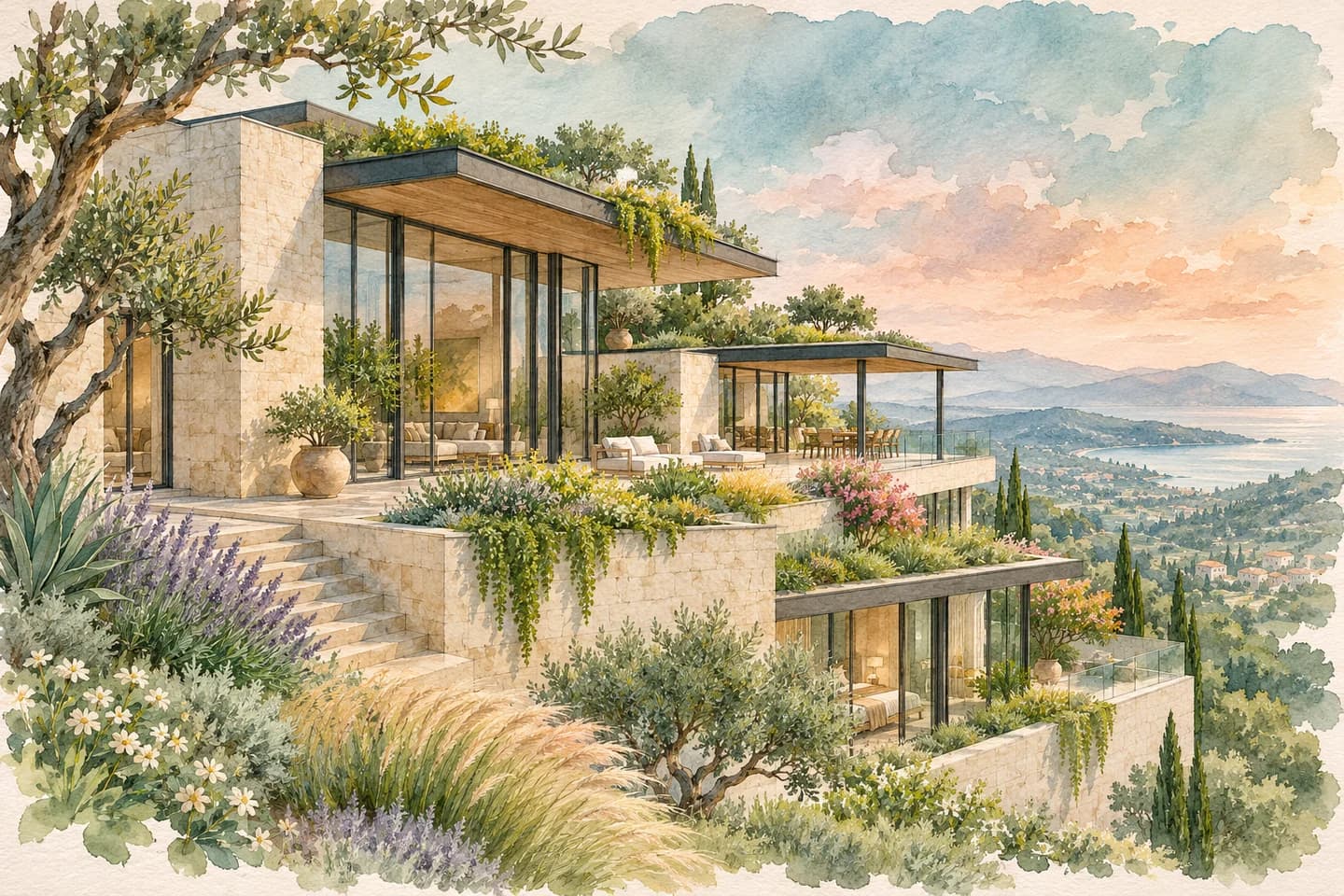
Original watercolor and graphite perspective of a planted terraced limestone residence overlooking a coastal valley

How to use the AI Architecture Animation Generator

  1. Upload your render

    Add a clear architectural image to the AI Architecture Animation Generator, with the design fully framed.

  2. Choose the camera

    Pick a direction in the AI Architecture Animation Generator, then review the prompt, model, and credit estimate.

  3. Preview and download

    Generate your AI Architecture Animation Generator clip, review the movement, and download the version you want to present.

Show the design where decisions happen

Client proposals and reviews

Add an AI Architecture Animation Generator shot to a proposal so clients can follow an entrance, material choice, or spatial focal point.

Competitions and portfolios

Use the AI Architecture Animation Generator to give a finished project image a short moving introduction in a competition deck or portfolio reel.

Studio updates and social posts

Share an approved concept through an AI Architecture Animation Generator clip framed for your studio website, Reels, or a project announcement.

A focused workspace for architectural motion

Useful camera starting points

Five directions in the AI Architecture Animation Generator help you begin with a clear, editable motion brief.

An estimate before generation

The AI Architecture Animation Generator shows your selected model and estimated credits before you submit the shot.

Create and review together

Upload, refine your direction, preview, and download in the AI Architecture Animation Generator from one browser workspace.

AI Architecture Animation Generator FAQ

Which files can I use with the AI Architecture Animation Generator?

Upload a sharp JPG, PNG, or WebP render to the AI Architecture Animation Generator. Export an image from SketchUp, Revit, Rhino, Blender, or your design software. Clear edges and good lighting provide a stronger starting point.

How accurately does the AI Architecture Animation Generator preserve geometry?

Your image guides the AI Architecture Animation Generator. Generated motion can change windows, furniture, reflections, or hidden surfaces. Use restrained movement and inspect straight lines, proportions, materials, and spatial continuity throughout the clip before presenting it.

Can the AI Architecture Animation Generator connect two views?

The AI Architecture Animation Generator starts from one image. For two views, open First and Last Frame Video Generator below. Upload compatible viewpoints and describe the transition. Aligned perspective and consistent materials help connect the endpoints.

What does the AI Architecture Animation Generator cost?

The AI Architecture Animation Generator shows estimated credits before submission. New accounts receive 30 registration credits. Paid plans or credit packs add generation credits. Some models require a paid account, with eligibility shown in the workspace.

How long are AI Architecture Animation Generator videos?

The AI Architecture Animation Generator starts with a five-second, silent Kling 3.0 clip in standard mode. Duration, resolution, ratio, and audio options follow the selected model. Preview the full video and download the output for your presentation or edit.

Can I use the AI Architecture Animation Generator for client work?

Use your own or properly licensed design imagery. Paid-plan output from the AI Architecture Animation Generator can be used commercially under the applicable terms. Review geometry, materials, and the full scene before presenting a generated shot as part of your architectural work.

Bring a render to the AI Architecture Animation Generator

Choose a camera direction in the AI Architecture Animation Generator and give your next design presentation a moving introduction.

Animate My Render