AI Hugging Video GeneratorYour photos. A moment of closeness.

Bring two people together in a moving memory. Add a shared photo or two portraits to the AI Hugging Video Generator, choose a gentle embrace, and create a personal video to keep or send.

Upload a two-person photo

or drag and drop

PNG, JPG, WEBP · 1 image

Choose the hug

Choose the hug
53-15
Gentle embrace example · Kling 3.0 Standard · 5 seconds
Preparing generatorControls will be ready in a moment.

Make a moment of closeness with the AI Hugging Video Generator

The AI Hugging Video Generator gives an existing photo a warm new movement, with editable hug directions and a choice of supported video models.

Give your shared photo a little movement

Start with a photo where both people are clearly visible. The AI Hugging Video Generator uses that shared composition to guide a short embrace while you direct the expressions and pace. Leave room around both shoulders. Bring a favorite family moment to the AI Hugging Video Generator and explore a gentle movement.

Try AI Hugging Video Generator
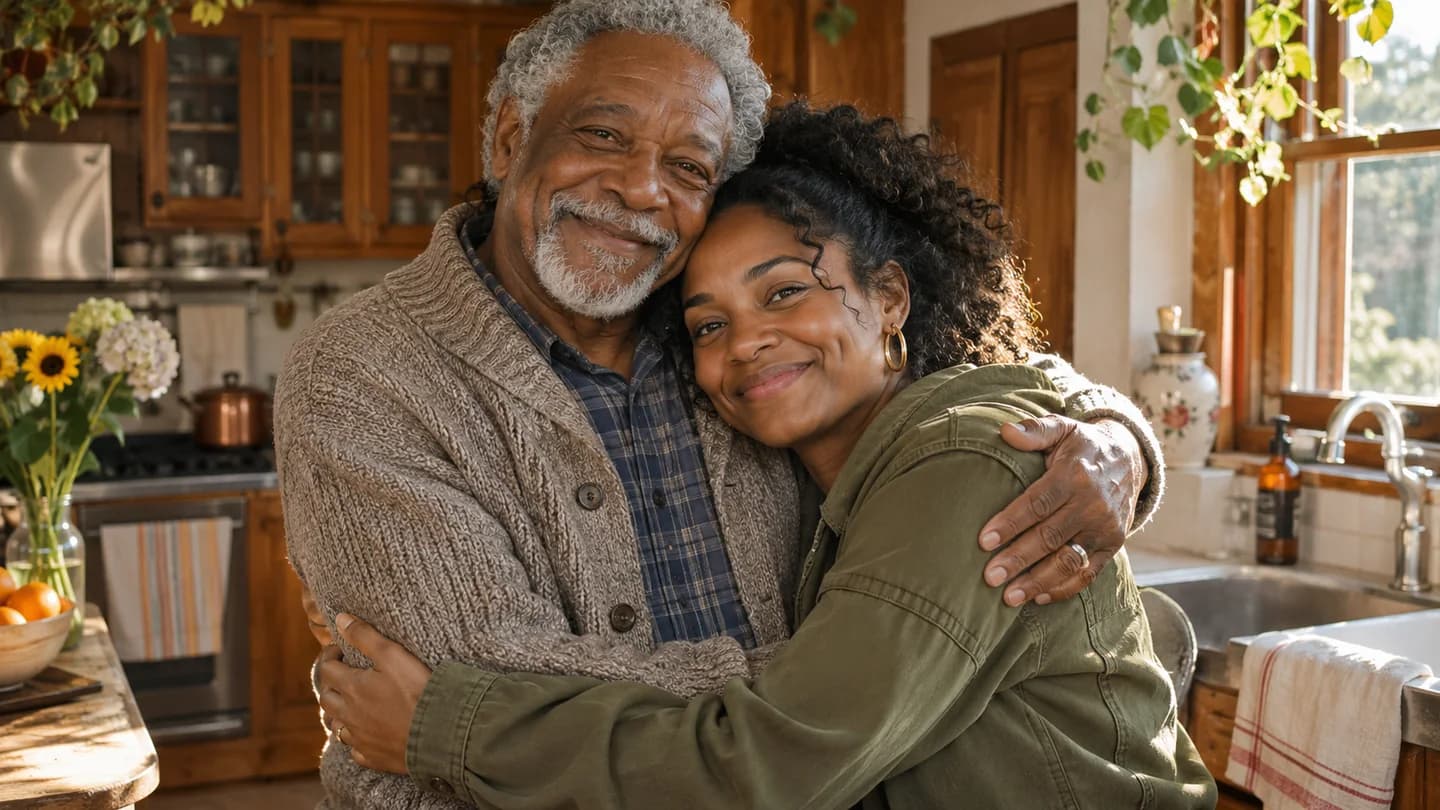
An older Black father and his adult daughter share a gentle hug in a sunlit home kitchen

Bring two separate portraits together

Start with two individual portraits. Choose Two Portraits in the AI Hugging Video Generator and add a clear image of each person. Both references guide the new scene and embrace. The AI Hugging Video Generator keeps this input mode separate so you can return to either set of photos.

Open AI Hugging Video Generator
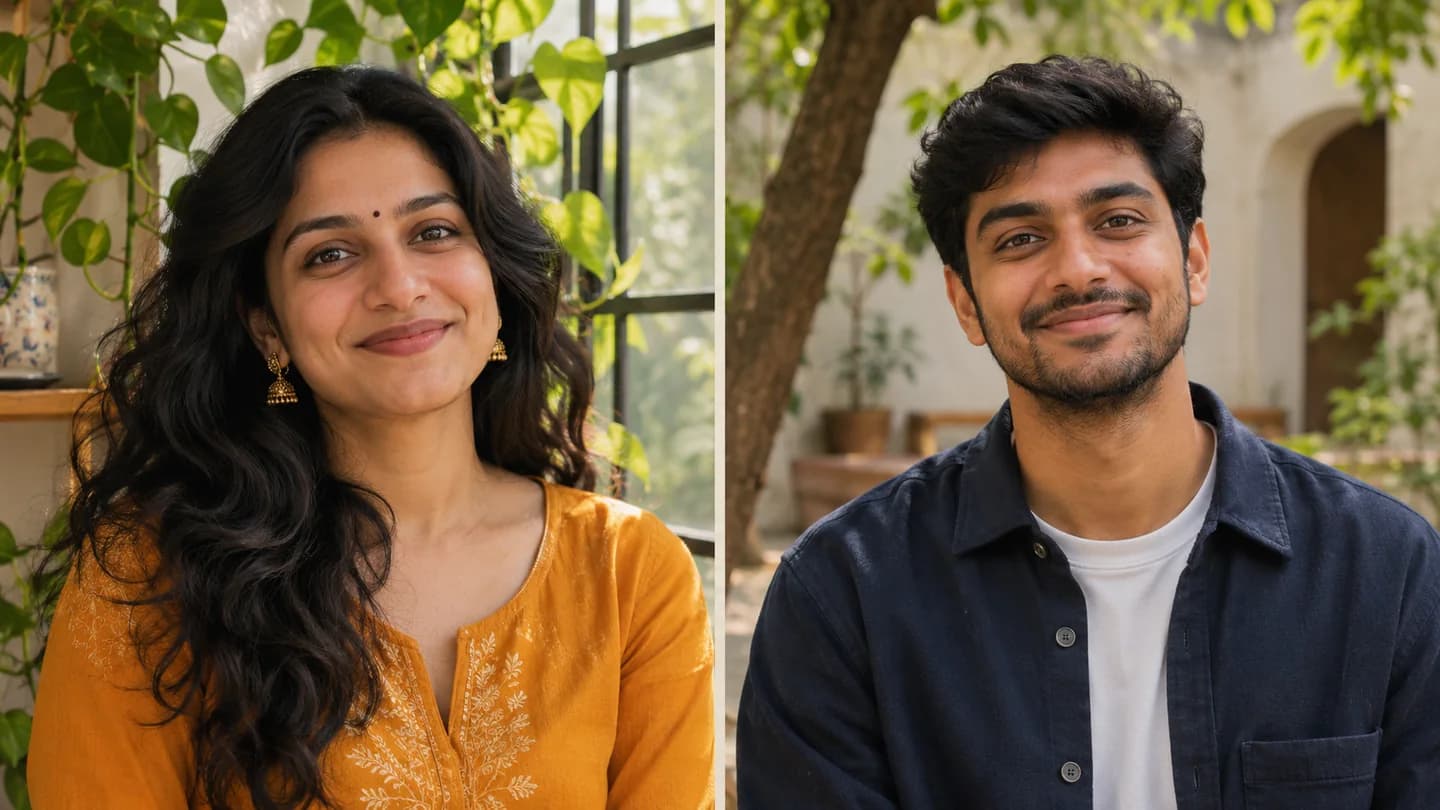
Separate portraits of an adult South Asian sister by a window and her brother in a courtyard

Choose a hug that fits the feeling

A quiet lean, an affectionate reunion, and a comfortable side embrace suggest different moods. The AI Hugging Video Generator includes editable starting directions for each. Choose one clear action, then adjust the expression, pace, or camera. Use the AI Hugging Video Generator to shape a personal moment around the people in your photos.

Explore AI Hugging Video Generator
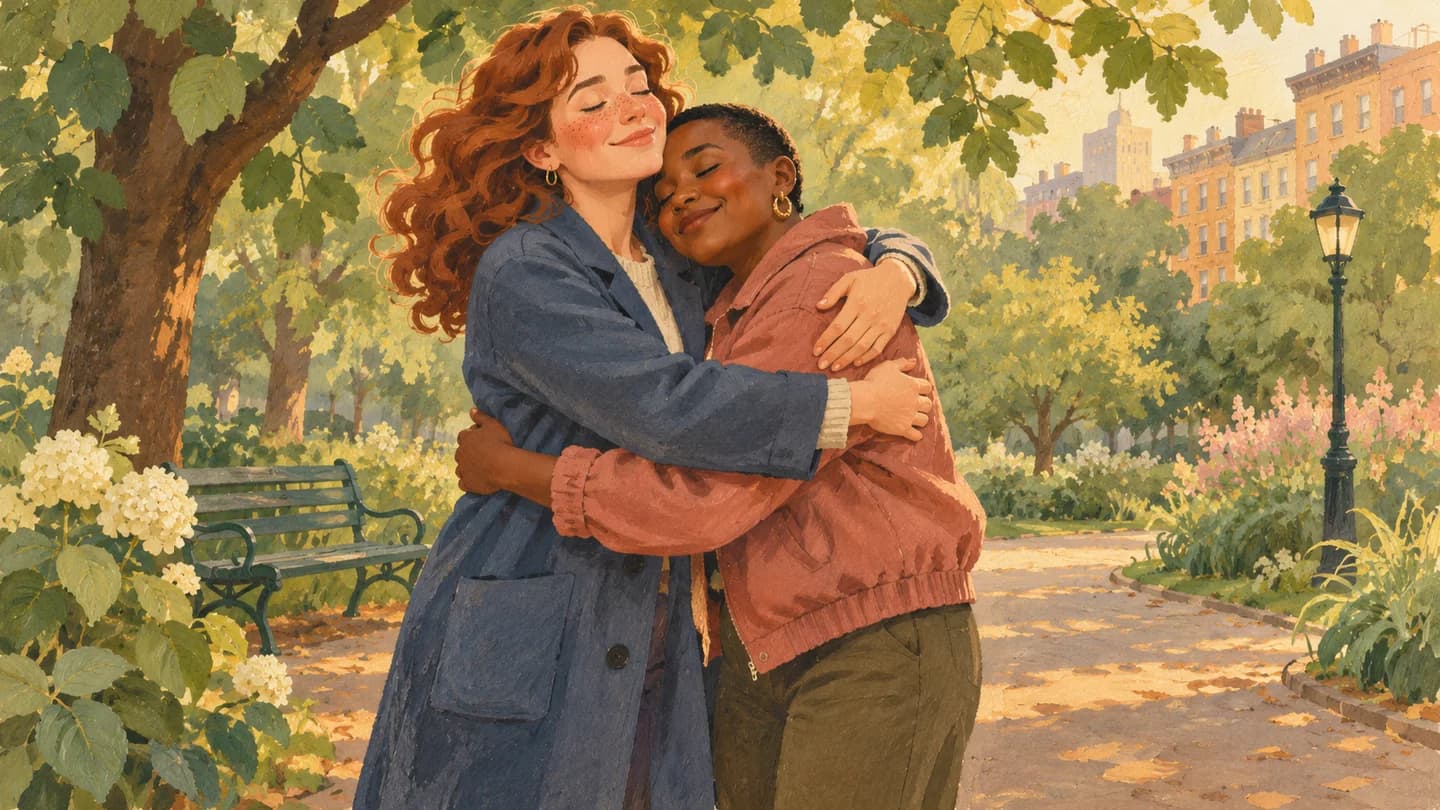
A hand-painted gouache illustration of two adult friends embracing in a leafy city park

Let clear references guide both people

Readable faces, visible shoulders, and consistent lighting help describe who belongs in the scene. Ask the AI Hugging Video Generator for restrained movement and a steady camera, then check the complete clip for expressions, hands, and arm contact. Refine your AI Hugging Video Generator direction when a detail needs another attempt.

Use AI Hugging Video Generator
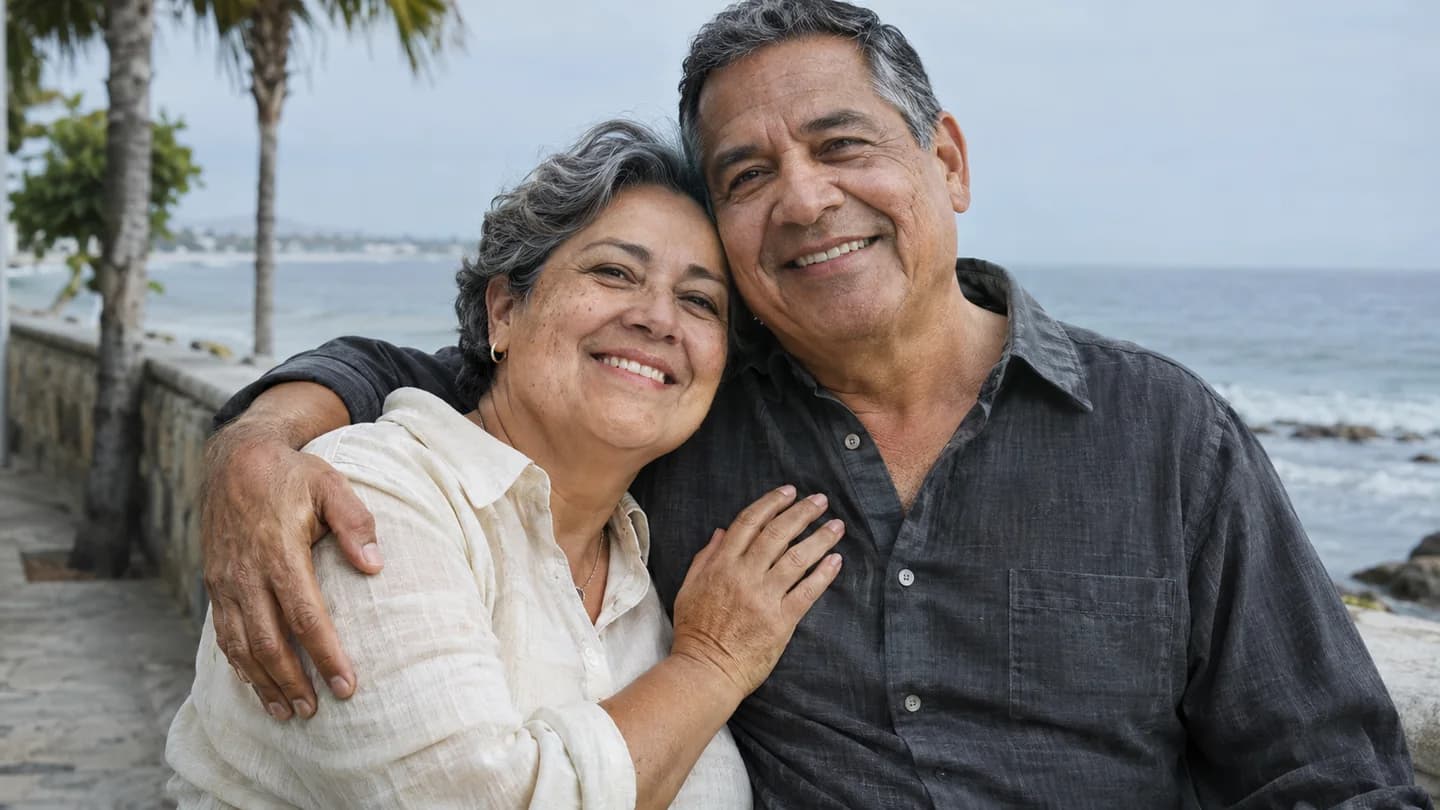
A mature Hispanic couple sharing a relaxed side embrace beside a pale ocean horizon

Save a memory in a useful format

Make a short personal greeting, a family keepsake, or a moment for a social story. The AI Hugging Video Generator offers the lengths, resolutions, and framing supported by your selected model. Review both people and the ending before downloading. The AI Hugging Video Generator brings your upload, direction, preview, and video download into one browser workspace.

Create with AI Hugging Video Generator
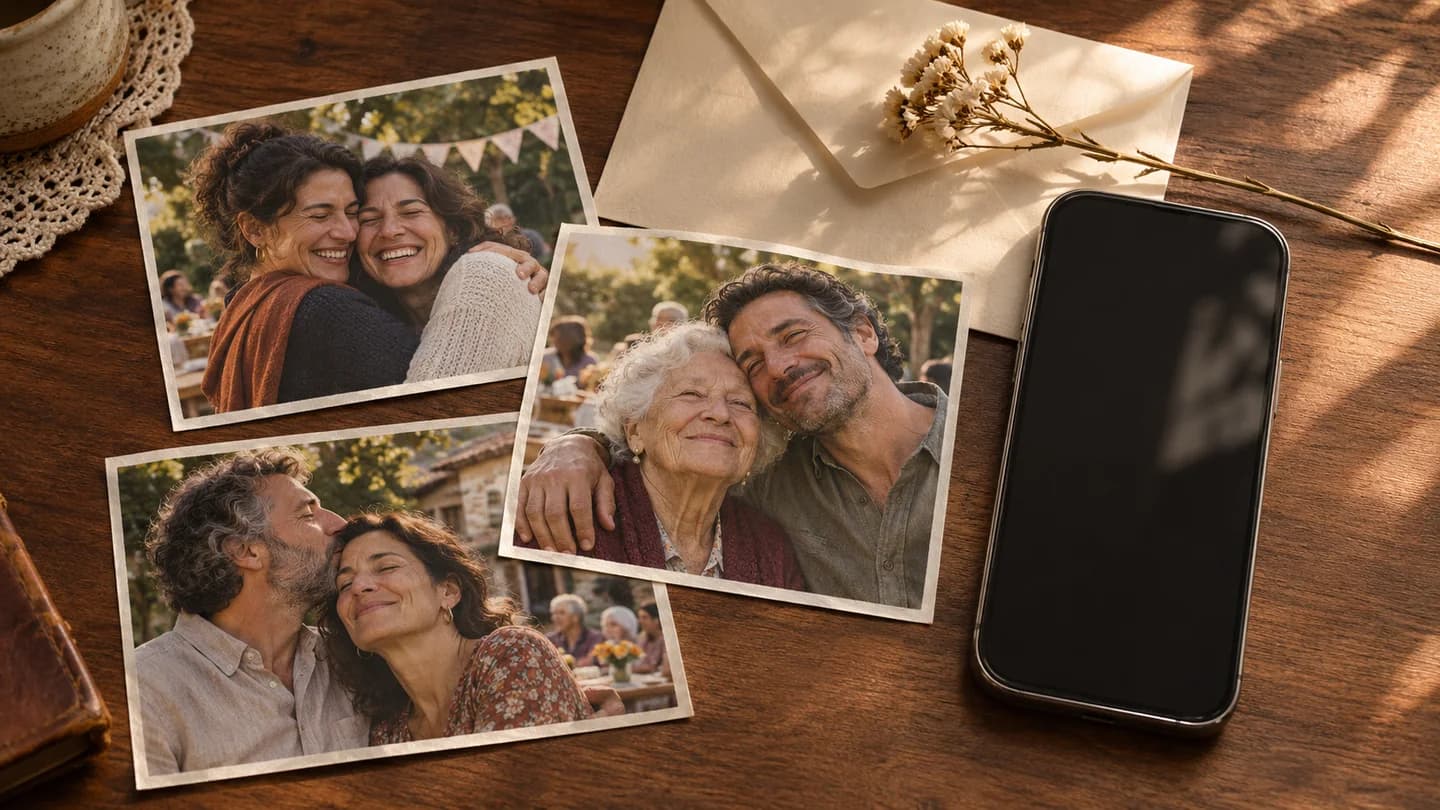
Different printed family reunion photographs beside a smartphone and cream envelope on a walnut desk

How to use the AI Hugging Video Generator

  1. Choose your photos

    Upload one two-person image or two separate portraits to the AI Hugging Video Generator.

  2. Choose the embrace

    Pick a hug direction in the AI Hugging Video Generator, adjust your model settings, and review the credit estimate.

  3. Preview and save

    Generate your AI Hugging Video Generator clip, review the people and movement, then download the result.

A personal gesture for the people you miss

Long-distance greetings

Create an AI Hugging Video Generator message for family or friends living far away and send a warm visual greeting.

Anniversaries and milestones

Use the AI Hugging Video Generator for a birthday, reunion, anniversary, or another moment you want to celebrate together.

A moment with your younger self

Pair an older portrait with a recent one in the AI Hugging Video Generator to explore a reflective personal story.

Why choose our AI Hugging Video Generator?

Start from the photos you have

The AI Hugging Video Generator supports a shared image or two portrait references, with separate saved inputs.

See the cost first

Review your model and credit estimate in the AI Hugging Video Generator before submitting a generation.

Stay in one workspace

Adjust your direction, preview the embrace, and download through the same AI Hugging Video Generator workspace.

AI Hugging Video Generator FAQ

How many photos does the AI Hugging Video Generator need?

Use One Shared Photo when both people already appear together. Choose Two Portraits and upload one clear image per person when they appear separately. The AI Hugging Video Generator retains each mode's inputs.

Which photos work best?

Give the AI Hugging Video Generator clear JPG, PNG, or WebP images meeting the selected model's limits. Show both faces, shoulders, and space for movement. Similar lighting helps two separate portraits work together.

How does the AI Hugging Video Generator handle faces and hands?

References guide the AI Hugging Video Generator, while motion and contact can change details. Review faces, fingers, shoulders, and overlapping arms throughout the result. Try gentler motion or clearer photos to refine it.

Can the AI Hugging Video Generator animate old photos?

Yes. Add readable old or recent portraits to the AI Hugging Video Generator. Scan prints clearly and repair heavy damage first. Review the generated likeness and movement before sharing.

Is the AI Hugging Video Generator free?

Generation uses credits. New accounts receive evaluation credits, and the AI Hugging Video Generator shows the current estimate before you submit. Paid plans and credit packages provide additional credits when you need them.

What video length and resolution can I choose?

The AI Hugging Video Generator starts shared-photo clips with Kling 3.0 Standard, five seconds, 720p, and sound off. Two Portraits starts with Veo 3.1 Lite. Available settings and credit costs follow the selected model.

Can I download and share my hug video?

Download your AI Hugging Video Generator result after reviewing it. Evaluation exports may include a watermark, and paid plans offer watermark-free output. Use photos you have permission to upload and check applicable terms before publishing.

How do I manage AI Hugging Video Generator photos and results?

The AI Hugging Video Generator keeps mode-specific inputs available as you work. Manage generated results through your account history and review the site's privacy policy for information about uploaded assets and data handling.

Make a personal moment with the AI Hugging Video Generator

Bring your shared photo or two portraits to the AI Hugging Video Generator and give your next greeting a warm embrace.

Create My Hug Video